Customer Ratings & Reviews
- Model:
- TW-F70PRO
- SKU:
- 6560313
to a friend
Customers are saying
Customers are impressed with the F70 PRO 1080P Dash Cam's video quality and ease of installation. Many appreciate its small size and the convenience of Wi-Fi connectivity for downloading footage. However, some users found the app challenging to connect and use, and the lack of a screen requires reliance on the app or microSD card for playback.
This summary was generated by AI based on customer reviews.
- Pros mentioned:Video quality

Affordably priced
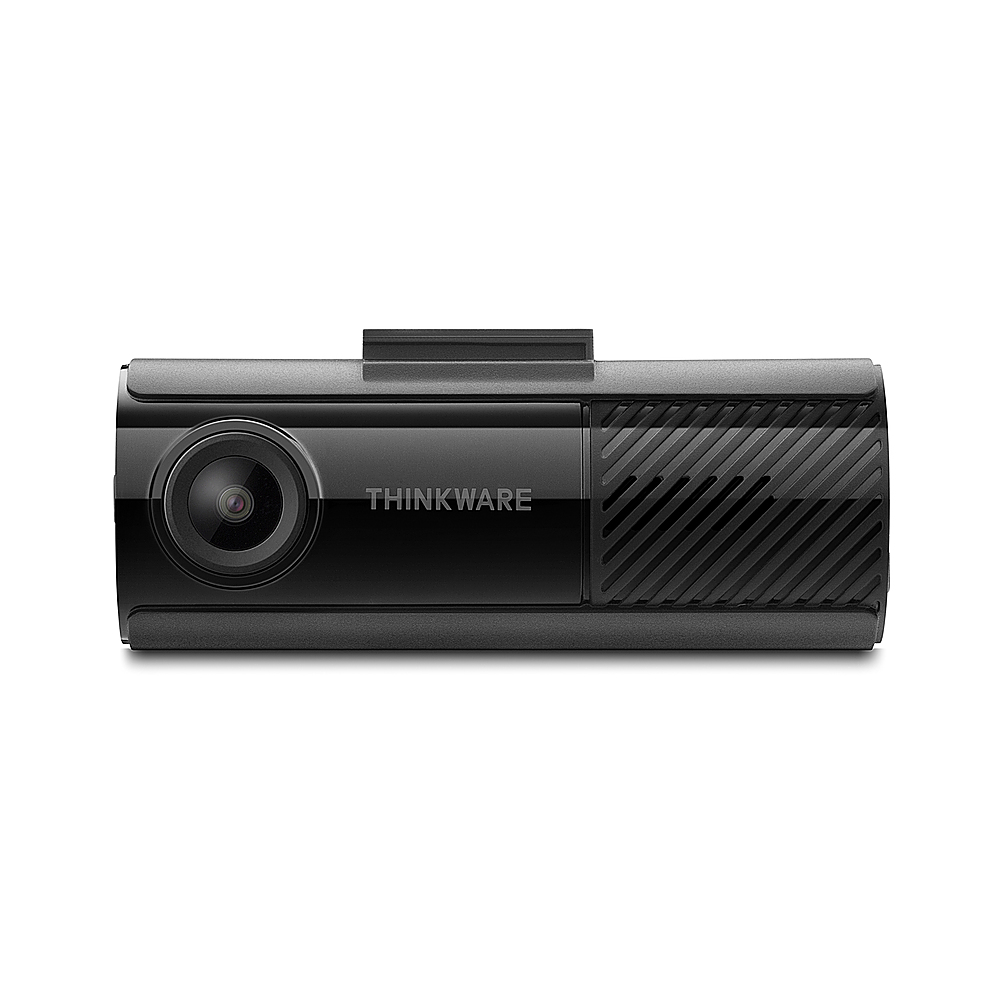
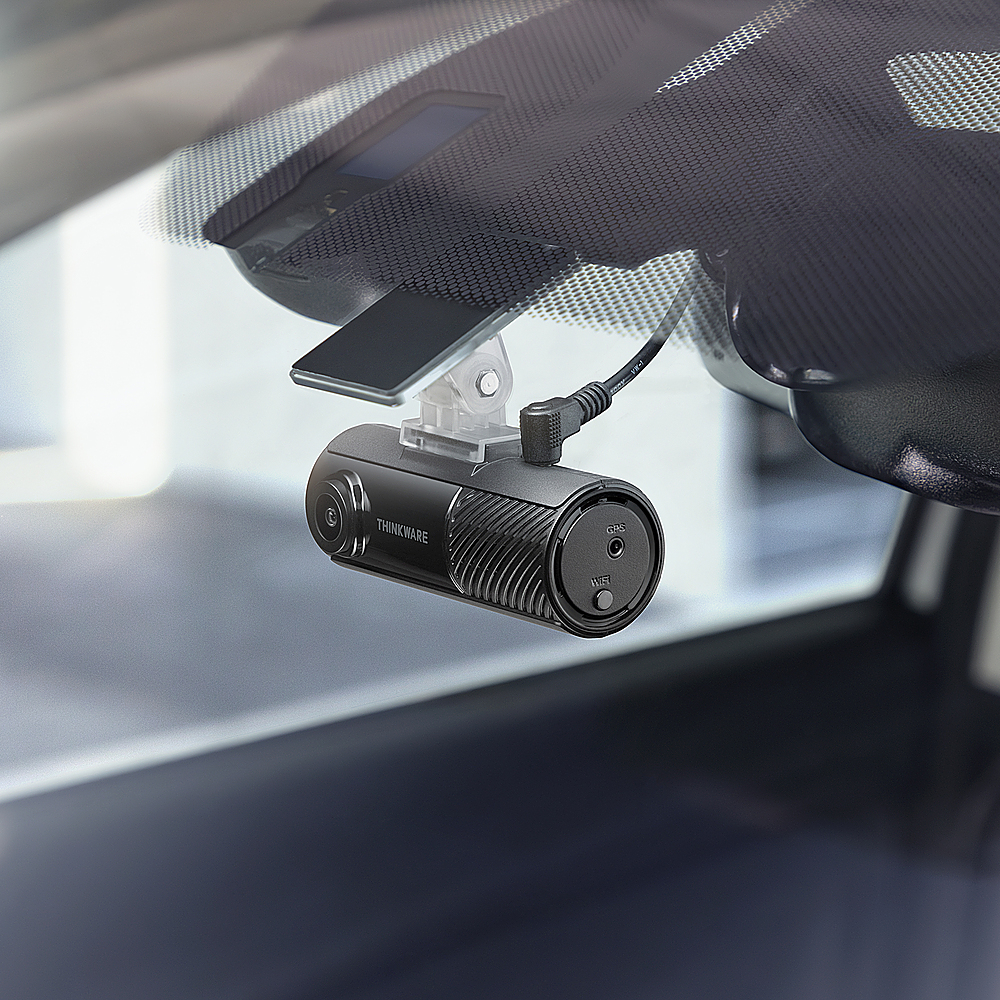
|Posted .This reviewer received promo considerations or sweepstakes entry for writing a review.I have always thought about getting a dash cam, but I really know nothing about them, and my husband knows even less. I got this dash cam hoping it would be easy. There really isn’t anything easy about a dash cam, I guess that’s my point. This dash cam is powered by the 12 volt cigarette socket plug in. That works for me, as I wouldn’t be able to do a hard wired installation. What I really want in a dash cam, is just easy to use, plug in and know that something is recording when you want it to. There aren’t instructions or a manual with this cam. You scan a QR code and download the instructions, which is fine. The instructions don’t cater to people who have no idea how to install this thing in their car though. I had to watch as many YouTube videos as I could to get started with this. I didn’t even understand that to power the camera on, I had to have it plugged into my car, and the car had to be on. That information wasn’t specifically stated in the instructions. It might be common knowledge to some, but for someone who knows nothing about this kind of thing, it was news to me. One thing that was a concern for me, is that I live in south Texas, where it can get extremely hot inside a car. I don’t leave a lot of things in my car because they would melt or get ruined, so I was concerned about the camera being able to operate in the constant heat. According to what I found out, the supercapacitor in this does well in the heat, and will hold up to at least 149 degrees Fahrenheit. To attach the camera to the inside of the windshield, you have to adhere the cam clip, which has a pretty permanent adhesive sticker on it. That is a big commitment, as I have a new car, which I have been patiently waiting on for over two years. I wasn’t crazy about the whole cord situation, which is, shoving the cord up and around my roof liner and all that, but that is fairly standard for this somewhat temporary type installation. The cord is plenty long enough for most cars and SUVs. The camera does have a nice picture, which is plenty good enough for my purposes. Now that I have a front facing camera, I kind of wish I had a rear camera, although I don’t really want to deal with whatever that entails. I will be learning more about my new dash cam as time goes on, this is a review on something I’ve only had in my car for about five days. At this price point of around $99, it’s a good value and I like that the camera itself is not huge.
I would recommend this to a friendBrand response from Thinkware Product Expert
Posted .Thank you for sharing your positive feedback!

- Pros mentioned:DesignCons mentioned:Connectivity
Not the best, but can get the job done
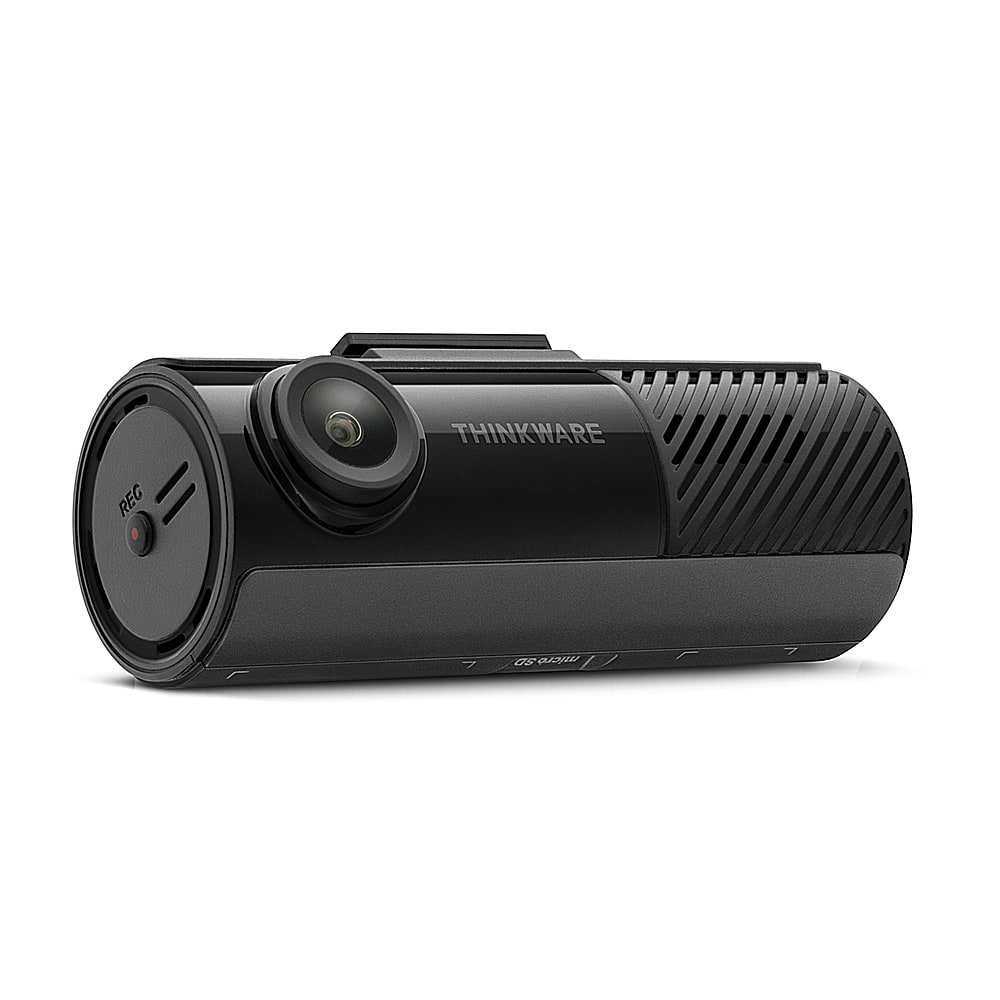
|Posted .This reviewer received promo considerations or sweepstakes entry for writing a review.Out of the box, the Thinkware WiFi Dash Cam is very sleek and not as bulky as other designs. I will say, setup wasn’t the easiest, or as smooth as I would have liked. There wasn’t great instructions included and I had to go online, in order to be able to fully be able to get how to setup the camera physically. I did also download the app, which I struggled to get connected to the camera and it will likely involve a lot of updates. It took roughly 20 minutes to be fully connected to the Cam and app. Once setup was complete, and I decided to plug it into my cars outlet adapter, instead of hardwiring it to the OBD port. Every time you turn on the vehicle you’ll be met with a greeting about having a safe drive from the Dash Cam. The issues I have is it will beep whenever it feels there is a hazard that might cause an accident, in my experiences it has been at the wrong times. The camera will beep whenever I hit a pothole, whenever I go around a steep curve or bend with mailboxes which the first time is happened was fa bit off putting, and now it’s just a bit annoying. But? This dash camera will be helpful for its core functionality, of capturing potential accidents or incidents on the road, but it wouldn’t be my first option.
No, I would not recommend this to a friendBrand response from Thinkware Product Expert
Posted .Hello AsiaLovely1, we're very sorry for your experience. Please reach out to us via email or phone call at support@thinkware.com or 1 (844) 865-9273 so we can assist you further.
- Pros mentioned:Design, Installation ease, Video quality
Solid no-frills dashcam!
|Posted .This reviewer received promo considerations or sweepstakes entry for writing a review.I've been somewhat reluctant to get a dashcam, but with the roads getting crazier by the day, it just seems like a good investment as another form of "insurance". The THINKWARE - F70 PRO 1080P Dash Cam with Wi-Fi seems to me to be a well-designed and simple unit that does the job well! I've had opportunity to see and toy with friends' dashcams, so I've seen some of the features like mirroring the footage to your phone, real-time playback on built-in screens, etc.. Nice-to-have perhaps, but all that comes at a price... regularly into the $200-$300 range. For ~$100 (less on sale), the THINKWARE - F70 PRO 1080P Dash Cam with Wi-Fi delivers an easy-to-install, easy-to-operate dashcam. My initial testing provided good video & accompanying audio. The "event detection" function automatically saves the footage surrounding a detected event in separate folder on the included micro-SD card, so it's easy to find. Similarly, if you enter manual recording mode, those are segmented from the rest of the continuous recorded files. In the settings, you can then pretty easily make sure these special files aren't overwritten. The accompanying Thinkware software is easy to use for both footage review, firmware upgrades and the like. I've got multiple vehicles and will likely look to Thinkware for more solutions!
I would recommend this to a friendBrand response from Thinkware Product Expert
Posted .Hello SCAntonio, thank you for sharing your positive feedback!
- Pros mentioned:Installation ease, Size, Video quality
Stays Out Of My Field Of View.
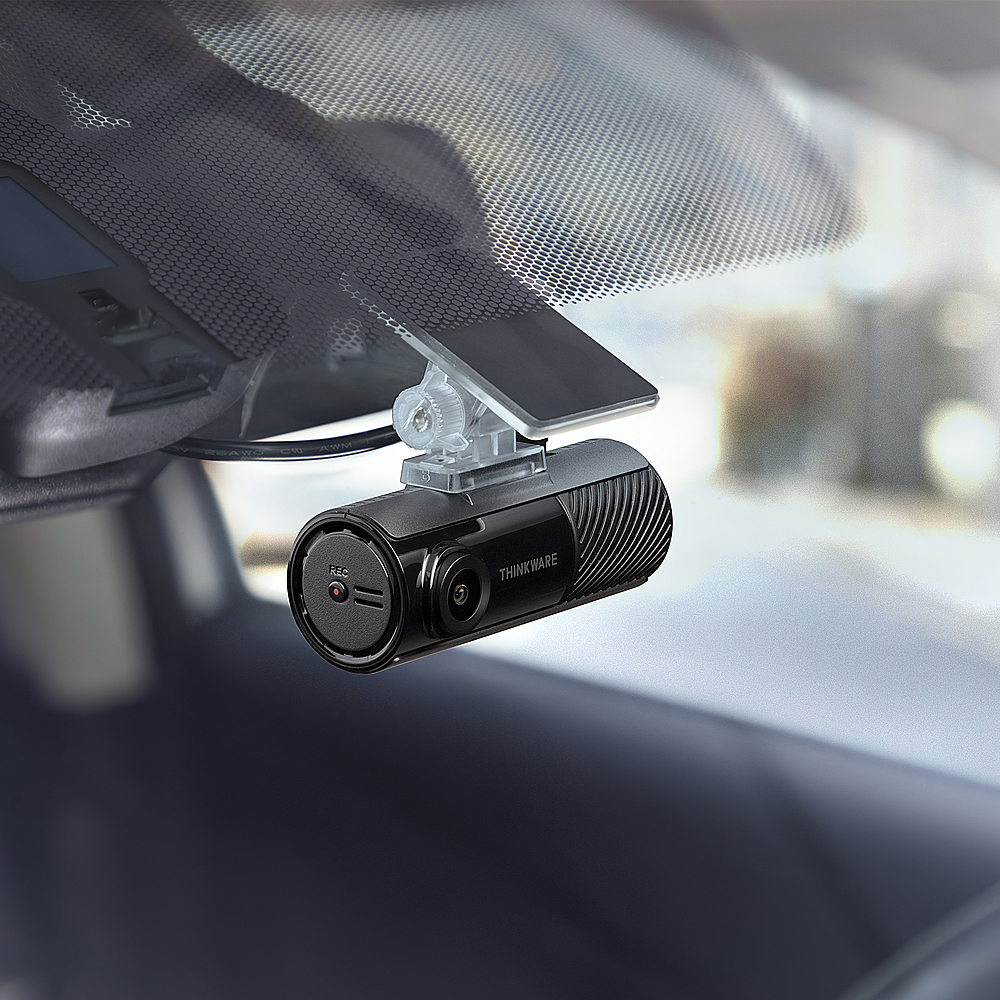
|Posted .This reviewer received promo considerations or sweepstakes entry for writing a review.After using the Thinkware F70 Pro dashcam for about a week I really like it a lot. in the box it came with everything I needed to do a professional looking install. It also came with a 32GB micro SD card already installed. This dashcam doesn't have a built-in screen which is awesome for my use. It is smaller and lighter than other dashcams so I am able to place it behind my rear view mirror and forget it is there. That is until it reminds me to "Drive safe" when I first start my car. That voice prompt will definitely be a feature I will turn off if I can ever figure out the setting. Also with it being so light I don't have to worry about it falling off when I hit a bump. The 1080P camera takes great video in both day and night time. To view the video I had two options. Using my phone which requires the vehicle to be powered on and removing the SD card and viewing it on my computer. Either option was fine for me. When viewing the video on my phone it looked excellent. however on my computer it was a little grainy but still usable. Overall, I think this is a great dashcam for someone that does not want a built in screen blocking their view.
I would recommend this to a friendBrand response from Thinkware Product Expert
Posted .Thank you for sharing your positive feedback!
- Pros mentioned:Design, Video quality
Ideal as a Rear Camera
|Posted .This reviewer received promo considerations or sweepstakes entry for writing a review.I was intrigued by the screen less nature of this dash cam and found it to be perfect for a rear mounted back facing camera. The unobtrusive design and lack of a distracting screen makes it the ideal dash cam to be tucked away capturing footage without being dangerous. Since it doesn’t have a screen, all of the settings have to be done in app or via software by plugging the microsd into a computer. This has pros and cons, but overall it’s a win that you don’t have to navigate a confusing menu on a tiny screen. You can check settings and download clips using the DashCamLink app. This does mean it requires a second device to make any changes, but most of us have a smartphone on us at all times anyway so it’s not that big of an extra step. The wide FOV and clear resolution are perfect for capturing any potential incidents in great detail and context. It also has impact detection and a parking mode so you can capture any incidents that occur when you are not actually in your car. The camera comes with a 32GB microSD for onboard storage of clips.
I would recommend this to a friendBrand response from Thinkware Product Expert
Posted .Thank you for sharing your positive feedback!
- Pros mentioned:Installation ease, Size
A perfect small profile dash cam!
|Posted .This reviewer received promo considerations or sweepstakes entry for writing a review.I have used dash cams in the past and they look like mini cameras which were ok and did the job, but when this was released, I was excited by the small footprint of this camera! I mean this is like a lipstick size! In this pro version, you get pretty good quality recording with wifi connection and it includes a 32 gb micro SD card. The unboxing was very minimal pretty much everything is included to do the install, including a plastic pry tool to tuck away the power cord. In my installation, I used the cigarette lighter option which is the only one offered in the box and I tucked the power line into the liner and the side of the weather strip to hide it all away for a clean install. The wifi connection is pretty neat and you can view realtime with a bit of latency of course, but it works! I do really like that option. Also the firmware update was pretty straightforward and easy to do via the app as well. You also have the option of downloading the desktop or computer app to view the files off the micro SD card. However, I did not get a SD card adapter but I have plenty around the house. But all you need to do is plug that into a computer and you can view that footage. Also the on demand recording is pretty straightfoward as well with just a button on the side. The voice prompts are a bit annoying but you can turn that off in the app, which is awesome! Would I recommend this? Yes I would! It's a very budget friendly setup that works very easily!
I would recommend this to a friendBrand response from Thinkware Product Expert
Posted .Thank you for sharing your positive feedback!
- Pros mentioned:Video quality
Thinkware -F70 Pro Review
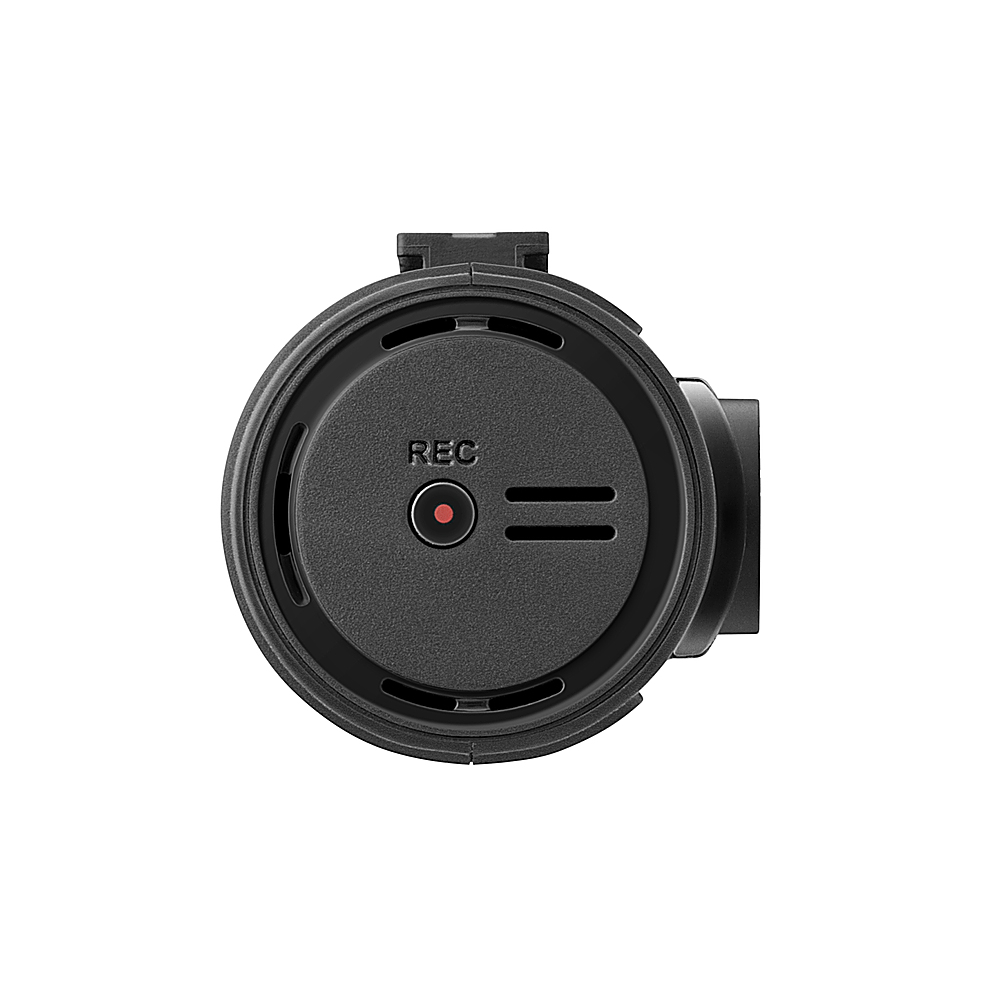
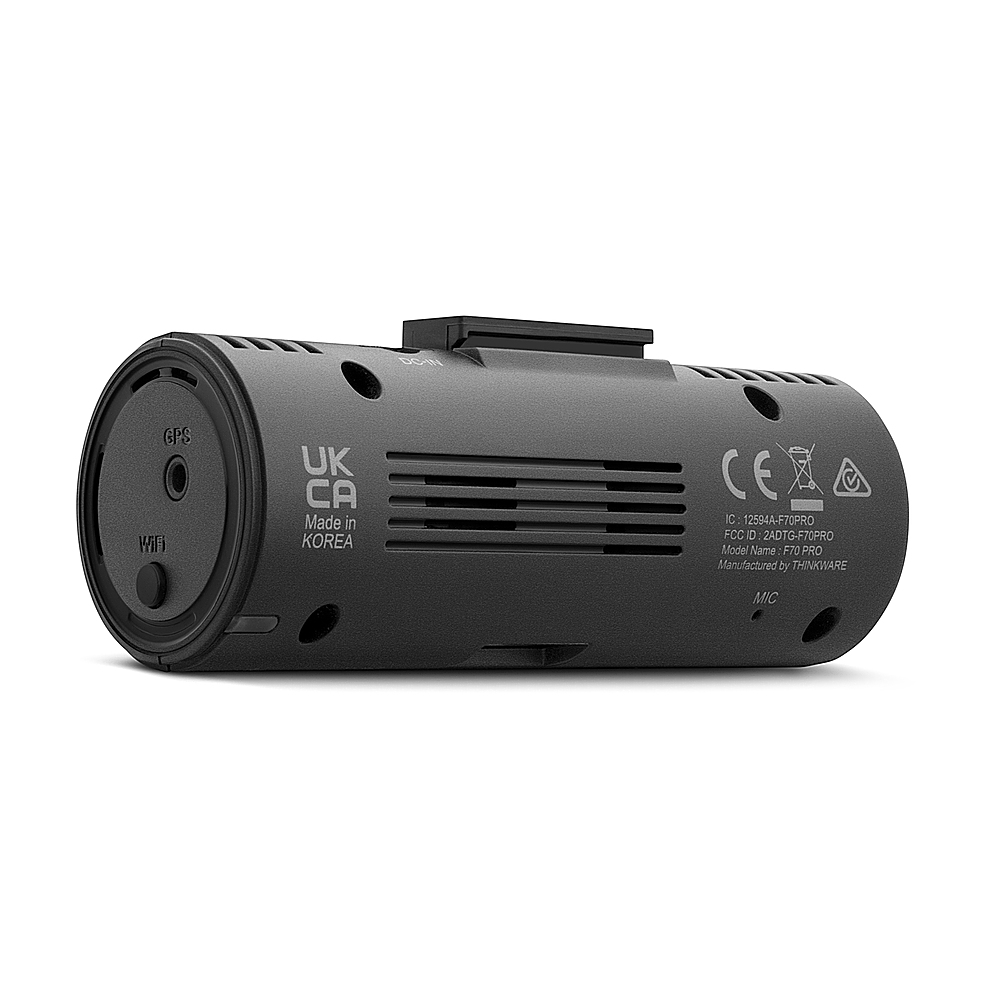
|Posted .This reviewer received promo considerations or sweepstakes entry for writing a review.This review is on a Thinkware -F70 Pro Dash Cam. Product comes with a sticky pad to mount on your window. It is very strong and a tool is provided to remove it if needed. Product also gets hot. Product was easy to connect and work with the app on android. However, watching videos were choppy with my Samsung S23. It is best to view them off the card on a PC. When you first turn it on it says "Please have a safe drive today". When it is connected or disconnected to your phone, it says "Connected or disconnected to\from a smartphone". It has good picture quality. I can read license plates on vehicles in front of me but after about 2 cars lengths it becomes hard to read. The audio it records sounds good through the tiny mic in the back of the camera. If you press the rec button on the side for a few seconds it will say "Manual recording will now start". It will put these recordings in a separate folder called manual_rec. It stores triggered events in an evt_rec folder. When I hit a large bump in the road it will mark this as an event. It does a good job at recognizing bad bumps verses regular bumps. In the app they are labeled as C. Impact. All recorded video lengths are only 1 minute long. Other folders are cont_rec, driveinfo, motion_timelapse_rec, parking_rec and SETTING. The cont_rec is where the majority of your recordings will go. The SETTING folder contains the software to install on the PC. I did not try the PC software because I can just watch them off the card.
I would recommend this to a friendBrand response from Thinkware Product Expert
Posted .Thank you for sharing your feedback!
- Pros mentioned:Video quality
Thinkware – F70 Pro
|Posted .This reviewer received promo considerations or sweepstakes entry for writing a review.This dash camera is at the basic level price point. There are not a lot of bells and whistles included. The dash camera can take quality video both day and night. The 1080p resolution works well for this camera. The camera is also Bluetooth and Wi-Fi capable, however the instructions to do this correctly are hard to understand and hard to find. After a few tries I was able to get the application to talk to and show the video from the actual dash camera. The dash camera does not come with instructions, and they must be downloaded from the manufacturer’s website. Following the basic instructions from the manufacturer’s application and doing it requires the assistance of a helper, it’s hard to read the instructions while trying to do them. The camera box includes a 35 Gb MicroSD card and all the required parts to correctly install the dash camera on the windshield. There are also costly upgrades to this dash camera that can be purchased separately. The parking recording feature requires a box addition and further wiring into the vehicle fuse box. The GPS additional box installation, this feature records the GPS coordinates into the video frame. I rated this dash camera as 5 stars. This system has all that is needed for an entry level dash camera. I also only compared it to other entry level camera systems.
I would recommend this to a friendBrand response from Thinkware Product Expert
Posted .Thank you for sharing your feedback!
Not worth it dash cam
Posted .This reviewer received promo considerations or sweepstakes entry for writing a review.This dashcam will drain your vehicle battery within days. Not worth it.
No, I would not recommend this to a friendBrand response from Thinkware Product Expert
Posted .Hello, we are sorry to hear about your problem with your Thinkware dashcam. Please reach out to us via email or phone call at support@thinkware.com or 1 (844) 865-9273 so we can assist you further. Thank you!