THINKWARE - F70 PRO 1080P Dash Cam with Wi-Fi - Black
Customers are saying
Customers are impressed with the F70 PRO 1080P Dash Cam's video quality and ease of installation. Many appreciate its small size and the convenience of Wi-Fi connectivity for downloading footage. However, some users found the app challenging to connect and use, and the lack of a screen requires reliance on the app or microSD card for playback.
1080p Full HD recording
Capture sharp 1080p high-definition videos at 30fps, delivering crystal-clear footage with improved contrast and accurate color balance. Powered by a dynamic 2.1MP CMOS image sensor and advanced WDR technology, all details are recorded with exceptional clarity, day or night.
140° Viewing angle
Provides expansive road coverage with minimal edge-to-edge distortion.
Easy Wi-Fi device pairing
Built-in Bluetooth allows hassle-free Wi-Fi pairing with your compatible Android or iOS device via the THINKWARE Dash CAM LINK App. Once paired, adjust your dash cam’s settings or replay and download your latest driving videos on the go.
Built-in 3-axis G-sensor
Allows the F70 PRO to automatically save a 20-second video clip upon detecting an impact (10s before and 10s after the incident). The footage is saved in a separate folder of the memory card for safety and easy file retrieval later on.
Built-in microphone and speaker
Add an extra dimension to your driving experience with crisp and clear audio capture.
Parking Surveillance Mode*
Capture video evidence triggered by impacts and/or motions while your vehicle is parked.
Smart Parking mode*
Prevents heat-related damage by automatically switching to low-power mode if the temperature inside the vehicle becomes too high during Parking mode*.
Energy saving mode*
Reduces the dash cam’s power consumption to prolong surveillance duration while in Parking mode, and save footage triggered by impacts only.
Super Night Vision*
Super Night Vision technology reduces image noise for a better, clearer picture quality in low light settings (feature available in Parking Mode only)
Time lapse mode*
Time Lapse in Parking Surveillance mode records footage at 2fps, enabling the dash cam to continuously record long periods of uninterrupted footage without increasing power consumption.
Loop recording
Ensures continuous capture of video footage even when memory card storage is low. As the memory card reaches capacity, the dash cam will automatically remove older segments, making room for new video footage.
Optional speed & red-light camera alerts and GPS data
Use your smartphone's GPS or the optional Thinkware GPS antenna accessory (sold separately) to Enable speed and red-light camera alerts and embed GPS data (speed, time, location) into video recordings.
Anti-file corruption
Eliminates data corruption and the need for frequent formatting. Safeguard stored video files on the memory card, protecting against data loss and fragmentation to prolong the card's lifespan.
Integrated supercapacitors and thermal sensors
Built-in thermal sensors oversee internal temperatures, prompting auto-shutdown in extreme heat. Integrated supercapacitors enhance safety, ensuring continuous operation and secure recording during power interruptions.
32GB MicroSD memory card included
Designed and rigorously tested for secure data storage, our MicroSD card ensures footage safety with our reliable Sudden Power Off Recovery (SPOR) technology. Allows for approximately 4 hours of recording before auto-looping. Supports up to 128GB.
*Requires the optional Thinkware hardwiring cable accessory and installation (professional installation recommended) or Thinkware OBD II cable accessory.
- Field of View140 degreesAutomatic Incident DetectionYesG-SensorYesRecording Resolution1920 x 1080CompatibilityIos, AndroidWi-Fi Built-inYes
Reviews
Rating 3.6 out of 5 stars with 29 reviews
- Video Quality (18)
- Installation Ease (8)
- Size (6)
- Design (4)
- Field of View (3)
- Connectivity (7)
- Features (3)
Customer Images
The vast majority of our reviews come from verified purchases. Reviews from customers may include My Best Buy members, employees, and Tech Insider Network members (as tagged). Select reviewers may receive discounted products, promotional considerations or entries into drawings for honest, helpful reviews.
Compare similar products

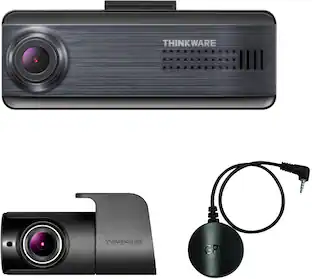
Introducing the F70 PRO, a 1080p dash cam that strikes the perfect balance between compact design and power to capture all of your drives with crystal-clear clarity. Adjust settings or download files on the go with built-in Wi-Fi, and enjoy parking protection with advanced Parking Surveillance modes like Motion and Impact detection, Time Lapse, and Energy Saving mode.

When it comes to capturing road incidents or helping you drive safely, the Q200 has you covered. Equipped with a high-resolution 2K QHD image sensor, the Q200 lets you capture every moment of your drive in crystal-clear detail, even in low-light conditions. The Q200 can also help you stay safe while you drive with alerts for lane departures and forward collisions. You can adjust settings or download files on the go thanks to its built-in Wi-Fi, and safeguard your parked vehicle with the Q200’s advanced Parking Surveillance mode.
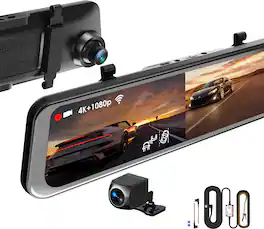
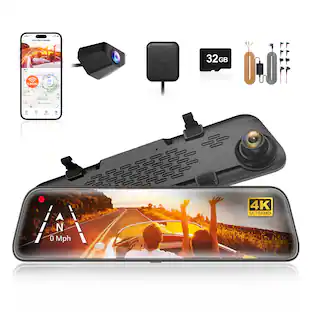
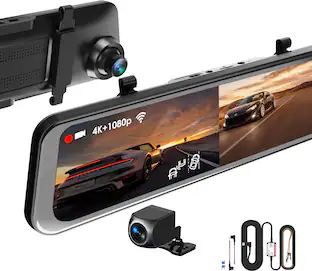
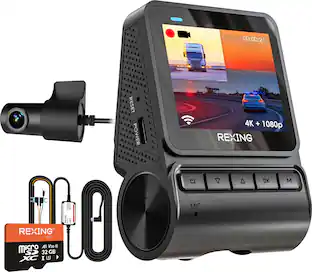
Elevate your vehicle’s safety and functionality with the REXING M2 Max Pro Mirror Dash Cam. This advanced system integrates seamlessly with your rearview mirror, featuring a 12" IPS touchscreen that displays high-quality video from the rear camera. Capture detailed footage with dual cameras, offering 4K resolution at the front and 1080p at the rear, ensuring comprehensive coverage from multiple angles. The M2 Max Pro is equipped with Advanced Driver Assistance Systems (ADAS), including Blind Spot Detection, Rear Collision Warning, and Parking Assistance, enhancing your driving safety. It also boasts a built-in GPS Logger to record precise time, location, and speed data, alongside Blind Spot Detection and Lane Change Assist to facilitate safe driving maneuvers. Additional features include enhanced night vision for clear recordings in low light conditions, Wi-Fi connectivity for easy video management, and a G-sensor that locks videos upon detecting impacts. Loop recording ensures continuous coverage by overwriting old footage, while the included smart hardwire kit activates the Parking Monitor, providing round-the-clock surveillance by recording when vibrations are detected. This mirror dash cam not only improves your driving visibility but also offers crucial safety features, making it an essential upgrade for any vehicle.
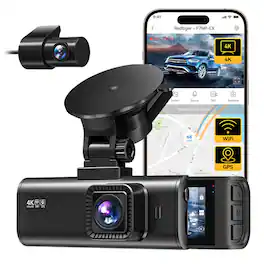
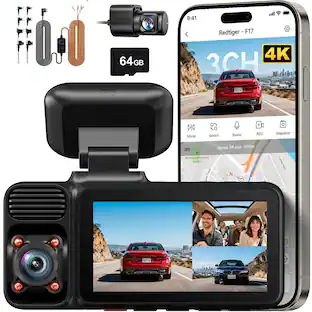
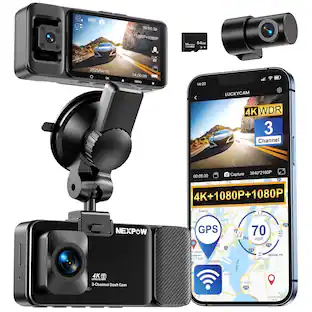
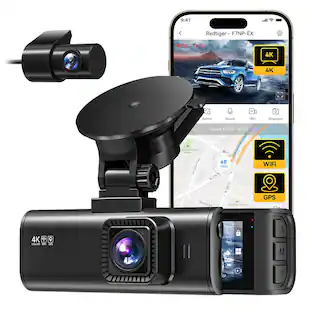
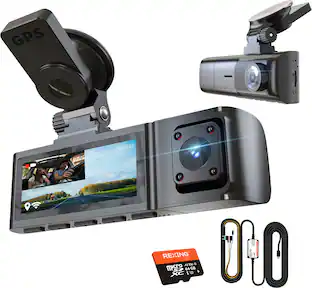
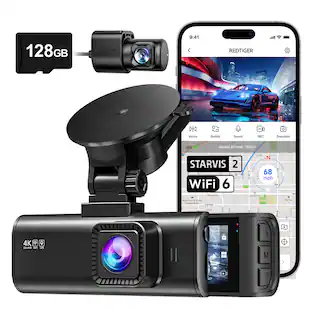
This REDTIGER dual-channel dash cam delivers 4K front + 1080P rear ultra-HD recording with 170° front and 140° rear wide angles to eliminate blind spots. Featuring F1.5 aperture, 6-layer lens and HDR/WDR tech, it ensures crisp night footage. It supports WiFi APP control, built-in GPS tracking, G-sensor collision lock and loop recording. It also offers 24-hour parking monitoring (hardwire kit required) and 18-month warranty with 24/7 technical support.
| Pros for THINKWARE - F70 PRO 1080P Dash Cam with Wi-Fi - Black | |||
|---|---|---|---|
| Video Quality, Size, Installation Ease, Design, Field of View | Video Quality, Overall Performance, Ease of use, GPS, Installation | Video Quality, Ease of use, Installation, Overall Performance, GPS | Video Quality, Overall Performance, Size, Ease of Use, Setup |
| Cons for THINKWARE - F70 PRO 1080P Dash Cam with Wi-Fi - Black | |||
| Connectivity, Features | App Connectivity, Sensitivity, Rear Camera, Screen | Glare Reduction, Night Vision, SD Card | Connectivity |
Specs
Does it have a charging cable
Answered by Thinkware Product ExpertHello, it comes with the 12V power cable, the one that is plugged into the cigarette port

What is the recommeded safe working ange of temperature for this camera?
Answered by Thinkware Product ExpertHello, regarding this for the Storage temperature it should be -20°~ 70°C (-4°~ 158°F) and for the operating temperature it is -10°~ 60°C (14°~ 140°F).
What is the recording resolution of this dash cam?
This dash cam records in 1080p Full HD resolution.
This question and answer was generated by AI based on customer and product data.Does the dash cam have a microphone?
Yes, the dash cam has a built-in microphone and speaker for audio recording and playback.
This question and answer was generated by AI based on customer and product data.How is the dash cam powered?
The dash cam is powered by your vehicle's battery.
This question and answer was generated by AI based on customer and product data.
Customers often buy these together
More to consider
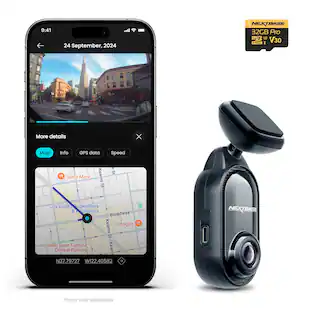 $129.99The price was $159.99
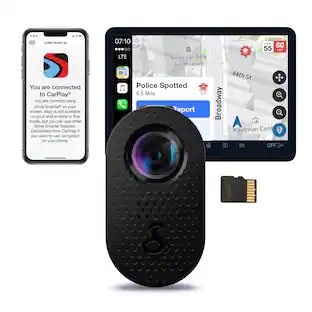 $69.99The price was $129.99
 $99.99The price was $199.99
 $149.99The price was $199.99
Enjoy your ride Sponsored
 $799.99The price was $899.99
 Top Deal$519.99The price was $599.99
 $248.99The price was $259.99
Discover related products
 $12.99The price was $17.99
 $84.99The price was $99.99




Keep exploring
 $389.99The price was $499.99
 $375.99The price was $399.74
 $259.99The price was $359.99
 $129.99The price was $159.99
- $99.99The price was $199.99
 $179.99The price was $249.99