Customer Ratings & Reviews

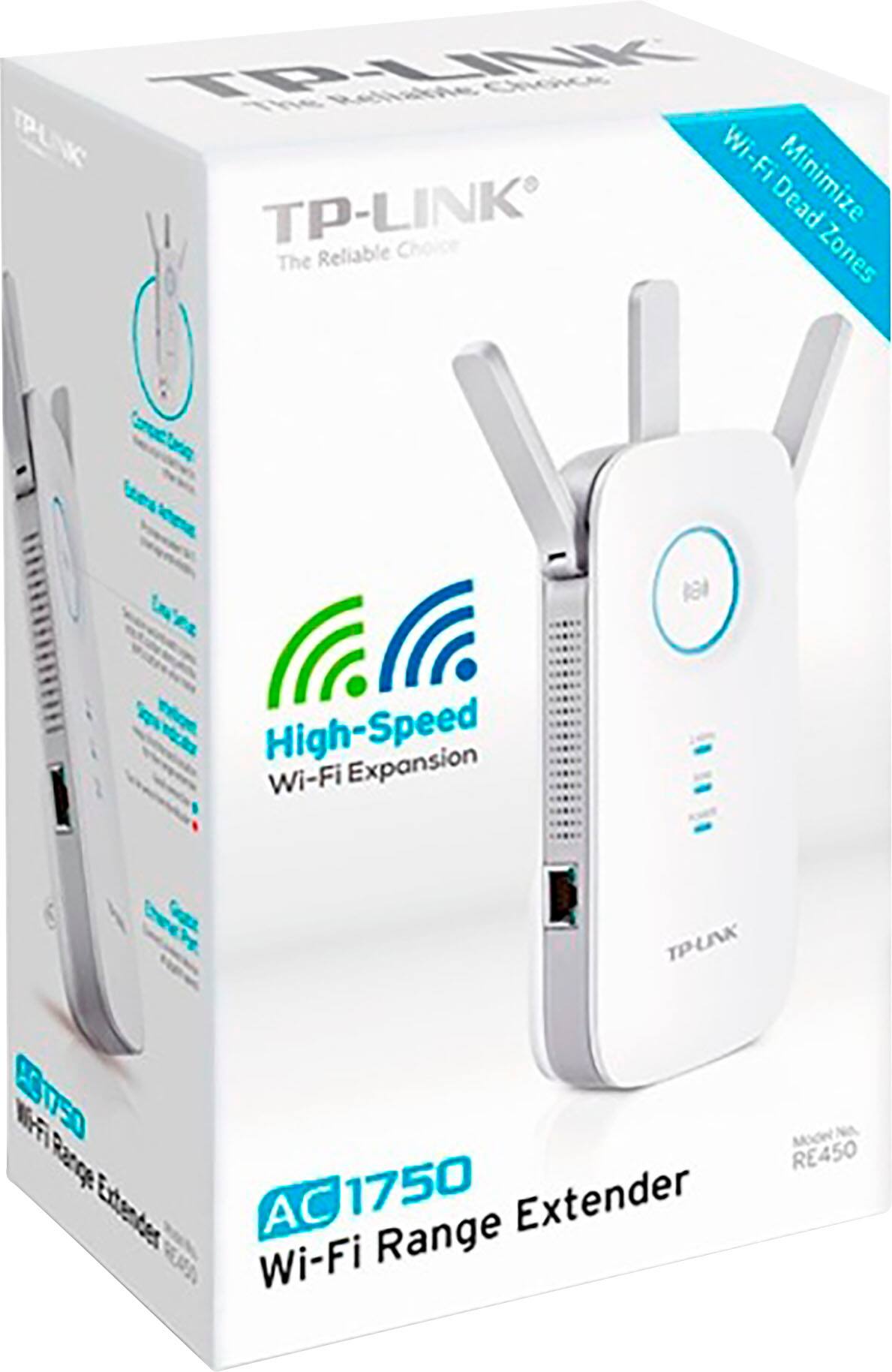

- Model:
- RE450
- SKU:
- 11132266
Rating by feature
- Value
Rating 4.3 out of 5 stars
- Quality
Rating 4.3 out of 5 stars
- Ease of Use
Rating 4.3 out of 5 stars
Customers are saying
Customers are pleased with the AC1750 Gigabit Wi-Fi Range Extender's overall performance, easy setup, and extended range. Many have noted improved signal strength and faster speeds. However, some customers have reported experiencing connectivity issues with the device dropping from the network.
This summary was generated by AI based on customer reviews.
Great for upstairs
||Posted .This reviewer received promo considerations or sweepstakes entry for writing a review.We used this in an upstairs of a house because I’m the bedrooms the WiFi would drop periodically. No issues now.
I would recommend this to a friendMeah
||Posted . Owned for 8 months when reviewed.This reviewer received promo considerations or sweepstakes entry for writing a review.Not sure if it worked at all when I had it. I returned it. Maybe my house style didn’t work for other the signal
No, I would not recommend this to a friendDoesn’t really extend a range
||Posted . Owned for 1 year when reviewed.This reviewer received promo considerations or sweepstakes entry for writing a review.We have give this product a year and it just doesn’t do the job. It frequently disconnects and drops, and doesn’t do much as far as extending the WiFi range. If I could return it I would. Looking for a different brand.
No, I would not recommend this to a friendBrand response from TPLinkSupport
Posted .Hi,
If you haven't noticed a significant improvement in WiFi coverage after installing the extender, we recommend relocating the unit to a position within your home where the router's WiFi signal is sufficiently strong; yet far enough from the router to effectively extend its range. Please verify the RE status LED is indicating a solid connection.
We also recommend ensuring the extender's firmware is fully up to date using the steps outlined in our FAQ here: https://www.tp-link.com/us/support/faq/1406/
If you'd like assistance with any of these steps, please send an e-mail with your contact information and a link to this review to [email protected] and we'll gladly have a Support Agent follow up with you directly.
Best Regards,
TP-Link Support
- Pros mentioned:Overall performance
Excellent Product
||Posted .This reviewer received promo considerations or sweepstakes entry for writing a review.Best wifi extender! keep the same SSID and password.
I would recommend this to a friend The device is terrible
||Posted . Owned for 1 month when reviewed.This reviewer received promo considerations or sweepstakes entry for writing a review.since I've purchased it, I have not been able to access my internet through this extend and not because I failed to follow the steps. All my lights are on, I am listed as a user on the tether app yet when I'm connected to it, it says there's no internet available. I've emailed the manufacturer and haven't heard back. I chatted with a live representative and that was also useless.
No, I would not recommend this to a friendBrand response from TPLinkSupport
Posted .Hi,
If you don’t have Internet access after setting up your Extender, please re-verify your WiFi password and re-configure the unit. We also suggest relocating the extender to another position in your home where your router’s WiFi signal is sufficiently strong; yet far enough from the router to effectively extend its range.
If you'd like assistance with any of these steps, please send an e-mail with your contact information and a link to this review to [email protected] and we'll gladly have a Support Agent follow up with you directly.
Best Regards,
TP-Link Support
Did not function as expected
||Posted . Owned for 2 weeks when reviewed.This reviewer received promo considerations or sweepstakes entry for writing a review.I followed the instructions and upon testing, noticed that available bandwidth was significantly throttled down. I could connect to the network but was not able to send receive any data.
No, I would not recommend this to a friendBrand response from TPLinkSupport
Posted .Hi,
Thank you for your review. If you haven't noticed a significant improvement in WiFi coverage and stability after installing the extender, we recommend relocating the unit to a position in your home where the router's WiFi signal is sufficiently strong; yet far enough from the router to effectively extend its range.
We also recommend ensuring the extender's firmware is fully up to date, as shown in our FAQ here: https://www.tp-link.com/us/support/faq/1406/
If you'd like assistance with any of these steps, please send an e-mail with your contact information and a link to this review to [email protected] and we'll gladly have a Support Agent follow up with you directly.
Best Regards,
TP-Link Support
[email protected]
Not seeing any significant improvement.
||Posted .This reviewer received promo considerations or sweepstakes entry for writing a review.I expected it will solve my dead WiFi zone issue . I have gigabyte internet. Did not see any noticeable improvement.
No, I would not recommend this to a friendBrand response from TPLinkSupport
Posted .Hi,
If you haven't noticed a significant improvement in WiFi coverage after installing the extender, we recommend relocating the unit to a position within your home where the router's WiFi signal is sufficiently strong; yet far enough from the router to effectively extend its range. Please verify the RE status LED is indicating a solid connection.
We also recommend ensuring the extender's firmware is fully up to date using the steps outlined in our FAQ here: https://www.tp-link.com/us/support/faq/1406/
If you'd like assistance with any of these steps, please send an e-mail with your contact information and a link to this review to [email protected] and we'll gladly have a Support Agent follow up with you directly.
Best Regards,
TP-Link Support
great product
||Posted .This reviewer received promo considerations or sweepstakes entry for writing a review.great product, installed easily ,good price, fast delivery
I would recommend this to a friendWifi not delivered
||Posted . Owned for 1.5 years when reviewed.This reviewer received promo considerations or sweepstakes entry for writing a review.Not so easy to use... tough set up, it really did not extend our wifi. Overpriced for what it doesn't do.
No, I would not recommend this to a friendBrand response from TPLinkSupport
Posted .Hi,
If you haven't noticed a significant improvement in WiFi coverage after installing the extender, we recommend relocating the unit to a position within your home where the router's WiFi signal is sufficiently strong; yet far enough from the router to effectively extend its range. Please verify the RE status LED is indicating a solid connection.
We also recommend ensuring the extender's firmware is fully up to date using the steps outlined in our FAQ here: https://www.tp-link.com/us/support/faq/1406/
If you'd like assistance with any of these steps, please send an e-mail with your contact information and a link to this review to [email protected] and we'll gladly have a Support Agent follow up with you directly.
Best Regards,
TP-Link Support
Can't extend if you can't connect
||Posted . Owned for 1 month when reviewed.This reviewer received promo considerations or sweepstakes entry for writing a review.Less than 25ft from router and will not connect. Closer it will. Did not work well for us at all.
No, I would not recommend this to a friendBrand response from TPLinkSupport
Posted .Hi,
Thank you for your review. If you're experiencing difficulty connecting the extender to your router, we recommend setting up the device in the same room as your router, then relocating it after setup is complete. We also suggest re-verifying your router's WiFi password during setup, or if using the WPS setup method, ensuring the WPS process is performed in the correct order. The extender's indicator LEDs will help you determine which position in your home is ideal.
We also recommend ensuring the extender's firmware is fully up to date using the steps outlined in our FAQ here: https://www.tp-link.com/us/support/faq/1406/
If you'd like help with any of these steps, please send an e-mail with your contact information and a link to this review to [email protected] and we'll have a Support Agent follow up with you directly.
Best Regards,
TP-Link Support
- Cons mentioned:Size
Quit connecting
||Posted .This reviewer received promo considerations or sweepstakes entry for writing a review.It seemed as if the TP-Link would be easy to set up, but it took more than the "easy" way. Finally, got the dual-band speeds to work. It worked fine for about 2 weeks, then disconnected and I wasn't able to connect it again. Also, it is big and top-heavy...almost too heavy to stay in the electrical outlet. Gave it two stars because when it worked, it was fine.
No, I would not recommend this to a friendBrand response from TPLinkSupport
Posted .Hi ChazK,
Thank you for sharing your experience with our product. In your case we would first recommend resetting the extender, then updating its firmware to the latest version, as shown in our FAQ here: https://www.tp-link.com/us/support/faq/1406/
If you'd like assistance with any of these steps, please send an e-mail with your contact information and a link to this review to [email protected] and we'll gladly have a Support Agent follow up with you directly.
Thank you,
TP-Link Support
[email protected]
https://community.tp-link.com
Did ok
||Posted . Owned for 3 weeks when reviewed.This reviewer received promo considerations or sweepstakes entry for writing a review.This extender along with other extenders I set up seemed to provide coverage, however several of my devices kept losing service.
No, I would not recommend this to a friendBrand response from TPLinkSupport
Posted .Hi Evan,
Thank you for your review. If you haven't noticed a significant improvement in WiFi coverage after installing the extender, we recommend relocating the unit to a position in your home where the router's WiFi signal is sufficiently strong; yet far enough from the router to effectively extend its range. Please verify the RE status LED is indicating a solid connection.
If you'd like assistance with any of these steps, please send an e-mail with your contact information and a link to this review to [email protected] and we'll gladly have a Support Agent follow up with you directly.
Best Regards,
TP-Link Support
[email protected]
Wifi boost
||Posted . Owned for 1 year when reviewed.This reviewer received promo considerations or sweepstakes entry for writing a review.I did not like the product. The wifi did not help with distance. I returned and got another product.
No, I would not recommend this to a friendBrand response from TPLinkSupport
Posted .Hi,
Thank you for your review. If you haven't noticed a significant improvement in WiFi coverage after installing the extender, we recommend relocating the unit to a position within your home where the router's WiFi signal is sufficiently strong; yet far enough from the router to effectively extend its range. Please verify the RE status LED is indicating a solid connection.
We also recommend ensuring the extender's firmware is fully up to date using the steps outlined in our FAQ here: https://www.tp-link.com/us/support/faq/1406/
If you'd like assistance with any of these steps, please reach out to our free support team using any of the resources included with the product, or from our official website, and we'll gladly have a Support Agent follow up with you directly.
Best Regards,
TP-Link Support
internet connection issues
||Posted .This reviewer received promo considerations or sweepstakes entry for writing a review.The extender dropped connection to the internet then would not connect unless restarted. I tried multiple locations and reset the extender and keep having the same issues.
No, I would not recommend this to a friendBrand response from TPLinkSupport
Posted .Hi,
If you haven't noticed a significant improvement in WiFi coverage after installing the extender, we recommend relocating the unit to a position within your home where the router's WiFi signal is sufficiently strong; yet far enough from the router to effectively extend its range. Please verify the RE status LED is indicating a solid connection.
We also highly recommend making sure the extender's firmware is fully up to date using the steps outlined in our FAQ here: https://www.tp-link.com/us/support/faq/1406/
If you'd like assistance with any of these steps, please send an e-mail with your contact information and a link to this review to [email protected] and we'll gladly have a Support Agent follow up with you directly.
Best Regards,
TP-Link Support
Did not work
||Posted . Owned for 1 month when reviewed.This reviewer received promo considerations or sweepstakes entry for writing a review.speed of internet didn't change . I need to return it. I was disappointed
No, I would not recommend this to a friendBrand response from TPLinkSupport
Posted .Hi,
Thank you for your review. WiFi extenders are designed to increase the area of WiFi coverage within your home; not to increase the speed of your Internet plan. If you require more Internet speed, we suggest consulting with your Internet service provider.
For optimal results when using a WiFi extender we recommend relocating the unit to a position within your home where the router's WiFi signal is sufficiently strong; yet far enough from the router to effectively extend its range. Please verify the RE status LED is indicating a solid connection.
If you'd like assistance with any of these steps, please send an e-mail with your contact information and a link to this review to [email protected] and we'll gladly have a Support Agent follow up with you directly.
Best Regards,
TP-Link Support
Would not connect
||Posted .This reviewer received promo considerations or sweepstakes entry for writing a review.Unfortunately I had to return this item because it was unable to establish a connection to my router. I wish it had worked but it didnt so I cant leave a review.
No, I would not recommend this to a friendBrand response from TPLinkSupport
Posted .Hi,
Thank you for your review. If you're experiencing difficulty connecting the extender to your router, we recommend setting up the device in the same room as your router, then relocating it after setup is complete. We also suggest re-verifying your router's WiFi password during setup, or if using the WPS setup method, ensuring the WPS process is performed in the correct order. The extender's indicator LEDs will help you determine which position in your home is ideal.
We're sorry to hear you decided to return the device; we would've appreciated the opportunity to help address your concerns. In the future, please feel free to email [email protected] and we'll have a Support Agent follow up with you directly.
Best Regards,
TP-Link Support
[email protected]
Hated It
||Posted . Owned for 1 month when reviewed.This reviewer received promo considerations or sweepstakes entry for writing a review.I bought this device to extend my Wifi and it interferes with my signal instead. If I didn't throw away the box already I would take it back. Terrible buy.
No, I would not recommend this to a friendBrand response from TPLinkSupport
Posted .Hi,
If you haven't noticed a significant improvement in WiFi coverage after installing the extender, we recommend relocating the unit to a position within your home where the router's WiFi signal is sufficiently strong; yet far enough from the router to effectively extend its range. Please verify the RE status LED is indicating a solid connection.
We also recommend ensuring the extender's firmware is fully up to date using the steps outlined in our FAQ here: https://www.tp-link.com/us/support/faq/1406/
If you'd like assistance with any of these steps, please send an e-mail with your contact information and a link to this review to [email protected] and we'll gladly have a Support Agent follow up with you directly.
Best Regards,
TP-Link Support
Slow
||Posted . Owned for 2 weeks when reviewed.This reviewer received promo considerations or sweepstakes entry for writing a review.Its super slow and the regular wifi has better ranger and speed
No, I would not recommend this to a friendBrand response from TPLinkSupport
Posted .Hi,
Thank you for your review. If you haven't noticed a significant improvement in Wi-Fi coverage after installing the extender, we recommend relocating the unit to a position within your home where the router's Wi-Fi signal is sufficiently strong yet far enough from the router to extend its range effectively. Please verify the RE status LED is indicating a solid connection.
We also recommend ensuring the extender's firmware is fully up to date using the steps outlined in FAQ 1406 on our official website: https://www.tp-link.com/us/support/faq/1406/
If you would like assistance with any of these steps, please contact our support team using any of the resources included with the product or from our official website, and we'll gladly have a Support Agent follow up with you directly.
Thank you,
TP-Link Support
set up lousy
||Posted . Owned for less than 1 week when reviewed.This reviewer received promo considerations or sweepstakes entry for writing a review.set up not easy otherwise I would not be taking this back to best buy; key seems in stalling tether app could not do; other methods conbvoluted curse words
No, I would not recommend this to a friendBrand response from TPLinkSupport
Posted .Hi,
Thank you for your review. If you are experiencing difficulty connecting the extender to your router, we recommend setting up the device in the same room as your router, then relocating it after setup is complete. We also suggest re-verifying your router's Wi-Fi password during setup, or if using the WPS setup method, ensuring the WPS process is performed in the correct order. The extender's indicator LEDs will help you determine which position in your home is ideal.
We also highly recommend ensuring the extender's firmware is fully up to date using the steps outlined in FAQ 1406 on our official website. To locate this FAQ, visit our website and enter 1406 in the top-right search field, then click the corresponding FAQ in the search results.
If you would like assistance with any of these steps, please reach out to our free support team using any of the resources included with the product, or from our official website, and we'll gladly have a Support Agent follow up with you directly.
Thank you,
TP-Link Support
No!!
||Posted . Owned for 5 months when reviewed.This reviewer received promo considerations or sweepstakes entry for writing a review.This product is confusing to set up and interferes with internet connection. I wish we would have returned it. I don’t recommend this item.
No, I would not recommend this to a friend