Customer Ratings & Reviews
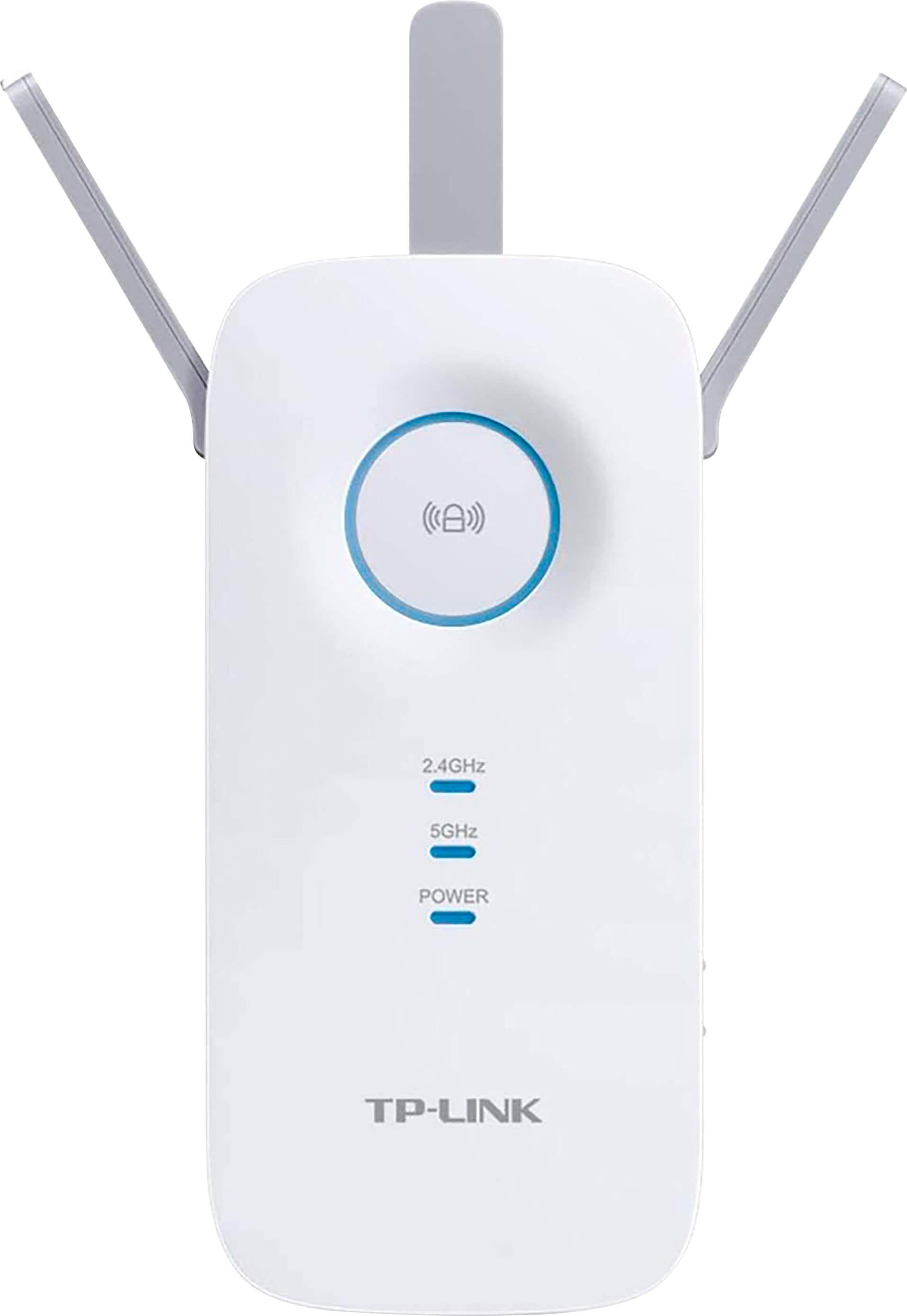
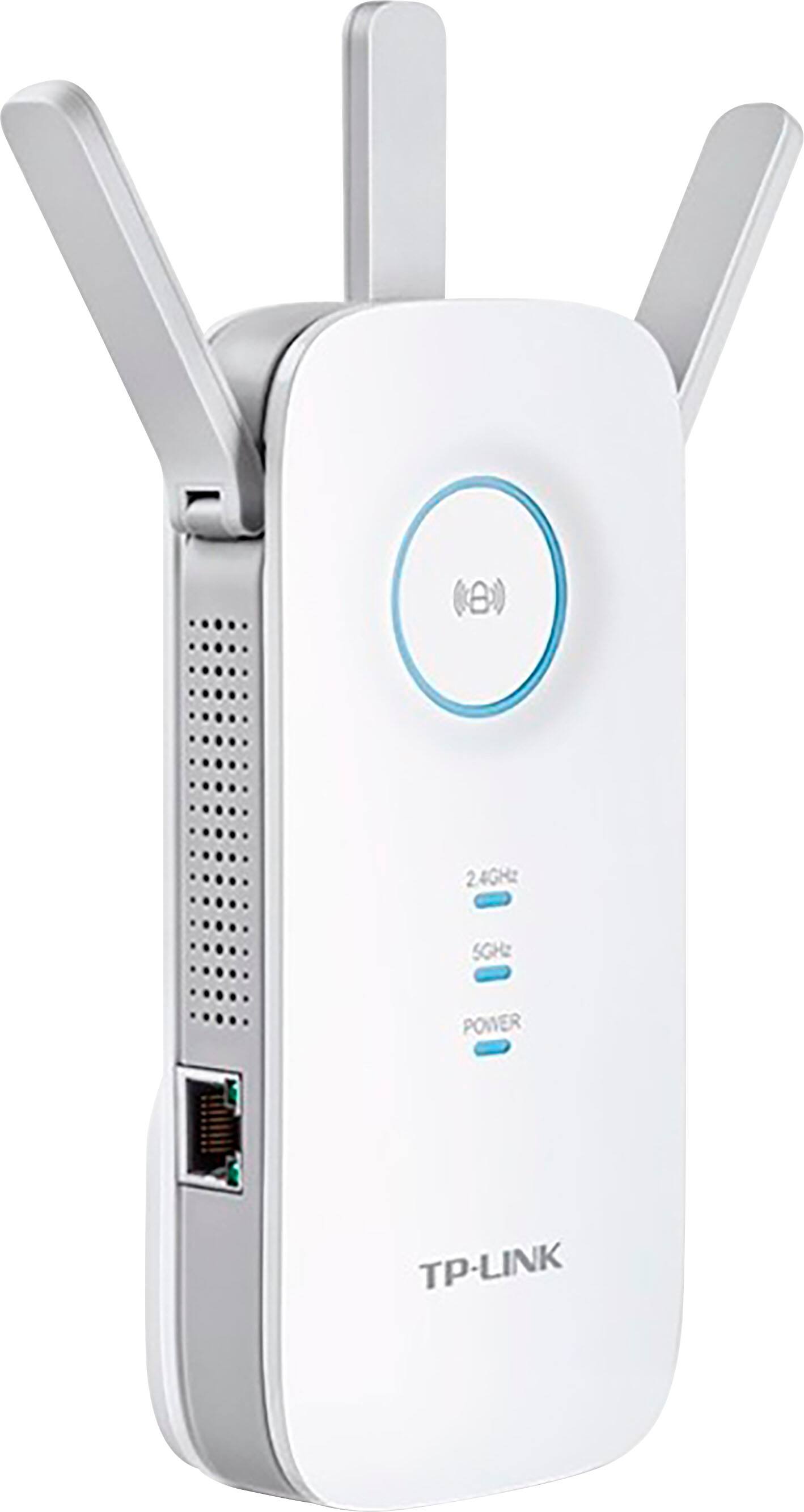
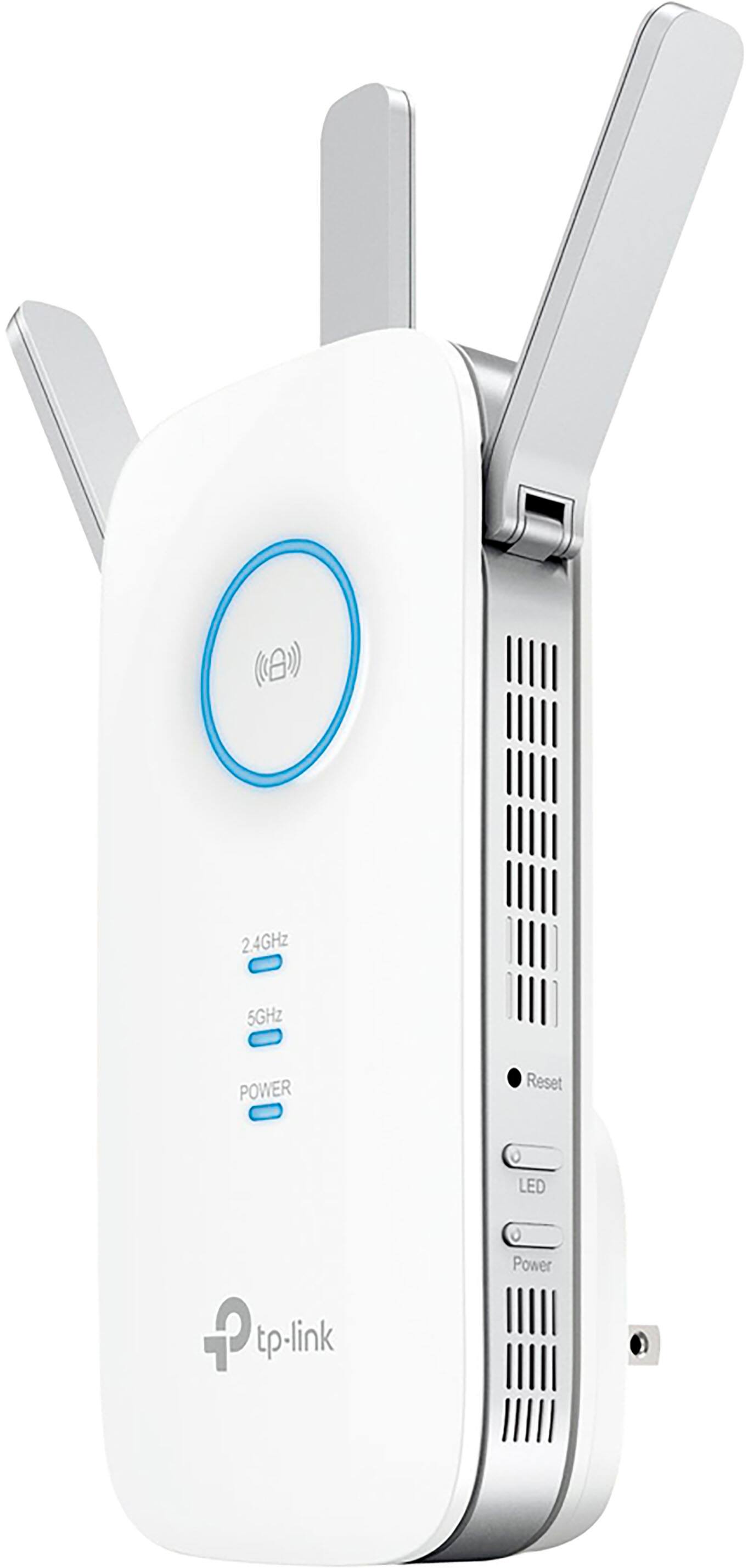

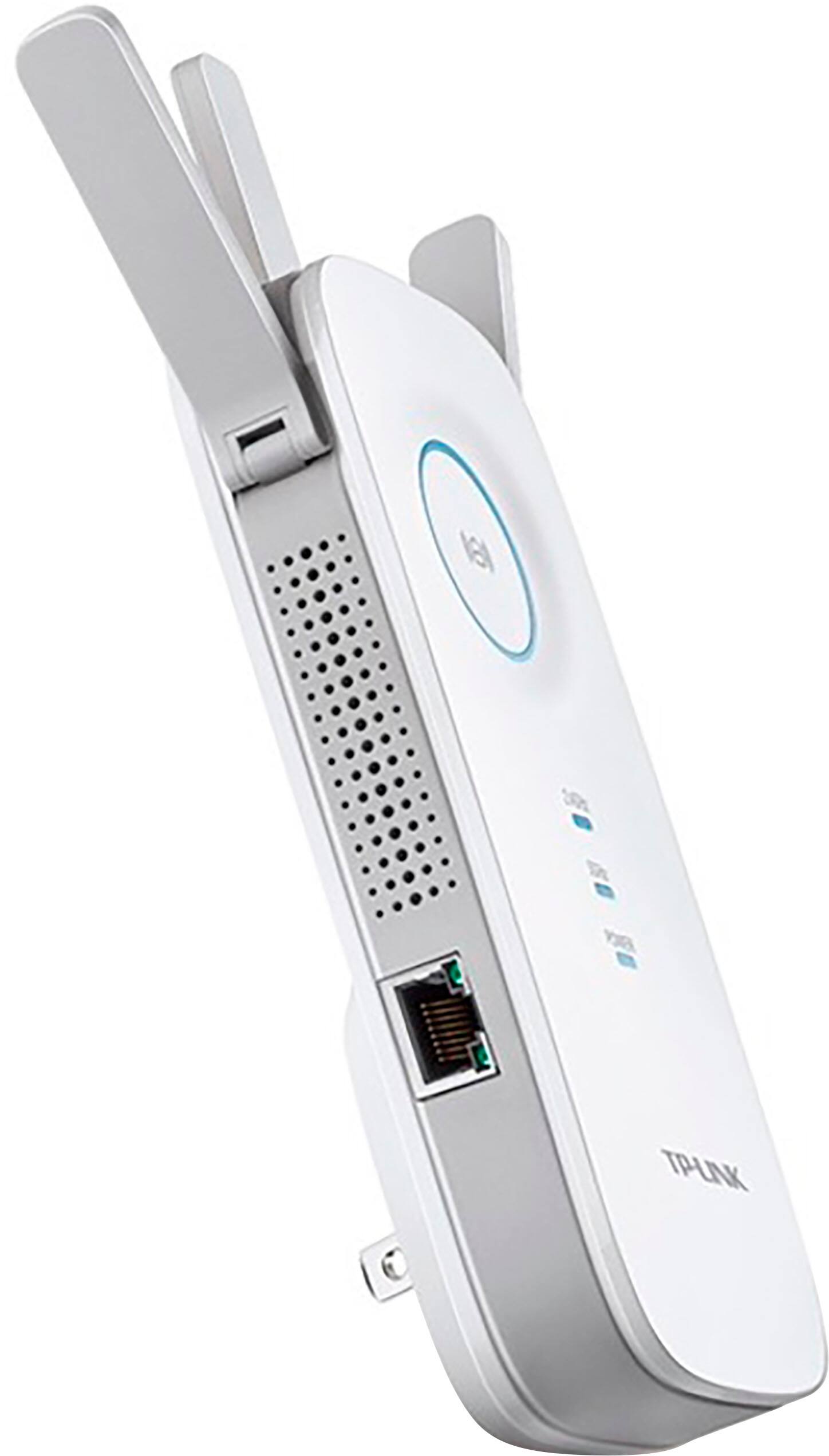
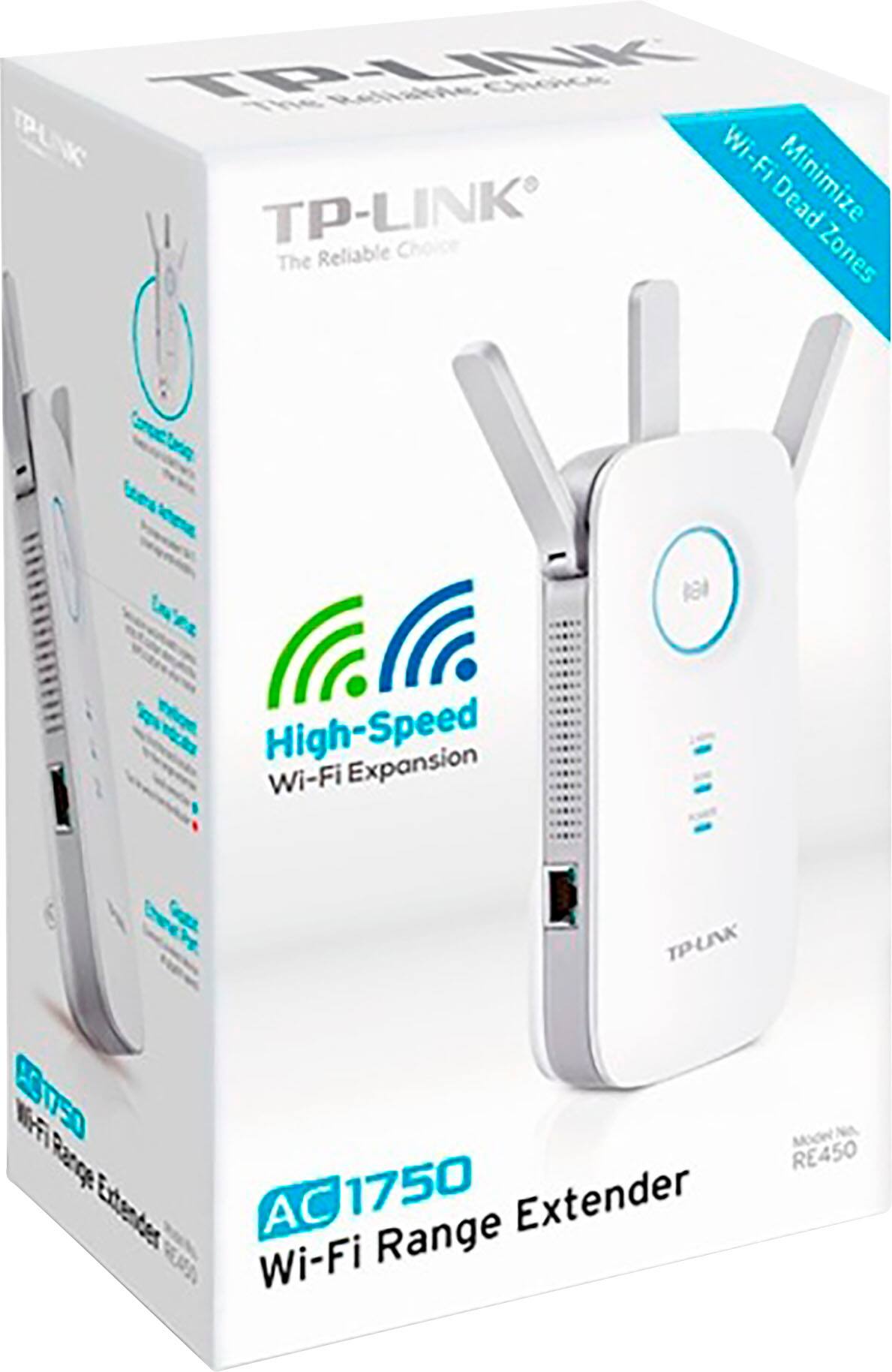

- Model:
- RE450
- SKU:
- 11132266
Rating by feature
- Value
Rating 4.3 out of 5 stars
- Quality
Rating 4.3 out of 5 stars
- Ease of Use
Rating 4.3 out of 5 stars
Customers are saying
Customers are pleased with the AC1750 Gigabit Wi-Fi Range Extender's overall performance, easy setup, and extended range. Many have noted improved signal strength and faster speeds. However, some customers have reported experiencing connectivity issues with the device dropping from the network.
This summary was generated by AI based on customer reviews.
DO NOT BUY, died in less than a year
Posted .This reviewer received promo considerations or sweepstakes entry for writing a review.This thing lasted less than a year and they refuse to honor the warranty. It was used as an extender with literally one device plugged into it to communicate back to the main network. It started out dropping connection about once a month, and gradually dropped more and more. Now it won't come back online at all. Unit is less than a year old, but because i can't find the BB receipt, they refuse to help me.
No, I would not recommend this to a friendBrand response from TPLinkSupport
Posted .Hi,
Thank you for your review. We hear your concerns. Proof of purchase and a complete product serial number are required to receive any services guaranteed as part of the limited warranty, as stated in our official warranty policy here: https://www.tp-link.com/us/support/replacement-warranty/#sec_a.
This is a common industry standard requirement for product registration and warranty eligibility, and is not exclusive to TP-Link. Our Support Team is always happy to answer any questions you might have about our products. Please feel free to email USSupportTeam@TP-Link.com and we'll gladly have a Support Agent follow up with you directly.
Thank you,
TP-Link Support
Very disappointed after doing lots of research
Posted .This reviewer received promo considerations or sweepstakes entry for writing a review.Very disappointed after doing lots of research. This product has been nothing but problematic And doesn’t work as it supposed to as it only will address the 2.4 G network consistently. I’ve had to contact technical support numerous times and I have to say I am not impressed with their service either. Each person I speak with doesn’t seem to know anything and goes over the same troubleshooting without being able to elevate it to someone who knows something more then following the steps in the manual which I of course already did. In short, it doesn’t recognize my 5G network which was the entire purpose of getting this dual band extender. I would not recommend this product to anyone and I’m going to be returning it.
No, I would not recommend this to a friendBrand response from TPLinkSupport
Posted .Hi BenJ,
Thank you for your review. In your case we first recommend installing the unit in a position in your home where the router's 5GHz WiFi signal is sufficiently strong; yet far enough from the router to effectively extend its range. We also highly suggest updating the extender's firmware to the latest version, as shown in our FAQ here: https://www.tp-link.com/us/support/faq/1406/
We're sorry to hear your initial interaction with our Support Team was anything less than satisfactory, and we would appreciate another opportunity to follow up with you to address your concerns. At your earliest convenience, please send an e-mail to USSupportTeam@TP-Link.com and include a link to your review and a copy of any correspondence you may have received from the original support agent(s).
Thank you,
TP-Link Support
USSupportTeam@TP-Link.com
https://community.tp-link.com
Does not work as advertised
Posted .This reviewer received promo considerations or sweepstakes entry for writing a review.Extremely slow download speeds, even when explicitly on the 5g band. Constant network drops, almost predictably every two minutes needs to reconnect. Returning.
No, I would not recommend this to a friendBrand response from TPLinkSupport
Posted .Hi,
Thank you for your review. If you haven't noticed a significant improvement in Wi-Fi coverage after installing the extender, we recommend relocating the unit to a position within your home where the router's Wi-Fi signal is sufficiently strong; yet far enough from the router to effectively extend its range. Please verify the RE status LED is indicating a solid connection.
We also recommend ensuring the extender's firmware is fully up-to-date, using the steps outlined in FAQ 1406 on our official website: https://www.tp-link.com/us/support/faq/1406/
If you would like assistance with any of these steps, please reach out to our support team using any of the resources included with the product, or from our official website, and we'll gladly have a Support Agent follow up with you directly.
Thank you,
TP-Link Support
Tp link ac1765
Posted .This reviewer received promo considerations or sweepstakes entry for writing a review.Device frequenly disconnect itself to main router. Will never buy TP- link again !!!!!
No, I would not recommend this to a friendBrand response from TPLinkSupport
Posted .Hi,
If you haven't noticed a significant improvement in WiFi coverage after installing the extender, we recommend relocating the unit to a position within your home where the router's WiFi signal is sufficiently strong; yet far enough from the router to effectively extend its range. Please verify the RE status LED is indicating a solid connection.
We also recommend ensuring the extender's firmware is fully up to date using the steps outlined in our FAQ here: https://www.tp-link.com/us/support/faq/1406/
If you'd like assistance with any of these steps, please send an e-mail with your contact information and a link to this review to USSupportTeam@TP-Link.com and we'll gladly have a Support Agent follow up with you directly.
Best Regards,
TP-Link Support