Customer Ratings & Reviews

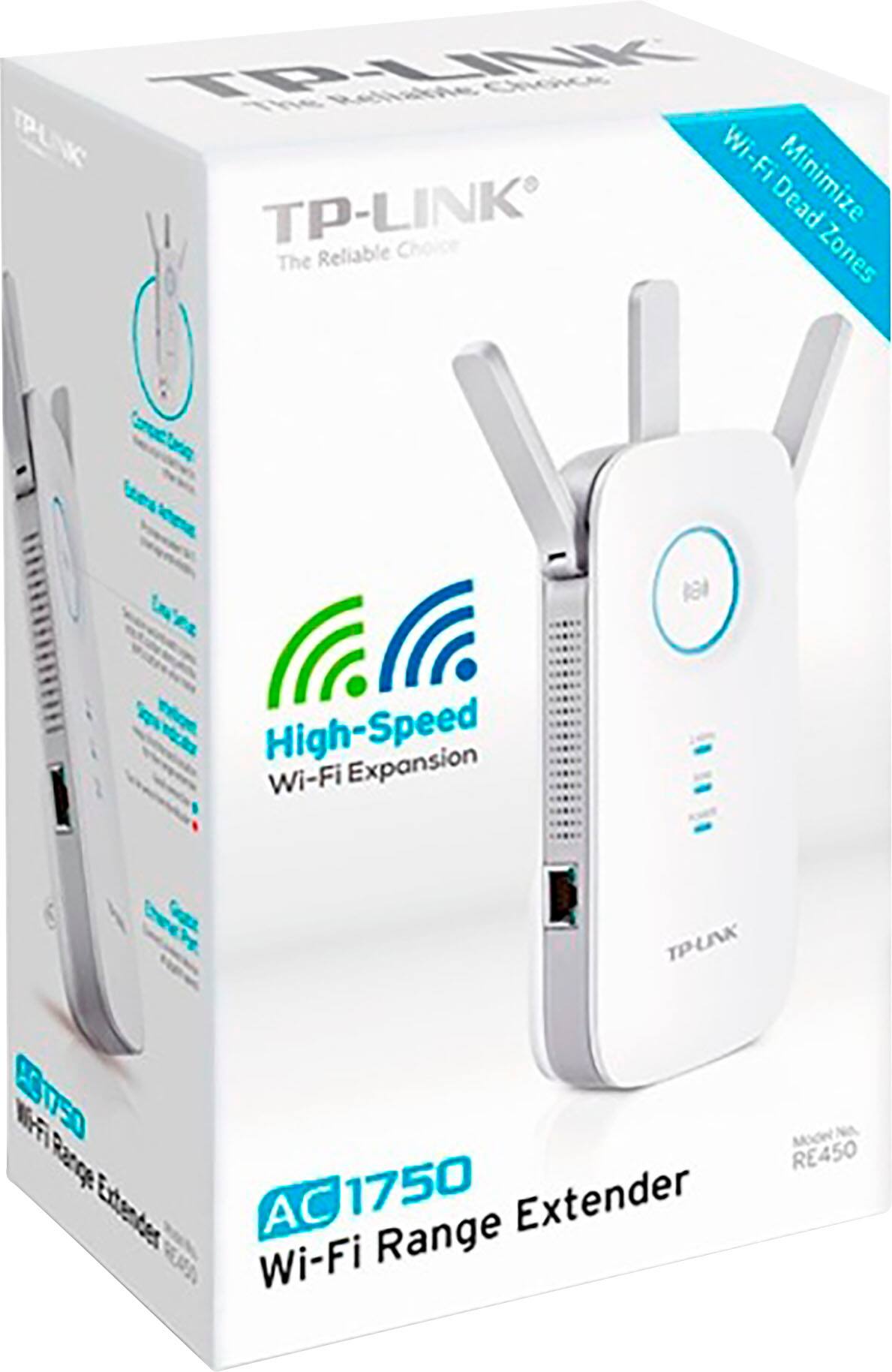

- Model:
- RE450
- SKU:
- 4403608
Rating by feature
- Value
Rating 4.3 out of 5 stars
- Quality
Rating 4.3 out of 5 stars
- Ease of Use
Rating 4.3 out of 5 stars
Customers are saying
Customers commend the product's excellent overall performance, highlighting significant improvements in connectivity, signal strength, and speed. Many users appreciate its extended range and coverage, which effectively resolves issues like dead spots. While some customers noted the physical size as a minor drawback, the setup process was generally considered straightforward.
This summary was generated by AI based on customer reviews.
A little lack luster.
||Posted . Owned for 6 months when reviewed.This reviewer received promo considerations or sweepstakes entry for writing a review.It's okay. It isn't as great as some of the others out there.
I would recommend this to a friendBrand response from TPLinkSupport
Posted .Hi,
Thank you for your review. If you haven't noticed a significant improvement in Wi-Fi coverage after installing the extender, we recommend relocating the unit to a position within your home where the router's Wi-Fi signal is sufficiently strong; yet far enough from the router to effectively extend its range. Please verify the RE status LED is indicating a solid connection.
We also recommend ensuring the extender's firmware is fully up to date using the steps outlined in FAQ 1406 on our official website: https://www.tp-link.com/us/support/faq/1406/
If you would like assistance with any of these steps, please reach out to our support team using any of the resources included with the product, or from our official website, and we'll gladly have a Support Agent follow up with you directly.
Thank you,
TP-Link Support
Excellent Range
||Posted .This reviewer received promo considerations or sweepstakes entry for writing a review.I had slow WiFi reception in the second floor and it resolve this problem.
I would recommend this to a friendI liked it
||Posted .This reviewer received promo considerations or sweepstakes entry for writing a review.After I began working with it in a room where the signal is kind of bad, speed of WiFi increased twice. I really like it.
I would recommend this to a friendNot great
||Posted . Owned for 3 months when reviewed.This reviewer received promo considerations or sweepstakes entry for writing a review.Worked for a bit but did not last. It may be the Comcast feed but I bought eero and they work better
No, I would not recommend this to a friendBrand response from TPLinkSupport
Posted .Hi,
Thank you for your review. In your case we recommend relocating the unit to a position within your home where the router's WiFi signal is sufficiently strong; yet far enough from the router to effectively extend its range.
We also recommend ensuring the extender's firmware is fully up to date using the steps outlined in our FAQ here: https://www.tp-link.com/us/support/faq/1406/
If you'd like assistance with any of these steps, please send an e-mail with your contact information and a link to this review to USSupportTeam@TP-Link.com and we'll gladly have a Support Agent follow up with you directly.
Best Regards,
TP-Link Support
Range Extender
||Posted . Owned for 1 month when reviewed.This reviewer received promo considerations or sweepstakes entry for writing a review.Great TpLine Ac1750 Gigabit Wi-Fi Range Extender - White
I would recommend this to a friendTP Link
||Posted . Owned for 1 week when reviewed.This reviewer received promo considerations or sweepstakes entry for writing a review.Will be returning this item. Top heavy when plugged into the socket. Falls out. Weak connection.
No, I would not recommend this to a friendBrand response from TPLinkSupport
Posted .Hi,
Thank you for your review. The RE450 should fit snugly within your power outlet(s), and in your case we recommend trying another socket as the one specified may be worn. Our Support Team is always happy to answer any questions you might have about our products. Please feel free to email USSupportTeam@TP-Link.com and we'll gladly have a Support Agent follow up with you directly.
Thank you,
TP-Link Support
USSupportTeam@TP-Link.com
Works
||Posted . Owned for 2 months when reviewed.This reviewer received promo considerations or sweepstakes entry for writing a review.Have had no complaints about the WiFi connection on our upper level since I got this.
I would recommend this to a friendGreat range extender!
||Posted .This reviewer received promo considerations or sweepstakes entry for writing a review.The writeup was very informative, which definitely helped with my decision to purchase this model.
I would recommend this to a friend- Pros mentioned:Connectivity
Good for hand held devices
||Posted .This reviewer received promo considerations or sweepstakes entry for writing a review.Works great on phone and lap top but if you need it for gaming system or smart Tv be prepared to use a Ethernet cable for them.
I would recommend this to a friendBrand response from TPLinkSupport
Posted .Hi,
If you haven't noticed a significant improvement in WiFi coverage for all of your WiFi devices after installing the extender, we recommend relocating the unit to a position within your home where the router's WiFi signal is sufficiently strong; yet far enough from the router to effectively extend its range. Please verify the RE status LED is indicating a solid connection.
We also recommend ensuring the extender's firmware is fully up to date using the steps outlined in our FAQ here: https://www.tp-link.com/us/support/faq/1406/
If you'd like assistance with any of these steps, please send an e-mail with your contact information and a link to this review to USSupportTeam@TP-Link.com and we'll gladly have a Support Agent follow up with you directly.
Best Regards,
TP-Link Support
Great buy
||Posted . Owned for 3 months when reviewed.This reviewer received promo considerations or sweepstakes entry for writing a review.Works awesome. Great WiFi reception all over house. Great buy.
I would recommend this to a friend- Pros mentioned:Signal strength
Oh... You almost got it!
||Posted . Owned for 1.5 years when reviewed.This reviewer received promo considerations or sweepstakes entry for writing a review.When it works its good. Drops signal too often or the signal is weak.
No, I would not recommend this to a friendBrand response from TPLinkSupport
Posted .Hi,
Thank you for your review. If you haven't noticed a significant improvement in Wi-Fi coverage after installing the extender, we recommend relocating the unit to a position within your home where the router's Wi-Fi signal is sufficiently strong; yet far enough from the router to effectively extend its range. Please verify the RE status LED is indicating a solid connection.
We also recommend ensuring the extender's firmware is fully up to date using the steps outlined in FAQ 1406 on our official website: https://www.tp-link.com/us/support/faq/1406/
If you would like assistance with any of these steps, please reach out to our free support team using any of the resources included with the product, or from our official website, and we'll gladly have a Support Agent follow up with you directly.
Thank you,
TP-Link Support
Good purchase!!
||Posted . Owned for 8 months when reviewed.This reviewer received promo considerations or sweepstakes entry for writing a review.Best product, very useful. I happy for my purchase.
I would recommend this to a friendUnstable
Posted .This reviewer received promo considerations or sweepstakes entry for writing a review.Constantly drops from the network. Works for a day or so and make be reinstalled. Even the tether software can’t find it.
No, I would not recommend this to a friendBrand response from TPLinkSupport
Posted .Hi,
Thank you for your review. If you haven't noticed a significant improvement in WiFi coverage after installing the extender, we recommend relocating the unit to a position within your home where the router's WiFi signal is sufficiently strong; yet far enough from the router to effectively extend its range. Please verify the RE status LED is indicating a solid connection.
We also recommend ensuring the extender's firmware is fully up to date using the steps outlined in our FAQ here: https://www.tp-link.com/us/support/faq/1406/
If you would like assistance with any of these steps, please reach out to our free support team using any of the resources included with the product, or from our official website, and we'll gladly have a Support Agent follow up with you directly.
Thank you,
TP-Link Support
Works OK
||Posted .This reviewer received promo considerations or sweepstakes entry for writing a review.It's well made, easy to add to your home network. Works well when it works, however I keep having to restart it some it stops working.
No, I would not recommend this to a friend- Pros mentioned:Overall performance
Great wifi booster
||Posted . Owned for 3 weeks when reviewed.This reviewer received promo considerations or sweepstakes entry for writing a review.It's been flawless since install. Big difference in my wifi performance noticed. I'm using this in a 2 story house and I definitely recommend.
I would recommend this to a friend Can’t tell a difference
||Posted . Owned for 2 weeks when reviewed.This reviewer received promo considerations or sweepstakes entry for writing a review.I don’t know if I am using it right or not. I can’t tell any difference fro before the purchase
No, I would not recommend this to a friendReturning product
||Posted .This reviewer received promo considerations or sweepstakes entry for writing a review.I will be returning this product because it has not increased the speed or the range as to what the reviews indicated.
No, I would not recommend this to a friendPass
||Posted .This reviewer received promo considerations or sweepstakes entry for writing a review.Not great. Does not reach very far and is very finicky.
No, I would not recommend this to a friendBrand response from TPLinkSupport
Posted .Hi,
Thank you for your review. If you haven't noticed a significant improvement in Wi-Fi coverage after installing the extender, we recommend relocating the unit to a position within your home where the router's Wi-Fi signal is sufficiently strong; yet far enough from the router to effectively extend its range. Please verify the RE status LED is indicating a solid connection.
We also recommend ensuring the extender's firmware is fully up to date using the steps outlined in FAQ 1406 on our official website. To locate this FAQ, visit our website and enter 1406 in the top-right search field, then click the corresponding FAQ in the search results.
If you would like assistance with any of these steps, please reach out to our free support team using any of the resources included with the product, or from our official website, and we'll gladly have a Support Agent follow up with you directly.
Thank you,
TP-Link Support
- Pros mentioned:Overall performance
Works great!
||Posted .This reviewer received promo considerations or sweepstakes entry for writing a review.Extends works great! You can even set it up to mirror your IP so it’s all one WiFi name and not have to worry about logging into WiFi/ext
I would recommend this to a friend Did not help me
||Posted .This reviewer received promo considerations or sweepstakes entry for writing a review.Used speed test with and without this product with no change either way.
No, I would not recommend this to a friend