Customer Ratings & Reviews
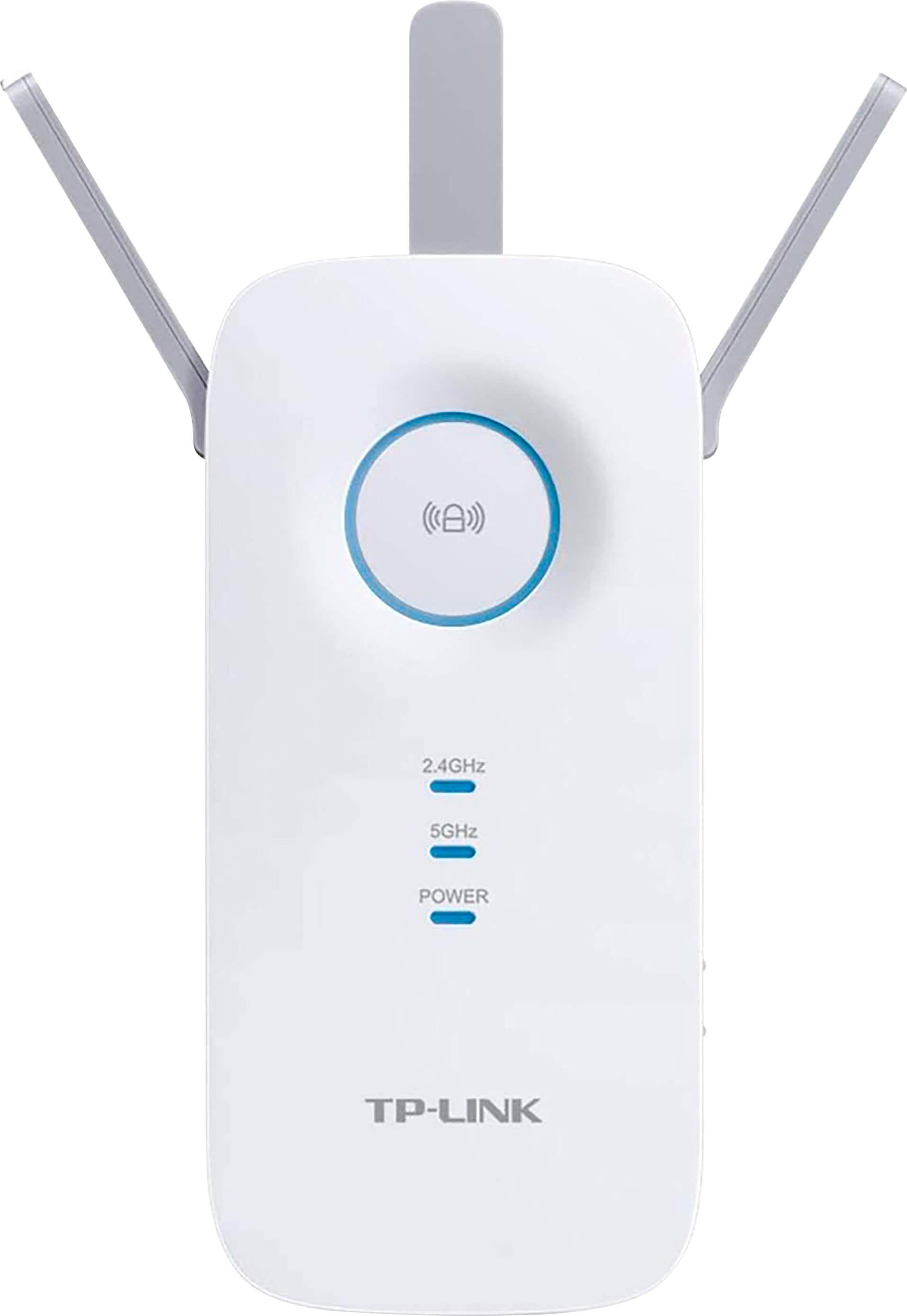
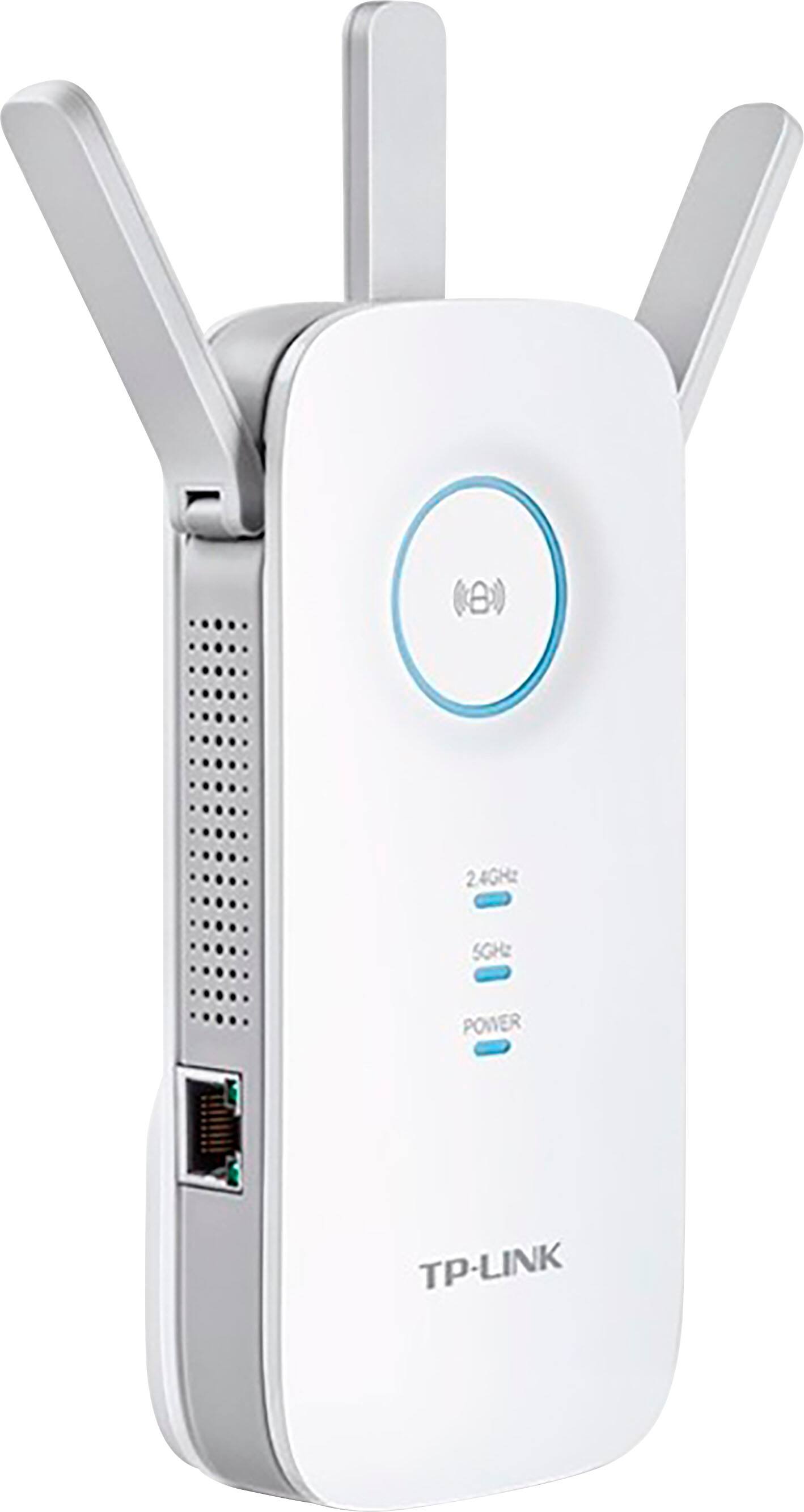
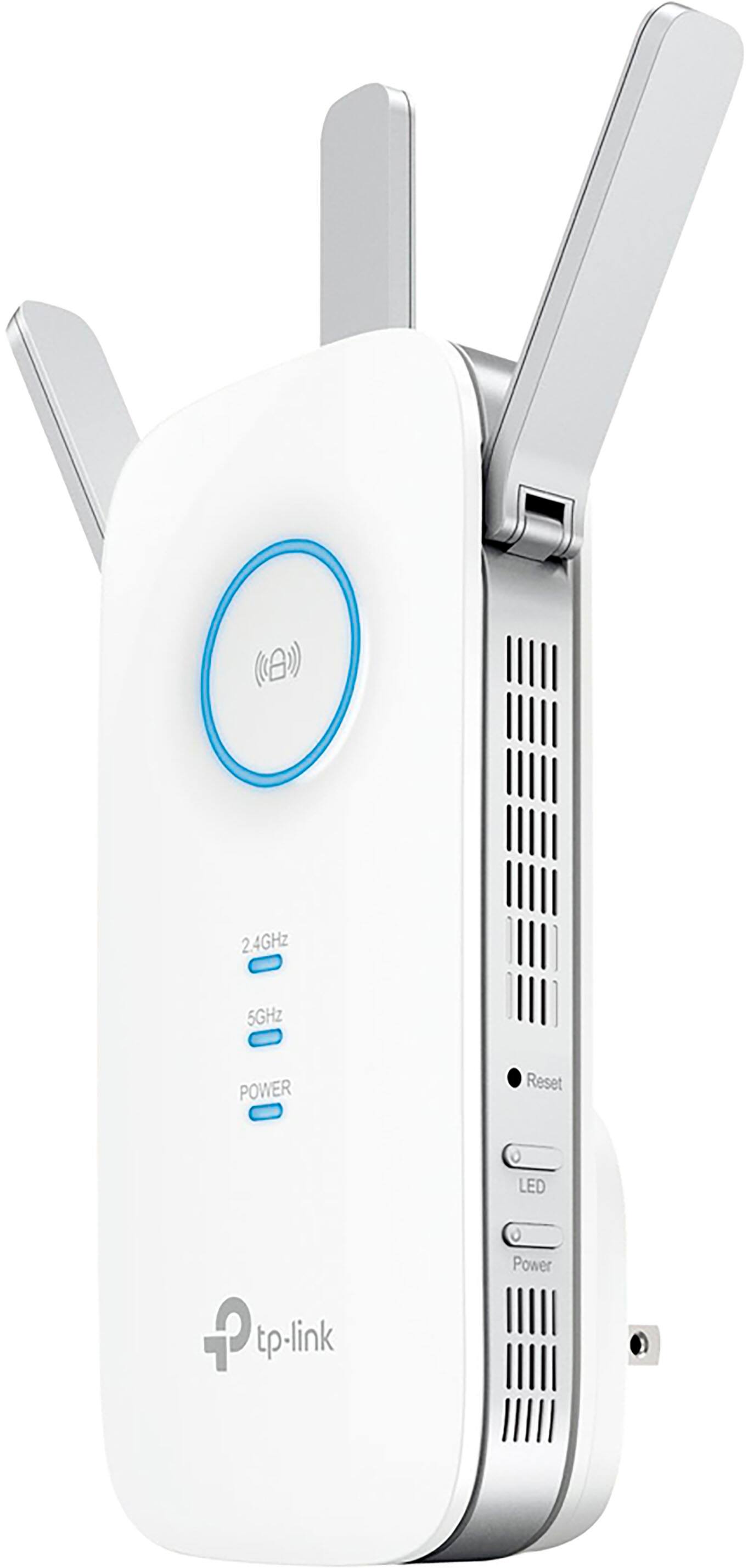

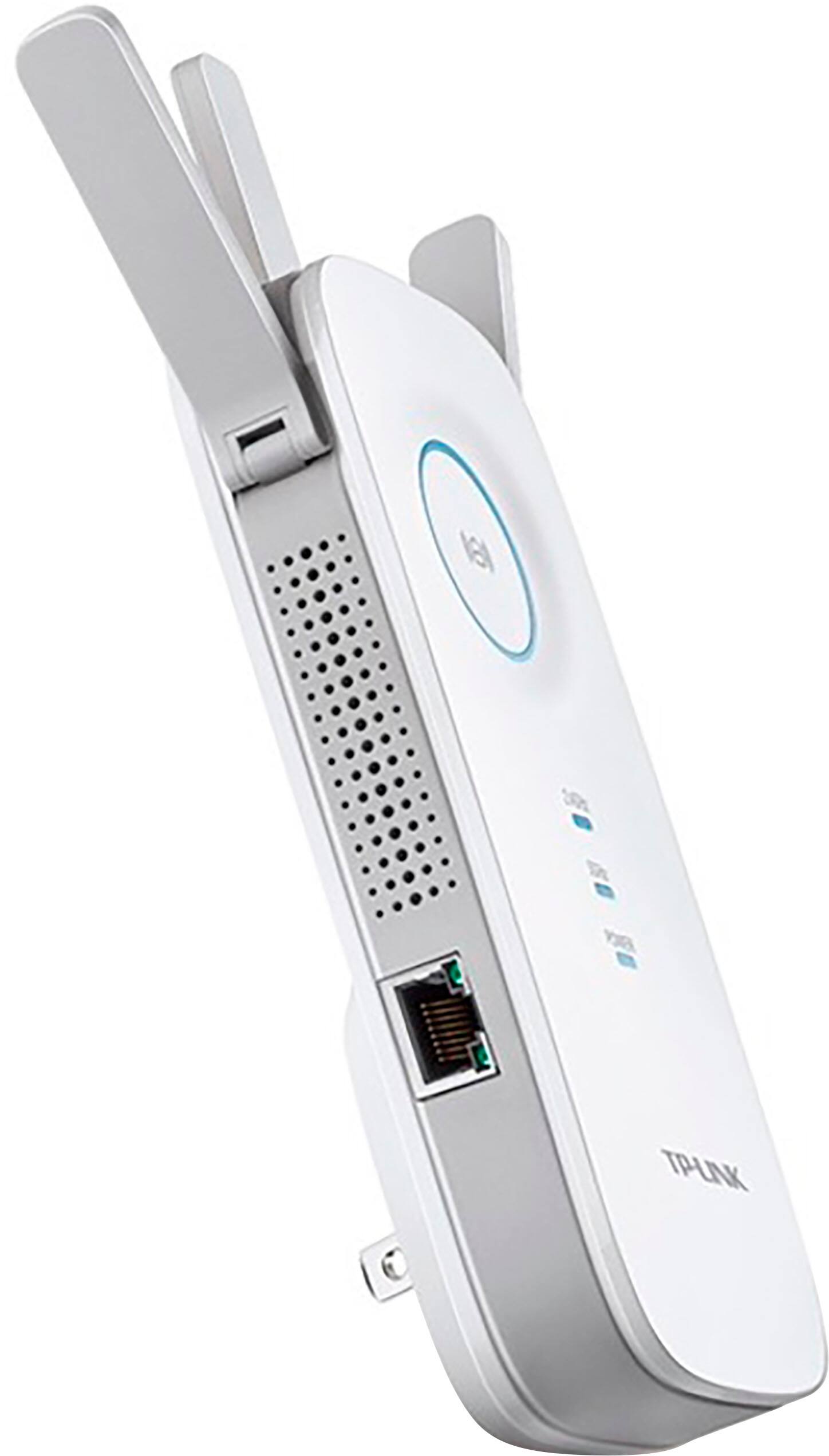
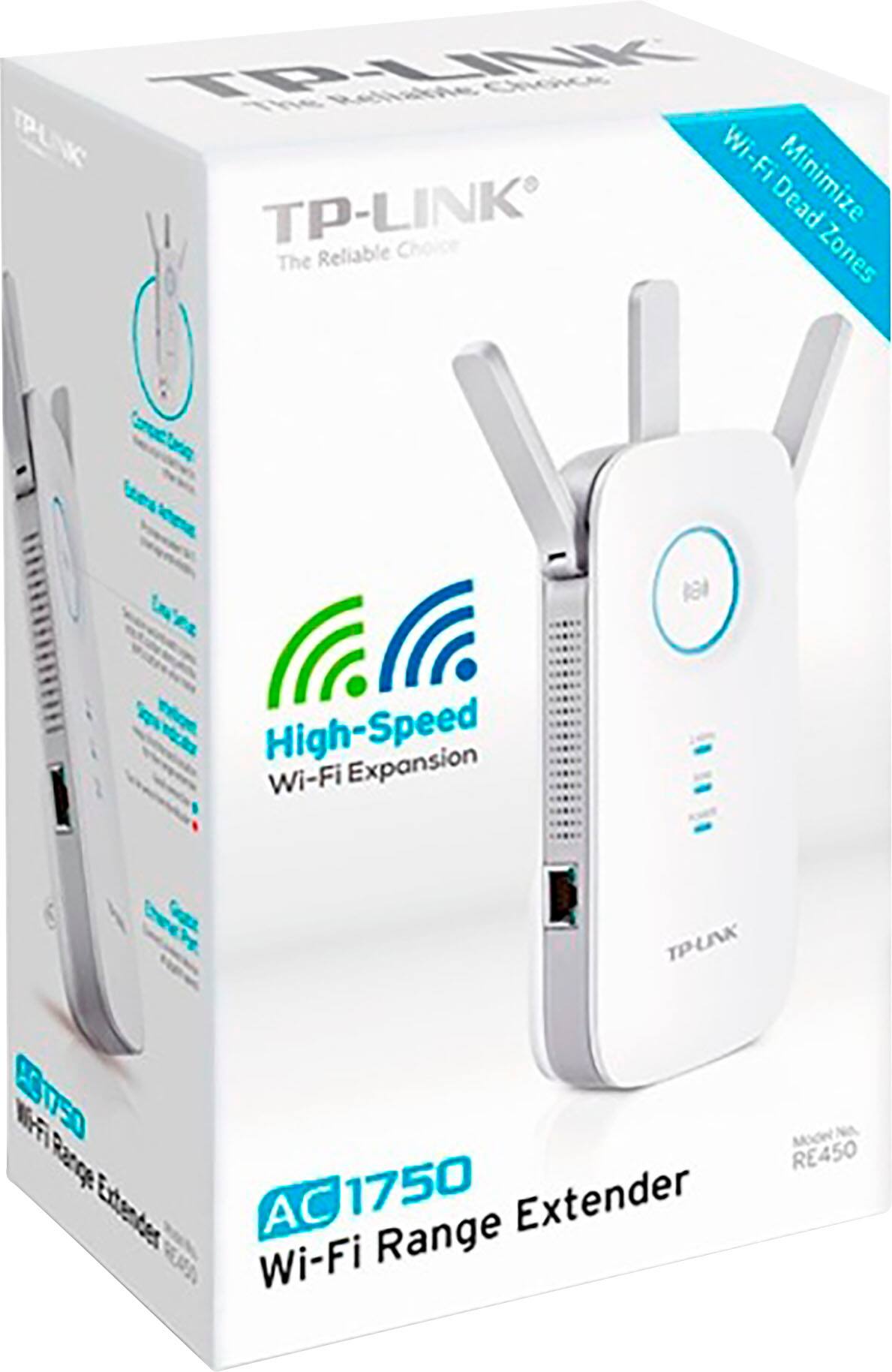

- Model:
- RE450
- SKU:
- 4403608
Rating by feature
- Value
Rating 4.3 out of 5 stars
- Quality
Rating 4.3 out of 5 stars
- Ease of Use
Rating 4.3 out of 5 stars
Customers are saying
Customers commend the product's excellent overall performance, highlighting significant improvements in connectivity, signal strength, and speed. Many users appreciate its extended range and coverage, which effectively resolves issues like dead spots. While some customers noted the physical size as a minor drawback, the setup process was generally considered straightforward.
This summary was generated by AI based on customer reviews.
Hated It
||Posted . Owned for 1 month when reviewed.This reviewer received promo considerations or sweepstakes entry for writing a review.I bought this device to extend my Wifi and it interferes with my signal instead. If I didn't throw away the box already I would take it back. Terrible buy.
No, I would not recommend this to a friendBrand response from TPLinkSupport
Posted .Hi,
If you haven't noticed a significant improvement in WiFi coverage after installing the extender, we recommend relocating the unit to a position within your home where the router's WiFi signal is sufficiently strong; yet far enough from the router to effectively extend its range. Please verify the RE status LED is indicating a solid connection.
We also recommend ensuring the extender's firmware is fully up to date using the steps outlined in our FAQ here: https://www.tp-link.com/us/support/faq/1406/
If you'd like assistance with any of these steps, please send an e-mail with your contact information and a link to this review to USSupportTeam@TP-Link.com and we'll gladly have a Support Agent follow up with you directly.
Best Regards,
TP-Link Support
Slow
||Posted . Owned for 2 weeks when reviewed.This reviewer received promo considerations or sweepstakes entry for writing a review.Its super slow and the regular wifi has better ranger and speed
No, I would not recommend this to a friendBrand response from TPLinkSupport
Posted .Hi,
Thank you for your review. If you haven't noticed a significant improvement in Wi-Fi coverage after installing the extender, we recommend relocating the unit to a position within your home where the router's Wi-Fi signal is sufficiently strong yet far enough from the router to extend its range effectively. Please verify the RE status LED is indicating a solid connection.
We also recommend ensuring the extender's firmware is fully up to date using the steps outlined in FAQ 1406 on our official website: https://www.tp-link.com/us/support/faq/1406/
If you would like assistance with any of these steps, please contact our support team using any of the resources included with the product or from our official website, and we'll gladly have a Support Agent follow up with you directly.
Thank you,
TP-Link Support
set up lousy
||Posted . Owned for less than 1 week when reviewed.This reviewer received promo considerations or sweepstakes entry for writing a review.set up not easy otherwise I would not be taking this back to best buy; key seems in stalling tether app could not do; other methods conbvoluted curse words
No, I would not recommend this to a friendBrand response from TPLinkSupport
Posted .Hi,
Thank you for your review. If you are experiencing difficulty connecting the extender to your router, we recommend setting up the device in the same room as your router, then relocating it after setup is complete. We also suggest re-verifying your router's Wi-Fi password during setup, or if using the WPS setup method, ensuring the WPS process is performed in the correct order. The extender's indicator LEDs will help you determine which position in your home is ideal.
We also highly recommend ensuring the extender's firmware is fully up to date using the steps outlined in FAQ 1406 on our official website. To locate this FAQ, visit our website and enter 1406 in the top-right search field, then click the corresponding FAQ in the search results.
If you would like assistance with any of these steps, please reach out to our free support team using any of the resources included with the product, or from our official website, and we'll gladly have a Support Agent follow up with you directly.
Thank you,
TP-Link Support
It defeats the purpose
||Posted . Owned for 3 months when reviewed.This reviewer received promo considerations or sweepstakes entry for writing a review.It slowdown my internet speed when I’m using it to the point that I’m not even using it anymore!
No, I would not recommend this to a friendBrand response from TPLinkSupport
Posted .Hi,
Thank you for your review. Please bear in mind WiFi extenders utilize half-duplex transmission. As a result, throughput when connecting to the extender may be reduced when compared to the router. This is an industry standard for WiFi extenders and is not exclusive to TP-Link.
In your case, we recommend relocating the unit to a position in your home where the router's WiFi signal is sufficiently strong; yet far enough from the router to effectively extend its range. Please verify the RE status LED is indicating a solid connection.
If you'd like assistance with any of these steps, please reach out to our support team using any of the available resources on our official website and we'll gladly assist you.
Best Regards,
TP-Link Support
Did not deliver as scheduled
||Posted . Owned for 3 weeks when reviewed.This reviewer received promo considerations or sweepstakes entry for writing a review.Did not deliver as scheduled We were scheduled to deliver on Friday, February 7 and for whatever reason now it’s Monday the 10th not very happy
No, I would not recommend this to a friendNot a good product.
||Posted . Owned for 1 year when reviewed.This reviewer received promo considerations or sweepstakes entry for writing a review.Has not worked from day one. A waste of money. Not recommended.
No, I would not recommend this to a friendBrand response from TPLinkSupport
Posted .Hi BobF,
Thank you for your review. If you haven't noticed a significant improvement in WiFi coverage and stability after installing the extender, we recommend relocating the unit to a position in your home where the router's WiFi signal is sufficiently strong; yet far enough from the router to effectively extend its range.
We also recommend ensuring the extender's firmware is fully up to date, as shown in our FAQ here: https://www.tp-link.com/us/support/faq/1406/
If you'd like assistance with any of these steps, please send an e-mail with your contact information and a link to this review to USsupport@TP-Link.com and we'll gladly have a Support Agent follow up with you directly.
Best Regards,
TP-Link Support
USsupport@TP-Link.com
I wouldn't recommend.
||Posted . Owned for 3 weeks when reviewed.This reviewer received promo considerations or sweepstakes entry for writing a review.Never could get it to work and contacting the Geek Squad number didn't help.
No, I would not recommend this to a friendBrand response from TPLinkSupport
Posted .I would suggest contacting our support team @ https://www.tp-link.com/us/support/contact-technical-support/ for assistance.
Poor product
||Posted . Owned for 1 month when reviewed.This reviewer received promo considerations or sweepstakes entry for writing a review.This product was a poor investment. I would not recommend this product to anyone. Poor quality product.
No, I would not recommend this to a friendBrand response from TPLinkSupport
Posted .Hi,
If you haven't noticed a significant improvement in WiFi coverage after installing the extender, we recommend relocating the unit to a position within your home where the router's WiFi signal is sufficiently strong; yet far enough from the router to effectively extend its range. Please verify the RE status LED is indicating a solid connection.
We also recommend ensuring the extender's firmware is fully up to date using the steps outlined in our FAQ here: https://www.tp-link.com/us/support/faq/1406/
If you would like assistance with any of these steps, please reach out to our free support team using any of the resources included with the product, or from our official website, and we'll gladly have a Support Agent follow up with you directly.
Thank you,
TP-Link Support
did nothing for me
||Posted . Owned for 3 weeks when reviewed.This reviewer received promo considerations or sweepstakes entry for writing a review.Have Verizon Fios. Did nothing to boost range. returned
No, I would not recommend this to a friendBrand response from TPLinkSupport
Posted .Hi,
If you haven't noticed a significant improvement in Wi-Fi coverage after installing the extender, we recommend relocating the unit to a position within your home where the router's Wi-Fi signal is sufficiently strong; yet far enough from the router to effectively extend its range. Please verify the RE status LED is indicating a solid connection.
We also recommend ensuring the extender's firmware is fully up to date using the steps outlined in FAQ 1406 on our official website. To locate this FAQ, visit our website and enter 1406 in the top-right search field, then click the corresponding FAQ in the search results.
If you'd like assistance with any of these steps, please reach out to our free support team using any of the resources included with the product, or from our official website, and we'll gladly have a Support Agent follow up with you directly.
Thank you,
TP-Link Support
Look elsewhere
||Posted . Owned for 1 month when reviewed.This reviewer received promo considerations or sweepstakes entry for writing a review.Plain awful. No improvement or support. Of product
No, I would not recommend this to a friendBrand response from TPLinkSupport
Posted .Hi,
If you haven't noticed a significant improvement in WiFi coverage after installing the extender, we recommend relocating the unit to a position within your home where the router's WiFi signal is sufficiently strong; yet far enough from the router to effectively extend its range. Please verify the RE status LED is indicating a solid connection.
We also recommend ensuring the extender's firmware is fully up to date using the steps outlined in FAQ 1406 on our official website: https://www.tp-link.com/us/support/faq/1406/
If you'd like assistance with any of these steps, please reach out to our free support team using any of the resources included with the product, or from our official website, and we'll gladly have a Support Agent follow up with you directly.
Thank you,
TP-Link Support
did not help
||Posted .This reviewer received promo considerations or sweepstakes entry for writing a review.Not as advertised. Had to return because did not help Wi-Fi in other side of house.
No, I would not recommend this to a friendBrand response from TPLinkSupport
Posted .Hi j7j0,
If you haven't noticed a significant improvement in Wi-Fi coverage after installing the extender, we recommend relocating the unit to a position in your home where the router's Wi-Fi signal is sufficiently strong; yet far enough from the router to effectively extend its range. Please verify the “RE” status LED is indicating a solid connection.
We're sorry to hear you decided to return the extender; we would've greatly appreciated the opportunity to assist you. For future reference, our Support Team is always happy to listen, and answer any questions you might have about our products. Please feel free to e-mail USSupportTeam@TP-Link.com and we'll gladly have a Support Agent follow up with you directly.
Best Regards,
TP-Link Customer Support
- Pros mentioned:Range, Signal strength
Nice boost!
Posted .This reviewer received promo considerations or sweepstakes entry for writing a review.Great boost. I'm reading up to 150 mbps and I think my max speed is 300. It travels far too. Only thing that didn't work well was finding my wifi. After changing the bandwidth on my router all works great! Good price for what you get.
I would recommend this to a friend - Pros mentioned:Connectivity, Signal strength
Great Extender
Posted .This reviewer received promo considerations or sweepstakes entry for writing a review.This is a review of a free product received by TP-LINK as part of the review program. This device is great if you have a dead zone in your home where you just cannot get a Wi-Fi signal. It is easy to use and simple to setup and took no more than 5 minutes to do. Once you set it up you can basically plug it anywhere in your house and use to extend the Wi-Fi signal there thus eliminating the dead zone. You can also plug a device into it using and Ethernet wire to connect to the internet if the device does not have Wi-Fi capabilities. The only problem that I have found with this product is that even if you plug it into the top outlet then it will still cover enough of the bottom one to make it not usable.
I would recommend this to a friend - Pros mentioned:Connectivity, Range
Not Just a Range Extender, A Problem Solver!
Posted .This reviewer received promo considerations or sweepstakes entry for writing a review.This is a review of a free product received by TP-LINK as part of the review program. In today's world of connencted everything, maintaining reliable connectivity everywhere in your home has become more important than ever. Few things are as irritating as being in the middle watching a YouTube video, downloading a file or streaming something to have it cut out or stutter due to a dead zone. Me personally, I am using a Nexus 6P with Google's Project Fi cell service. One of the main features of Fi is that it will route all your voice traffic over your home WiFi to always ensure the best possible quality. So if I walk through the house & outside I risk call issues due to coverage issues and/or dead zones. Placing the RE450 in my living room eliminated this issue & now I never have an issue or a worry! Another issue the RE450 resolved was with my satellite DVR. In order to use the OnDemand (and/or "start over") features, the DVR has to be online. Although the DVR supports 802.11n, the connection can be flakey at times. It works tremendously better wired, but the only way to do that is via PowerLine. The RE450 is not just a Range Extender, it also has an Ethernet port on the side which can be used for an adapter as well! After connecting the DVR up to the RE450, I was able to speed through the online setup & my problem is no more! Lastly I have to mention the setup process, it is extremely easy. Another awesome feature is the Extender can duplicate your existing WiFi setup, therefore eliminating the need to make any changes to your devices. You just keep working as normal! Great product, small form factor, a total win win!
I would recommend this to a friend Drops off after a month
||Posted . Owned for 1 month when reviewed.This reviewer received promo considerations or sweepstakes entry for writing a review.Worked fine for a month, now it drops off almost every day. Need to either unplug or reset the extender to my router. Very frustrating. Best Buy only allows return within two weeks.
No, I would not recommend this to a friendBrand response from TPLinkSupport
Posted .Hi,
Thank you for your review. In your case, we recommend relocating the unit to a position within your home where the router's Wi-Fi signal is sufficiently strong; yet far enough from the router to effectively extend its range. Please verify the RE status LED is indicating a solid connection.
We also recommend ensuring the extender's firmware is fully up to date using the steps outlined in FAQ 1406 on our official website: https://www.tp-link.com/us/support/faq/1406/
If you would like assistance with any of these steps, please reach out to our free support team using any of the resources included with the product, or from our official website, and we'll gladly have a Support Agent follow up with you directly.
Thank you,
TP-Link Support
Super Router, TP-LINK C2600
Posted .This reviewer received promo considerations or sweepstakes entry for writing a review.Have needed a new router for some time. Older NetGear couldn't handle 100meg. Researched main brands and very disturbed by reliability issues per reviews. Last week decided to think outside the Linksys, Netgear box. Looked at TP-Link and saw many 5 star reviews. Checked out the C2600 and it seemed above the others. Ordered it from BB because of ease of return if any problems. Tested download speed for a benchmark before installation. Installed w/o any difficulties. My HP network printer wouldn't find the SSID for some reason and had to USB cable it for set up. Not sure what was at fault. Once done things were back to normal. Tested an older Dell laptop for the wireless and it worked. The Dell has a slower network adapter so I couldn't determine speeds. All other connections are with CAT5. So, with it operational, I tested the download speed. 65 meg. That's a 50% improvement. But then I checked the firmware. It was dated 9/15 so I updated it w/o issue, even with the PC running other apps. Update went smooth and tested download speed. Ouch, ran 138 meg depending on where I tested from. All in all so far this router is a welcomed upgrade. Obviously have to wait on long term reliability. Hasn't hiccuped once so far. Nothing to test the MU-MIMO yet.
I would recommend this to a friend- Pros mentioned:Connectivity, Signal strength
Great internet booster
Posted .This reviewer received promo considerations or sweepstakes entry for writing a review.I get internet now in our back bedroom Before using this we always lost internet But now we have excellent signal
I would recommend this to a friend It worked!!
Posted .This reviewer received promo considerations or sweepstakes entry for writing a review.Purchased for my mother-in-law who had weak wifi in her kitchen area. Simple enought to install and we were able to increase wifi strength.
I would recommend this to a friend- Pros mentioned:Signal strength
Works
Posted .This reviewer received promo considerations or sweepstakes entry for writing a review.Full signal at back of my house. No more unstable network
I would recommend this to a friend - Pros mentioned:Signal strength
Strong cover dead spot of Internet
Posted .This reviewer received promo considerations or sweepstakes entry for writing a review.Its easy to use and install plus very strong internet for dead spot cover
I would recommend this to a friend