Customer Ratings & Reviews
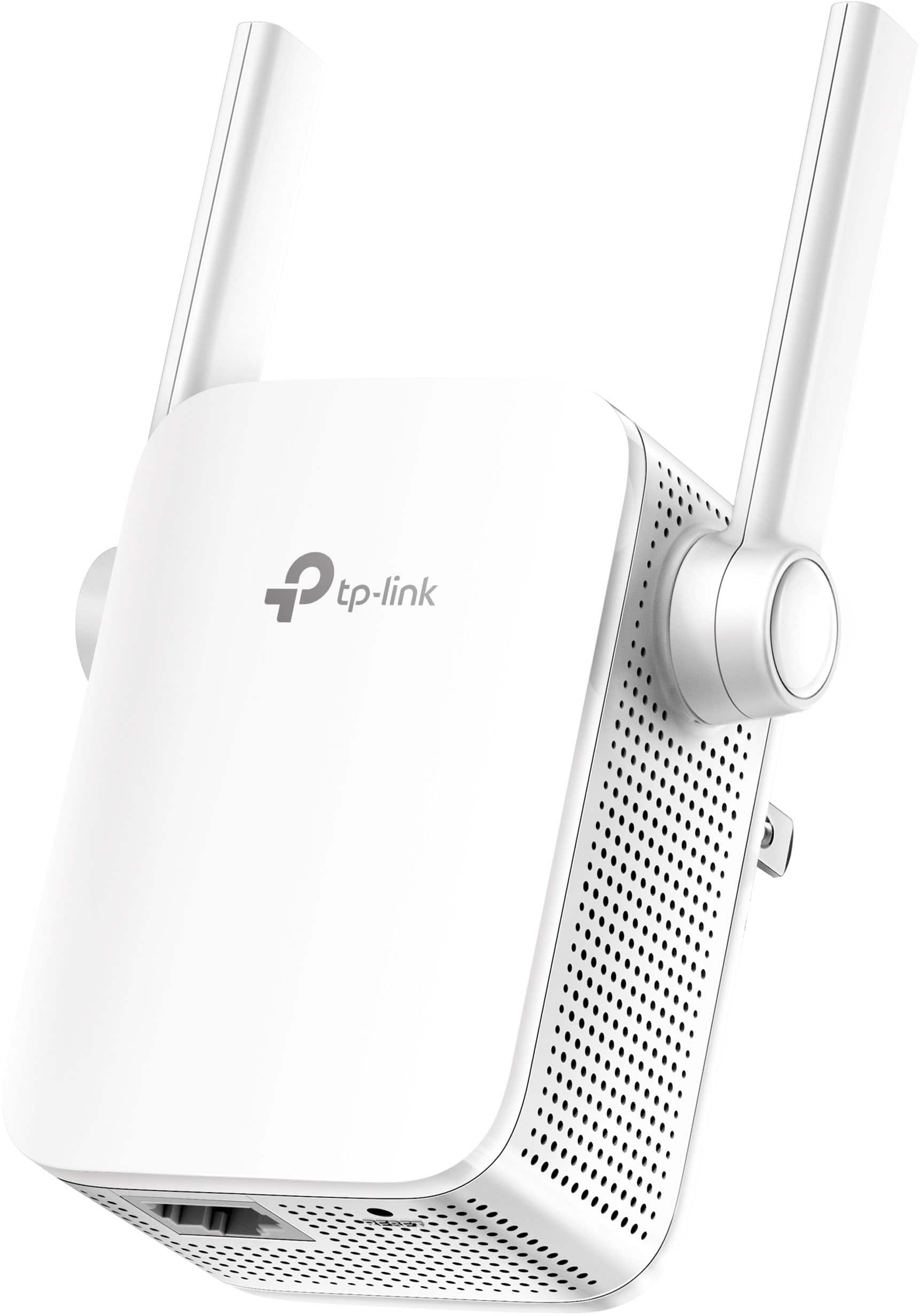
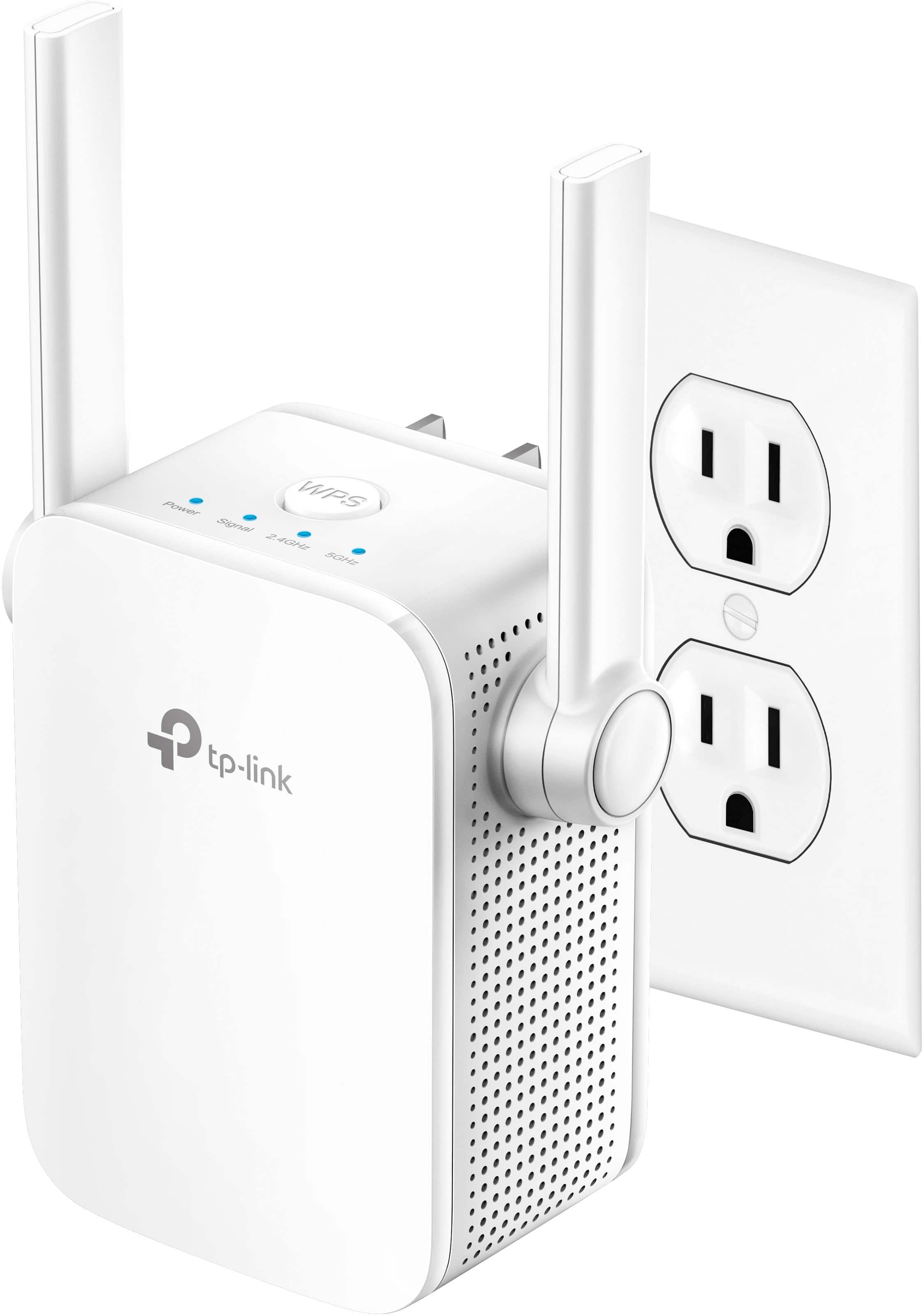
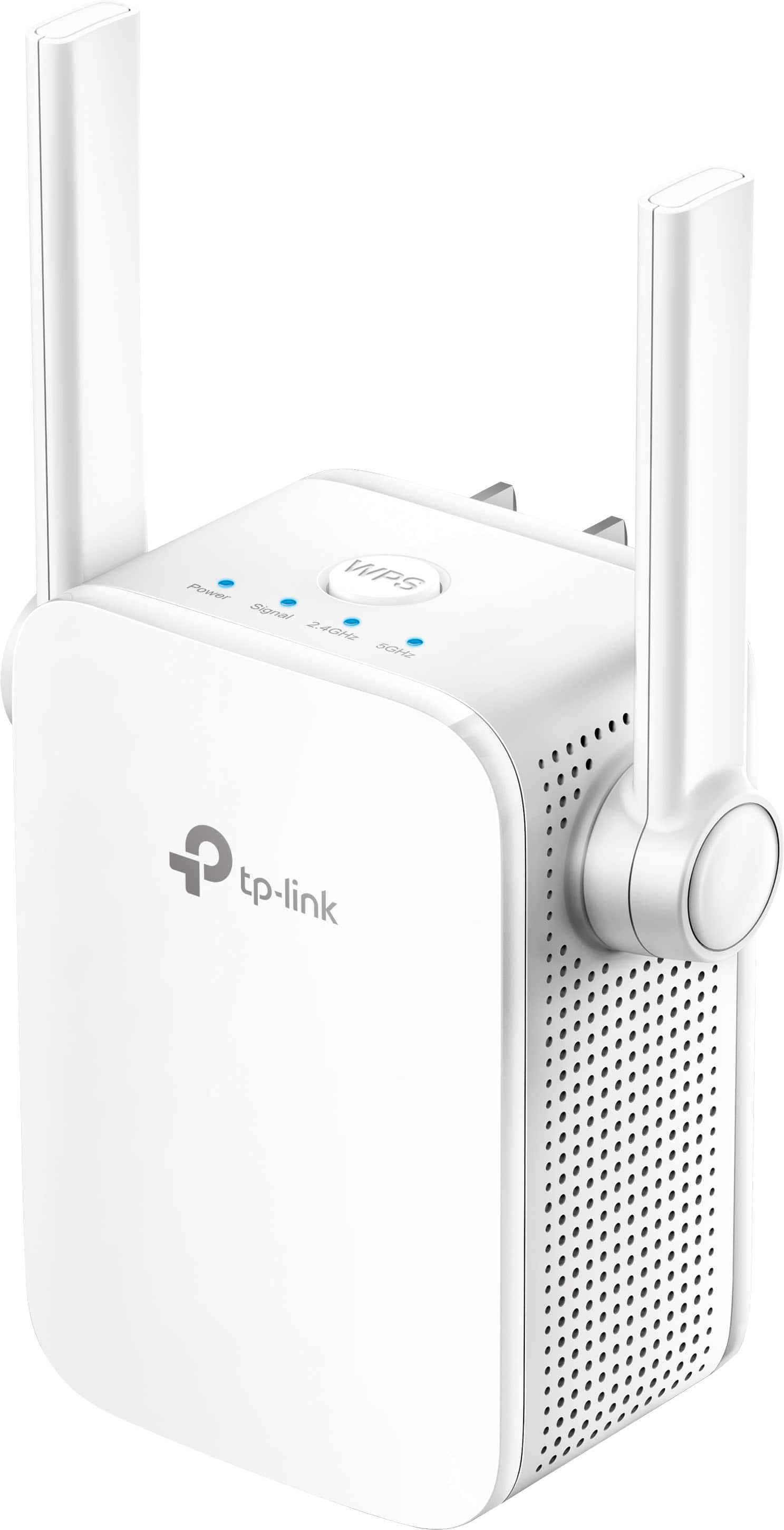

- Model:
- RE205
- SKU:
- 10839807
Rating by feature
- Value
Rating 4.3 out of 5 stars
- Quality
Rating 4.2 out of 5 stars
- Ease of Use
Rating 4.2 out of 5 stars
to a friend
Pure Mess
||Posted . Owned for 4 months when reviewed.This reviewer received promo considerations or sweepstakes entry for writing a review.This thing does not work. Read the instructions thoroughly and still could not get it to work. This was a gift for a friend and they were sad that day.
No, I would not recommend this to a friendBrand response from TPLinkSupport
Posted .Hi,
Thank you for your review. If you're experiencing difficulty connecting the extender to your router, we recommend setting up the device in the same room as your router, then relocating it after setup is complete. We also suggest re-verifying your router's WiFi password during setup, or if using the WPS setup method, ensuring the WPS process is performed in the correct order. The extender's indicator LEDs will help you determine which position in your home is ideal.
We also recommend ensuring the extender's firmware is fully up to date using the steps outlined in our FAQ here: https://www.tp-link.com/us/support/faq/1406/
If you'd like help with any of these steps, please send an e-mail with your contact information and a link to this review to USSupportTeam@TP-Link.com and we'll have a Support Agent follow up with you directly.
Best Regards,
TP-Link Support
Not worth it
||Posted .This reviewer received promo considerations or sweepstakes entry for writing a review.Doesn’t work. I ended up returning it since the speed actually reduced after connecting an extender.
No, I would not recommend this to a friendBrand response from TPLinkSupport
Posted .Hi,
Thank you for your review. Please bear in mind WiFi extenders utilize half-duplex transmission. As a result, throughput when connecting to the extender may be reduced when compared to the router. This is an industry standard for WiFi extenders and is not exclusive to TP-Link.
In your case, we recommend relocating the unit to a position in your home where the router's WiFi signal is sufficiently strong; yet far enough from the router to effectively extend its range. We also highly recommend ensuring the extender's firmware is fully up to date using the steps outlined in FAQ 1406 on our official website: https://www.tp-link.com/us/support/faq/1406/
If you would like assistance with any of these steps, please reach out to our free support team using any of the resources included with the product, or from our official website, and we'll gladly have a Support Agent follow up with you directly.
Thank you,
TP-Link Support
WiFi not extending
||Posted .This reviewer received promo considerations or sweepstakes entry for writing a review.There’s no change on my WiFi in the kitchen. I think it’s useless.too bad return period has passed.
No, I would not recommend this to a friendBrand response from TPLinkSupport
Posted .Hi,
If you haven't noticed a significant improvement in WiFi coverage after installing the extender, we recommend relocating the unit to a position within your home where the router's WiFi signal is sufficiently strong; yet far enough from the router to effectively extend its range. Please verify the RE status LED is indicating a solid connection.
We also recommend ensuring the extender's firmware is fully up to date using the steps outlined in our FAQ here: https://www.tp-link.com/us/support/faq/1406/
If you'd like assistance with any of these steps, please send an e-mail with your contact information and a link to this review to USSupportTeam@TP-Link.com and we'll gladly have a Support Agent follow up with you directly.
Best Regards,
TP-Link Support
Junk
||Posted . Owned for 3 months when reviewed.This reviewer received promo considerations or sweepstakes entry for writing a review.Doesn't work.......................................
No, I would not recommend this to a friendBrand response from TPLinkSupport
Posted .Hi,
If you haven't noticed a significant improvement in Wi-Fi coverage after installing the extender, we recommend relocating the unit to a position within your home where the router's Wi-Fi signal is sufficiently strong; yet far enough from the router to effectively extend its range. Please verify the RE status LED is indicating a solid connection.
We also recommend ensuring the extender's firmware is fully up to date using the steps outlined in FAQ 1406 on our official website: https://www.tp-link.com/us/support/faq/1406/
If you would like assistance with any of these steps, please reach out to our free support team using any of the resources included with the product, or from our official website, and we'll gladly have a Support Agent follow up with you directly.
Thank you,
TP-Link Support
didnt work with my service
||Posted .This reviewer received promo considerations or sweepstakes entry for writing a review.would not work with xfinity service would not recommend
No, I would not recommend this to a friendBrand response from TPLinkSupport
Posted .Hi,
Thank you for your review. If you are experiencing difficulty connecting the extender to your router, we recommend setting up the device in the same room as your router, then relocating it after setup is complete.
We also recommend ensuring the extender's firmware is fully up to date using the steps outlined in our FAQ here: https://www.tp-link.com/us/support/faq/1406/
We regret to hear you decided to return the extender. If you have any questions in the future, please send an e-mail USSupportTeam@TP-Link.com and we will have a Support Agent follow up with you directly.
Best Regards,
TP-Link Support
Not so good
||Posted .This reviewer received promo considerations or sweepstakes entry for writing a review.This unit did not work and we had to return it back to Best Buy.
No, I would not recommend this to a friendBrand response from TPLinkSupport
Posted .Hi Wifguru,
Thank you for your review. The RE205 WiFi Extender is designed to provide convenient, reliable AC750 WiFi extension for your home.
We're sorry to hear you returned the device; the RE205 comes with a 2-year warranty, and we would've appreciated the opportunity to help address your concerns. If you have any questions in the future, please feel free to email USSupportTeam@TP-Link.com and we'll gladly follow up.
Thank you,
TP-Link Support
USSupportTeam@TP-Link.com
https://community.tp-link.com
My Great Wi-Fi Investment
Posted .This reviewer received promo considerations or sweepstakes entry for writing a review.I am so pleased with this Wi-Fi booster. Frankly, I didn't realize that my original booster was failing until I got so many streaming interruptions and failures. The TP-Link was much easier to set up than the original booster. The booster has been nearly miraculous, especially with how much more quickly updates download and install on my electronic devices!
I would recommend this to a friendGood for price
Posted .This reviewer received promo considerations or sweepstakes entry for writing a review.It is good for wifi extension inside the home for not very big house. Also instruction manual could have been prepared better with little more detailed steps.
I would recommend this to a friendTp Link Wi-Fi Extender
Posted .This reviewer received promo considerations or sweepstakes entry for writing a review.Works well with an Ethernet cable connected from the extender to the computer. Before I used this my Wi-Fi would constantly completely go out and now I have a steady connection. Would recommend.
I would recommend this to a friendDecent router
Posted .This reviewer received promo considerations or sweepstakes entry for writing a review.Decent connections nothing to special. Worked well for me
I would recommend this to a friendBrand response from TPLinkSupport
Posted .Hi,
Thank you for your review. If you haven't noticed a significant improvement in Wi-Fi coverage after installing the extender, we recommend relocating the unit to a position within your home where the router's Wi-Fi signal is sufficiently strong; yet far enough from the router to effectively extend its range. Please verify the RE status LED is indicating a solid connection.
We also recommend ensuring the extender's firmware is fully up to date using the steps outlined in FAQ 1406 on our official website: https://www.tp-link.com/us/support/faq/1406/
If you would like assistance with any of these steps, please reach out to our support team using any of the resources included with the product, or from our official website, and we'll gladly have a Support Agent follow up with you directly.
Thank you,
TP-Link Support
May work for some but not me
Posted .This reviewer received promo considerations or sweepstakes entry for writing a review.I am not able to get this hooked up to my network.
No, I would not recommend this to a friendBrand response from TPLinkSupport
Posted .Hello Debs, We hope you were able to get it connected to your network but if not please reach out to support at support.usa@tp-link.com and our support team can assist you.
Doesn't have a secure connection
Posted .This reviewer received promo considerations or sweepstakes entry for writing a review.I purchased this elsewhere for triple the price and it will not give me a secured signal - i work for the govt so it is not useful at all for me
No, I would not recommend this to a friendBrand response from TPLinkSupport
Posted .Hi,
Thank you for your review. The Wi-Fi extender will adopt the same encryption used by the root network. Please ensure your Wi-Fi router is using secure encryption, and that the Wi-Fi extender's firmware is fully up to date using the steps in FAQ 1406 on our official TP-Link website: https://www.tp-link.com/us/support/faq/1406/
Our support team is always happy to help answer any questions you may have about our products. Please feel free to reach out using any of the resources included with the product, or from our official website, and we'll gladly have a Support Agent follow up with you directly.
Thank you,
TP-Link Support