Customer Ratings & Reviews
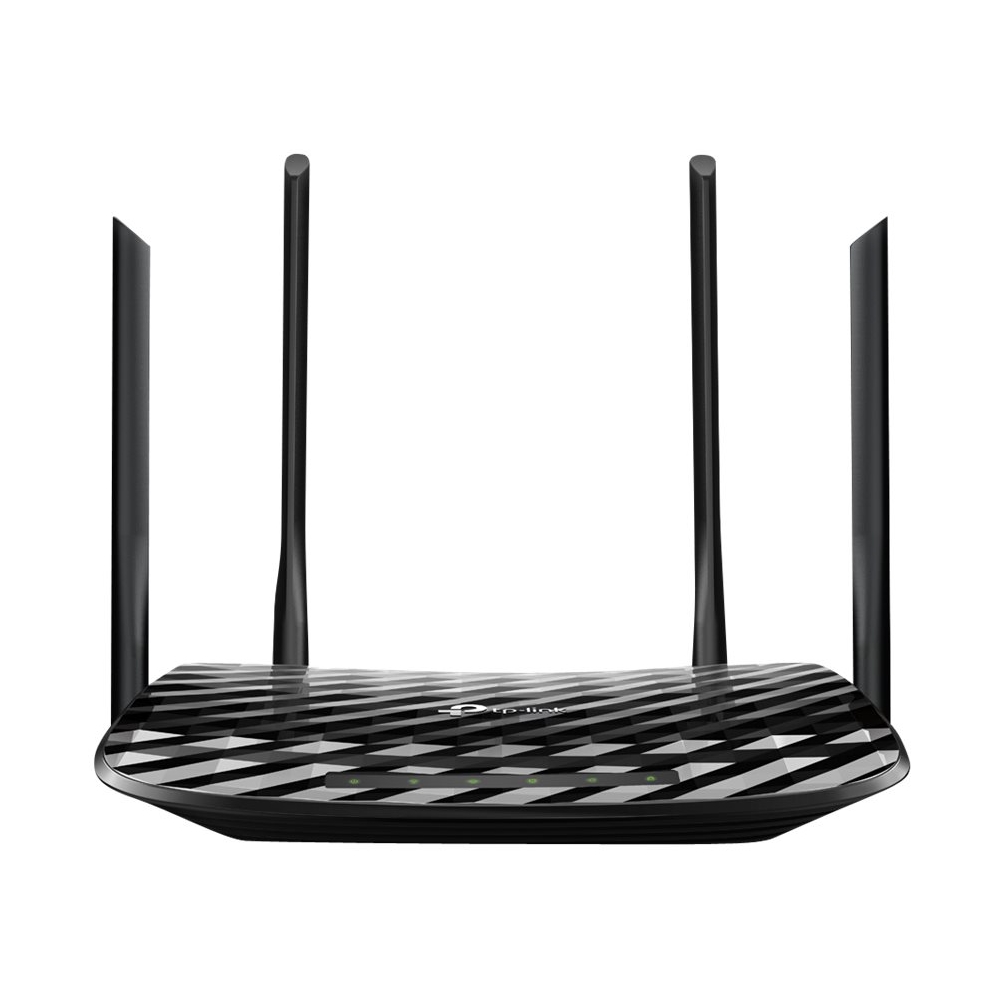
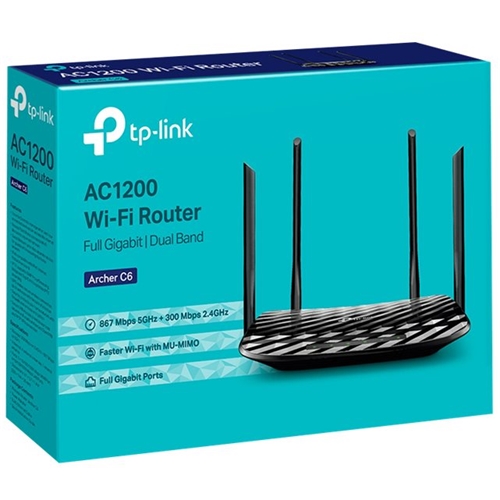
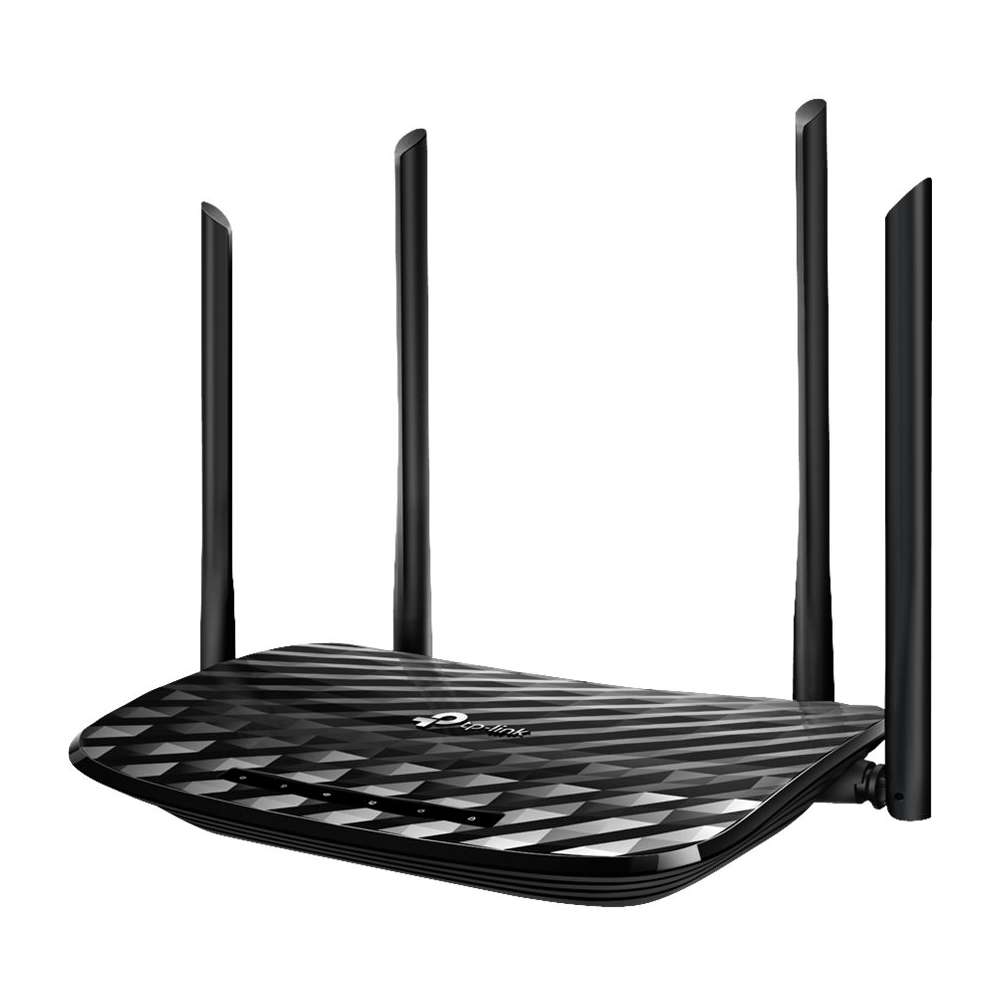
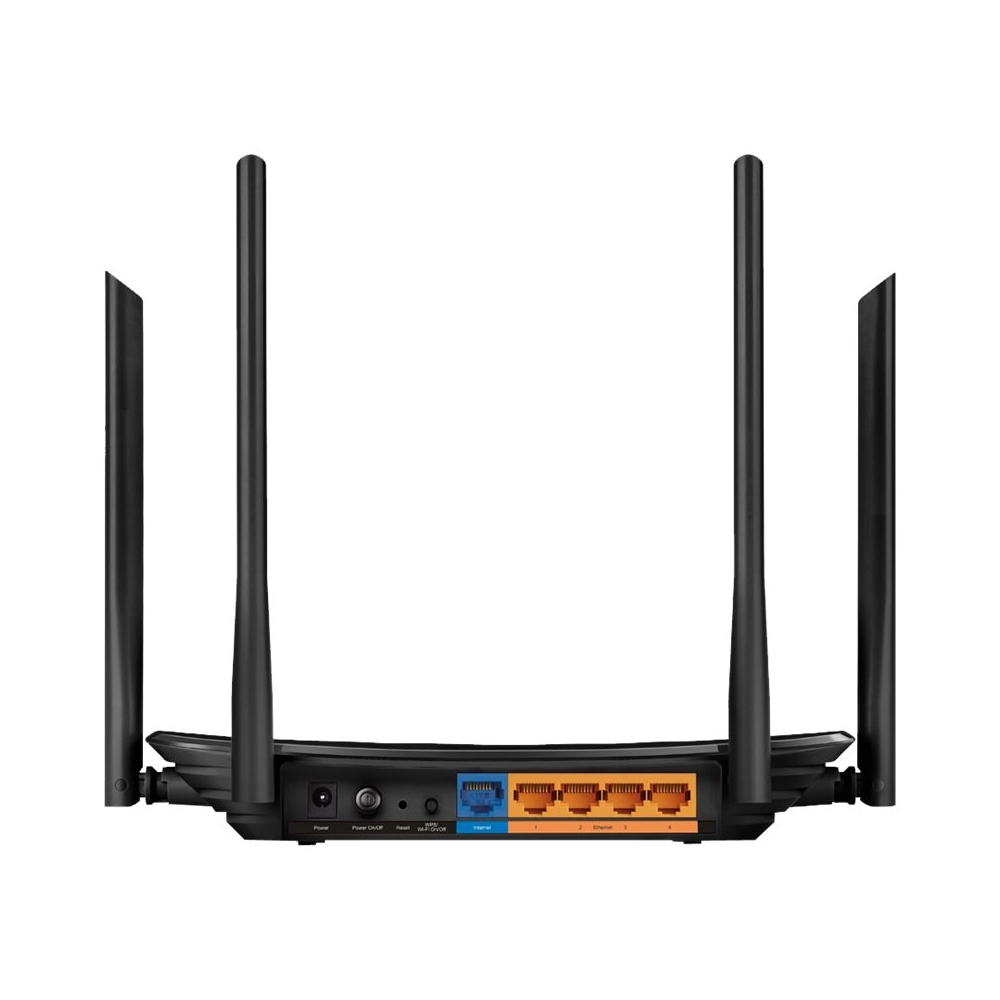
- Model:
- ARCHER C6
- SKU:
- 6345931
Rating by feature
- Setup
Rating 4.5 out of 5 stars
- Range
Rating 4.8 out of 5 stars
- Signal Strength
Rating 4.8 out of 5 stars
Customers are saying
Customers are enthusiastic about the Archer AC1200 Dual-Band Wi-Fi Router's ease of use, strong and consistent signal, and excellent range and coverage. Many appreciate its performance with multiple devices and consider it a great value for the price. The simple setup process is also frequently praised. Overall, the router receives positive feedback for its ability to improve Wi-Fi connectivity throughout the home.
This summary was generated by AI based on customer reviews.
Archer ac1200
||Posted . Owned for 3 weeks when reviewed.This reviewer received promo considerations or sweepstakes entry for writing a review.It was defective because it would not connect with the modem kept telling me that it was not connected and that was a bad connection. My other router was working with no connection problem
No, I would not recommend this to a friendWaste
||Posted . Owned for 9 months when reviewed.This reviewer received promo considerations or sweepstakes entry for writing a review.Very dissatisfied, had to return it. It's predecessor worked better and was cheaper.
No, I would not recommend this to a friendBrand response from TPLinkSupport
Posted .Hi,
Thank you for your review. To ensure the best possible signal, it is important to make sure placement is as optimal as possible. Reducing obstructions and placing the router in a central location will help ensure your signal reaches the areas you need.
To ensure optimal performance of your wireless router please check, and if needed, update its firmware using the steps outlined in FAQ 2139 on our official website. To locate this FAQ, visit our website and enter 2139 in the top-right search field, then click the corresponding FAQ in the search results.
We regret to hear you ultimately decided to return the router. If you have any questions or would like assistance with TP-Link products in the future, please reach out to our free support team using any of the resources included with the product, or from our official website, and we'll gladly have a Support Agent follow up with you directly.
Thank you,
TP-Link Support
Router
||Posted . Owned for 3 weeks when reviewed.This reviewer received promo considerations or sweepstakes entry for writing a review.I’m sure it works great but it was a mistake purchase. I needed a modem and not a router
I would recommend this to a friendRouter is trash
||Posted . Owned for 1 month when reviewed.This reviewer received promo considerations or sweepstakes entry for writing a review.Worst router constantly have to reset don’t waste your time.
No, I would not recommend this to a friendBrand response from TPLinkSupport
Posted .Hi,
Wireless signal and connection can be optimized in multiple ways to ensure you get the most out of your router. To ensure optimal performance of your wireless router please check, and if needed, update its firmware using the steps outlined in our FAQ: https://www.tp-link.com/us/faq-2139.html
If you would like assistance with any of these steps, please reach out to our free support team using any of the resources included with the product, or from our official website, and we'll gladly have a Support Agent follow up with you directly.
Thank you,
TP-Link Support
fake
||Posted . Owned for 1 week when reviewed.This reviewer received promo considerations or sweepstakes entry for writing a review.literally a** i can't use if my wifi go out don't buy please
No, I would not recommend this to a friendBrand response from TPLinkSupport
Posted .Hi,
Thank you for your review. To ensure the best possible signal, it is important to make sure placement is as optimal as possible. Reducing obstructions and placing the router in a central location will help ensure your signal reaches the areas you need.
To ensure optimal performance of your wireless router please check, and if needed, update its firmware using the steps outlined in FAQ 2139 on our official website: https://www.tp-link.com/us/support/faq/2139/
If you would like assistance with any of these steps, please reach out to our free support team using any of the resources included with the product, or from our official website, and we'll gladly have a Support Agent follow up with you directly.
Thank you,
TP-Link Support
Fast speeds at a great price
Posted .This reviewer received promo considerations or sweepstakes entry for writing a review.Fast wireless and wired plugs are fast as well can do gigabit speeds at both worth having
I would recommend this to a friend