Customer Ratings & Reviews
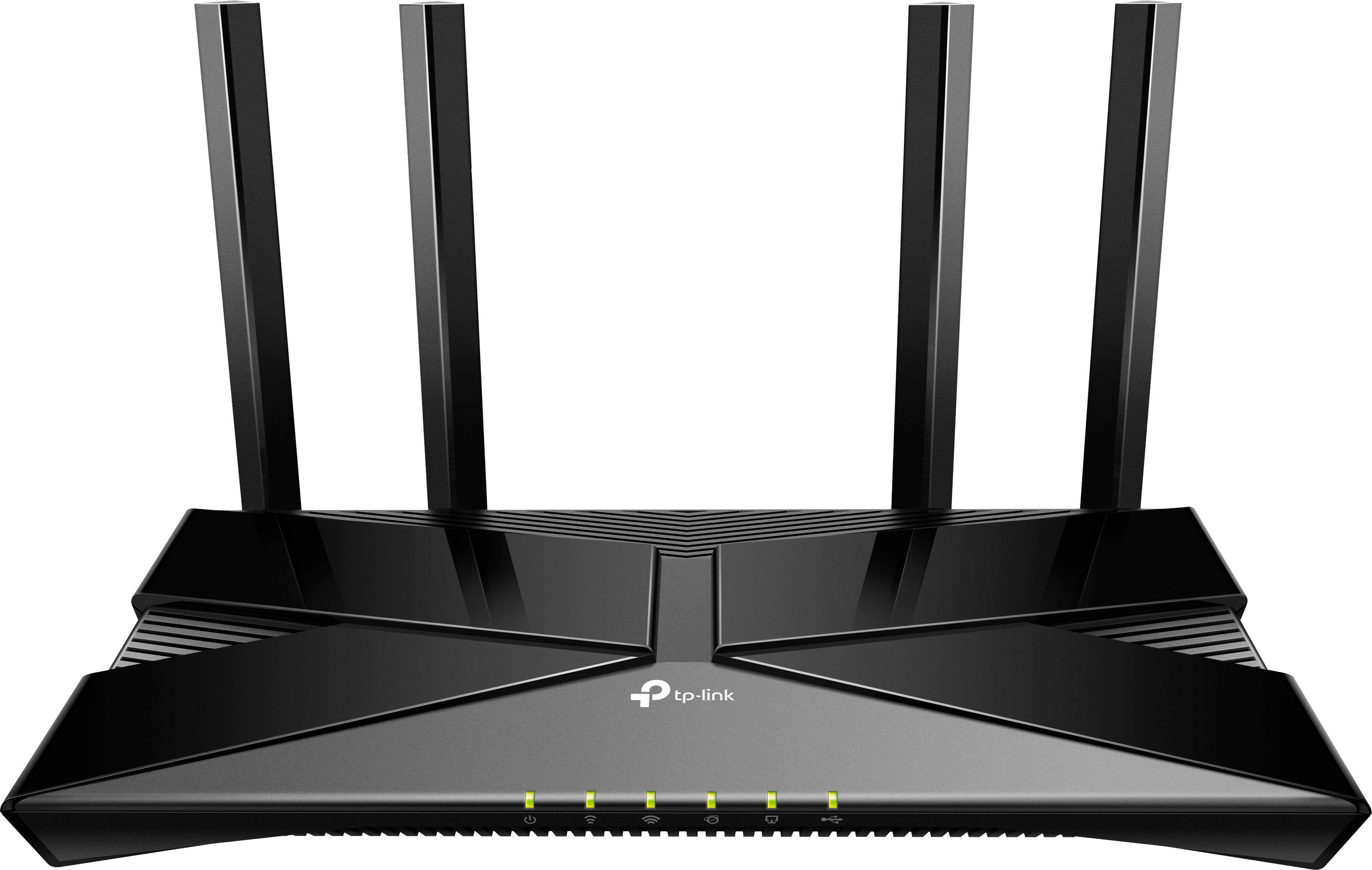
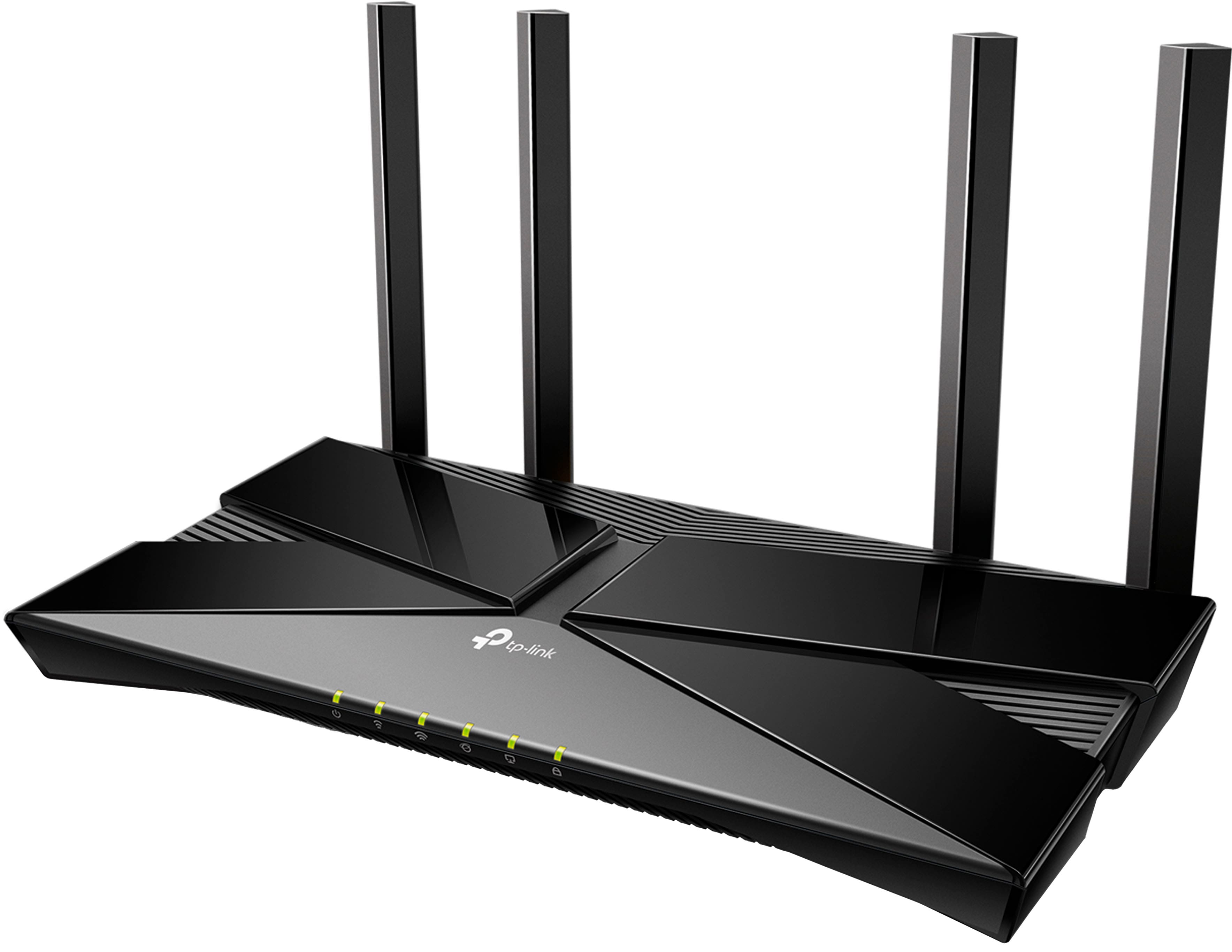

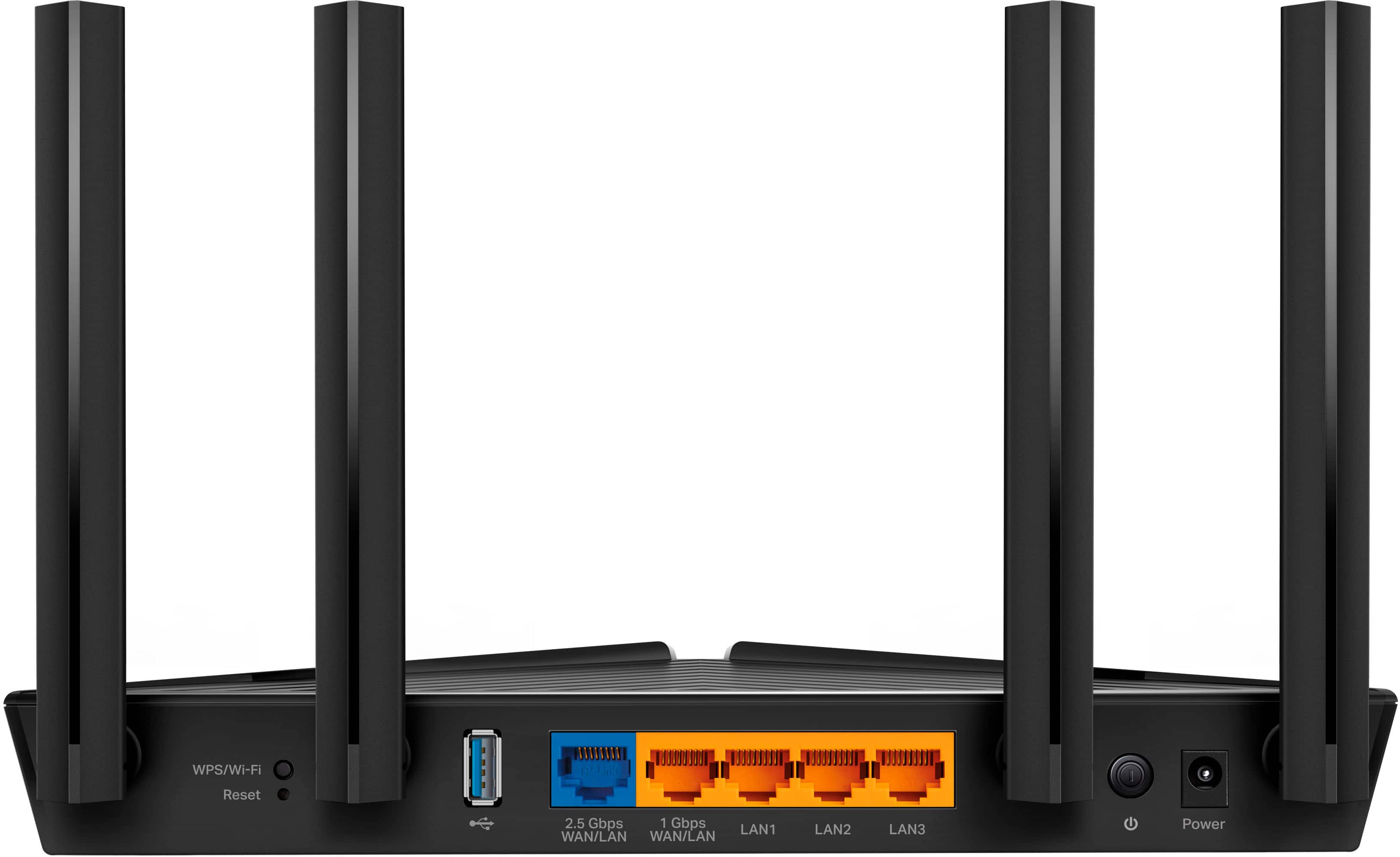
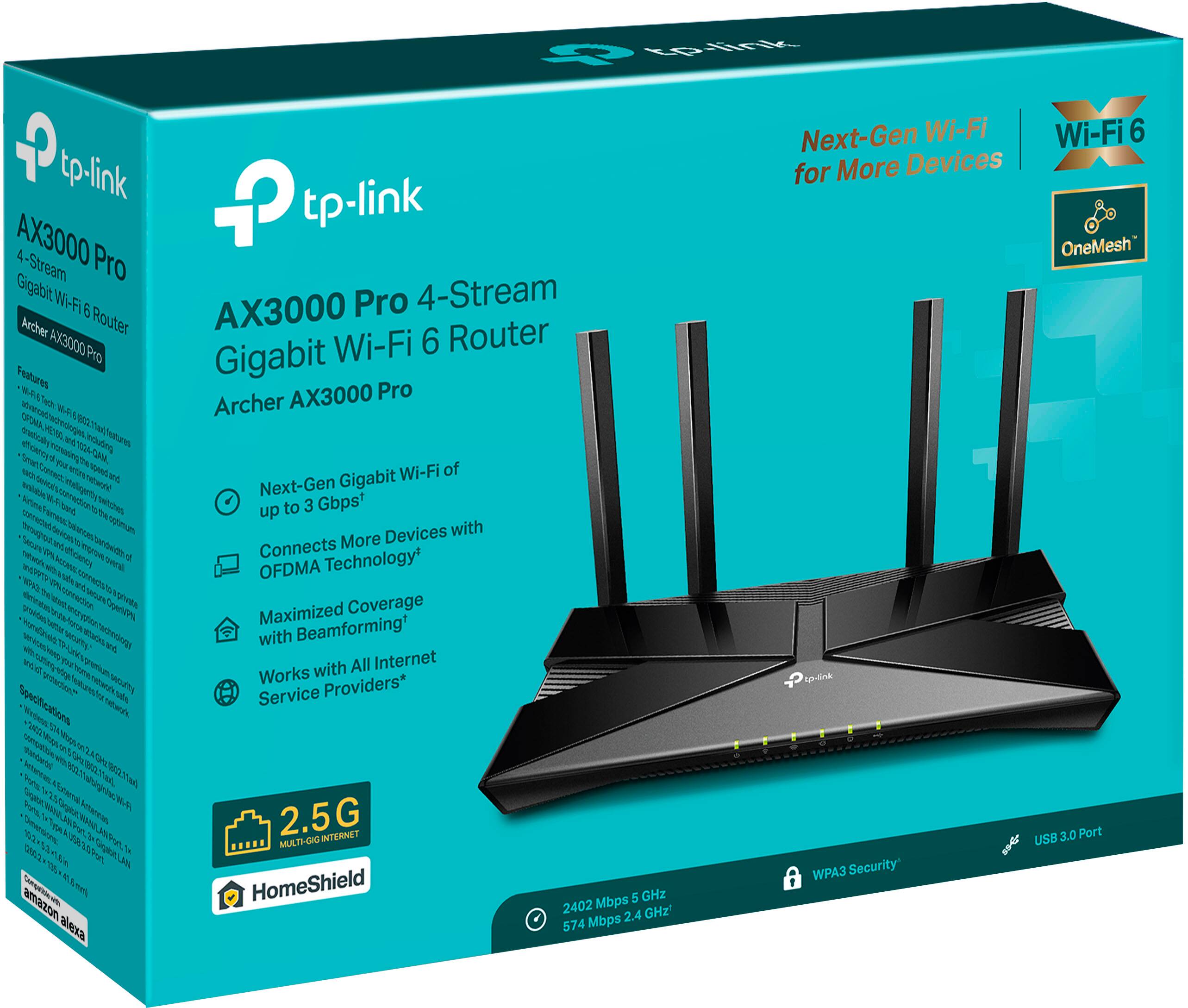

- Model:
- Archer AX3000 Pro
- SKU:
- 6502056
Rating by feature
- Setup
Rating 4.7 out of 5 stars
- Range
Rating 4.7 out of 5 stars
- Signal Strength
Rating 4.7 out of 5 stars
Customers are saying
Customers are impressed with the Archer AX3000 Pro Dual-Band Wi-Fi 6 Router, particularly its ease of use and seamless performance. Many users have reported improved WiFi speed, quick setup, and excellent range and coverage throughout their homes. While some users experienced issues such as buffering and lag, the router generally provides better connectivity for all devices at a good price.
This summary was generated by AI based on customer reviews.
Pretty good
||Posted . Owned for 3 weeks when reviewed.This reviewer received promo considerations or sweepstakes entry for writing a review.Works well, wireless doesn't reach super far. Has a hard time reaching our TV down the hall from the router.
I would recommend this to a friendRecommended
||Posted . Owned for 3 weeks when reviewed.This reviewer received promo considerations or sweepstakes entry for writing a review.This is a excellent product, highly recommended, it has vpn server and client.
I would recommend this to a friend- Cons mentioned:Security
Returned it
||Posted .This reviewer received promo considerations or sweepstakes entry for writing a review.Had to return it. Apparently, these do not come with security software anymore, so in order for it to work, you have to call Netgear and add it to $60 every three months. You can take this router and stick it!!!
No, I would not recommend this to a friendBrand response from TPLinkSupport
Posted .Hello Graham
This is a TP-Link Router, not a Netgear. Are you sure the review is for the correct product?
It's ok I'm an IT professional
||Posted . Owned for 1.5 years when reviewed.This reviewer received promo considerations or sweepstakes entry for writing a review.It's good if you have a very standard use case but the access point mode lacks basic features that many power users will find annoying. No ability to set vlan on guest networks for example.
I would recommend this to a friendBrand response from TPLinkSupport
Posted .Hi RussellW,
Thank you for your review. The Archer AX3000 Pro offers features including Guest Networking, and the ability to separate devices on the Guest Network from the main network. If you are looking for more enterprise-level configuration options, such as advanced VLAN settings, we suggest considering our Omada product line.
Our support team is always happy to answer any questions about our products. Please feel free to reach out using any of the resources included with the product, or from our official website, and we'll gladly have a Support Agent follow up with you directly.
Thank you,
TP-Link Support
Modem
||Posted . Owned for 3 weeks when reviewed.This reviewer received promo considerations or sweepstakes entry for writing a review.Excellent sore service. Easy to find and purchase!
I would recommend this to a friendtitle
||Posted . Owned for 1 month when reviewed.This reviewer received promo considerations or sweepstakes entry for writing a review.it works OK , but oddly sometimes callers complain of call breaking uo until I move phone to other side of my desk.
I would recommend this to a friendWorks great
||Posted . Owned for 3 months when reviewed.This reviewer received promo considerations or sweepstakes entry for writing a review.Great router. Fast as your ISP allows it to be. Sweeet
I would recommend this to a friendrouter
||Posted . Owned for 3 weeks when reviewed.This reviewer received promo considerations or sweepstakes entry for writing a review.excellent router - has great range - very satisfied
I would recommend this to a friendPricey
||Posted . Owned for 3 weeks when reviewed.This reviewer received promo considerations or sweepstakes entry for writing a review.Great product hope it last longer than 2 years at this price
I would recommend this to a friend- Pros mentioned:Range, Setup, Speed

A solid router for a good price, but not open
|Posted .This reviewer received promo considerations or sweepstakes entry for writing a review.Powerful and easy to use, the Archer AX3000 is an excellent router with some limitations. Setup is simple with the TP-Link Tether app. The app guides you through the steps you need to follow. I had it up and running in under five minutes; it took longer to get the plastic wrap off of the antennae and an account created than to make the unit operational. A word about the Tether app. While it made setup simple, it also made it impossible to do fine-tuning of settings. If you’re a novice, then this isn’t likely to be an issue. If you’re creating a somewhat more complex environment, then you’ll need to use the browser interface. Tether also sometimes loses connection with the router, telling me that there is no router or other device connected. This is not a distance or network issue, but a software problem. Repeatedly shutting down and restarting Tether, then signing back into the router, eventually fixes this issue. Even when Tether can’t find the router, going directly to the IP address still allowed control of the unit. Once it is set up, you’ll notice a couple of things. Yes, it’s fast, but I was already using a Wi-Fi6 router, so the speed is really the same when you’re close to it. Perhaps if I were on a fiber optic line I would see a difference up close, but not with a cable modem. What it does have is range. Running speed tests on my old router and the AX3000, the speed on my old router dropped significantly (from 70mbps to 4mbps) when I was several rooms away. The AX3000 dropped as well, but only to 50mbps. This is likely due to its use of Beamforming technology, which focuses the signal toward connected devices. I work from home, and with my old router I needed to be reasonably close to it and have doors open for a reliable videoconferencing experience. With the Archer, I can now work seamlessly from anywhere in the house, and with doors closed for privacy and noise control. The signal also reaches farther away from the house than my old router, meaning I can be anywhere in the yard and have a clear path. For those who have a lot of connected devices, such as smart home plug-ins, the OFDMA feature of Wi-Fi6 will really shine through, as it allows any access point to access many devices at once without degrading speed. And, yes, the Archer AX3000 can serve as an access point in a mesh environment, with a significant limitation. And that leads into why I did not give this five stars. Like my previous TP-Link router, the Archer AX3000 will only work as part of a mesh when used with other TP-Link Archer products (routers and extenders). If you want to use it to extend the Wi-Fi network that came with your ISP’s modem, you’re out of luck - unless you want to do the very complicated thing of setting up the ISP unit as the mesh extension and use the AX3000 as the home node, which really makes no sense from a mesh perspective, as the units have to be close together to allow the NAT connection from the modem portion of the ISP unit to the AX3000. Overall, it’s a solid router if you can get by without a mesh or intend never to purchase a product other than those made by TP-Link. If you want to expand without being locked into a single vendor, you might want to look elsewhere.
No, I would not recommend this to a friend Great router
||Posted . Owned for 3 weeks when reviewed.This reviewer received promo considerations or sweepstakes entry for writing a review.Good price, good router, I have only purchase to link products and they seem to work well.
I would recommend this to a friendBeware if you own a Samsung TV
||Posted . Owned for less than 1 week when reviewed.This reviewer received promo considerations or sweepstakes entry for writing a review.My Samsung TV was unable to connect to the 5GHz band unless I disabled all security. Searching for help online I found multiple posts on forums with users describing the same issue between Samsung TVs and TP-Link routers. All my other devices could connect without issue but I will still be returning this router for a different make.
No, I would not recommend this to a friendBrand response from TPLinkSupport
Posted .Hi,
Thank you for your review. The Archer AX3000 Pro supports modern industry-standard Wi-Fi encryption and security. If your other devices were able to connect, then the Samsung TV may have specific connectivity requirements. We suggest contacting Samsung to determine whether there are any settings or options on the TV that can be adjusted to achieve connectivity.
You can also adjust specific encryption settings for the Archer AX3000 Pro via its web UI or the Tether app.
Our support team is always happy to help answer any questions you may have about our products. Please feel free to reach out using any of the resources included with the product, or from our official website, and we'll gladly have a Support Agent follow up with you directly.
Thank you,
TP-Link Support
No necessary
||Posted . Owned for 5 months when reviewed.This reviewer received promo considerations or sweepstakes entry for writing a review.Over priced product that was inconvenient for wifi
No, I would not recommend this to a friendBrand response from TPLinkSupport
Posted .Hello Nicey,
We would very much like to speak with you in greater detail for your concern. If you have time please email us at support.usa@tp-link.com and provide us with the details of this particular concern.
Best Regards
TP-Link Systems Support.
Unstable connection
||Posted . Owned for less than 1 week when reviewed.This reviewer received promo considerations or sweepstakes entry for writing a review.Good coverage and speed for most devices, but continuosly disconnected on a new LG C2 OLED (did not previously have this issue with an older netgear router).
No, I would not recommend this to a friendBrand response from TPLinkSupport
Posted .Hi,
Thank you for your review. We're happy to hear you’re enjoying the coverage and speed offered by our Archer AX3000 Pro Wi-Fi 6 Router. Regarding the specific connectivity concerns surrounding your LG TV, we recommend ensuring the router’s firmware is fully up to date. Please refer to FAQ 2139 on our official website for instructions on how to update your router's firmware: https://www.tp-link.com/us/support/faq/2139/
Our support team is always happy to help answer any questions about our products. Please feel free to reach out using any of the resources included with the product or from our official website, and we'll gladly have a Support Agent follow up with you directly.
Thank you,
TP-Link Support
Great Router
||Posted . Owned for 1 month when reviewed.This reviewer received promo considerations or sweepstakes entry for writing a review.I've used this router for a month now and I've had no issues with it. Good signal throughout home. Read reviews online and this was in top five for fiber and was the best priced of those five.
I would recommend this to a friendReview
||Posted . Owned for 2 weeks when reviewed.This reviewer received promo considerations or sweepstakes entry for writing a review.Took awhile before the WiFi actually started to work
I would recommend this to a friendBrand response from TPLinkSupport
Posted .Hello JoJo
Please reach out to us with more details. We would like to know more and see if this is something that we need to review. Support.USA@tp-link.com
Best Regards
TP-Link Systems Support.
Router
||Posted . Owned for 1 week when reviewed.This reviewer received promo considerations or sweepstakes entry for writing a review.This router has helped me a lot with better signal and packet loss.
I would recommend this to a friend- Pros mentioned:Ease of use, Speed
A very good WiFi 6 router with a few hiccups
|Posted .This reviewer received promo considerations or sweepstakes entry for writing a review.This router provides affordable access to WiFi 6, and is a pretty good option for anyone living in an apartment or small- to mid-sized home. Coverage and signal strength are very good and performance is great for the price (more on that in a bit). Setup is extremely easy, even for the non-tech proficient. The router comes with a slate of options during setup for QoS settings that can prioritize how the router is being used an excellent assortment of parental controls. Signal strength is great; I live in a town home and my router hookup is in the basement, but had no trouble with consistent signal strength on the second floor. Speed, in general, is also pretty impressive. During normal operation, I get about 650-700 Mbps at close range, with only modest decay to 620 or so when further away. This is more than enough for most users' broadband needs. I put this router through a daily battery of phone, streaming, and Smart TV use, and I wasn't disappointed. I didn't have any issues with losing a signal or a device not successfully connecting, and the only problems I encountered during streaming related to streaming applications misbehaving (not the router). I also had no issue with signal strength, speed, or connectivity when dealing with multiple connected devices at once. I could check my security cameras, argue on Twitter, overhear my wife using TikTok, and stream a favorite movie through Netflix with no issue. If your use-case is standard issue stuff like what was just described, you will have no problems with this router. The router is also light and leaves a small footprint, which is a huge compliment for a WiFi 6 router. You can easily install this in your current setup without worrying about making extra room for some beastly "Witch King of Angmar" looking thing. This is a huge benefit for pet owners like me who have to keep devices in places where they can broadcast adequately, but won't be accessible to curious cats. The only downside I experienced with this router occurred occasionally when transferring large files. I had no problems with streaming or Internet access, but when I tried to move some files via FTP router performance noticeably slowed for reasons I can't quite explain. This obviously isn't going to affect most users, and were I not trying to move files from a Windows platform to a Linux platform I could have simply used removable storage to achieve the same goal. The only other problem I encountered was a similar slowdown with especially large file downloads. These take a while in the first place, and the router got the job done, but it honestly seemed to take a little more time than the older one I was replacing. These are minor gripes and definitely not deal breakers. Overall, this router is a pretty decent upgrade for people who live in apartments or smaller homes. I had no issues with coverage, and under optima conditions had excellent network speeds, but those of you who have larger homes might need something more like a mesh solution. Definitely recommended for general users looking for a decent WiFi 6 router as an upgrade.
I would recommend this to a friend Not as easy or as intuitive as we'd hoped
||Posted . Owned for 1 month when reviewed.This reviewer received promo considerations or sweepstakes entry for writing a review.While we've been able to basically connect to the internet, we're still struggling to connect devices to each other the way our previous router did. Difficult to find tutorials as well.
No, I would not recommend this to a friend- Pros mentioned:Performance
Router
||Posted . Owned for 1 month when reviewed.This reviewer received promo considerations or sweepstakes entry for writing a review.I was having problems with my other router and this one was recommended by Best Buy associate. It works well.
I would recommend this to a friend