Customer Ratings & Reviews

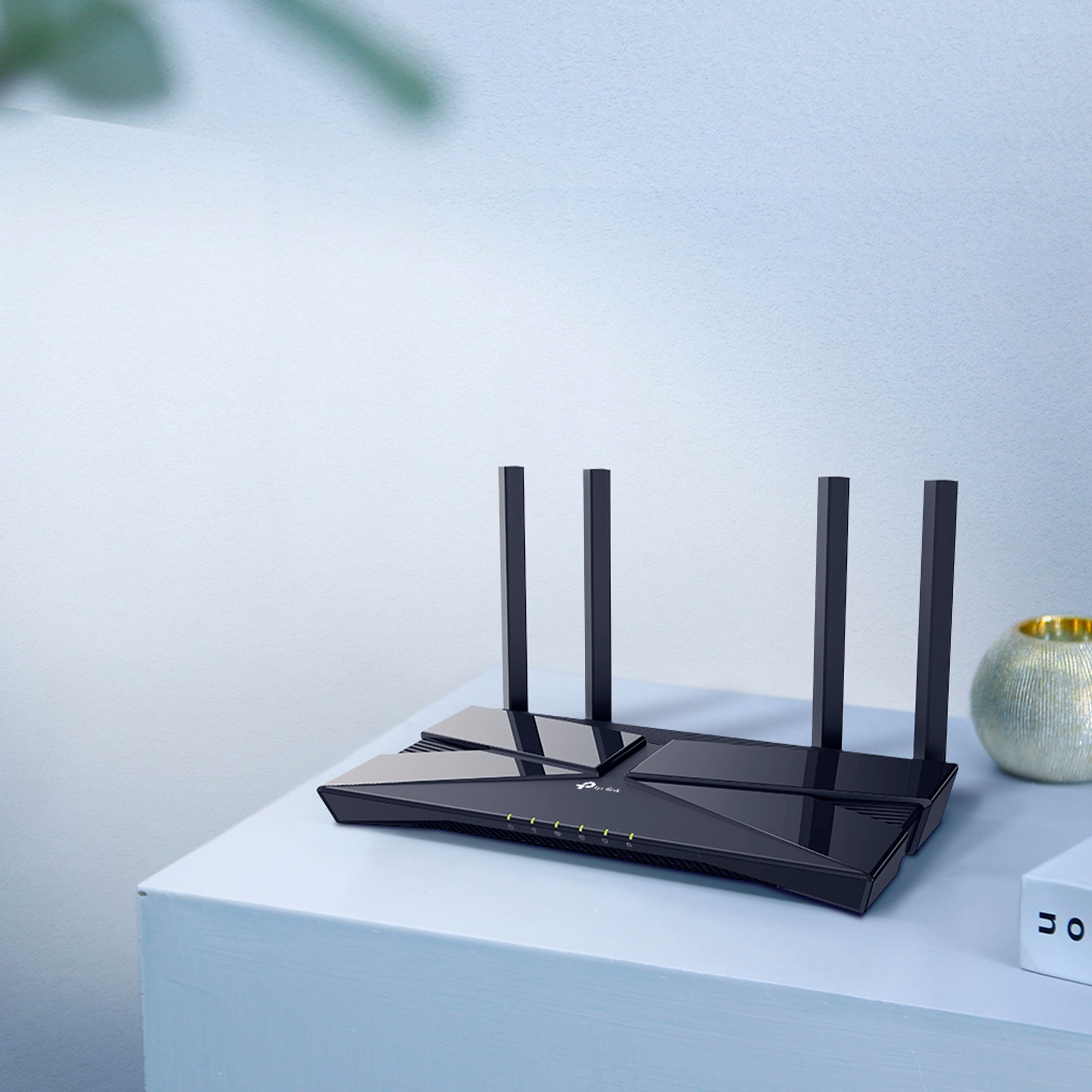
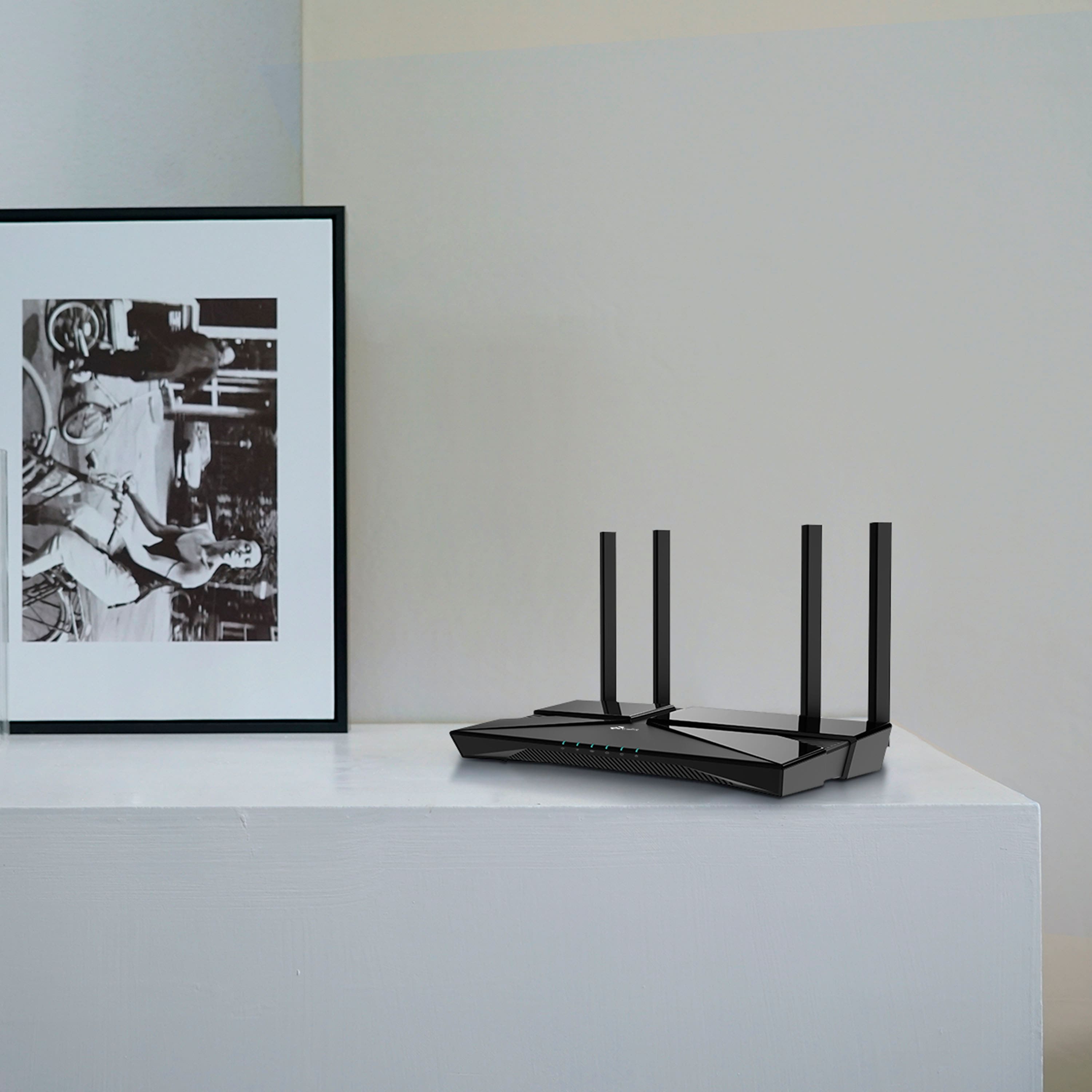

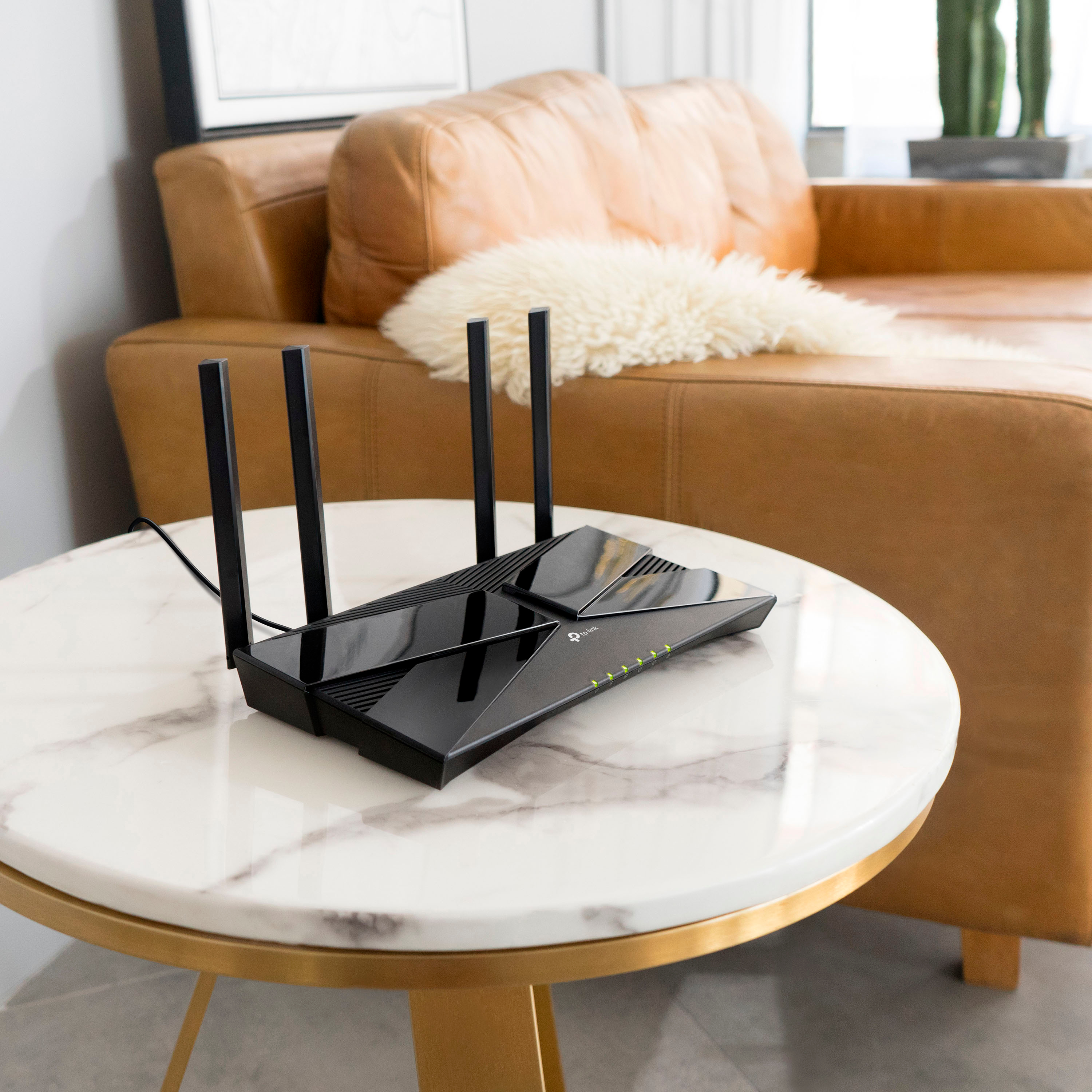
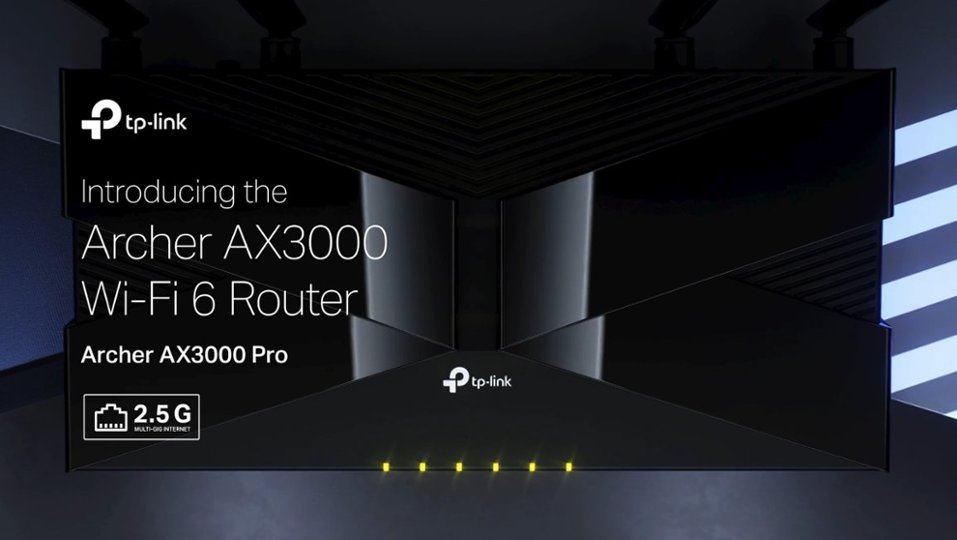
- Model:
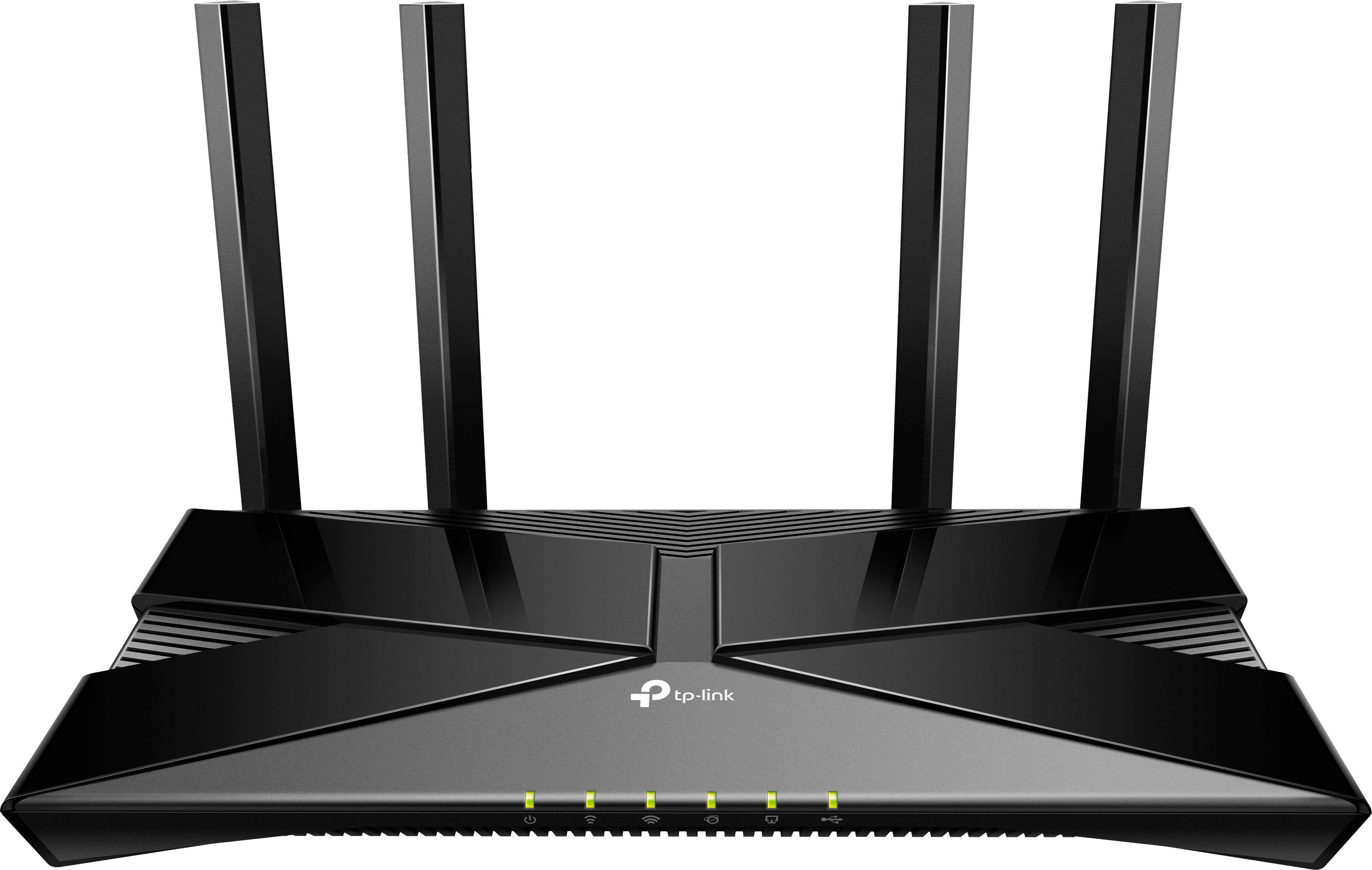
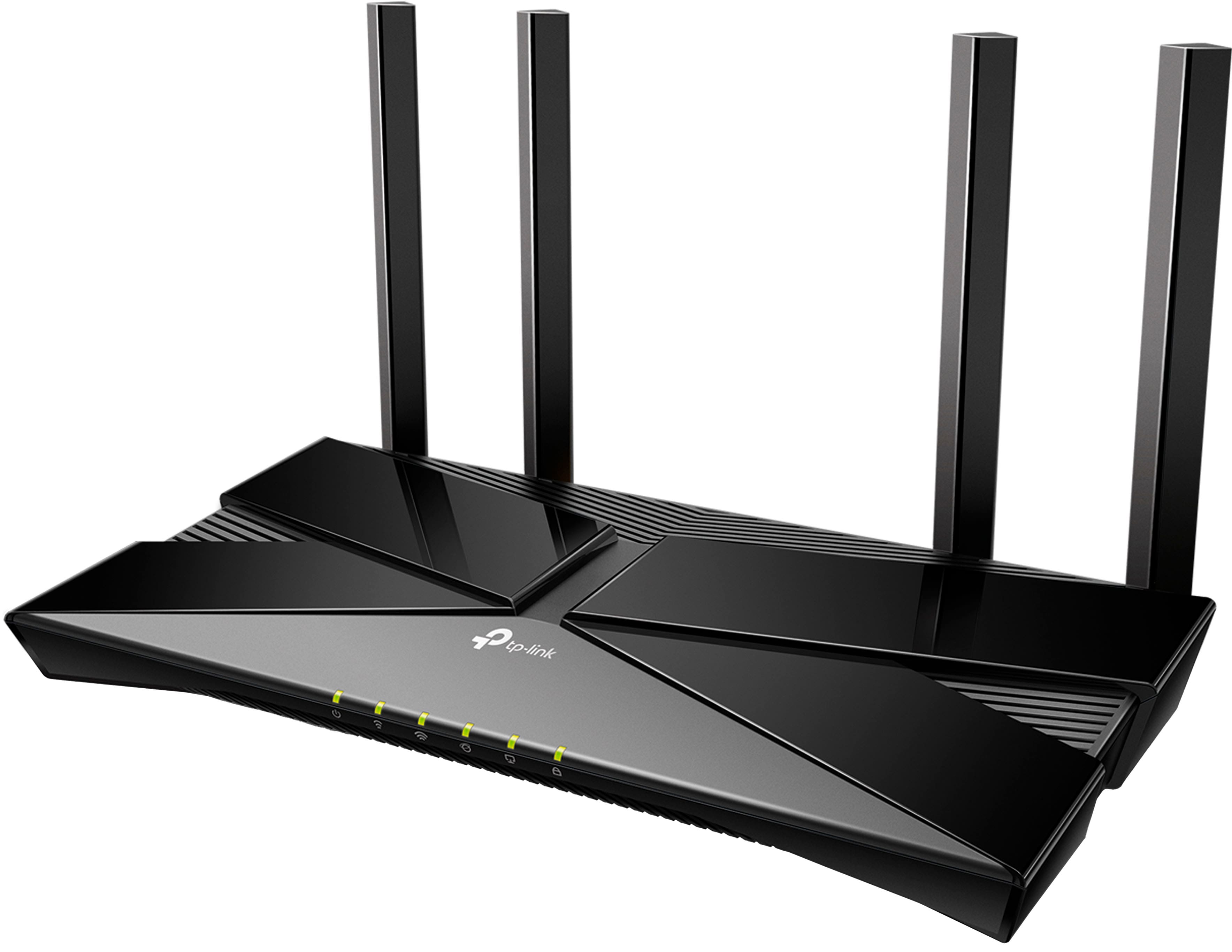
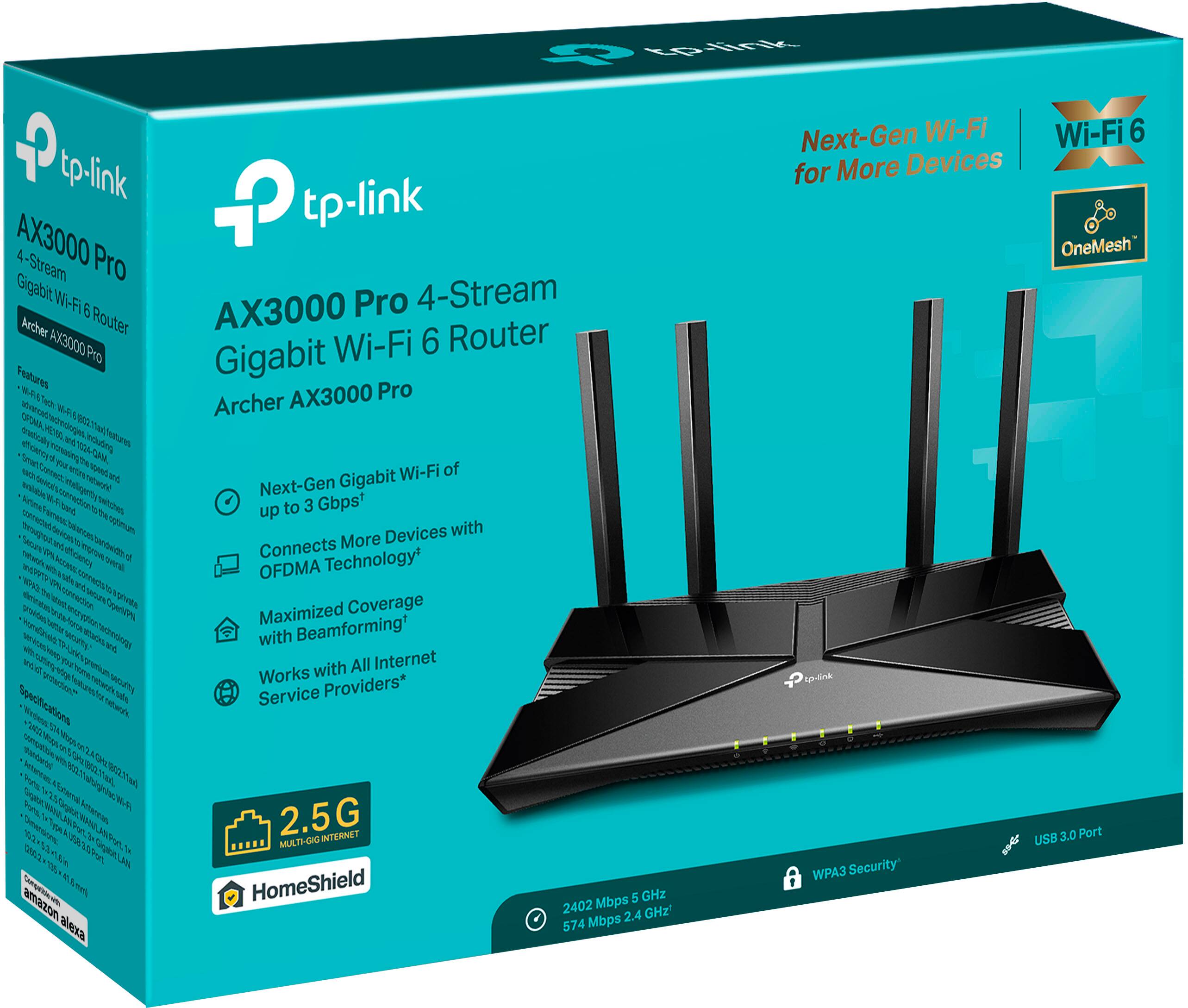
- Archer AX3000 Pro
- SKU:
- 6502056
Rating by feature
- Setup
Rating 4.7 out of 5 stars
- Range
Rating 4.7 out of 5 stars
- Signal Strength
Rating 4.7 out of 5 stars
Customers are saying
Customers are impressed with the Archer AX3000 Pro Dual-Band Wi-Fi 6 Router, particularly its ease of use and seamless performance. Many users have reported improved WiFi speed, quick setup, and excellent range and coverage throughout their homes. While some users experienced issues such as buffering and lag, the router generally provides better connectivity for all devices at a good price.
This summary was generated by AI based on customer reviews.
Stopped working
||Posted . Owned for 1 month when reviewed.This reviewer received promo considerations or sweepstakes entry for writing a review.Stopped working 32 days after I bought it. Tried my other routers all work this one just stopped. Was great for a month though
No, I would not recommend this to a friendBrand response from TPLinkSupport
Posted .Hi,
Thank you for your review. Your TP-Link Wi-Fi router comes with a 2-year warranty, and we would greatly appreciate the opportunity to help address your concerns. At your convenience, please reach out to our support team using any of the resources included with the product, or from our official website, and we'll gladly have a Support Agent follow up with you directly.
Thank you,
TP-Link Support
Garbage router
||Posted . Owned for 3 weeks when reviewed.This reviewer received promo considerations or sweepstakes entry for writing a review.This router is garbage. It literally broke 5 days after purchase. Company says to buy a new power supply a known issue, and tp-link knows the issue and adjusted warranty policy to remove malfunctioning part.
No, I would not recommend this to a friendBrand response from TPLinkSupport
Posted .Hi CaseyF,
Thank you for your review. Your Archer AX3000 Pro Dual-Band Wi-Fi 6 Router comes with a manufacturer's warranty, and we would appreciate the opportunity to help you address any concerns you may have with the router's power supply.
At your convenience, please send an email to USSupportTeam@TP-Link.com referencing this review and your support ticket ID (TKID). One of our agents will happily follow up to help you further.
Best Regards,
TP-Link Support
Not top 3
||Posted . Owned for 3 weeks when reviewed.This reviewer received promo considerations or sweepstakes entry for writing a review.Drops internet more than my ancient router I was using
No, I would not recommend this to a friendBrand response from TPLinkSupport
Posted .Hi,
Thank you for your review. To ensure optimal performance of your wireless router, please check, and if needed, update its firmware using the steps outlined in FAQ 2139 on our official website: https://www.tp-link.com/us/support/faq/2139/
If you would like assistance with any of these steps, please reach out to our support team using any of the resources included with the product, or from our official website, and we'll gladly have a Support Agent follow up with you directly.
Thank you,
TP-Link Support
Get a different brand
||Posted . Owned for 3 months when reviewed.This reviewer received promo considerations or sweepstakes entry for writing a review.The setup was weird. The settings are limited compared to my previous wireless router. They want a subscription to do the same as other routers. I found out late, otherwise I would return it.
No, I would not recommend this to a friendBrand response from TPLinkSupport
Posted .Hi,
Thank you for your review. The Archer AX3000 Pro is designed for quick, intuitive setup and management using either the web management interface or the Tether app on your smartphone.
The router is feature-rich, offering various management and network administration functions. To get to know all of its functions, we suggest exploring both the Tether app and web interface - or simply visiting our official website to view the User Guide.
You can always contact our support team if you have any questions - we're always delighted to assist.
Best Regards,
TP-Link Support
my wifi
||Posted . Owned for 1 month when reviewed.This reviewer received promo considerations or sweepstakes entry for writing a review.difficult to getting started wont work with my system
No, I would not recommend this to a friendBrand response from TPLinkSupport
Posted .Hello Edward
Please contact support at support.usa@tp-link.com as soon as you can or you can call us at 866-225-8139. Our dedicated team will help review and diagnosis the concern and help provide a resolution.
Best Regards
TP-Link Technical Support
Home owner
||Posted .This reviewer received promo considerations or sweepstakes entry for writing a review.Can’t sync with modem Cable company good with modem Tp-link phone help hung up on me
No, I would not recommend this to a friendBrand response from TPLinkSupport
Posted .Hello,
TP-Link support should not have hung up on you. We need to investigate this more please contact us at ussupportteam@tp-link.com. We will need the day and number you called from. The name you provided. And if you have a Case or Ticket number.
Best Regards
TP-Link System Support.
Junk
||Posted . Owned for 5 months when reviewed.This reviewer received promo considerations or sweepstakes entry for writing a review.Hours of troubleshooting and on phone with Spectrum and WIFI won't stay connected. Glad I bought the warranty!
No, I would not recommend this to a friendBrand response from TPLinkSupport
Posted .Hello Allen,
I would not recommend troubleshooting a network switch with an ISP. They're agent are not typically trained on such devices. Instead I would recommend contacting TP-Link Support, which is available for free and 24 hours a day. You can reach support at 866-225-8139 or email us at support.usa@tp-link.com. I am confident that support will be able to help you and resolve your concern. Support can be reached at 866-225-8139 or Support.usa@tp-link.com.
Best Regards
TP-Link Systems Technical Support
No staff
||Posted . Owned for 3 weeks when reviewed.This reviewer received promo considerations or sweepstakes entry for writing a review.Staff is horrible. Standing around talking or surfing on their cellphones. I went to store on 3 occasions. Finally had to interrupt an employee for help. I attempted to buy an all-in-one laser printer. No helpers. I guess I will buy somewhere else
No, I would not recommend this to a friendBrand response from TPLinkSupport
Posted .Hi,
Thank you for your feedback. If you have concerns regarding your experience at Best Buy, please contact Best Buy customer service for further assistance.
If you have any questions or concerns about your TP-Link product(s), our support team is always happy to help. Please feel free to reach out using any of the resources included with the product, or from our official website, and we'll gladly have a Support Agent follow up with you directly.
Thank you,
TP-Link Support
not recommend
||Posted . Owned for 3 weeks when reviewed.This reviewer received promo considerations or sweepstakes entry for writing a review.Poor reception.poorpoorpoorpoor Poorpoor.50 times poor
No, I would not recommend this to a friendBrand response from TPLinkSupport
Posted .Hi,
To ensure the best possible signal, it is important to make sure placement is as optimal as possible. Reducing obstructions and placing the router in a central location will help ensure your signal reaches the areas you need.
To ensure optimal performance of your wireless router, please check, and if needed, update its firmware using the steps outlined in FAQ 2139 on our official website: https://www.tp-link.com/us/support/faq/2139/
If you would like assistance with any of these steps, please reach out to our free support team using any of the resources included with the product, or from our official website, and we'll gladly have a Support Agent follow up with you directly.
Thank you,
TP-Link Support
Router
||Posted . Owned for 2 weeks when reviewed.This reviewer received promo considerations or sweepstakes entry for writing a review.Didn’t really work that well at all and I couldn’t even use it
No, I would not recommend this to a friendBrand response from TPLinkSupport
Posted .Hi,
To ensure the best possible signal, it is important to make sure placement is as optimal as possible. Reducing obstructions and placing the router in a central location will help ensure your signal reaches the areas you need.
To ensure optimal performance of your wireless router please check, and if needed, update its firmware using the steps outlined in FAQ 2139 on our official website: https://www.tp-link.com/us/support/faq/2139/
If you would like assistance with any of these steps, please reach out to our free support team using any of the resources included with the product, or from our official website, and we'll gladly have a Support Agent follow up with you directly.
Thank you,
TP-Link Support
Did not increase signal in my house.
||Posted . Owned for less than 1 week when reviewed.This reviewer received promo considerations or sweepstakes entry for writing a review.I purchased this product based on the recommendation of a Best Buy staff member who seems highly knowledgable about routers. My problem was that my wifi signal was poor on the front of my house and I wanted better coverage. Unfortunately, this router did not help. I will return this.
No, I would not recommend this to a friendBrand response from TPLinkSupport
Posted .Hi,
To ensure the best possible signal, it is important to make sure placement is as optimal as possible. Reducing obstructions and placing the router in a central location will help ensure your signal reaches the areas you need.
To ensure optimal performance of your wireless router, please check, and if needed, update its firmware using the steps outlined in FAQ 2139 on our official website. To locate this FAQ, visit our website and enter 2139 in the top-right search field, then click the corresponding FAQ in the search results.
If you would like assistance with any of these steps, please reach out to our free support team using any of the resources included with the product, or from our official website, and we'll gladly have a Support Agent follow up with you directly.
Thank you,
TP-Link Support
Don’t Buy from Best Buy
||Posted . Owned for 3 weeks when reviewed.This reviewer received promo considerations or sweepstakes entry for writing a review.This could have been rated anything, but Best Buy only allows 15!days to return, so I returned. I work every day and needed more time. I won’t go back to Best Buy.
I would recommend this to a friendBrand response from TPLinkSupport
Posted .Hi,
Thank you for your review. We regret to hear that you didn't have the opportunity to try our TP-Link AX3000 Wi-Fi 6 Router.
Our support team is always happy to help answer any questions you may have about our products. Please feel free to reach out using any of the resources included with the product, or from our official website, and we'll gladly have a Support Agent follow up with you directly.
Thank you,
TP-Link Support
- Pros mentioned:Ease of use, Performance

Easy WiFi - better than the cable company!
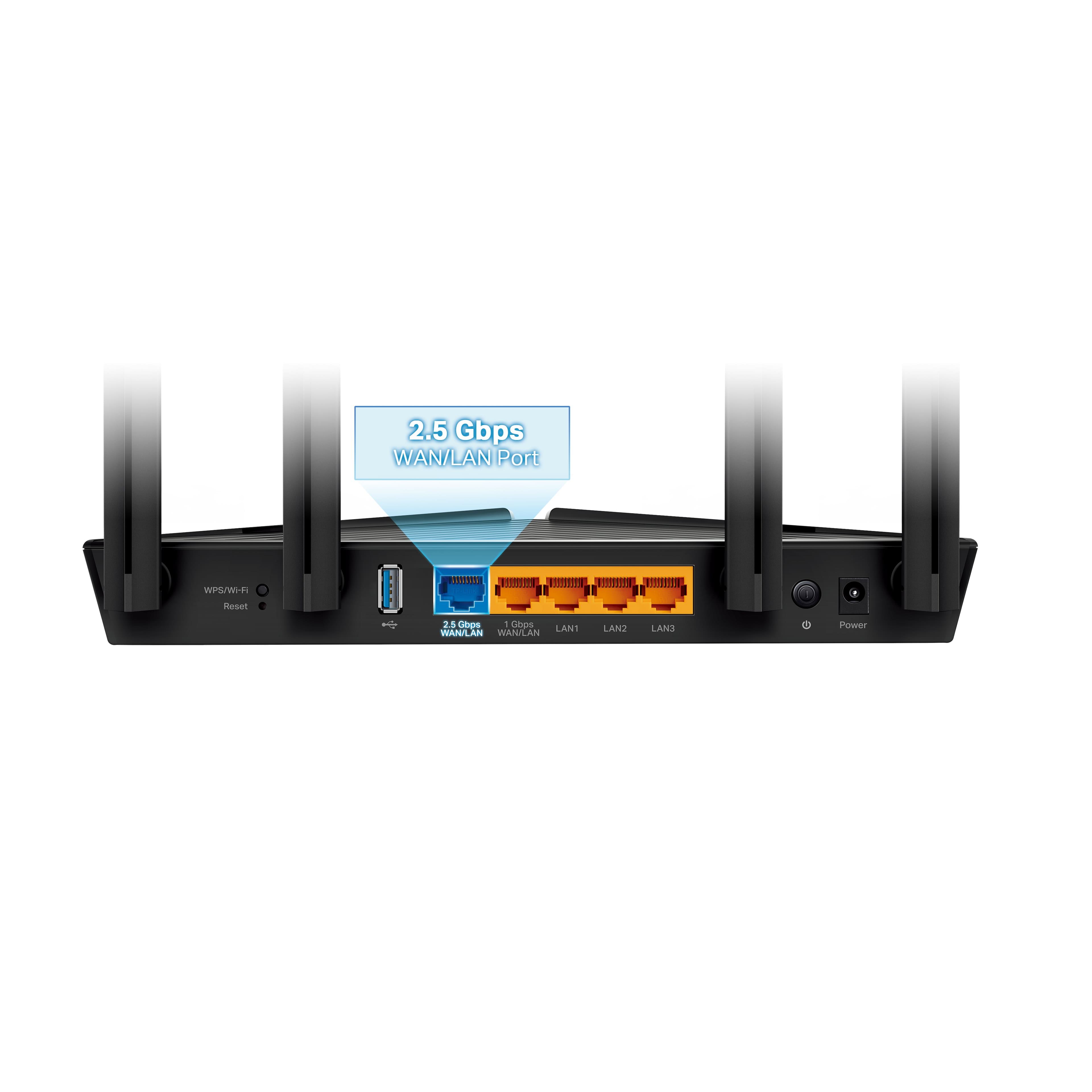
|Posted .This reviewer received promo considerations or sweepstakes entry for writing a review.The Archer AX3000 is a small, stylish router with an easy setup process, excellent performance, and a few neat extras to help it stand apart from the competition. There aren't any real surprises in the setup for anyone who's installed a router before, and if you haven't I don't think you should run into many issues. You have the option of either using a web interface or going through a proprietary app (tether, in this case) which will help walk you through the directions and add in some capacity for remote management to boot. By default the internet is connected to a single 2.5gbps ethernet port, though if you don't have a fiber line and would rather reserve that for high speed intranet you can switch it over to a more conventional gigabit port. All in all it should only take about twenty minutes for you to get up and running, and once you do you have full access to WiFi 6 speeds that can easily match (and occasionally rival) a wired connection. The configuration options for both the web interface and the app are decent, though not exceptional. TP-Link seems very much aware that they're building for general consumers more than power users, so you're not going to find much in the way of bells and whistles. Still it has everything I'd consider essential in a modern router (single SSID support, guest networks, WPA3, etc.) as well as a few nice to have features such as support for mesh networking for particularly large homes. Range is as good as you'd expect from a WiFi 6 device too - placing this thing next to a window let me get all the way across the street from my home before the signal cut out. There is some room for improvement though. The presence of a single 2.5gbps networking port and the fact that it defaults to the WAN hookup seems a little odd to me, as it's pretty hard to find a residential internet connection that can actually make full use of it. And if you could, you'd probably want to be able to take full advantage of it with whatever workstation or gaming PC you're feeding with it. It seems to me that if you're going to include the high speed ethernet port you should allow for two at a minimum or preferably just bite the bullet and upgrade the entire switch so you don't have to choose. I'm also a little concerned by the fact that the WiFi antennas seem to be permanently attached rather than removable as you get with most routers these days, as I'm always concerned about the cat deciding to play with one and doing something I come to regret later. But, to be fair, I'm also a bit of a power user. I'd recommend this to anyone looking for a high powered WiFi 6 system without any of the fuss that often comes from more complicated units aimed at gamers and other prosumers.
I would recommend this to a friend - Pros mentioned:Ease of use
Recommended
Posted .This reviewer received promo considerations or sweepstakes entry for writing a review.I bought this to replace the carrier-supplied router we we renting monthly (for the last 3 years). It works much better than that router, and it's easy to update the firmware and choose your own password, something we couldn't do. After a year, we'll have recouped the cost of the TP-link, and won't be paying any more to rent some old and substandard equipment. It works really well, set up was super easy, and it covers our 2500 square foot home better than any router we used so far.
I would recommend this to a friend Shot after less than a month
||Posted . Owned for 2 weeks when reviewed.This reviewer received promo considerations or sweepstakes entry for writing a review.Had it less than a month and then stopped working sadly
No, I would not recommend this to a friendBrand response from TPLinkSupport
Posted .Reach out to our support division. We will have an agent work with you and most likely be able to provide you with a product replacement. Support is free and available 24/7 in the US. Please go to TP-Link.com click support and then contact technical support.
Thank you
Carl | Technical Support
TP LINK ROUTER
||Posted . Owned for 3 weeks when reviewed.This reviewer received promo considerations or sweepstakes entry for writing a review.Too hard to connect to modern tried calling company they wanted to charge additional $110.00 to conect.
No, I would not recommend this to a friendBrand response from TPLinkSupport
Posted .Hi,
Thank you for your review. Our Archer AX3000 dual-band Wi-Fi 6 router is designed for quick and intuitive setup using the TP-Link Tether app or a web browser.
TP-Link does not charge for our support services. If you spoke with someone who requested payment, you did not speak with TP-Link. In such cases we highly recommend ending the call or support session, then please contact the official TP-Link Support Team using only the official contact methods provided on the product package and documentation, or via our official website.
Thank you,
TP-Link Support
Failed e-net connection
||Posted . Owned for 3 months when reviewed.This reviewer received promo considerations or sweepstakes entry for writing a review.Failed at 18 weeks. Ethernet connection to the modem has failed
No, I would not recommend this to a friendBrand response from TPLinkSupport
Posted .There are a few reasons something like this could happen and most are covered under our warranty. Please reach out to support at support.usa@tp-link.com and we will help troubleshoot this concern as well as proceed with a replacement if your product does in fact qualify and it is required to resolve the case.
- Pros mentioned:Setup
Nice and affordable
|Posted .This reviewer received promo considerations or sweepstakes entry for writing a review.It's nice to finally see Wifi 6 more abundant and affordable these days. This router isn't going to break the bank in terms of routers but offers enough features to keep most people happy, I think. It looks like a router instead of an alien spaceship that seems to be the "trend" with more of the "gaming" focused routers (I truly don't understand that phase at all) but it performs well enough for it's price. Setup is going to be as dependent on your particular setup as can be. If you're just plugging this router into your own modem or swapping out an existing router, setup will probably just be a matter of unplugging the old and inserting the new. For more particular setups or if you're connecting to another router (like your ISPs provided router) you may have some extra hoops to jump through that you'd need to jump through for any other router in existance. But just getting it up and running is pretty straight forward. You can set this up with an app but I prefer to use the web interface. Unlike some other routers I've used (*coughlinksyscough*), even if you connect to the router's web interface via your mobile device, it just lets you on through to use the web interface instead of forcing you to download their app that actually does less. I may still be jaded from that experience but it's nice to just be able to use this as you want to instead of being forced into using apps that are unnecessary. The options you have are pretty robust and I'm having trouble deciding which I like better between the comparably priced ASUS RT-AX55 and this one because for the price point, routers seem to be offering a lot more than what they used to as far as customization and just more "advanced" features. One thing that sets it apart is the optional 2.5Gbps port if you happen to be lucky enough to have an ISP that gives you more than 1Gbps OR so you can connect to the rest of your network at 2.5Gbps (if the rest of your hardware supports it). Sadly, I don't fall into either of those categories just yet but I'm hoping to in the future so it's nice to have that available. Another nice feature of this router is the ability to sort of piece-meal a mesh network together. There's a fairly large selection of supported "OneMesh" routers and extenders you can use to make a mesh network if you need more coverage on your own terms instead of needing to drop hundreds of dollars at once for a kit that probably includes more mesh points than you need. This way you can just judge if you might need a little extra range and add one of their OneMesh supported devices to your network to help out. I like that and will probably be taking advantage of this since I've always had issues with certain parts of my home getting the signal I'd like. As stated before, I think this router is priced closer to "budget friendly" than it is to the more prosumer market and at the price point, I think you're getting a pretty robust and reliable router. Being able to setup multiple VPN clients and assign them to specific devices. Or to setup a VPN server right on the router. Or their "HomeShield" (that does require an app) that has some pretty decent security features if you're OK with sacrificing a little bit of bandwidth. Plus the 2.5Gbps port if you can use it and a decent range (along with all of the great features Wifi 6 provides itself), this is a really nice router that will probably tackle 95% of home users needs without breaking the bank.
I would recommend this to a friend Not 2.5
||Posted . Owned for 3 weeks when reviewed.This reviewer received promo considerations or sweepstakes entry for writing a review.I was under the impression that this router was 2.5 gigs out as the box would suggest but it’s not
No, I would not recommend this to a friendBrand response from TPLinkSupport
Posted .Hi,
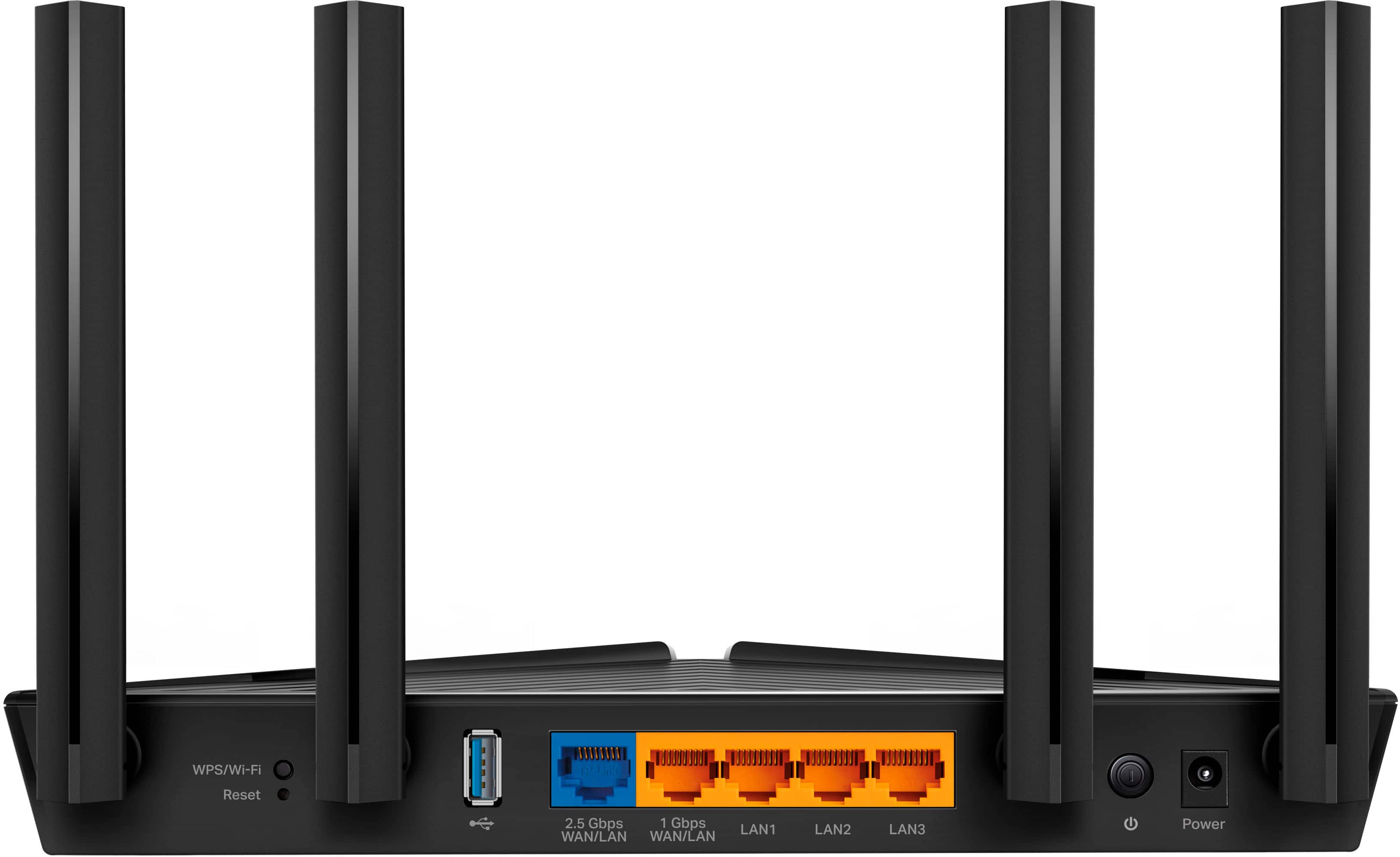
Thank you for your review. The Archer AX3000 Pro is equipped with one 2.5Gbps WAN/LAN port, one 1Gbps WAN/LAN port, and four 1Gbps LAN ports.
You can find the full specifications on our official website here: https://www.tp-link.com/us/home-networking/wifi-router/archer-ax3000-pro/#specifications
Our support team is always happy to help answer any questions you may have about our products. Please feel free to reach out using any of the resources included with the product, or from our official website, and we'll gladly have a Support Agent follow up with you directly.
Thank you,
TP-Link Support
- Pros mentioned:Setup, Speed
Decent router for a basic home network
|Posted .This reviewer received promo considerations or sweepstakes entry for writing a review.Opening up the tp-link Archer AX3000 Dual Band Gigabit Router. In the box you get the router (of course), power adapter, quick install guide, and a short LAN cable (about 4’ long). There is an Android and iOs app available in either store for an easy installation. I chose this method, but you can also choose to install it via a web browser. Both instructions are in the quick installation guide. Using the Android app, I downloaded the app, created, and logged in and then just added the router following all the prompts on my phone. That was it. So, what to say about a router. There really isn’t much to say about one other than it works, or it doesn’t. If you get internet and the speed is what you pay for and it doesn’t drive you crazy, it’s good. If there’s no internet, it blows. Well, this router was easy to set up and it blazes through the demands I put it through. I have between 15-25 devices connecting to my network at any given time and I didn’t think about it. That’s what a router should do, run in the background, and not give the user any issues. For me, I shouldn’t even think about the router, having to reset it or why is my service slow. Let me call the cable company and/or run a speed test. It performed as expected and I could list a bunch of technical stuff, but that’s on the tp-link website. My impression is that this is a decent router for a basic home network. I’ll admit after evaluating it, I reconnected my tri-band 6e mesh unit and reboxed the AX3000. I’ll be setting up a basic network in another house for mom and this router will be perfect for her needs. Just need to be able to access the internet, Wi-Fi, and Fire stick on her Toshiba smart tv from Best Buy! For friends and those that have requirements similar to that, I’d recommend this router.
I would recommend this to a friend