Customer Ratings & Reviews
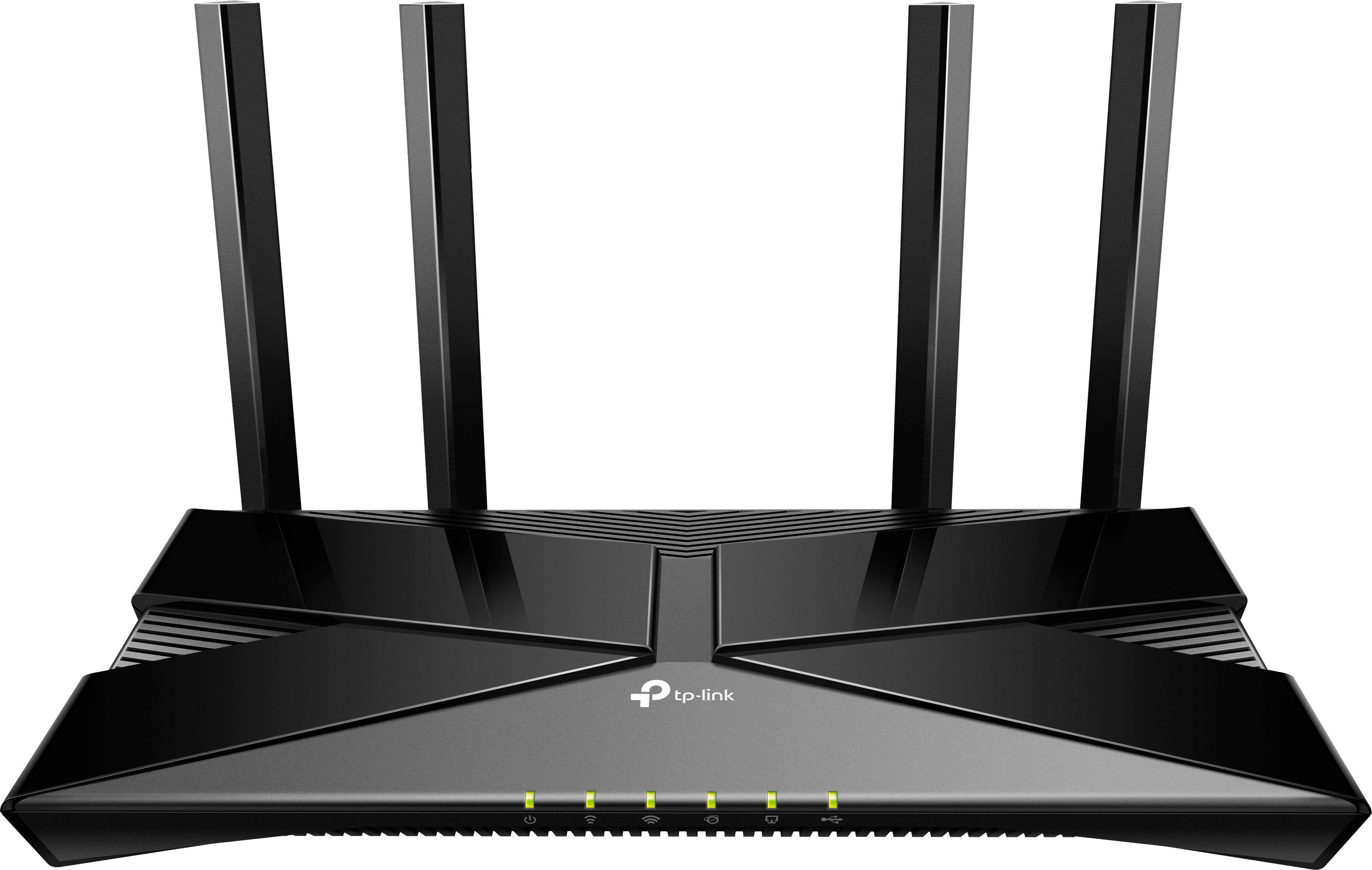
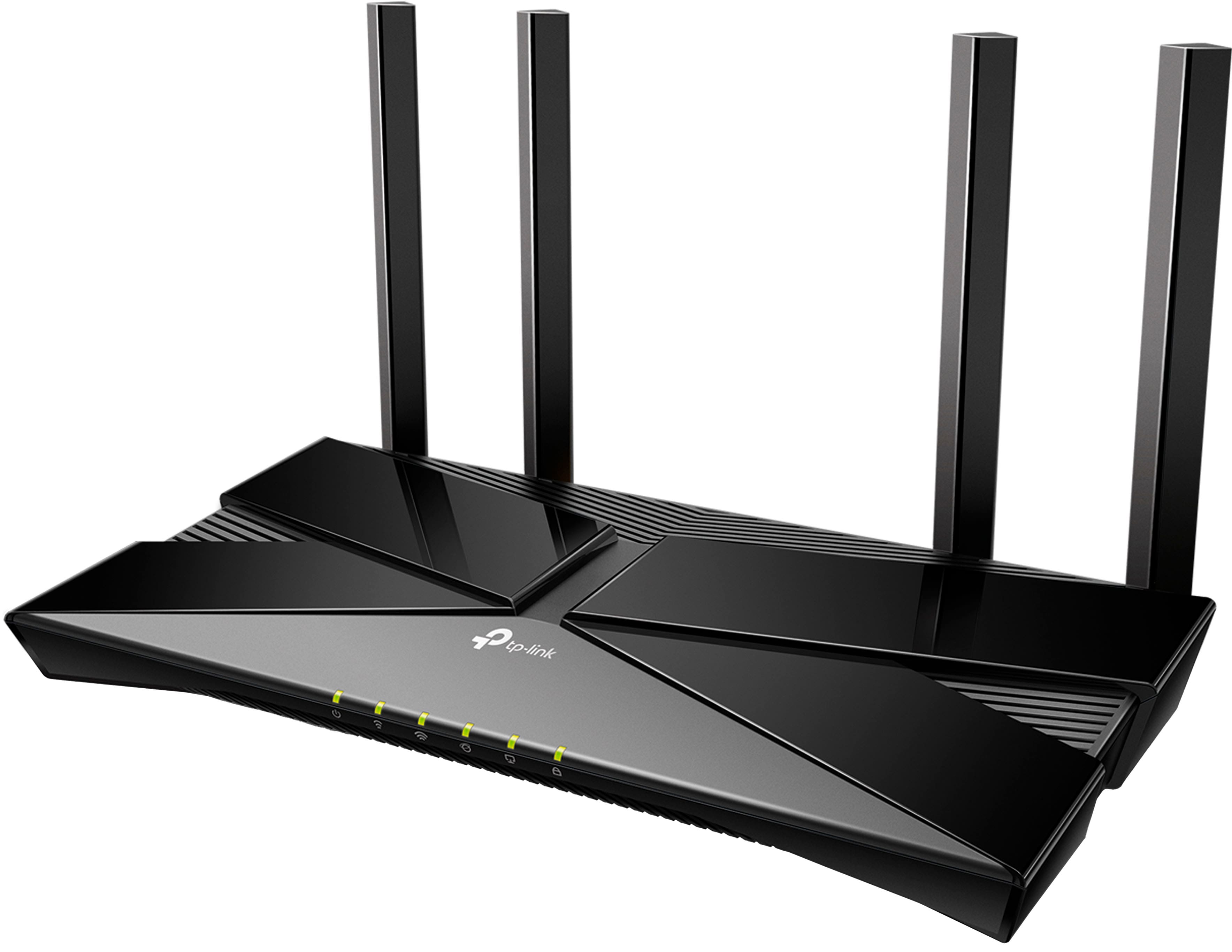

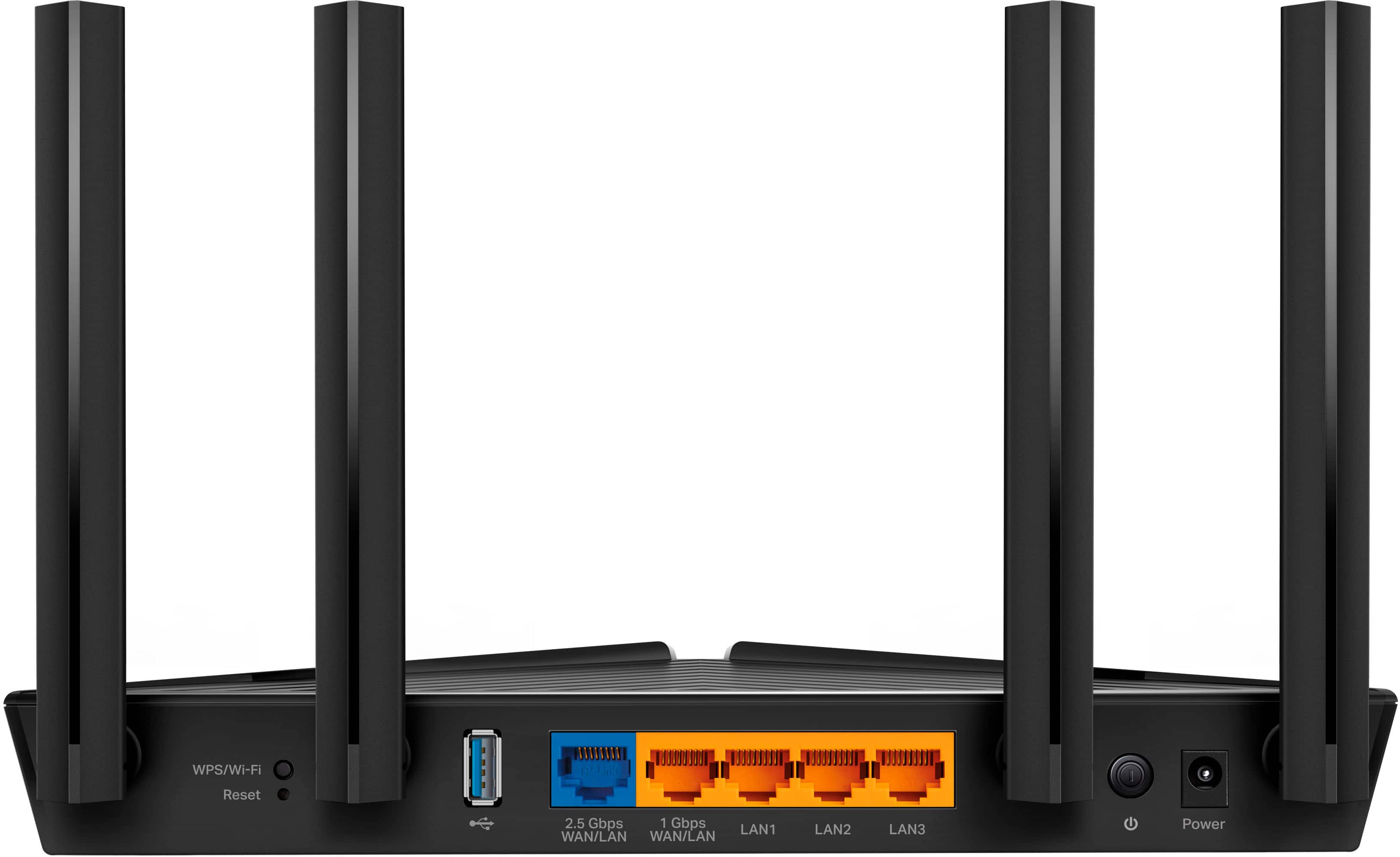
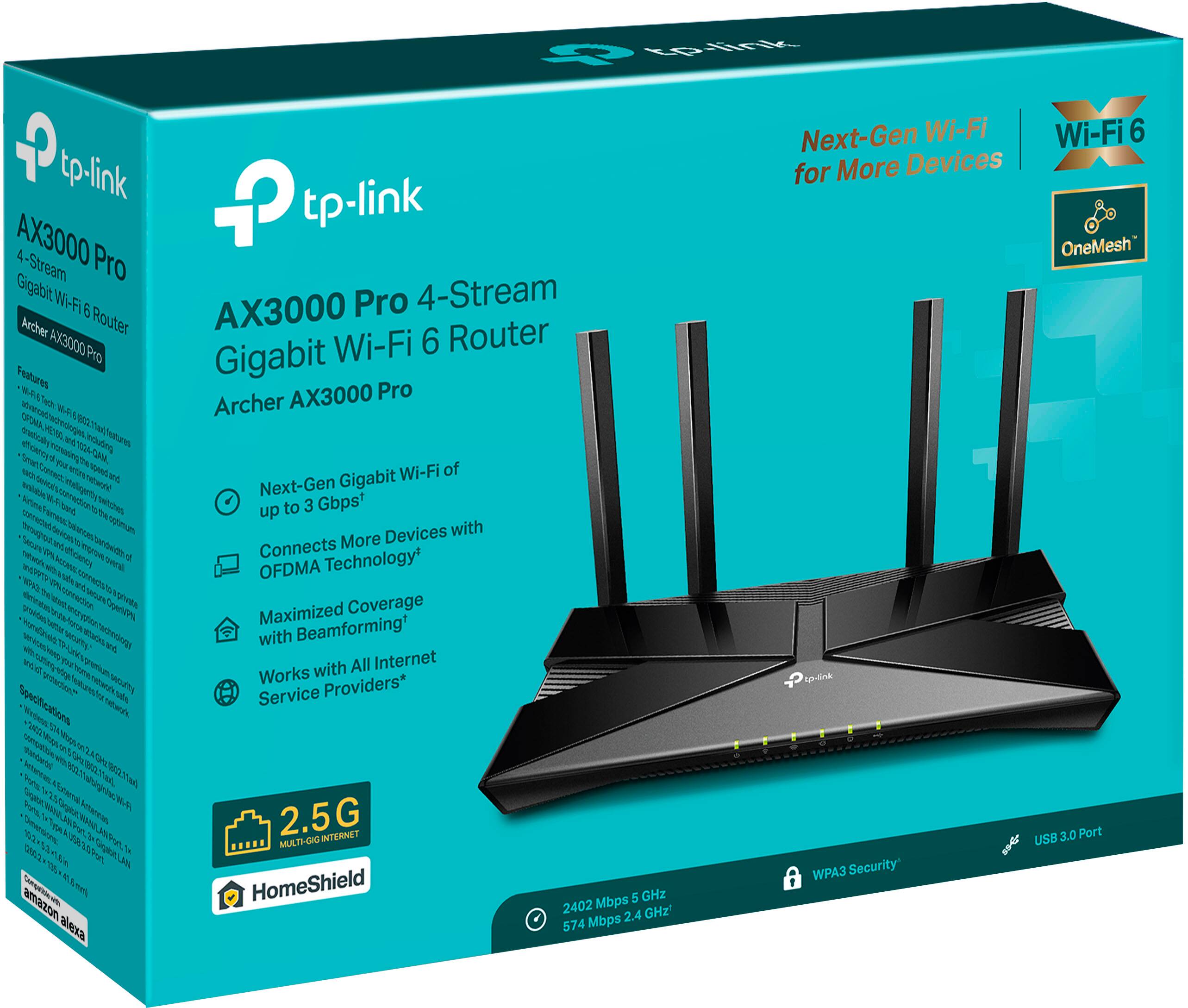
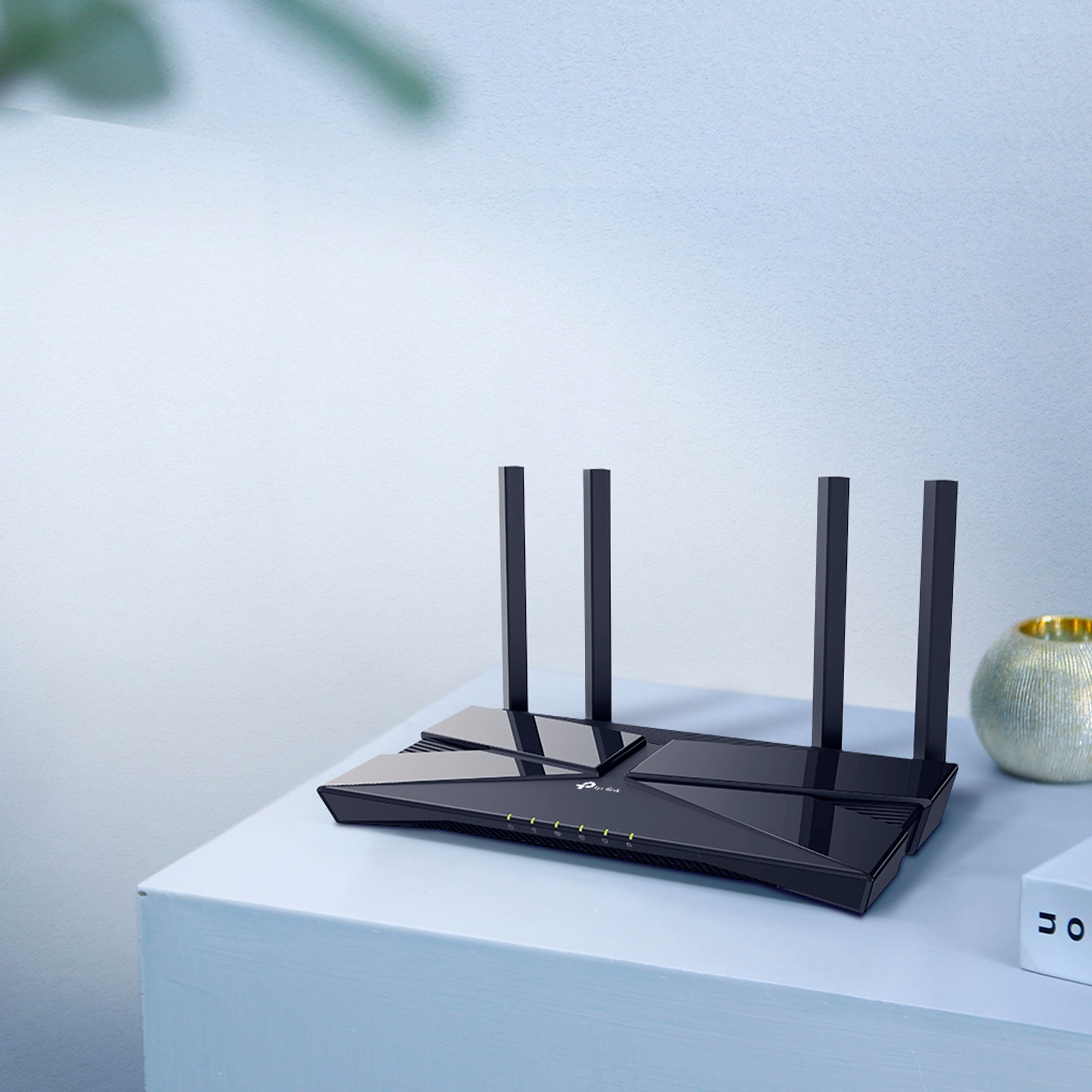
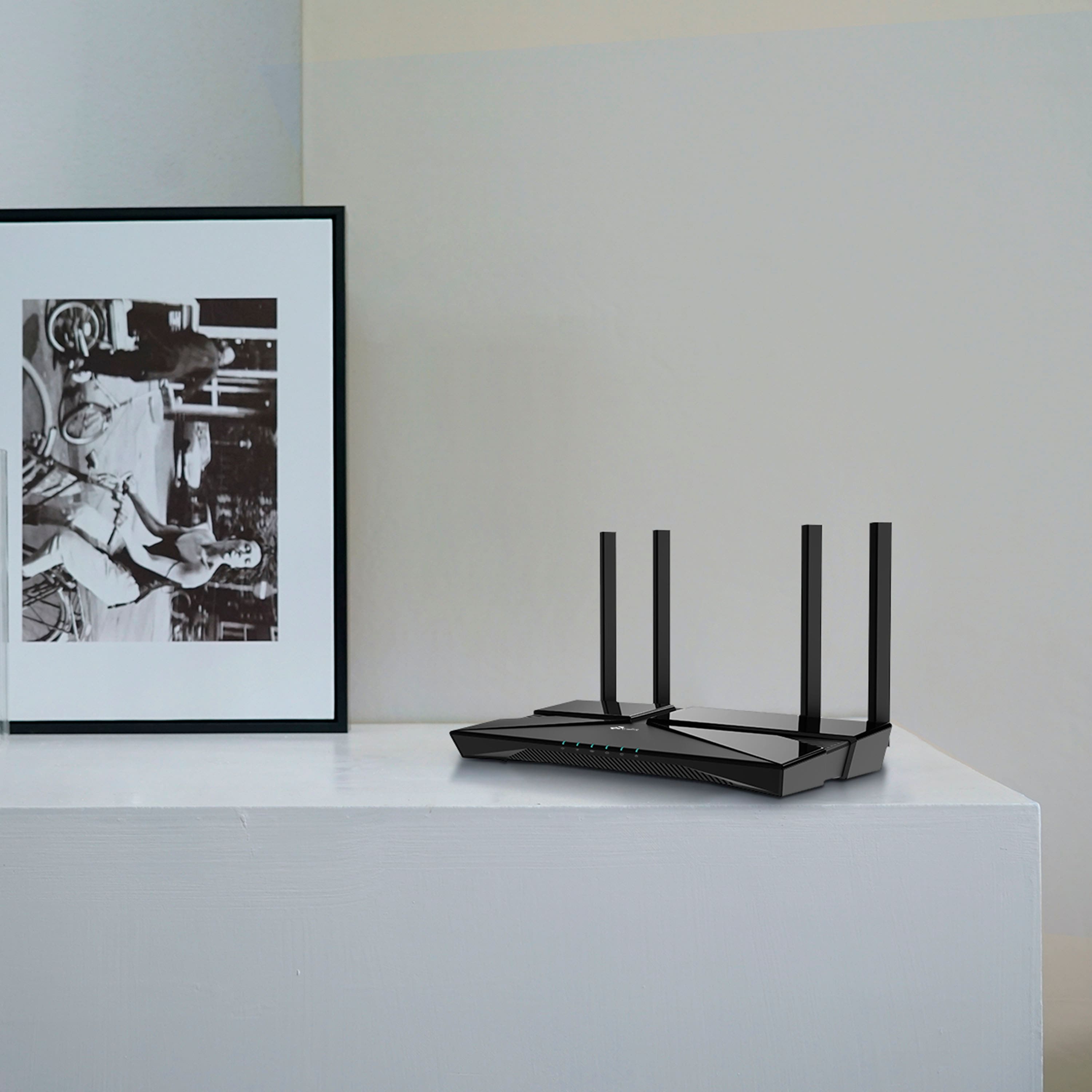

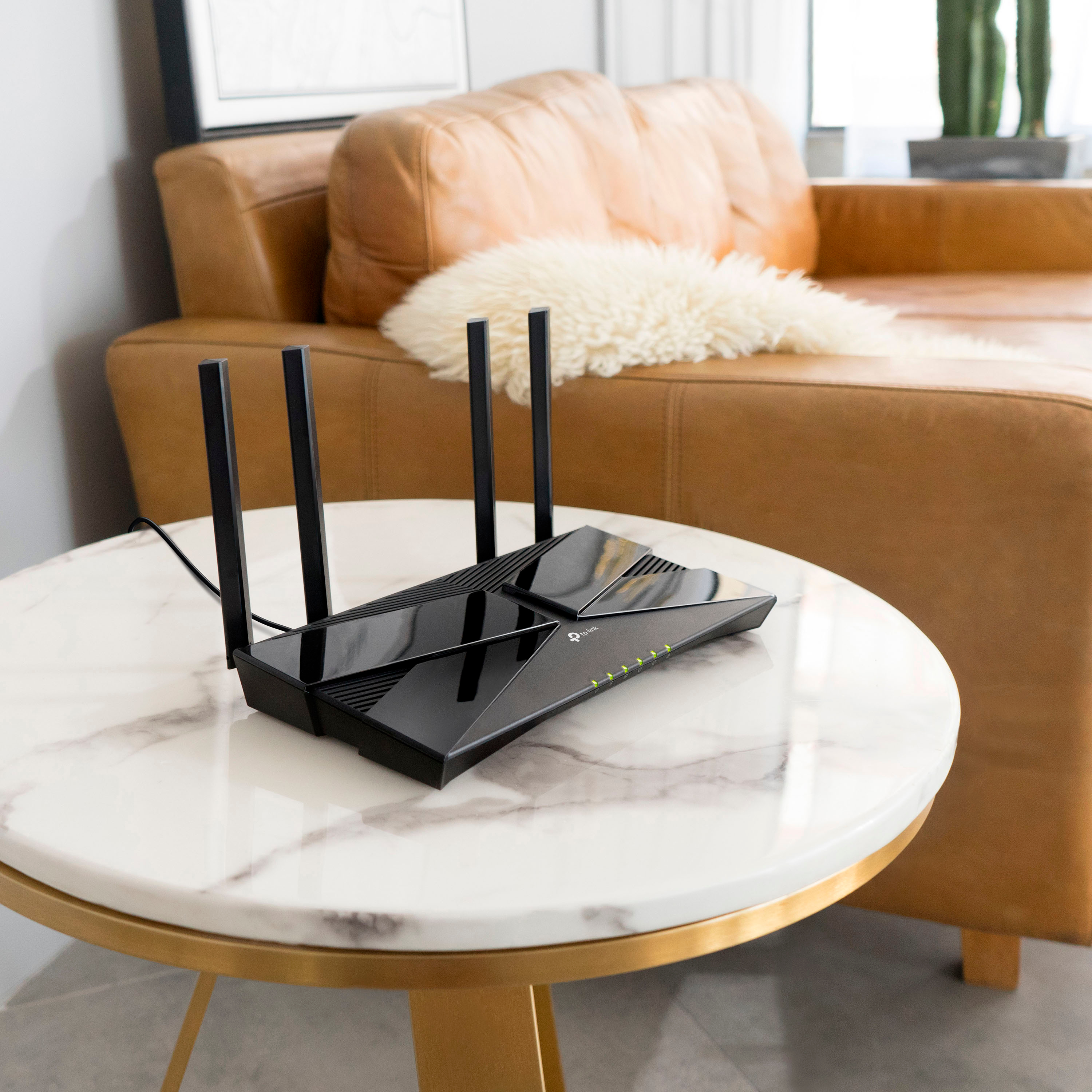
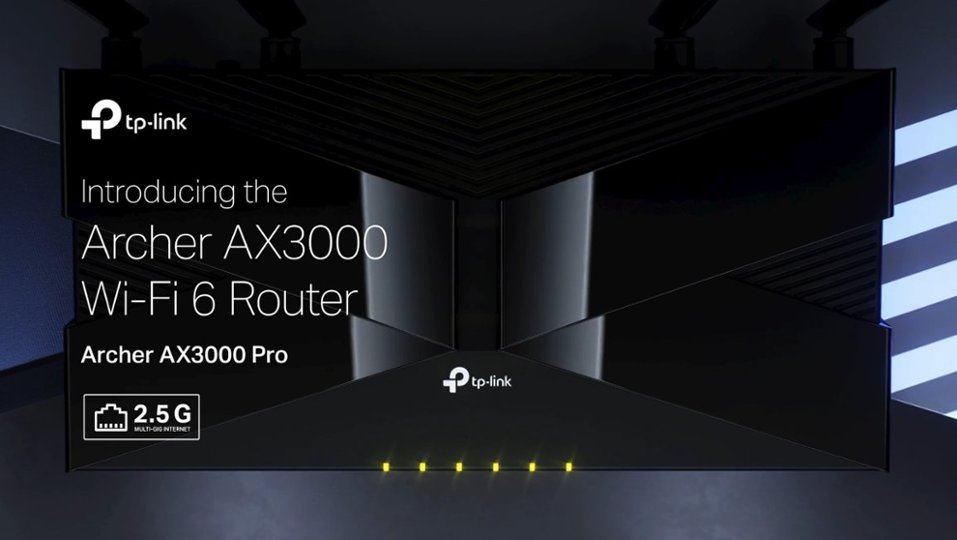
- Model:
- Archer AX3000 Pro
- SKU:
- 6502056
Rating by feature
- Setup
Rating 4.7 out of 5 stars
- Range
Rating 4.7 out of 5 stars
- Signal Strength
Rating 4.7 out of 5 stars
Customers are saying
Customers are impressed with the Archer AX3000 Pro Dual-Band Wi-Fi 6 Router, particularly its ease of use and seamless performance. Many users have reported improved WiFi speed, quick setup, and excellent range and coverage throughout their homes. While some users experienced issues such as buffering and lag, the router generally provides better connectivity for all devices at a good price.
This summary was generated by AI based on customer reviews.
- Cons mentioned:Security
DO NOT PURCHASE
Posted .This reviewer received promo considerations or sweepstakes entry for writing a review.DO NOT BUY THIS ROUTER. We recently purchased and installed this router and nearly immediately one of our computers was taken over and files were stolen. A couple of days later, accounts were hacked and several attempts have been made to charge against our accounts. After some research, it appears that TP Link routers are prone to bots that facilitate this type of activity. Buyer beware!
No, I would not recommend this to a friendBrand response from TPLinkSupport
Posted .Hi,
Thank you for your review. All TP-Link routers support industry standard security and encryption technologies. For example, the Archer AX3000 Pro supports all modern industry standard wireless encryption methods, including WPA3. The router is also equipped with a network firewall, as well as offering HomeShield Network Security features, including Network Analysis, IoT Protection, Intrusion Prevention System, Malicious Content Filter, and DDoS Protection.
We always recommend ensuring you are using a strong Wi-Fi password for your network, and that your router's firmware is fully up to date, as shown in our FAQ here: https://www.tp-link.com/us/support/faq/2139/
TP-Link Routers, such as the Archer AX3000 Pro, are actively supported with firmware development and releases, providing performance and security optimizations as needs arise. We would appreciate the opportunity to follow up with you and discuss where you came across information insinuating that TP-Link routers are prone to vulnerabilities, and to help address your concerns.
At your earliest convenience, please reach out via email to USSupportTeam@TP-Link.com, including a reference to this review, and any references to the research you conducted, and we'll gladly follow up with you directly.
Thank you,
TP-Link Support
Terrible tech support
Posted .This reviewer received promo considerations or sweepstakes entry for writing a review.Purchased this yesterday to replace my old Apple AirPort Extreme which works fine but is a little slow. I spent 6 hours today trying to connect this unit to my new fiberoptic modem to no avail. I spent 4 hours on and off line with their tech support. They don't want to talk to you, only text chat. and if you don't type for 6 min, they cut you off and you have to start over from scratch (numerous times). I spoke with Best Buy and they just said bring it back. NOT HAPPY.
No, I would not recommend this to a friendBrand response from TPLinkSupport
Posted .Hi JohnR,
Thank you for your review. In cases like yours, we first recommend trying the following steps:
1. Unplug the power from both your router and modem
2. Re-connect power ONLY to your cable modem
3. Wait until the cable modem is fully booted
4. Re-connect power to the router and connect it to the modem via Ethernet
If this does not address the concern, we suggest contacting your ISP to verify whether there are any configuration settings required when installing a new router.
If you'd like assistance with your TP-Link Router, please reach out to our support team using any of the resources included with the product, or from our official website, and we'll gladly have a Support Agent follow up with you directly.
Thank you,
TP-Link Systems Support
Really didn't make a difference.
Posted .This reviewer received promo considerations or sweepstakes entry for writing a review.I passed the return window so I am stuck with it. I work remotely of a VPN and take calls and it seems like it made my internet worse. I replaced the router with the one my internet provider and honestly the one given to me for free didn't cause any video call issues like this one. What a waste.
No, I would not recommend this to a friendBrand response from TPLinkSupport
Posted .Please consider contacting TP-Link support to discuss your concerns. VPN traffic can sometimes cause connection/performance related concerns, especially if its a work VPN. But we would be more than happy to investigate and troubleshoot with you to determine if the performance can be improved. Please reach out to support.usa@tp-link.com when you are able to.
Fails at Time Machine and generally unreliable.
Posted .This reviewer received promo considerations or sweepstakes entry for writing a review.This router is supposed to support a USB hard drive that can be used as the backup device for Apple's Time Machine software. This worked for one computer on the network, but not for a second. And, with the help of customer support trying to get the second computer to work, Time Machine backups stopped working even for the first computer. Giving up on using the router for backups, I continued to use it simply as a network router, but after five months it failed to connect to the wide-area network. It's a piece of junk.
No, I would not recommend this to a friendBrand response from TPLinkSupport
Posted .Hi,
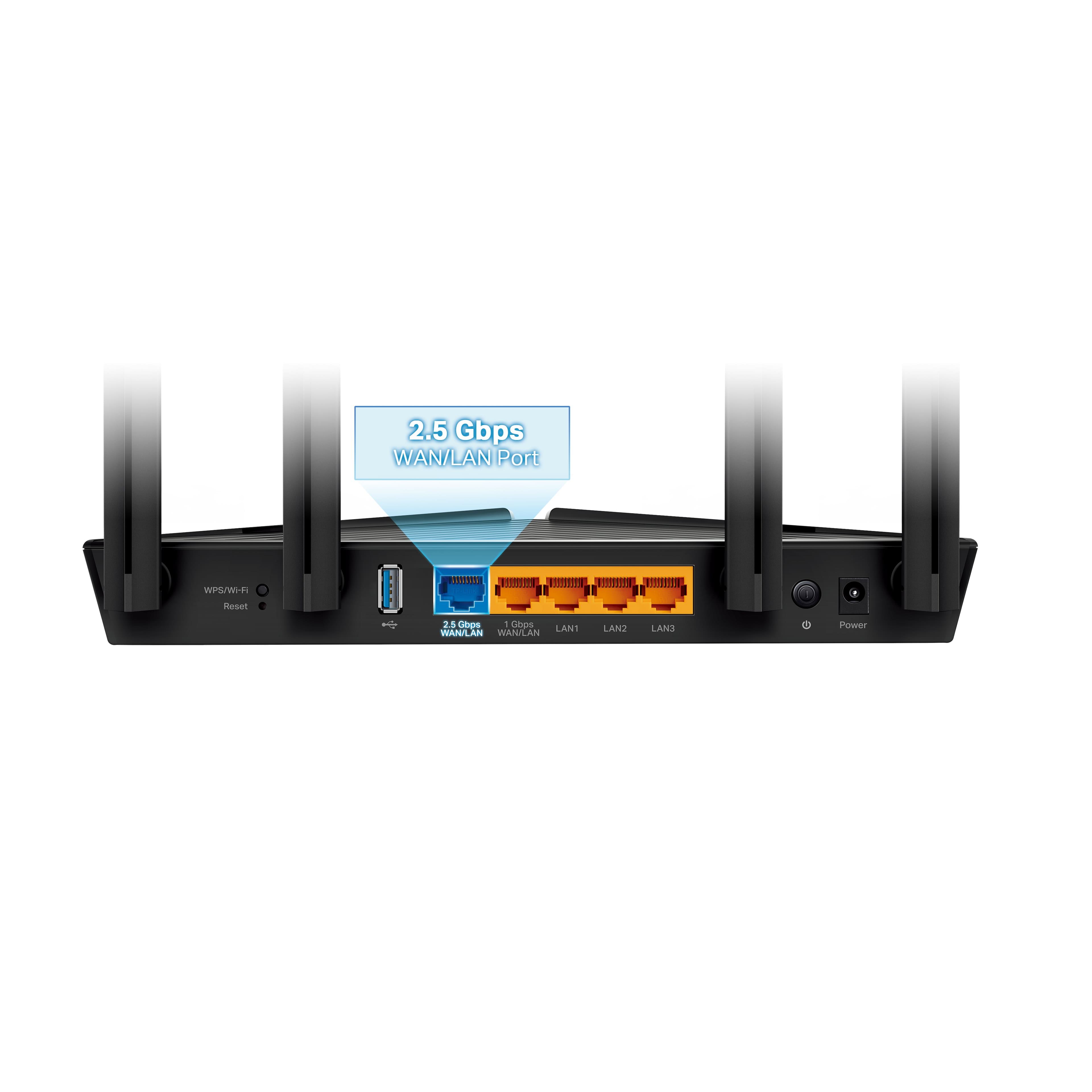
Thank you for your review. The Archer AX3000 Pro is designed to provide your home with robust, reliable, dual-band AX3000 Wi-Fi 6 connectivity and a 2.5Gbps WAN/LAN port for blazing fast WAN throughput.
We hear your concerns regarding Time Machine, and we first recommend viewing our helpful FAQ on the subject here: https://www.tp-link.com/us/support/faq/2729/
Our support team is always happy to help answer any questions you may have about our products. Please feel free to reach out using any of the resources included with the product, or from our official website, and we'll gladly have a Support Agent follow up with you directly.
Thank you,
TP-Link Support