Customer Ratings & Reviews

- Model:
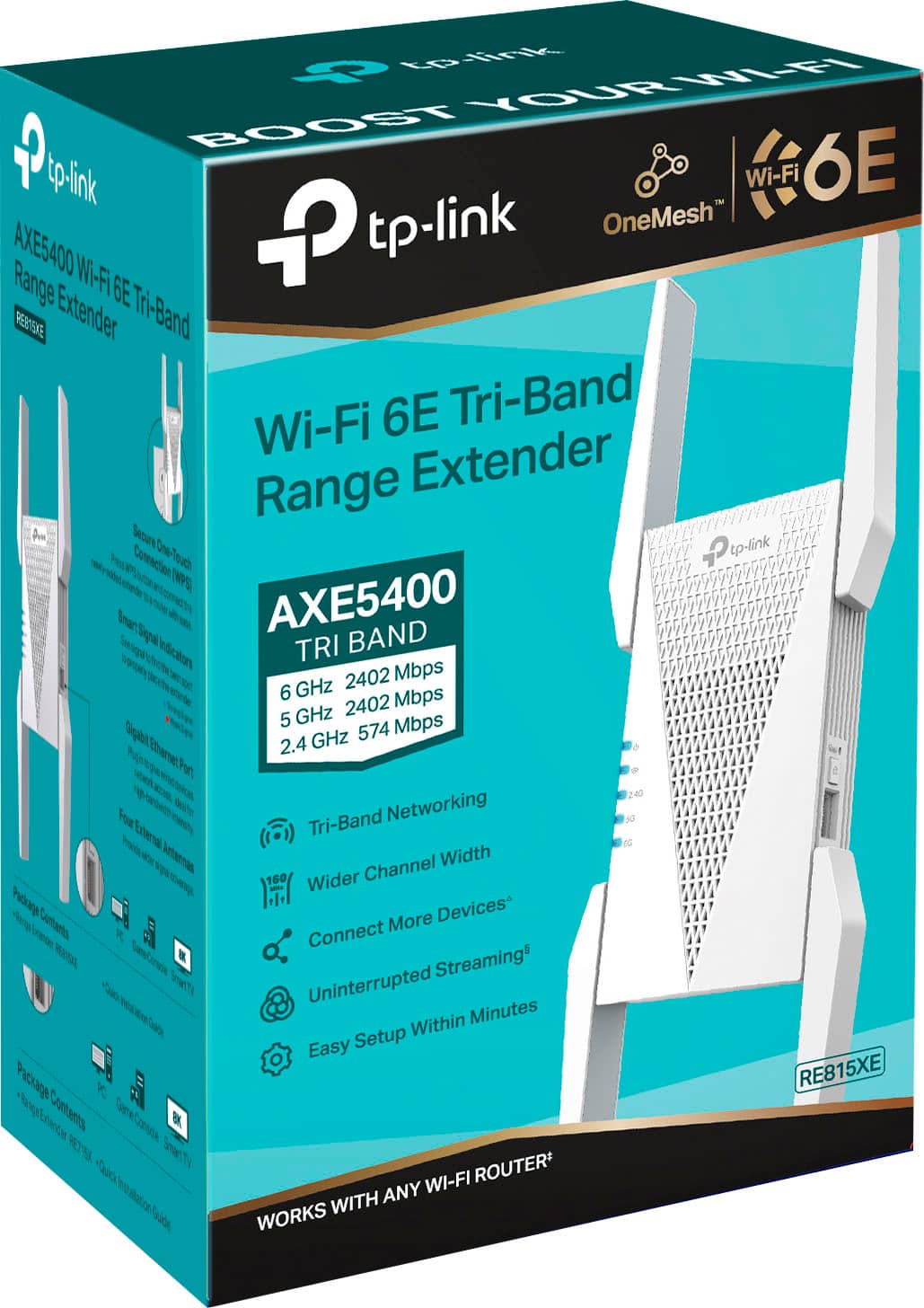
- RE815XE
- SKU:
- 6519763
Rating by feature
- Value
Rating 4.3 out of 5 stars
- Quality
Rating 4.5 out of 5 stars
- Ease of Use
Rating 4.5 out of 5 stars
Customers are saying
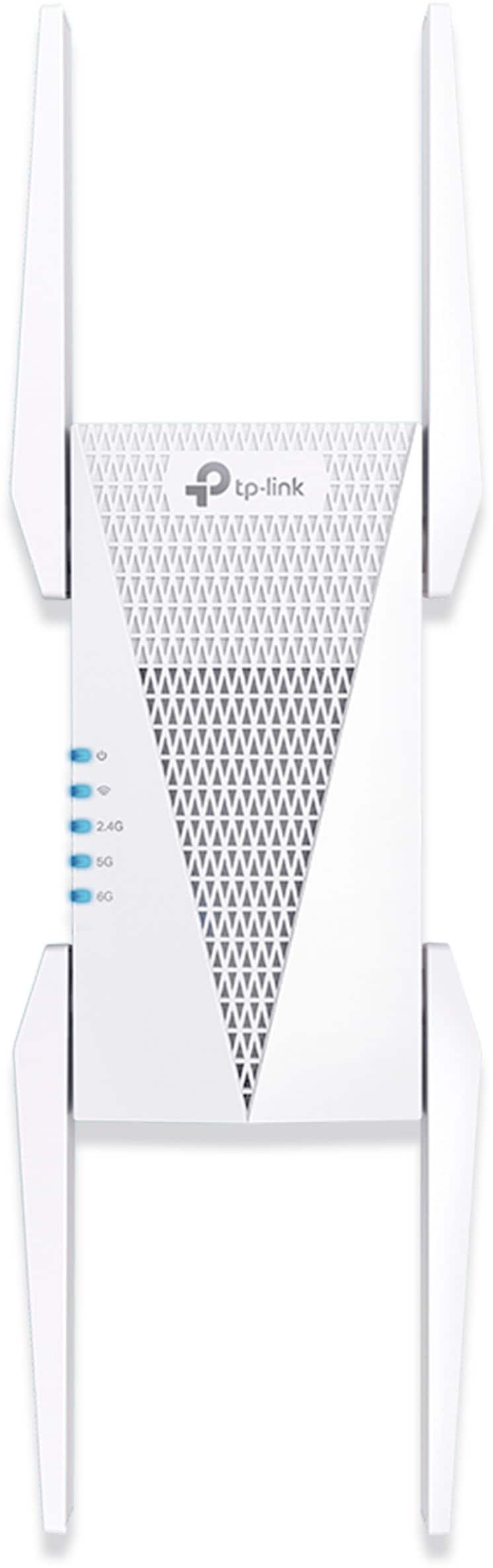
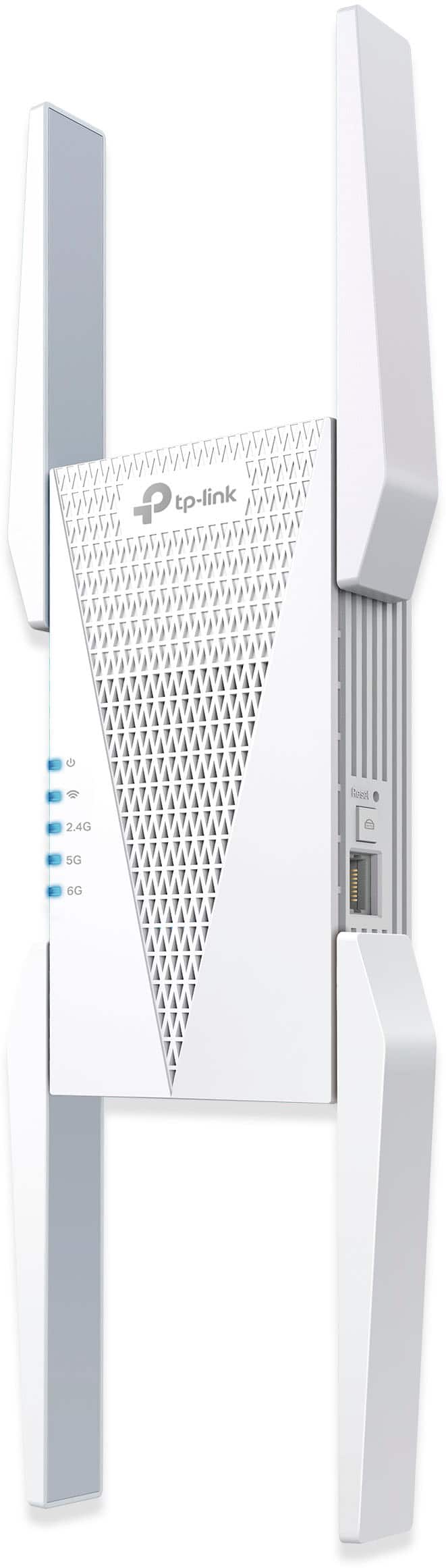
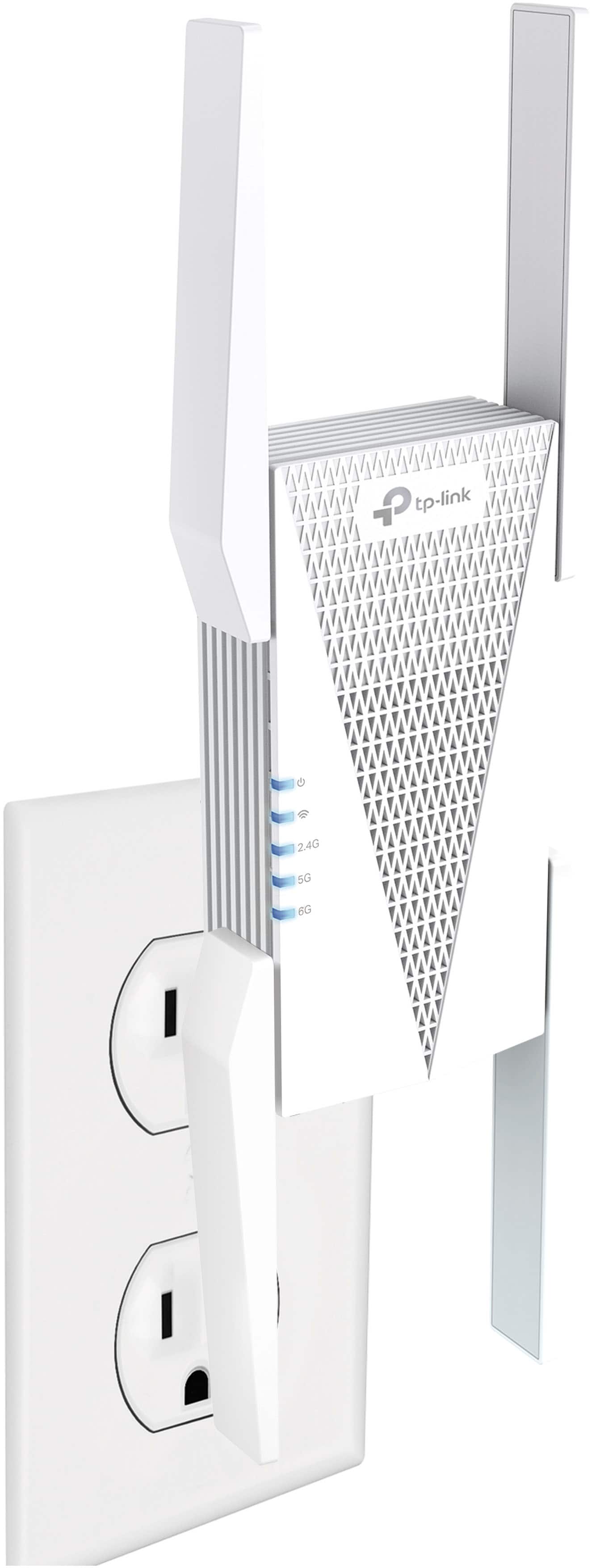
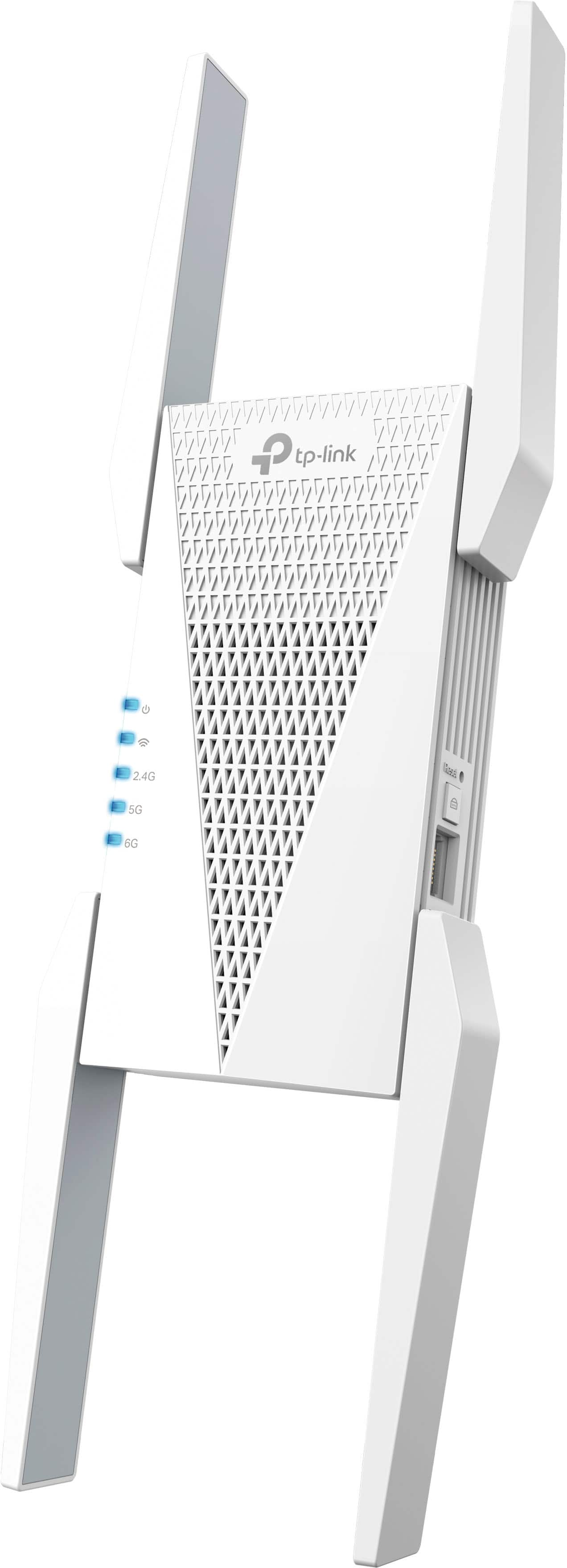
Customers commend the AXE5400 Tri-Band Mesh Wi-Fi 6E Range Extender for its easy setup, impressive range, and overall performance. Users also appreciate its ease of use, strong signal strength, and extensive coverage. However, some customers have noted concerns about speed reduction, price, size and the limited Wi-Fi 6E band extension.
This summary was generated by AI based on customer reviews.
Range extender
||Posted . Owned for 1 month when reviewed.This reviewer received promo considerations or sweepstakes entry for writing a review.Very high quality product. Would buy again and recommend to everyone looking for ear buds.
I would recommend this to a friendThe best of America
||Posted . Owned for 3 weeks when reviewed.This reviewer received promo considerations or sweepstakes entry for writing a review.I love that place and I recommend shopping here, nice place and nice prices
No, I would not recommend this to a friendWiFi extender
||Posted . Owned for 2 weeks when reviewed.This reviewer received promo considerations or sweepstakes entry for writing a review.Very nice unit Buy buy buy buy buy buy buy buy buy buy buy buy buy now
I would recommend this to a friendInternet specs
||Posted . Owned for 1 month when reviewed.This reviewer received promo considerations or sweepstakes entry for writing a review.It was worth the price since day one i haven't gad no lag or internet issue.
I would recommend this to a friendGreat item for the money
||Posted . Owned for 2 weeks when reviewed.This reviewer received promo considerations or sweepstakes entry for writing a review.After some initial difficulty while setting it up, it has worked very well.
I would recommend this to a friendPower up wifi
||Posted . Owned for 1 month when reviewed.This reviewer received promo considerations or sweepstakes entry for writing a review.Large and powerful addition to any wifi system!!!!
I would recommend this to a friendThe best
||Posted . Owned for 3 weeks when reviewed.This reviewer received promo considerations or sweepstakes entry for writing a review.Verry good my internet was never the same since I got this product
I would recommend this to a friendGreat product Easy setup and use?
||Posted . Owned for 1 month when reviewed.This reviewer received promo considerations or sweepstakes entry for writing a review.Couldn’t ask for better usability So easy to setup and connect
I would recommend this to a friendWifi booster
||Posted . Owned for 3 weeks when reviewed.This reviewer received promo considerations or sweepstakes entry for writing a review.Excellent product. It really boosted the wifi in my home!
I would recommend this to a friendNo, if your needing improvement with Video Meeting
||Posted . Owned for 5 months when reviewed.This reviewer received promo considerations or sweepstakes entry for writing a review.I’ve used this for months now wanting to get boost my internet for the last bed room of the house where I work. Running a speed test, with no one streaming or on the internet aside from me. I’m at 90.5mbps download and 82.2 Mbps upload. I can work fine however, zoom or teams meeting tend to lag or breakup.
No, I would not recommend this to a friendBrand response from TPLinkSupport
Posted .Hi ChristinaD,
If you haven't noticed a significant improvement in Wi-Fi coverage after installing the extender, we recommend relocating the unit to a position within your home where the router's Wi-Fi signal is sufficiently strong; yet far enough from the router to effectively extend its range. Please verify the RE status LED is indicating a solid connection.
We also recommend ensuring the extender's firmware is fully up to date using the steps outlined in FAQ 1406 on our official website: https://www.tp-link.com/us/support/faq/1406/
If you would like assistance with any of these steps, please reach out to our support team using any of the resources included with the product, or from our official website, and we'll gladly have a Support Agent follow up with you directly.
Thank you,
TP-Link Support
- Pros mentioned:Ease of use
Not strong enough
||Posted . Owned for 3 weeks when reviewed.This reviewer received promo considerations or sweepstakes entry for writing a review.The product was easy to set up and directions were clear however it did not extend our internet to our shed.
No, I would not recommend this to a friendBrand response from TPLinkSupport
Posted .Hi,
Thank you for your review. If you haven't noticed a significant improvement in Wi-Fi coverage after installing the extender, we recommend relocating the unit to a position within your home where the router's Wi-Fi signal is sufficiently strong; yet far enough from the router to effectively extend its range. Please verify the RE status LED is indicating a solid connection.
We also recommend ensuring the extender's firmware is fully up to date using the steps outlined in FAQ 1406 on our official website: https://www.tp-link.com/us/support/faq/1406/
If you would like assistance with any of these steps, please reach out to our support team using any of the resources included with the product, or from our official website, and we'll gladly have a Support Agent follow up with you directly.
Thank you,
TP-Link Support
whole house internet
||Posted . Owned for 3 weeks when reviewed.This reviewer received promo considerations or sweepstakes entry for writing a review.fixed our internet problem throughout our house. Would highly recommend
I would recommend this to a friend- Cons mentioned:Price
Expensive and doesn't work
||Posted . Owned for 1 month when reviewed.This reviewer received promo considerations or sweepstakes entry for writing a review.Wish I could return it. All it does is make my WiFi network a mess. Tried resetting it, tried multiple locations, nothing works. It will connect to my router and take clients, but it makes everything unusable. Expensive, useless.
No, I would not recommend this to a friendBrand response from TPLinkSupport
Posted .Hi,
If you haven't noticed a significant improvement in Wi-Fi coverage after installing the extender, we recommend relocating the unit to a position within your home where the router's Wi-Fi signal is sufficiently strong; yet far enough from the router to effectively extend its range. Please verify the RE status LED is indicating a solid connection.
We also recommend ensuring the extender's firmware is fully up-to-date, using the steps outlined in FAQ 1406 on our official website: https://www.tp-link.com/us/support/faq/1406/
If you would like assistance with any of these steps, please reach out to our support team using any of the resources included with the product, or from our official website, and we'll gladly have a Support Agent follow up with you directly.
Thank you,
TP-Link Support
Not powerful enough
||Posted . Owned for 1 week when reviewed.This reviewer received promo considerations or sweepstakes entry for writing a review.Trying to get my Wi-Fi signal to an outbuilding that is next to my home. Would not send a strong enough signal to keep a good connection in the outbuilding. Returned.
No, I would not recommend this to a friendBrand response from TPLinkSupport
Posted .Hi,
Thank you for your review. To ensure the best possible signal of your Wi-Fi router, it is important to make sure placement is as optimal as possible. Reducing obstructions and placing the router in a central location will help ensure your signal reaches the areas you need.
To ensure optimal performance of your wireless router please check, and if needed, update its firmware using the steps outlined in FAQ 2139 on our official website: https://www.tp-link.com/us/support/faq/2139/
If you would like assistance with any of these steps, please reach out to our free support team using any of the resources included with the product, or from our official website, and we'll gladly have a Support Agent follow up with you directly.
Thank you,
TP-Link Support
Random loss of connection to internet.
||Posted . Owned for 1 week when reviewed.This reviewer received promo considerations or sweepstakes entry for writing a review.Automatic disconnection of internet every couple days. App becomes unresponsive and the push alert for the loss of connection never happens. Cycling the power cable resolves it but who wants that every few days. Not me, they're going back.
No, I would not recommend this to a friendBrand response from TPLinkSupport
Posted .Hello Flipper,
Before you return the product, we hope you can reach out to our support team for assistance with your concerns.
Its okay
||Posted . Owned for 2 weeks when reviewed.This reviewer received promo considerations or sweepstakes entry for writing a review.Dosnt have a very strong signal even comparing to smaller cheaper models it is lacking
No, I would not recommend this to a friendBrand response from TPLinkSupport
Posted .Hi,
Thank you for your review. If you haven't noticed a significant improvement in Wi-Fi coverage after installing the extender, we recommend relocating the unit to a position within your home where the router's Wi-Fi signal is sufficiently strong; yet far enough from the router to effectively extend its range. Please verify the RE status LED is indicating a solid connection.
We also recommend ensuring the extender's firmware is fully up to date using the steps outlined in FAQ 1406 on our official website: https://www.tp-link.com/us/support/faq/1406/
If you would like assistance with any of these steps, please reach out to our support team using any of the resources included with the product, or from our official website, and we'll gladly have a Support Agent follow up with you directly.
Thank you,
TP-Link Support
Repeater, AP limited compatibility
||Posted . Owned for 1 month when reviewed.This reviewer received promo considerations or sweepstakes entry for writing a review.First 2.4/5/6G extender/repeater/AP I have found so far. Works as advertised but I dont like the fact that TP-Link restricts SSH access so if the GUI cant do it your out of luck.
I would recommend this to a friendGood idea but didnt work
||Posted . Owned for 11 months when reviewed.This reviewer received promo considerations or sweepstakes entry for writing a review.I needed to extend my wifi further out into the driveway for an Arlo camera, but this didnt seem to make much of a difference. Could be interfence with the walls...
No, I would not recommend this to a friendBrand response from TPLinkSupport
Posted .Hi Kim,
With range extenders placement is key. Make sure you have the extender placed in an open and unobstructed area that is between the router and where you want to extend service that has a strong signal from the router. If you have it in such a location please consider reaching out to support for assistance. Support can be reached at 866-225-8139.
Best Regards
TP-Link Technical Support
Didn’t really help
||Posted . Owned for 3 weeks when reviewed.This reviewer received promo considerations or sweepstakes entry for writing a review.I really don’t see that it’s made my WiFi any better.
No, I would not recommend this to a friendBrand response from TPLinkSupport
Posted .Hi,
Thank you for your review. If you haven't noticed a significant improvement in Wi-Fi coverage after installing the extender, we recommend relocating the unit to a position within your home where the router's Wi-Fi signal is sufficiently strong; yet far enough from the router to effectively extend its range. Please verify the RE status LED is indicating a solid connection.
We also recommend ensuring the extender's firmware is fully up to date using the steps outlined in FAQ 1406 on our official website: https://www.tp-link.com/us/support/faq/1406/
If you would like assistance with any of these steps, please reach out to our support team using any of the resources included with the product, or from our official website, and we'll gladly have a Support Agent follow up with you directly.
Thank you,
TP-Link Support
- Cons mentioned:Speed
0/5
||Posted . Owned for 2 weeks when reviewed.This reviewer received promo considerations or sweepstakes entry for writing a review.doesn't work if you have Starlink Wifi. It connected fine but just gets under 10mbps on it not good at all.
No, I would not recommend this to a friendBrand response from TPLinkSupport
Posted .Hi Sebastian,
Thank you for your review. If you haven't noticed a significant improvement in Wi-Fi coverage after installing the extender, we recommend relocating the unit to a position within your home where the router's Wi-Fi signal is sufficiently strong; yet far enough from the router to effectively extend its range. Please verify the RE status LED is indicating a solid connection.
We also recommend ensuring the extender's firmware is fully up to date using the steps outlined in FAQ 1406 on our official website: https://www.tp-link.com/us/support/faq/1406/
If you would like assistance with any of these steps, please reach out to our support team using any of the resources included with the product, or from our official website, and we'll gladly have a Support Agent follow up with you directly.
Thank you,
TP-Link Support