Customer Ratings & Reviews
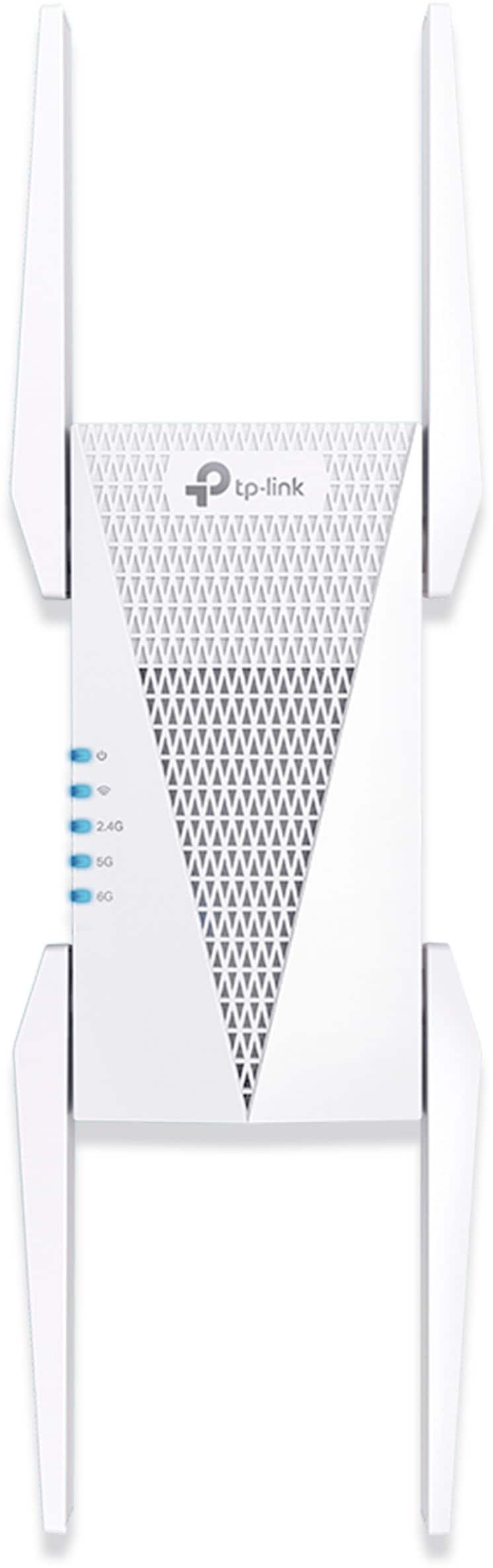
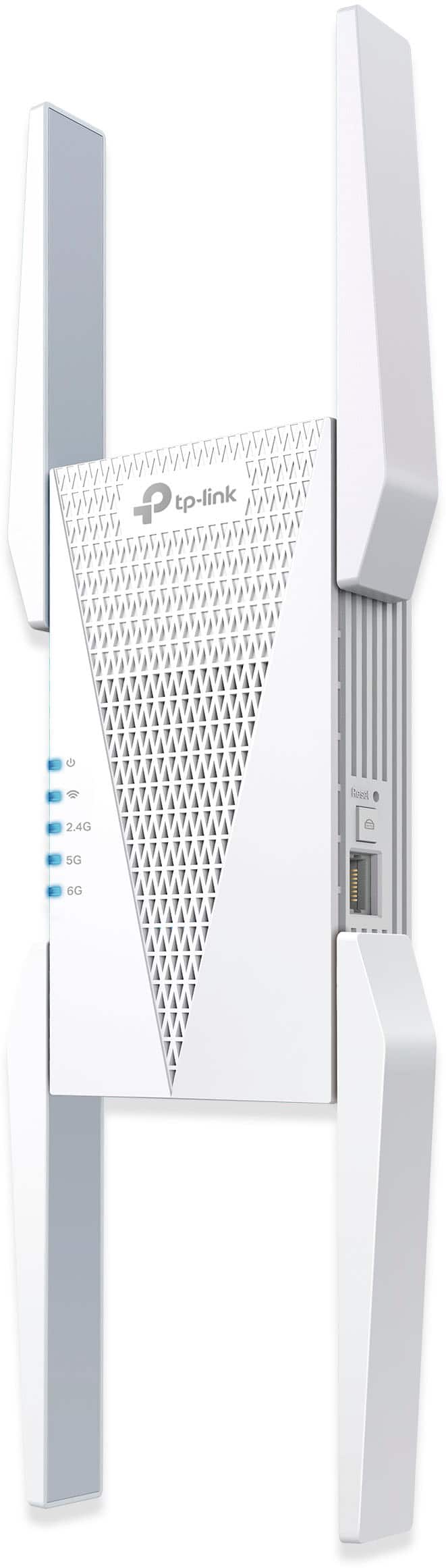
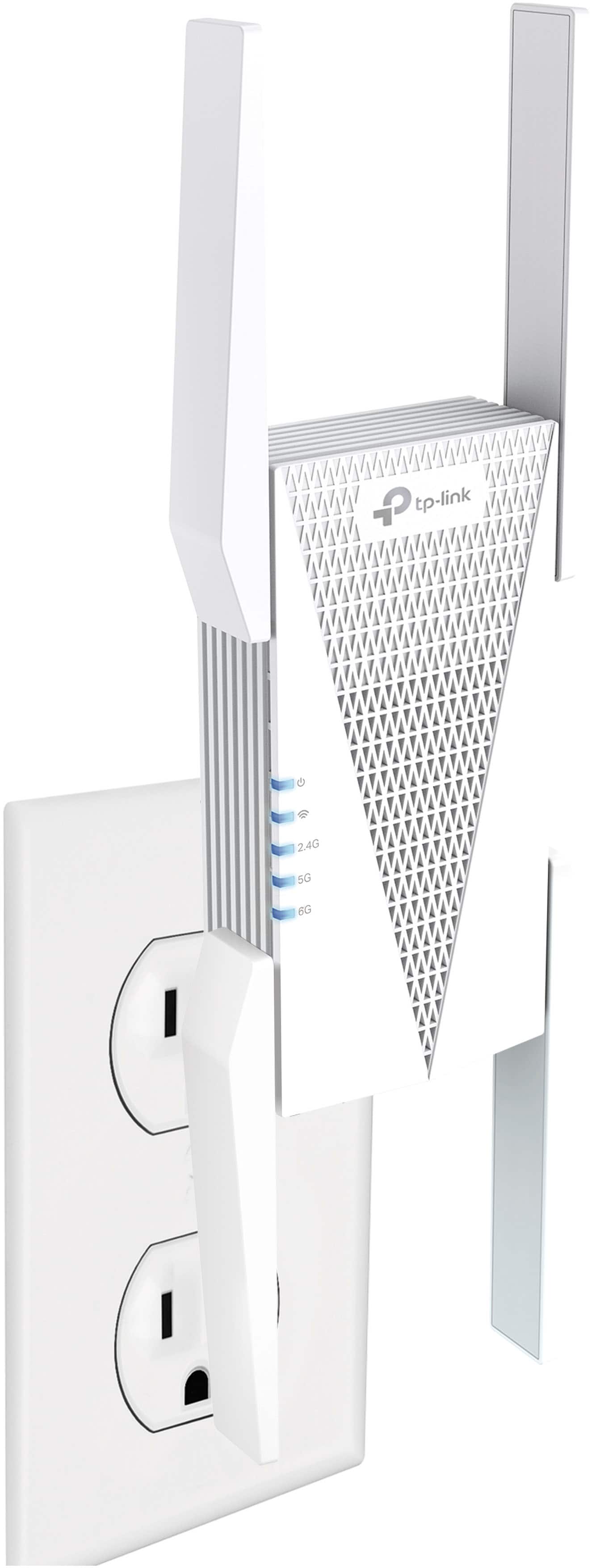

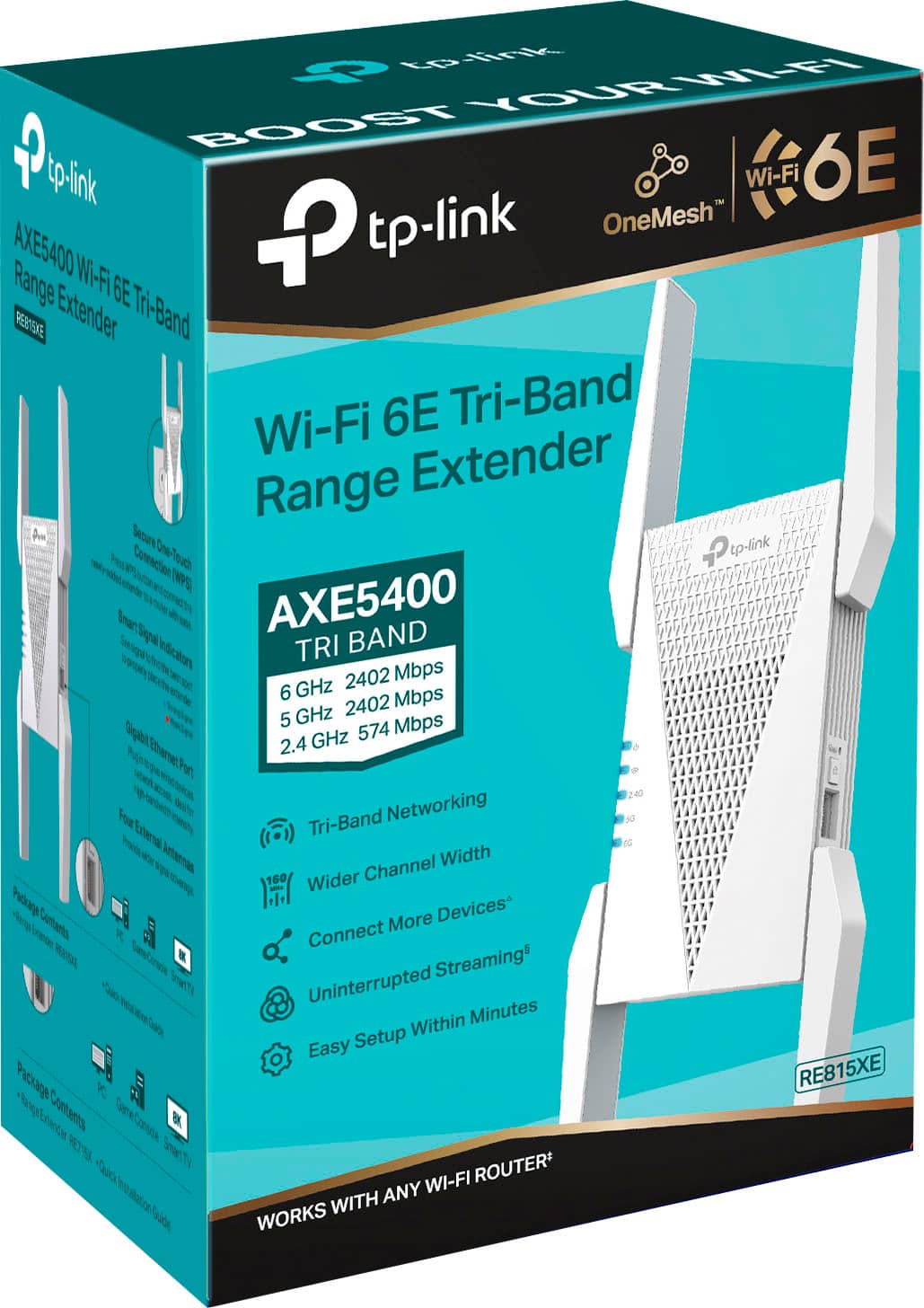
- Model:
- RE815XE
- SKU:
- 6519763
Rating by feature
- Value
Rating 4.3 out of 5 stars
- Quality
Rating 4.5 out of 5 stars
- Ease of Use
Rating 4.5 out of 5 stars
Customers are saying
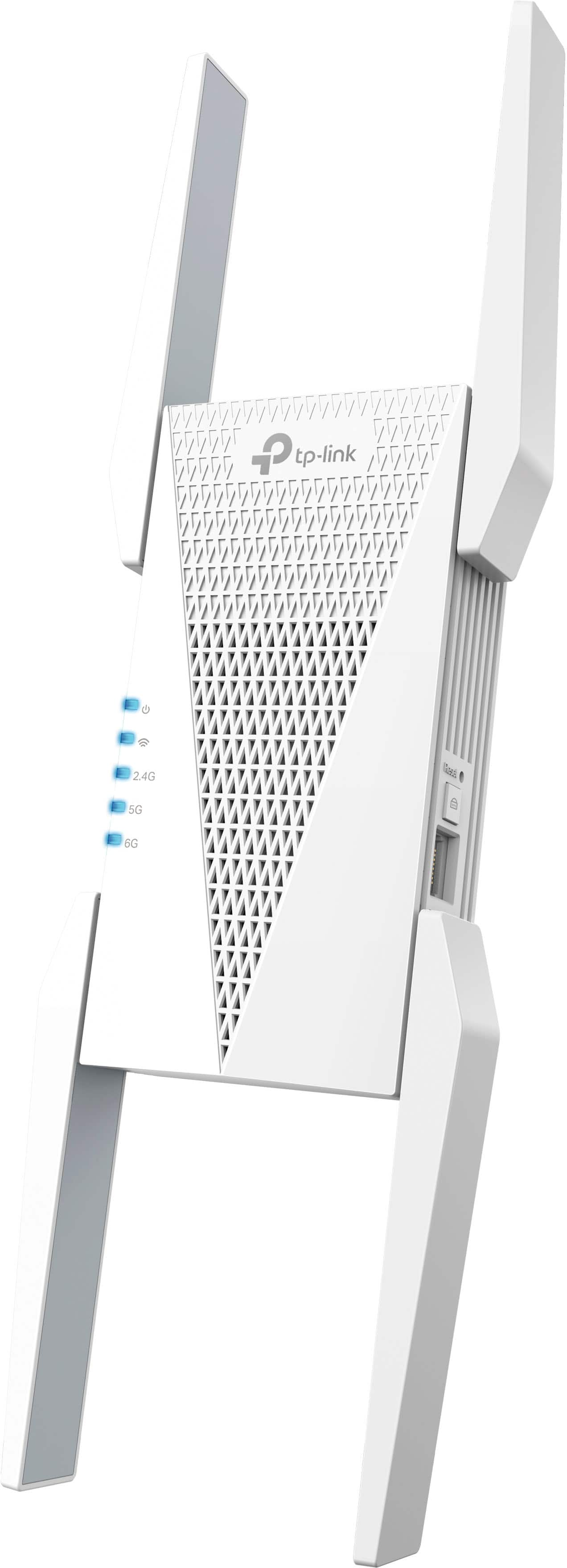
Customers commend the AXE5400 Tri-Band Mesh Wi-Fi 6E Range Extender for its easy setup, impressive range, and overall performance. Users also appreciate its ease of use, strong signal strength, and extensive coverage. However, some customers have noted concerns about speed reduction, price, size and the limited Wi-Fi 6E band extension.
This summary was generated by AI based on customer reviews.
- Pros mentioned:Overall performance
AXE 5400
||Posted . Owned for 3 weeks when reviewed.This reviewer received promo considerations or sweepstakes entry for writing a review.Works very well. xxxxxxxxxxxxxxxxxxxxxxxxxxxxxxxx
I would recommend this to a friend - Pros mentioned:Ease of use, Range
Reliably unreliable. Three months in no.
||Posted . Owned for 3 months when reviewed.This reviewer received promo considerations or sweepstakes entry for writing a review.Great range, easy setup, locks up once a month requiring it to be unplugged and plugged back in. Resetting in Tether, when it works fails. This is on a network with about 70 devices, if you have few you might not have this issue
No, I would not recommend this to a friendBrand response from TPLinkSupport
Posted .Hi,
Thank you for your review. In your case, we recommend relocating the unit to a position within your home where the router's Wi-Fi signal is sufficiently strong; yet far enough from the router to effectively extend its range. Please verify the RE status LED is indicating a solid connection.
We also recommend ensuring the extender's firmware is fully up-to-date, using the steps outlined in FAQ 1406 on our official website: https://www.tp-link.com/us/support/faq/1406/
If you would like assistance with any of these steps, please reach out to our support team using any of the resources included with the product, or from our official website, and we'll gladly have a Support Agent follow up with you directly.
Thank you,
TP-Link Support
WiFi booster
||Posted .This reviewer received promo considerations or sweepstakes entry for writing a review.Struggles to connect sometimes but works well when it does
I would recommend this to a friendAXE5400 - Great
||Posted . Owned for 3 weeks when reviewed.This reviewer received promo considerations or sweepstakes entry for writing a review.Excellent for use as an AP. Currently it is serving as an AP connected to a TP-Link AX6600(in router mode). Internal network speeds range from 1.1 to 1.3 gb(using wired back haul). 1 gb Fiber Internet averages 1.0 to 1.1gb. Both 5 g & 6e networks work great, but range is very limited on 6e. It would be great if had a a 2.5 gb port.
I would recommend this to a friendGood extender
||Posted . Owned for 7 months when reviewed.This reviewer received promo considerations or sweepstakes entry for writing a review.Easy to use. It has helped a bit but not as much as we hoped.
I would recommend this to a friendLove Home Depot
||Posted . Owned for 1 month when reviewed.This reviewer received promo considerations or sweepstakes entry for writing a review.Great service needed a paint match the young Lady did a great job thank so much
I would recommend this to a friendGaming Wi-Fi
||Posted . Owned for 1 month when reviewed.This reviewer received promo considerations or sweepstakes entry for writing a review.This Wi-Fi 6E may be outdated in Month's but as of now it ultimately provides my M3 pro chip with superior bandwidth for gaming with my PS5 remotely. And that's why I purchased it!
I would recommend this to a friendMore range
||Posted . Owned for 1 month when reviewed.This reviewer received promo considerations or sweepstakes entry for writing a review.Two start bed room and with the router downstairs the connection was poor but this extender has made connection upstairs a lot better.
I would recommend this to a friendEXTENDER
||Posted .This reviewer received promo considerations or sweepstakes entry for writing a review.Good product, good stability and zero lag, Exellent cuality
I would recommend this to a friendBandwith
||Posted . Owned for 1 month when reviewed.This reviewer received promo considerations or sweepstakes entry for writing a review.Pretty good had soem difficulties understanding how to connect with it, but worked pretty well when it did.
I would recommend this to a friendNot for me.
||Posted . Owned for 3 weeks when reviewed.This reviewer received promo considerations or sweepstakes entry for writing a review.Did not work for what I needed it to do. Needed it to further the signal.
I would recommend this to a friend- Cons mentioned:Wi-fi 6e
Regular extender - Good, OneMesh extender - Bad
||Posted .This reviewer received promo considerations or sweepstakes entry for writing a review.Bought the AXE75 Wifi 6e router to pair with the re815xe Wifi 6e extender. As a regular extender, it works fine (assigns EXT to each SSID band 2.4, 5 and 6ghz). However, does not work with TP-Link's OneMesh system for Wifi 6e as advertised. Only extends 2.4 and 5ghz bands in OneMesh, not 6ghz. TP-Link's other Wifi 6e routers may work with the re815xe for the 6ghz band in Onemesh, however, the AXE75 does not. Spoke with TP-Link tech support, and they did in-house testing, and confirmed that AXE75 and re815xe do not communicate with Onemesh for 6ghz band. Maybe a future firmware update (for either the AXE75 or re815xe) will solve the issue, we'll see in time.
No, I would not recommend this to a friendBrand response from TPLinkSupport
Posted .Hi,
Thank you for your review. We appreciate your interest in this type of feature for the RE815XE, and we will share your feedback with the appropriate team for future consideration.
Our support team is always happy to help answer any questions you may have about our products. Please feel free to reach out using any of the resources included with the product, or from our official website, and we'll gladly have a Support Agent follow up with you directly.
Thank you,
TP-Link Support
Very good 6e extender
||Posted . Owned for 2 weeks when reviewed.This reviewer received promo considerations or sweepstakes entry for writing a review.I added this mesh extender to my tp-Link AXE7800 6e network because of having to move my printers into a weaker signal area. It meshed beautifully including channel 6.
I would recommend this to a friendOk but some inconsistencies
||Posted . Owned for 1 month when reviewed.This reviewer received promo considerations or sweepstakes entry for writing a review.It is helpful but is interesting that on different days I get a different signal strength reading from the router that it is connected to. The only thing that should be moving at All is the rotation of the earth. It does its job but sometimes reports weak signal but well it is connecting to a a Tplink router that has failed to impress me
I would recommend this to a friendBrand response from TPLinkSupport
Posted .Hi,
Thank you for your review. If you haven't noticed a significant improvement in Wi-Fi coverage after installing the extender, we recommend relocating the unit to a position within your home where the router's Wi-Fi signal is sufficiently strong; yet far enough from the router to effectively extend its range. Please verify the RE status LED is indicating a solid connection.
We also recommend ensuring the extender's firmware is fully up to date using the steps outlined in FAQ 1406 on our official website: https://www.tp-link.com/us/support/faq/1406/
If you would like assistance with any of these steps, please reach out to our support team using any of the resources included with the product, or from our official website, and we'll gladly have a Support Agent follow up with you directly.
Thank you,
TP-Link Support
Great Wi-Fi extender!
||Posted . Owned for 3 weeks when reviewed.This reviewer received promo considerations or sweepstakes entry for writing a review.Perfectly seamless connection! My devices never skip a beat jumping from the router to the extender.
I would recommend this to a friendHP computer
||Posted . Owned for 1 month when reviewed.This reviewer received promo considerations or sweepstakes entry for writing a review.Easy fast reliable great value for price secure untouchable for value and quality
I would recommend this to a friendG
||Posted .This reviewer received promo considerations or sweepstakes entry for writing a review.Easy to install. Would recommend to anyone who is looking to extender there wifi coverage.
I would recommend this to a friendTP Link axe5400
||Posted . Owned for 1 month when reviewed.This reviewer received promo considerations or sweepstakes entry for writing a review.Excellent custormer service & great product. Will shop here again.
I would recommend this to a friendRange Extender
||Posted . Owned for 3 weeks when reviewed.This reviewer received promo considerations or sweepstakes entry for writing a review.Did get extended svc to outsidearea Could be better
I would recommend this to a friendN/A
||Posted . Owned for 3 weeks when reviewed.This reviewer received promo considerations or sweepstakes entry for writing a review.Good Price and a quick in and out of the store. However I would like to see employees on the floor helpibg
I would recommend this to a friend