Customer Ratings & Reviews


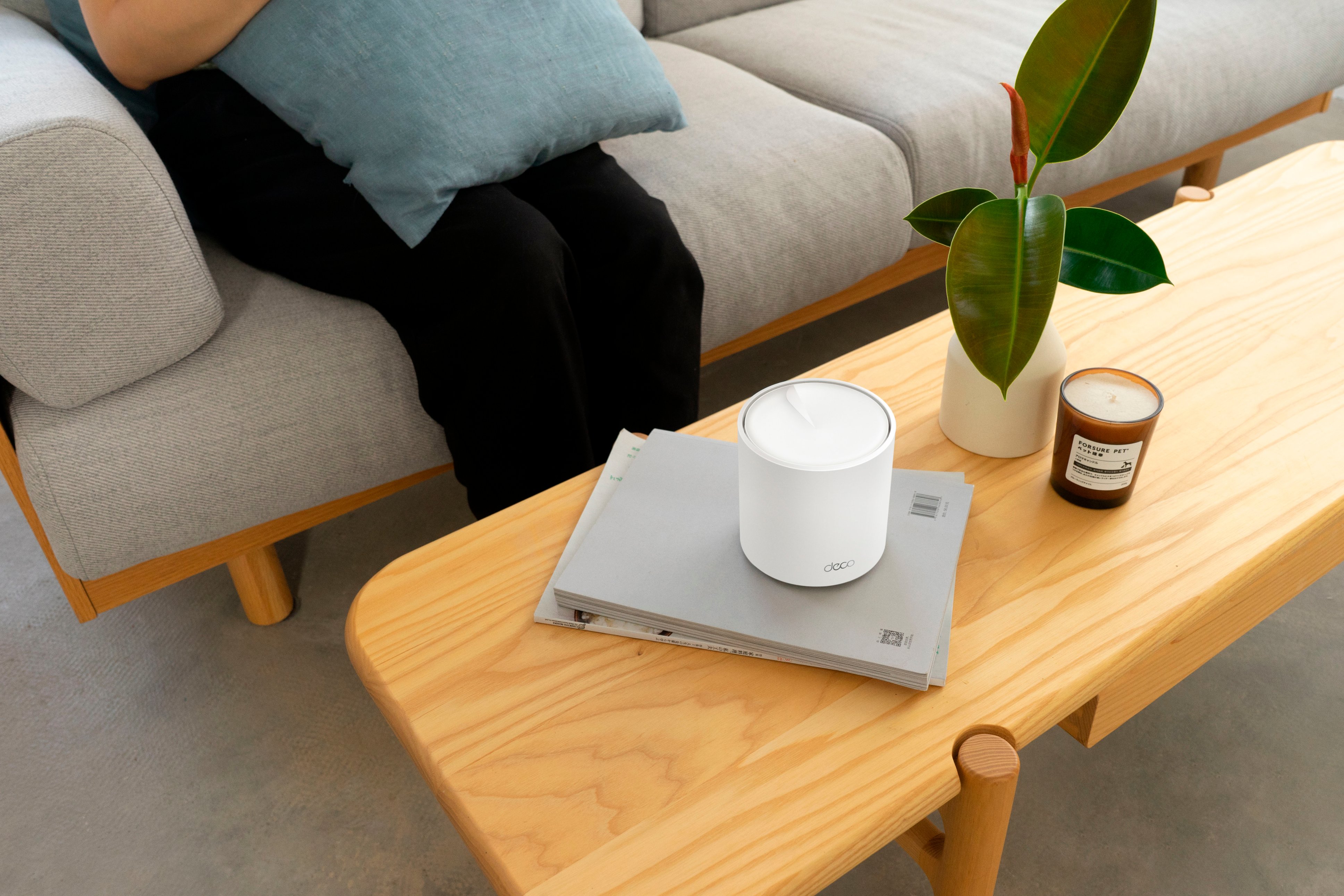
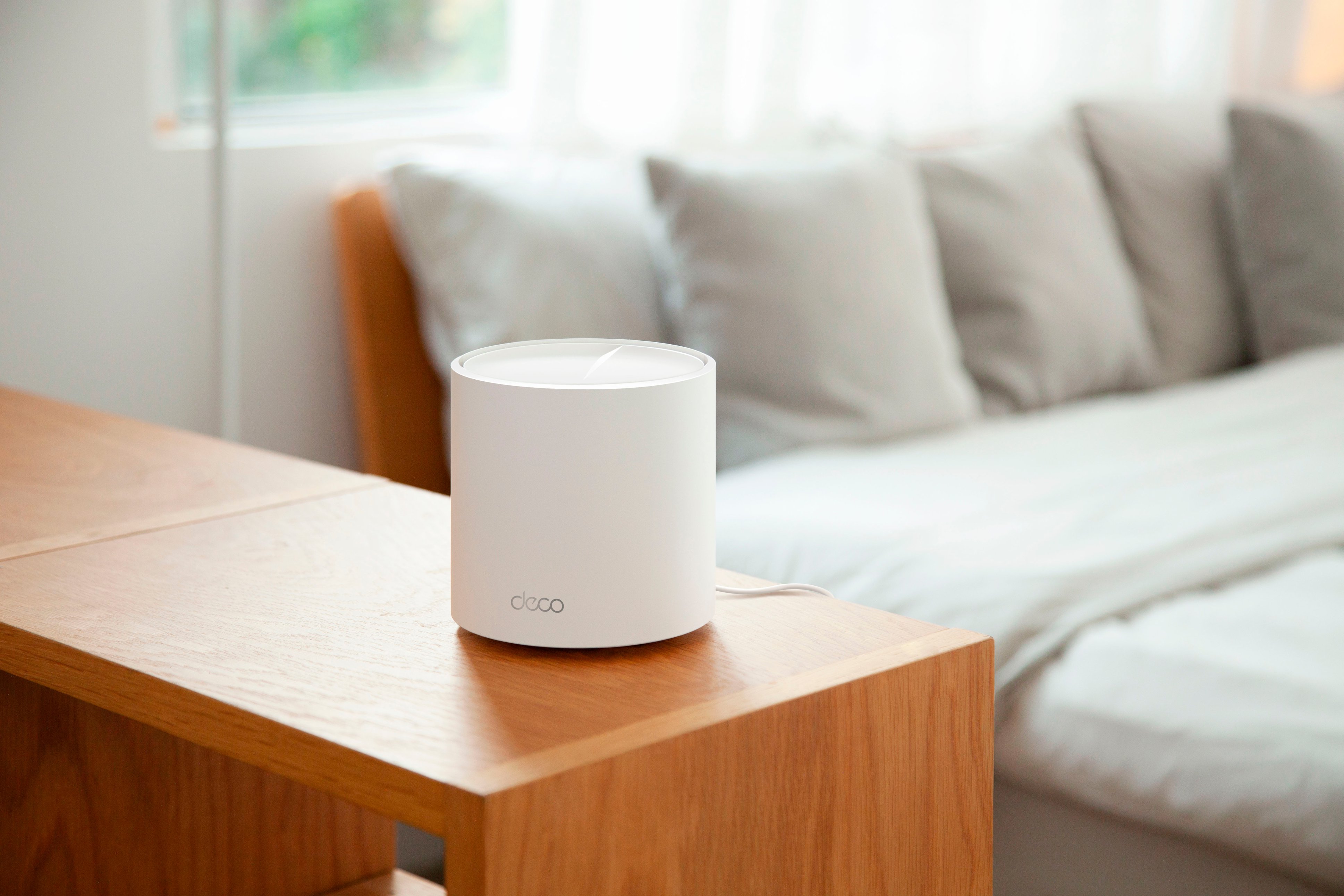

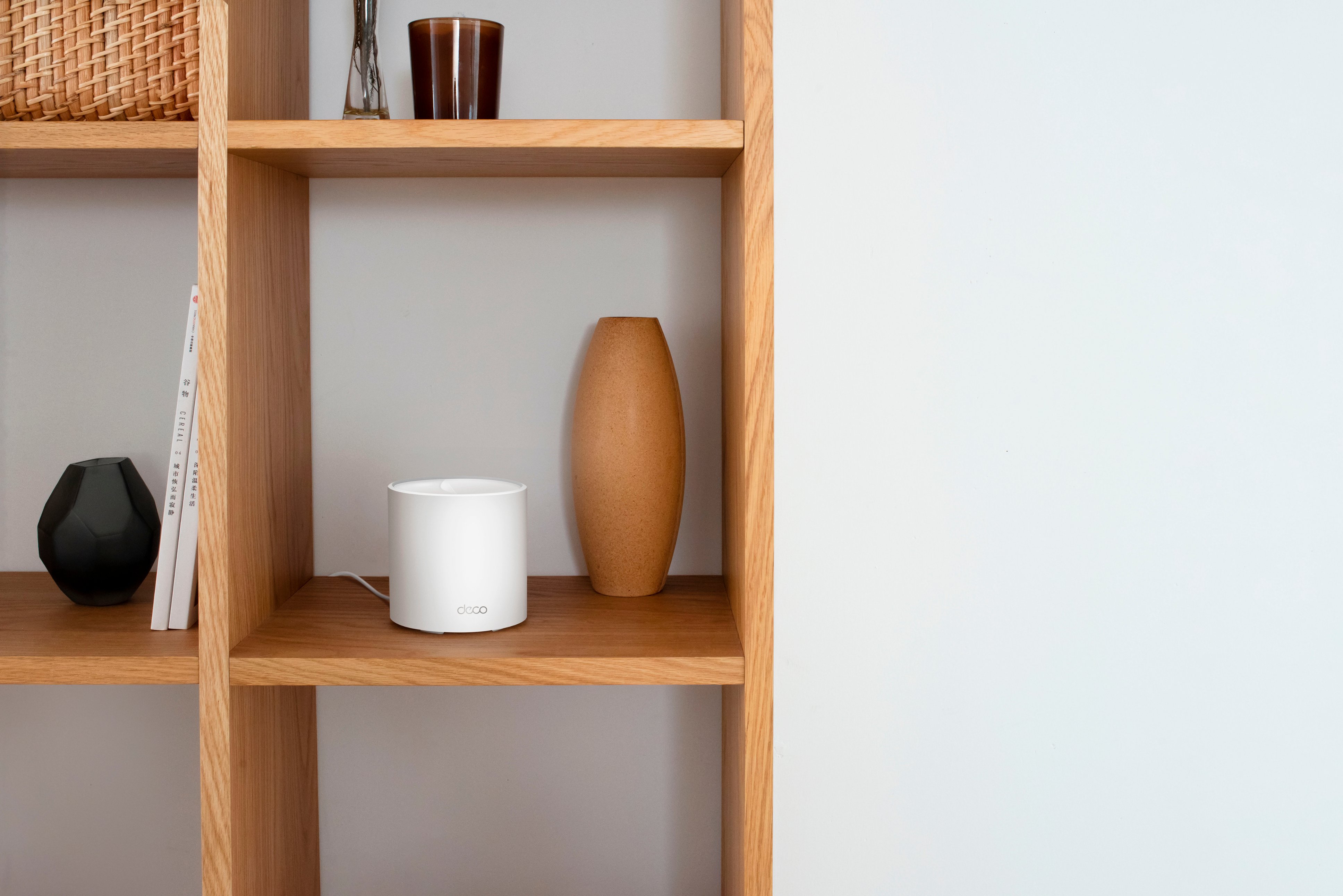
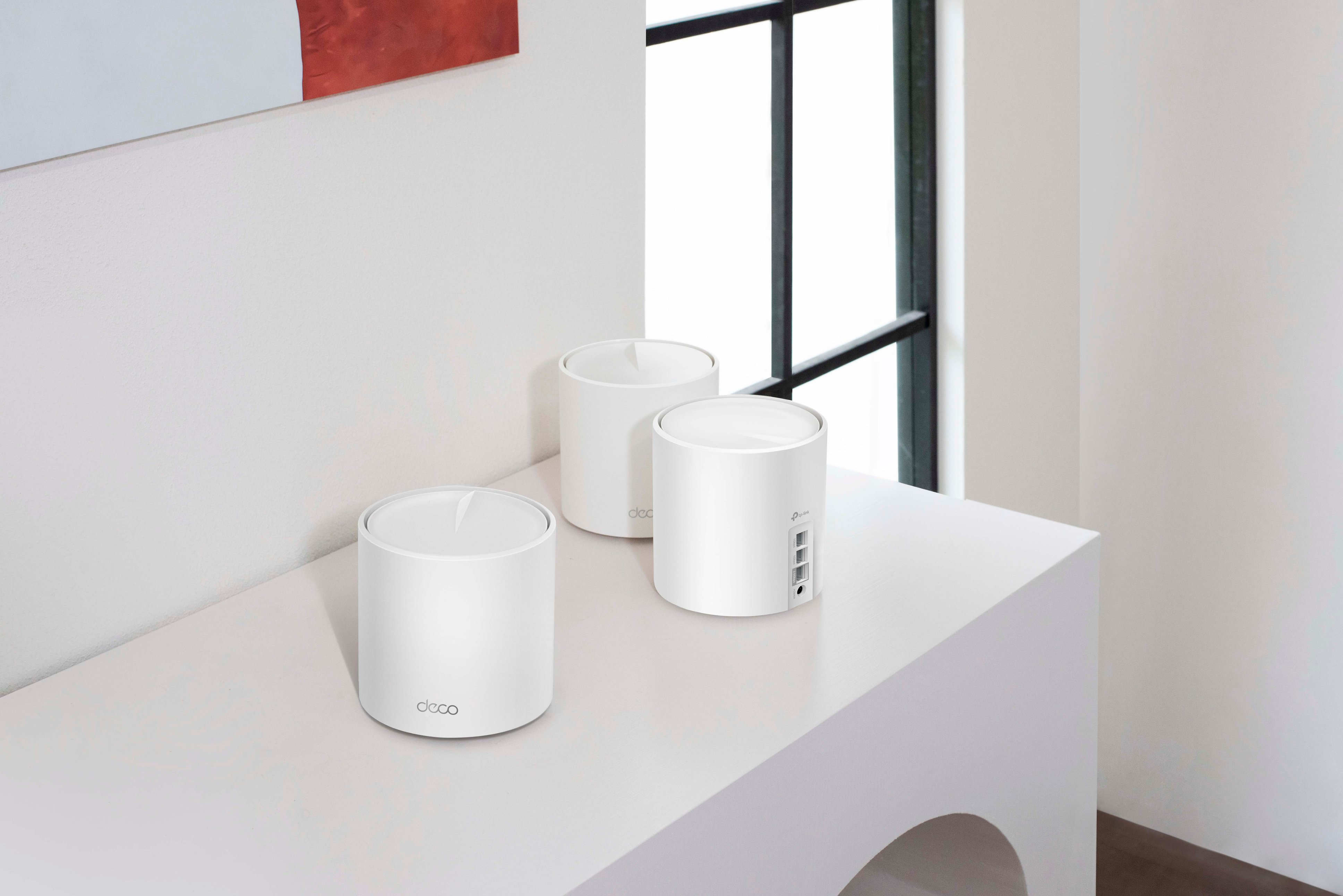
- Model:
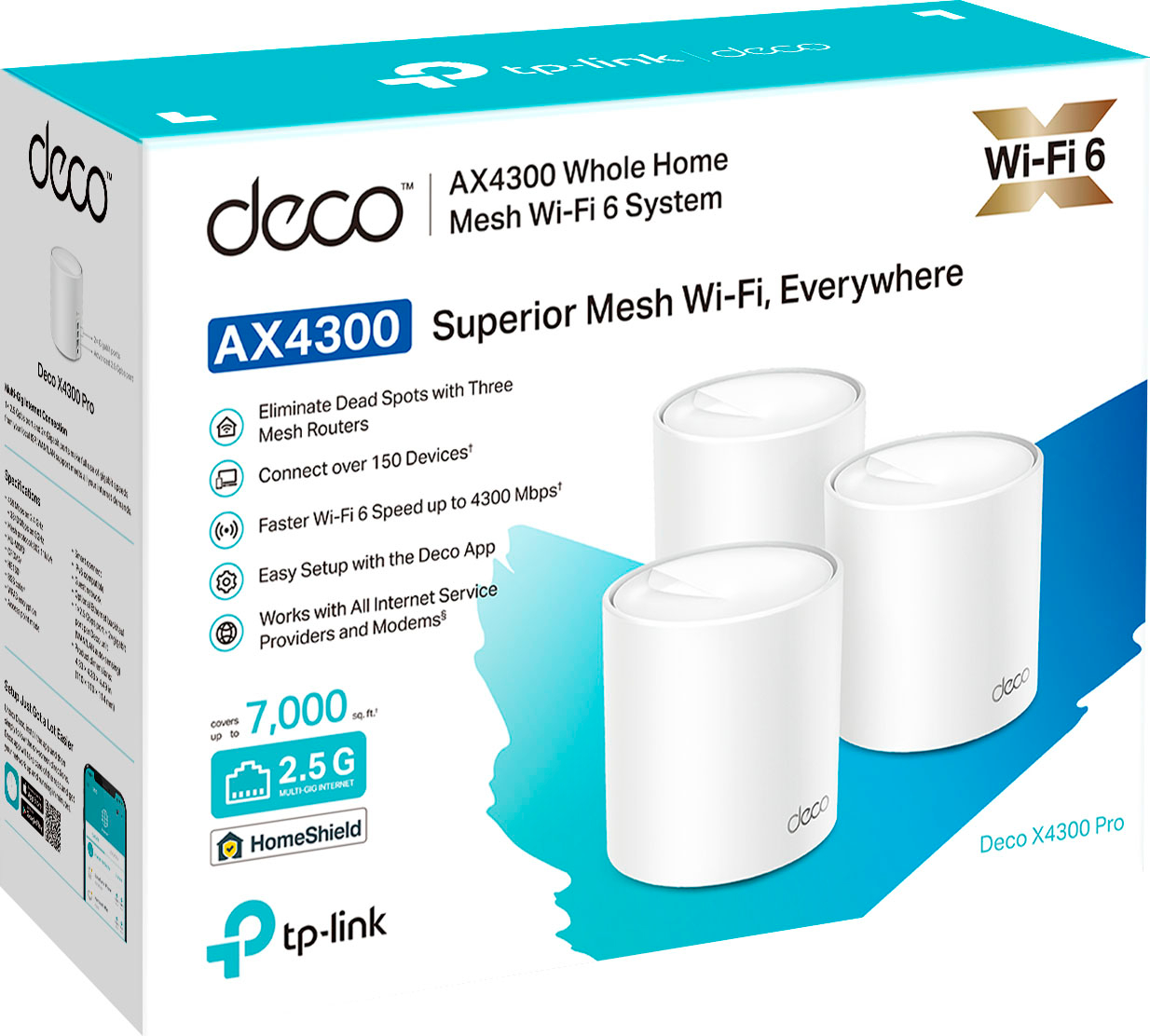
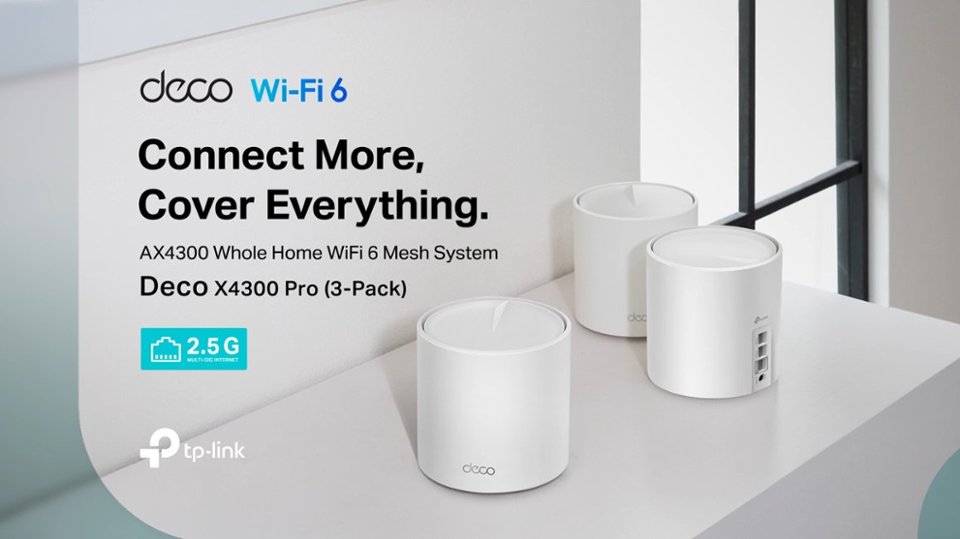
- Deco X4300 Pro (3-Pack)
- SKU:
- 6502062
Rating by feature
- Setup
Rating 4.7 out of 5 stars
- Range
Rating 4.7 out of 5 stars
- Signal Strength
Rating 4.7 out of 5 stars
Customers are saying
Customers highly value the Deco AX4300 Pro's ease of use, extensive coverage, and straightforward setup process. Many appreciate the system's strong signal and improved range compared to other Wi-Fi systems. Positive feedback also highlights the app's intuitive design and the overall performance boost it provides. While some users experienced occasional connectivity issues, the overwhelmingly positive reviews praise the system's reliability and effectiveness.
This summary was generated by AI based on customer reviews.
- Pros mentioned:Setup
Deco mesh
||Posted . Owned for less than 1 week when reviewed.This reviewer received promo considerations or sweepstakes entry for writing a review.I have a brick home yes easy setup put on 4port swich to fed the satilites and still Sucks going through brick walls. In home great.
No, I would not recommend this to a friendBrand response from TPLinkSupport
Posted .Hi,
We truly appreciate your positive review. It's wonderful to know that you're enjoying the powerful, whole-home Wi-Fi offered by our Deco AX4300 Pro. We understand your concerns regarding brick construction and its effects on Wi-Fi coverage. Brick is one of the most disruptive construction materials for Wi-Fi coverage, so a little creativity may be required to optimally place your Deco Mesh nodes for full home coverage.
In your case, we first recommend ensuring your Deco app and firmware are both fully up to date and your Deco units are optimally positioned within your home and in proximity to each other.
Our support team is always happy to help answer any questions about our products. Please feel free to reach out using any of the resources included with the product, or from our official website, and we'll gladly have a Support Agent follow up with you directly.
Thank you,
TP-Link Support
- Pros mentioned:Ease of use
tp-link router
||Posted . Owned for 2 months when reviewed.This reviewer received promo considerations or sweepstakes entry for writing a review.the set up was easy feaaon i give this rating you are not able to choose between the 2.4 ghz and 5ghz channel the router will do it for you 90% of the time it chooses 2.4ghz.
No, I would not recommend this to a friendBrand response from TPLinkSupport
Posted .Hi,
Thank you for your review. Mesh Wi-Fi systems typically employ a unified SSID configuration to ensure seamless Wi-Fi connectivity and coverage throughout your home and for your devices. While the 2.4GHz and 5GHz SSIDs cannot have separate names, you can create a Guest Network with a separate SSID from the main network. That said, devices connected to the guest network will be separated from the main network.
Our support team is always happy to answer any questions you might have about our products. Please reach out to our support team using any of the resources included with the product, or from our official website, and we'll gladly have a Support Agent follow up with you directly.
Thank you,
TP-Link Support
- Pros mentioned:Ease of use, SpeedCons mentioned:Connectivity

Good value mesh system
|Posted .This reviewer received promo considerations or sweepstakes entry for writing a review.My place is not that large, but unfortunately is long and narrow. The router is in the living room and my bedroom is on the other end of the hall which is separated by a closet, bathroom, and boiler room with washer/dryer from the living room. I was paying for fiber internet with supposed 1 GB speeds (not really), but I was barely getting 50 MB/S in my room. I could not get reliable WiFi in my room! The previous solution was literally buying a long Ethernet cable so that I can put the router smack dab in the middle of hallway closer to my room. A very unpractical and ugly solution, so I really needed a mesh system. The Deco AX4300 was exactly what I needed. It looked nice enough out of the box. The build quality was decent. Setup was very straightforward. Like most mesh systems these days, everything is set up through the app. The app is fairly user-friendly and simple. It is definitely geared towards the layman. I had no problems with it. You set up each node which may take a bit with the firmware updates and then you should be good to go! For me, there really wasn't any strategic node placement needed. I just placed them in a straight line, and I was ready. I was VERY happy with the speeds. Previously, if you stood right next to the router, I was getting about 600 MB/s. In my room, it would seriously drop to 50 MB/s which made streaming tolerable and impossible for gaming. With the mesh system, I was getting 500 MB/s. It was just a night and day difference. I even decided to push it and went outside and I was still getting 100-200 MB/s speeds on my phone. For me, honestly there are a lot of mesh systems that work well. I had no doubt about the Deco AX4300 performing poorly in this day and age. However, the aesthetic and minimalism look is what really makes them valuable to me. No more ugly Ethernet cable running down the hall. They are small and minimalist. A lot of guests even think that they are aroma diffusers or something. All in all, they work for me!
I would recommend this to a friend Made my 1200 xfinty internet drop to 237kbps
||Posted . Owned for less than 1 week when reviewed.This reviewer received promo considerations or sweepstakes entry for writing a review.This was supposed to help my internet not drop it so much my tv can’t even stay on the cable setting. It is literally messing my tv up completely. I have Xfinity 1200 and my google is pulling 230kbps and my vizio, phone, and ipad is only pulling 7kbps and the app is telling my my internet is super fast. Its awful. Then when i opened the box to set up, they want to charge you monthly to pay fir their “protection “ when im paying Xfinity the same thing.you have to pay for subscription after 30 days. This thing is going back tomorrow after work, ill stick with my google.
No, I would not recommend this to a friendBrand response from TPLinkSupport
Posted .Your speed concern could be related to setup or configuration. We would recommend contacting TP-Link support to address this and get the system working at appropriate speeds.
For the subscription. You are referring to HomeShield Pro. Yes, some of its features are behind a subscription. The majority of which are related to network security and reporting. there are a few advanced parental controls that are also subscription base, but a good chunk of the services provided in HomeShield are free. You can do a search to TP-Link HomeShield to find the splash page and details of which is which. And if you have further questions please let us know.
- Pros mentioned:Range, Setup
Good addition to the Mesh Wifi systems
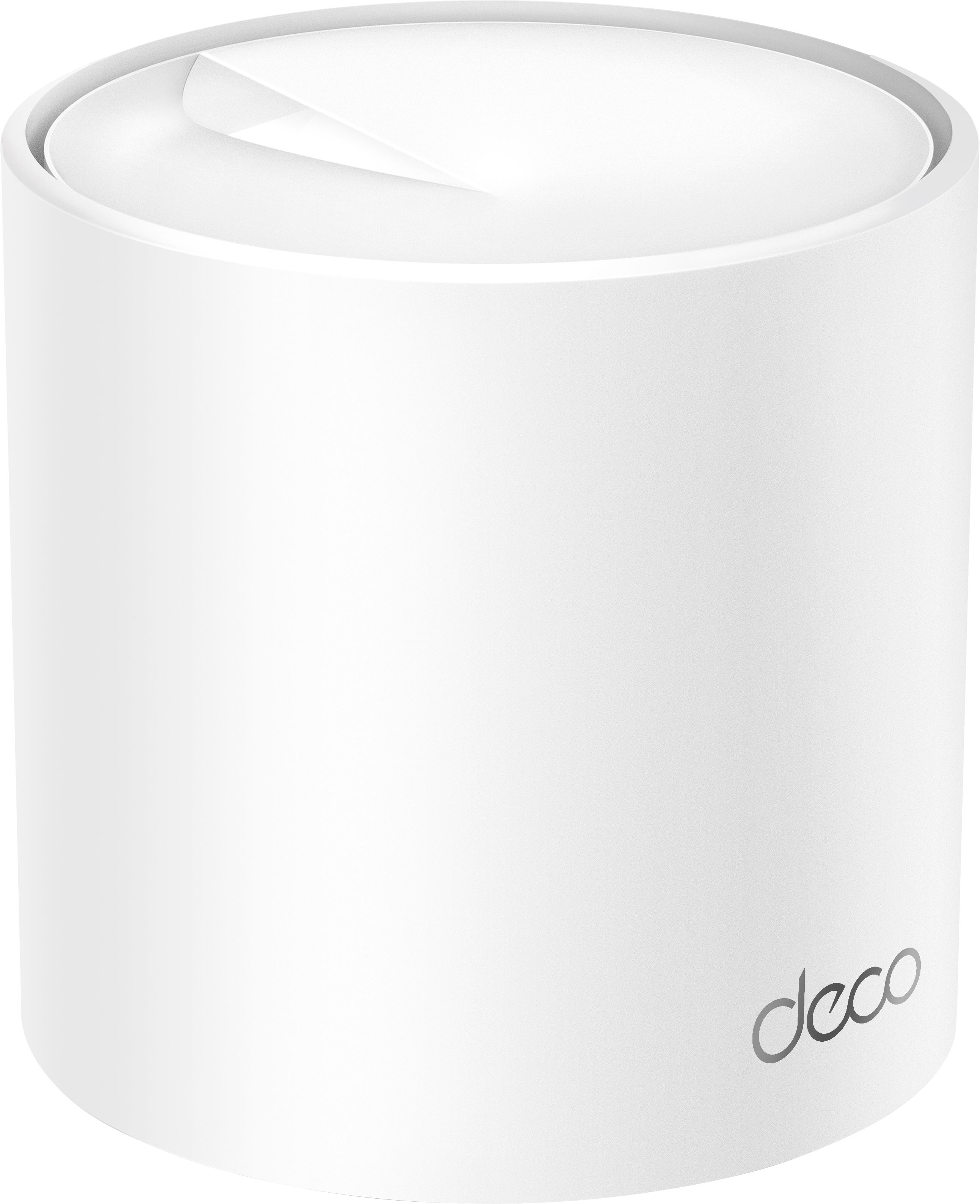
|Posted .This reviewer received promo considerations or sweepstakes entry for writing a review.This Deco mesh wifi network system is an addition that fills the gap between their lower tier entry level systems (X25) and their higher tier systems (X90). In many ways, it is an upgrade to the existing AX3000, if you are looking to get some higher bandwidth. For the most part, this mesh network has been reliable and there has been seamless connectivity between going from the basement to the second floor. One of the best positives for using this Deco is how easy it is to setup and maintain. The app provides step by step instructions with ample fail safes if you skip a step or accidentally exit the app. Setting up your wifi network is extremely simple, and you can find almost all of the functions you would familiar with on other routers. You can also access the web interface too with the same login. Overall, it is a very easy system to manage and for those who like to set it and forget it without any hassle, this would be the one to get. Of course, this also has some downsides if you are looking for something that gives you more control. For instance, you only have your main wifi network and an optional guest network. You don't have the option to split your main network into a 2.4ghz and 5ghz band, which is very unfortunate. Sometimes the speed allocation is not optimal and the ability to manually set the network you want is preferred. The hardware itself is pretty low profile and does not draw a lot of attention. The unit does get pretty hot to the touch, at least a lot more than the single router I was using before. In the web app, it shows the CPU usage at 90% most of the time, which would explain it. There is also LED on the bottom which you can control from the app. As for the network performance, I have to say I was kind of hoping for more. I am upgrading from an AC system, but I see no gains from the network speed at all. In some cases, I see it being lower and I suspect that it is using the lower speed network because it thinks that is better. Connectivity, though, is impressive. I get full signal from everywhere in the house, and there is not drop in signal when moving from floor to floor. Although it advertises a 7000sqft range, you basically need one node for each floor if you want the best connectivity. To conclude, this is a great system if you're looking to improve your wifi experience and not have to deal with all the hassle that comes with setting up a router.
I would recommend this to a friend - Pros mentioned:Ease of use, Speed
Deco X4300 Whole Home Mesh Wi-Fi 6 System
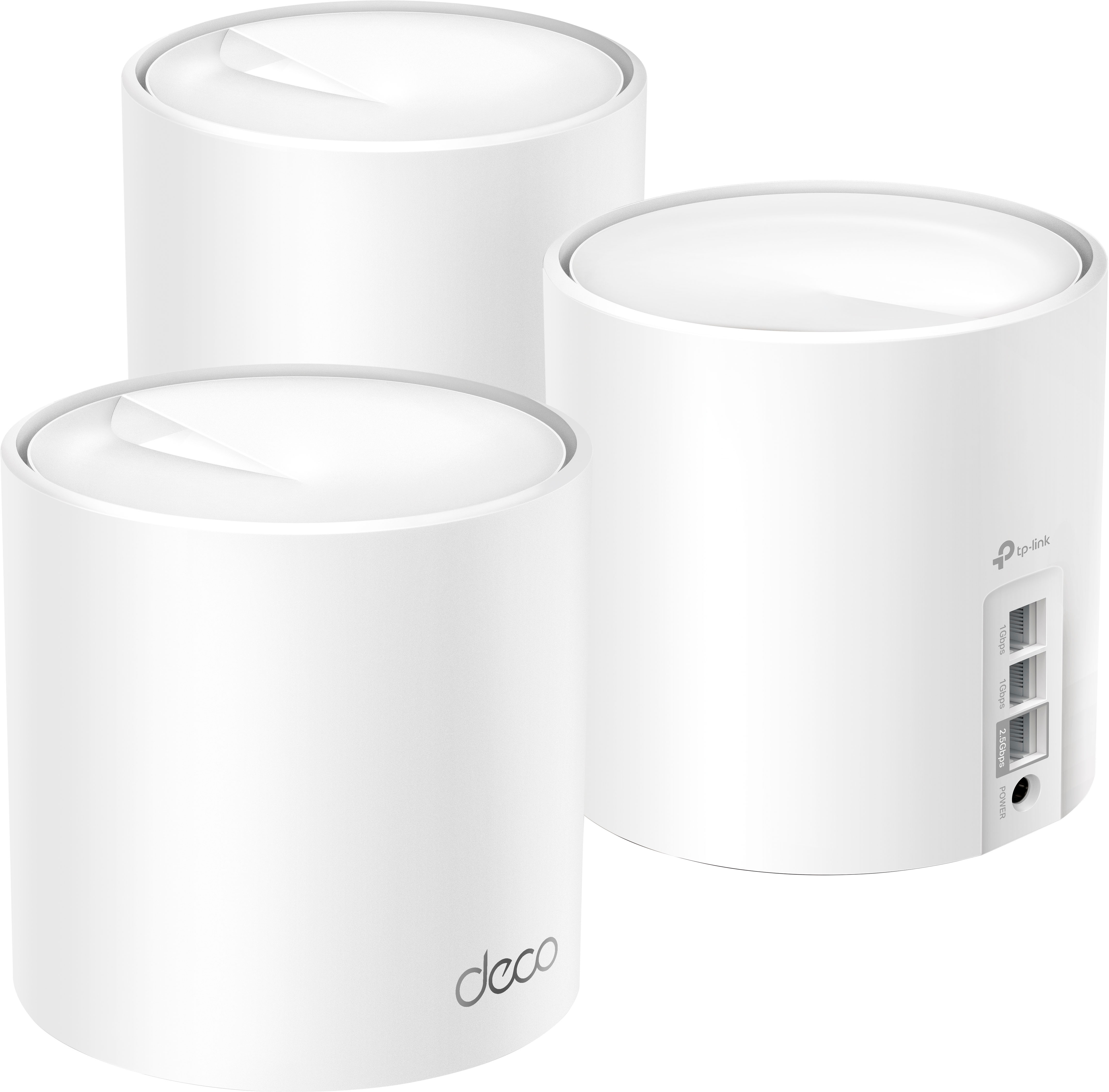
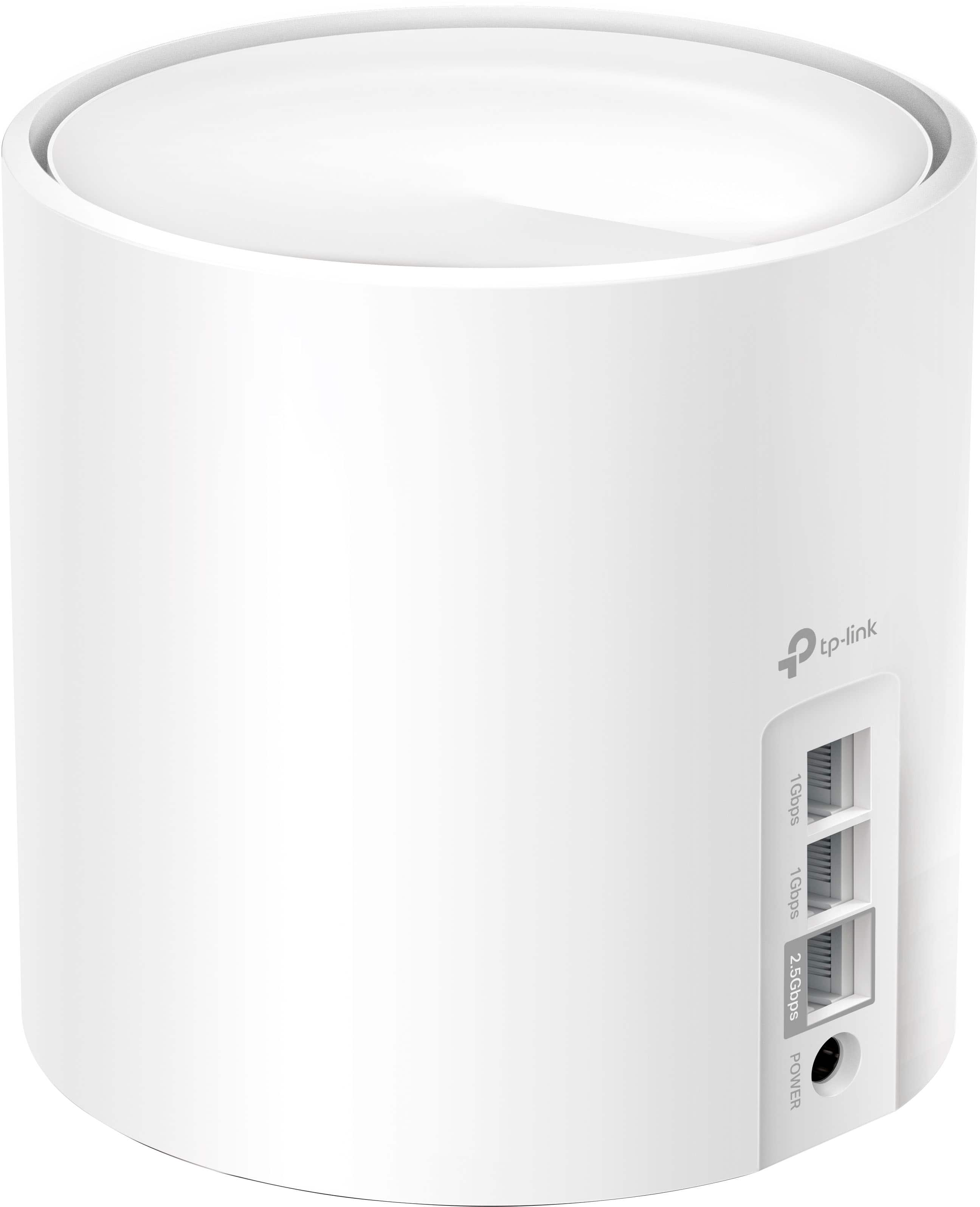
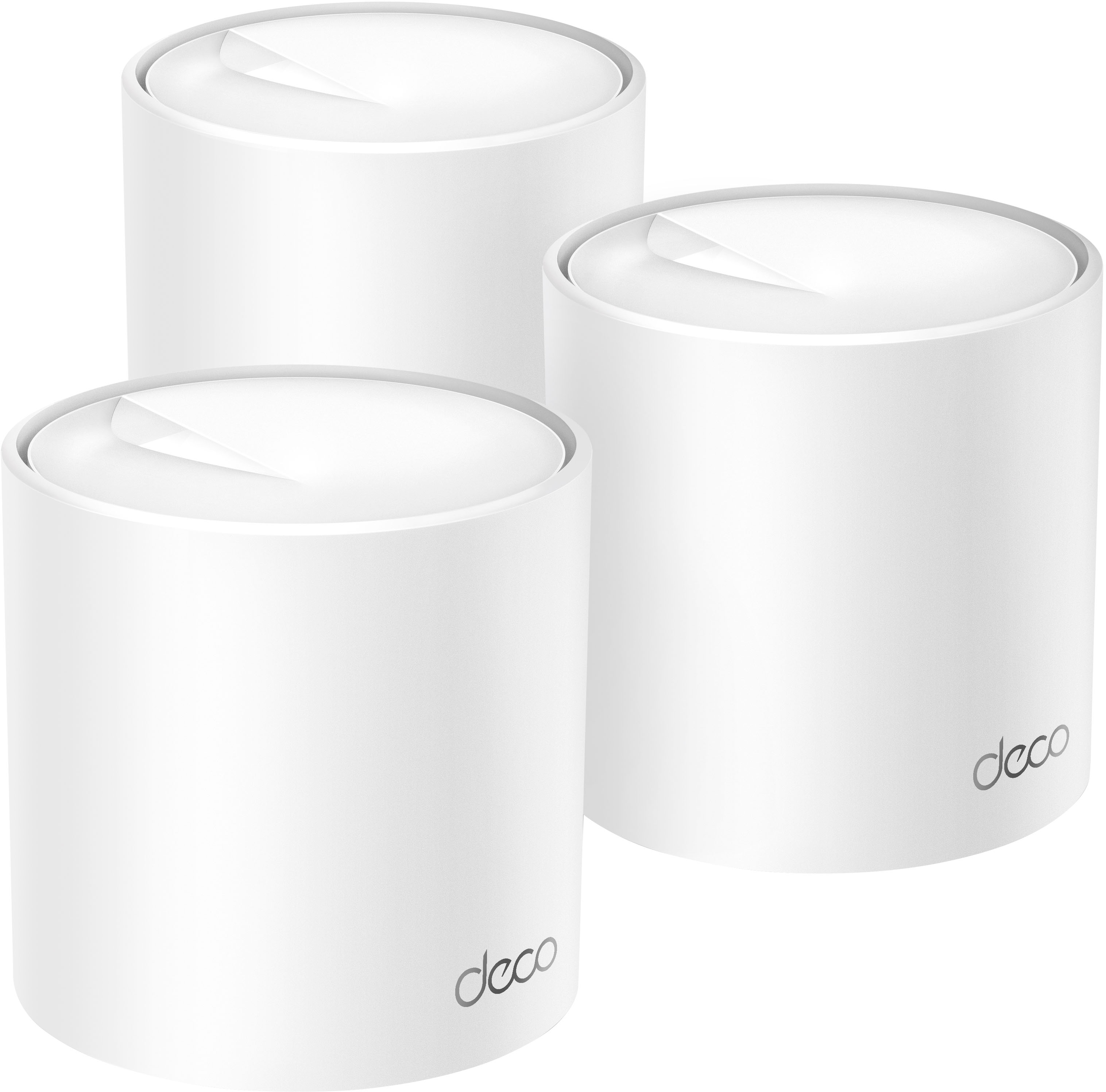
|Posted .This reviewer received promo considerations or sweepstakes entry for writing a review.So I received my DecoX4300 Whole Home Mesh Home Wi-Fi 6 System a couple weeks ago and have been putting it through it's paces. First off I must say that the R&D team with TP-Link/Deco did an amazing job with the design and build quality of the Deco X4300 Pro Units. They're strong and sturdy and will most likely blend in with any home décor. Along with the 3 Units comes, 3 Power Adapters, 1 RJ45 Ethernet Cable, and the Quick Installation Guide. On the back of each unit is 2 (1 Gigabit) Ports, and 1 (2.5 Gigabit) Port, and a port for the power adapter. Following along with the Quick Installation Guide, first off you will need to download the TP-Link Deco app from the App Store for iOS or Google Play Store for Android. Once downloaded, simply create an account get activate it via the email. Once activated simply follow along with the app as it guides you through the rest of the setup process. Once you are connected you simply repeat the process for the other 2 Pro Units. We placed the main unit on the middle level of our condo, the second unit was placed in our bedroom upstairs, and the last unit was placed in our garage. This was the easiest router/mesh system we've ever installed. And installation went without a hitch. Almost immediately we noticed better coverage off the deck area of the condo off from our kitchen. The signal was stronger than our previous router that we swapped out for this mesh system. Very good system and TP-Link is a name that has become trusted over the years which is why we went with this mesh system. We tested this speed out on our iPhones and iPad, and noticed a pretty decent speed increase in app-loading and also in our streaming services. There was no buffering or lag when switching channels or going from webpage to webpage. Very good system in my opinion. The only gripe I would have about anything would be the Quick Installation Guide, (not a dealbreaker), but man is the writing very tiny and the color choices of the text kinda off-putting, but thankfully you only need to read the first page to know to download the app and follow along from there.
I would recommend this to a friend - Pros mentioned:Range, Setup
Impressive Mesh System!
|Posted .This reviewer received promo considerations or sweepstakes entry for writing a review.I've been looking to upgrade my mesh wifi system as my current system just wasn't fast anymore. I was skeptical with the Deco AX4300, but boy was I wrong. This thing screams fast. I have a 3500 square foot two-story home which makes wifi not work so well getting to every corner of the house. My previous mesh network system had 5 units and would still not catch every room well. So you can see why I wasn't thinking this Deco system would do any better. Setup was super simple. Plug in one of the units into your router using ethernet and plug into a wall outlet (I do wish the power brick was smaller - it is huge!). Download the Deco app and follow the instructions. Within a few minutes, your Main Deco is up and running). The app helps you as you place the other two units to ensure the best coverage in your house. Those are just as simple to setup. Plug in, add in app, and done. Do note that an update may download in the app to ensure you are running the latest firmware. For advanced users, you can get deep into settings to setup port forwarding, address reservations, IPv6, etc. The app is pretty intuitive to use for advanced setups. You can also easily setup a guest network. The one thing that is missing from the app (or I can't find it), is a speed test from your ISP to the Main Deco. I have gigabit service (this system can support up to 2.5 Gbps). To test the new mesh setup, I ran a speed test (speedtest.net) on my previous mesh system from several areas in my house. I then reran the tests once the Deco was up and running. On average, I saw at least a 50% increase in wifi speeds in my tests. In the main areas of the house (office, living room, etc.), I saw wifi speeds closer to 75% improvement. Color me impressed!! In the end, the claim of 7000 sf coverage may be accurate (it at least covers 3500 sf without breaking a sweat). No need for additional units to get coverage in every corner of the house. For the price point, features, and wifi speeds, the Deco AX4300 is a great mesh network solution for your home!
I would recommend this to a friend - Pros mentioned:Coverage, Setup, Speed
Great Wi-Fi Mesh system
|Posted .This reviewer received promo considerations or sweepstakes entry for writing a review.The DECO AX4300 is a Wi-Fi 6 Mesh system that will cover your home with a strong Wi-Fi signal. It comes as a three pack of identical units that will cover up to 7000 square feet. In my three story house, I have one unit on each floor that provides seamless coverage inside as well as a strong signal on both my front porch and backyard. Setup couldn't be easier - just download the Deco app to your phone, connect one module to your internet via the ethernet cable provided and follow the setup steps. My network was up and running in about 15 minutes including installing the firmware update. Adding the additional nodes was as simple as plugging them into power and waiting for the light to turn green - no additional intervention was needed. A tip - if you want to name each of the nodes for the location do that after each one as they show up by their individual codes. This was a little confusing at first as there is not a good instruction manual for this set. Simply touch the internet globe on the home page and each module will show up and allow you to change it's name and show you the devices connected to that module. Speed wise, I get full speed at every corner of my house. The Deco has an AI mesh system that learns and passes your device seamlessly to the best node to provide the best speed regardless of where in the house you are. This works smoothly and as expected. There are also six data streams so multiple users won't bog down the system. Managing the system via the app is pretty straight forward and it offers all the router features you might need to customize your setup. There is parental control so you can keep watch over your children’s usage time, limit their bandwidth and shut them down if needed. You can subscribe to TP Link’s Home Shield product to provide additional network protection against cyberthreats and allows you to block content you might not want on your home network. I give the AX4300 Mesh system five stars and would highly recommend it to a friend.
I would recommend this to a friend they lied
||Posted . Owned for 2 weeks when reviewed.This reviewer received promo considerations or sweepstakes entry for writing a review.sucksssssssssssssssssssssssssssssssssssssssssssssssssssssssssssssssssssssssssssssssssssssssssssssssssssssssssssssssssssssssssssssssssssssssssssssssssssssssssssssssssssssssssssssssssssssssssssssssssssssssssssssssssssssssssssssssssssssssssssssssssssssssssssssssssssssssssssssssssssssssssssssssss
No, I would not recommend this to a friendBrand response from TPLinkSupport
Posted .Hi,
Thank you for your review. Our Deco Mesh Wi-Fi systems are designed to provide robust, seamless Mesh Wi-Fi for your whole home. In your case, we first recommend ensuring your Deco app and firmware are both fully up to date and your Deco units are optimally positioned within your home and in proximity to each other.
Our support team is always happy to help answer any questions about our products. Please feel free to reach out using any of the resources included with the product or from our official website, and we'll gladly have a Support Agent follow up with you directly.
Thank you,
TP-Link Support
Overall
||Posted . Owned for 1 week when reviewed.This reviewer received promo considerations or sweepstakes entry for writing a review.I get better speeds than the eero. Interface for the app sucks though. They want you to pay to pause devices eero interface a lot better.
I would recommend this to a friend- Pros mentioned:Coverage, Ease of use, Speed
Whole Home Coverage!
|Posted .This reviewer received promo considerations or sweepstakes entry for writing a review.For ages I have struggled to get Wifi in my entire home. I have tried some small whole home setups and even though I have a small house (1200 sq ft) they would just never do the job due to my older thick walls. These problems are all a thing of the past now that I am using this Deco Home Mesh setup! I was able to get this mesh system setup and functional in my house in about 15 minutes, super easy. I plugged the main unit into my modem, and got the other 2 units spread out evenly to triangulate the best possible coverage. I got the app downloaded onto my iPhone from the App Store and set that all up pretty easily too. A few minutes later I was up and running! I have multiple devices running and I have absolutely zero dead spots throughout my whole home! My gaming PC, consoles, tablet, all my smart home equipment, and my phone have full wi-fi signal no matter where I go in the house and also in most of the yard! The Wi-Fi 6 speeds are so impressive, my PS5 downloads so much faster than before! Overall I am very happy with the DECO system and I would definitely get it again!
I would recommend this to a friend Soow speed, no customer service
||Posted . Owned for 1 week when reviewed.This reviewer received promo considerations or sweepstakes entry for writing a review.It’s supposed to have speeds up to 10 gig. I can’t get more than 800 Mbps. Trying to find somebody to help me with this end. I keep getting the runaround. I’ve had a week now and I am returning it
No, I would not recommend this to a friendBrand response from TPLinkSupport
Posted .Hi,
Thank you for your review. We hear your concerns. The Deco AX4300 is not designed, nor advertised, for 10Gbps speeds or connectivity. It is designed for AX4300 Wi-Fi 6 connectivity, and is equipped with 2.5Gbps and 1Gbps Ethernet ports.
Our Deco Mesh Wi-Fi systems are designed to provide robust, seamless Mesh Wi-Fi for your whole home. In your case, we first recommend ensuring your Deco app and firmware are both fully up to date and your Deco units are optimally positioned within your home and in proximity to each other.
Our support team is always happy to help answer any questions you may have about our products. Please feel free to reach out using any of the resources included with the product, or from our official website, and we'll gladly have a Support Agent follow up with you directly.
Thank you,
TP-Link Support
- Pros mentioned:Range, Speed
A noticeable upgrade from Wi-Fi 5. FAST!
|Posted .This reviewer received promo considerations or sweepstakes entry for writing a review.This new Deco mesh Wi-Fi 6 system has been a noticeable improvement over my previous Wi-Fi system. I wasn’t sure if I would get any benefit moving from a tri band Wi-Fi 5 system to a dual band Wi-Fi 6 system, but I was pleasantly surprised! My internet speeds are much faster, websites load more quickly and apps & games are much more responsive. The Wi-Fi system comes securely packaged with cardboard lined foam inside a flip open cardboard box with a cardboard sleeve on the outside. Included are the three Wi-Fi nodes, three power cords, one RJ45 ethernet cable and a quick installation guide. The guide is a thick little booklet but there are only two pages in English, which direct you to download the app. There is also a small color key for the LED indicator lights on the Deco nodes on one of the pages. Setting the system up was much faster and easier than I was expecting. I would say it took me about 10-20 minutes to get it all set up using the app. Most of your time will probably be spent trying to figure out where to put each node. When setting up your system you will plug one node directly into your modem using the provided ethernet cable, with another cable for power. The other two nodes just need plugged into outlets for power, once powered on, they connect within a minute or two. The system works exceptionally well, and performs better than my previous tri band Wi-Fi 5 system that I purchased about 5 years ago. You can connect up to 150 devices, challenge accepted! I would consider my household to be fairly heavy internet users, although we do only have two household members, both of us have multiple devices that are connected in the evenings, along with all the other household appliances, lights, smart home devices and other Wi-Fi capable electronics that are connected to our network at all times. I also work from home during the days, connected to my company network, pulling data and everything is working great! We both like to game and stream 4K content regularly. So far the Deco app tells me that we’ve had 30 total devices connected to our network and I estimate about twenty online devices at any time. Even with all of these devices and pull on the internet, and quite often all at once, the Deco AX4300 system has passed the speed test for my household. A+! The range on this deco Wi-Fi network is also quite exceptional, overkill for what I really need, but at least I know I’ll always have a good Wi-Fi net, even if one node ever goes down for any reason. The box says up to 7,000 square feet and my home is about 2,500, with a large yard. The range is so good that I have Wi-Fi in my driveway, front yard and most of my backyard, which is really nice for when doing yardwork or entertaining guests outdoors. The Deco app is easy to use when getting things set up and remains a very user-friendly experience when reviewing connected devices and adjusting network settings. I’m really happy I decided to upgrade to a Wi-Fi 6 router and am even happier I choose to go with a mesh Wi-Fi system. Deco has it all, speed without lag, range without dead zones, ease of use while offering the latest technology and stylishly designed simplistic nodes that blend right into most décor.
I would recommend this to a friend N/a
||Posted . Owned for 3 weeks when reviewed.This reviewer received promo considerations or sweepstakes entry for writing a review.It does not stay connected to the network, it disconnects constantly
No, I would not recommend this to a friendBrand response from TPLinkSupport
Posted .Hi,
Thank you for your review. Our Deco Mesh Wi-Fi systems are designed to provide robust, seamless Mesh Wi-Fi for your whole home. In your case, we first recommend ensuring your Deco app and firmware are both fully up to date and your Deco units are optimally positioned within your home and in proximity to each other.
Our support team is always happy to help answer any questions you may have about our products. Please feel free to reach out using any of the resources included with the product, or from our official website, and we'll gladly have a Support Agent follow up with you directly.
Thank you,
TP-Link Support
Powerful system, terrible software
||Posted .This reviewer received promo considerations or sweepstakes entry for writing a review.good for basic setup but if you plan on doing any customization, the admin site is a complete joke, no customization whatsoever besides changing wifi name and password
No, I would not recommend this to a friendBrand response from TPLinkSupport
Posted .Hi,
Thank you for your review. We appreciate your feedback regarding the web interface of your Deco Mesh Wi-Fi system. However, the Deco Mesh product line and ecosystem are primarily focused on app-based setup and configuration. To ensure the best possible experience, please use the free Deco app on your smartphone.
Our support team is always happy to answer any questions you might have about our products. Please reach out to our support team using any of the resources included with the product, or from our official website, and we'll gladly have a Support Agent follow up with you directly.
Thank you,
TP-Link Support
- Pros mentioned:Ease of use, Speed
Great Mesh Wi-Fi 6 System With Multiple GB Ports
|Posted .This reviewer received promo considerations or sweepstakes entry for writing a review.My home internet is delivered by fiber with an advertised symmetrical 300 Mbps service. Through the use of the Deco app, I am achieving average download speeds of 168 Mbps and upload speed of 120 Mbps across all nodes. My home has two stories, wood construction, and measuring in at 2325 sq. feet. The main node is centrally located in my downstairs home office. The first satellite node is located in my downstairs living room (60-feet from main node) and the second satellite node is located in my upstairs master bedroom (50-feet from main node). For reference, these measurements are linear passing through walls. Set-up was very straight forward following the installation guide using the Deco app. There are a lot of features of the app to include: Static IP option, Custom DNS, DHCP & NAT with Automatic, Manual IP, or Bridge modes, Reservation and Port Forwarding, UPnP. As for the hardware of the system itself, ALL hubs possess 2x Gigabit ports and 1x Advanced 2.5 Gpbs port. Now for testing this Deco product, I am using a Samsung Galaxy S20 Ultra. Currently there are 12 devices actively running on my Wi-Fi network and do not experience any lag or buffering in any video or music streaming. This product is compatible with IFTTT, Alexa, and Google Assistant. One of the hidden features that I truly love, a pet peeve of mine, is the ability to turn off the LED light. In operation, the green LED is especially bright in a dark bedroom and having the ability to have the LED turn off over a specified range of hours is a PLUS! I recommend this Deco X4300 Pro Wi-Fi 6 Mesh System and give it 5 out of 5-stars. I hope you enjoyed reading my review and it helped you in the potential purchase.
I would recommend this to a friend Returned item to store
||Posted . Owned for 1 month when reviewed.This reviewer received promo considerations or sweepstakes entry for writing a review.We returned this item. We have a strong WiFi signal without it
I would recommend this to a friendBrand response from TPLinkSupport
Posted .Hi,
Thank you for your review. Our Deco Mesh Wi-Fi systems are designed to provide robust, seamless Mesh Wi-Fi for your whole home. In your case, we first recommend ensuring your Deco app and firmware are both fully up to date and your Deco units are optimally positioned within your home and in proximity to each other.
Our support team is always happy to help answer any questions you may have about our products. Please feel free to reach out using any of the resources included with the product, or from our official website, and we'll gladly have a Support Agent follow up with you directly.
Thank you,
TP-Link Support
- Pros mentioned:Speed
Amazing WiFi 6 Mesh System For Large Areas
|Posted .This reviewer received promo considerations or sweepstakes entry for writing a review.Absolutely amazing WiFi! OK, my house relatively large. Just a shade under 5700 total sq ft with another 650 sq ft in the garage. The main floor is right at 2700 sq ft (not including the garage) and 1500 sq ft on the upper level and another 1500 sq ft in the basement. Then we have another 1400 sq ft in the pool area that is enclosed in aluminum frame and screen mesh. Not horribly RF friendly. Prior to this, I had a 3-node mesh WiFi system that was 802.11ac (WiFi 5) and while the coverage was adequate throughout the house (and even into the pool), the speeds were certainly good enough to stream everywhere but nothing to brag about. The one place the coverage lacked was our wireless doorbell cam and wireless Google Spotlight cam outside the garage. It makes sense given the size and that the house is all brick (not façade, 3"x3"x8" brick) exterior. Roll in this TP Link AX4300. The speed was incredible. I'll get to that later. Starting with the unboxing, everything is packaged well. You'll find the 3 deco units, basic documentation, 3 power supplies and a slim Ethernet cable. All 3 units are exactly the same. All three have one [1] 2.5 Gbps ports and each unit also has two [2]1 Gbps ports. Very nice The set-up, it was pretty simple... DL the app and choose the correct item. One minor annoyance (and it is minor) is that the AX4300 is NOT in the list of supported items. The X4300 is, but not the AX. Turns out the X4300 is the individual unit(s) while the AX4300 is the mesh system. Just choose the X4300, and it will walk you through the steps for the first unit. Total set-up takes 2 to 4 minutes per unit. First one came up no problem. The other two took a little longer as they needed firmware upgrades. As for the app, it's OK. Very simple to use but not really much deep-dive for the techies amongst us. But for a home or SMB environment, it's perfectly capable and adequate. OK, all 3 are up and running. I placed the first one on the far north end of house on main floor (where my fiber comes in). I placed the second unit in the wife's office, almost directly in middle of the house on the main floor and I placed the third unit in the far south end of house on second floor. The coverage saturation and speeds were truly outstanding. As you can see in the pictures, the wireless speed in the same room as the first unit came in at an outstanding 840 Mbps. The second unit (in the wife's office) came in at 770 Mbps and the third one (upstairs and farthest from primary) came in at 660 Mbps. These speeds were measured on a Samsung S 22 Ultra. I was impressed. The real test came in on the garage doorbell camera and Google Nest Spotlight cam... With my old mesh system, the connection was super spotty. I would be lucky to get 5 to 7 Mbps... With this system, I am getting 70 to 80 Mbps. And finally, in the pool where we were getting between 20 to 35 Mbps, with this system we are now hitting well over 250 Mbps consistantly. Bearing in mind that I get a 1 Gig fiber stream into the modem, getting these speeds wirelessly over this many square feet is truly astounding. The WiFi 6 6 was designed for high efficiency, so it's making much better use of the spectrum and it truly does. End of the day, this is a fantastic system. If you have a large area, I whole-heartedly recommend this system
Bree
||Posted . Owned for 1 year when reviewed.This reviewer received promo considerations or sweepstakes entry for writing a review.Very, very bad product. Stopped working after 2 months
No, I would not recommend this to a friendBrand response from TPLinkSupport
Posted .Hi,
Thank you for your review. Your Deco Mesh Wi-Fi System comes with a 2-year warranty, and we would greatly appreciate the opportunity to help address your concerns. At your convenience, please reach out to our support team using any of the resources included with the product, or from our official website, and we'll gladly have a Support Agent follow up with you directly.
Thank you,
TP-Link Support
- Pros mentioned:Ease of useCons mentioned:Connectivity
Good WiFi 6 mesh system for a good price
|Posted .This reviewer received promo considerations or sweepstakes entry for writing a review.This deco AX4300 WiFi 6 mesh router system is easy to set up and comes with three nodes. This is not a WiFi 6E system, though, which I hoped it would be. The nice thing about three nodes is that you can put one by your modem and spread the other two out upstairs or down to provide better coverage throughout. You can position the other two nodes where you want to plug in devices that would work better via Ethernet and some devices may not have WiFi built in. This mesh router system provides a good wireless connection between the three nodes so you don’t need Ethernet cable anywhere but at the modem. The deco app works well for setup and for monitoring the network. It’s not very intuitive to get around in the app but it works. There are plenty of settings to control for most normal users. I was a little disappointed with the WiFi speeds around my house. I get full speed with Ethernet plugged in at any node but the WiFi is not full speed except near the main node. It’s not bad but not near as strong as my previous WiFi mesh system which only has two nodes and could broadcast the WiFi further and stronger. I was also having to reboot the secondary node of my previous system sometimes when the WiFi was not working well. So far this deco system seems to be staying up all the time on all three nodes. I guess you have trade-offs. This deco system is small and doesn’t take up too much space and it has three gig Ethernet ports on each node. The main node will only have two free ports after connecting one to your modem, though. I am using this mesh system with gig fiber internet and
I would recommend this to a friend