Customer Ratings & Reviews
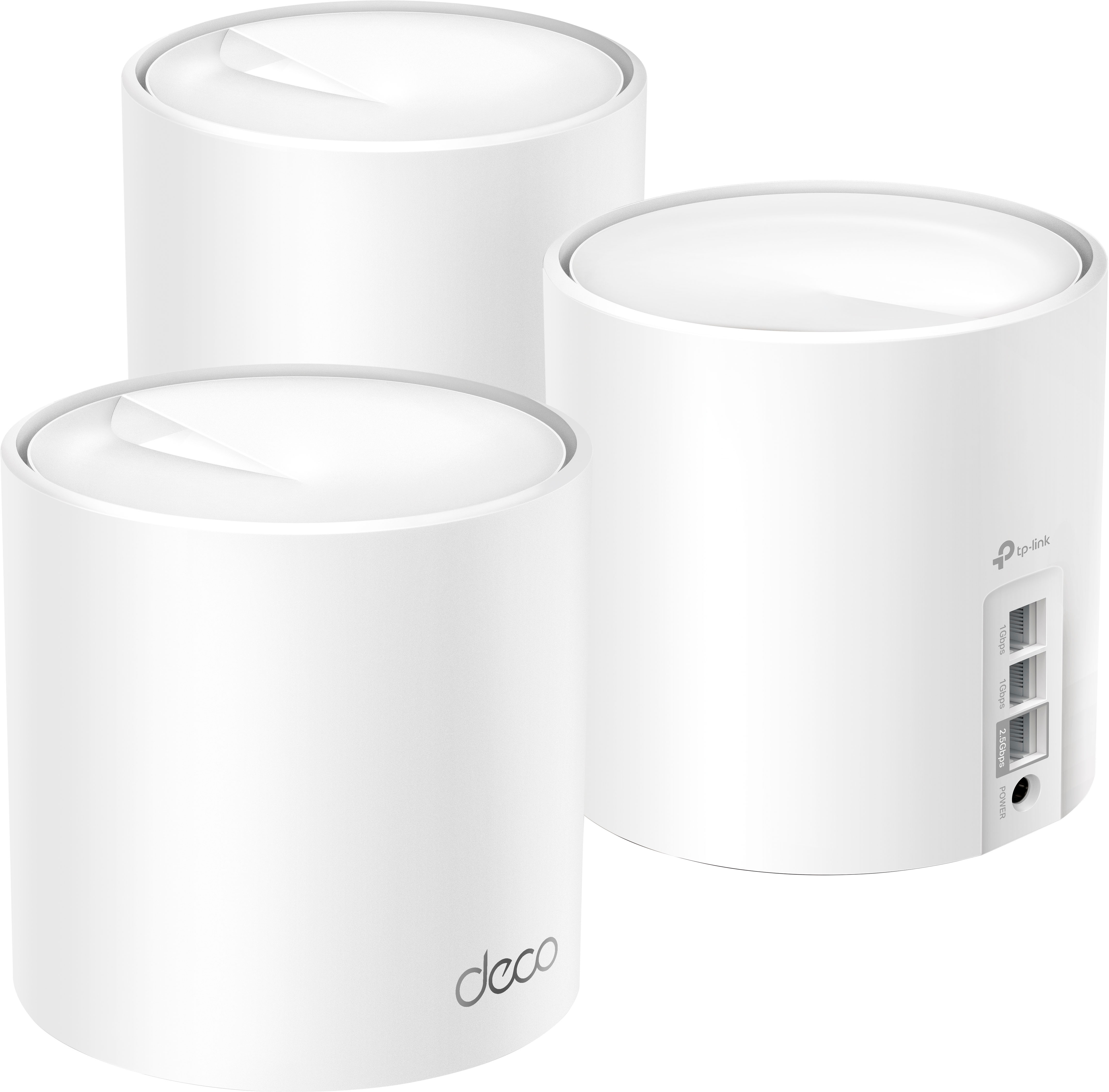
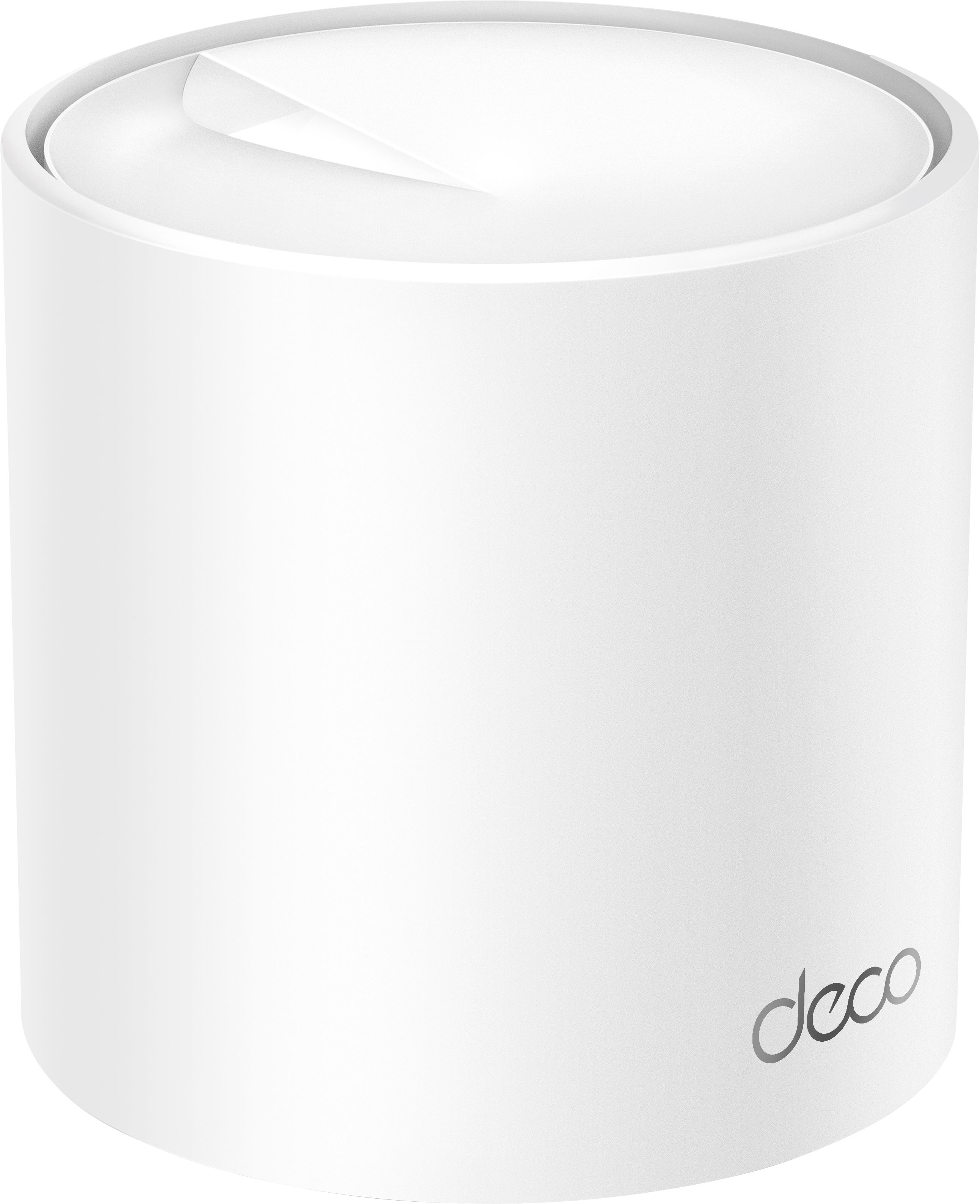

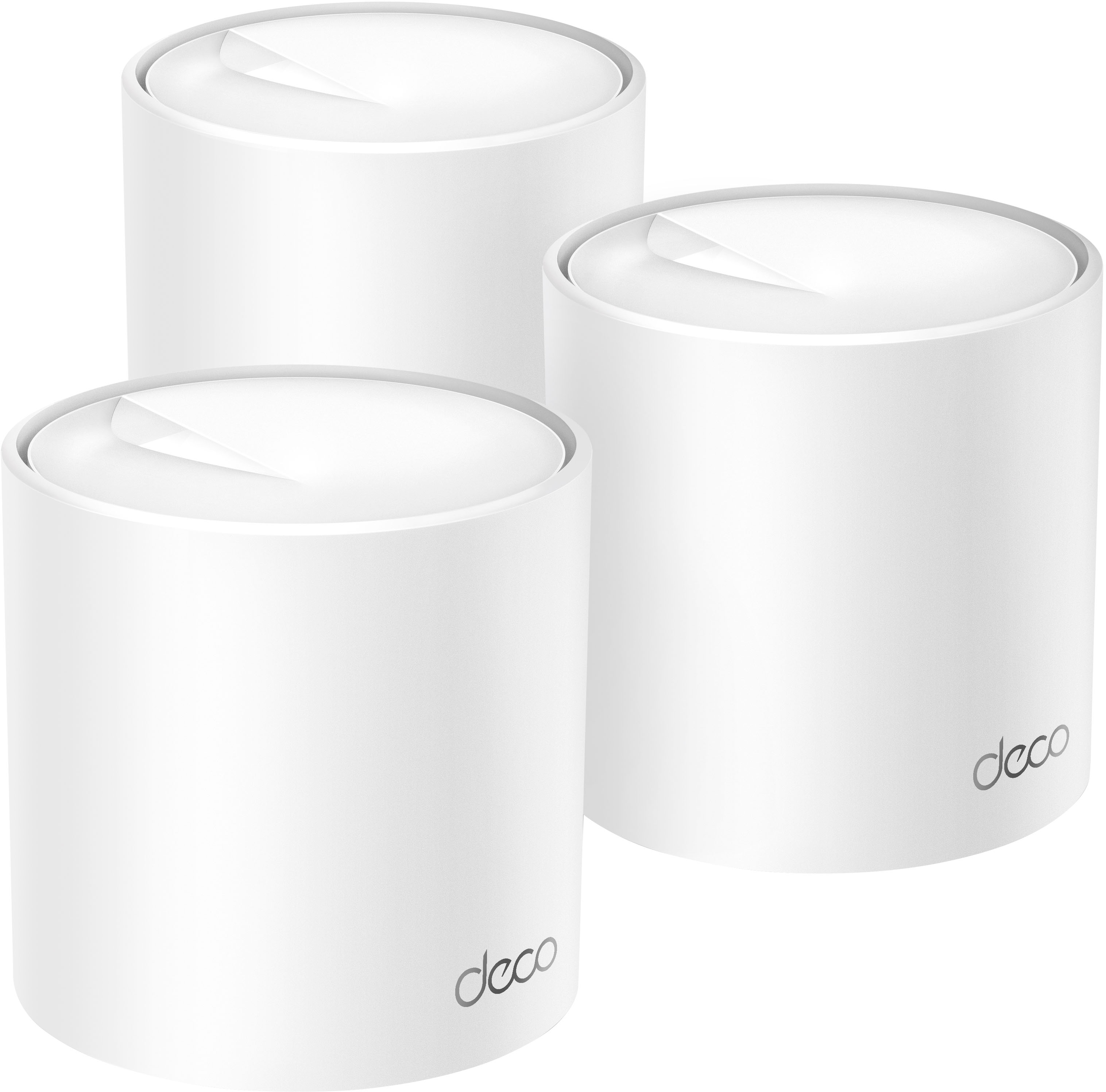


- Model:
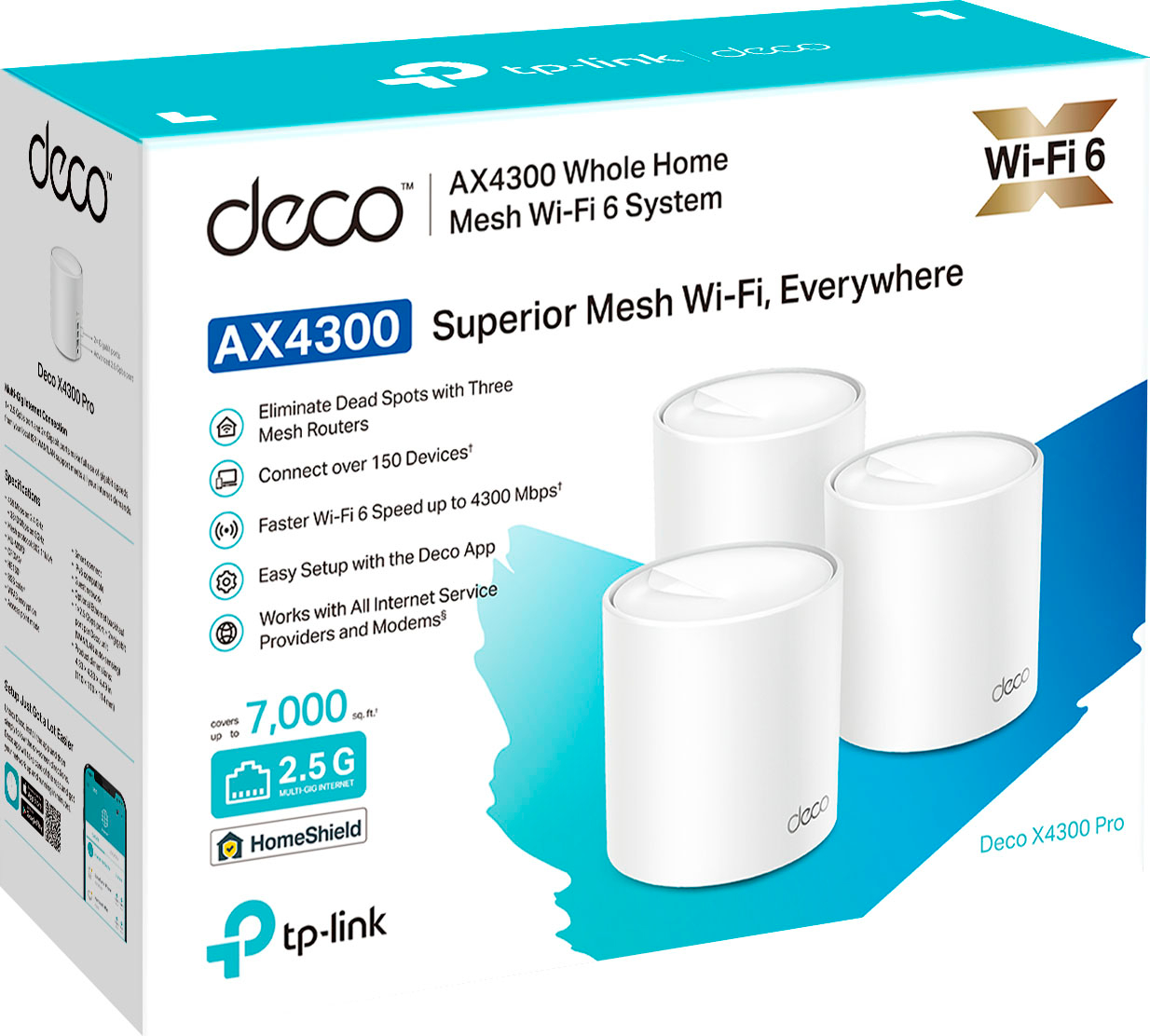
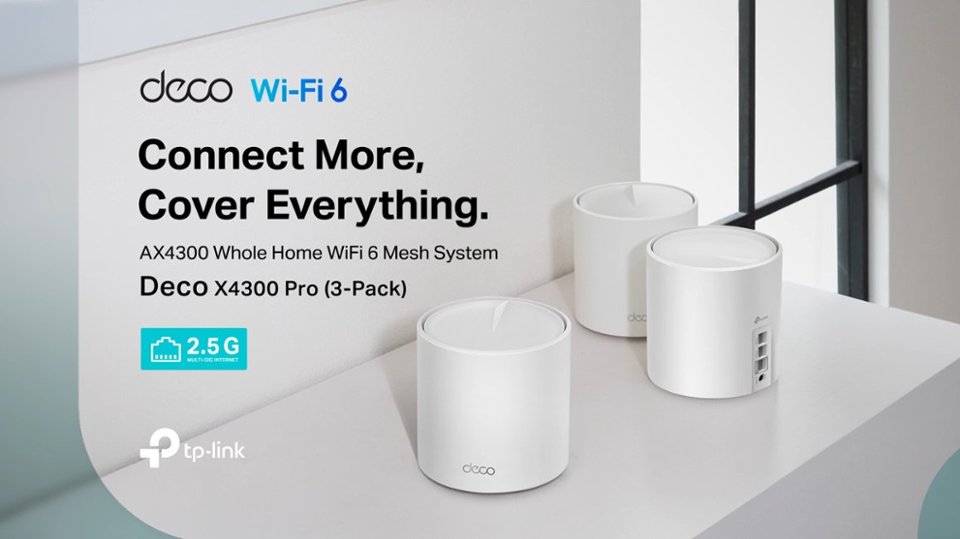
- Deco X4300 Pro (3-Pack)
- SKU:
- 6502062
Rating by feature
- Setup
Rating 4.7 out of 5 stars
- Range
Rating 4.7 out of 5 stars
- Signal Strength
Rating 4.7 out of 5 stars
Customers are saying
Customers highly value the Deco AX4300 Pro's ease of use, extensive coverage, and straightforward setup process. Many appreciate the system's strong signal and improved range compared to other Wi-Fi systems. Positive feedback also highlights the app's intuitive design and the overall performance boost it provides. While some users experienced occasional connectivity issues, the overwhelmingly positive reviews praise the system's reliability and effectiveness.
This summary was generated by AI based on customer reviews.
JUNK
||Posted . Owned for 1 month when reviewed.This reviewer received promo considerations or sweepstakes entry for writing a review.worked great for approx month then went out. JUNK< do not buy!!!!
No, I would not recommend this to a friendBrand response from TPLinkSupport
Posted .Hi,
Thank you for your review. Your Deco Mesh Wi-Fi System comes with a 2-year warranty, and we would greatly appreciate the opportunity to help address your concerns. At your convenience, please reach out to our support team using any of the resources included with the product, or from our official website, and we'll gladly have a Support Agent follow up with you directly.
Thank you,
TP-Link Support
- Pros mentioned:Setup, Speed

Not bad
|Posted .This reviewer received promo considerations or sweepstakes entry for writing a review.The TP-Link Deco AX4300 WiFi 6 Mesh system is a three node dual-band WiFi 6 router. Dual band means that it doesn't have a dedicated radio for inter-node connection. In technical terms, it doesn't have a dedicated WiFi backhaul. If at all possible, you should choose the option to connect the nodes via an ethernet cable to achieve maximum bandwidth. Vendor device support for 801.11ax (WiFi 6) is still a bit limited. I don't have a high bandwidth 801.11ax client to run actual speed tests with, so I can't provide numbers, but it feels fast and supports all my IOT devices (about 40) without strain or compatibility issues. Also, my home isn't large enough to test the 7500 sq ft coverage claim. The presence of extra ethernet ports on each node is a very nice feature and the units themselves aren't obtrusive. At least the nodes don't look like a dead bug with it's legs up in the air. There are no protruding antennas to spoil the aesthetic. The iPhone client is intuitive and setup is a breeze. I hate having to give my WiFi credentials to TP-Link, but that does allow remote network status checking and maintenance. All said, this is a very good option for someone who wants a no fuss mesh WiFi system with a large coverage area and without the need for range extenders or different 2.4Ghz and 5Ghz SSID names.
I would recommend this to a friend - Pros mentioned:Speed
High Bandwidth and Performance
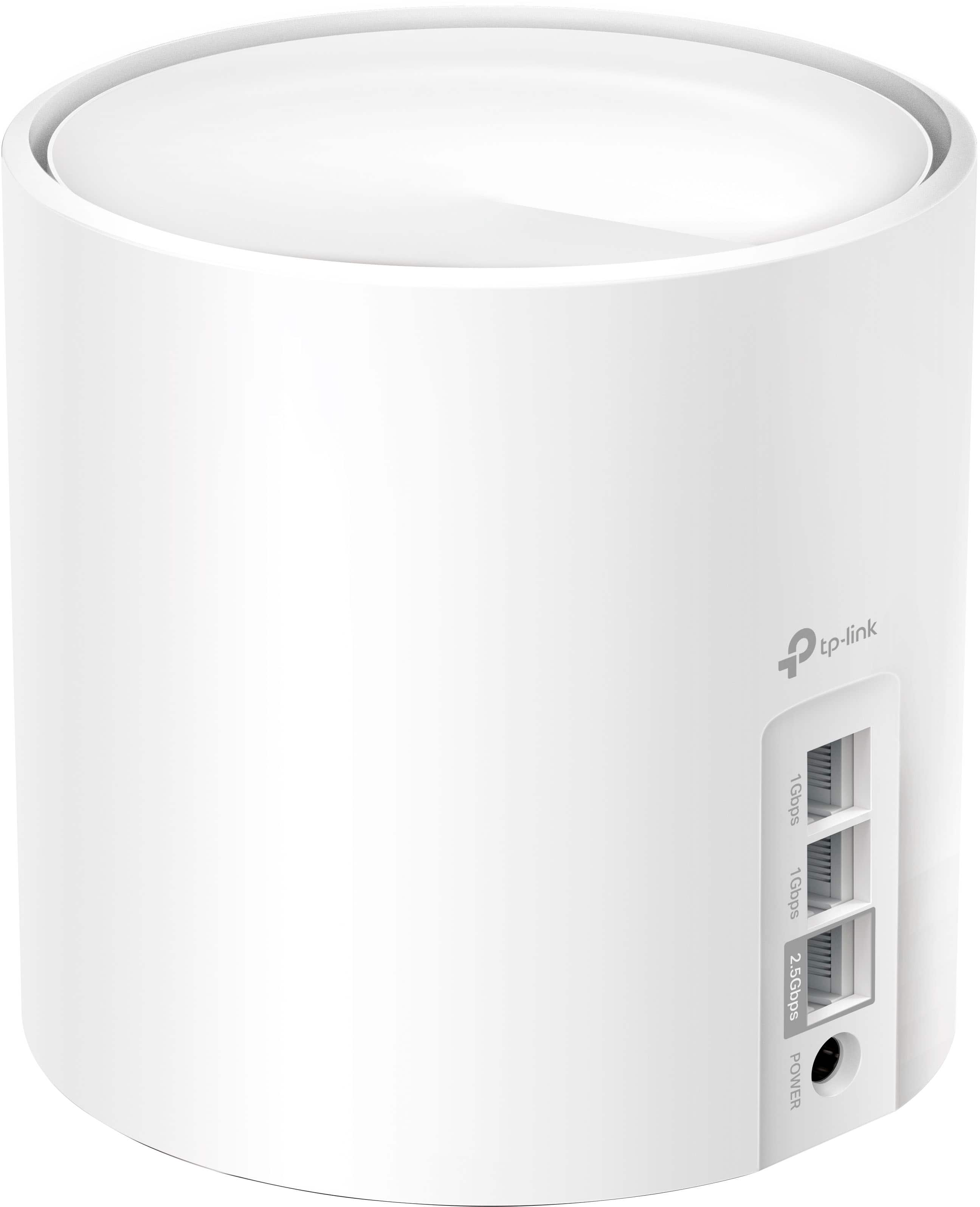
|Posted .This reviewer received promo considerations or sweepstakes entry for writing a review.If everybody’s experience is similar to mine, Deco AX4300 must be one of – if not - the easiest Wi-Fi Mesh system to set up. I got the three units working in less than 10 minutes, including setting up PPoE, which is supported. The package says it supports ALL internet providers but Lumen (a.k.a. CenturyLink) uses a tagged VLAN and I’ve owned high-end systems that didn’t support it. That alone puts it among the best in the market. Its relatively small size makes it blend anywhere, especially because it does have any visible external antennas. My house is fairly large with over 83 devices on the home network. Nothing but a good mesh system works well. Extenders don’t cut it as they tend to cause performance and roaming issues that I can’t afford, especially because I produce some specialized videos and HD imaging and I need high bandwidth to transfer them. With the AX4300, I never get speeds below 470Mpbs, up and down, anywhere in house. That makes my hybrid home/office work much easier. Even in my backyard outdoor kitchen, I get speeds over 200Mbps easily. Peak performance of 910Mbps to the internet (I have 1 gigabit fiber). Because I have gaming and video computers in different parts of the house, I prefer to use wired connectivity for them. It’s nice to see that each unit has two 1 Gigabit and one 2.5 Gigabit ethernet ports for that. That allows for even greater speeds for those with internet with more bandwidth than I have. In one area, I connect an Apple TV directly to one of the ports. All work flawlessly. The backbone is still wireless, but you can perceive improvement over Wi-Fi only, since you don’t need to compete with airtime. If you understand how Wi-Fi really works, you know exactly why it matters. Otherwise, please trust me, it makes a big difference. Many features impressed me but one stood out: the low latency. I use a wireless SIP phone that connects me back to the office. It was almost impossible to use it in my backyard before. With this system, I was able to use it out there and it performed just like it would inside the house. No chopping or any other audio issues. Good also for video conferencing and gaming, of course. Below are the main pros and cons besides the one mentioned earlier: PROS: • Prioritization (QOS): This allows you to make one or more devices to be prioritized above all others. Great for gaming, for instance, or when you need to make sure you’re not competing bandwidth with other people. It worked well in my tests. • Parental Controls • Fast • Built-in security • Future-proof multigigabit ports CONS: • Does not support Wi-Fi 6e. Not many devices support that yet that but it would future-proof it if it did. Although I listed it as a con, I only found a small downside, which I can’t call an issue. But with so many good things to say about it, that really is minor. Currently, I have nothing that supports 6e and most people don’t either because it will take years until manufactures include a third radio in their Wi-Fi devices. With the speed of Wi-Fi 6, it would make little to no difference to have 6e now. Wi-Fi 6 can already match the speed of 1Gig fiber and this system delivers it vey well. Deco brand has made me consider TP-Link for other needs going forward. Well done!
I would recommend this to a friend - Pros mentioned:Ease of use
Very impressive!
|Posted .This reviewer received promo considerations or sweepstakes entry for writing a review.Improving home internet coverage seems to be a must nowadays with the amount of devices that we can now connect to our home network and that are in daily use and I must say that this Deco mesh wifi system does this task very efficiently. Included in the box are 3 Deco x4300 pro units with its power adapters, one ethernet cable and a quick installation guide. The installation and configuration can be done immediately, just connect each unit to the light and one of the units directly to the modem, then download the Deco app to configure the mesh and the local network and done. All the steps to install and configure are very clear, the app has very useful functions such as telling you which devices are connected and has the option to block any unwanted connected device or limit the internet speed or otherwise prioritize the speed on any device, it tells you the upload and download speed, in the app you can rename the network, create a network for guests, actually has functions that are found in few devices like this and that are actually very useful. Regarding the performance I have been amazed at the coverage so good, I currently have 400mbps and testing in different parts of my house I have been able to reach speeds of over 500mbps and in different rooms even with the doors closed up to 410mps, previously I could not exceed 320mbps in the rooms, I have several computers, phones, security cameras, speakers etc. connected to the network and I haven’t had any problem with the stability of the connection and speed, in question of gaming I have connected my pc via ethernet and the connection is great, I maintain a ping of 17 to 29 not bad. This mesh Wi-Fi system offers very good internet connection, a maximum speed depending on the contracted service, an app that is very friendly and easy to use with very useful functions that help a lot, if you have kids you can activate restrictions to protect them from sites and / or content not suitable for minors, I think having full control of the home network as parents helps a lot plus if you are away from home you can still have control of what happens with the internet at home, I can definitely recommend this Deco mesh Wi-Fi system.
I would recommend this to a friend - Pros mentioned:Ease of use, Speed
speed demon
Posted .This reviewer received promo considerations or sweepstakes entry for writing a review.Easy setup including keeping old google mesh network name and existing devices all updated cleanly. Speeds are great and running included optimization app on network to compensate for interference present worked like a champ. 3300 sq ft two story residence.
I would recommend this to a friend Shotty connection and speeds
||Posted . Owned for 2 weeks when reviewed.This reviewer received promo considerations or sweepstakes entry for writing a review.Kept dropping signal along with being wired to it dropping out and the speeds when it was working. We're all over the place very unreliable for what I need
No, I would not recommend this to a friendBrand response from TPLinkSupport
Posted .Hi,
Thank you for your review. Our Deco Mesh Wi-Fi systems are designed to provide robust, seamless Mesh Wi-Fi for your whole home. In your case, we first recommend ensuring your Deco app and firmware are both fully up to date and your Deco units are optimally positioned within your home and in proximity to each other.
Our support team is always happy to help answer any questions you may have about our products. Please feel free to reach out using any of the resources included with the product, or from our official website, and we'll gladly have a Support Agent follow up with you directly.
Thank you,
TP-Link Support
- Pros mentioned:Ease of use
Life changer
Posted .This reviewer received promo considerations or sweepstakes entry for writing a review.Family had been suffering with poor WiFi for years. Sick of fighting over who gets to work right next to the router. Finally bought/installed this and we have strong signal throughout a 4000 sq ft house - and on deck. Really simple set up
I would recommend this to a friend - Pros mentioned:Coverage, Setup
So disappointed….
|Posted .This reviewer received promo considerations or sweepstakes entry for writing a review.I really wanted to like this setup with it being Wi-Fi 6 and can reportedly cover 7,000 square feet, but my experience has been less than stellar to date. I’m actually kind of sad about that because I do like their products. I currently run their Deco M4 mesh system and have really grown to like it, but there are some connection issues in certain parts of my house that i was hoping to resolve with this model. There are several things that are really easy to like, such as the setup, adding nodes, setting up profiles and adding devices. Since I already had a Deco setup, all i had to do was go to the app and select “Create New Network”. The app was pretty straight forward and guided me through the setup process pretty well. After getting the first one setup, adding the nodes was simple. I set them up as directed on different floors of my house and in sort of a zig zag position. I have an iPhone 13 Pro and the latest iPad Pro both of which use Wi-Fi 6. When I connected them and ran a Speedtest, the difference was noticeable. I pay for 1GB speed and although connecting wirelessly doesnt necessarily get any device to that speed, I went from 195-260mbps download to over 500mbps. Upload speed went from 17-20 mbps to a peak of about 40mbps. So the speed nearly doubled in each category. I wish I could stop there, but now comes the bad part. All of the nodes were updated and i began adding devices and noticed that although i was in the same room as the main Deco, I wasn’t connected. I was actually using my cellular data which was connected to 5G. I went to each of the other locations and one location connected to the Deco and the other wouldn’t. I rebooted my phone and iPad and thought that would resolve the issue, but it has not. I then rebooted the router and things seem to be fixed, but not even 30 minutes later, i was on 5G again. I got online to see if TP-Link had any troubleshooting tips and found very few suggestions to resolve my issue. TP-Link has a chat bot that can help with certain issues, but after ten frustrating minutes, i gave up on it. I will have to reach out to them via email to see if I can get my issues resolved. I’m just glad i didnt start switching over all of my smart home items before i gave this a few days to make sure everything was working well. The other negative aspect to this setup is the HomeShield service. I thought it would be something worthwhile to try out for the free trial, but when i went back to my original TP-Link network after not resolving the issues i mentioned before, I noticed that the features they are charging $54/year for are included for no charge. Features like parental controls, internet pause, etc. Furthermore the HomeShield service does not include any antivirus software (network protection is not the same thing). If you want antivirus software, unlimited VPN, secure browsing and several other tools, you can upgrade to the Total security packages that is $100/year for the first year and then $160/yr afterwords. Not a great value in my opinion. All in all, i really wanted to love this setup, but it hasn’t worked well for me yet. I will continue to troubleshoot it and see if I can get things to work, but I’m not sure its worth it when i will end up losing parental controls. I have two pre-teen boys at home for the summer. I would not recommend this.
No, I would not recommend this to a friendBrand response from TPLinkSupport
Posted .Hi,
Thank you for sharing your experience with our Deco Mesh Wi-Fi 6 system. We're happy to hear it is providing a substantial increase in Wi-Fi speed over your previous arrangement. We hear your concerns regarding the unusual issue you encountered, and we are glad to hear you were able to reach out to our support team via email for further diagnosis and support.
We appreciate your constructive feedback regarding HomeShield versus HomeCare. HomeShield Basic does provide some Parental Controls features that are useful to many users; however, for more information regarding the features offered by HomeShield Basic and Pro plans, please see our website here: https://www.tp-link.com/us/homeshield/
Our support team is always happy to answer any questions you might have about our products. Please reach out to our support team using any of the resources included with the product, or from our official website, and we'll gladly have a Support Agent follow up with you directly.
Thank you,
TP-Link Support
Oh, dead spots, oh dead spots
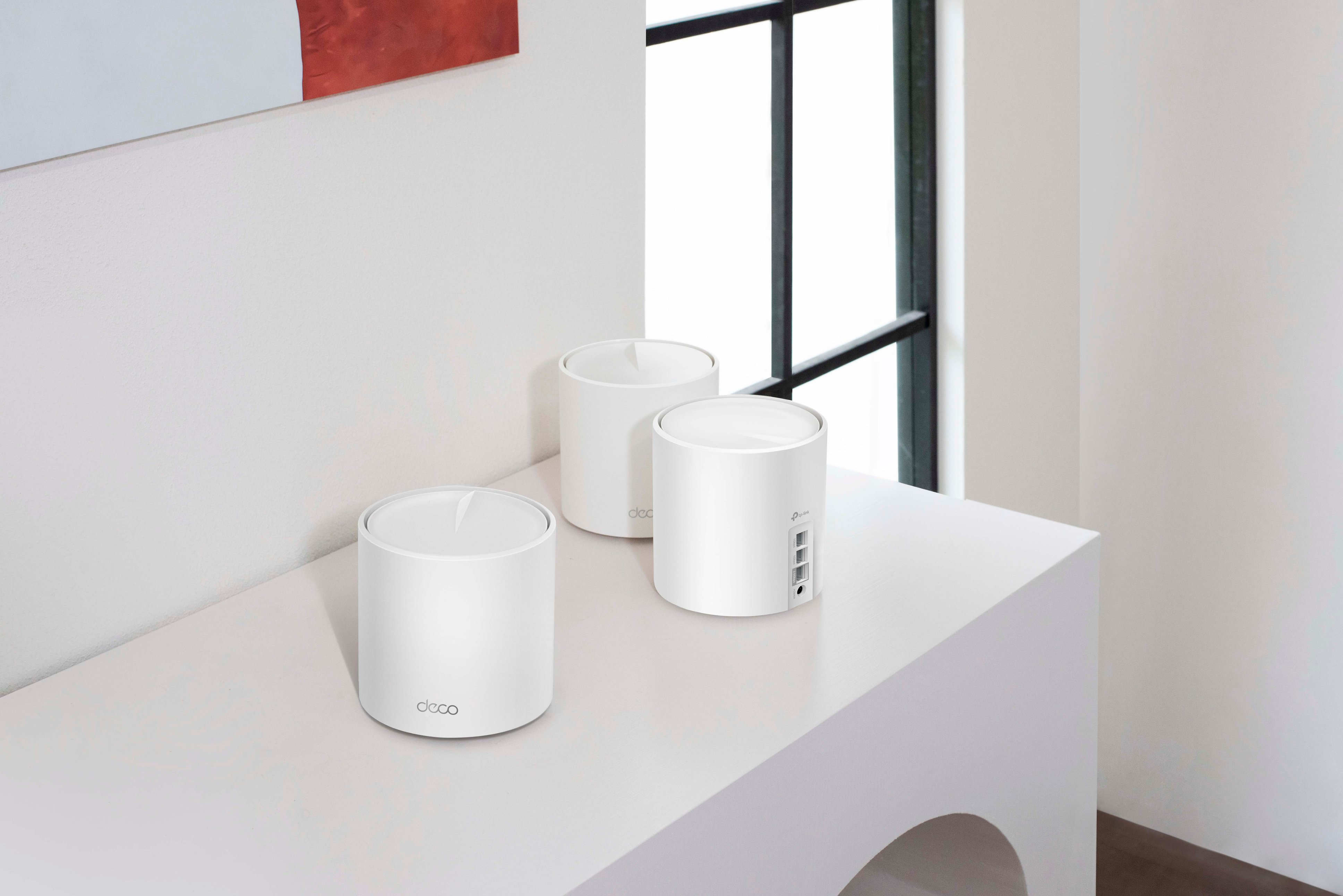
|Posted .This reviewer received promo considerations or sweepstakes entry for writing a review.There are no more Wi-Fi dead spots. Now that you liked my little jingle, let's take a little dive into TP-LINKS' latest offering, the DECO AX4300 HOME MESH WI-FI 6 SYSTEM. Wi-Fi ---- Home---- System. Those are the only three words you'll need to remember from this (sometimes, well mostly) rambling review. The DECO AX4300 HOME MESH WI-FI 6 SYSTEM is the first system that I can ever recall advertising that it can cover more than a four thousand square foot home (actually, ALMOST triple that in my not so scientific "how far does it go" testing). Using only three small mesh units. Unboxing, we find the meat and potatoes - 3 mesh routers. These are sleek and stylish looking. The design harkens back to the device that you talk to "from the forest". They are surprisingly small for the punch they pack, nothing like the monolithic towers from when MESH technology was first introduced. They each also offer i/o of one 2.5Gig and two 1Gig ethernet ports. I was sad to see that USB ports were not included for those that wanted to connect storage directly to their Wireless net. But that is the 2010 reviewer in me. That in fact, is the only reason one star has been put back in my briefcase of product stars preventing a five-star rating! So, what is MESH, is it worth the hype? Just think of beacons covering your entire house in a net (pun intended?) of wireless connectivity. The DECO AX4300 HOME MESH WI-FI 6 SYSTEM does so and does so FLAWLESSLY. The DECO AX4300 also does so with AI learning (queue The Twilight Zone music). I'm not going to go on and on about that, or the Beamforming, or BSS color. Others are sure to do that. My goal is to explain to you why YOU NEED THIS NOW in (as close to) human-speak as possible. My internet provider's MODEM (you'll still need one of those) is upstairs in my office, and I wanted to see how Mesh Unit #3 performed, which is in the master bedroom, on the floor below, allllllll the way on the opposite side of the house (2,000+ square foot home). The speed was within 10mB/s and latency was 1ms more give or take THAN MY WIRED CONNECTION! I was pulling 700mB/s down on average at all points in my home. And with a 700mB/s down plan from XFi...Xfiles yes, that's the one - you can't get any better than that! And in fact, if there was a reboot of the reboot of that TV show, they would be doing an episode on the Wi-Fi performance in my household. And outside it! I was also pulling 650 mB/s down with a latency of 14ms in the backyard, beyond the pool, to the farthest reaches of the estate! And you know what? If you want even further reach (can't see why, but I'll humor you) all you need to do is go out and get an extra MESH unit. With such power comes the chances of your neighbor, "Mr. Hacqour" trying to jump onto your connection (or worse!) No worries there! The DECO AX4300 HOME MESH WI-FI 6 SYSTEM provides the latest in wireless encryption technologies (WPA3). And for those that are less tech-minded the included "Homeshield" is a sort of "set it and forget it" suite of protection tools. Everything from parental controls (Bad, little Johnny!), to antivirus, to cyber-threat detection. I can hear you now saying, "all that sounds great, but I do just fine with my rented router and my wifi extender and my antenna and my aluminum foil". No! Just NO! You are not doing fine. If you want wifi that is the closest I've ever seen to having a hardwired connection in terms of speed and latency, no you are not doing fine! The DECO AX4300 provides this AND MORE! Just stop thinking about it, head out to Best Buy and get the DECO AX4300 HOME MESH WI-FI 6 SYSTEM NOW! Little Johnny will thank you!
I would recommend this to a friend- Pros mentioned:Coverage, Ease of use
Super WiFi Router.
Posted .This reviewer received promo considerations or sweepstakes entry for writing a review.Outstanding WiFi system. Easy to install and set up. Excellent coverage. Reasonably priced.
I would recommend this to a friend Wifi speeds are almost double from my original set
Posted .This reviewer received promo considerations or sweepstakes entry for writing a review.Bought the TP-Link - Deco AX4300 mesh system and it works better than expected. It was easy to install. Configured it with a wired Ethernet backhaul. Main unit is in garage connected to Verizon ONT. A netgear managed switch bridges the main unit and the two satellites. House is 1680 sqft and I have full wifi bars throughout the house. The Deco App works great, thought it was limited to basic settings until I found the “More” button on bottom right on the App which is where advanced settings are located. Using the topology map on the App you can see the satellite stations are wired via Ethernet backhaul and you can see what devices are connected to each station. The unit in my den is connected to a TP-link 7300 switch, the App also shows what client devices hard wired or connected via wifi. Wifi speeds are almost double from my original setup.
I would recommend this to a friend- Pros mentioned:Ease of use
Worth it!
Posted .This reviewer received promo considerations or sweepstakes entry for writing a review.Easy, clear-cut instructions. Set up takes 5 minutes or less. Finally getting promised 300 mps from Spectrum with no gaps anywhere in my house! Well worth the price.
I would recommend this to a friend - Pros mentioned:Setup
Best decision ever!! Buy it!!!
Posted .This reviewer received promo considerations or sweepstakes entry for writing a review.Best purchase ever!! Setup was easy. One placed in kitchen one in living room and one in our bedroom. No issues. Works perfectly. Highly recommend.
I would recommend this to a friend - Pros mentioned:Ease of use
A Great Choice!
Posted .This reviewer received promo considerations or sweepstakes entry for writing a review.Easy to set up and install. These work like a champ!
I would recommend this to a friend - Pros mentioned:Ease of use
Router
Posted .This reviewer received promo considerations or sweepstakes entry for writing a review.Easy to set up and use. Instructions were easy to follow.
I would recommend this to a friend Very stable, great range and speed. Setup very sim
Posted .This reviewer received promo considerations or sweepstakes entry for writing a review.Had purchased the Netgear nighthawk mesh system and had nothing but problems. Eventually brought back to best buy and decided on this one. So far no dropped connections, buffering, or any other issues. Again, so far these are great. WiFi speed over 500 and very stable. Very happy I made the decision to get these.
I would recommend this to a friendWoodyH
Posted .This reviewer received promo considerations or sweepstakes entry for writing a review.Love it easy setup (10Min) No dead spots anywhere, max signal and gigabyte whole house top to bottom
I would recommend this to a friendFaster internet speed
Posted .This reviewer received promo considerations or sweepstakes entry for writing a review.Very happy with this product my internet is working 100% much better.
I would recommend this to a friendSub-standard mesh router
|Posted .This reviewer received promo considerations or sweepstakes entry for writing a review.When I got the AX4300, I was excited. It was the new kid on the block, and I was ready to see how much faster it would take my wi-fi compared to what I had. Out of the box you get three decos which are the units that pass the wi-fi. You get three power bricks, one for each of the decos, an instructions booklet, and a ethernet cable. The set up is extremely simple. You download the app, turn off your modem, connect one of the decos to the modem, turn everything off, and then finish the setup on the app. Once the first deco is set up, you merely plug in the other two in your desired locations. I plugged in all three in the exact same locations as my current mesh system. Once all of the lights turned green I went to the one that always got the slowest speed. I was surprised to see that i t was getting slower speeds. I checked the app and found a HUGE flaw in this mesh system. The initial deco that is plugged in the modem is the main deco, and the other two are additional decos. The main flaw here is that the other two don't piggy back off each other. What I mean by that is that if the 2nd deco is about 25 feet away, it would automatically use the main deco as its source. Concurrently, if the 3rd deco is 50 feet away, logically you would think that it would piggy back off the 2nd one to maintain a nice net of wi-fi. However, they both use the main deco as its source. This causes the furthest deco to rely on the main deco for it's signal. That's one major flaw. The other major flaw is that you can't manually change it. There's no option anywhere. This is such a huge flaw that I ended up unplugging the whole mesh system, and went back to my original mesh system. I was excited to see what could be done here, but the two major flaws take away any merit that this mesh system had. This is truly disappointing. If they add the ability to manually change the main source, maybe I'll give it another try, but as for now, it's three paper weights sitting in my office. I would definitely NOT recommend this mesh system to anyone.
No, I would not recommend this to a friendBrand response from TPLinkSupport
Posted .Hi,
Thank you for your review. Our Deco Mesh Wi-Fi systems are designed to provide robust, seamless Mesh Wi-Fi for your whole home. In your case, we first recommend ensuring your Deco app and firmware are both fully up to date and your Deco units are optimally positioned within your home and in proximity to each other.
We also appreciate your feedback regarding features you would like to see added to the Deco app (manually selecting Mesh path), and we will share it with our Deco team for future consideration.
Our support team is always happy to answer any questions you might have about our products. Please reach out to our support team using any of the resources included with the product, or from our official website, and we'll gladly have a Support Agent follow up with you directly.
Thank you,
TP-Link Support
Tv spinning
Posted .This reviewer received promo considerations or sweepstakes entry for writing a review.Set up easy but watching tv is frustrating with the random freezing and spinning. Taking it back. We have the fastest internet speed and speed tests are really good but for some reason the wifi connection is unreliable
No, I would not recommend this to a friendBrand response from TPLinkSupport
Posted .Hi,
Thank you for your review. Our Deco Mesh Wi-Fi systems are designed to provide robust, seamless Mesh Wi-Fi for your whole home. In your case, we first recommend ensuring your Deco app and firmware are both fully up to date and your Deco units are optimally positioned within your home and in proximity to each other.
Our support team is always happy to help answer any questions you may have about our products. Please feel free to reach out using any of the resources included with the product, or from our official website, and we'll gladly have a Support Agent follow up with you directly.
Thank you,
TP-Link Support