Customer Ratings & Reviews


- Model:
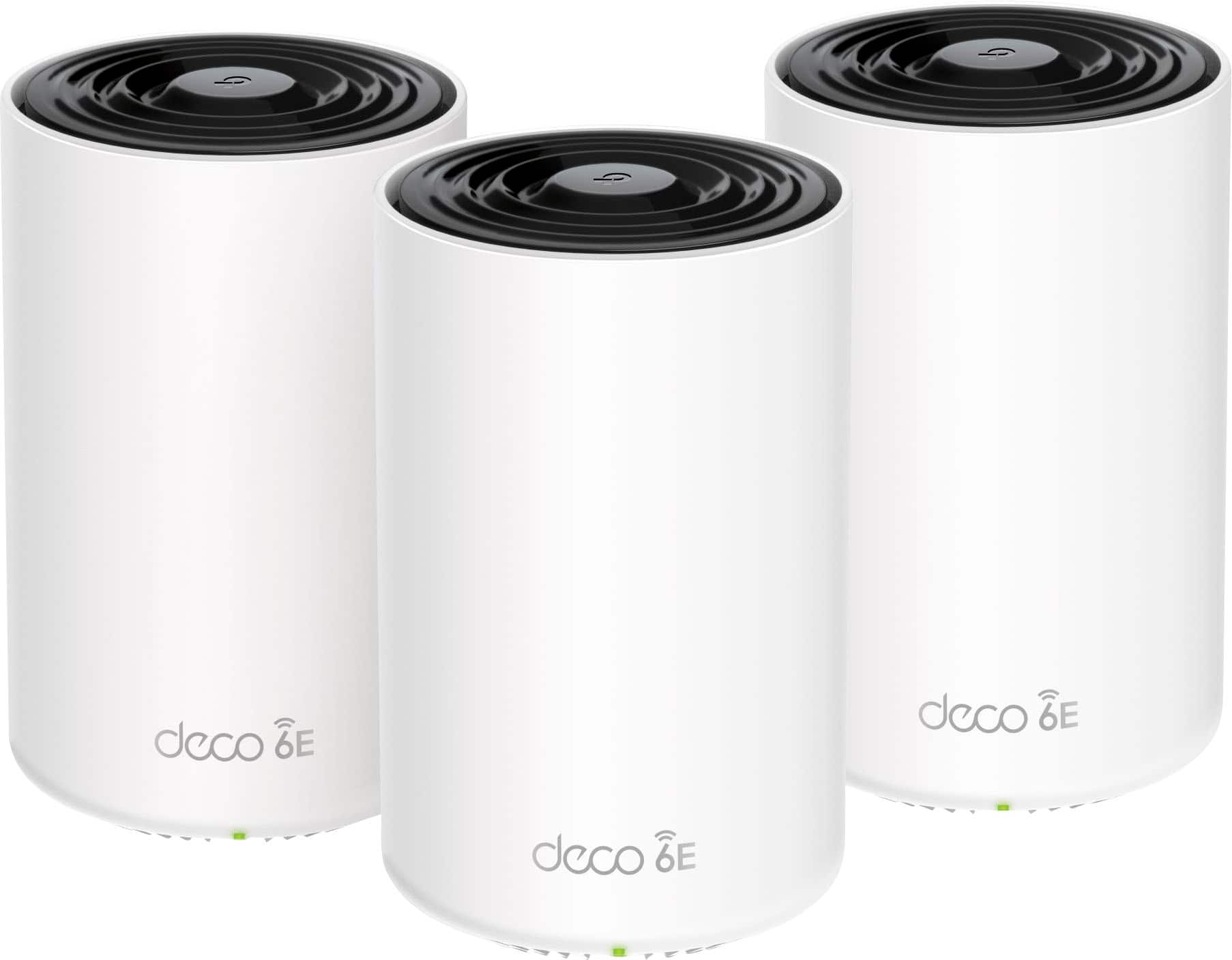
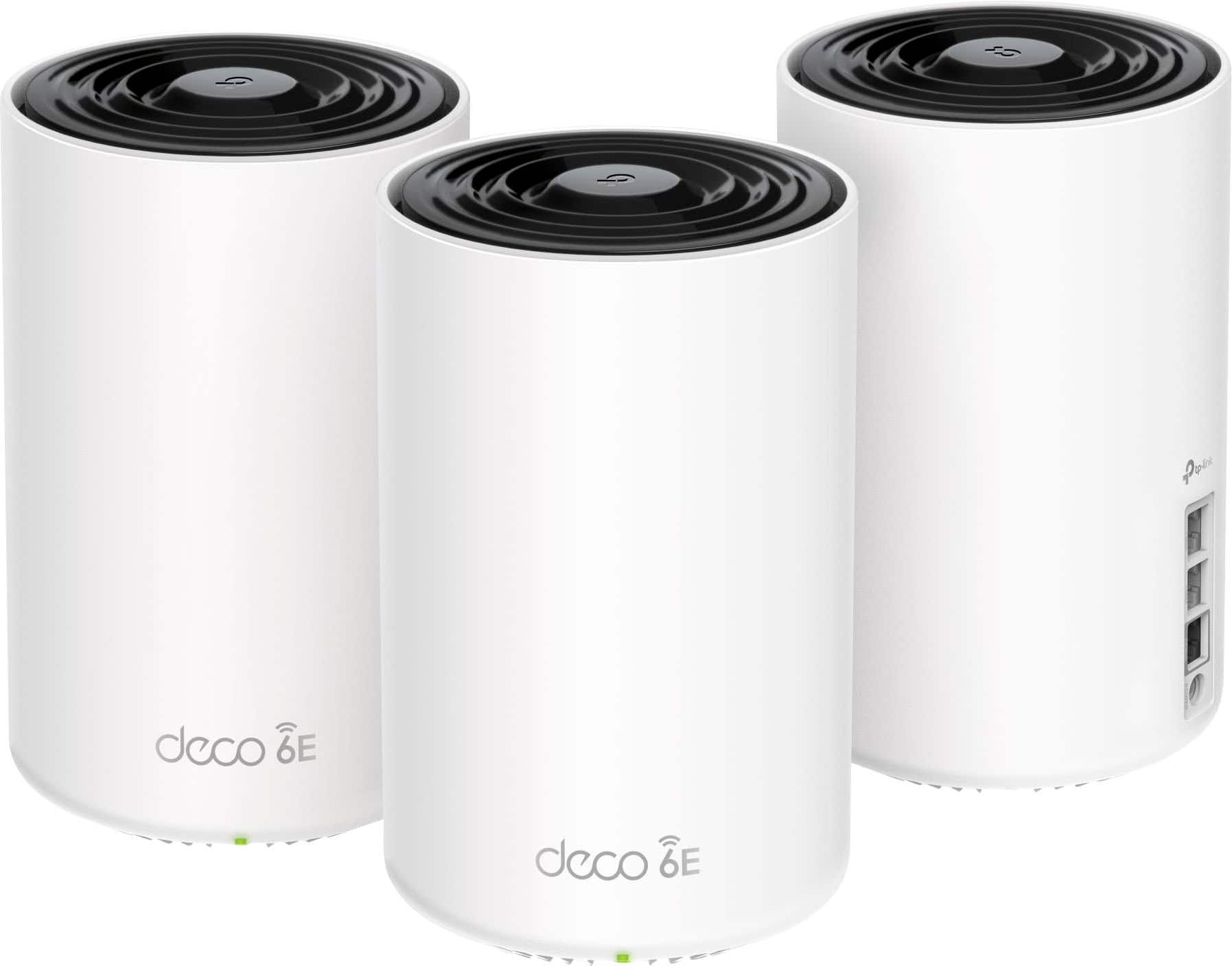
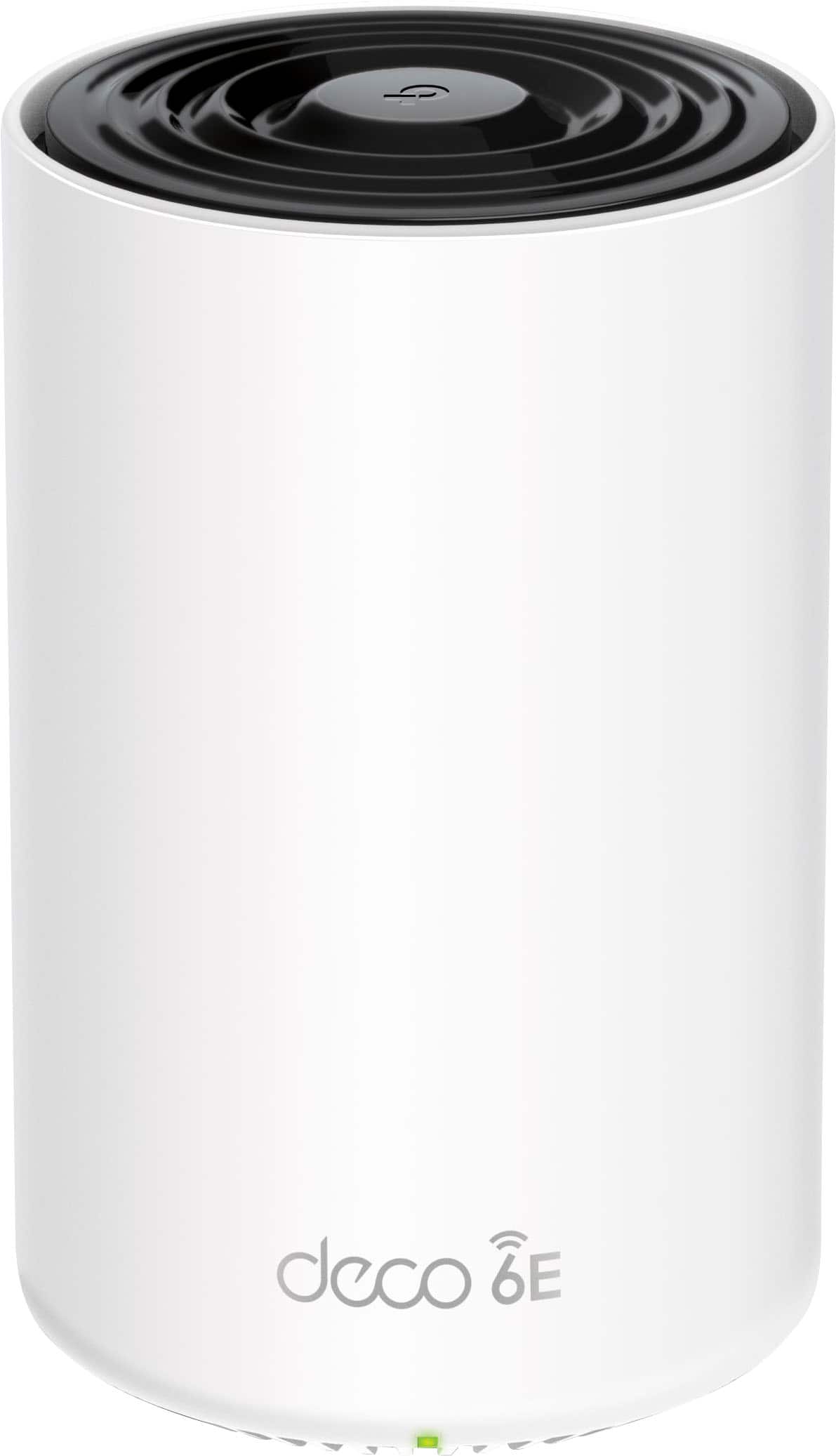
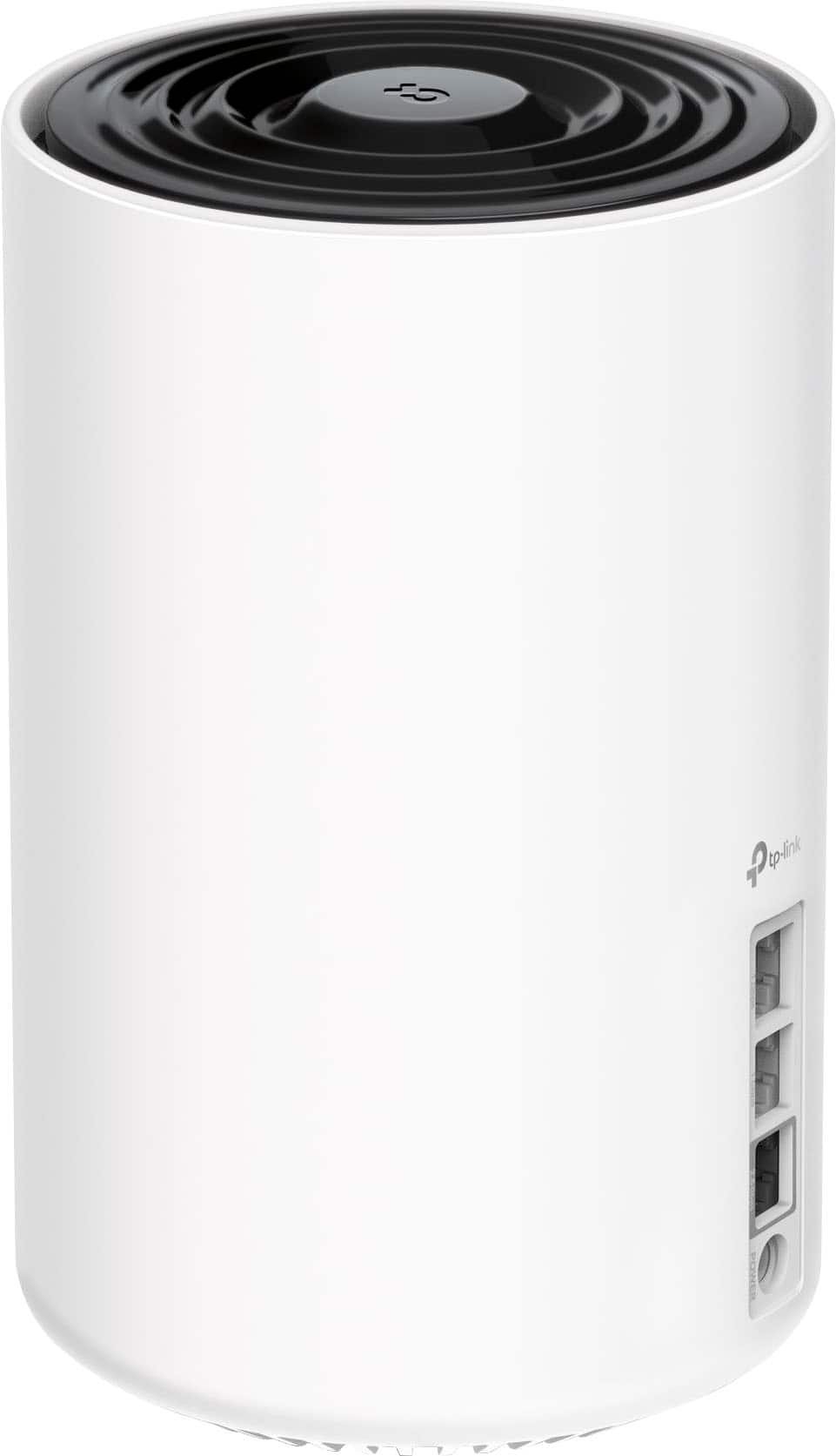
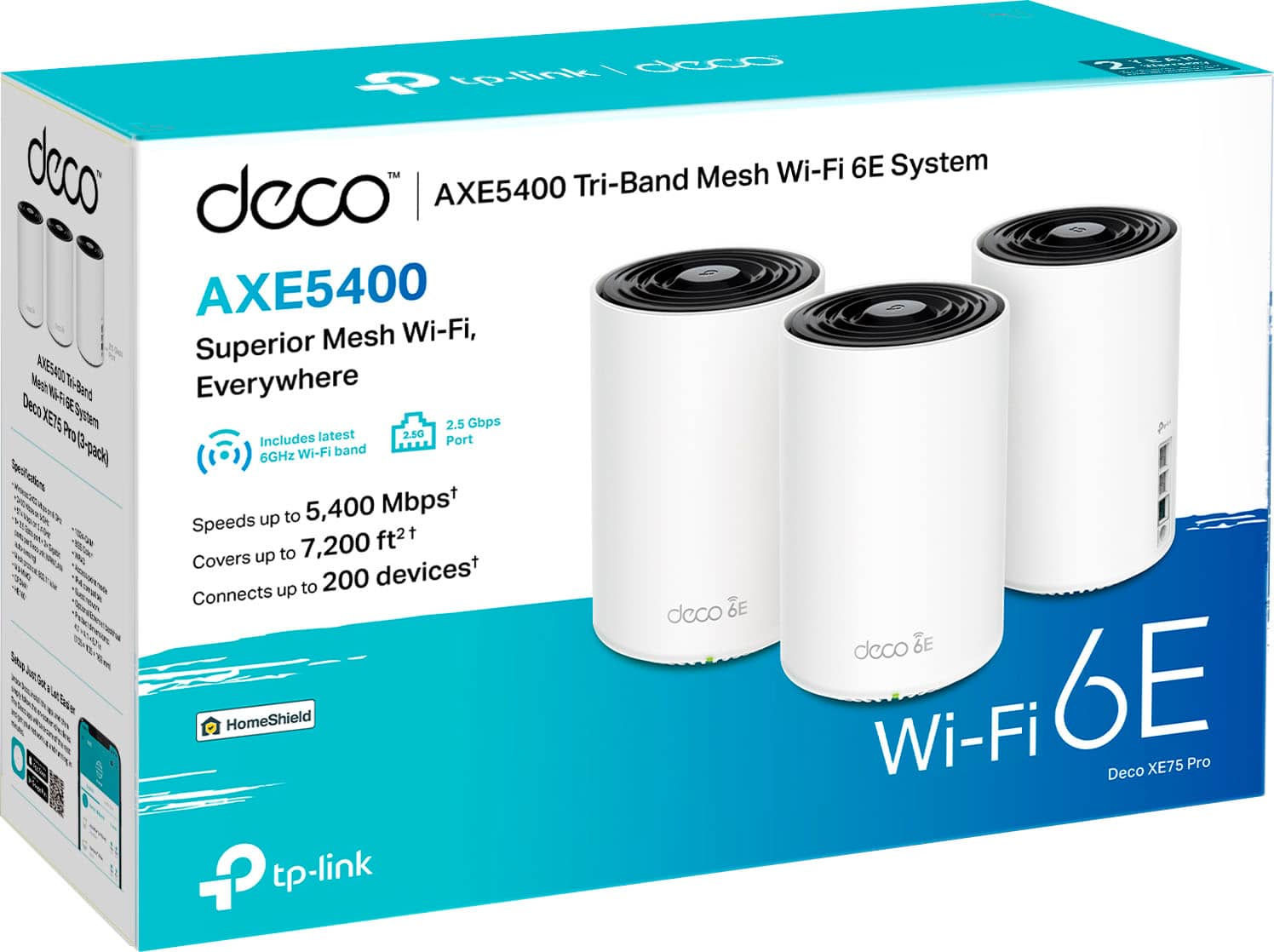
- Deco XE75 Pro (3-Pack)
- |
- SKU:
- 6508223
Customer reviews
Rating 4.5 out of 5 stars with 1015 reviews
(1,015 customer reviews)Rating by feature
- Setup4.7
Rating 4.7 out of 5 stars
- Range4.6
Rating 4.6 out of 5 stars
- Signal Strength4.7
Rating 4.7 out of 5 stars
Customers are saying
Customers find value in the Deco XE75 Pro's ease of use, extensive coverage, and strong signal, with many praising the straightforward setup and excellent performance. The system's range is also frequently highlighted as a significant benefit. While some users experienced connection issues and found the parental controls limited, the positive feedback on performance and ease of use outweighs these concerns for most. The app is also appreciated for its user-friendly design.
This summary was generated by AI based on customer reviews.
- Pros mentioned:Coverage, Setup, Speed
Rated 5 out of 5 stars
Amazing system
||Posted .This reviewer received promo considerations or sweepstakes entry for writing a review.Easy to setup, super fast, cover the entire house including garage and patio, an bring a amazing protection featuring. Best deal for your money right now
I would recommend this to a friend - Pros mentioned:SpeedCons mentioned:Parental controls
Rated 4 out of 5 stars
Nice speed. However (comma)
||Posted . Owned for 3 weeks when reviewed.This reviewer received promo considerations or sweepstakes entry for writing a review.I love the speed of these. but are a few things that get me. 1. You MUST use the mobile app in order to do ANYTHING when it comes to configuring it. Must even more frustrating than that is that the settings are really limited! I had more options on my wrt54g! 2. There is no separate SSID's for 2.4, 5, 6GHz bands. so when it comes to your smart home stuff that ONLY uses 2.4 you have to go in the app and select 2.4 band only and then setup your smart home stuff, and then you can put it back to 2.4 or 5GHZ. 3. Not as annoying, the power cord is really short! 4. The parental controls are VERY limited unless you cough up money for their full version. "Home Shield Pro" is $55,00 a year. So after paying 500 bux for this they want MORE money for a yearly subscription which I got for free from the old tplink router I had
I would recommend this to a friend - Pros mentioned:Coverage, Ease of use, Speed
Rated 5 out of 5 stars
Tp link for the win
||Posted . Owned for 3 weeks when reviewed.This reviewer received promo considerations or sweepstakes entry for writing a review.great coverage easy set up and no drop coverage. fast speeds. amazing product
I would recommend this to a friend - Pros mentioned:Coverage, Overall performance, Setup
Rated 5 out of 5 stars
Good WIF option for concrete walls at home
||Posted . Owned for 3 weeks when reviewed.This reviewer received promo considerations or sweepstakes entry for writing a review.Excellent Performance vs price paid, easy to setup and great range coverage.
I would recommend this to a friend - Pros mentioned:Speed
Rated 5 out of 5 stars
Exceeded expectations!
||Posted . Owned for 1 month when reviewed.This reviewer received promo considerations or sweepstakes entry for writing a review.This TP-Link Deco XE75 Pro 3-pack mesh replaced an older single Netgear R6300 802.11ac WiFi router. The XE75 3-pack mesh system is a bit of overkill for my ~1,300 sq.ft. single level home, but I have two printers in two different rooms that need wired network connections, plus I had a dead spot at the far end of the house. I was using a power line network adapter to get a wired connection to one room, then was draping another network cable over to the other room--not very neat. With 3 mesh units in a small house, I knew I would get great coverage, and I was able to remove the power line adapter. What I didn't expect was how much more bandwidth I got everywhere. The old Neatgear was in the living room at one end of the house and if I sat in that room, I would usually get ~200+ Mbps (I have 300 Mbps service with Spectrum, but didn't always get a full 300). The farther I sat from the Netgear, the slower it got, down to ~25 Mbps at the opposite end of the house. Now, I always get a solid 300+ Mbps everywhere in the house (usually in the 360-370 Mbps range). My expectations have been exceeded! What's more, the XE75 Pro was on sale. Plus, on the product listing on the Best Buy website, BB mentions a 15% discount if you bring in an old router, which I did. (No one at the Best Buy store I went to knew about this discount, so be sure to bring it up on your phone to show them). It's been about a month since I installed, and all-in-all, I am very happy with the performance, especially considering how much it cost (a little less than the Tri-Band* Eero I was considering, and quite a bit less than the Tri-Band* Netgear Orbi). PS: Set up was relatively easy with the Deco app, but be sure to read the documentation first. *I highly recommend getting a Tri-Band mesh like the XE75, to make sure there are no bottlenecks in the unit-to-unit mesh connections, and to provide a margin for future additional devices (I regularly have up to 20 network connected devices at the moment).
I would recommend this to a friend - Pros mentioned:Coverage, Overall performance, Speed
Rated 5 out of 5 stars
Great System hands down.
||Posted . Owned for 3 weeks when reviewed.This reviewer received promo considerations or sweepstakes entry for writing a review.This is an amazing system. So far I am in love with its performance. Great coverage and fantastic speeds throughout my home.
I would recommend this to a friend - Pros mentioned:Coverage, Setup
Rated 5 out of 5 stars
Great coverage
||Posted . Owned for 5 months when reviewed.This reviewer received promo considerations or sweepstakes entry for writing a review.Purchased the Deco XE75 to replace my WiFi Mesh System that I bought last year. I have the 3 devices setup in the living room (center of the house), garage, and bedroom. I have a spotless coverage on all of my devices, whether I use the laptop, phones, etc. Apple TV streaming device (there are 3 set up in my house) works flawless with this system, never had any issues. The guest network option is great to have for anyone coming over. Setup was super easy, works straight out of the box.
I would recommend this to a friend - Pros mentioned:Setup
Rated 5 out of 5 stars
Exactly what I needed.
||Posted . Owned for 3 weeks when reviewed.This reviewer received promo considerations or sweepstakes entry for writing a review.Easy setup and works perfectly. This is exactly what I needed for complete string WiFi covering the entire house.
I would recommend this to a friend - Pros mentioned:CoverageCons mentioned:Connectivity
Rated 5 out of 5 stars
Works great with terrific coverage
||Posted . Owned for 3 months when reviewed.This reviewer received promo considerations or sweepstakes entry for writing a review.I'm quite happy with these Deco XE75 Wif-6E mesh routers. Previous to these I had the older Orbi units and I always had inconsistent connectivity issues with those. These have been rock solid from the moment I set them up and the coverage is excellent. The connectivity options made this extremely flexible. I have some wired cameras that connect right to them and I have no more dropouts like I would sometimes with my old system - and the video stream is much improved. The guest network also works very well and allows me to have guests on my network without them being able to access any of my other devices. The coverage on this is really good. All around the house and way into the backyard I have a good strong connection. Overall these are are pricey but you are really paying for quality and consistency. I recommend them!
I would recommend this to a friend - Pros mentioned:Setup, Speed
Rated 5 out of 5 stars
Best Mesh WIFI for your home
||Posted . Owned for 1 week when reviewed.This reviewer received promo considerations or sweepstakes entry for writing a review.I always had Netgear wifi units. In 2018 bought an Orbi system. It worked well. When it came to upgrading my daughter told me about the DECO mesh system. She bought the 7E high-dollar one. I can't afford that so found this unit for $299 at Best Buy. It was an easy setup and works fantastic. I did not know what I was missing. My apps on my TV and elsewhere load up fast. Great speed all over the house now. No buffering on movies. I had upgraded my internet to one gig speed.
I would recommend this to a friend - Pros mentioned:Coverage, SpeedCons mentioned:Parental controls
Rated 5 out of 5 stars
Why spend $2k for Wifi? Just get Deco XE75 Pro
||Posted . Owned for 1 week when reviewed.This reviewer received promo considerations or sweepstakes entry for writing a review.This is giving great coverage and speed to my 45 devices while I’m getting >200Mbps symetrical speed tests on my phone. Would take a half-star off for parental controls that block false-positives. But it still beats my Orbi innthat department.
I would recommend this to a friend - Pros mentioned:Speed
Rated 5 out of 5 stars
Works Great
||Posted . Owned for 3 weeks when reviewed.This reviewer received promo considerations or sweepstakes entry for writing a review.My Netgear Blackhawk Router died.... technically they wanted me to pay $50 for them to tell me how to fix a 3-year old piece of technology. I decided to replace it instead. I needed it immediately. So, I researched my local Best Buy In-Stock items. I wanted something that would reach to my office located in a detached building from my main house. I placed the main Deco unit there on the first floor, a second unit in an upstairs bedroom window located across my extended driveway from my upstairs office window. It took me less than 30 minutes to set it up and it works great. Previously I was using an extender from in my office to receive wifi from the main house. My internet speeds were 50 mbps on a good day. With my new mesh network I have 250 mbps download speeds in my office and 350 mbps anywhere in my house. A huge improvement.
I would recommend this to a friend - Pros mentioned:Ease of use
Rated 5 out of 5 stars
Nice worthwhile upgrade
||Posted . Owned for 3 weeks when reviewed.This reviewer received promo considerations or sweepstakes entry for writing a review.I have a two story home with a workshop out back and needed something to cover the entire area. I was using a wifi extender but did not find it to be satisfactory. A couple of hints. When you set this up you might want to consider using your same SSID name and password that your prior router used. When I did that the router informed me that I could not use the same name and had to do the set up with a different name but could chnage it back after set up. So, I put a 1 after the old name and then removed the 1 after set up. It worked like a charm and all my devices connected. Another hint has to do with the Fast Roaming. It is turned off by default. I did not know how it worked but decided to turn it on. Faster is better...right? I forgot I had turned it on and went ahead with the set up. Only one thing did not work and that was my Ooma Telo for voice over IP, It took me 3 hours of trying everything and finally calling TP-Ling and going to Advance Help to realize that not all old devices support Fast Roaming. As it turns out that is not something that needs to be turned on for most users so leaving it in the default position might be a better way to go. Look it up and you can find some technical information on it. I find that my phone and computer roam just fine as I walk around the house and outside and there are no issues with it being off. If you really want it on you could also try connecting any device that does not work with it to an ethernet cable and that will work. The router defaults to the wifi 6 channel being used as a back channel for the routers. You can turn it on for your use but if you do, then you share that channel with the routers. Another nice little feature is that there is a way to turn the green light off at night should it bother you. Just explore the settings for all kinds of little extras.
I would recommend this to a friend - Pros mentioned:Setup, Speed
Rated 5 out of 5 stars
Next-level speeds!
||Posted . Owned for 1 week when reviewed.This reviewer received promo considerations or sweepstakes entry for writing a review.World-class product - easy to set-up, provision, and optimize. Speeds noticeable faster than competitor's routers.
I would recommend this to a friend - Pros mentioned:Ease of use, Speed
Rated 5 out of 5 stars
Easy set up increased speed
||Posted . Owned for 1 week when reviewed.This reviewer received promo considerations or sweepstakes entry for writing a review.Set up was extremely easy and it instantly increased my WiFi speeds. WiFi single was also increased. I love using the app to monitor my WiFi data. Well worth the price
I would recommend this to a friend - Pros mentioned:Coverage, Ease of useCons mentioned:Parental controls
Rated 4 out of 5 stars
Easy Setup, Good Coverage
||Posted . Owned for 3 weeks when reviewed.This reviewer received promo considerations or sweepstakes entry for writing a review.Got this to replace a Nest Wifi setup that had died. Setup was easy, coverage is better than the Nest Wifi configuration. Only downside is having to get a subscription for anything beyond basic parental controls.
I would recommend this to a friend - Pros mentioned:Overall performance
Rated 5 out of 5 stars
Best wifi router I've ever owned
||Posted .This reviewer received promo considerations or sweepstakes entry for writing a review.I moved into a 3 bedroom town home and my girlfriend works from home, her work laptop was required to be plugged into a ethernet jack and she wasn't allowed to use wifi. the problem was that our modem was in our living room and not her office and she didn't want to have cables running through our hallway to our upstairs I had been wanting to upgrade to wifi 6E since many of my devices would be compatible and our new house was hooked up to 1 gig fiber internet. so with this new problem at my new house, I looked into if a wifi mesh system would solve this problem. this was recommended to me by a Best Buy employee when I asked for solutions to the ethernet issue. this has been a game changer. this solved our ethernet issue and actually allowed me to have ethernet hookup for my desktop in my office as well. this has been a game changer for our house. our download speeds over wifi are in the high hundreds of mega bits which has been great for video upload and download as well as downloading games on my switch. I would highly recommend this.
I would recommend this to a friend - Pros mentioned:Ease of use, Overall performance
Rated 5 out of 5 stars
Works well
||Posted . Owned for 2 months when reviewed.This reviewer received promo considerations or sweepstakes entry for writing a review.Easy setup and performed as it says. Took me about 20 minutes all said and done. I have a 1200sqft living house and with this I’m able to get max speed everywhere lol
I would recommend this to a friend Rated 4 out of 5 stars
Easy installation
||Posted .This reviewer received promo considerations or sweepstakes entry for writing a review.Super easy installation, is compatible with Starlink internet, good for expanding the WiFi reach in our home. I only wish it's area coverage was larger. I will need to buy more to allow WiFi reach further. Signal strength is good but could be more consistent. We are getting varied upload/download speeds.
I would recommend this to a friend- Pros mentioned:Coverage
Rated 5 out of 5 stars
Great mesh Wi-Fi option
||Posted . Owned for 1 month when reviewed.This reviewer received promo considerations or sweepstakes entry for writing a review.Easy set-up and works well. I would question the statement on the sq-ft of home coverage that this item can handle if the home is not an open concept style. I have a 2400 sq-ft home with a basement and the concept is standard colonial, so there are quite a few separate rooms and walls. I had to place 2 on the first floor, on opposite sides of the home, and 1 on the second floor, above one of the ones on the first, and this works well to get good coverage in the home. The incoming internet is technically 1 GBPS cable internet, and with phone connected right next to one of the towers, I get 730 Mbps download, if you go about 20 feet away almost in between the 2 first floor towers, speed will drop to 500 Mbps. Overall, this is much better than the previous single router I had and now coverage over the entire house has been improved greatly.
I would recommend this to a friend