Customer Ratings & Reviews
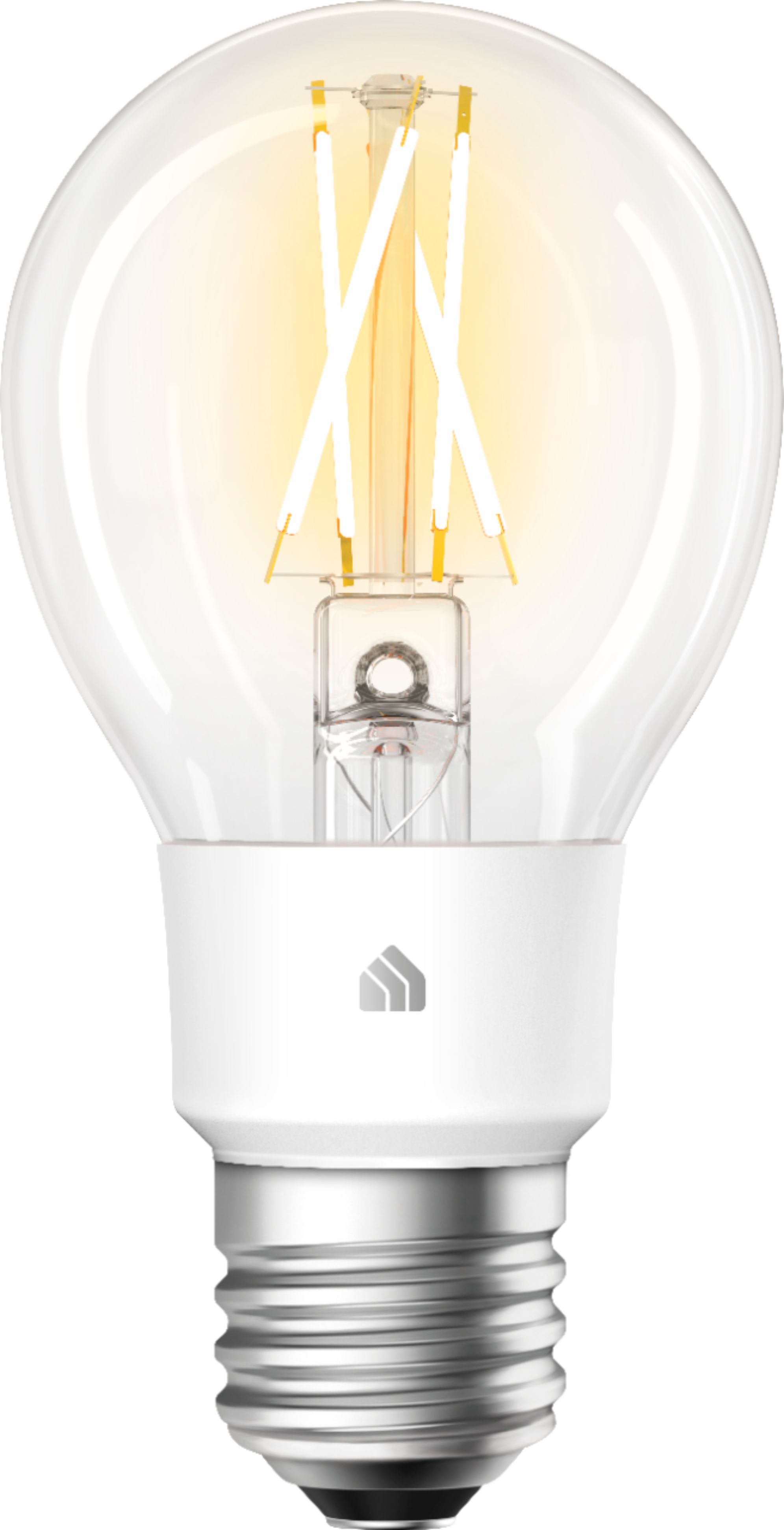
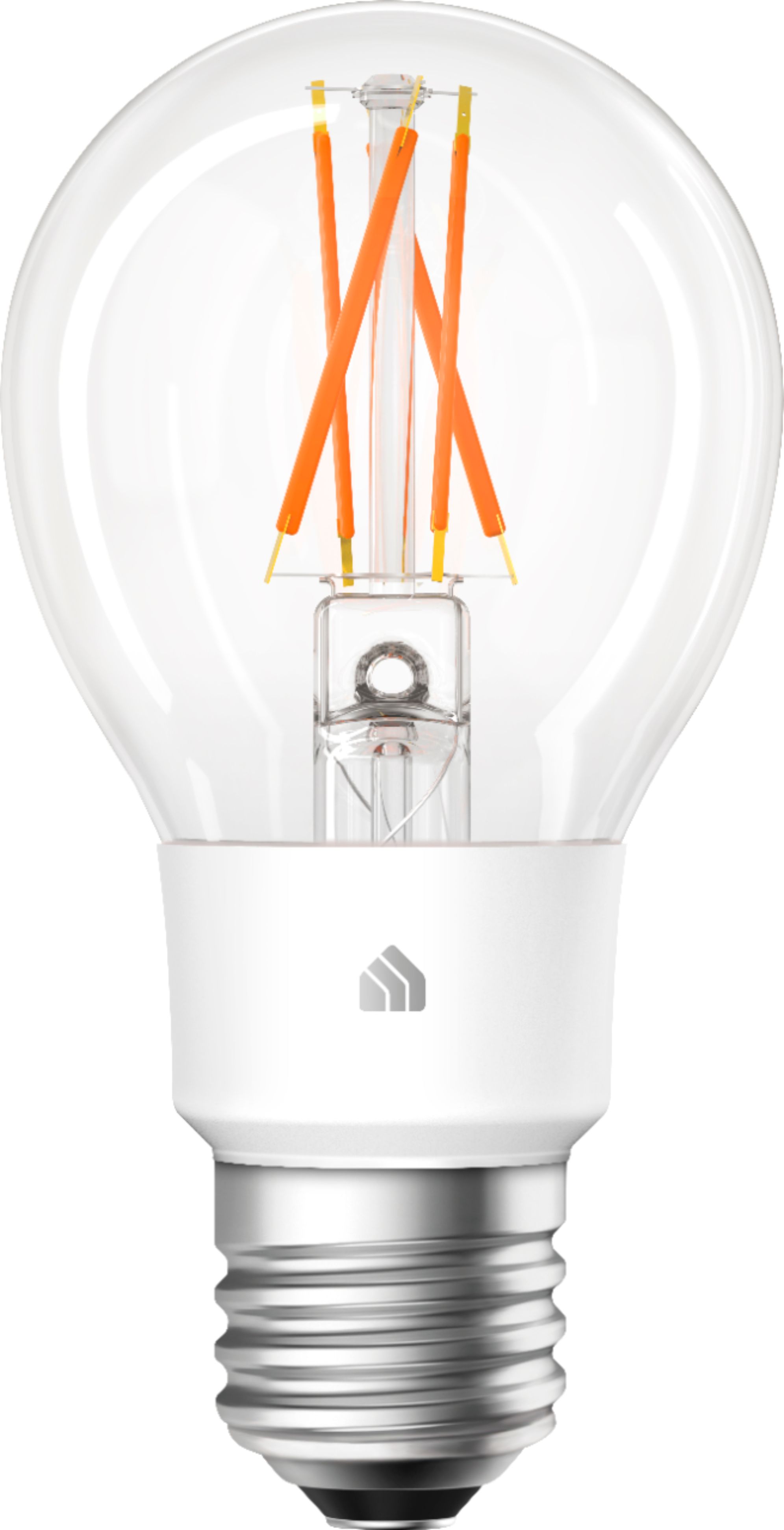

- Model:
- KL50
- SKU:
- 6371159
Rating by feature
- Value
Rating 4.5 out of 5 stars
- Quality
Rating 4.5 out of 5 stars
- Ease of Use
Rating 4.5 out of 5 stars
Customers are saying
Customers recognize the Kasa Smart A19 Wi-Fi Smart LED Light Bulb as being easy to use and set up, integrating well with smart home assistants like Alexa and Google Home. The bulb's brightness and color options are frequently praised, along with its affordability. Positive feedback also highlights the user-friendly app and the convenience of not needing a separate hub.
This summary was generated by AI based on customer reviews.
Not the best option
||Posted . Owned for 1 week when reviewed.This reviewer received promo considerations or sweepstakes entry for writing a review.Phillips hue is a better alternative as this does not connect to open WiFi networks
No, I would not recommend this to a friendBrand response from TPLinkSupport
Posted .Hi,
Thank you for your review. Due to the nature of the Internet of Things, we emphasize security when it comes to our products, which is why an encrypted WiFi network is required for setup and use of our smart home products.
Our Support Team is always happy to help answer any questions you might have about our products. For future reference, please feel free to e-mail [email protected] and we'll gladly have a Support Agent follow up with you directly.
Best Regards,
TP-Link Support
[email protected]
Trash
||Posted . Owned for 3 weeks when reviewed.This reviewer received promo considerations or sweepstakes entry for writing a review.Trash don’t even know why I tried it smh. Hue is the way to go
No, I would not recommend this to a friendBrand response from TPLinkSupport
Posted .Hi Matthew,
Our smart bulbs are designed to provide convenient automation to your home's lighting. We would appreciate the opportunity to discuss more details regarding which aspect(s) of the bulb you weren't fully satisfied with. At your convenience, please send an e-mail with your contact information and a link to this review to [email protected] and we'll gladly have a Support Agent follow up with you directly.
Best Regards,
TP-Link Support
Smart bulbs
Posted .This reviewer received promo considerations or sweepstakes entry for writing a review.They are excellent bulbs and work great with voice commands or the app. TP-Link Kasa
I would recommend this to a friendWorks great with Kasa app, not with Echo
Posted .This reviewer received promo considerations or sweepstakes entry for writing a review.I have other types of Kasa smart bulbs and haven't had any problems using them through my Amazon Echo. Knowing it was a good product I bought 3 of these new types for my living room. I am having a very difficult time controlling them through my Echo! My other bulbs are on the opposite side of the house as far away from my router as possible and have had no problems ever. These new bulbs are literally right next to my router and I can't get them to stay in sync with the Echo. Not just 1 bulb but all 3! I'm having problems with both vocal control and within the Echo app. It keeps saying that they're not responding half the time but the other half they will work so it's wildly inconsistent. They are working and not responding independently of each other, very frustrating! I'm having issues controlling them both as a "group" and also controlling them individually. I've tried dis/reconnecting, updating and other forms of trouble shooting, no improvements. They work flawlessly with the Kasa app but I specifically got them so I can control them with my Echo so I'm very disappointed. I will be returning them and exchanging them for the older models. I'd recommend them if you're not planning on using them with Echo.
No, I would not recommend this to a friendBrand response from TPLinkSupport
Posted .Hi,
We always recommend ensuring your router's WiFi signal is adequately strong in the smart device's location. Within the Kasa Smart app there's a feature that allows you to measure WiFi signal strength of your smart devices. When the app is connected, please check the signal strength in the Device Settings menu.
If the signal is within the ideal range and you're still experiencing these symptoms, please ensure your Kasa Smart app is up to date, then update your smart device's firmware using the steps in our FAQ: http://www.tp-link.com/us/faq-1256.html
If you'd like assistance with any of these steps, please send an e-mail with your contact information and a link to this review to [email protected] and we'll gladly have a Support Agent follow up with you directly.
Best Regards,
TP-Link Support
[email protected]