Customer Ratings & Reviews
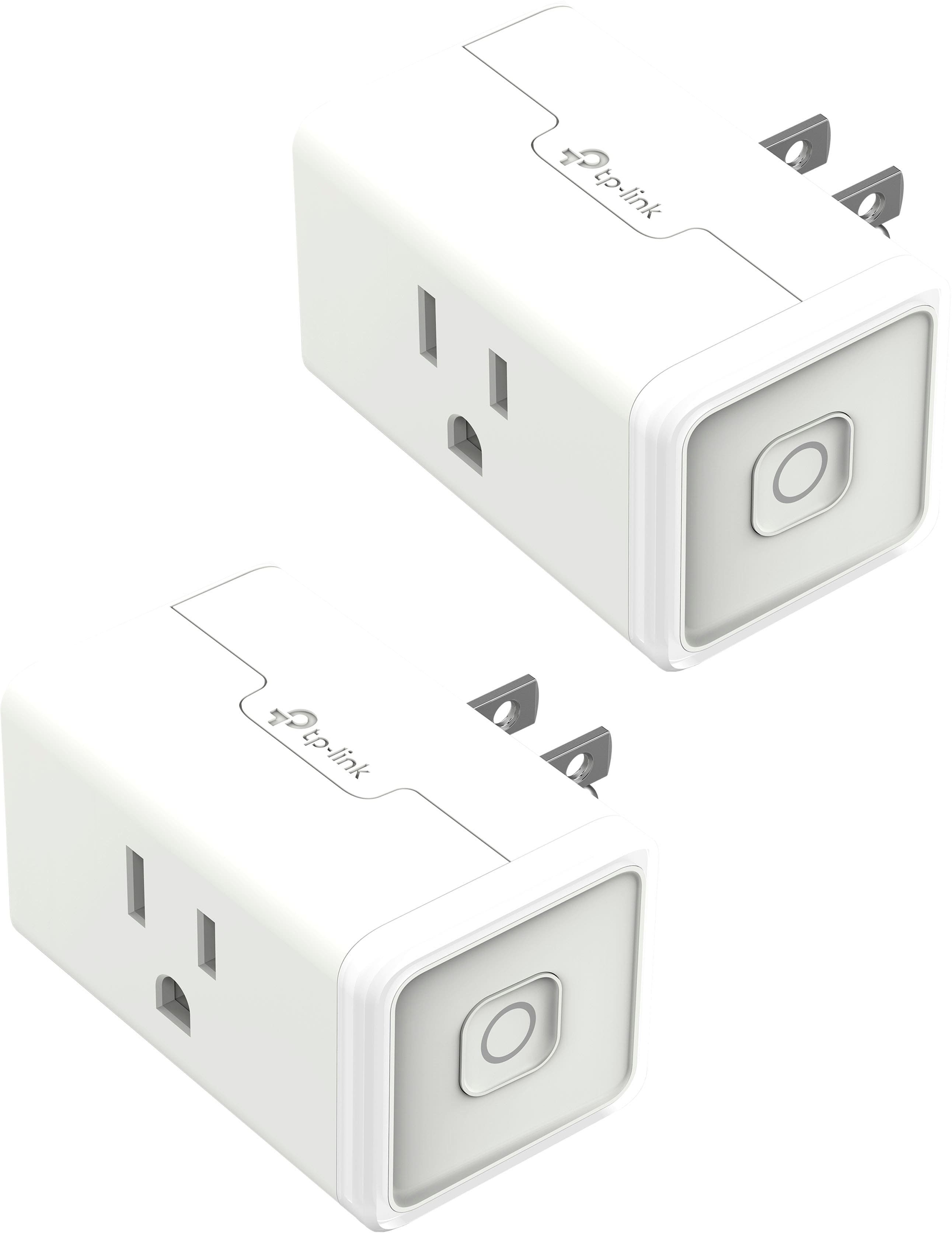
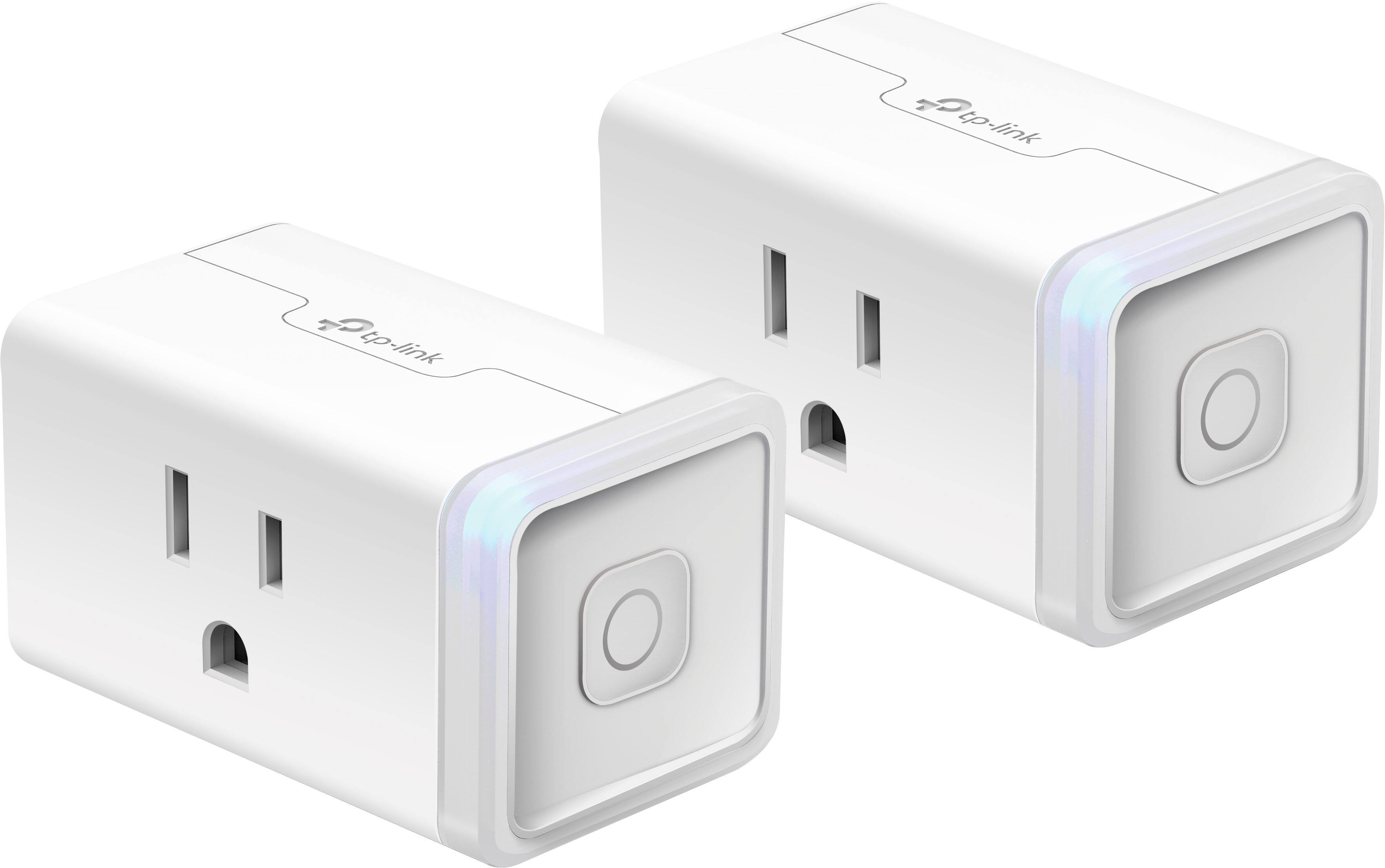
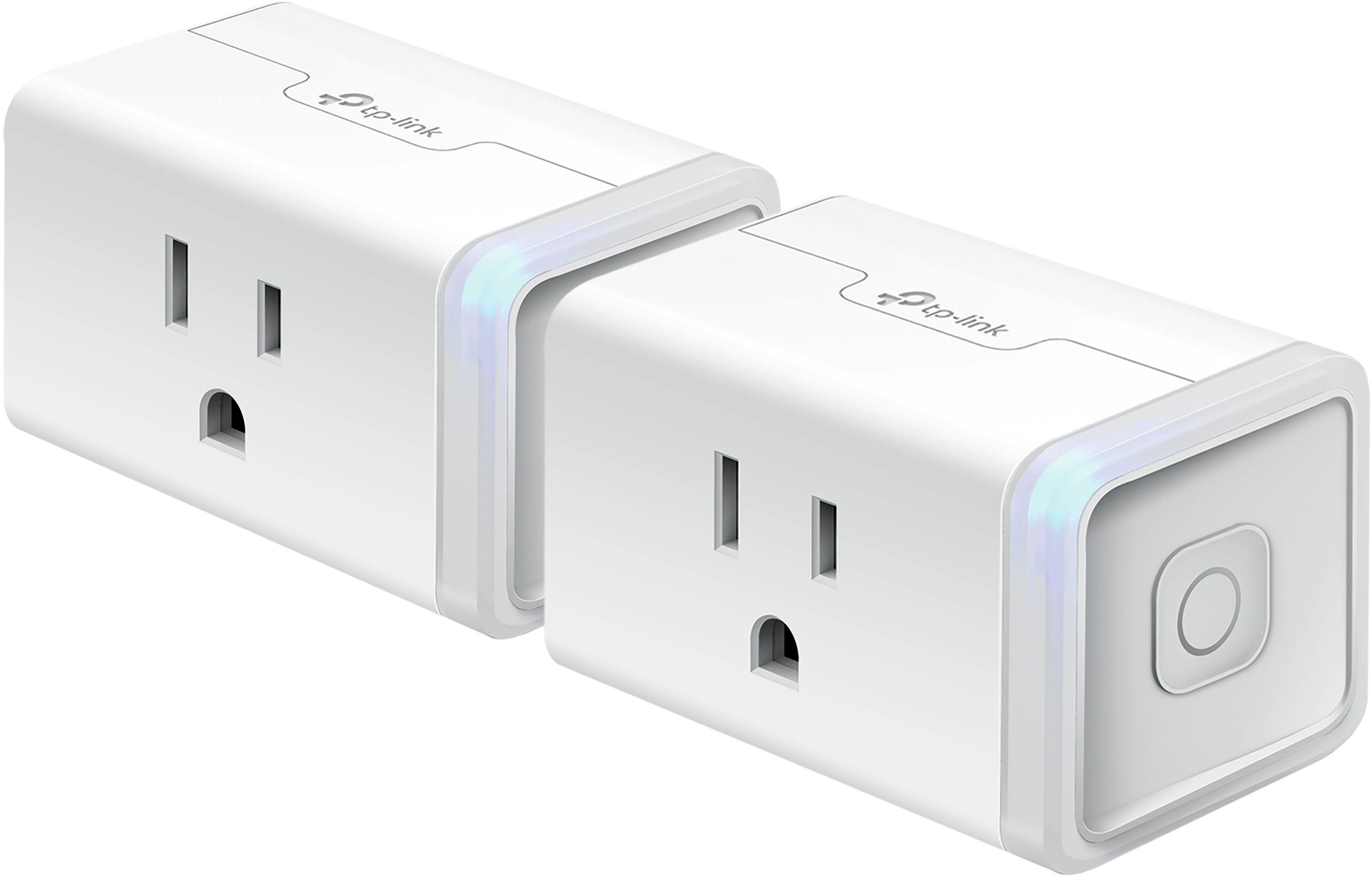
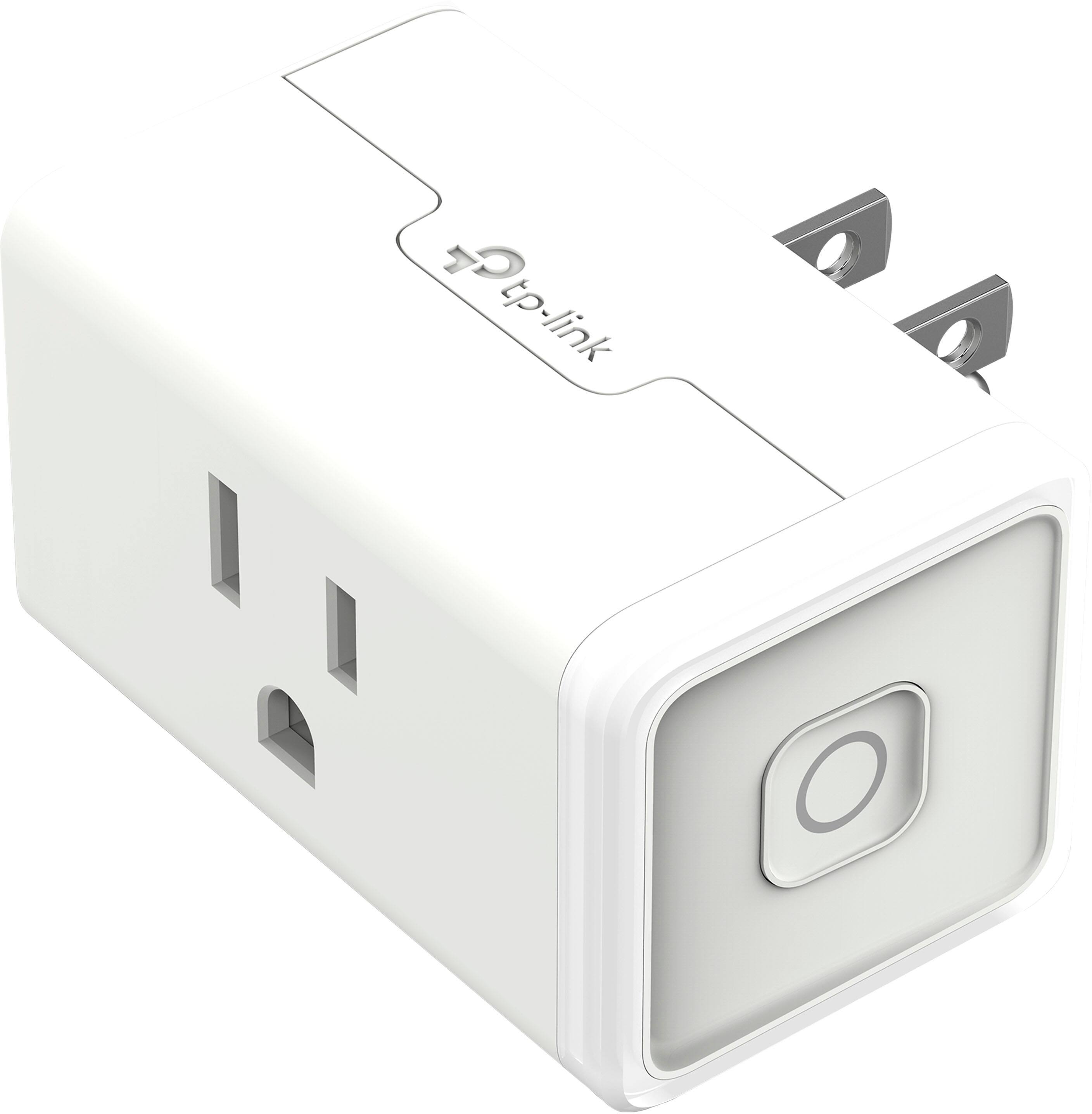
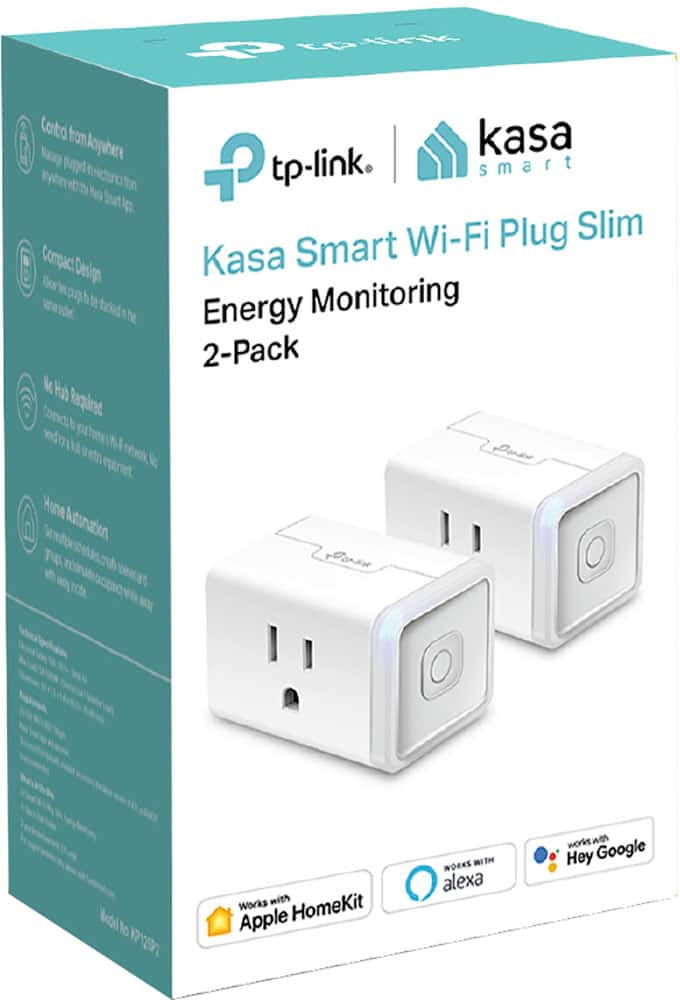
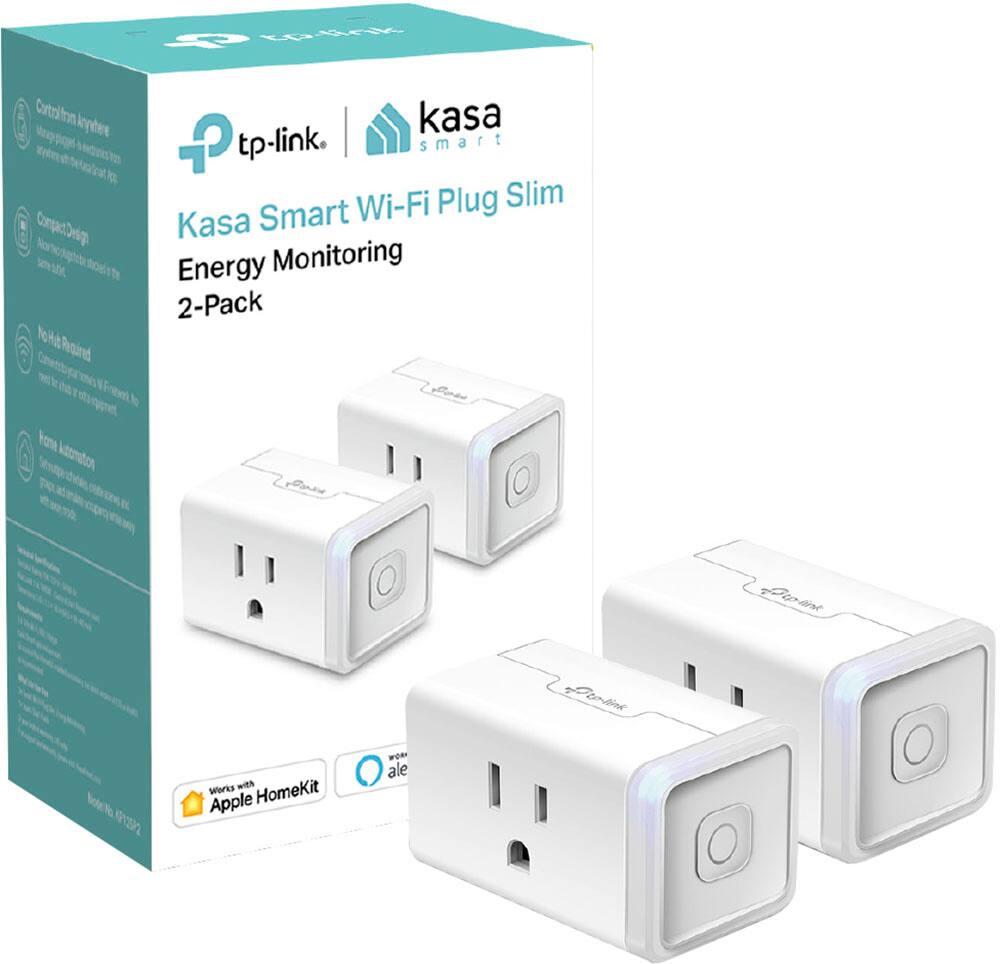
- Model:
- KP125P2
- SKU:
- 6472521
Rating by feature
- Value
Rating 4.6 out of 5 stars
- Quality
Rating 4.6 out of 5 stars
- Ease of Use
Rating 4.4 out of 5 stars
Customers are saying
Customers are enthusiastic about the Kasa Smart Wi-Fi Plug Mini's ease of use, compatibility with smart home systems like HomeKit and Google Home, and its compact size. Many appreciate the scheduling features, energy monitoring capabilities, and quick response times. However, some users experienced challenges with connectivity and initial setup. A few also expressed dissatisfaction with the mobile application.
This summary was generated by AI based on customer reviews.
Cheap.
||Posted . Owned for 3 weeks when reviewed.This reviewer received promo considerations or sweepstakes entry for writing a review.It doesn't connect very well on Google home app and keeps saying not responding.
No, I would not recommend this to a friendBrand response from TPLinkSupport
Posted .Hi,
Thank you for sharing your experience with our Kasa Smart Plug with HomeKit. We hear your concerns, and we have a detailed and helpful setup video on our official website that navigates through all of the setup steps: https://www.tp-link.com/us/support/download/kp125/#video
As a general note - please also ensure your smartphone is not connected to a VPN during setup, as this may interfere with the installation process.
If you would like assistance with your Kasa product(s), please reach out to our free support team using any of the resources included with the product, or from our official website, and we'll gladly have a Support Agent follow up with you directly.
Thank you,
TP-Link Support
No good
||Posted . Owned for 3 weeks when reviewed.This reviewer received promo considerations or sweepstakes entry for writing a review.Went offline within 24hr, reset then ok but went offline later again.
No, I would not recommend this to a friendBrand response from TPLinkSupport
Posted .Hi,
Thank you for your review. We always recommend ensuring your router's Wi-Fi signal is adequately strong in the smart device's location. Within the Kasa Smart app, there's a feature that allows you to measure Wi-Fi signal strength of your smart devices. When the app is connected, please check the signal strength in the Device Settings menu.
If the signal is within the ideal range, and you're still experiencing these symptoms, please ensure your Kasa Smart app is up to date, then update your smart device's firmware by selecting Me → Firmware Update within the Kasa app.
If you'd like assistance with any of these steps, please reach out to our free support team using any of the resources included with the product, or from our official website, and we'll gladly have a Support Agent follow up with you directly.
Thank you,
TP-Link Support
It’s not easy to connect to iphone.
||Posted . Owned for 3 weeks when reviewed.This reviewer received promo considerations or sweepstakes entry for writing a review.I tried to connect to my app in the iphone was not possible do it.
No, I would not recommend this to a friendBrand response from TPLinkSupport
Posted .Hi,
Thank you for sharing your experience with our Kasa Smart Plug with HomeKit. We hear your concerns, and we have a detailed and helpful setup video on our official website that navigates through all the setup steps: https://www.tp-link.com/us/support/download/kp125/#video
As a general note - please also ensure your smartphone is not connected to a VPN during setup, as this may interfere with the installation process.
If you would like assistance with your Kasa product(s), please reach out to our free support team using any of the resources included with the product, or from our official website, and we'll gladly have a Support Agent follow up with you directly.
Thank you,
TP-Link Support
bad plug
||Posted . Owned for 3 weeks when reviewed.This reviewer received promo considerations or sweepstakes entry for writing a review.could not get this to work it kept saying unable to add accessory
No, I would not recommend this to a friendBrand response from TPLinkSupport
Posted .Hi,
Thank you for sharing your experience with our Kasa Smart Plug with HomeKit. We hear your concerns, and we have a detailed and helpful setup video on our official website that navigates through all of the setup steps: https://www.tp-link.com/us/support/download/kp125/#video
Since the vast majority of customers who purchase this HomeKit model do so with HomeKit integration in mind, the current setup process is designed to directly assist with this integration method. However, we appreciate your feedback regarding changes you would like to see in the HomeKit integration sequence and we will share it with our Kasa team for consideration.
As a general note - please also ensure your smartphone is not connected to a VPN during setup, as this may interfere with the installation process.
If you would like assistance with your Kasa product(s), please reach out to our free support team using any of the resources included with the product, or from our official website, and we'll gladly have a Support Agent follow up with you directly.
Thank you,
TP-Link Support
cant get it to work
||Posted . Owned for 3 weeks when reviewed.This reviewer received promo considerations or sweepstakes entry for writing a review.Can't get it to work ... minimum 50 characters ...
No, I would not recommend this to a friendBrand response from TPLinkSupport
Posted .Hi,
Thank you for sharing your experience with our Kasa Smart Plug with HomeKit. We hear your concerns, and we have a detailed and helpful setup video on our official website that navigates through all the setup steps: https://www.tp-link.com/us/support/download/kp125/#video
As a general note - please also ensure your smartphone is not connected to a VPN during setup, as this may interfere with the installation process.
If you would like assistance with your Kasa product(s), please reach out to our free support team using any of the resources included with the product, or from our official website, and we'll gladly have a Support Agent follow up with you directly.
Thank you,
TP-Link Support
Meh...
||Posted .This reviewer received promo considerations or sweepstakes entry for writing a review.Could not get this to connect to wifi...tried for 2 hours. Returned it.
No, I would not recommend this to a friendBrand response from TPLinkSupport
Posted .Hi,
Thank you for sharing your experience with our Kasa Smart Plug with HomeKit. We hear your concerns, and we have a detailed and helpful setup video on our official website that navigates through all the setup steps: https://www.tp-link.com/us/support/download/kp125/#video
As a general note - please also ensure your smartphone is not connected to a VPN during setup, as this may interfere with the installation process.
If you would like assistance with your Kasa product(s), please reach out to our free support team using any of the resources included with the product, or from our official website, and we'll gladly have a Support Agent follow up with you directly.
Thank you,
TP-Link Support
- Pros mentioned:Compatibility
Do not buy. Impossible to pair.
||Posted . Owned for 1 month when reviewed.This reviewer received promo considerations or sweepstakes entry for writing a review.Save your time and effort and skip this smart plug. I had the older version (hs105) which has worked great for years. This one just would not pair no matter what I did. I returned and bought a two pack of the hs105 and was up and running in minutes.
No, I would not recommend this to a friendBrand response from TPLinkSupport
Posted .Hi,
Thank you for your review. Our smart plugs, bulbs, and switches are designed for quick and easy setup using the Kasa app. If you're having difficulty connecting them to your network during setup, please ensure your router's 2.4GHz Wi-Fi signal is sufficiently strong at the smart device's location.
Please also ensure your smartphone is not connected to a VPN during setup, as this may interfere with the installation process.
If you would like assistance with any of these steps, please reach out to our free support team using any of the resources included with the product, or from our official website, and we'll gladly have a Support Agent follow up with you directly.
Thank you,
TP-Link Support
- Cons mentioned:App
You get what you pay for.
||Posted .This reviewer received promo considerations or sweepstakes entry for writing a review.A major pain to connect to the HomeKit. Once connected, they are fine for about a day. Then I have to repeat the setup process. Over and over this cycle goes. The app is ridiculous as well. Poor directions. You get what you pay for I guess. Cheap.
No, I would not recommend this to a friendBrand response from TPLinkSupport
Posted .Hi,
Thank you for your review. Apart from its automation and energy monitoring features, the KP125 Smart Plug also supports Apple HomeKit integration. Apart from the in-app tutorial, we also have a helpful video guide on our official YouTube channel that outlines the steps of HomeKit setup for the KP125.
We also highly recommend ensuring your Kasa app and the firmware of your smart devices is fully up to date. You can check for firmware updates within the Kasa app under the Main Menu → Settings → Firmware Update.
Our support team is always happy to answer any questions you might have about our products. Please feel free to reach out to our free support team using any of the resources included with the product, or from our official website, and we'll gladly have a Support Agent follow up with you directly.
Thank you,
TP-Link Support
If you are using Alexa, just buy the amazon plug
||Posted . Owned for 1 month when reviewed.This reviewer received promo considerations or sweepstakes entry for writing a review.Could not link with my amazon alexa. Best to just buy the amazon plug.
No, I would not recommend this to a friendBrand response from TPLinkSupport
Posted .Hello GotHeart,
Try this: https://www.tp-link.com/us/support/faq/944/
If this doesn't help please contact support. Kasa.Support@tp-link.com
Best Regards
TP-Link Support Team
- Cons mentioned:Setup
Could not get it working on HomeKit
||Posted . Owned for 2 weeks when reviewed.This reviewer received promo considerations or sweepstakes entry for writing a review.They say it works with Apple HomeKit. That may be the case but after struggling for hours I returned it and paid 2X Eve Plugs. Eve just works, no smoke and mirrors to get it up and running.
No, I would not recommend this to a friendBrand response from TPLinkSupport
Posted .Hi,
Thank you for sharing your experience with our Kasa Smart Plug with HomeKit. We hear your concerns, and we have a detailed and helpful setup video on our official website that navigates through all of the setup steps: https://www.tp-link.com/us/support/download/kp125/#video
As a general note - please also ensure your smartphone is not connected to a VPN during setup, as this may interfere with the installation process.
If you would like assistance with your Kasa product(s), please reach out to our free support team using any of the resources included with the product, or from our official website, and we'll gladly have a Support Agent follow up with you directly.
Thank you,
TP-Link Support
Absolutely worthless!
||Posted . Owned for 1 week when reviewed.This reviewer received promo considerations or sweepstakes entry for writing a review.I purchased 5 of these thanks to their home kit compatibility. Every one of them, without fail, would connect and join my wi-fi network, as long as I was close to the router… As soon as I moved them to the location I wanted them, without fail they would all stop working. The temptation might be there to claim it is my network, but that’s completely inaccurate, as the other devices in those locations had no problems connecting to the network. These devices just have poor WiFi radios and cannot handle even the slightest interference between them and the WAP. Now I have to go return $60 worth of these things.
No, I would not recommend this to a friendBrand response from TPLinkSupport
Posted .Hi,
We always recommend ensuring your router's 2.4GHz Wi-Fi signal is adequately strong in the smart device's location. Within the Kasa Smart app there's a feature that allows you to measure Wi-Fi signal strength of your smart devices. When the app is connected, please check the signal strength in the Device Settings menu.
If the signal is within the ideal range and you're still experiencing these symptoms, please ensure your Kasa Smart app is up to date, then update your smart device's firmware by selecting Home → Settings → Firmware Update within the Kasa app.
If you'd like assistance with any of these steps, please reach out to our free support team using any of the resources included with the product, or from our official website, and we'll gladly have a Support Agent follow up with you directly.
Thank you,
TP-Link Support
plug
||Posted . Owned for 3 weeks when reviewed.This reviewer received promo considerations or sweepstakes entry for writing a review.could not get it to pair so I had to return it for refund
No, I would not recommend this to a friendBrand response from TPLinkSupport
Posted .Hi,
Thank you for your review. Our smart plugs, bulbs, and switches are designed for quick and easy setup using the Kasa app. If you're having difficulty connecting them to your network during setup, please ensure your router's 2.4GHz Wi-Fi signal is sufficiently strong at the smart device's location.
Please also ensure your smartphone is not connected to a VPN during setup, as this may interfere with the installation process.
If you would like assistance with any of these steps, please reach out to our free support team using any of the resources included with the product, or from our official website, and we'll gladly have a Support Agent follow up with you directly.
Thank you,
TP-Link Support
Mr
||Posted . Owned for 3 weeks when reviewed.This reviewer received promo considerations or sweepstakes entry for writing a review.Does not work as well as the google plug it replaced
I would recommend this to a friendBrand response from TPLinkSupport
Posted .Hi,
Thank you for sharing your experience with our Kasa Smart Plug with HomeKit. We hear your concerns, and we have a detailed and helpful setup video on our official website that navigates through all of the setup steps: https://www.tp-link.com/us/support/download/kp125/#video
As a general note - please also ensure your smartphone is not connected to a VPN during setup, as this may interfere with the installation process.
If you would like assistance with your Kasa product(s), please reach out to our free support team using any of the resources included with the product, or from our official website, and we'll gladly have a Support Agent follow up with you directly.
Thank you,
TP-Link Support
- Cons mentioned:Connectivity
Returned
||Posted . Owned for 1 month when reviewed.This reviewer received promo considerations or sweepstakes entry for writing a review.I couldn’t get the smart plug to dink up with my internet , very frustrating. I returned them and bought Amazon smart plugs which worked!
No, I would not recommend this to a friendBrand response from TPLinkSupport
Posted .Hi,
Thank you for sharing your experience with our Kasa Smart Plug with HomeKit. We hear your concerns, and we have a detailed and helpful setup video on our official website that navigates through all the setup steps: https://www.tp-link.com/us/support/download/kp125/#video
As a general note - please also ensure your smartphone is not connected to a VPN during setup, as this may interfere with the installation process.
If you would like assistance with your Kasa product(s), please reach out to our free support team using any of the resources included with the product, or from our official website, and we'll gladly have a Support Agent follow up with you directly.
Thank you,
TP-Link Support
- Cons mentioned:Connectivity
Garbage
||Posted .This reviewer received promo considerations or sweepstakes entry for writing a review.Like many items from this company, it disconnects frequently with customer service and the like being utterly useless. You're better off passing over this one for something better.
No, I would not recommend this to a friendBrand response from TPLinkSupport
Posted .Hi,
We always recommend ensuring your router's 2.4GHz Wi-Fi signal is adequately strong in the smart device's location. Within the Kasa Smart app, there's a feature that allows you to measure Wi-Fi signal strength of your smart devices. When the app is connected, please check the signal strength in the Device Settings menu.
If the signal is within the ideal range, and you're still experiencing these symptoms, please ensure your Kasa Smart app is up to date, then update your smart device's firmware by selecting Home → Settings → Firmware Update within the Kasa app.
If you'd like assistance with any of these steps, please reach out to our free support team using any of the resources included with the product, or from our official website, and we'll gladly have a Support Agent follow up with you directly.
Thank you,
TP-Link Support
Didn't work for Us
||Posted . Owned for less than 1 week when reviewed.This reviewer received promo considerations or sweepstakes entry for writing a review.Didn't work for us. Lost wifi signal, and didn't retain schedule. Good Orbi wifi signal. No hub, perhaps that's the problem with Homekit. We wanted something that would retain schedules even if wifi lost.
No, I would not recommend this to a friendBrand response from TPLinkSupport
Posted .Hi,
Thank you for your review. We always recommend ensuring your router's 2.4GHz Wi-Fi signal is adequately strong in the smart device's location. Within the Kasa Smart app, there's a feature that allows you to measure Wi-Fi signal strength of your smart devices. When the app is connected, please check the signal strength in the Device Settings menu.
If the signal is within the ideal range, and you're still experiencing these symptoms, please ensure your Kasa Smart app is up to date, then update your smart device's firmware by selecting Me → Firmware Update within the Kasa app.
If you'd like assistance with any of these steps, please reach out to our free support team using any of the resources included with the product, or from our official website, and we'll gladly have a Support Agent follow up with you directly.
Thank you,
TP-Link Support
- Cons mentioned:Setup
No so smart ….smart plug
||Posted . Owned for 1 month when reviewed.This reviewer received promo considerations or sweepstakes entry for writing a review.These are loaded with features which are useless, and very difficult to set up and reset after power outage. Our whole house is smart set up…….these are the dum part.
No, I would not recommend this to a friendBrand response from TPLinkSupport
Posted .Hello Crowsoven
We regret your current experience with our product. While we can't discern much from the review we would like to work with you, collect more details and address your concerns to improve your experience. Please contact our support at your convivence by sending an email to Kasa.Support@tp-link.com.
Best Regards
TP-Link US Support Team
No thank you!
||Posted . Owned for 2 weeks when reviewed.This reviewer received promo considerations or sweepstakes entry for writing a review.I bought two packs of these smart plugs hoping to accentuate my current smart home set up. However after several failed attempts to get them to work on my own I was forced to contact their tech-support. Who worked with me for quite a long time and could not get them to work either. They do currently only work on a 2.4 GHz band which is pretty normal for any IOTT device. The support person I spoke with was easy to understand quick to respond and seemed just as frustrated as I was. In the end I would not recommend these particular smart plugs.
No, I would not recommend this to a friendBrand response from TPLinkSupport
Posted .Hi,
Thank you for your review. Our smart plugs, bulbs, and switches are designed for quick and easy setup using the Kasa app. If you're having difficulty connecting them to your network during setup, please ensure your router's 2.4GHz Wi-Fi signal is sufficiently strong at the smart device's location.
Please also ensure your smartphone is not connected to a VPN during setup, as this may interfere with the installation process.
We're happy to hear our support team was able to help you install the product. If you would like assistance in the future, please reach out to our support team using any of the resources included with the product, or from our official website, and we'll gladly have a Support Agent follow up with you directly.
Thank you,
TP-Link Support
Mr
||Posted . Owned for 1 month when reviewed.This reviewer received promo considerations or sweepstakes entry for writing a review.Does not hook automatically to a remote access like Amazons. Too much trouble to then find another app to do that
No, I would not recommend this to a friendBrand response from TPLinkSupport
Posted .Hi,
Thank you for your review. Integrating Alexa with Kasa is quick, easy, and intuitive. Within the Kasa app, simply tap on Me > Third-Party Services > Amazon Alexa, and the app will guide you through the integration process.
If you’d like assistance with any of these steps, please reach out to our toll-free support team using any of the resources included with the product, or from our official website, and we'll gladly have a Support Agent follow up with you directly.
Thank you,
TP-Link Support
Won’t stay connected to Wi-Fi.
||Posted . Owned for 1 week when reviewed.This reviewer received promo considerations or sweepstakes entry for writing a review.I have four of these and they all turn disconnect from tge router at different times at night. They never stay connected to Wi-Fi for more than a day. They do stay powered on but no Wi-Fi connection. I have a Netgear nighthawk RAX 120. It should handle 30 devices. I connected them to 2.4 GHz as per the instructions. At first I thought it was a router so that’s why I got the RAX 120. That doesn’t appear to be the problem as the same thing happened with my other Netgear router model 6000
No, I would not recommend this to a friendBrand response from TPLinkSupport
Posted .Hi,
Thank you for your review. We always recommend ensuring your router's Wi-Fi signal is adequately strong in the smart device's location. Within the Kasa Smart app there's a feature that allows you to measure Wi-Fi signal strength of your smart devices. When the app is connected, please check the signal strength in the Device Settings menu.
If the signal is within the ideal range and you're still experiencing these symptoms, please ensure your Kasa Smart app is up to date, then update your smart device's firmware by selecting Home → Settings → Firmware Update within the Kasa app.
If you'd like assistance with any of these steps, please reach out to our free support team using any of the resources included with the product, or from our official website, and we'll gladly have a Support Agent follow up with you directly.
Thank you,
TP-Link Support