Customer Ratings & Reviews
- Model:
- TL-WA850RE
- SKU:
- 2080012
Rating by feature
- Value
Rating 4.3 out of 5 stars
- Quality
Rating 4.1 out of 5 stars
- Ease of Use
Rating 4.3 out of 5 stars
Customers are saying
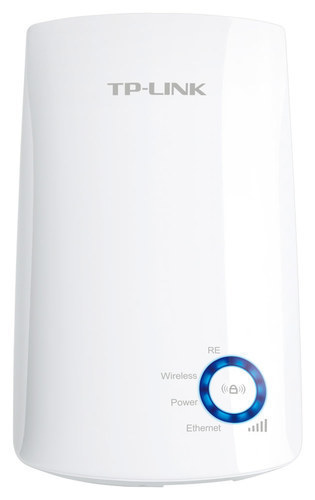
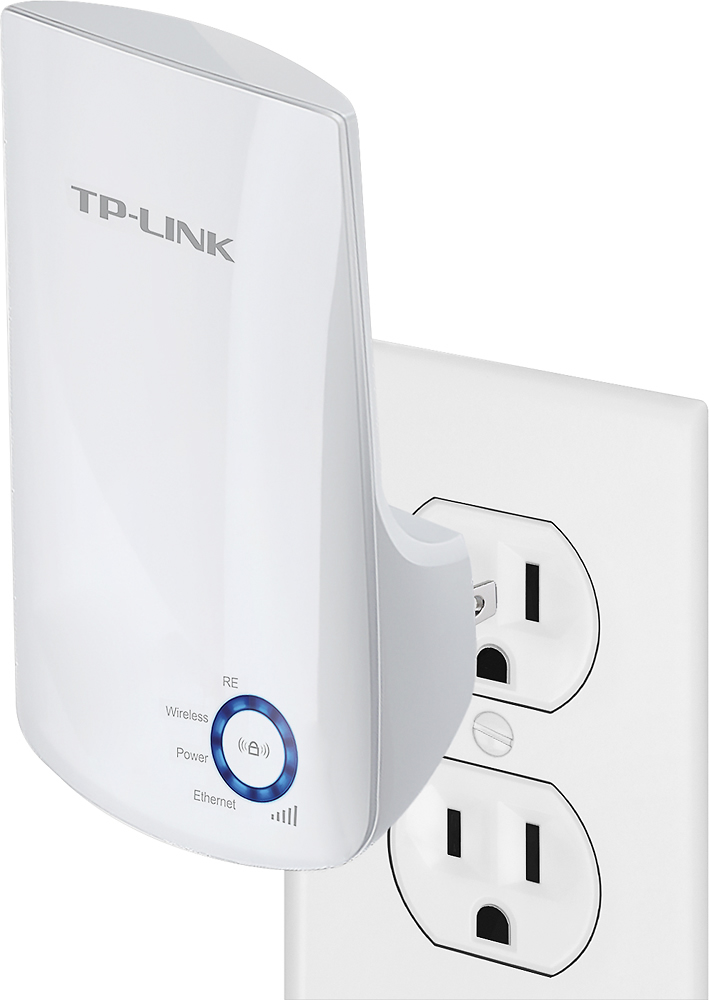
Customers find value in the N300 Wi-Fi Range Extender's ease of use, extended Wi-Fi range, and reasonable price. Many appreciate its strong signal and straightforward setup process, along with the added convenience of an Ethernet port. While some users experienced compatibility issues, the positive feedback on performance and ease of use outweighs these concerns. The extender is praised for improving internet access in various situations.
This summary was generated by AI based on customer reviews.
Great for smaller house
||Posted .This reviewer received promo considerations or sweepstakes entry for writing a review.Great for smaller house. Its good and love it alot
I would recommend this to a friendGreat item
||Posted .This reviewer received promo considerations or sweepstakes entry for writing a review.I love this... Has extended our Wi-Fi outside to our patio..
I would recommend this to a friendWouldn't configure
||Posted . Owned for 3 weeks when reviewed.This reviewer received promo considerations or sweepstakes entry for writing a review.Could be my fault that I didnt look to see what wifi routers this would connect to but it looked like a universal one. However it wouldn't recognize my netgear and seemed like more trouble to configure and mess with different things so I returned it. For the netgear extender for like $20 more. Works great.
No, I would not recommend this to a friendBrand response from TPLinkSupport
Posted .Hi,
Thank you for your review. Our WiFi extenders are universally compatible with WiFi routers. If you're experiencing difficulty connecting the extender to your router, we recommend setting up the device in the same room as your router, then relocating it after setup is complete. We also suggest re-verifying your router's WiFi password during setup, or if using the WPS setup method, ensuring the WPS process is performed in the correct order. The extender's indicator LEDs will help you determine which position in your home is ideal.
We're sorry to hear you decided to return the device, we would've appreciated the opportunity to help address your concerns. In the future, feel free to email USSupportTeam@TP-Link.com and we'll gladly have a Support Agent follow up with you directly.
Best Regards,
TP-Link Support
USSupportTeam@TP-Link.com
- Pros mentioned:Ease of use
Conductivity very disappointing.
||Posted . Owned for 2 weeks when reviewed.This reviewer received promo considerations or sweepstakes entry for writing a review.Set up was a breeze, however none of my devices would connect to it! My phone would connect on 2.4 GHz. I know it’s only a 2.4 GHz extender and I have lots of those devices for for some reason they wouldn’t connect.
No, I would not recommend this to a friendBrand response from TPLinkSupport
Posted .Hi,
If you haven't noticed a significant improvement in WiFi coverage after installing the extender, we recommend relocating the unit to a position within your home where the router's WiFi signal is sufficiently strong; yet far enough from the router to effectively extend its range. Please verify the RE status LED is indicating a solid connection.
We also recommend ensuring the extender's firmware is fully up to date using the steps outlined in FAQ 1406 on our official website: https://www.tp-link.com/us/support/faq/1406/
If you'd like assistance with any of these steps, please reach out to our free support team using any of the resources included with the product, or from our official website, and we'll gladly have a Support Agent follow up with you directly.
Thank you,
TP-Link Support
Okay
||Posted . Owned for 3 weeks when reviewed.This reviewer received promo considerations or sweepstakes entry for writing a review.Fine, but I can tell it’s the low end for wifi extenders.
I would recommend this to a friendDoesn’t work very well in multiple level homes
||Posted . Owned for 6 months when reviewed.This reviewer received promo considerations or sweepstakes entry for writing a review.My home is two stories. The router is located downstairs in my home office so I bought this to extend the range for my smart TVs upstairs. The signal is not very strong and I lose connection often.
I would recommend this to a friendBrand response from TPLinkSupport
Posted .Hi,
If you haven't noticed a significant improvement in WiFi coverage after installing the extender, we recommend relocating the unit to a position within your home where the router's WiFi signal is sufficiently strong; yet far enough from the router to effectively extend its range. Please verify the RE status LED is indicating a solid connection.
We also recommend ensuring the extender's firmware is fully up to date using the steps outlined in FAQ 1406 on our official website: https://www.tp-link.com/us/support/faq/1406/
If you'd like assistance with any of these steps, please reach out to our free support team using any of the resources included with the product, or from our official website, and we'll gladly have a Support Agent follow up with you directly.
Thank you,
TP-Link Support
Good
||Posted . Owned for 4 months when reviewed.This reviewer received promo considerations or sweepstakes entry for writing a review.Good but not perfect, Good but not perfect, Good but not perfect
I would recommend this to a friendExtended Internet
||Posted .This reviewer received promo considerations or sweepstakes entry for writing a review.Works just like it said it would. Extended my internet.
I would recommend this to a friendgreat wi fi
||Posted .This reviewer received promo considerations or sweepstakes entry for writing a review.My Wi-Fi is 10 times better than it was before,,,...
I would recommend this to a friendmsmcc
||Posted . Owned for 3 months when reviewed.This reviewer received promo considerations or sweepstakes entry for writing a review.Doesn't work as well as you would expect. Just okay.
No, I would not recommend this to a friend- Cons mentioned:Speed
This product is a joke
||Posted .This reviewer received promo considerations or sweepstakes entry for writing a review.This device is make the internet slower and not faster.
No, I would not recommend this to a friendBrand response from TPLinkSupport
Posted .Dear alsgold,
Thank you for your review, we appreciate your feedback.
If you've noticed a decrease in Wi-Fi speed, we recommend relocating the extender to a position in your home where the RE LED is solid and at least 3 to 4 Signal Strength LEDs are illuminated. This will ensure optimal extender performance.
Our Support Team is always available and we'd be delighted to assist you with your Range Extender. Please feel free to e-mail us anytime at the address provided below.
Your case reference number is 160826-025954.
Thank you again for your feedback, we look forward to assisting you.
Best Regards,
TP-Link Support Team
(866) 225-8139
ussupportteam@tp-link.com
Good Product but not that promising
||Posted .This reviewer received promo considerations or sweepstakes entry for writing a review.The best product based on price. But I have seen dropped in wi-fi signals in my room.
I would recommend this to a friendSpotty
||Posted .This reviewer received promo considerations or sweepstakes entry for writing a review.Spotty at times and still goes in and out, just much less than regular wifi.
I would recommend this to a friendok
||Posted .This reviewer received promo considerations or sweepstakes entry for writing a review.ok, good product. wireless will be much better. willt ry the wl next time
I would recommend this to a friendStopped working after two months.
||Posted . Owned for 2 months when reviewed.This reviewer received promo considerations or sweepstakes entry for writing a review.This stopped working all of a sudden at two months. It simply will not stay connected after a couple of hours and requires a manual reboot. I've changed every setting possible and spoke with TP Link's service team several times, they can't figure it out either. I think it's just a bad unit but I'm outside of return policy so I basically paid $15 to have a reliable extended network for 2 months.
No, I would not recommend this to a friendBrand response from TPLinkSupport
Posted .Hi,
Thank you for your review. Your TP-Link WiFi extender comes with a 2-year warranty, and we would greatly appreciate the opportunity to follow up with you and address your concerns. At your earliest convenience, please reach out to our free support team using any of the resources included with the product, or from our official website, and we'll gladly have a Support Agent follow up with you directly.
Thank you,
TP-Link Support
Doesn't work
||Posted .This reviewer received promo considerations or sweepstakes entry for writing a review.Don't buy this...spend more for a better one...I returned immediately.
No, I would not recommend this to a friendBrand response from TPLinkSupport
Posted .Dear Pablo,
Thank you for sharing your recent experience with our product.
We sincerely apologize for the inconvenience and certainly hope you do not experience any further issues finding a more suitable solution.
For future reference, you may contact our 24/7 technical support team anytime at the email provided for you below and an available support agent will be happy to follow up with you for further assistance.
We hope this experience will not discourage you from trying more of our great products in the future.
Best Regards!
TP-LINK Support Team
866) 225-8139
ussupportteam@tp-link.com
messed up my wifi
||Posted .This reviewer received promo considerations or sweepstakes entry for writing a review.connected this with the help of the 1800 number. They were very helpful but once we connected it the whole house wifi was messed up . Disappointed because a friend of mine said that it would help with parts of the house that doesn't get strong wifi. I returned it to best buy.
No, I would not recommend this to a friendBrand response from TPLinkSupport
Posted .Hello,
Thank you for your review and feedback.
We're glad to hear you were able to easily setup the extender with the help of our Support Team; however we're sorry to hear you experienced this inconvenience once the extender was setup.
Based on the symptoms described, we would recommend relocating the unit to a position in your home where the router's Wi-Fi signal is sufficiently strong; yet far enough from the router to effectively extend its range. Ideally, the RE LED and at least 3 to 4 Signal Strength LEDs should be illuminated for best performance.
For future reference, our Support Team is always available and happy to help. Please feel free to e-mail us anytime using the address below, and we'll gladly follow up with you.
Best Regards,
TP-Link Customer Support
(866) 225-8139
USSupportTeam@TP-Link.com
Work as expected
||Posted .This reviewer received promo considerations or sweepstakes entry for writing a review.I’m pretty happy with this item...................
I would recommend this to a friendDidn't work
||Posted .This reviewer received promo considerations or sweepstakes entry for writing a review.I tried my best, even went online, but product did not work
No, I would not recommend this to a friendBrand response from TPLinkSupport
Posted .Dear Davy,
Thank you for sharing your feedback about our product.
We are sorry to hear that our device was unable to provide a solution for you.
If you have any questions or concerns regarding our products in the future, please feel free to contact our support team at the number and/or email provided for you below and an available technician will be happy to assist you.
We thank you again for your feedback and certainly hope this experience will not discourage you from checking out more of our great networking products in the future.
Best Regards!
TP-LINK Support Team
866) 225-8139
ussupportteam@tp-link.com
Easy to connect but can’t get internet
||Posted . Owned for 1 month when reviewed.This reviewer received promo considerations or sweepstakes entry for writing a review.Product has not lived up to expectations or support service when encountering a problem. Have never been able to get internet via this product on my iPhone or laptop. All work when off this wireless extender.
No, I would not recommend this to a friendBrand response from TPLinkSupport
Posted .Hi,
If you don’t have Internet access after setting up your Extender, please re-verify your WiFi password and re-configure the unit. We also suggest relocating the extender to another position in your home where your router’s WiFi signal is sufficiently strong; yet far enough from the router to effectively extend its range.
If you'd like assistance with any of these steps, please send an e-mail with your contact information and a link to this review to USSupportTeam@TP-Link.com and we'll gladly have a Support Agent follow up with you directly.
Best Regards,
TP-Link Support