Customer Ratings & Reviews
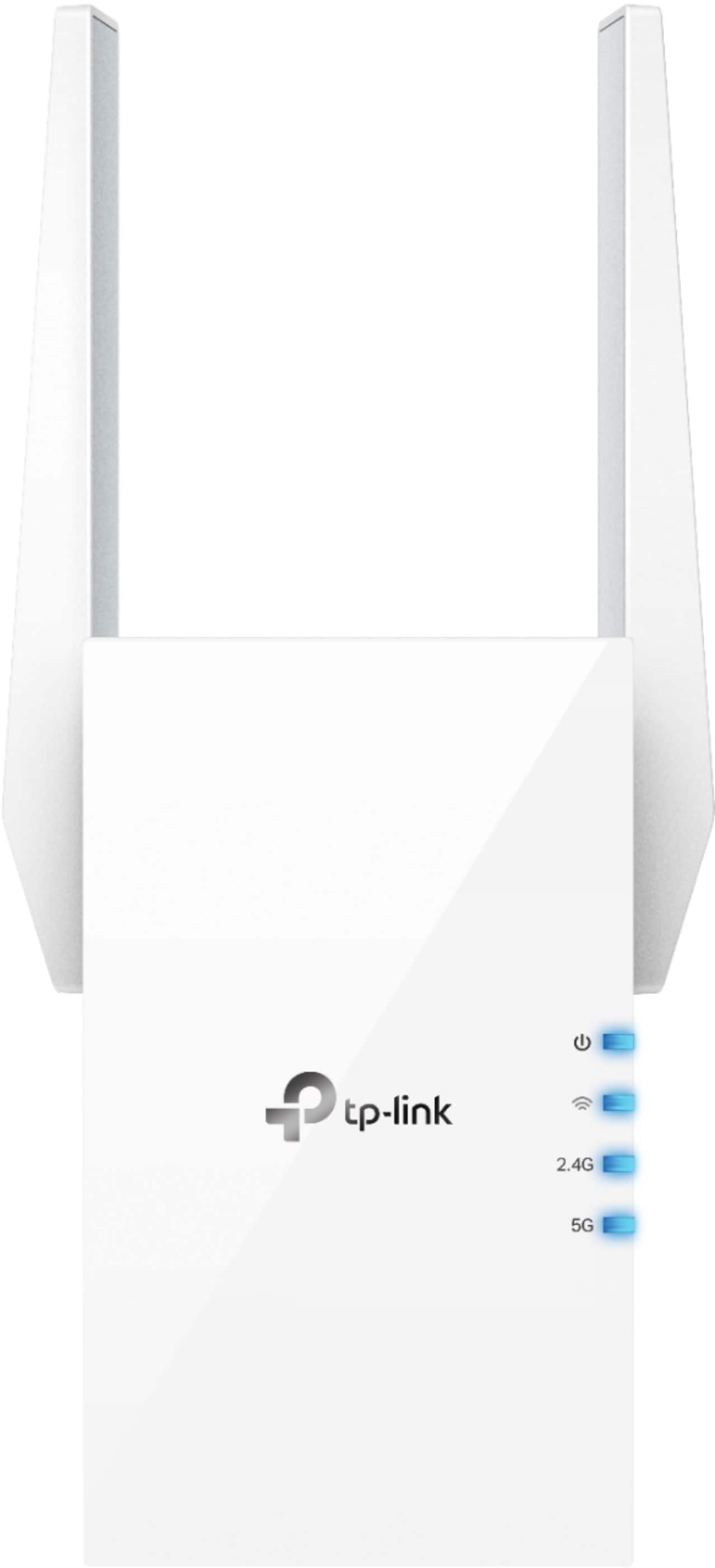
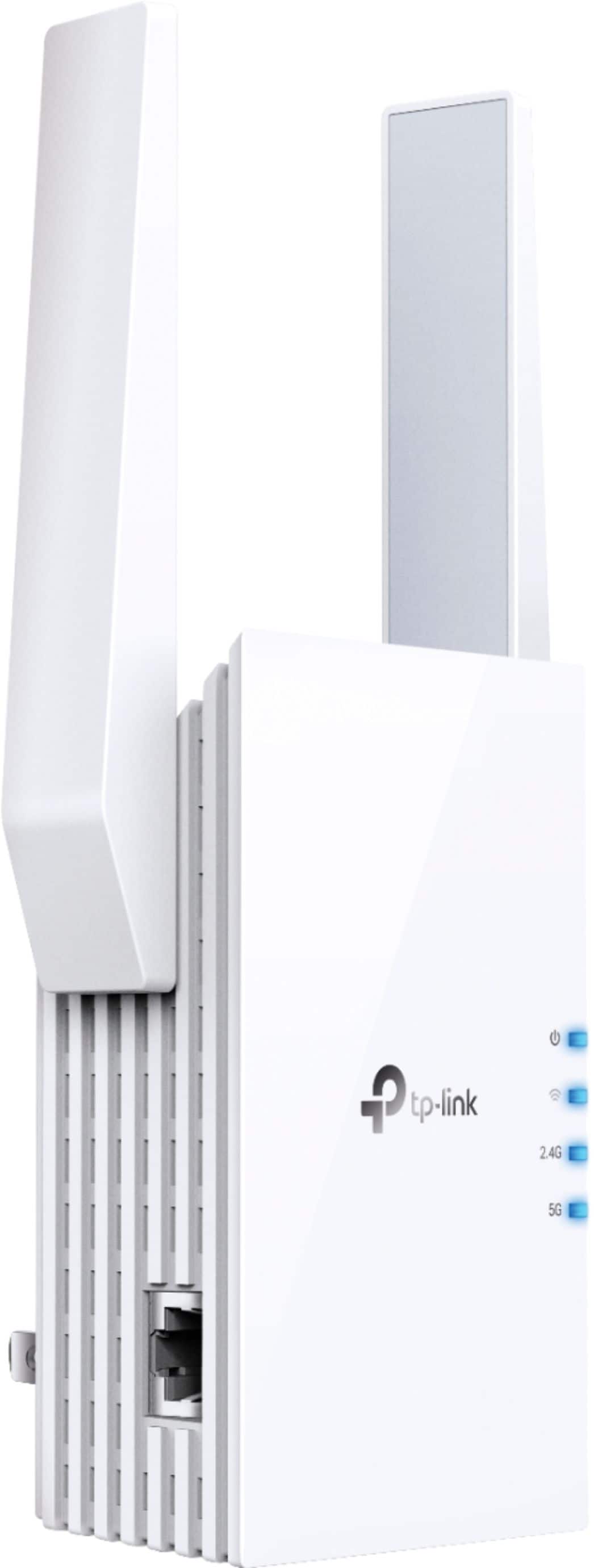
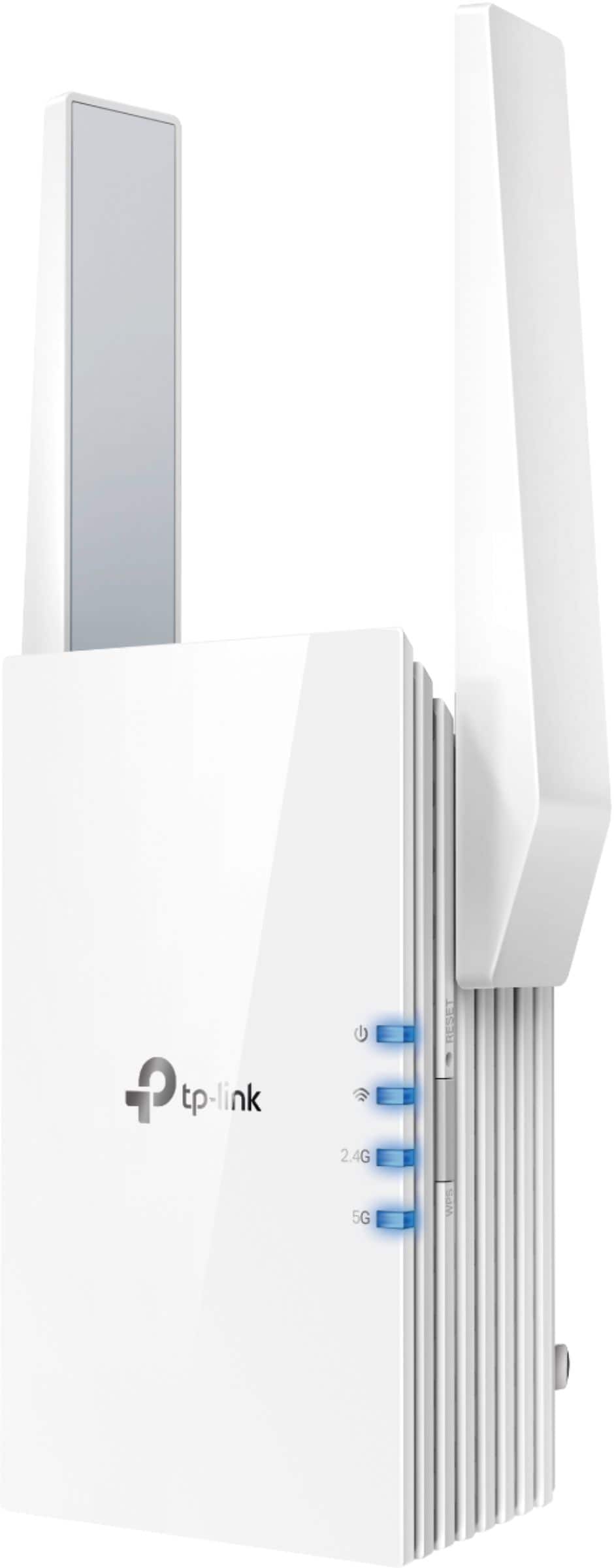

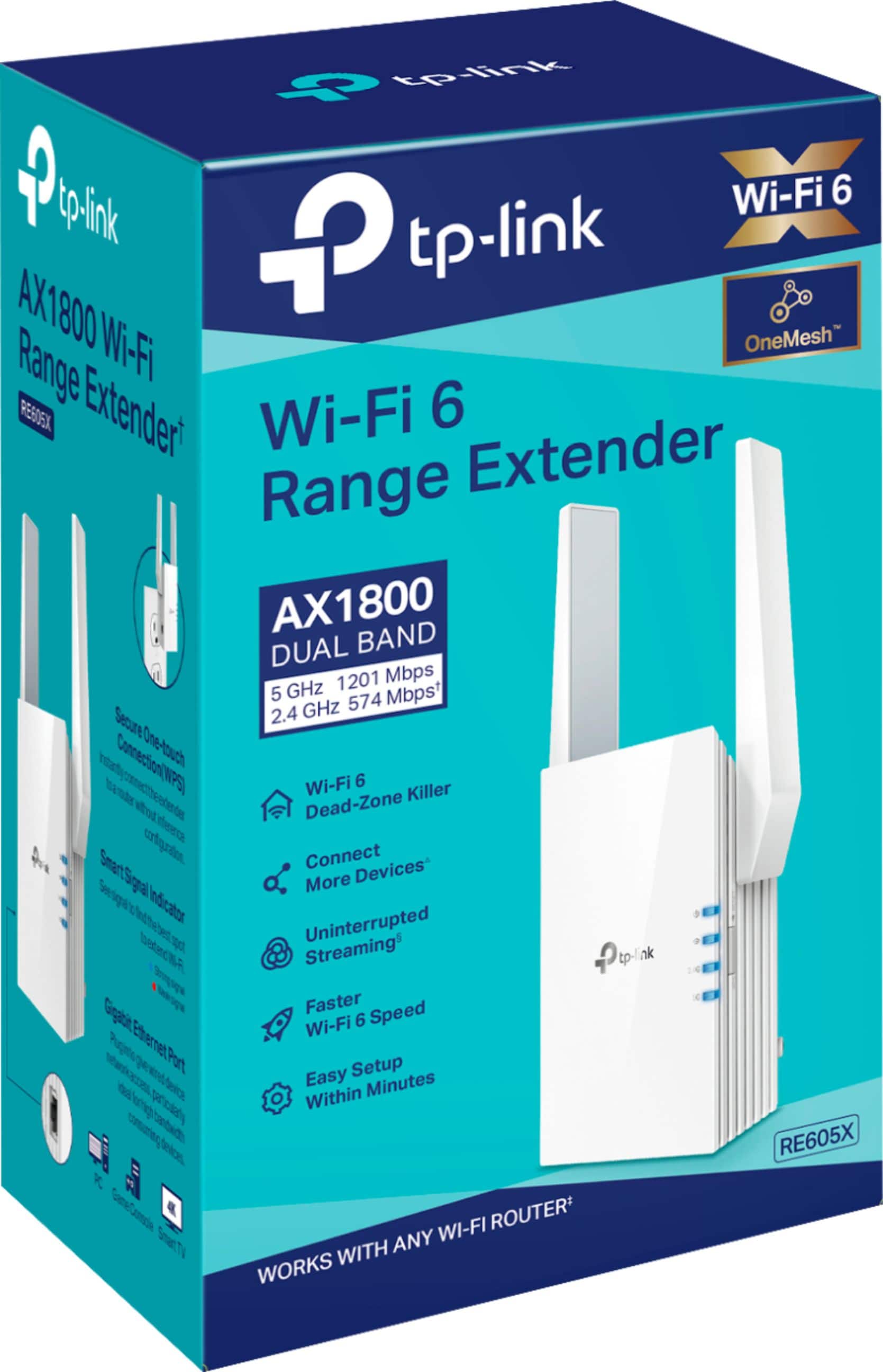
- Model:
- RE605X
- SKU:
- 11447045
Rating by feature
- Value
Rating 4.4 out of 5 stars
- Quality
Rating 4.5 out of 5 stars
- Ease of Use
Rating 4.5 out of 5 stars
Easy & works
Posted .This reviewer received promo considerations or sweepstakes entry for writing a review.So far so good. I got this to improve wifi on my backporch, which was weak and spotty as my modem is in front room. Rear of house is cement block. Works great with back door closed. Just plug it in.
I would recommend this to a friendGreat Product
Posted .This reviewer received promo considerations or sweepstakes entry for writing a review.Has great reach and allows me to connect to my wifi which is a good distance away
I would recommend this to a friendMmmm
Posted .This reviewer received promo considerations or sweepstakes entry for writing a review.It gets too hot, it takes time for the signal to arrive. But it's okay
I would recommend this to a friendConnection
Posted .This reviewer received promo considerations or sweepstakes entry for writing a review.I used an ethernet cable from the plug to my ps5 and it made a very slight difference. The setup was very complicated (for me) I followed the printed instruction and videos and still was complicated it asked me to place it where I’d like (take out of plug) and put it somewhere else so I did and I went back into the app once all lights were solid and it said I could not connect. It also shows on local devices but it doesn’t say it’s your device unless I did something wrong
No, I would not recommend this to a friendBrand response from TPLinkSupport
Posted .Hi,
Thank you for your review. For an optimal extended network experience, we recommend relocating the extender to a position within your home where the router's Wi-Fi signal is sufficiently strong; yet far enough from the router to effectively extend its range. Please verify the RE status LED is indicating a solid connection. Placing the extender in a location where your router's signal is already degraded will generally result in a subpar Wi-Fi extension experience.
We also recommend ensuring the extender's firmware is fully up to date using the steps outlined in FAQ 1406 on our official website: https://www.tp-link.com/us/support/faq/1406/
If you would like assistance with any of these steps, please reach out to our support team using any of the resources included with the product, or from our official website, and we'll gladly have a Support Agent follow up with you directly.
Thank you,
TP-Link Support
No Longer Available from the Manufacturer
Posted .This reviewer received promo considerations or sweepstakes entry for writing a review.Unfortunately no matter what was tried we couldn’t get these to extend the AT&T wireless net work in our small house. When going to the company web site we found out they were no longer part of the line! There was no relevant literature to help get them to work. Best Buy made it easy to buy them and just as easy to return.
No, I would not recommend this to a friendBrand response from TPLinkSupport
Posted .Hi,
Thank you for your review. The TP-Link RE605X is a currently available and supported TP-Link Range Extender model. Please visit our official TP-Link product support page for the RE605X to find helpful FAQs, setup and user guides, firmware, and more: https://www.tp-link.com/us/support/download/re605x/
Our support team is always happy to help answer any questions you may have about our products. Please feel free to reach out using any of the resources included with the product, or from our official website, and we'll gladly have a Support Agent follow up with you directly.
Thank you,
TP-Link Support
- Pros mentioned:Range
Effective WiFi Extender
Posted .This reviewer received promo considerations or sweepstakes entry for writing a review.WiFi extender works as advertised. Very easy to set up and effectively increased WiFi range. Pleased with this device.
I would recommend this to a friend Sick of products that don't deliver.
Posted .This reviewer received promo considerations or sweepstakes entry for writing a review.Advertised as 1.2 GHz capable. 300 Mhz is the best output I can get at a distance of one foot from the router. The only reason I kept it is because I threw out the packaging.
No, I would not recommend this to a friendBrand response from TPLinkSupport
Posted .Hello,
The advertisement is not for 1.2GHz its for 1200 Mbps or 1.2 Gbps. Also that is the internal network throughput not the internet speeds. Its the maximum speed that the Range Extender communicates with the router. Internet speeds involve several factors we can't anticipate so the internet speed is never advertised. If you feel the speed is low then please contact support at support.usa@tp-link.com so that our support team can work with you and address your concern.
It worked... Briefly.
Posted .This reviewer received promo considerations or sweepstakes entry for writing a review.It worked for 4 days short of a month, then no power.
No, I would not recommend this to a friendBrand response from TPLinkSupport
Posted .Hi,
Thank you for your review. Your TP-Link Wi-Fi extender comes with a manufacturer's warranty, and we would greatly appreciate the opportunity to help address your concerns. At your convenience, please contact our support team using any of the resources included with the product or from our official website, and we'll gladly have a Support Agent follow up with you directly.
Thank you,
TP-Link Support