Customer Ratings & Reviews
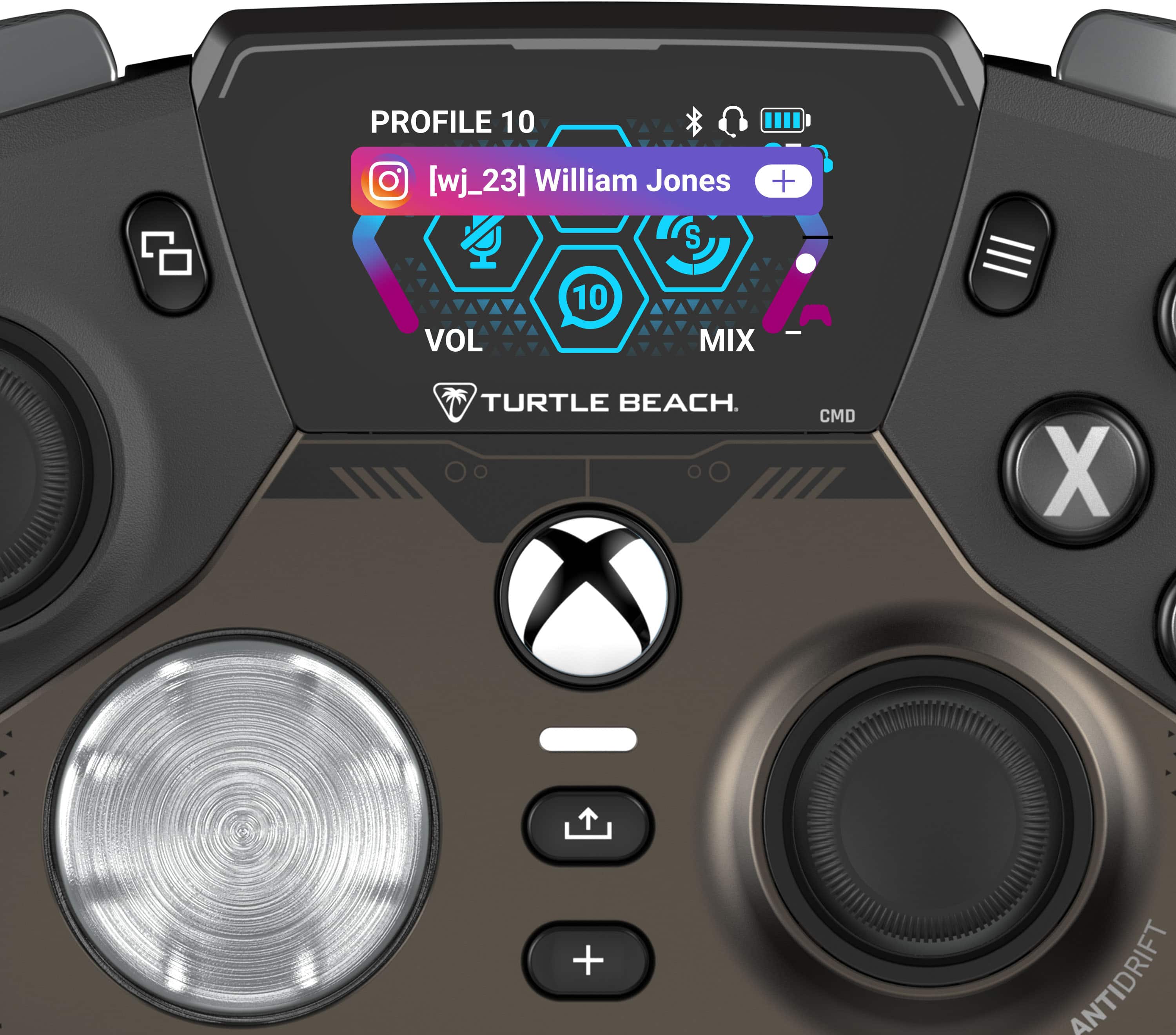
![PROFILE 10 [wj\_23] William Jones S + VOL 10 MIX TURTLE BEACH. CMD X + ANTIDRIFT](https://pisces.bbystatic.com/image2/BestBuy_US/images/products/f4374393-3ab2-45f2-9ddc-5c4746fa4989.jpg)
![SOCIAL WHATSAPP Match still on tonight? Hey Adam, is the match still on? LB 1 OF 10 RB TURTLE BEACH. CMD Y PROFILE 10 [wj\_23] William Jones S + VOL 10 MIX TURTLE BEACH. CMD X](https://pisces.bbystatic.com/image2/BestBuy_US/images/products/d4b510dc-9721-4553-b393-c448de35230f.jpg)

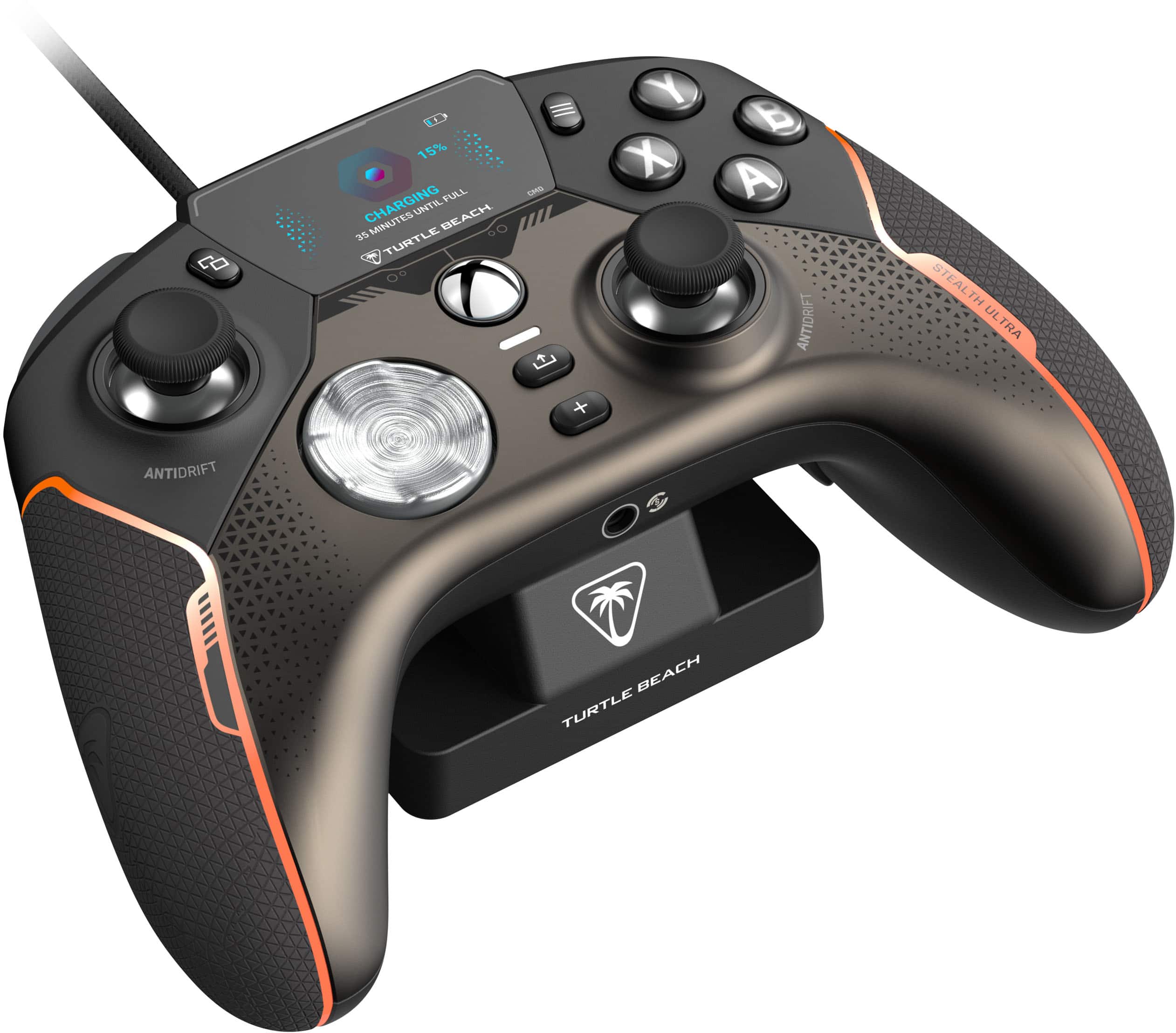
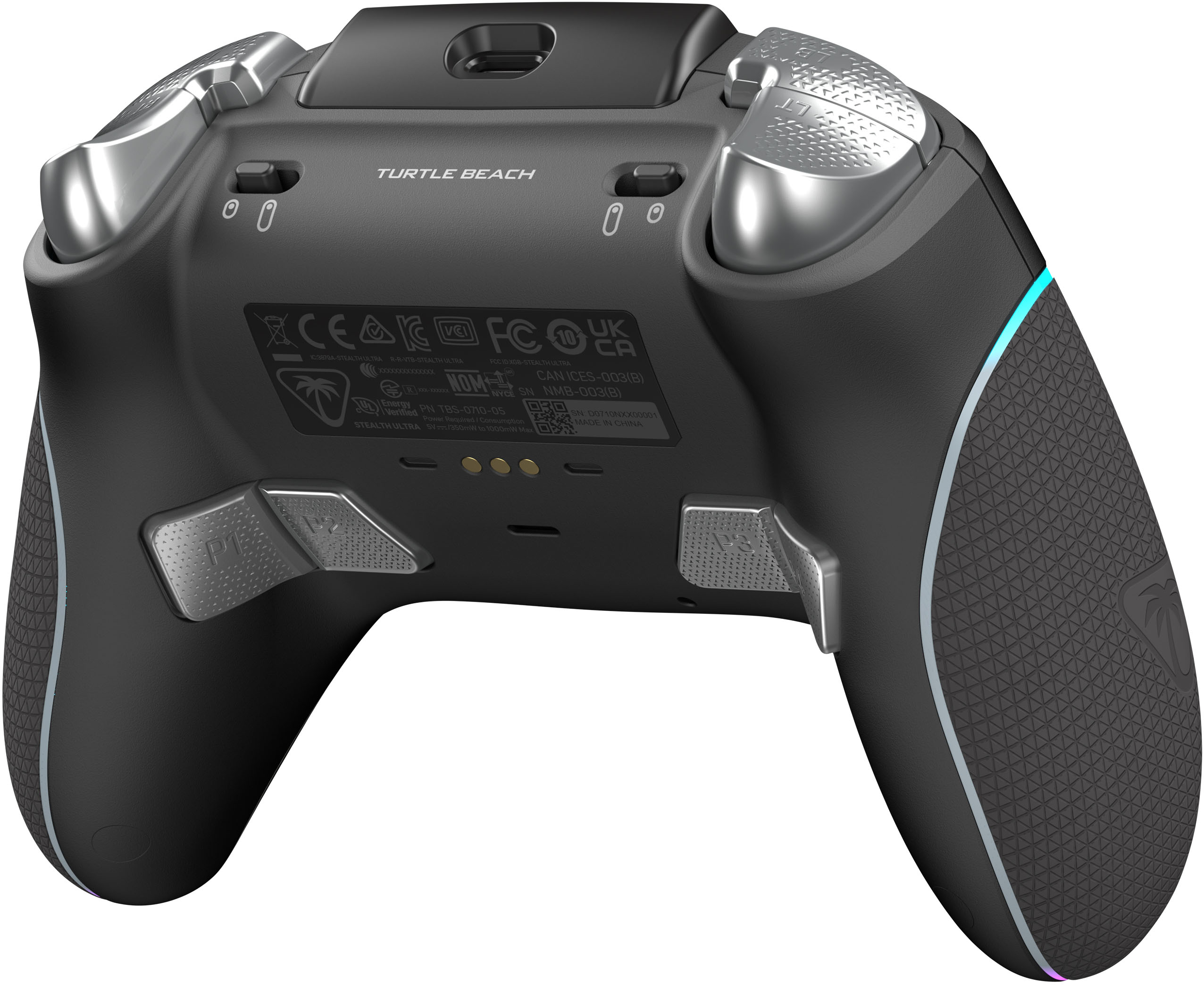
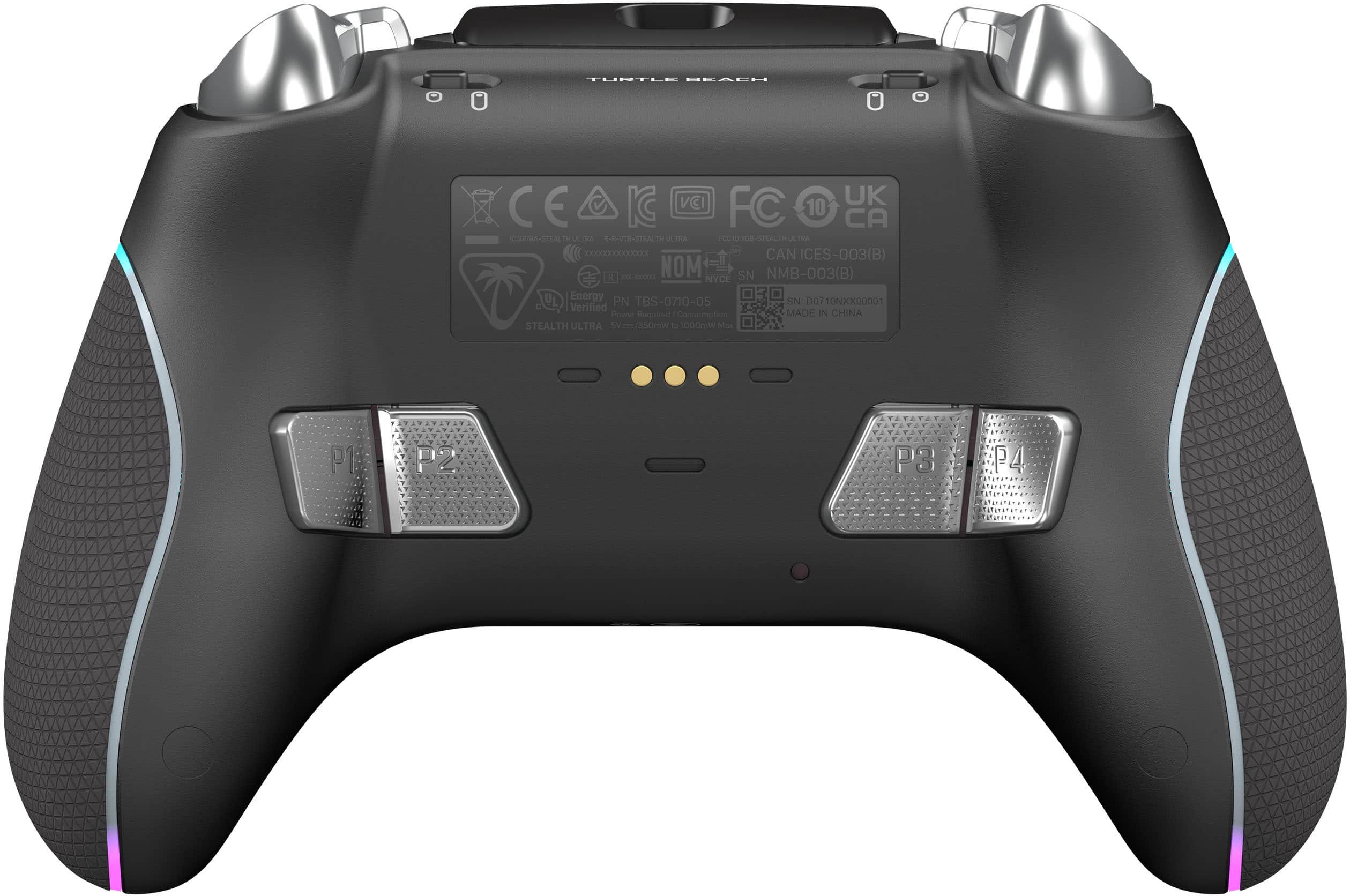
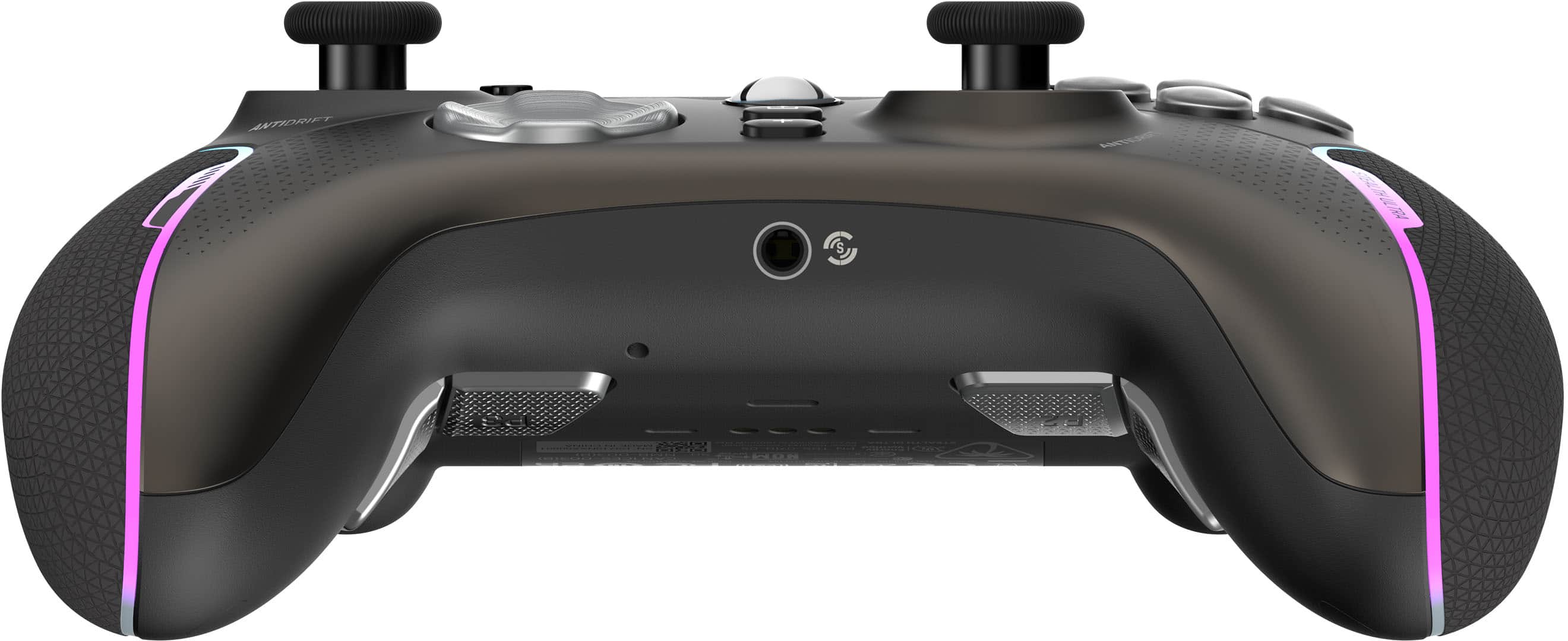
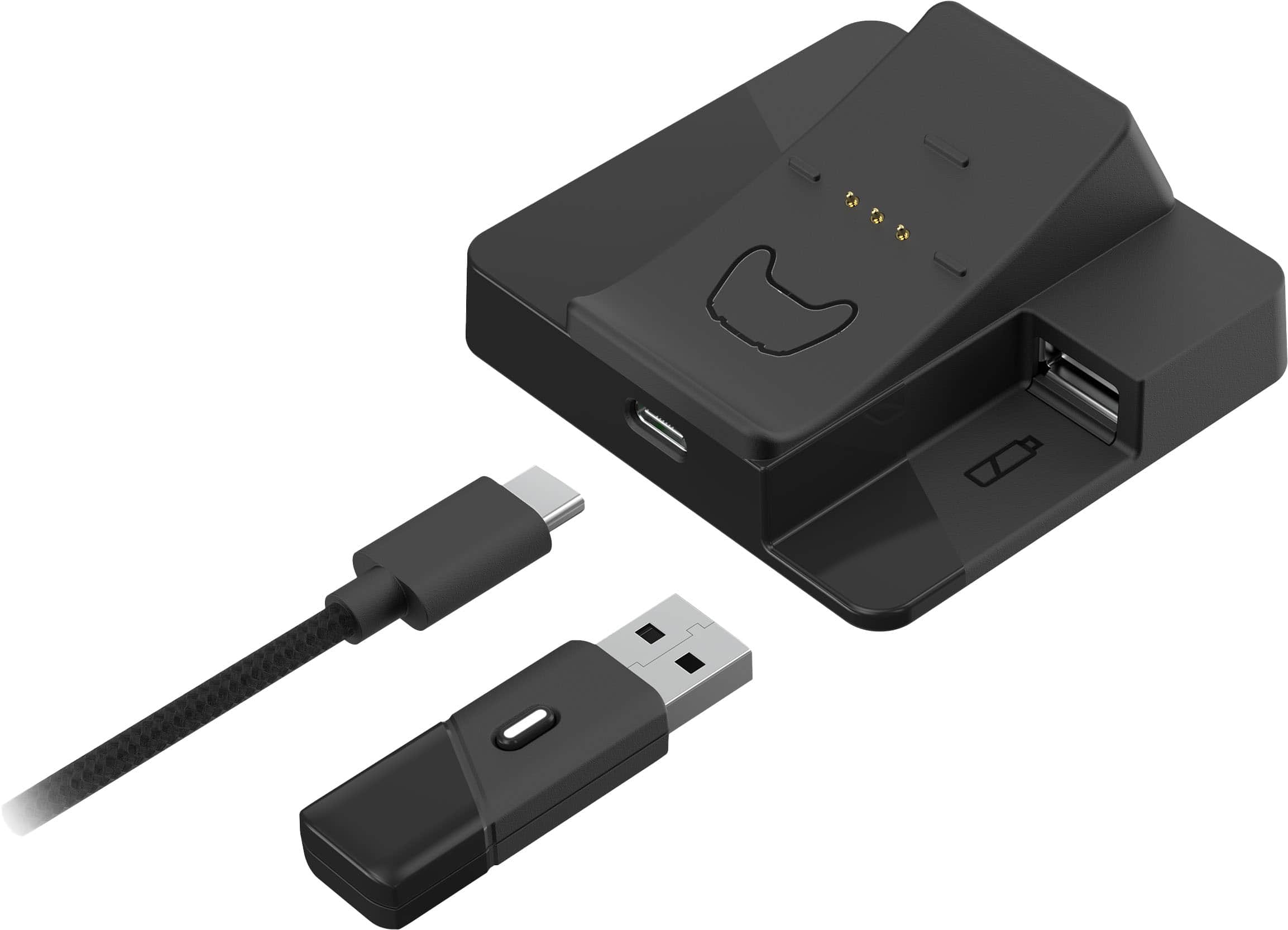
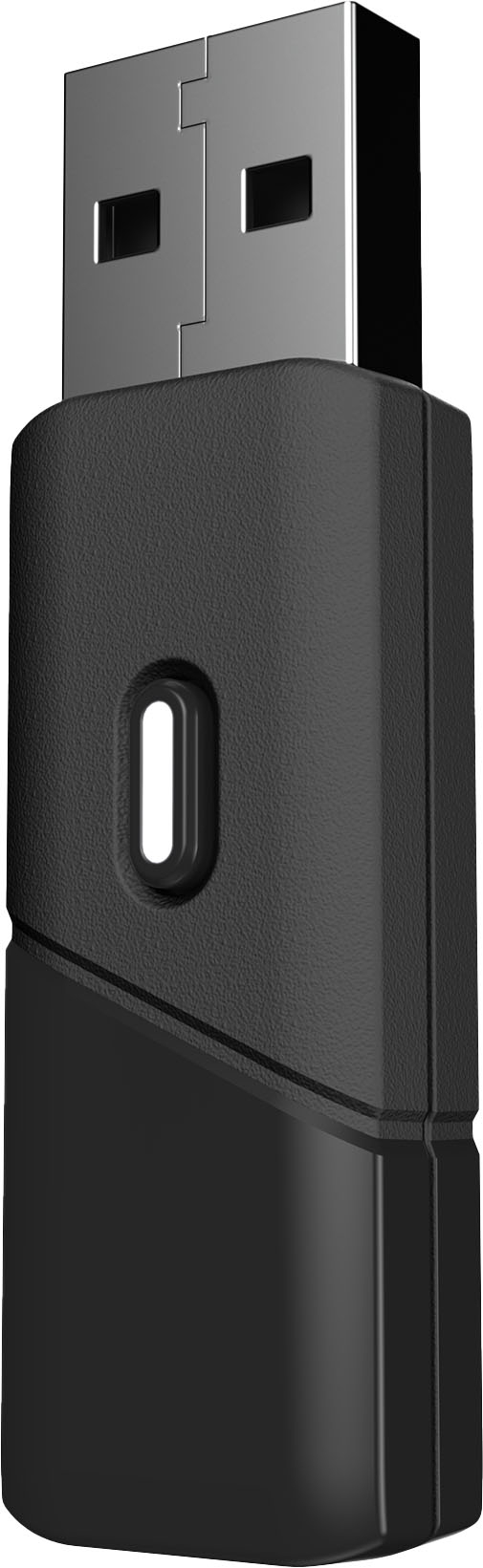
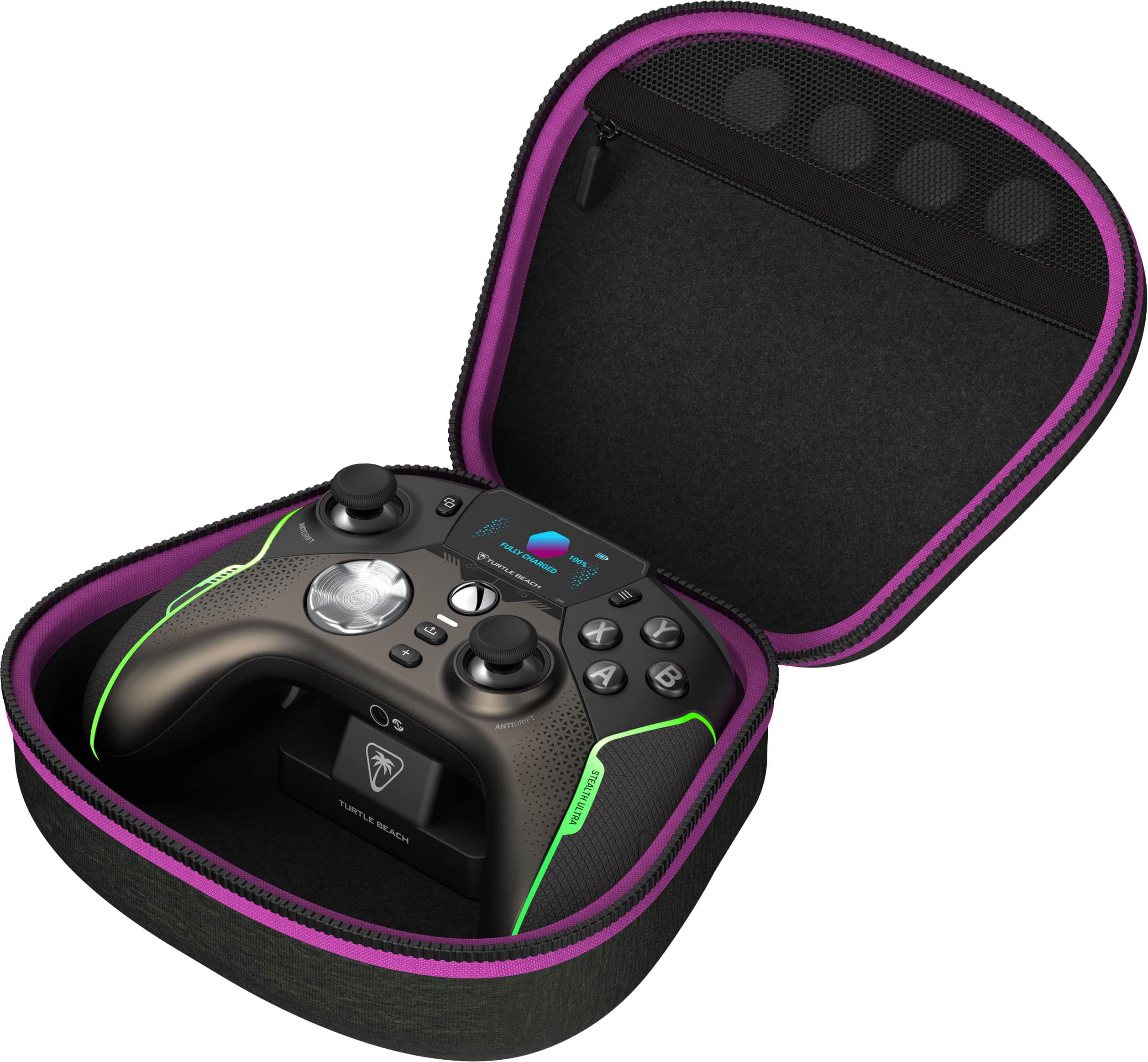
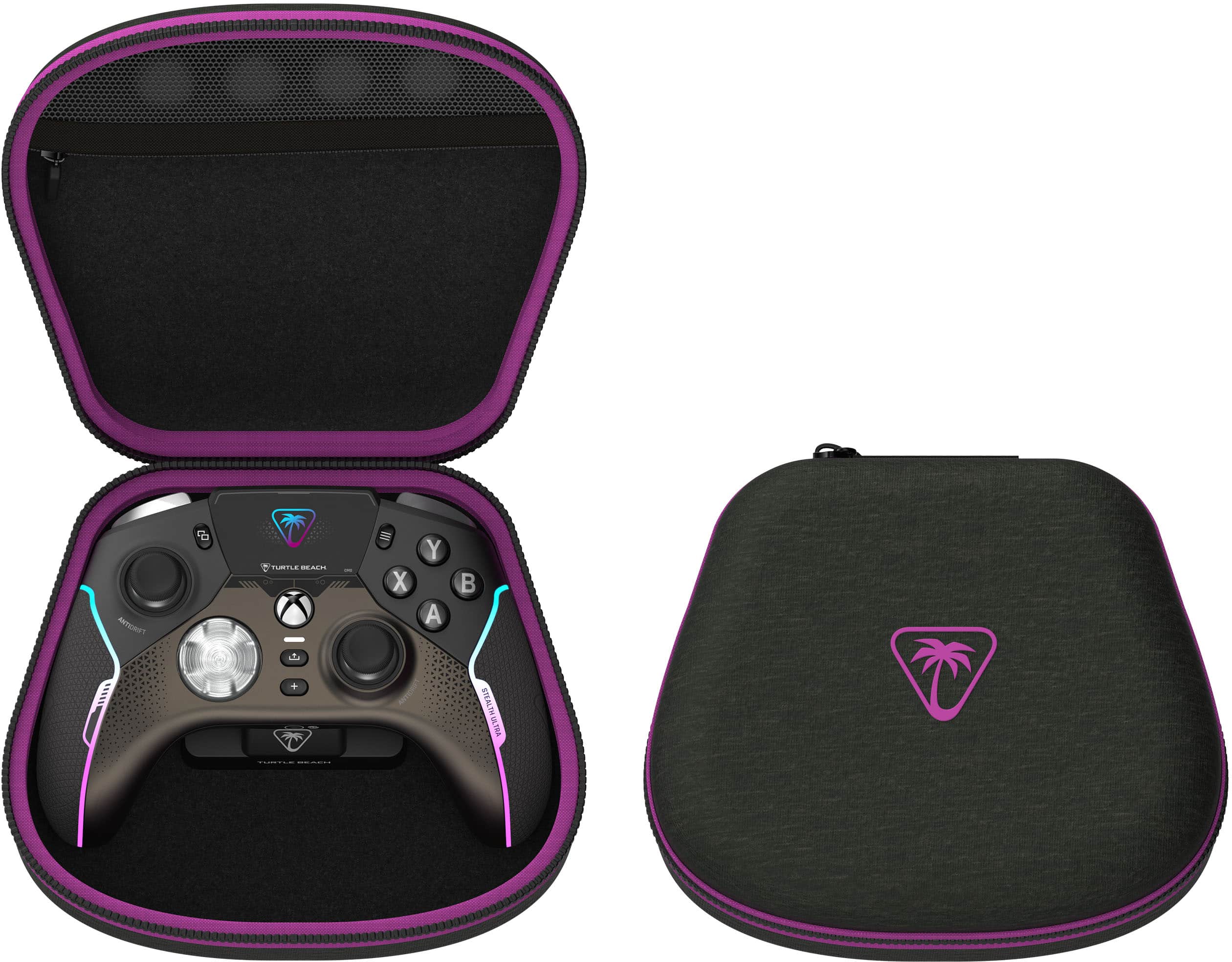
- Model:
- TBS-0710-05
- SKU:
- 6562064
Rating by feature
- Value
Rating 3.7 out of 5 stars
- Quality
Rating 3.9 out of 5 stars
- Ease of Use
Rating 4.0 out of 5 stars
Customers are saying
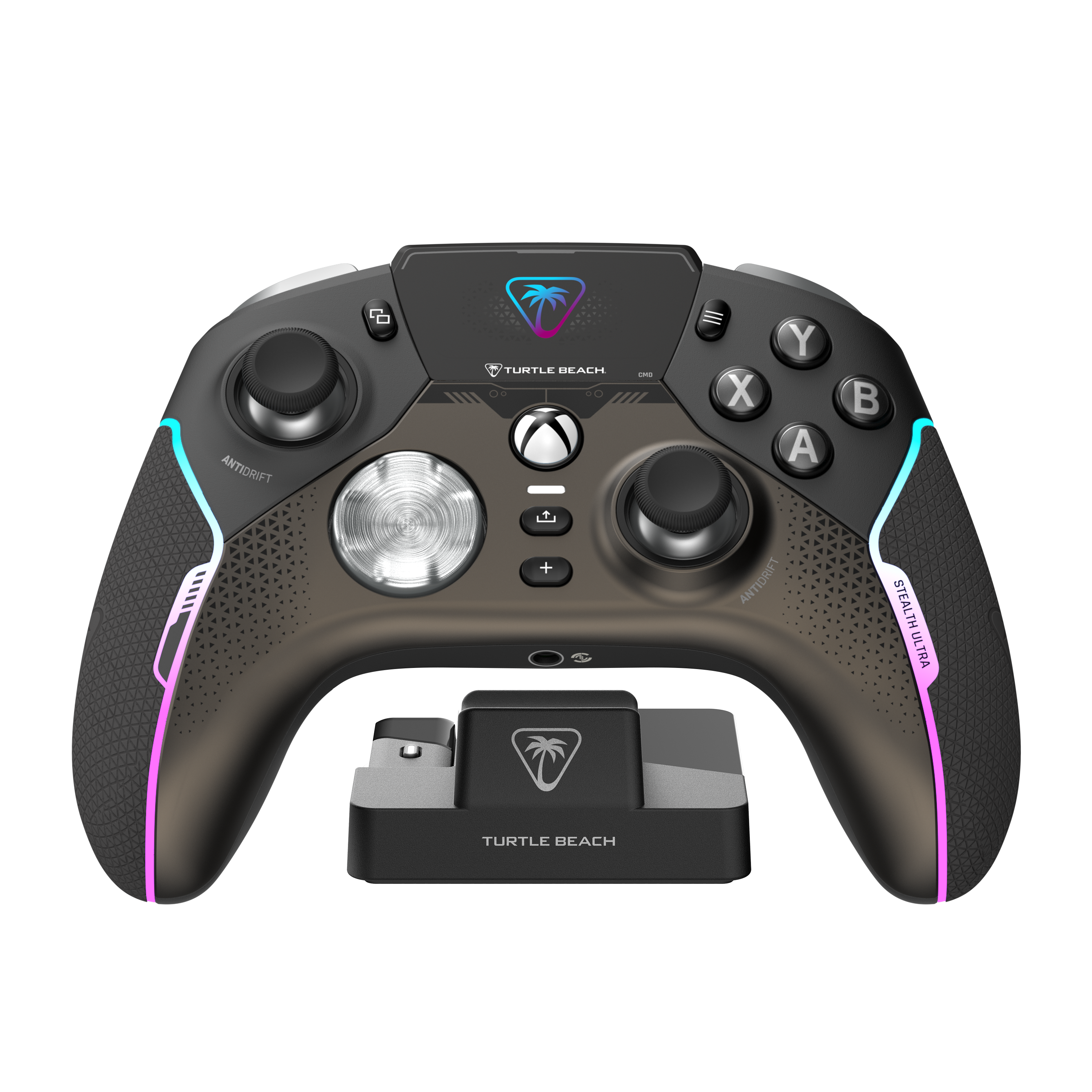
Customers appreciate the Stealth Ultra Wireless Controller for its great battery life, overall performance, and customization options. Many users find the controller comfortable with nice feeling buttons, while also enjoying its lightweight feel and unique screen. However, some customers have reported connectivity issues and suggest improvements to the software. A few customers have mentioned the price as a potential drawback.
This summary was generated by AI based on customer reviews.
Xbox controller
||Posted .This reviewer received promo considerations or sweepstakes entry for writing a review.Great quality, fast shipping. I would reccomend this controller for sure.
I would recommend this to a friend
Best turtle beach product they've made yet
|Posted . Owned for 2 weeks when reviewed.This reviewer received promo considerations or sweepstakes entry for writing a review.[Employee of bestbuy] This controller is amazing the back buttons feel amazing i went from the astro controller to this one and the difference is night and day the button feel on this is the best and the joysticks feel great
I would recommend this to a friendGood but needs more quality control
|Posted . Owned for 2 months when reviewed.This reviewer received promo considerations or sweepstakes entry for writing a review.[Employee of bestbuy] Worked great for a month, then the d-pad stopped working.
I would recommend this to a friendBrand response from Turtle Beach Support
Posted .Hello Ethan! We are sorry to hear about the experience you've had with your Turtle Beach Controller. Our products are each sold with a manufacturer's warranty, and we have a dedicated Support Team available to provide assistance as needed. Please reach out directly to our dedicated Support Team so they can lend a hand. They’re always happy to help and can be reached right from the support section of the Turtle Beach website. Thank you and have a great day!

The Best pro controller ive used so far
||Posted . Owned for less than 1 week when reviewed.This reviewer received promo considerations or sweepstakes entry for writing a review.In the past i had the power a fusion pro and elite 2 controller this is by far the best in terms of premium feel and looks The RGB Lights look great im getting another when it goes on sale
I would recommend this to a friendCarbon cover keeps coming off.
||Posted . Owned for 1.5 years when reviewed.This reviewer received promo considerations or sweepstakes entry for writing a review.This is the 2nd time that I've purchased this controller and the carbon cover on the right side thumb is coming off.
No, I would not recommend this to a friendPoor Quality
||Posted .This reviewer received promo considerations or sweepstakes entry for writing a review.Trash. Trigger broke in 8 months on original. Warranty replacement trigger broke in 8 months again. They don’t offer repairs and they don’t make replacement parts. Turtle Beach offered a 15% off coupon for my troubles.
No, I would not recommend this to a friendLove it
||Posted . Owned for less than 1 week when reviewed.This reviewer received promo considerations or sweepstakes entry for writing a review.Great design needs better back buttons ither than that 5 stars
I would recommend this to a friend- Pros mentioned:Buttons, WeightCons mentioned:Connectivity

Full featured controller
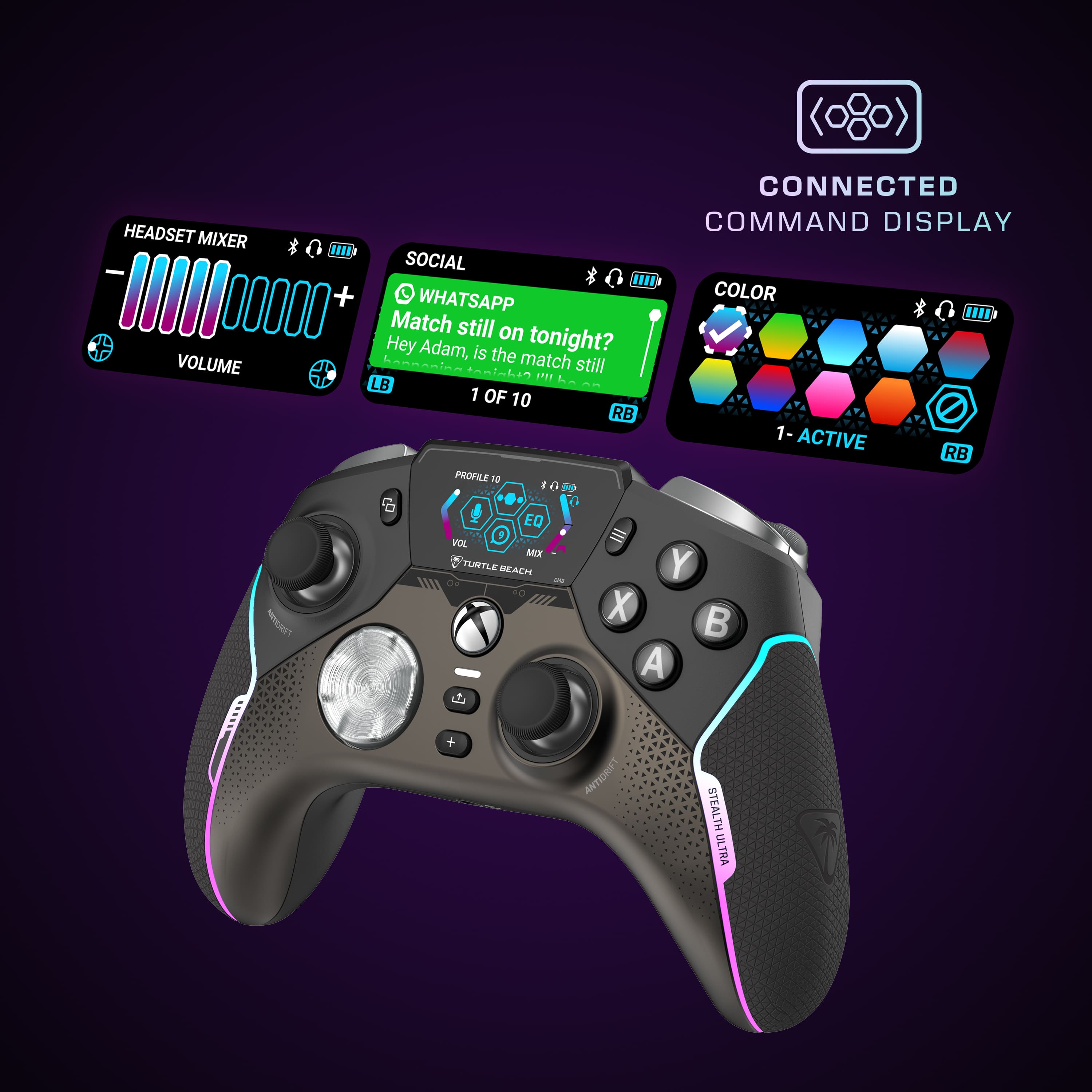
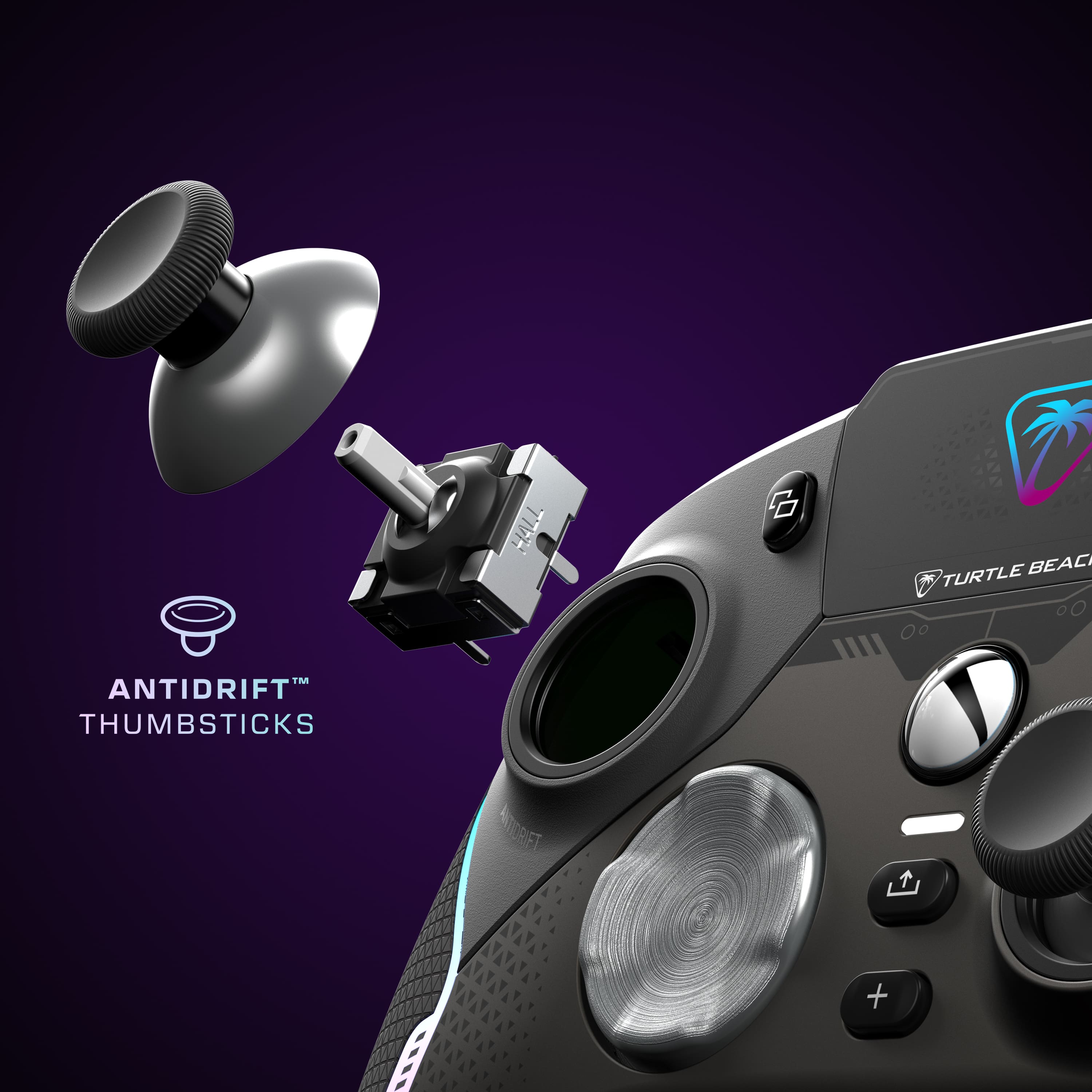
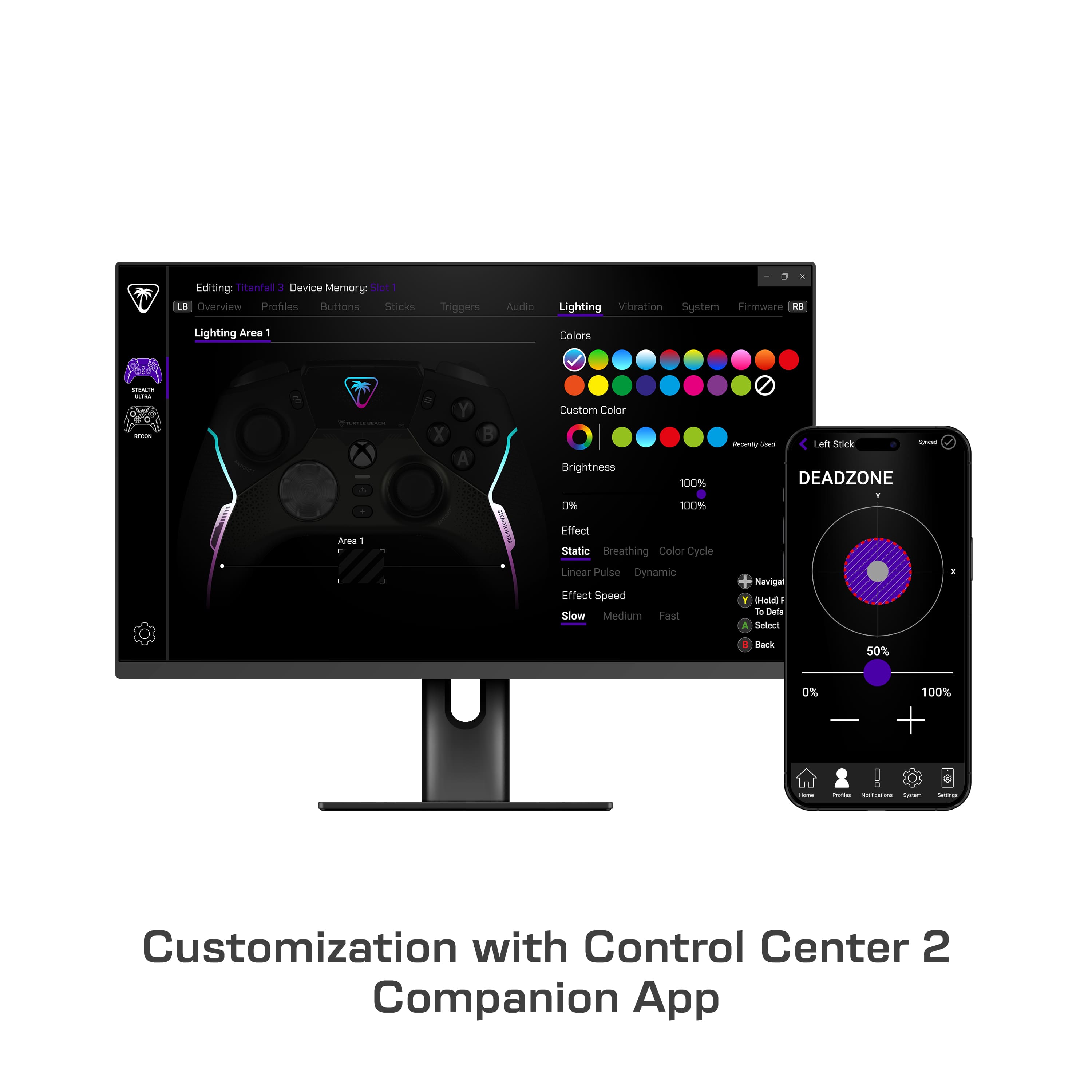
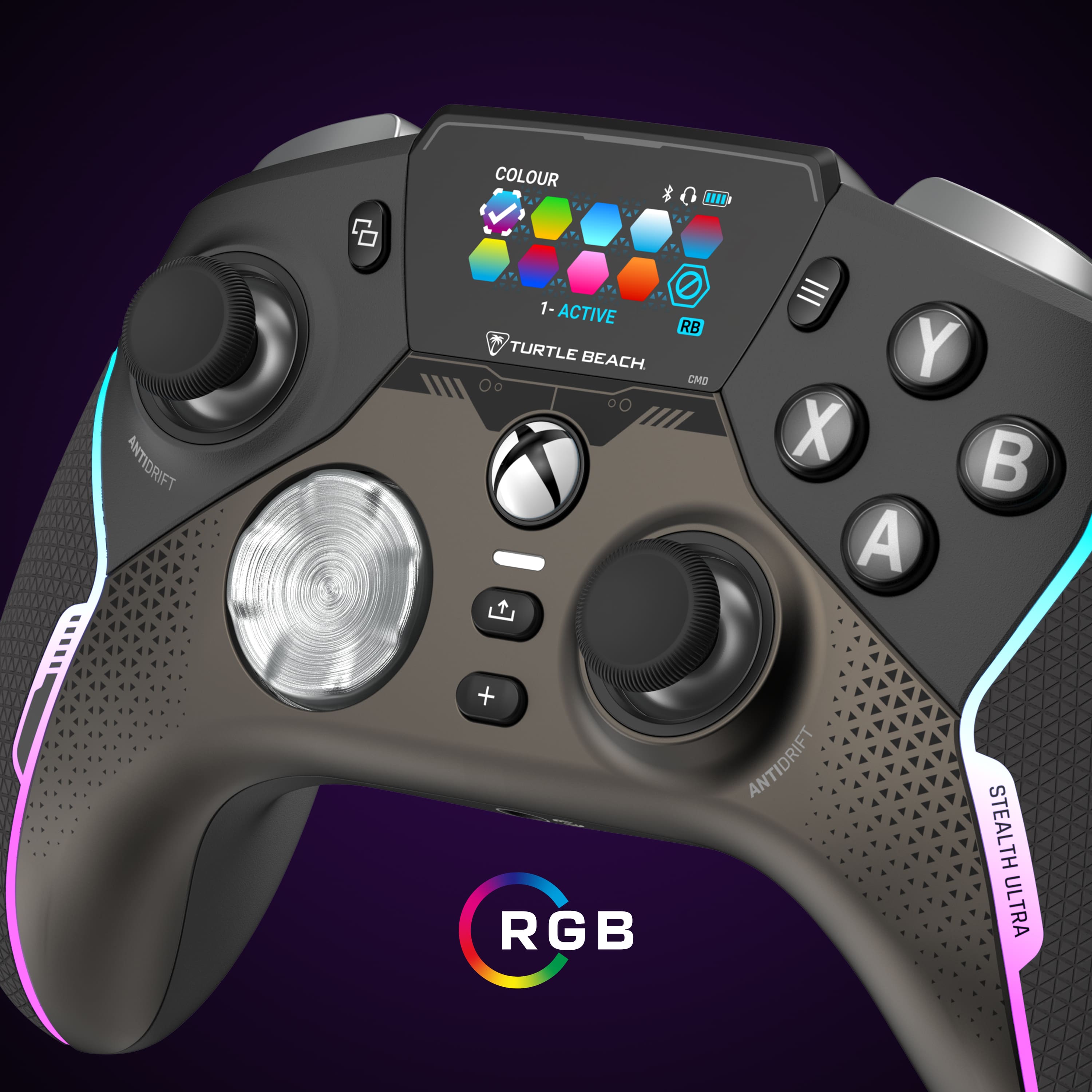
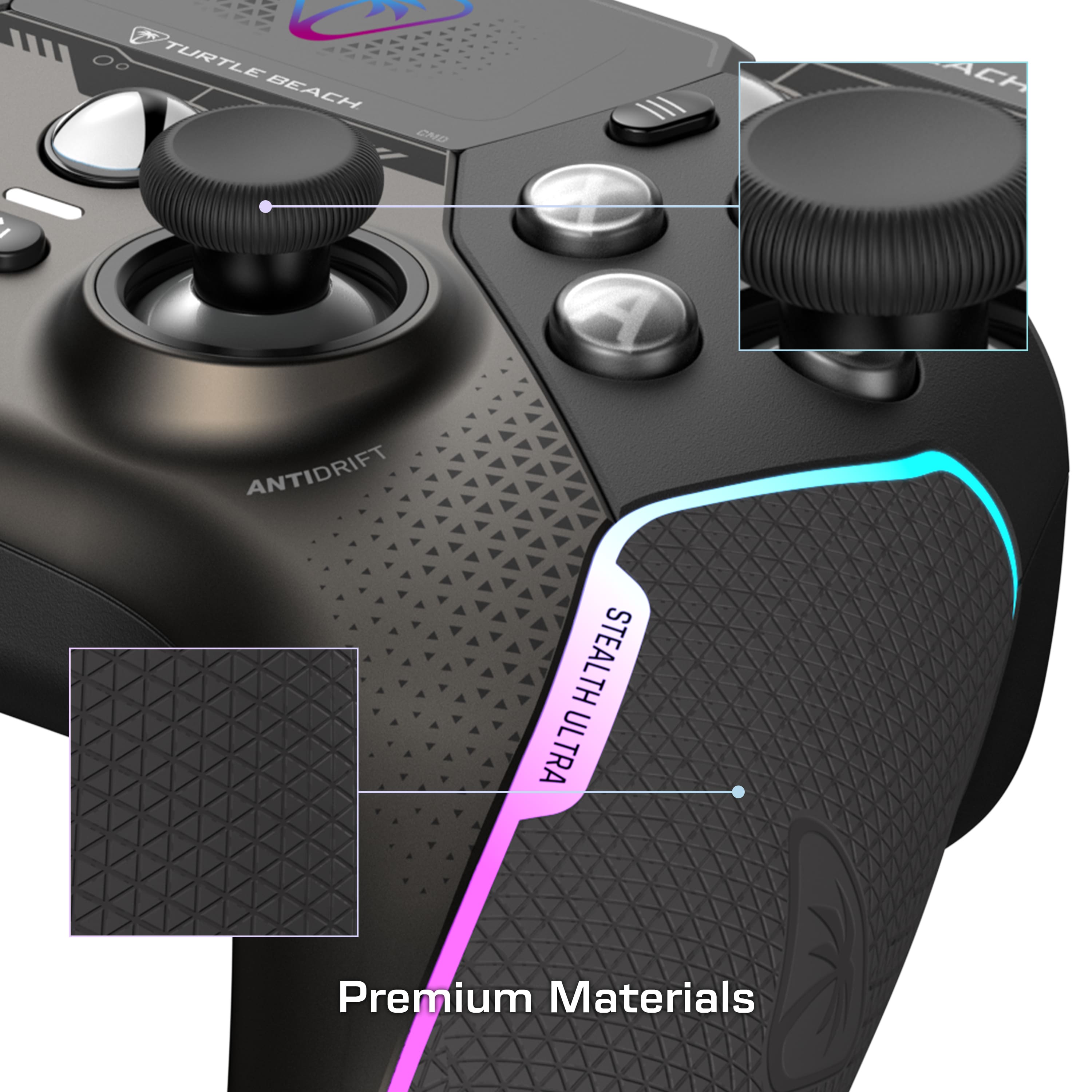
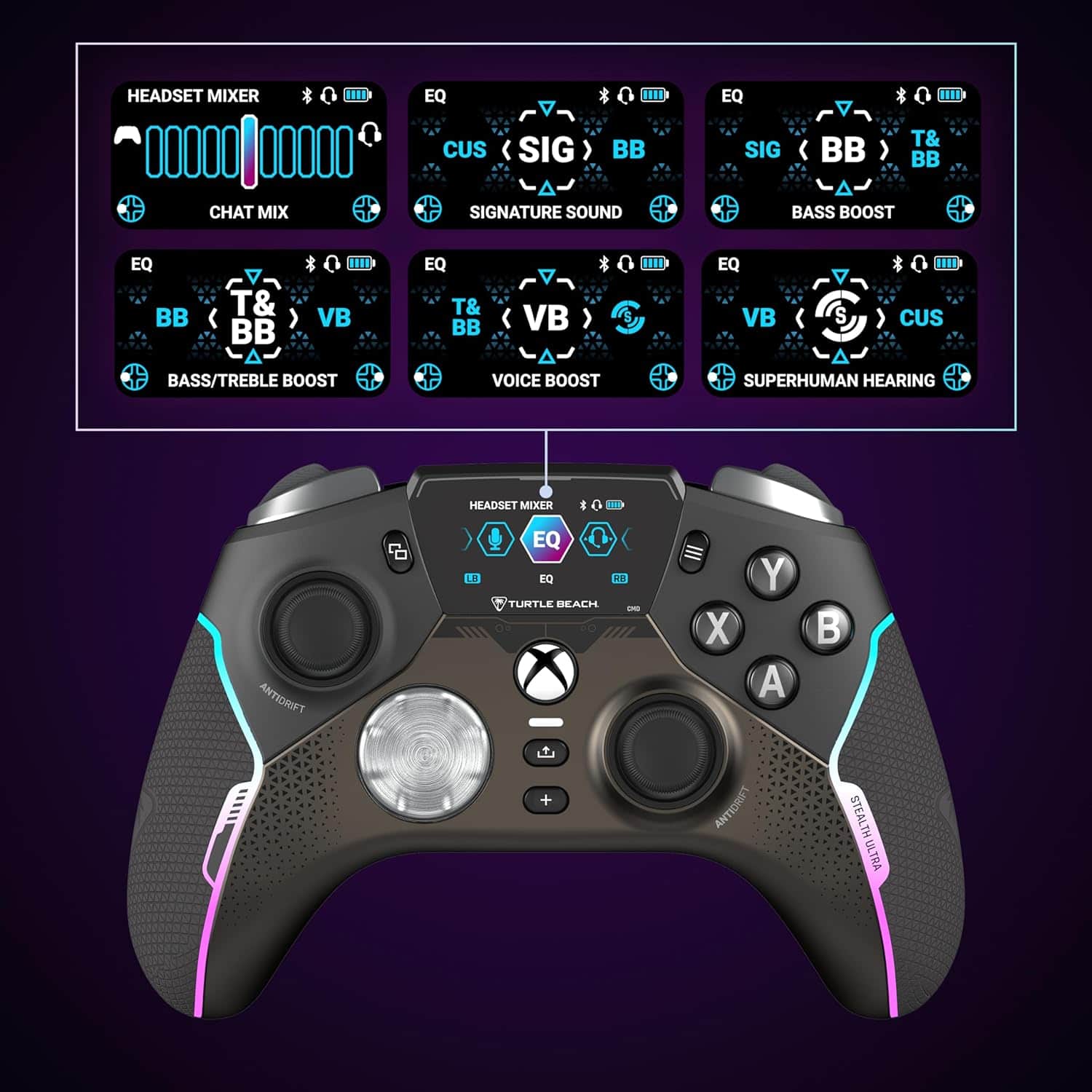
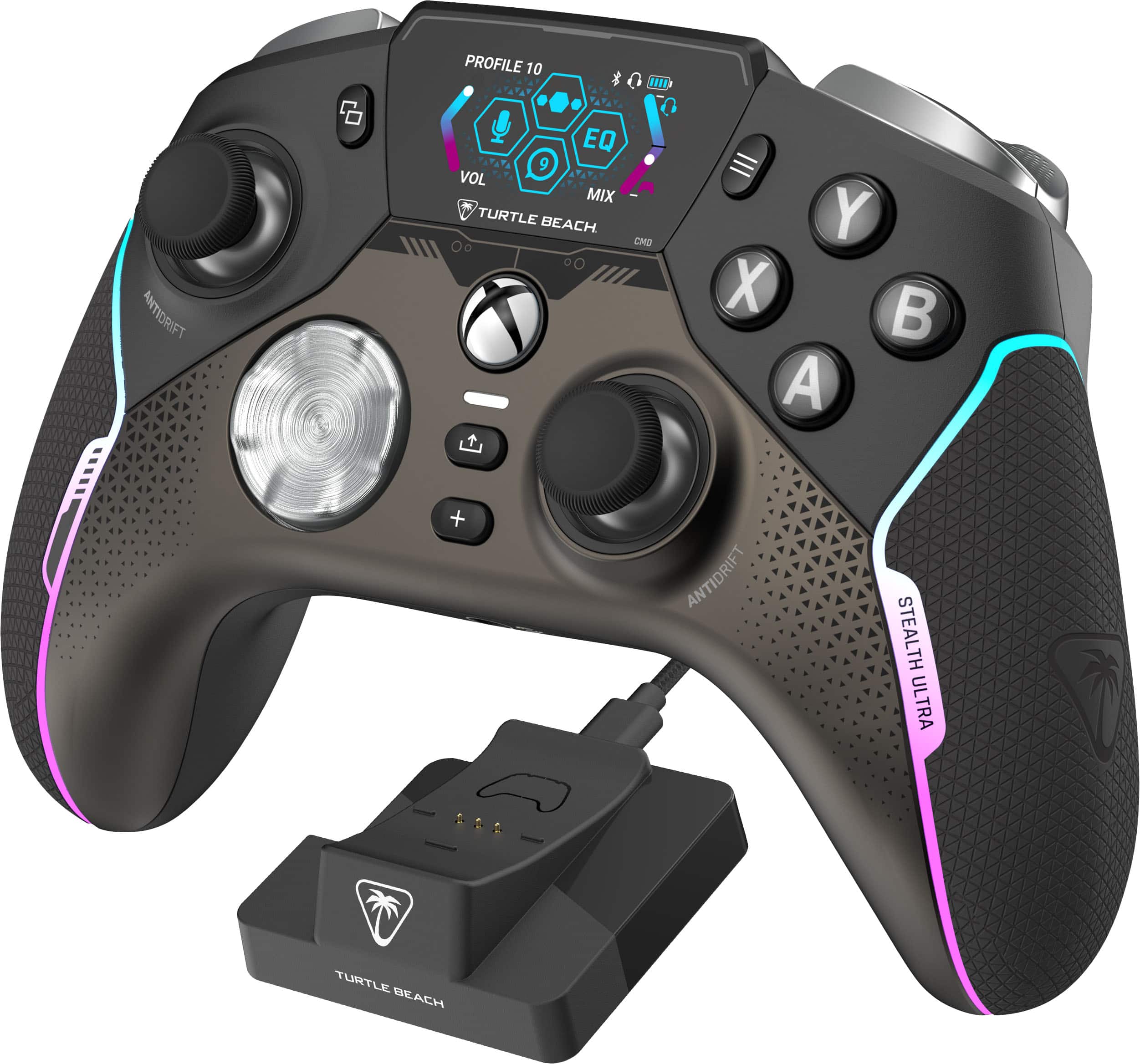
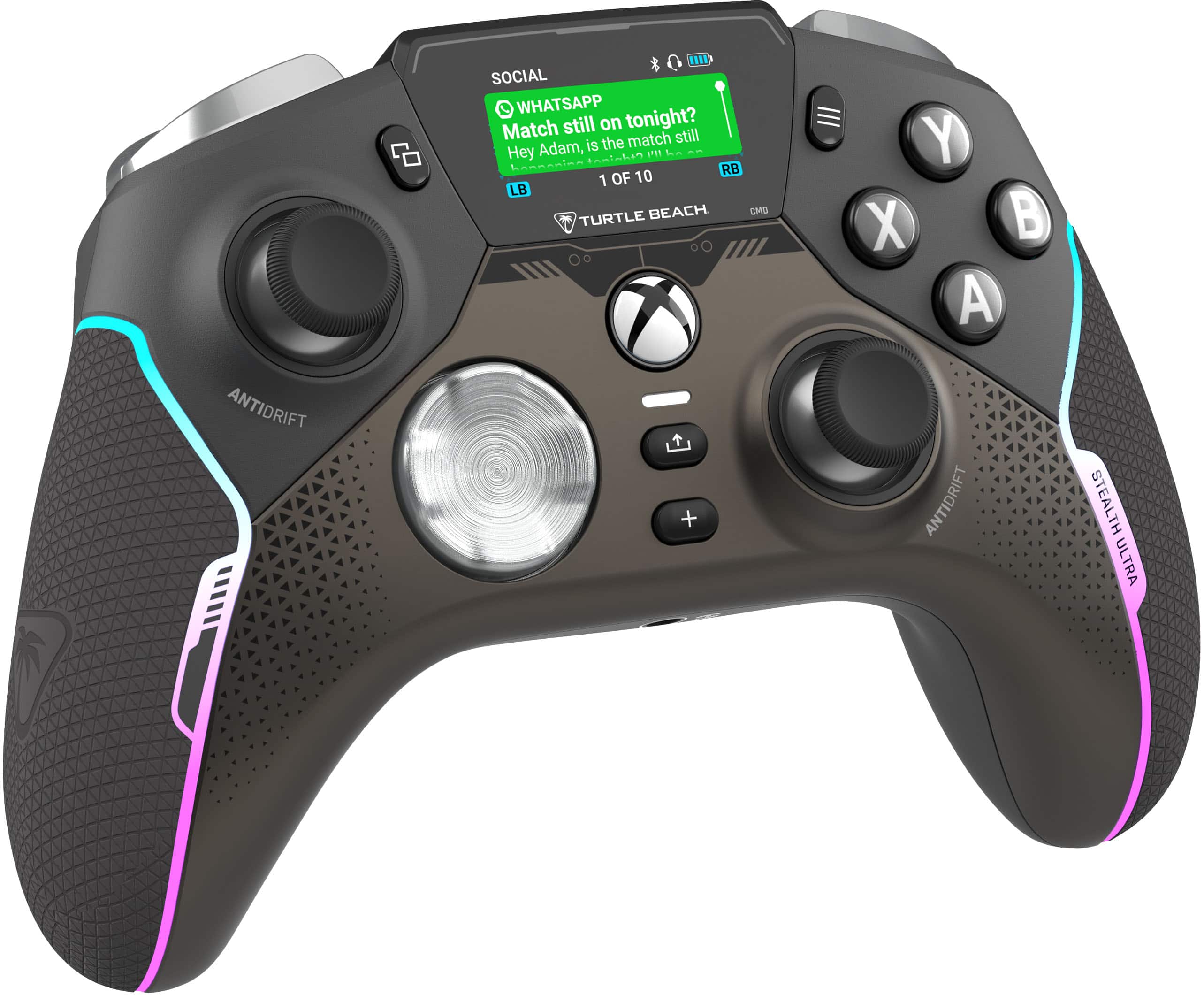
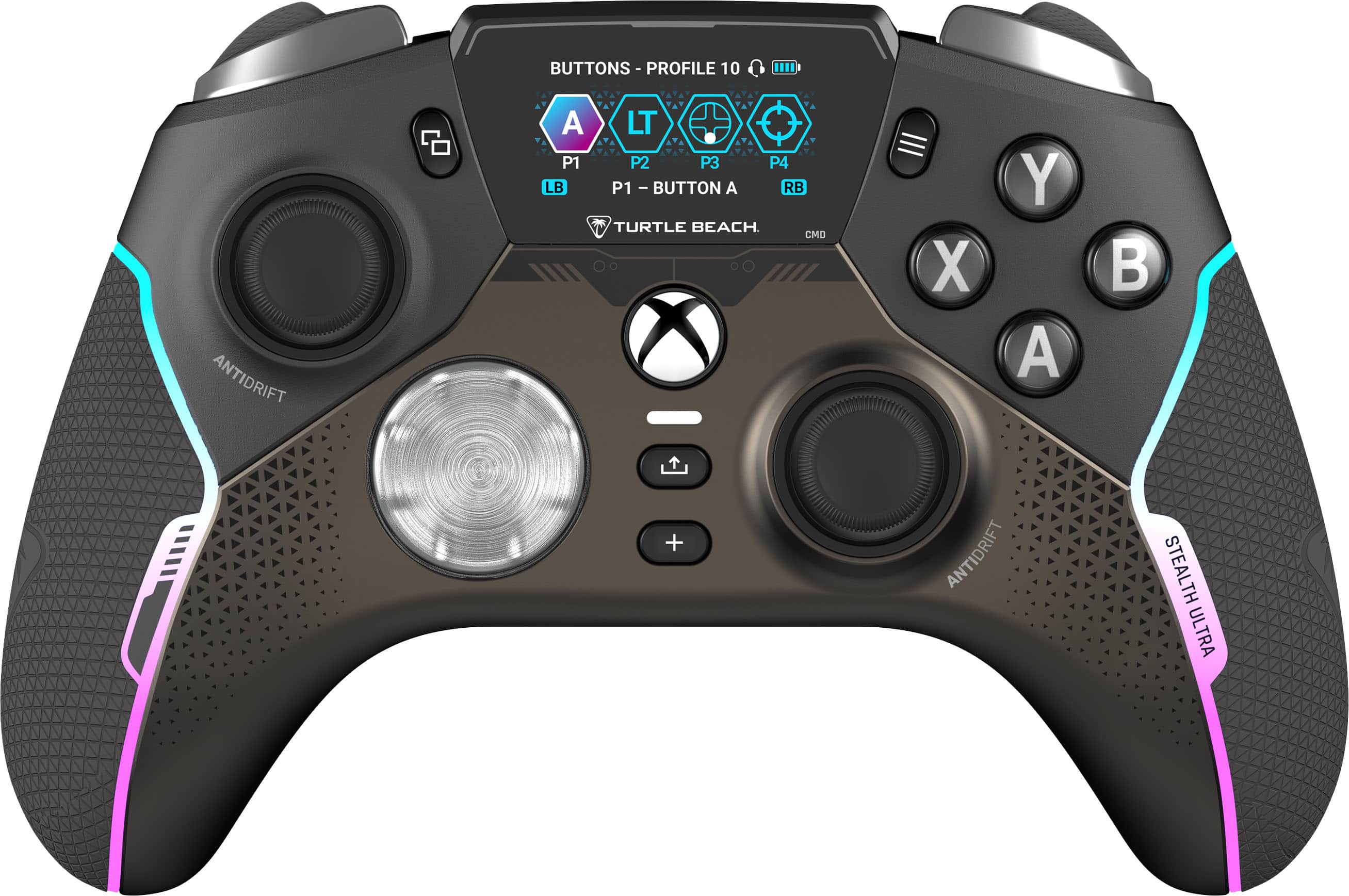
|Posted .This reviewer received promo considerations or sweepstakes entry for writing a review.It's clear there was a lot of thought out into the Stealth Ultra. Having primarily used an Xbox Elite Series 2 since it's release in late 2019, I haven't really found anything that was close to the feel of it. The Stealth Ultra May just fill that position. It has many of the features that made the Elite great, while adding new features and improving in some respects. First, the feel of the Stealth Ultra is excellent. The hand grips are nice and comfortable, the buttons have a nice clicky feel, which was one of my biggest complaints against the Elite. With the elite, sometimes my button presses wouldn't register, and I haven't had that problem with the Stealth. The controller is also very lightweight. Which is something I think I prefer from the Elite. The Elite seemed to nail the weight, though I'm sure other will very much prefer the lighter weight of the Stealth. I really like the thumbsticks of Stealth. Especially with the optional cross-type caps that come with it. I much preferred those to the more grippy ones that also come with the controller. One of the Stealth's features that stood out to me was the addition of hall effect thumbsticks. These are supposed to combat stick drift, which is a constant annoyance of most controllers. The Elite would occasionally suffer from this as well. Probably the feature that most are curious about, would be the screen. The screen allows you to modify settings and see social notifications directly on the controller. While this may seem like a gimmick, it's actually quite useful. Even if you decide to never use the social features, being able to make modifications quickly using the screen is really handy. You're able to adjust the LED color and brightness directly on the controller. You can also adjust the screen brightness, as well as many button configurations. All of which you can save to profiles. You can also edit these profiles on the Xbox, your phone, or on a Windows PC. I will say the app takes a bit of getting used to, as sometimes it's not the most intuitive. It took me a moment to realize changes weren't being saved because I wasn't syncing the changes. Finally, I've had a few instances of the controller seemingly getting "stuck" in button presses or directions. I'm not sure if this is related to some sort of interference, or a bug. But in these instances, it was like they were being continually pressed. This would range from my character spinning constantly, as if I were holding a direction down, or constantly firing a weapon as if I was holding the trigger. To be clear, I did make sure the controller was up to date, as both the dongle and controller were updated before the issue. Also, these problems seemed to only happen when I was trying the Stealth with the Xbox. I didn't have this problem on PC. This makes me wonder if the Stealth supported the Xbox wireless protocol, if this would still happen. That's another thing I was a little apprehensive about with the Stealth, since it needs a dongle to work. Though, Turtle Beach was very smart in letting you plug it in the dock that charges the controller and it works very well. Pros: Excellent feel, nice buttons and thumbsticks, screen is very useful and a nice addition, fast charging, and includes a charge dock Cons: software is a little difficult to understand at first, occasional glitches with "stuck" buttons or thumbsticks that may be related to software bug or interference, uses a dongle and not native Xbox wireless protocol, though this is handled very well by including it in the dock.
I would recommend this to a friendBrand response from Turtle Beach Support
Posted .Hello Dustin!
We appreciate the feedback regarding your Turtle Beach Stealth Ultra Controller. The Turtle Beach Stealth Ultra has had a new firmware release, v.1.0.4, the following changes and features have been implemented: • Fixed a bug where the controller would remain in charge state and require a hard reset. • Fixed a bug where the controller would power down if thumbsticks moved together rapidly. • Added LSB (L3) and RSB (R3) functions to the button mapping section of the Command Display screen. • Updated charging behavior on the dock, now the screen will power down during a charge. The charge LEDs will power down when product is fully charged. Pressing a button will show you temporary charging stats. • Updated the charge status LED brightness so that it is independent from the general LED brightness options. Please download the Control Center 2 application on PC or Xbox to update your Stealth Ultra to the latest firmware. If you have previously downloaded it, simply connect your device to your computer or Xbox and run the application. If you have any questions or concerns, please reach out directly to our dedicated Support Team so they can assist. They’re always happy to help and can be reached right from the support section of the Turtle Beach website. Thank you and have a great day!
Not good
||Posted . Owned for 10 months when reviewed.This reviewer received promo considerations or sweepstakes entry for writing a review.Left Joystick stops randomly working every now and then and controller is up to date also the side grip started to peel off making me have to glue it back together all the time.
No, I would not recommend this to a friendBrand response from Turtle Beach Support
Posted .Hello Jose! We are sorry to hear about the experience you've had with your Turtle Beach Controller. Our products are each sold with a manufacturer's warranty, and we have a dedicated Support Team available to provide assistance as needed. Please reach out directly to our dedicated Support Team so they can lend a hand. They’re always happy to help and can be reached right from the support section of the Turtle Beach website. Thank you and have a great day!
Love this controller!
||Posted . Owned for 1 month when reviewed.This reviewer received promo considerations or sweepstakes entry for writing a review.I love the interface with the control center it's user friendly. The controller itself is a beast and just nice to use. It fits my hands great.
I would recommend this to a friendGreat controller
||Posted . Owned for 3 weeks when reviewed.This reviewer received promo considerations or sweepstakes entry for writing a review.Great controller. I used with xbox console and works great.
I would recommend this to a friendToo expensive for its worth
||Posted . Owned for 3 weeks when reviewed.This reviewer received promo considerations or sweepstakes entry for writing a review.“Anti-driftstick” is all it took to get my attention. Had it for a month now n drft stick is consecutive n wont gonaway. Too much money for sum its not worth.
No, I would not recommend this to a friendBrand response from Turtle Beach Support
Posted .Hello! We are sorry to hear about the experience you've had with your Turtle Beach Controller. Our products are each sold with a manufacturer's warranty, and we have a dedicated Support Team available to provide assistance as needed. Please reach out directly to our dedicated Support Team so they can lend a hand. They’re always happy to help and can be reached right from the support section of the Turtle Beach website. Thank you and have a great day!
controller
||Posted . Owned for 1 month when reviewed.This reviewer received promo considerations or sweepstakes entry for writing a review.very good product, 10/10 recommend! worth every penny
I would recommend this to a friendAmazing controller
||Posted . Owned for 3 weeks when reviewed.This reviewer received promo considerations or sweepstakes entry for writing a review.Looked better in person and honestly my favorite controller I’ve ever bought
I would recommend this to a friendUltimate controller
||Posted . Owned for 3 weeks when reviewed.This reviewer received promo considerations or sweepstakes entry for writing a review.More than I expected. Very precise controller easy to use.
I would recommend this to a friend- Pros mentioned:Buttons, WeightCons mentioned:Connectivity, Stick drift
Ok, but flawed
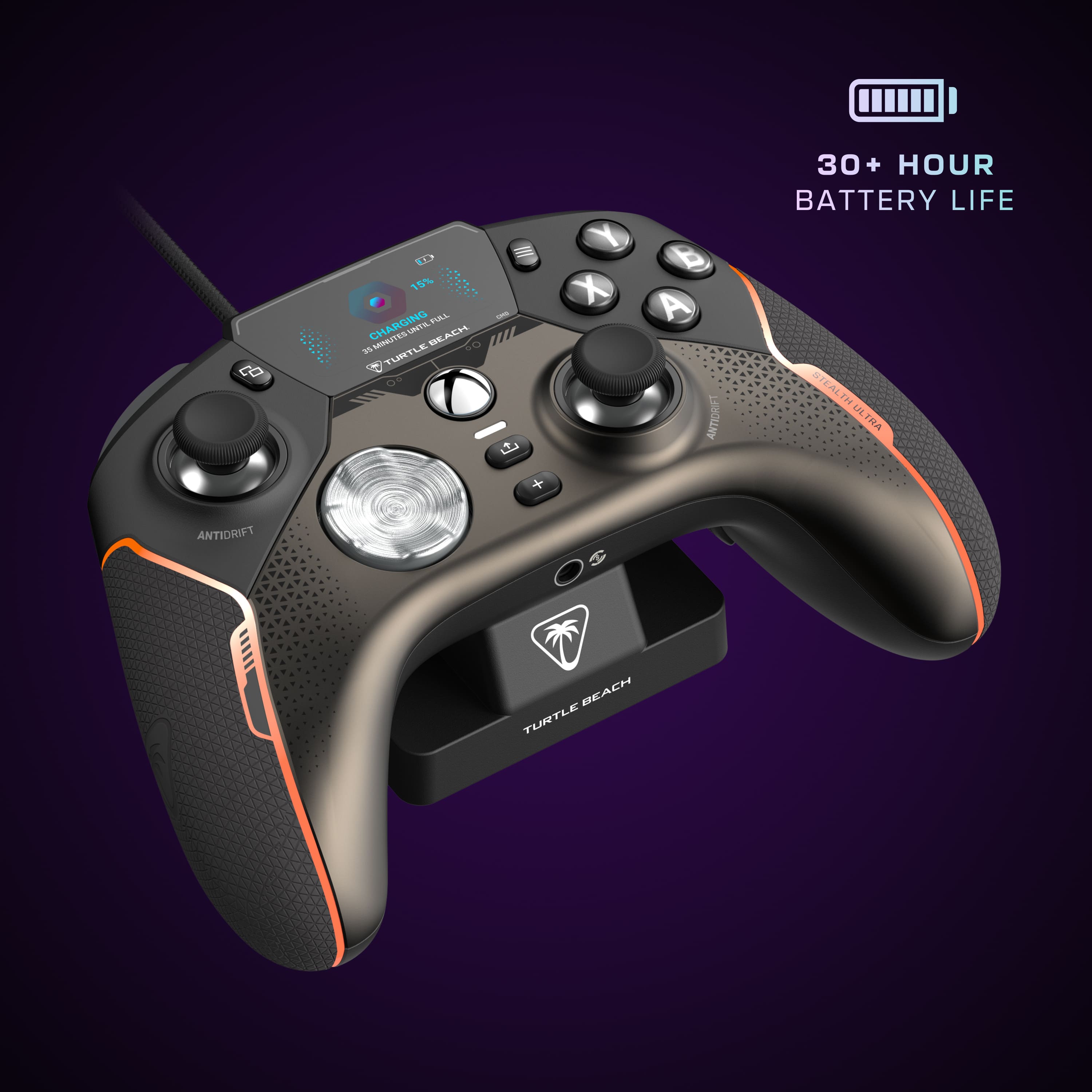
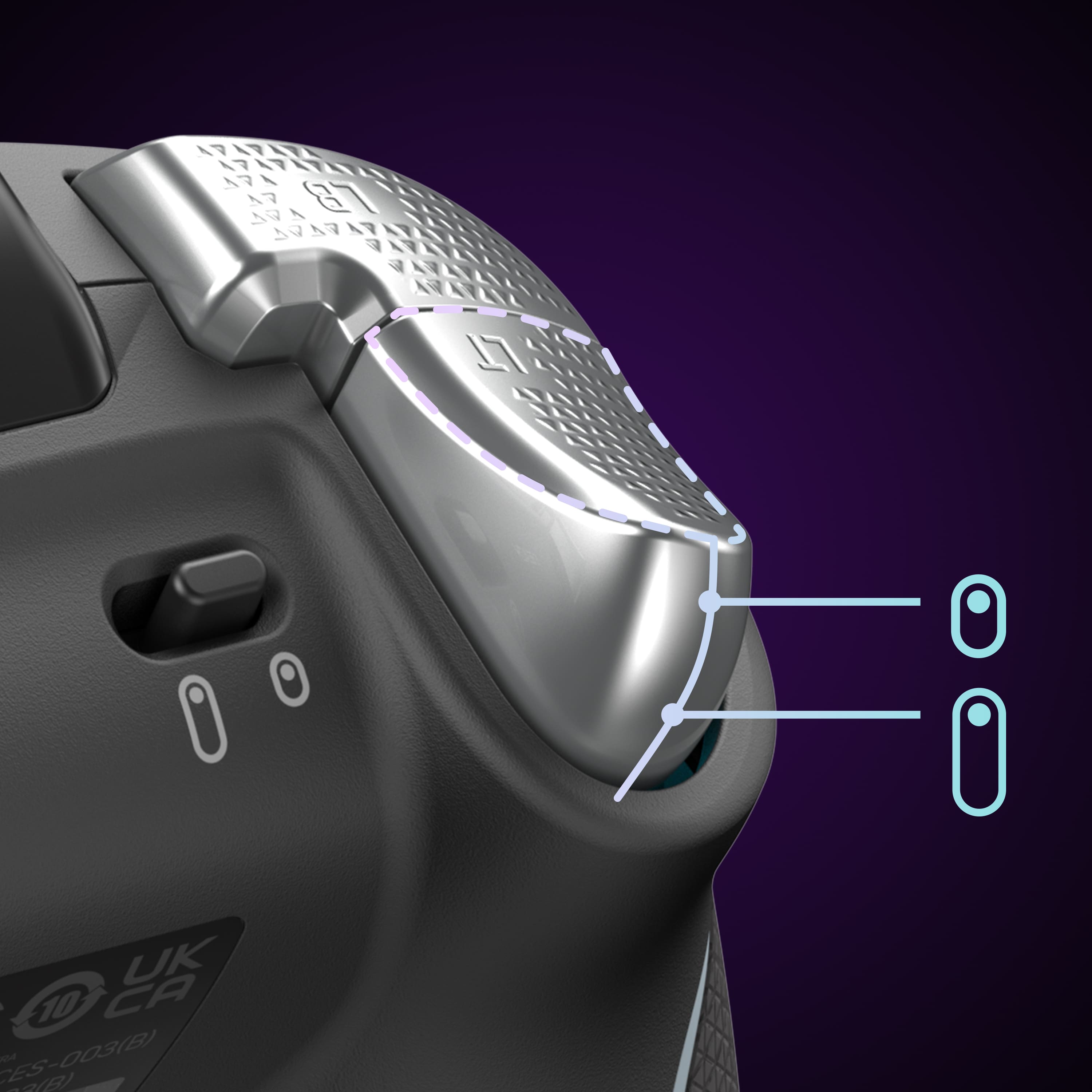
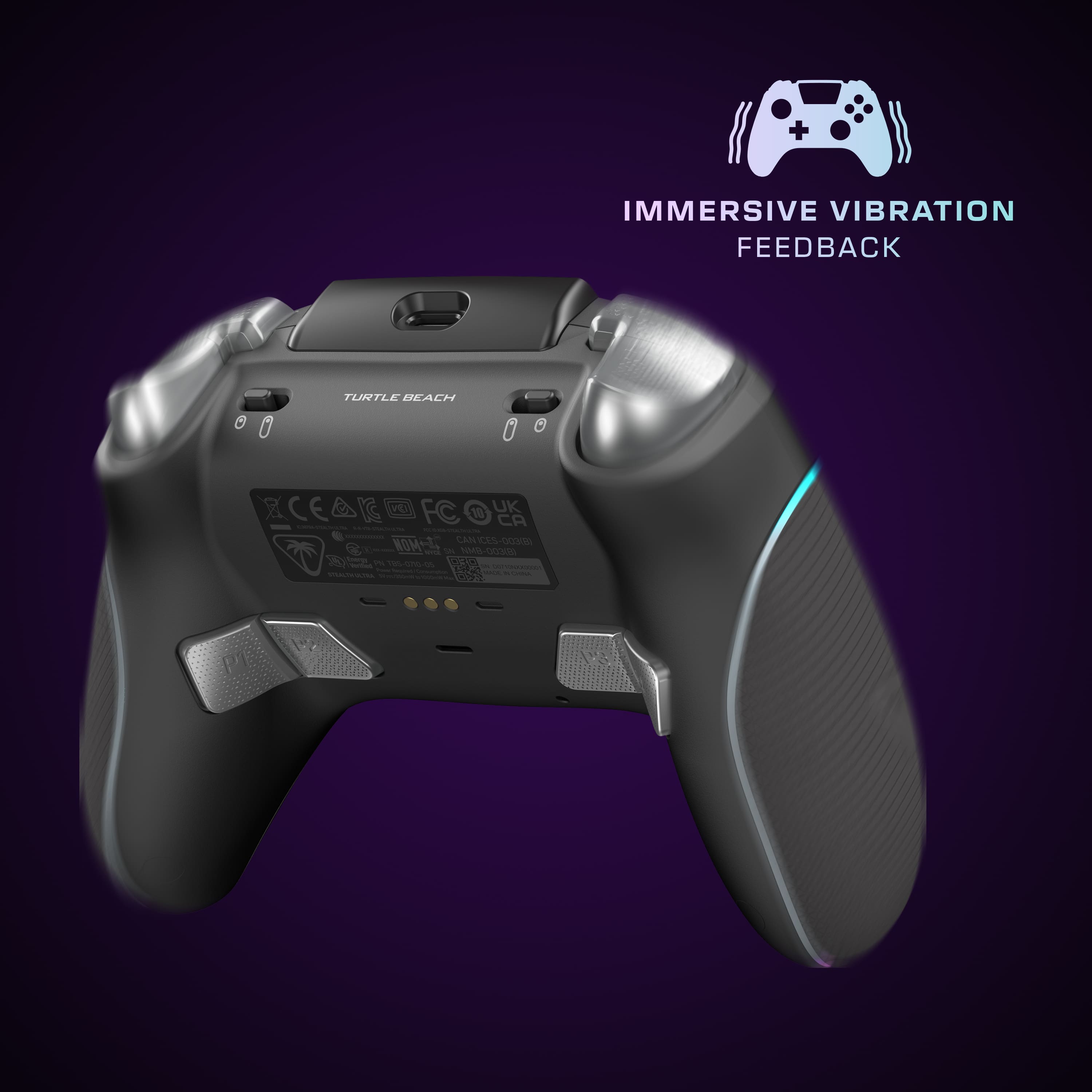
|Posted .This reviewer received promo considerations or sweepstakes entry for writing a review.The Turtle Beach Stealth Ultra controller is a third party version of the Xbox Elite controllers, aimed at the most competitive and discerning gamers. With a $200 price tag, a $140 premium over a standard controller, and cutting-edge features, it promises a premium experience, but one that I can't say I've experienced. First, here's what I do like about the Stealth Ultra: --Feels nice in hand. The controller has good weight and balance in hand. It's also bigger than a standard Xbox controller, which feels nice in larger hands such as my own. --Hall Effect sticks. They use magnets so that there are little (or maybe no) friction points that can wear out, which causes stick drift. --The hard case it comes with is neat. Soft lining, zippered section to store thumbstick caps, and charging port are all well thought out features --The amount of features, customizations (stick sensitivity, RGB lighting effects and colors, etc), are pretty neat --Additional stick caps give you 3 options for how you want the thumbsticks to feel. --Adjustable triggers are cool. There's a switch on the bottom that allows you to slide a physical stop behind the trigger so that they register a pull much quicker. Buttons (with the exception of LB and RB) feel great and responsive. I also think the additional programmable buttons are a neat addition though I haven't used them and I'll address below. --RGB! Who doesn't love rainbow effects or their favorite color tracing a path on the controller? What's less good. Much of this section could've been in the one above had it been executed well. --Looks. I really think TB went too far with the mix of colors and materials on this and it made for a quite unpleasant appearance. Of course this is highly subjective --Wireless dongle plugs into charging stand, which has to occupy a port on your console. This was frustrating as I am out of ports on my Xbox. --Layout and design decisions. The button to the left of the screen is in an abysmal location. This has been so annoying. You have to arch your thumb awkwardly over the left stick to use this button. I play some Fortnite and that button brings up the map, so I do need it. very annoying. Additionally, LB and RB feel very mushy and hard to press fast, which is a shame because the others are quite responsive. Lastly, as other reviews have mentioned, the sticks grind against the outer ring and my left stick already feels gravelly when I rotate it now and I don't even have that many hours in. Lastly, the programmable buttons seem neat, but I hesitate to map anything to them because they're so incredibly sensitive. I am always pushing the ones on the inside of the grip. The other thing I don't like about them are the 2 that are more on the back of the controller are in a weird spot to press. They almost have to be pressed straight up towards your ceiling, which is an odd movement to do with how controllers are held. TB also touts 30 hr battery life. I have the RGB effects on, but the screen times out somewhat fast and I am losing battery pretty quick. I'm guessing I'd maybe get 10-12 hours out at this rate. --Glitchy, unpolished experience. This is where the disappointment really comes in with this controller. Some of the features this controller touted, never worked. Like the phone notifications. Could never get it to work. I could get the screen to come up and I could get it to pair with my phone, but it always said 0 notifications. Additionally, getting it to pair is super confusing sometimes. You go to the screen to get the feature to connect and two options you get are "activate" and "pairing". I don't know what the difference is and oftentimes both did nothing. The apps you have to install on your Xbox or your phone are not great and the profiles system is confusing. You can't tell what's loaded onto your controller, what you're editing etc. Most egregiously of all though, this controller straight up disconnected mid game on me and I couldn't do anything with it. It disconnected and I got a message saying "you need a controller for this game, press A to continue". I couldn't press A, there's no battery pack to pull to hard shut it down, there's no off button and pressing the pair button on the dongle and going to pair it with the system on the onboard screen did nothing. I put it down and got my stock xbox controller out and haven't picked this thing up since. Conclusion I really wanted to like this controller. I thought it had cool features that sounded useful or at least interesting to me, but a lot of them come up short, don't work, or make no noticeable difference that would justify spending this much on a controller. I'm sure there are other controllers out there with hall effect sticks if drift is your main concern that perform better.
No, I would not recommend this to a friendBrand response from Turtle Beach Support
Posted .Hey there Robb!
We are sorry to hear about the experience you've had with your Turtle Beach Stealth Ultra Controller.
Please reach out directly to our dedicated Support Team so they can assist. They’re always happy to help and can be reached right from the support section of the Turtle Beach website.
Thank you!
- Pros mentioned:Weight
Turtle Beach another awsome Product for Gamers
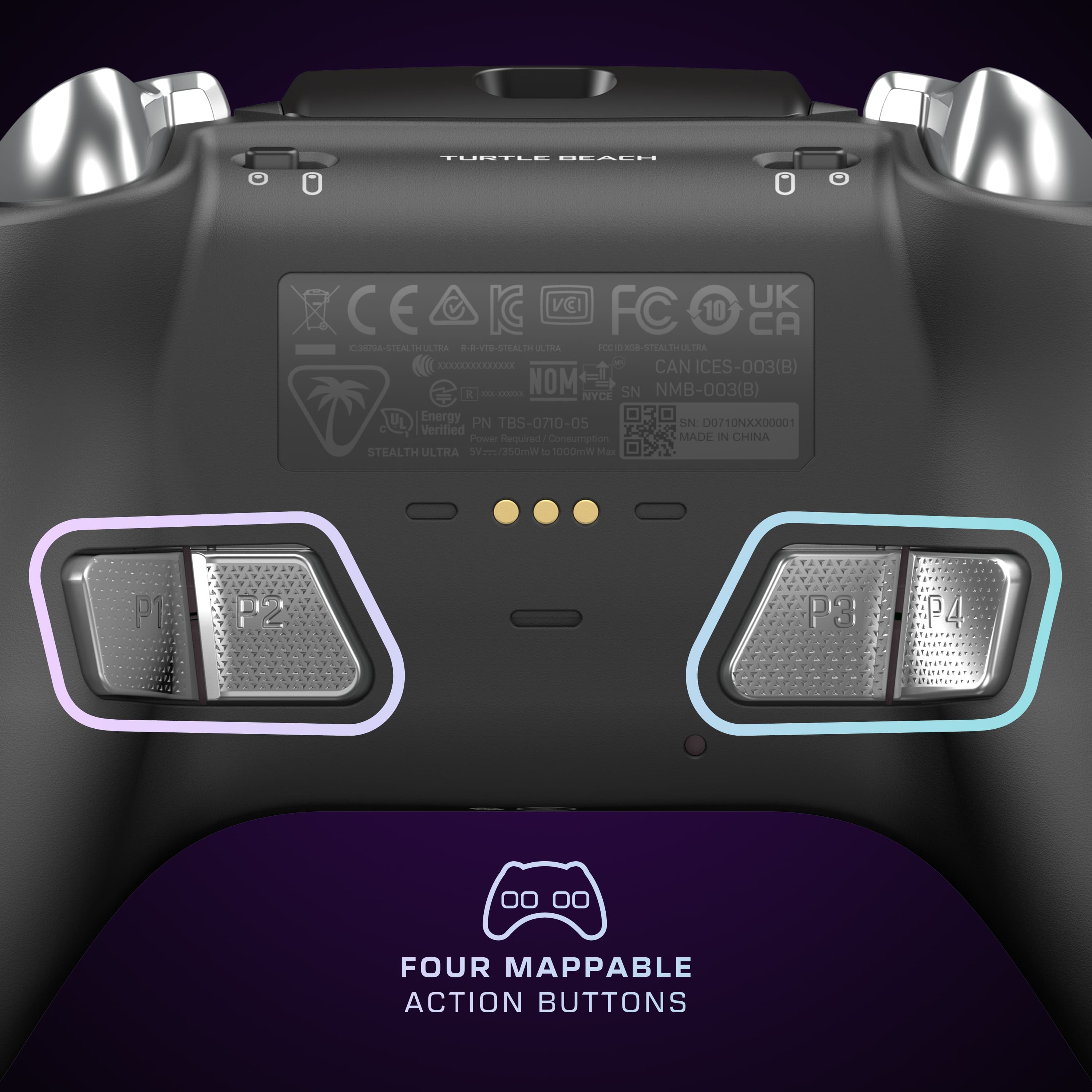
|Posted .This reviewer received promo considerations or sweepstakes entry for writing a review.This has to be one of the coolest controllers out for XBOX. I own a Elite XBOX controller now i have used it for 4 years and have enjoyed it. When i saw this as a competitor to the Elite i had to try it. This is lighter then the Elite controller all being the same size. You can program all the buttons on the controller by using the center screen you have 4 buttons on the back to use. This has antidrift stick witch is awesome because if you play a lot of racing games and shooter you can wear the stick out. So you can program the stick to react to the way you want them to slow fast. You can have the sticks move all the way or cut off a point. The button feel is really nice you don't have to push the buttons all the way down to get them to react it has a light tap a lot quicker than my other controller. I have to say the reaction time on this is awesome its a lot faster and going to take a little time to get use to it. You can change all the colors of the controller from the center screen or just turn them off. I played with them on and it seems to drain the battery a little faster i didn't make it to the 30hrs of game play with it as i don't play in a long stretch of time. But for the 5 to 6 hours i played with the controller lights on it did take the battery down to have life. You can connect thei to your phone to you social media account and read the text on the screen. Now that i have said the good about the controller witch it's all good the things i don't like is you have to use a USB stick to plug this into your XBOX we are limited on our plugs on the XBOX and to add another one something has to go. I have a turtle beach headset that i really enjoy using so i'm keeping that plugged in so it was the fan tha had to go. I don't know why they couldn't make an extra port on the controller base for another Turtle Beach product to minimize the port usage. Another issue is they say to download the app for your phone well i can't seem o find it they need to make a QR code some turtle beach stuff is hard to find on the app store. But i will find it. Yes this is a very light controller. This has awsome reaction time on the sticks and buttons. It is very comfortablr in my hands.
I would recommend this to a friendBrand response from Turtle Beach Support
Posted .Hey there Bigg!
We greatly appreciate the feedback regarding your Turtle Beach Stealth Ultra Controller!
The Turtle Beach Control Center 2 application should be available right from the app store on your smartphone, if you require any assistance with locating it, please reach out directly to our dedicated Support Team. They’re always happy to help and can be reached right from the support section of the Turtle Beach website.
Thank you and have a great day!
Dont bother buying (Open Box Excellent)
||Posted . Owned for less than 1 week when reviewed.This reviewer received promo considerations or sweepstakes entry for writing a review.I paid for thr Excellent Condition and it still Came in Diffective
No, I would not recommend this to a friendBrand response from Turtle Beach Support
Posted .Hi Eduardo,
We are sorry to hear about your experience purchasing a Turtle Beach Stealth Ultra from BestBuy, however, please understand that we are not involved with verification of open-box items or the fulfillment of orders placed outside of the official Turtle Beach website.
Please contact BestBuy directly for further assistance.
don’t buy open box like new
||Posted . Owned for 1 week when reviewed.This reviewer received promo considerations or sweepstakes entry for writing a review.i didn’t get the charge kit, and the controller was nasty and dirty.
I would recommend this to a friendBrand response from Turtle Beach Support
Posted .Hello Cole!
We are sorry to hear about the condition of the Open-Box Turtle Beach Stealth Ultra that you purchased from BestBuy, however, please understand we are not involved with the verification or distribution of Open-Box items sold at BestBuy.
Please contact BestBuy directly for assistance.
Thank you!
- Pros mentioned:Battery life, Buttons
Decent controller but pricey
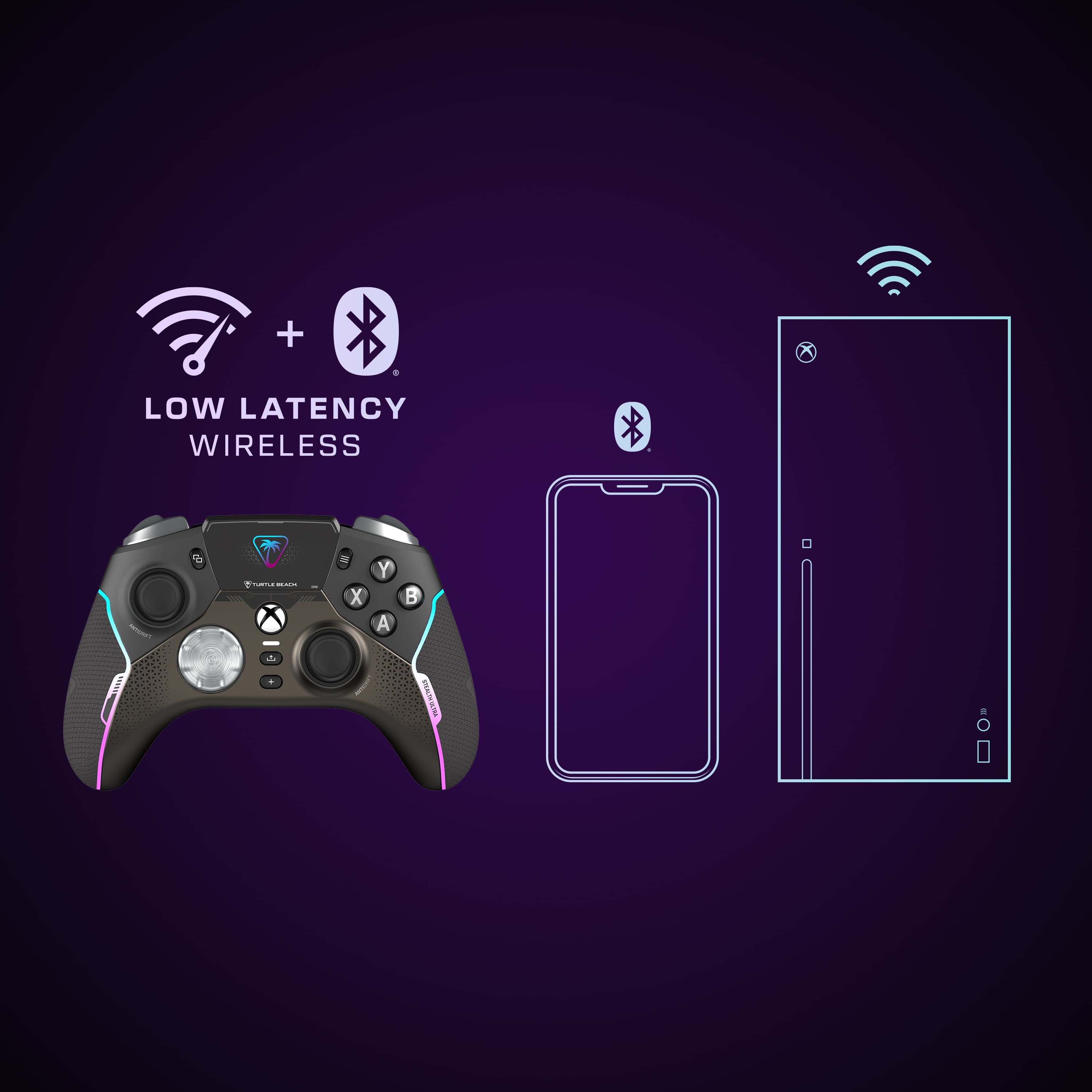
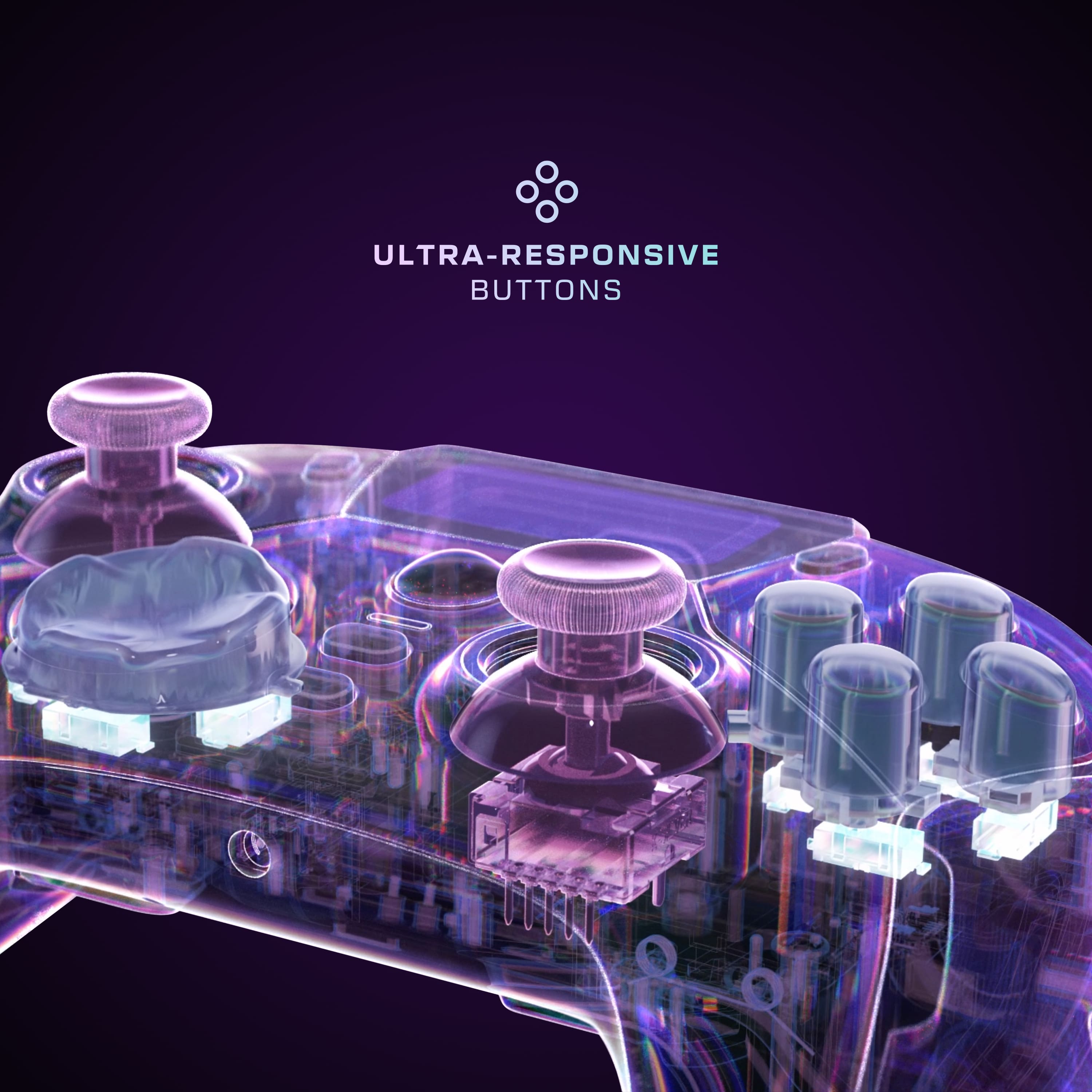
||Posted . Owned for 1.5 years when reviewed.This reviewer received promo considerations or sweepstakes entry for writing a review.Just got the Turtle Beach Stealth Ultra wireless controller from Best Buy a couple weeks ago and ive been using it nonstop its seriously one of the best upgrades ive made to my Xbox setup in forever. Unboxed it and right away you can tell its premium the build feels solid with those soft touch grips that dont get slippery even after hours of sweaty hands in intense sessions. Setup was dead easy plugged the dongle into the rapid charge dock connected to my Series X in like seconds no drivers or anything just worked perfect. Bluetooth pairs quick too for when I wanna play on my phone or tablet which is nice for travel or chilling in bed. The big standout for me is that little connected command display its this full color screen right on the controller and you can tweak so much without even grabbing your phone or going into menus. Like adjust audio settings switch profiles remap buttons check battery all right there its super handy especially mid game when you dont wanna pause. I set up like 6 different profiles one for shooters with trigger stops pulled way back for faster shots another for racing games with different stick sensitivity and one for fighting games where the paddles are mapped perfect. Speaking of the paddles there are four back buttons and they feel clicky and responsive not mushy at all I use em alot for jump crouch reload without taking thumbs off sticks its a game changer for competitive stuff. Thumbsticks are hall effect so no drift worries after months of heavy use which is huge after burning through regular controllers. Buttons are short travel tactile microswitches super snappy and satisfying to press triggers have those adjustable stops too I keep em short for FPS but full range for story games. Battery life is insane they say 30 hours and yeah Ive gone multiple days without charging just pop it on the dock when Im done and it rapid charges quick the dock is nice too keeps the dongle safe and charges through it. RGB lighting looks cool customizable through the app or display subtle glow or full party mode whatever. Had a tiny issue at first where one profile wouldnt save but I updated the firmware through the Turtle Beach app and it fixed right up no problems since. Wireless is lag free even in big multiplayer lobbies no input delay compared to wired which is awesome. Feels lighter than the Elite but still comfy ergonomic and the weight distribution is good doesnt feel cheap at all. Overall if youre serious about gaming on Xbox PC or even mobile this thing blows away the stock controller and even beats some elites in features. The price is steep but for what you get profiles display hall sticks long battery no drift paddles its worth every penny. Way happier playing now no more stick drift frustrations or fumbling settings. Definitely recommend grabbing one from Best Buy if you see it would buy again in a second and probably will for a backup. The only other controller I prefer is the official Microsoft elite 2 controllers
I would recommend this to a friend