Customer Ratings & Reviews



- Model:
- TBC-2101-05
- SKU:
- 10968576
Rating by feature
- Value
Rating 4.2 out of 5 stars
- Quality
Rating 4.2 out of 5 stars
- Ease of Use
Rating 4.1 out of 5 stars
to a friend

Great Pro Controller
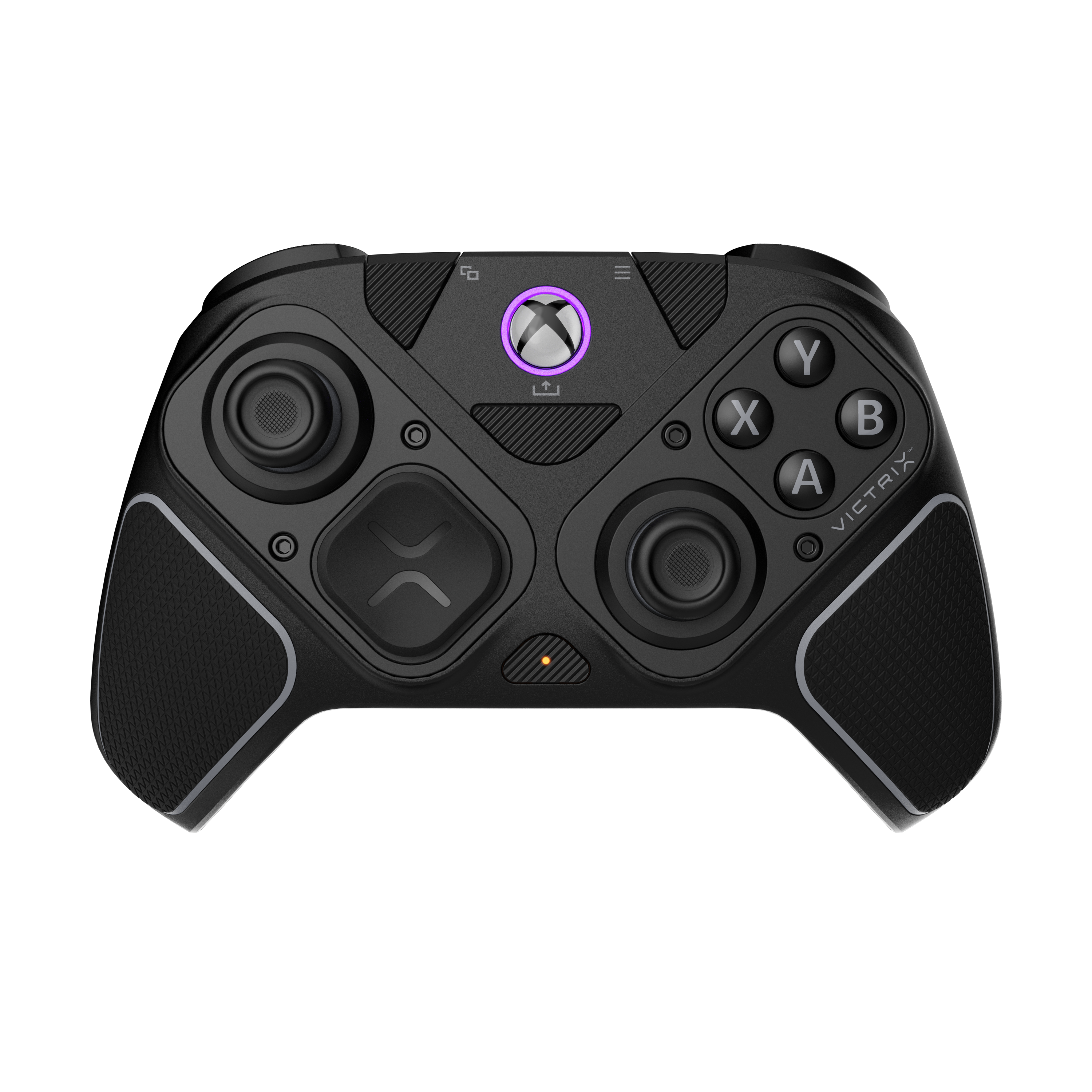
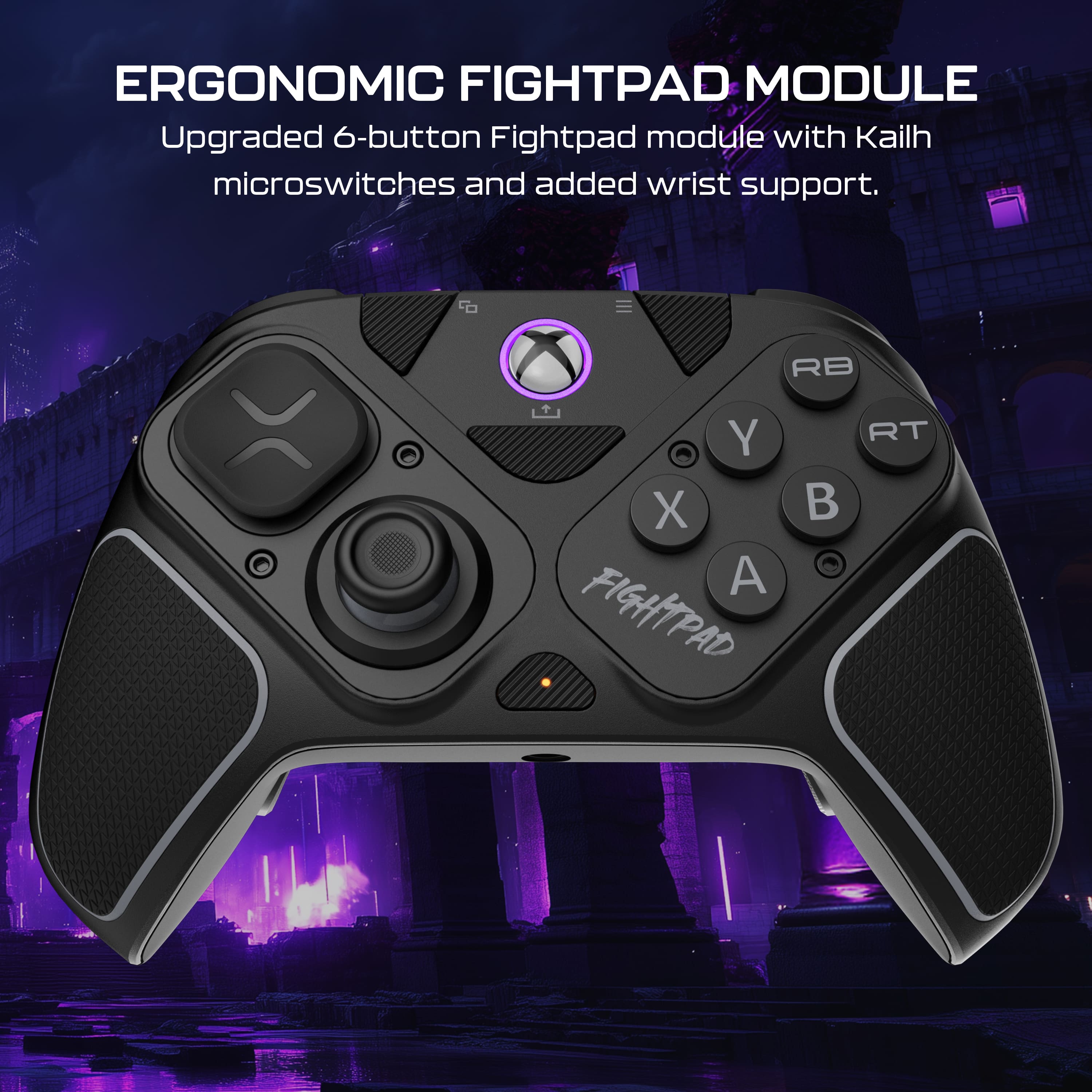
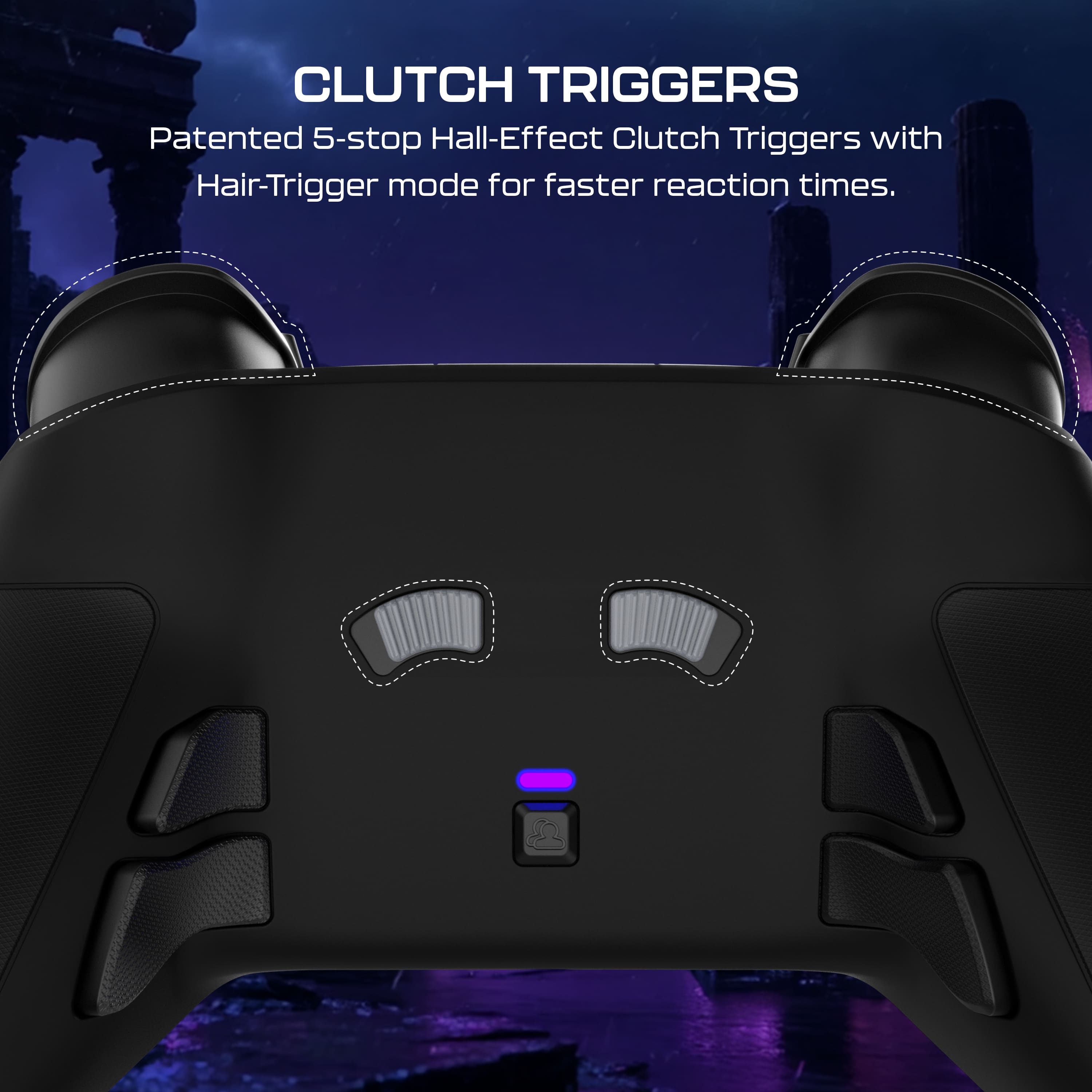
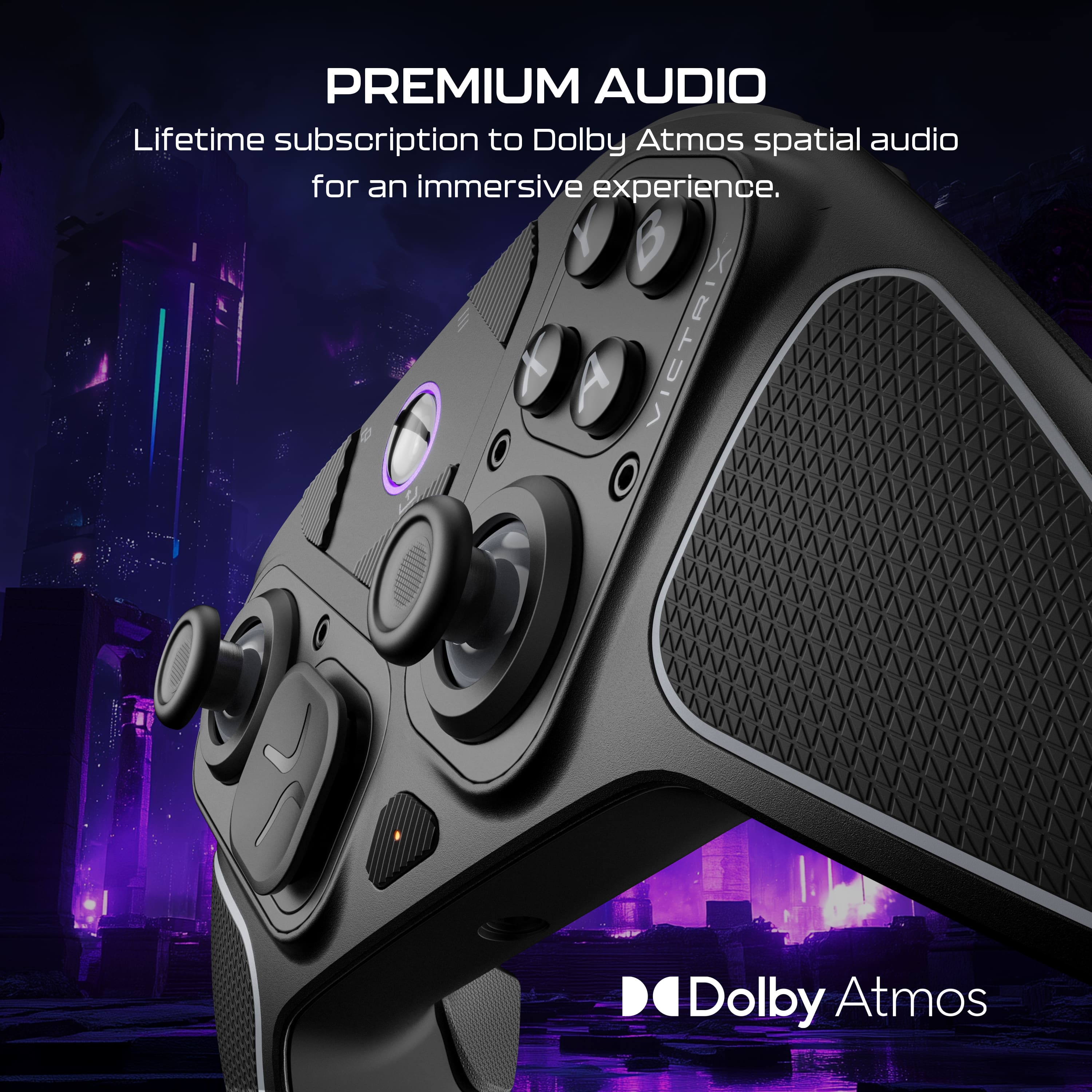
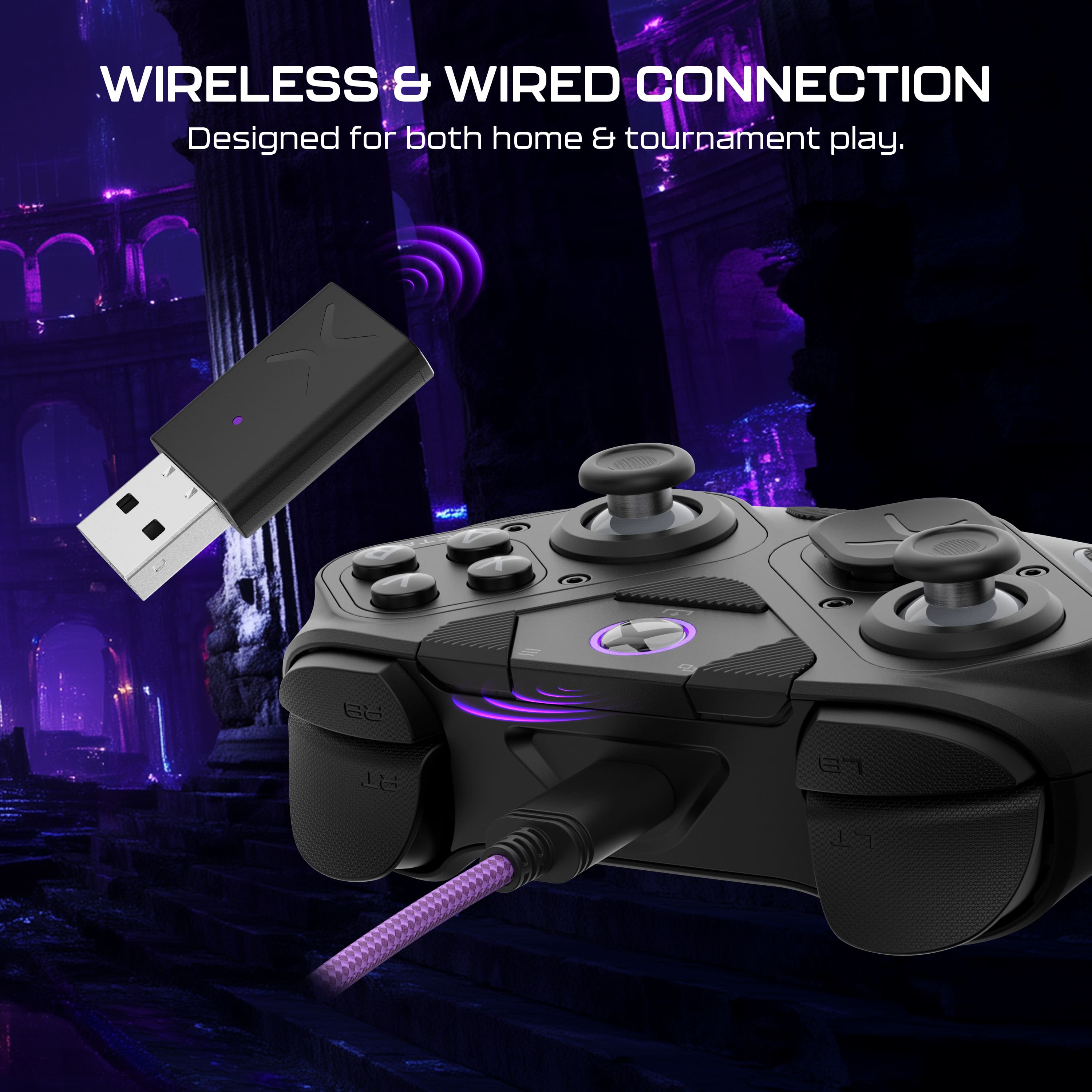
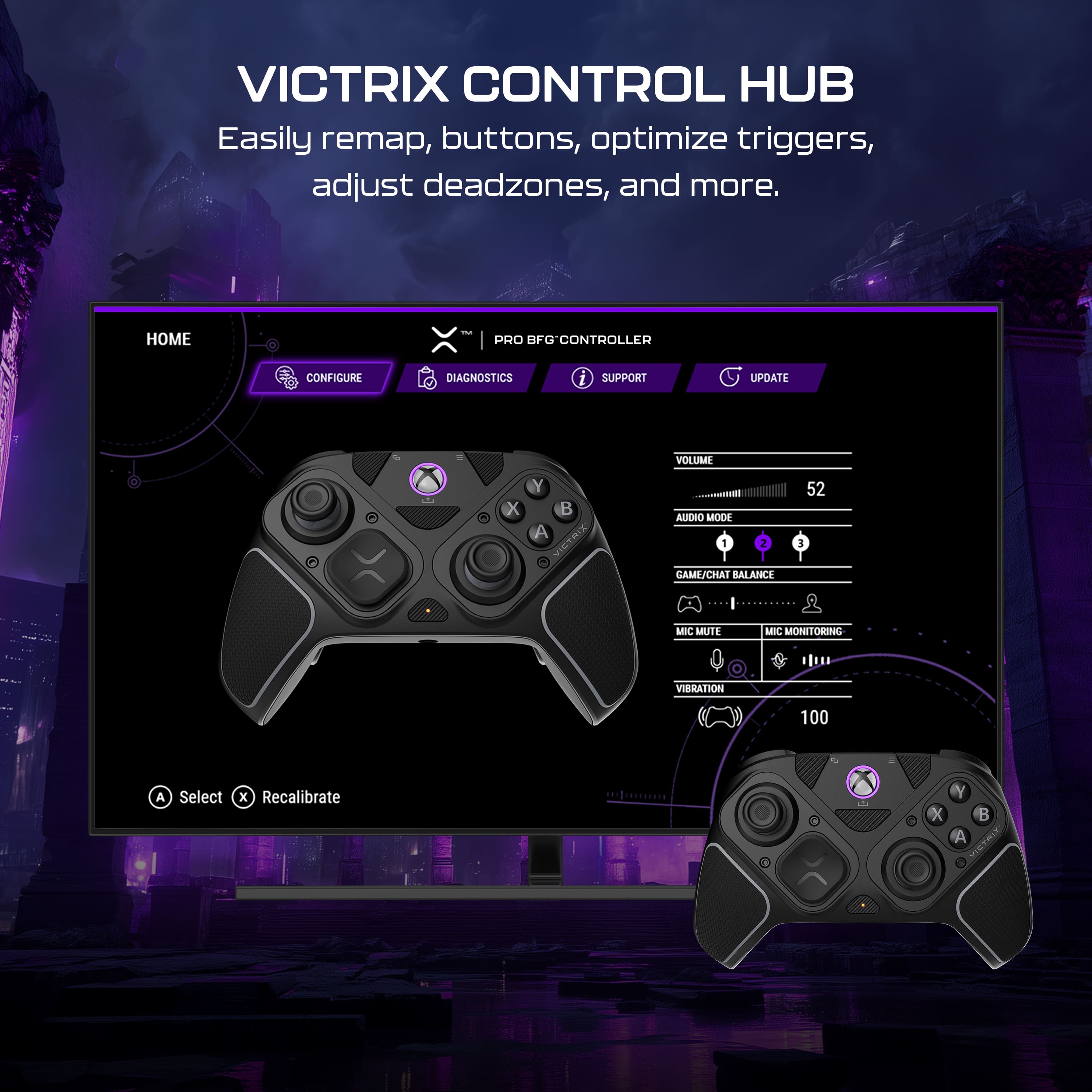
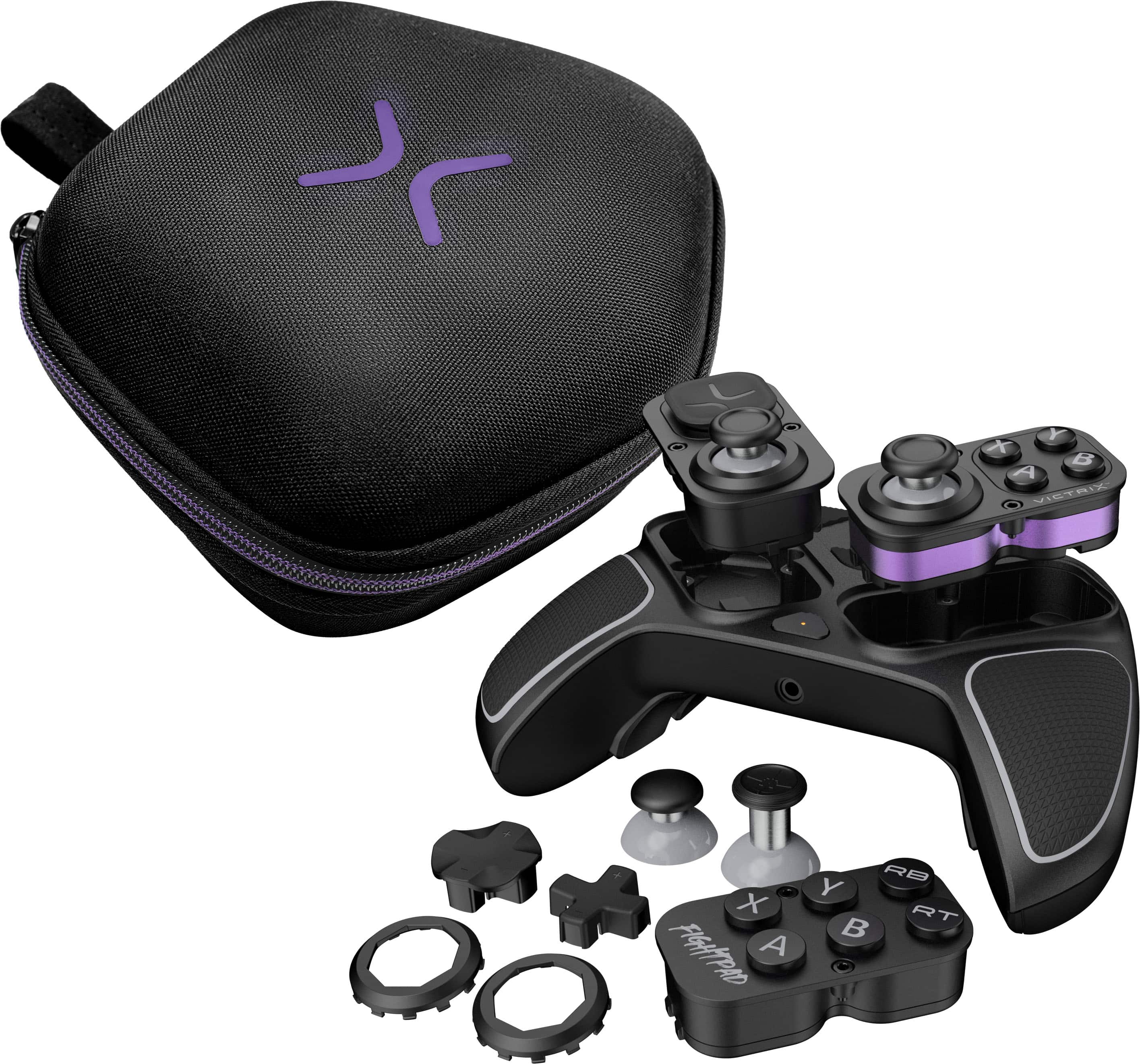
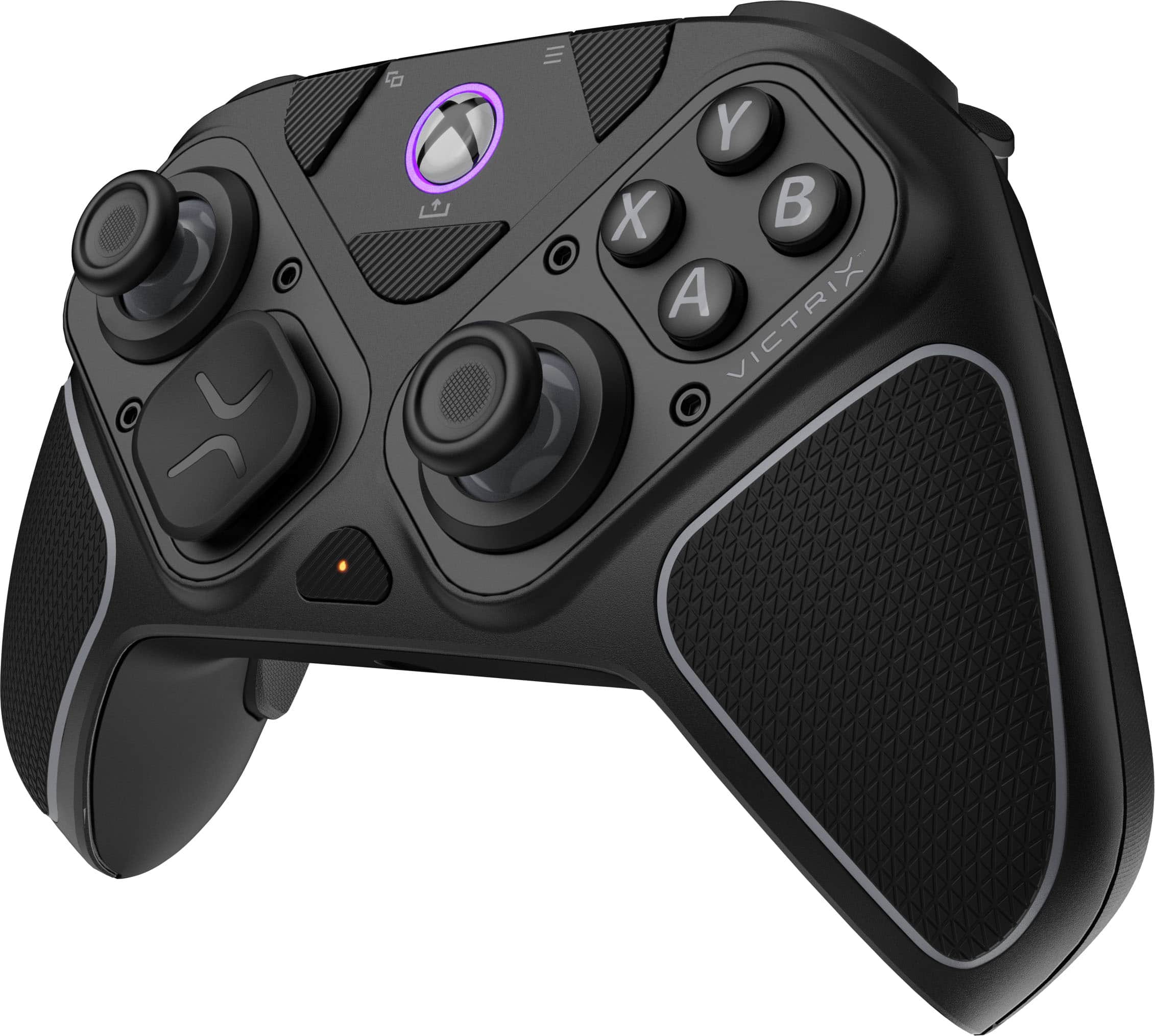
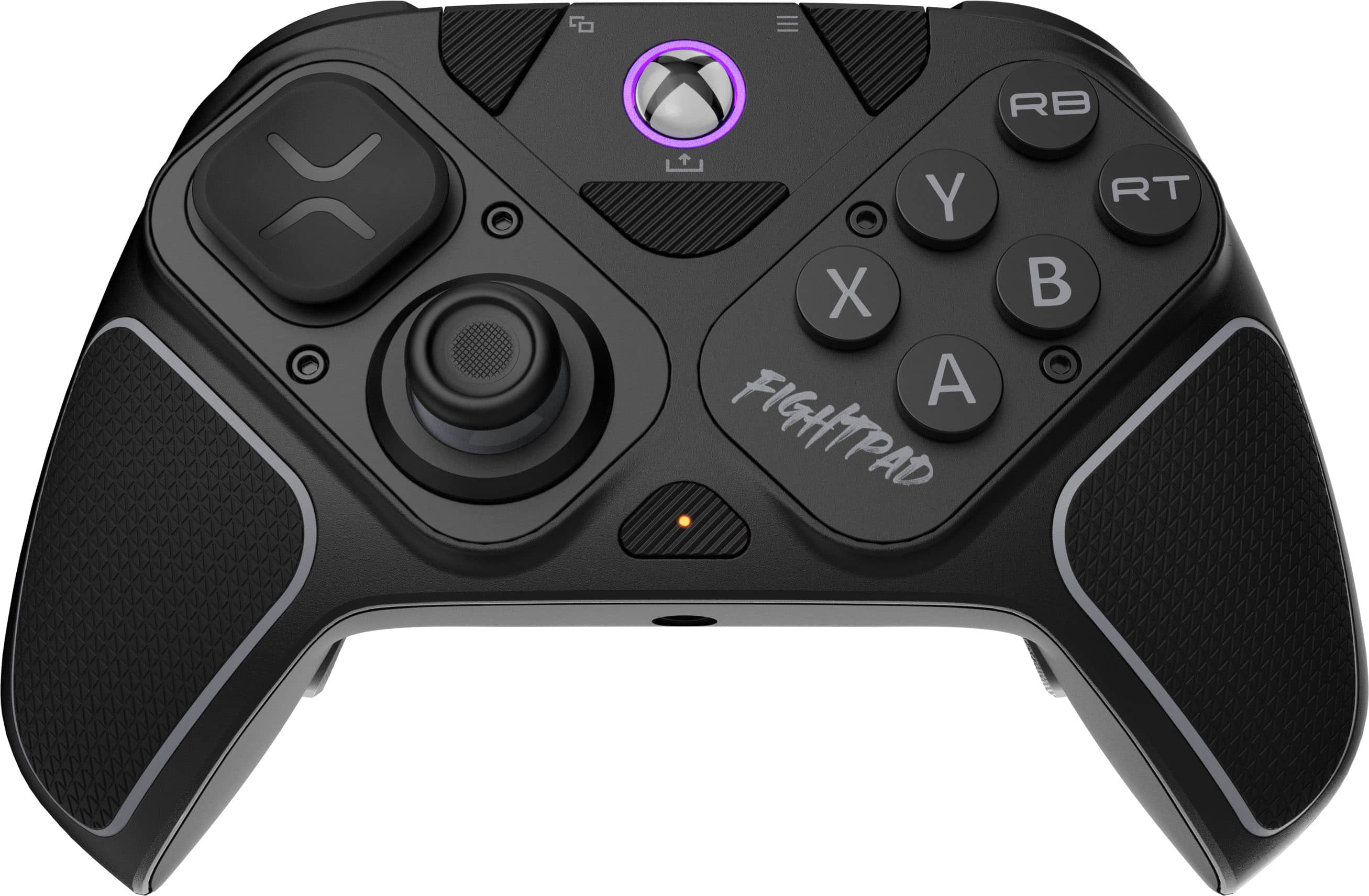
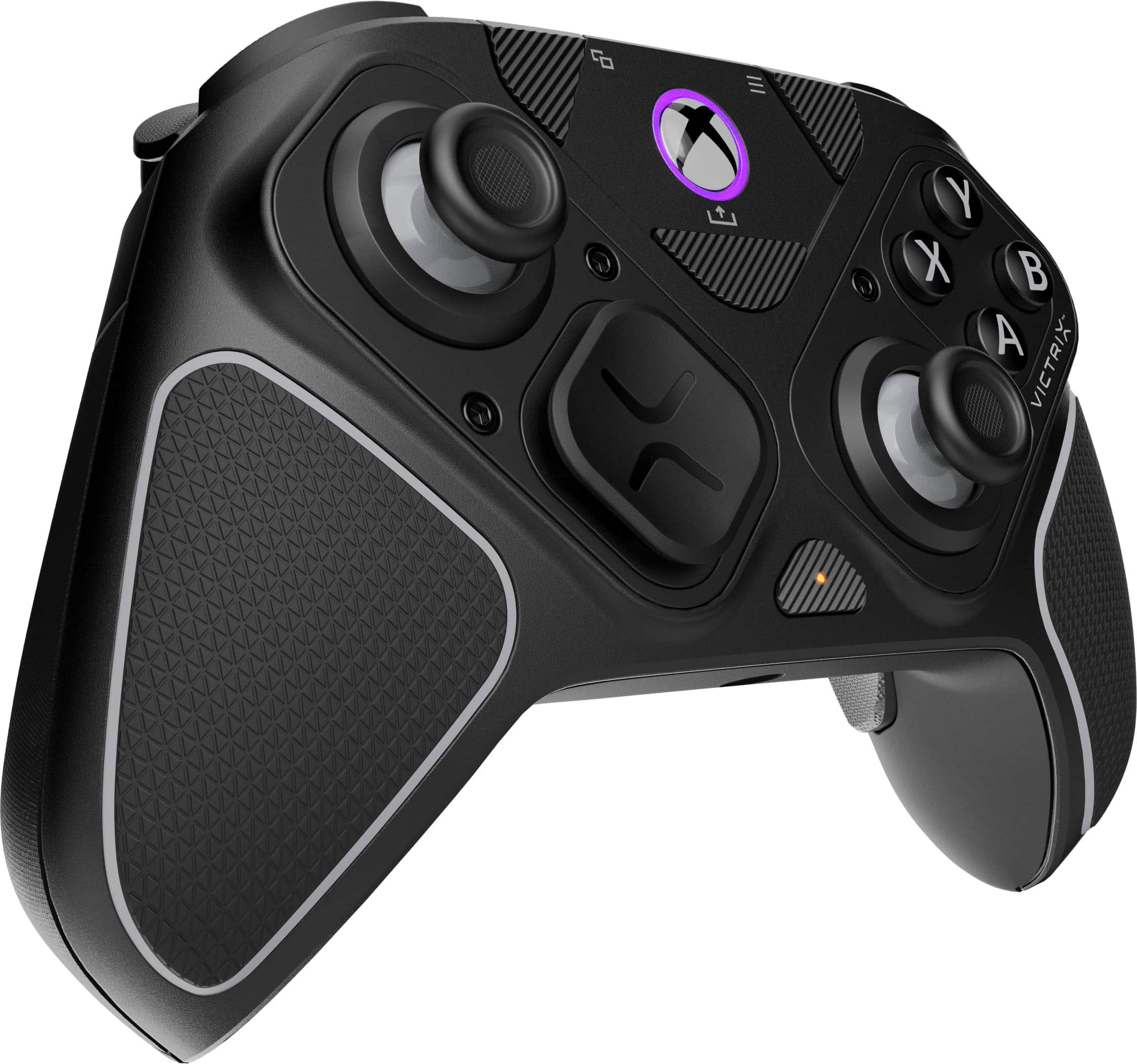
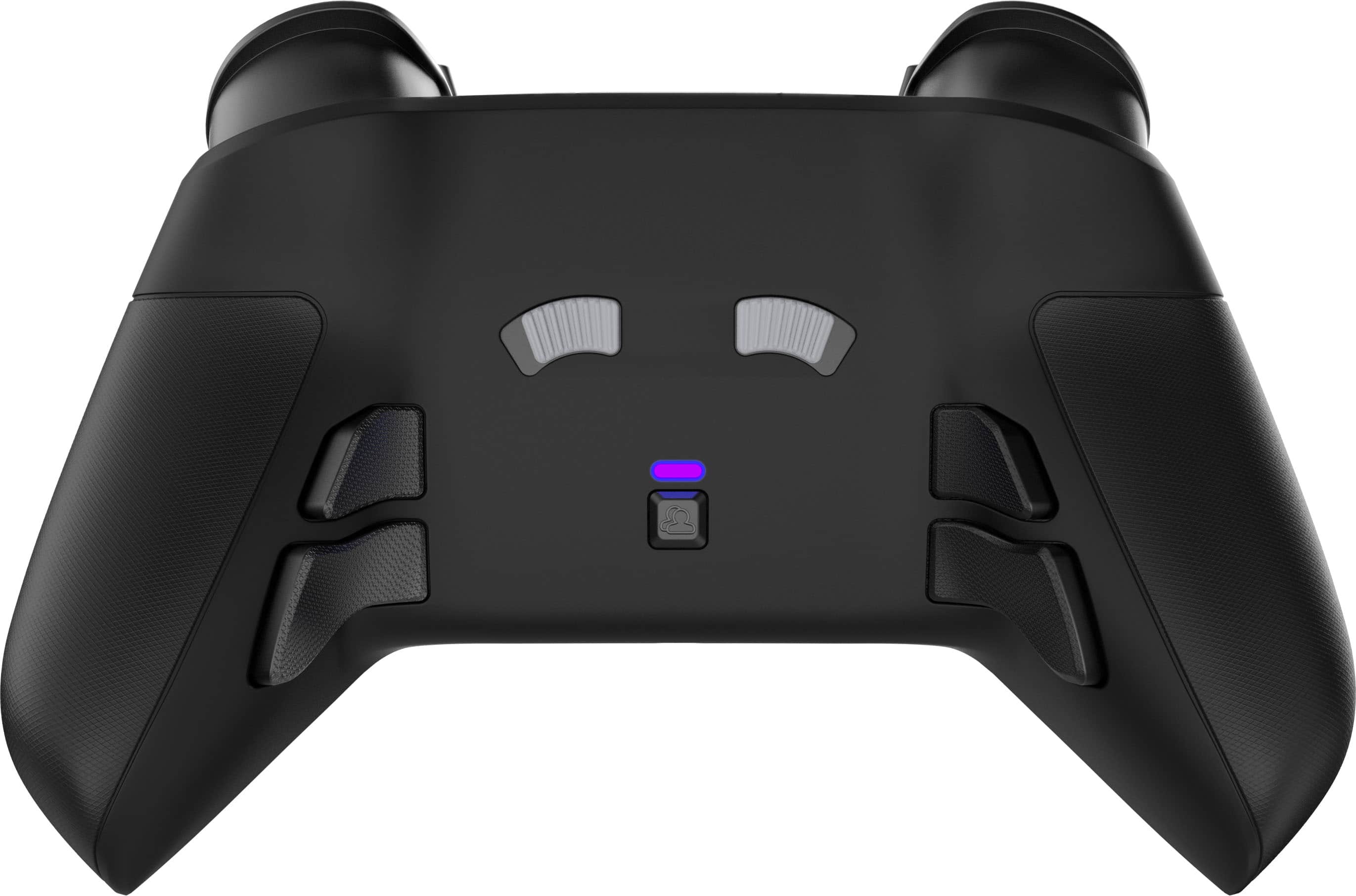
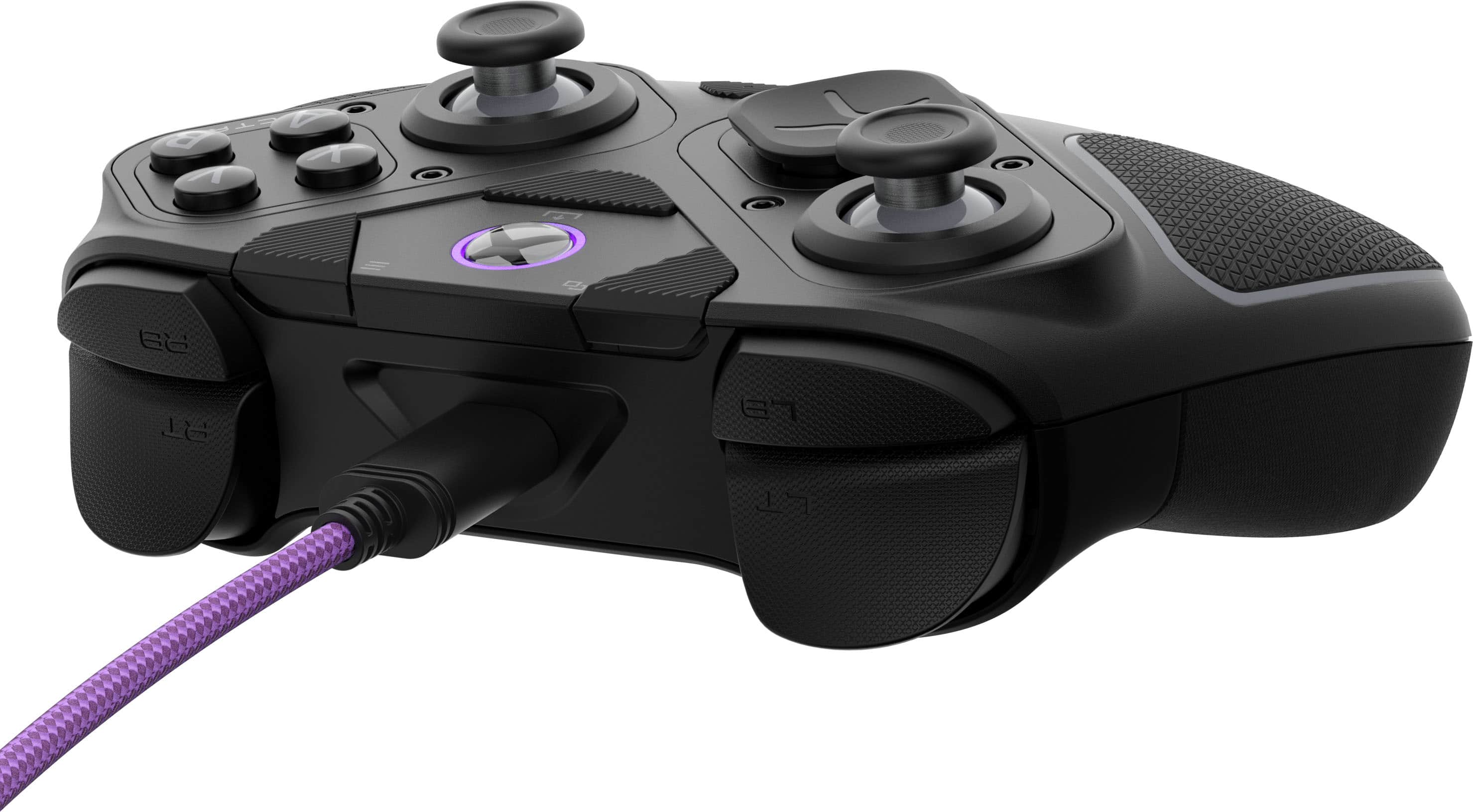
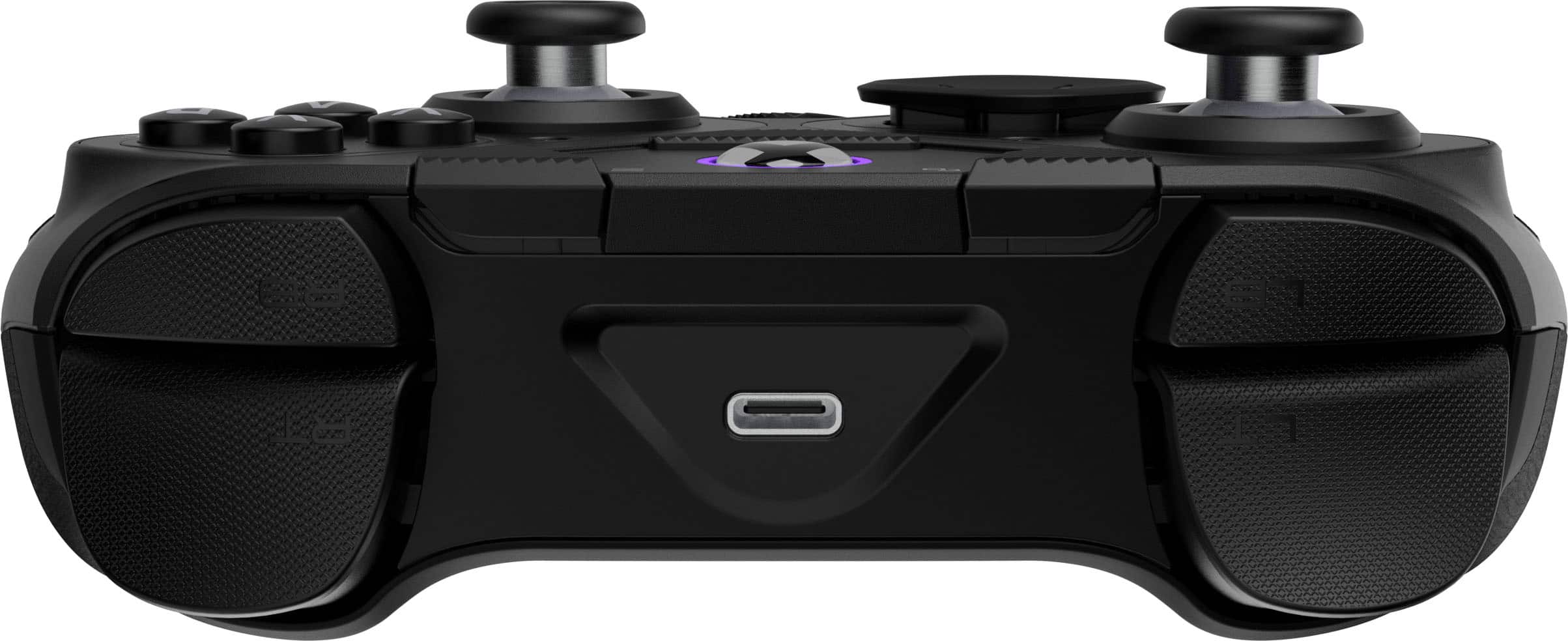
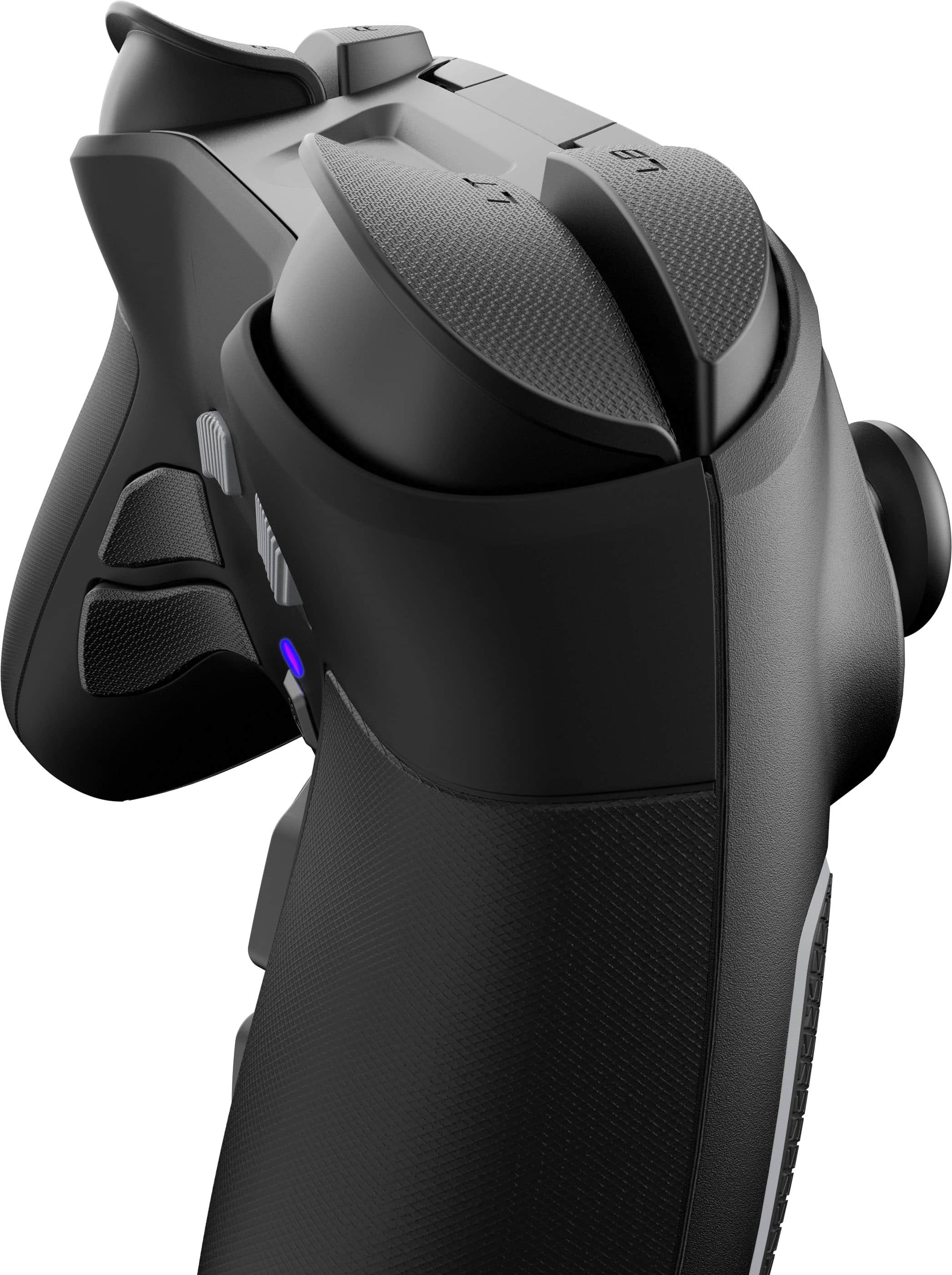
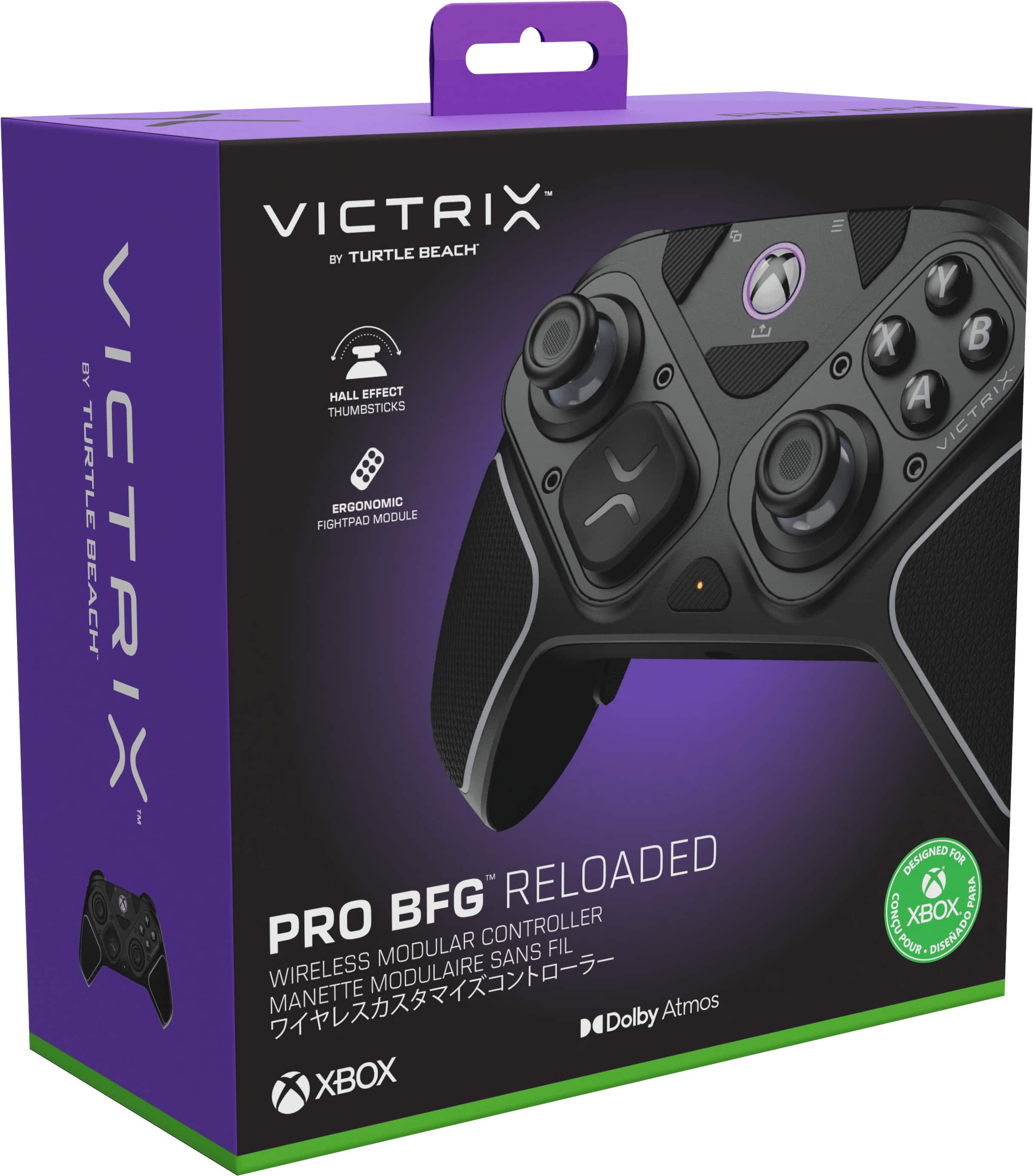
|Posted .This reviewer received promo considerations or sweepstakes entry for writing a review.I like the presentation. The included case is well made. Great for a first impression. After I opened it I looked at the Quick Start Guide and it showed a wireless usb dongle and the controller. I installed but did not know what button combination would enable pairing mode. I had to google it which was unfortunate because there was not anything on the guide or provided QR code. Once it paired I was good. I just wanted to mention this since the process was more effort than required. Also it was nice to be able to charge the controller via usb c vs installing batteries. Game Play, I found the controller to be really exceptional from the standard Xbox controllers. It feals great in the hands with just the right amount of grip and it feels a little easier to hold compared to the more chunky Xbox controller. The left Trigger is really shallow and I would have preffered that to be the same as the right since it took me time to get used to the different feel. I know it is for a shorter trigger for certain games but it again was just new. The back paddle buttons where mirrored to the XYAB and when playing a game they actually became more of a pain since I did not know initially what they where doing. I downloaded the Victrix Control Hub. That allowed me to see what the buttons where configured, Adjust audio and check for firmware updates. Again if this was part of the Quick start guide then this could have been avoided. The app allows you to quickly remap buttons which is nice. I did try the included alternate joysticks and Directional pad. I did not find them to offer any immediate advantage for Fortnite which I was playing but I can see with other games having the option of customizing the controller to suite the game is huge. Regardless the controller worked well and felt premium. I did not feel like it gave me any immediate advantage but I can tell it is much better to use than my Xbox controller. I do wish there was a way to alter the purple ring because it gives me more of a PS vibe over Xbox. I also did connect my headset and since they were Atmos compatible I definitely heard significant audio clarity during gameplay. I would definetly invest in this controller if you feel like your controller is holding you back or play significant hours on a fast paced game then this would be worth the investment.
I would recommend this to a friendGreat controller
|Posted .This reviewer received promo considerations or sweepstakes entry for writing a review.Decent.... The Turtle Beach Victrix Pro in my opinion is a decent controller. For me it has all the great features youd look for in a controller. From the hall affect sticks to programmable under buttons. Also featuring a cartridge kill pad that swaps out on the right side of the controller. But the shape and texture killed it for me. As an elite 2 user. I felt that the shape under the controller leading into the programable under button was just slightly too thick and lacking a small amount of "dip" or contour where the buttons sit. It also felt just a few ounces too light. When you game for a few hours at a time the controller weight feels like it becomes part of you. I didnt get that feeling with the Vitrix. I really wanted to like this controller. Im a long time Turtle Beach user. But for me the fit and feel killed it for me. The rest of the Controller is amazing, there is zero drift in the sticks. All the buttons are fast and responsive with a good feel. Its comes with different height and shaped sticks. It has interchangeably on the D pad. All around great wireless controller. But the shape and weight being just slightly lighter, Killed it for me. But may be a great option for someone else.
I would recommend this to a friendNo User Guide
|Posted .This reviewer received promo considerations or sweepstakes entry for writing a review.The reason this is getting such an unsatisfactory review from me is the fact that rather than including an instruction guide of any kind they print up a "handy" QR code to access the user guide. The only problem with that is that the QR code directs you to their sales web site with no such user guide is located. I spent over an hour clicking everything looking for this guide with no such luck. None. This left a bad taste in my mouth. So I have no way to find out how to power this thing up no pairing it with my PC. I have tried pressing various buttons with any power up or imitating blue tooth pairing to begin. There are several add on buttons and a weird screw driver thing in the packaging but I don't know what these things are for so I'm not sure I want to start taking thing apart when I do not even have an instruction guide to show me how or what they do. From a build stand point this controller feels pretty solidly built and the buttons certainly feel good (if I could actually use it). Overall I'd say it feels well built but with no user guide I honest can't say.
No, I would not recommend this to a friendBrand response from Turtle Beach Support
Posted .Hello Mike! We are sorry to hear about the experience you've had with your Turtle Beach Product. Our products are each sold with a manufacturer's warranty, and we have a dedicated Support Team available to provide assistance as needed. Please reach out directly to our dedicated Support Team so they can lend a hand. They’re always happy to help and can be reached right from the support section of the Turtle Beach website. Thank you and have a great day!
