Customer Ratings & Reviews


- Model:
- TBC-2101-05
- SKU:
- 6641077
Rating by feature
- Value
Rating 4.2 out of 5 stars
- Quality
Rating 4.4 out of 5 stars
- Ease of Use
Rating 4.2 out of 5 stars
Customers are saying
Customers value the high level of customizability and top-notch build quality that this product offers. Users frequently highlight the excellent battery life and reliable, fast connectivity as standout features that enhance their experience. While the device is praised for its premium weight and overall comfort, some users have noted that the button layout can feel unconventional.
This summary was generated by AI based on customer reviews.
- Pros mentioned:Connectivity, Customizability
Nicely done
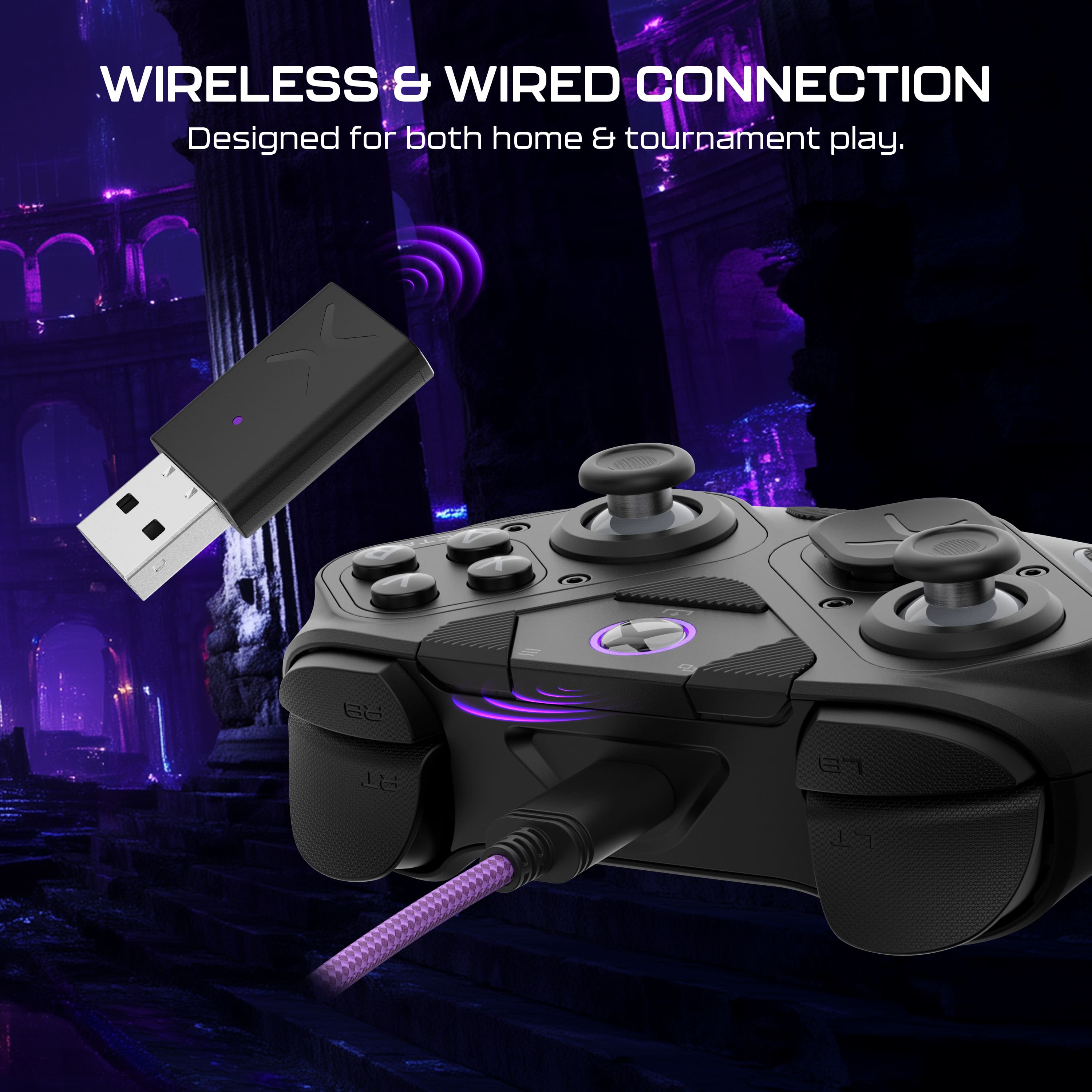
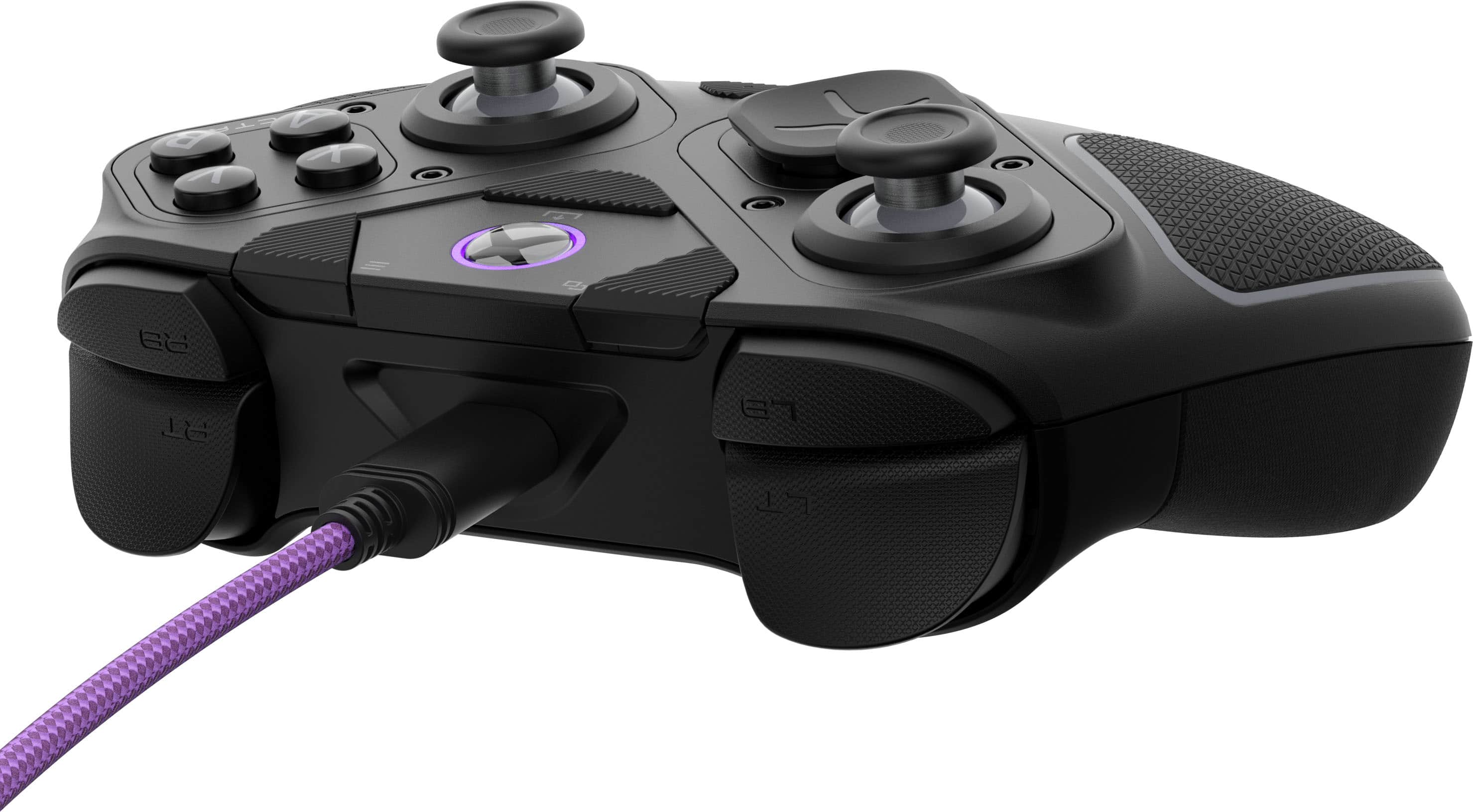
Posted .This reviewer received promo considerations or sweepstakes entry for writing a review.It feels so good in your hands. I bought it to use wirelessly but now prefer to use it with the included usb cable since I have a laptop. I changed the d-pad and experienced the awe of its flexibility. There is a dongle for those who don't use bluetooth so you don't need to buy the most expensive unit!
I would recommend this to a friend 
Unique versatile modular design
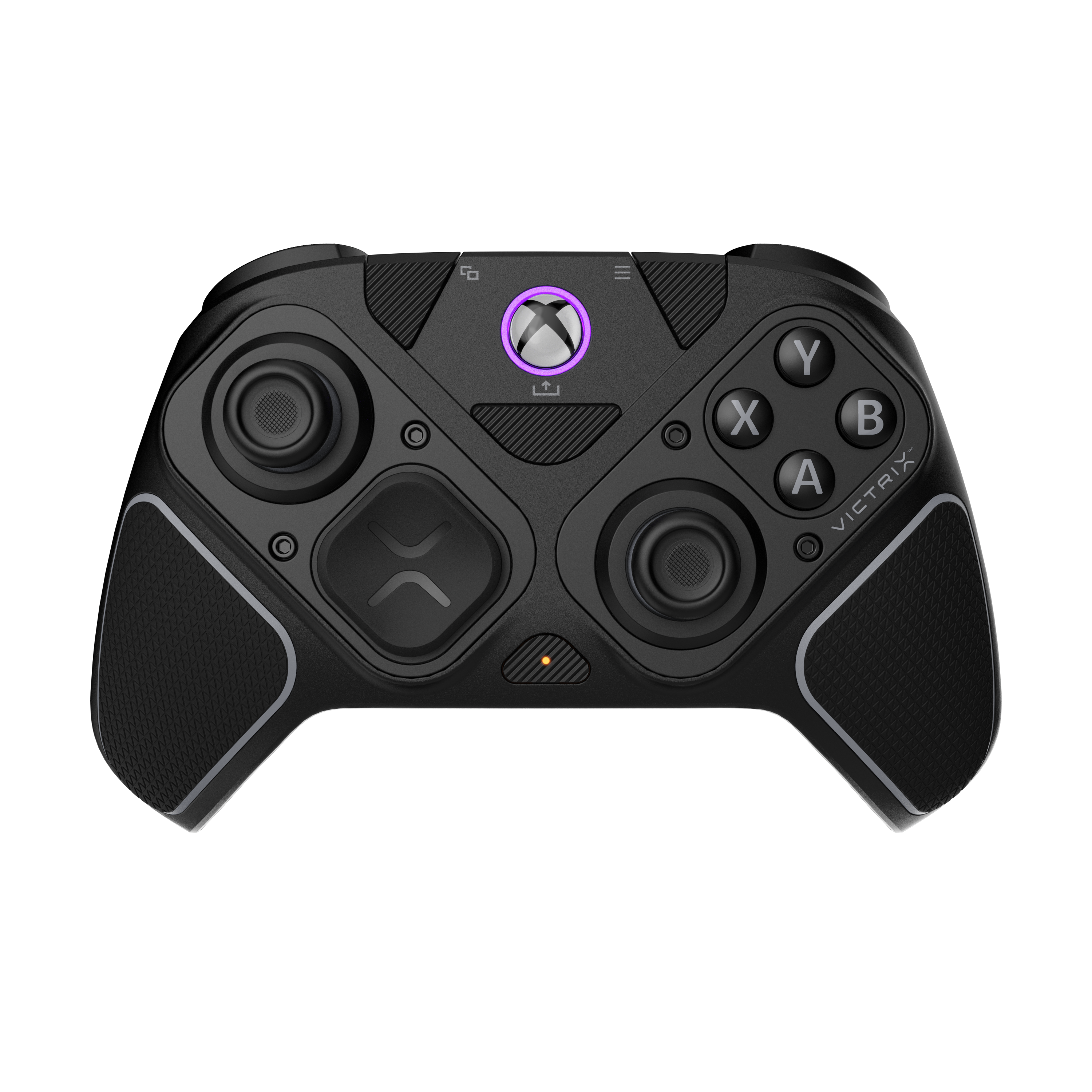
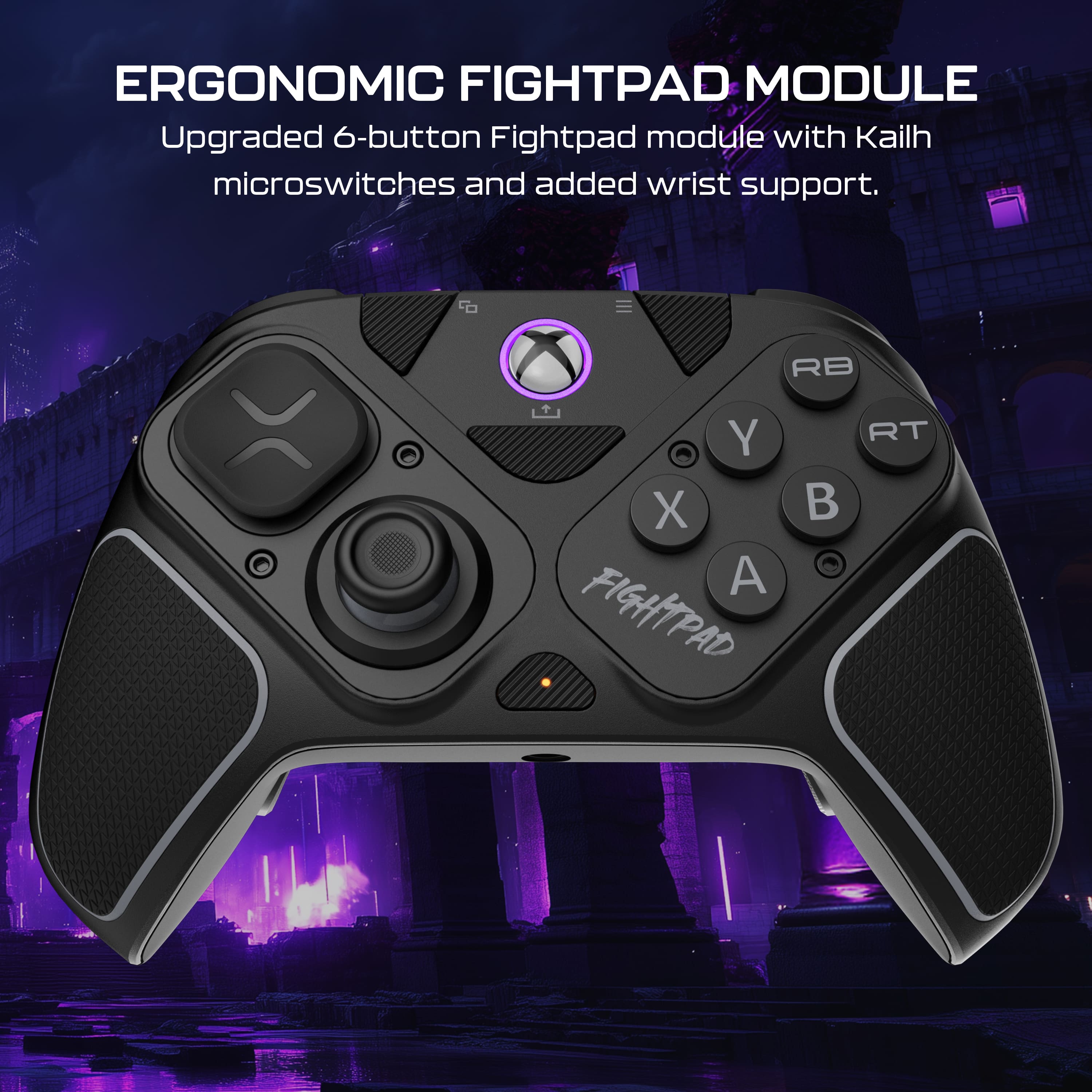
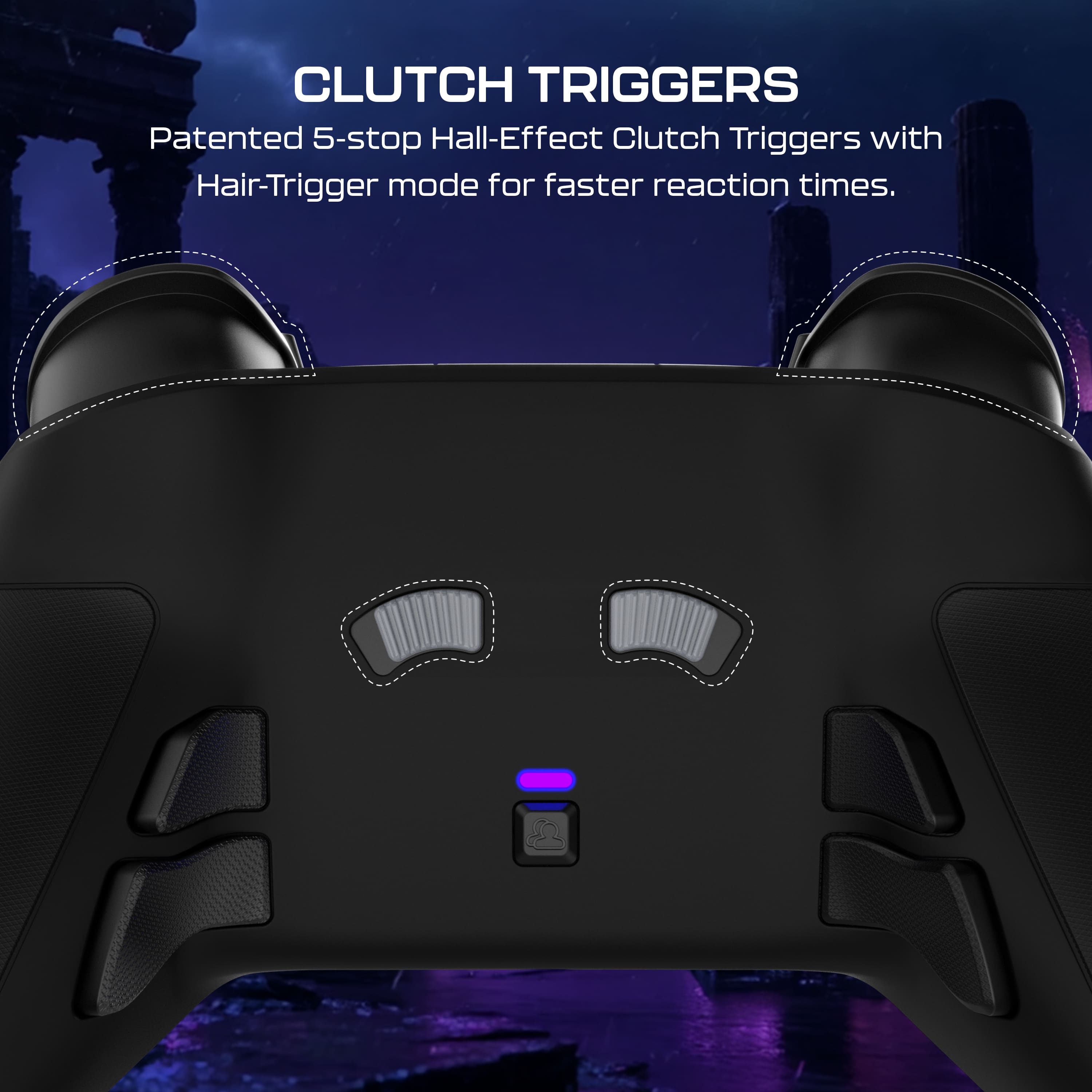
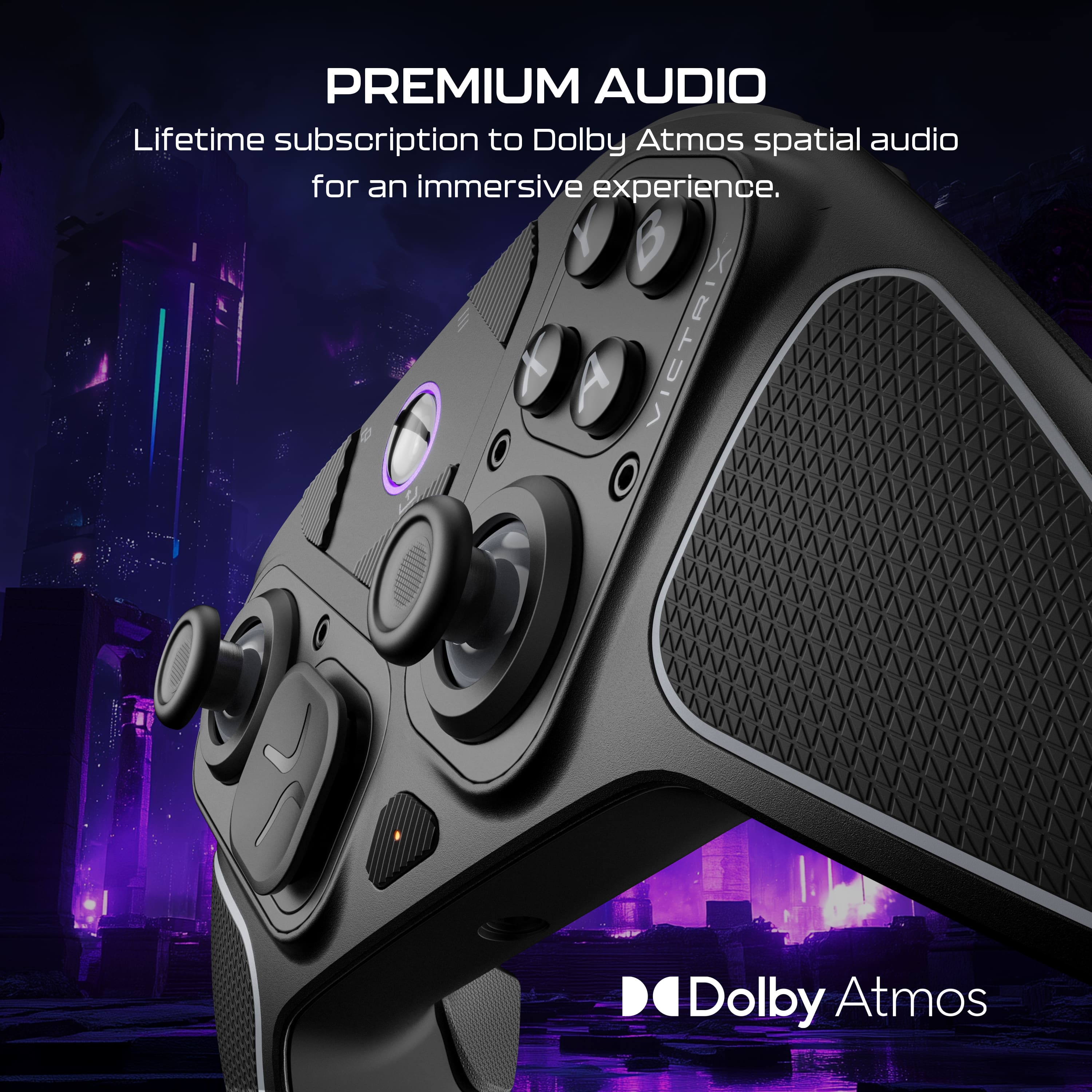
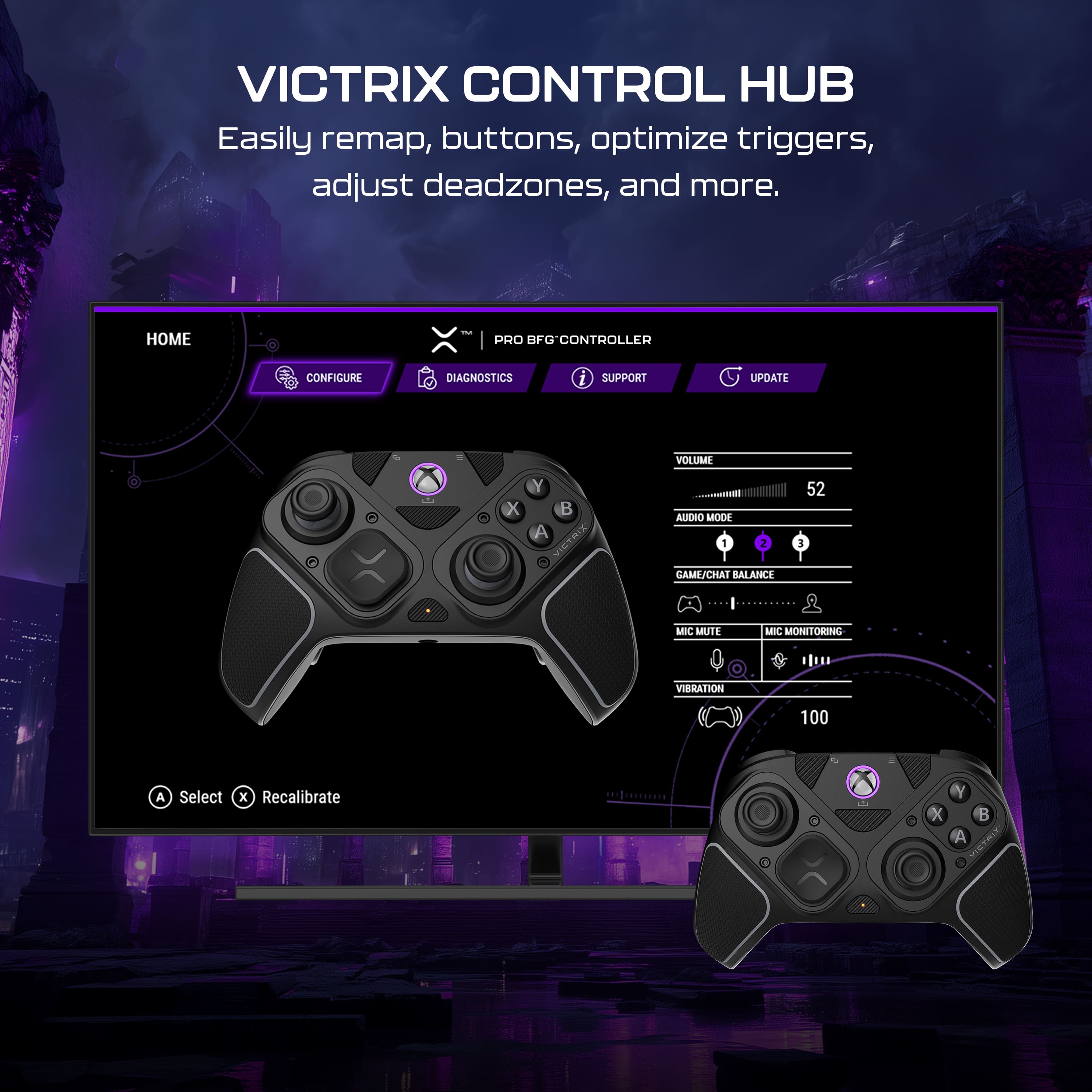
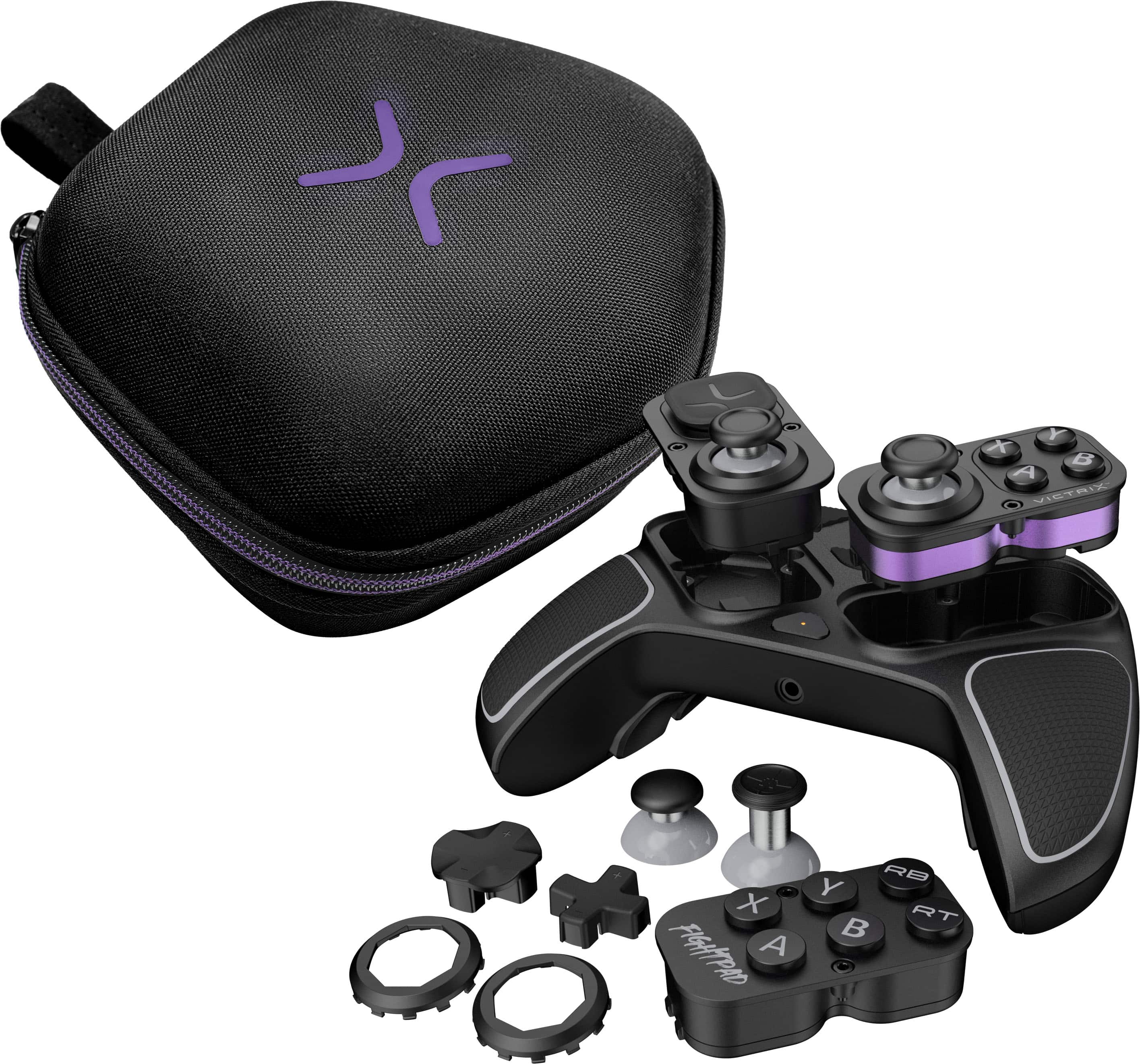
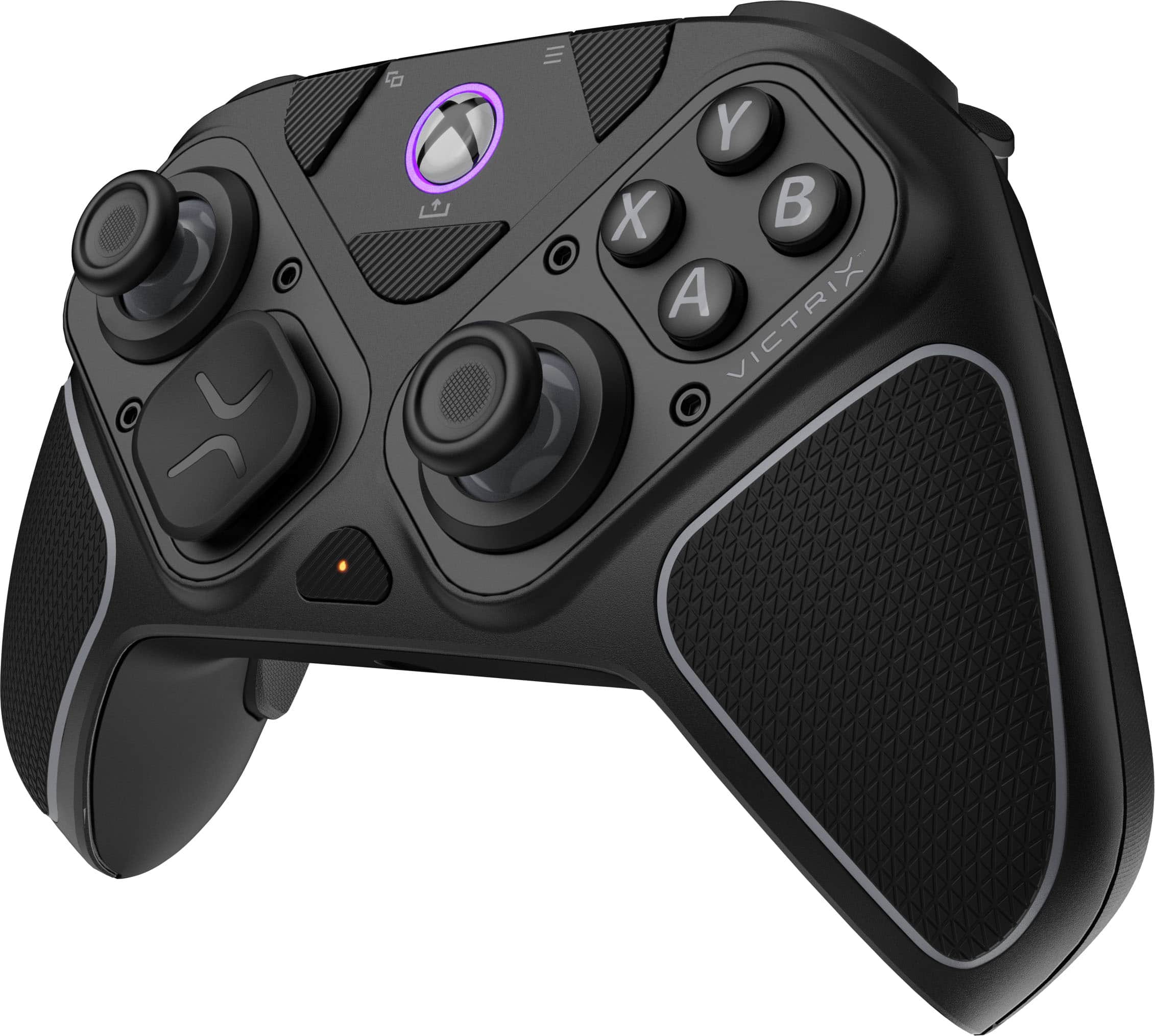
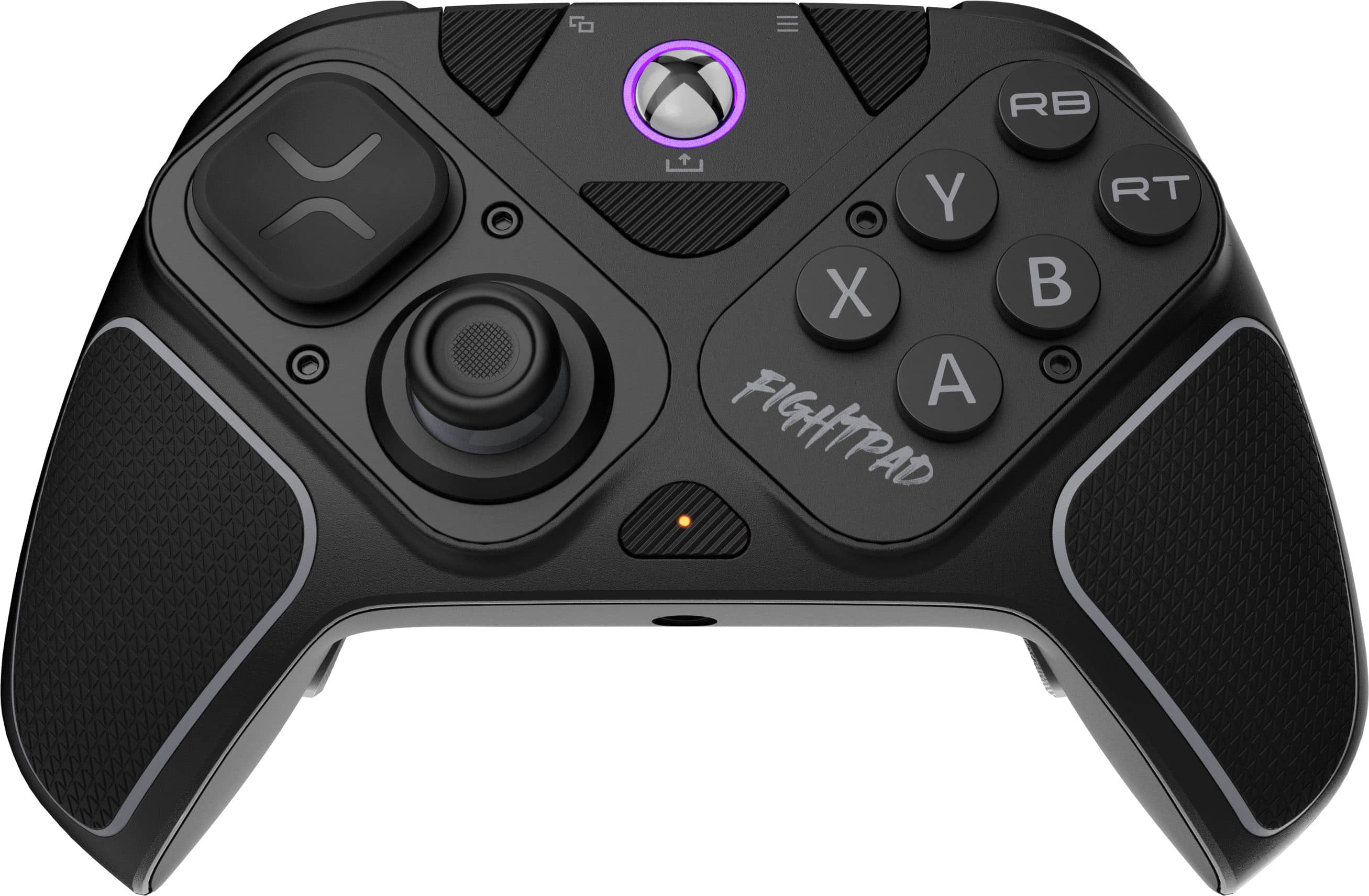
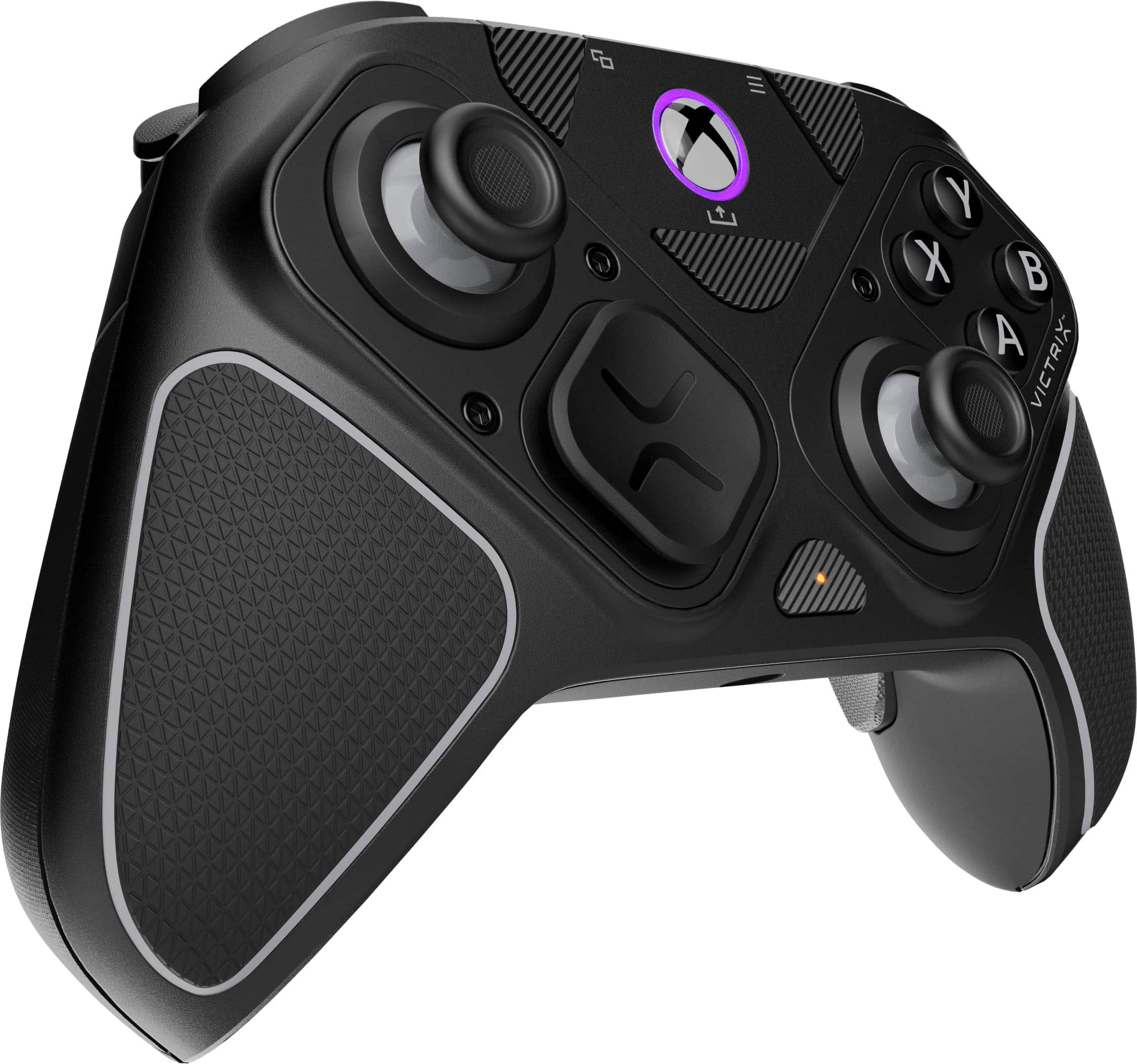
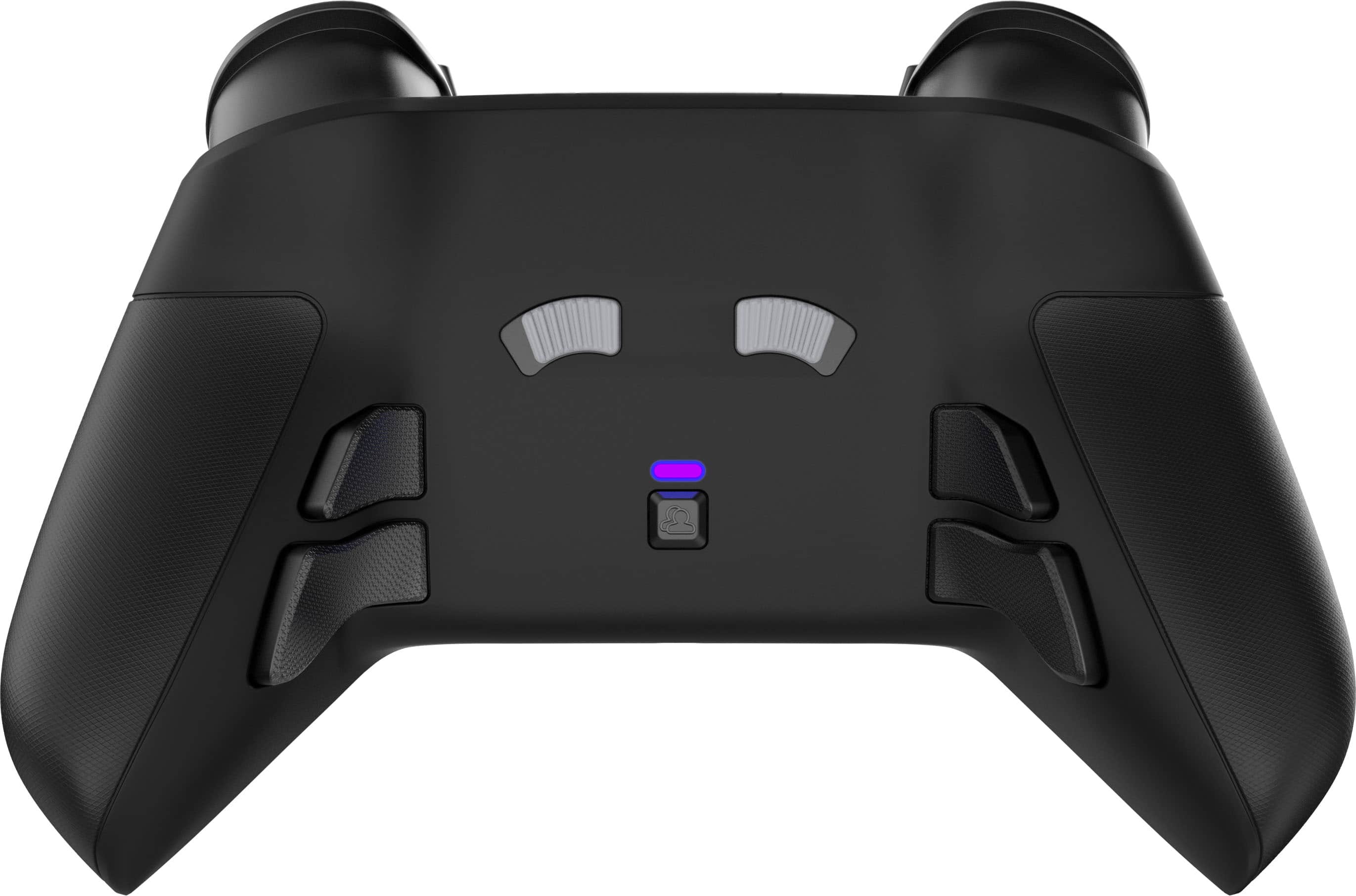
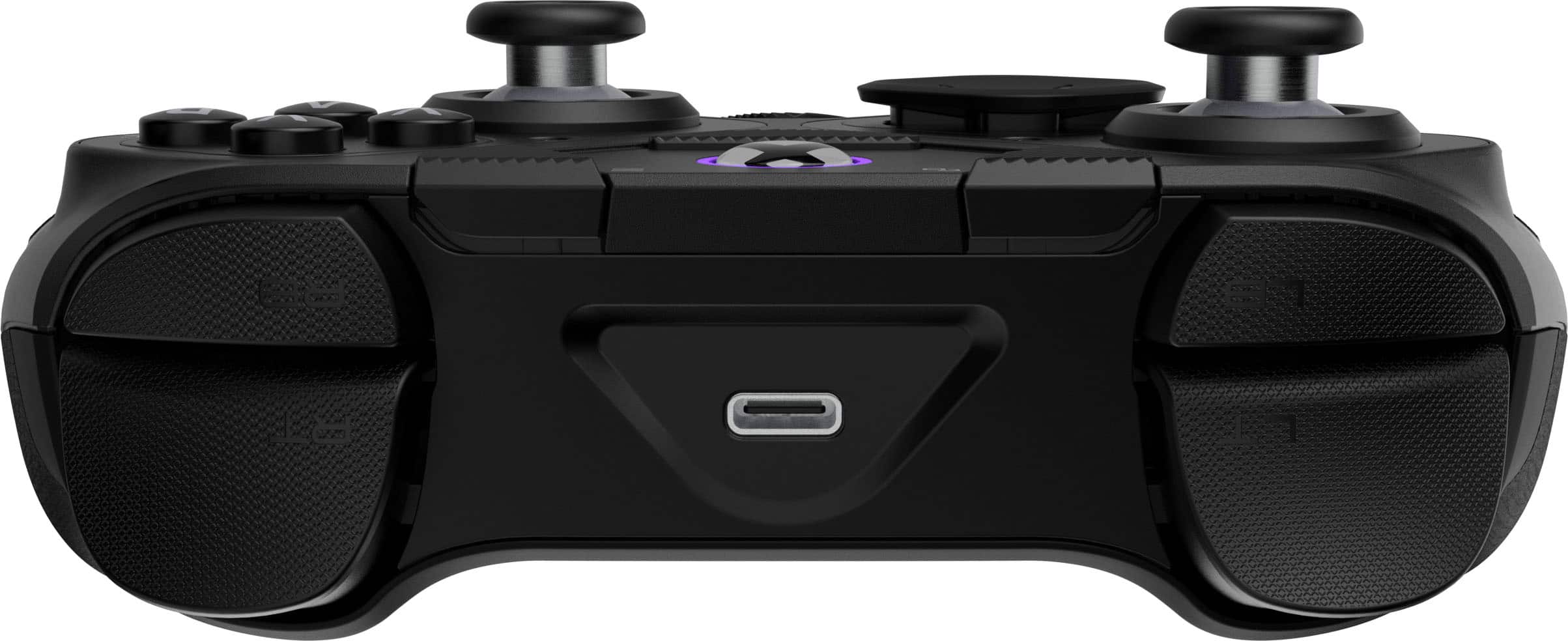
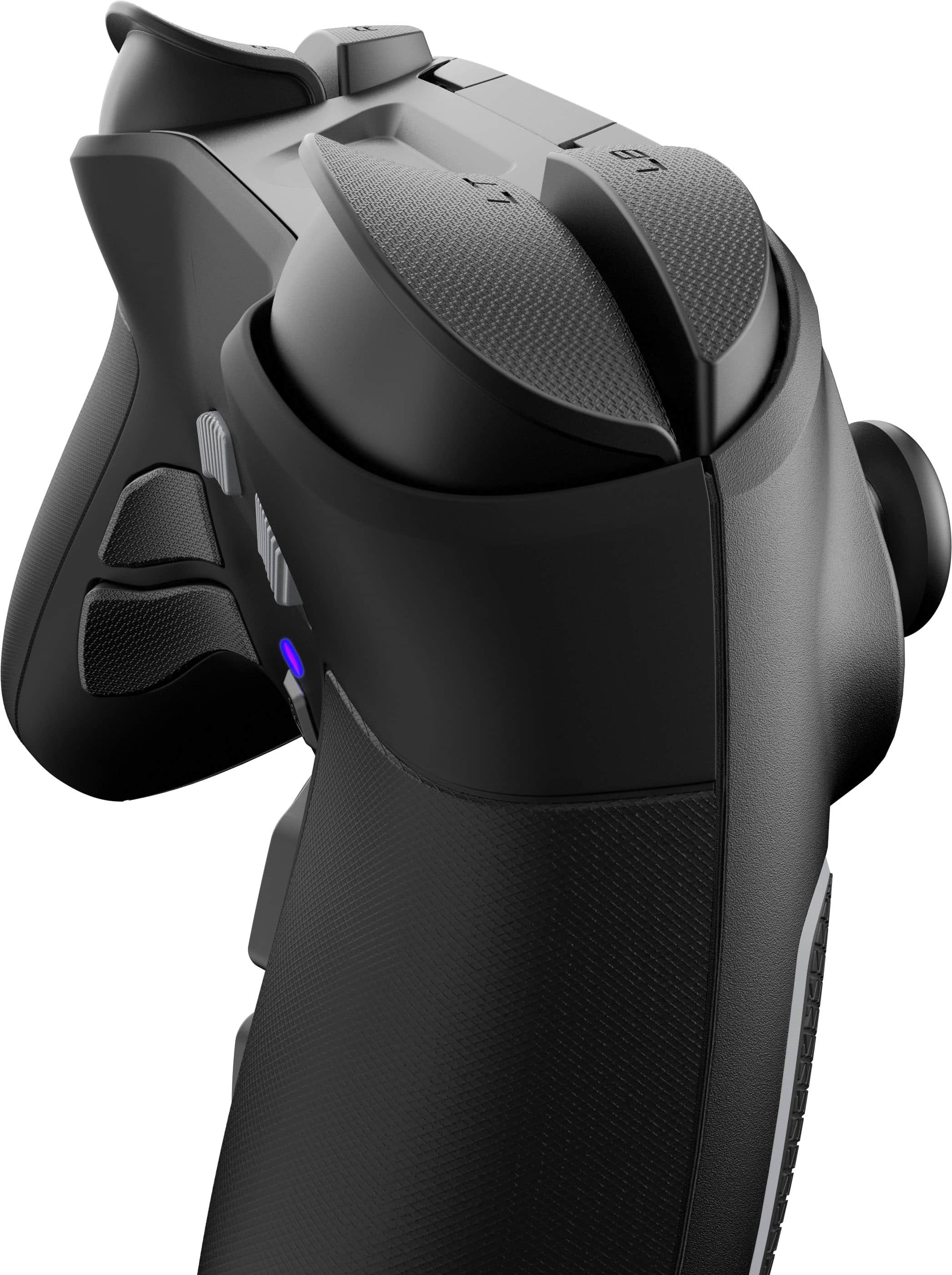
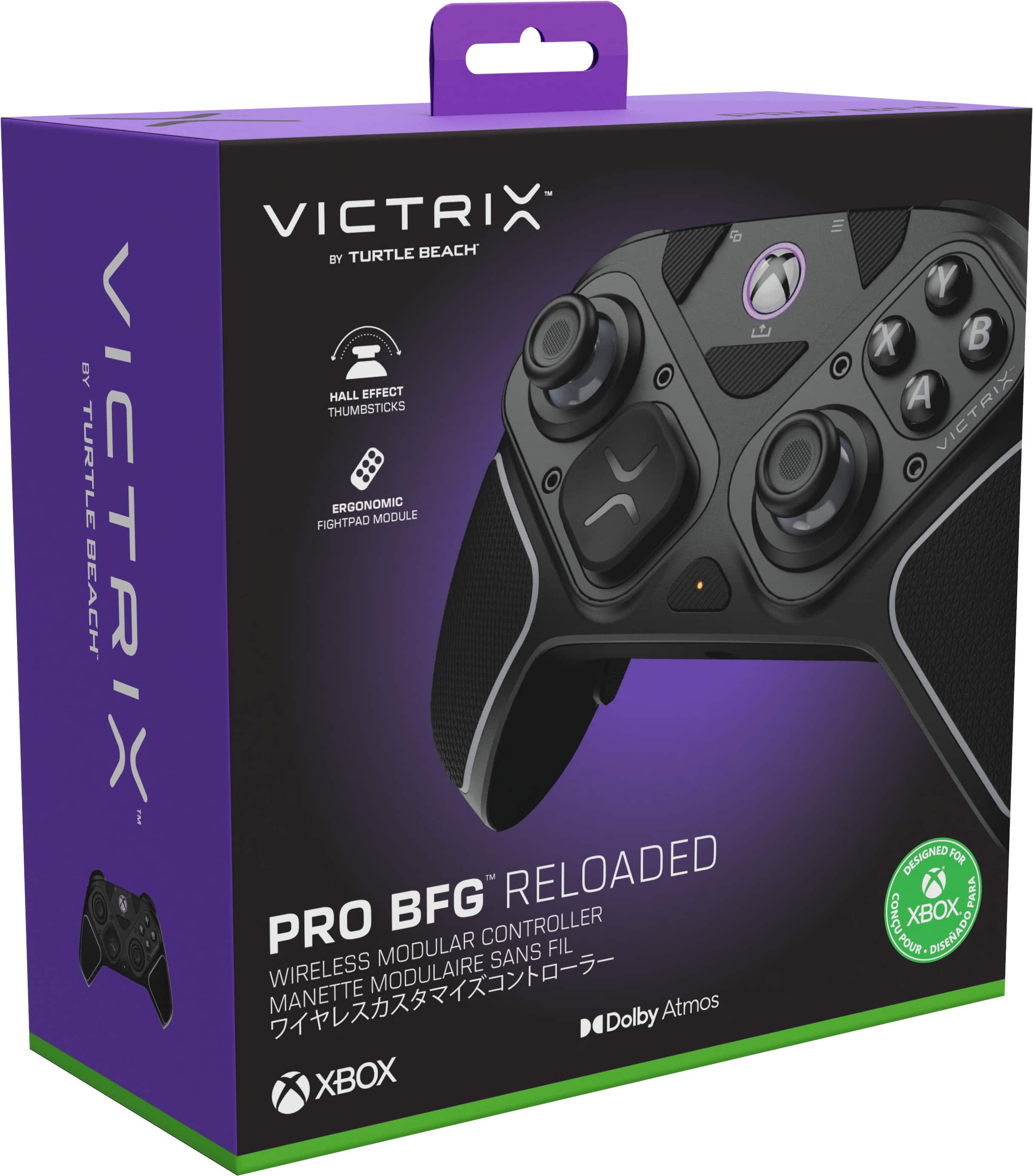
|Posted .This reviewer received promo considerations or sweepstakes entry for writing a review.Review Summary This clever modular controller should tick all the boxes for the diversified gamer which is looking for a versatile controller which excels in both shooter and fighter titles. Shooter gamers will appreciate the built-in paddles, swappable hall-effect thumb sticks, and adjustable distance hall-effect triggers. Fighter gamers will appreciate the flexibility to swap out the controller modules for a “fightpad” specific module which removes a thumbstick and adds clicky buttons. A controller that can be used wired or wireless (with Bluetooth or dongle) is the ultimate all-in-one companion for the gamer on the go that wants to travel light but not compromise on capabilities or titles. Review Overall, I think this controller represents the culmination of a lot of the great features and technologies that have been coming to the industry. Notably this controller has hall-effect thumbsticks and triggers which promise no drifting. If you have owned any controller, you understand the dread and frustration of experiencing this and I’m happy to report that I have experienced any issues thus far, but time will tell. Adaptability is huge for me in terms of modifying the controller to a layout that best suits me. Xbox controllers fit best in my hands and this controller is no exception and comes with the benefit of additional grip which wraps from the front to the back. From a layout perspective I prefer my thumbsticks symmetrical like the Playstation layout. Their module design allows me to accomplish this (and more) depending on the title I am playing. I do wish they would have provide the option to switch the right thumbstick around to be on the outside so I could try that layout or flip-flop the buttons and the d-pad. I think that would be an interesting option for left-handed gamers who might benefit from that and perhaps they will consider that in a future iteration. Also worth mentioning is that they sell full replacement sets of the modules, so if you were to encounter issues, you aren't buying a new controller, simply swapping modules which is a huge step in repairability. Finally, the ability to swap the thumbsticks for taller ones is highly beneficial for me in shooters where the longer lever arm gives me that bit of additional precision. I also like the indexed thumbstick rings which is great for games that have radial menus and mechanics. Moving on to the top and rear of the primary controls – the trigger buttons feel great ergonomically and the mechanism for setting the depth of actuation is pretty clever. I might prefer an indexed lever, but that might be a little clunky. Regardless it’s awesome flexibility to switch between different settings between shooters where you want the immediate actuation and racing titles or RPGs where you might want a gradient across your triggers. Finally, the paddles are built-in and not removable, but of course totally optional to use. I wasn’t sure about them initially, but I found for my average hand size they are in the perfect place for my middle and ringer finger and I’ve significantly decreased the number of unintentional presses when in the heat of battle. Of course it also has the typical menu, share and view buttons as a typical Xbox controller. It also has a multifunction button in the middle which is programmable through the Victrix Control Hub app. Within the app there is a ton more granularity that you can squeeze out of this controller. You’re able to set deadzones (how much you can move a thumbstick or trigger until it starts outputting) and remap buttons. The audio settings for the on-board 3.5mm audio port and then more standard things like the vibration. Overall, the app is a must for the gamer looking to get the most out of their experience when the in-game mapping doesn’t cut it.
I would recommend this to a friendGreat controller
|Posted .This reviewer received promo considerations or sweepstakes entry for writing a review.Decent.... The Turtle Beach Victrix Pro in my opinion is a decent controller. For me it has all the great features youd look for in a controller. From the hall affect sticks to programmable under buttons. Also featuring a cartridge kill pad that swaps out on the right side of the controller. But the shape and texture killed it for me. As an elite 2 user. I felt that the shape under the controller leading into the programable under button was just slightly too thick and lacking a small amount of "dip" or contour where the buttons sit. It also felt just a few ounces too light. When you game for a few hours at a time the controller weight feels like it becomes part of you. I didnt get that feeling with the Vitrix. I really wanted to like this controller. Im a long time Turtle Beach user. But for me the fit and feel killed it for me. The rest of the Controller is amazing, there is zero drift in the sticks. All the buttons are fast and responsive with a good feel. Its comes with different height and shaped sticks. It has interchangeably on the D pad. All around great wireless controller. But the shape and weight being just slightly lighter, Killed it for me. But may be a great option for someone else.
I would recommend this to a friend- Pros mentioned:Build quality
No User Guide
|Posted .This reviewer received promo considerations or sweepstakes entry for writing a review.The reason this is getting such an unsatisfactory review from me is the fact that rather than including an instruction guide of any kind they print up a "handy" QR code to access the user guide. The only problem with that is that the QR code directs you to their sales web site with no such user guide is located. I spent over an hour clicking everything looking for this guide with no such luck. None. This left a bad taste in my mouth. So I have no way to find out how to power this thing up no pairing it with my PC. I have tried pressing various buttons with any power up or imitating blue tooth pairing to begin. There are several add on buttons and a weird screw driver thing in the packaging but I don't know what these things are for so I'm not sure I want to start taking thing apart when I do not even have an instruction guide to show me how or what they do. From a build stand point this controller feels pretty solidly built and the buttons certainly feel good (if I could actually use it). Overall I'd say it feels well built but with no user guide I honest can't say.
No, I would not recommend this to a friendBrand response from Turtle Beach Support
Posted .Hello Mike! We are sorry to hear about the experience you've had with your Turtle Beach Product. Our products are each sold with a manufacturer's warranty, and we have a dedicated Support Team available to provide assistance as needed. Please reach out directly to our dedicated Support Team so they can lend a hand. They’re always happy to help and can be reached right from the support section of the Turtle Beach website. Thank you and have a great day!
