Customer Ratings & Reviews
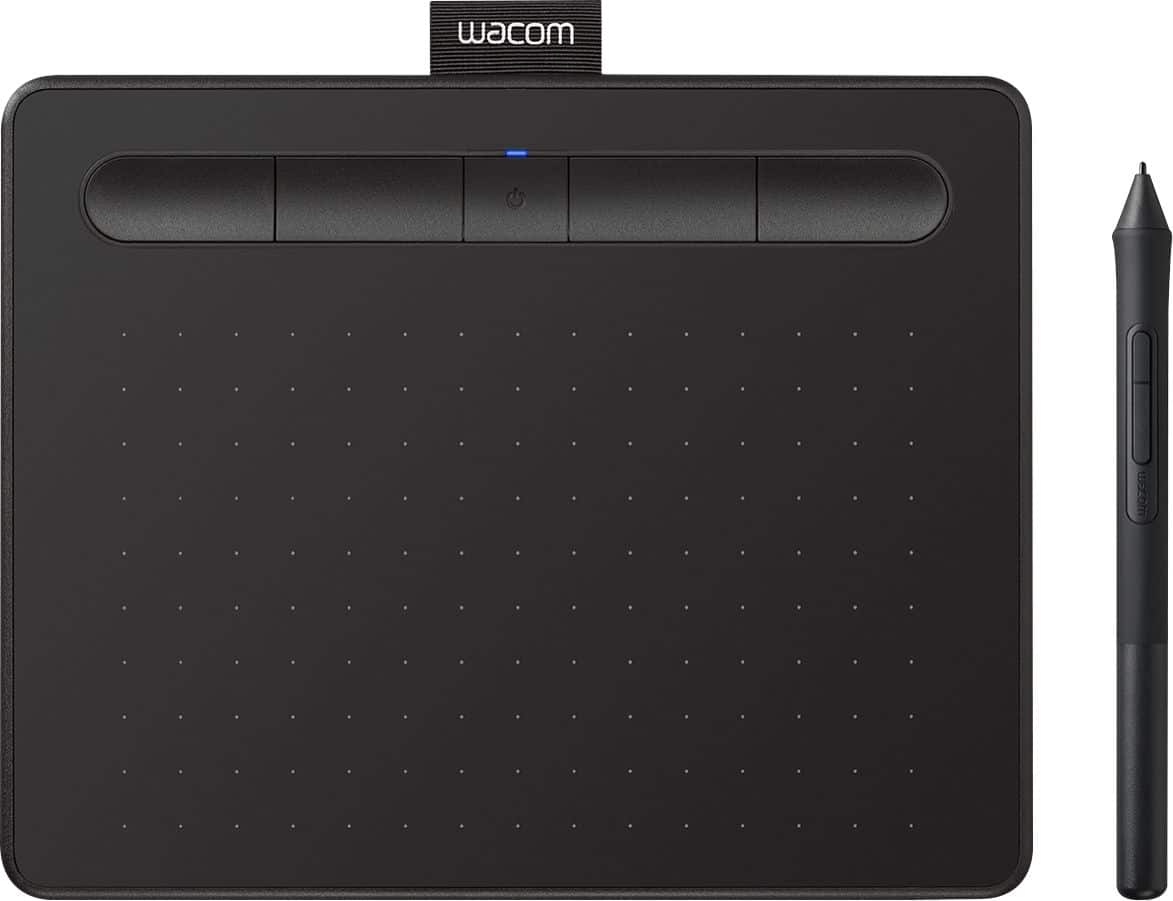
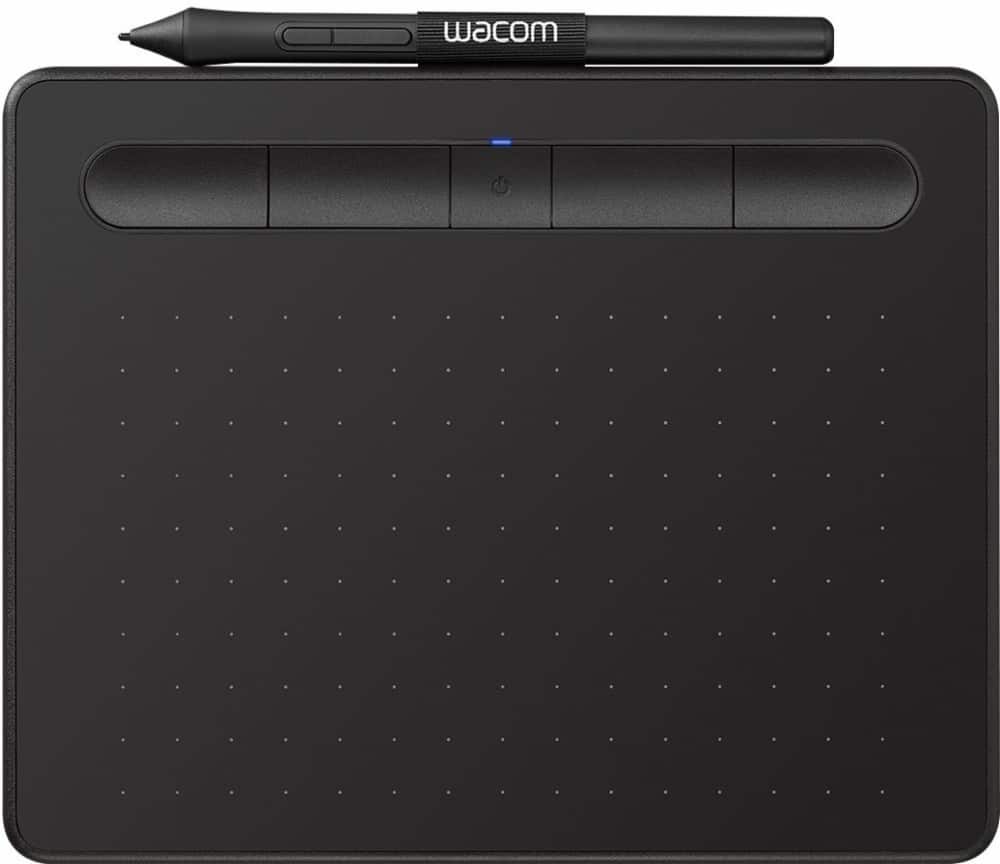

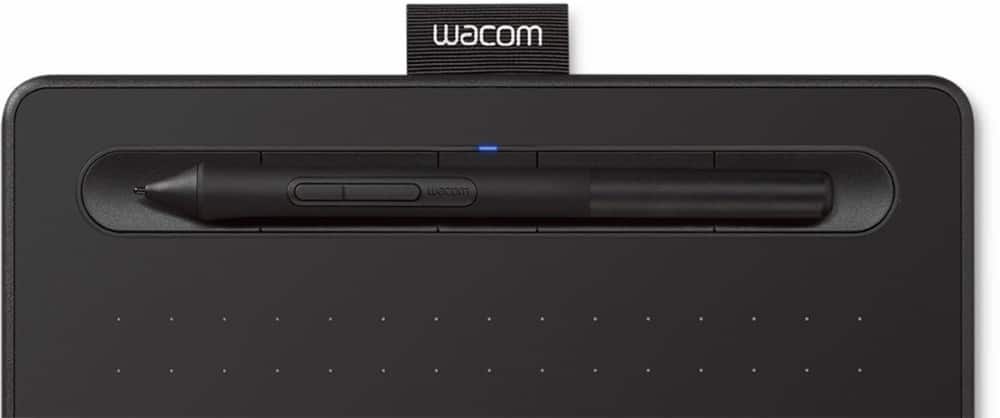
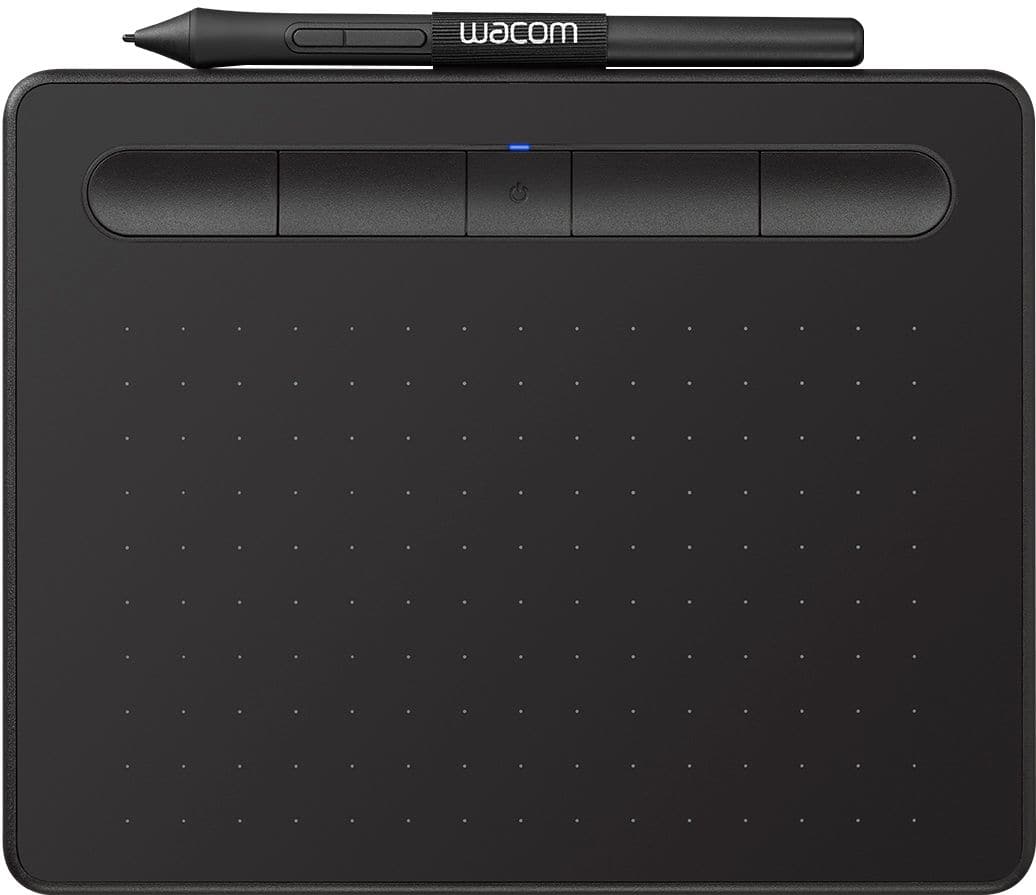



- Model:
- CTL4100WLK0
- SKU:
- 10734042
Rating by feature
- Value
Rating 4.4 out of 5 stars
- Quality
Rating 4.6 out of 5 stars
- Ease of Use
Rating 4.3 out of 5 stars
to a friend
Don’t trust FedEx with your packages
||Posted . Owned for 3 weeks when reviewed.This reviewer received promo considerations or sweepstakes entry for writing a review.I never even got it in the mail FedEx never delivered it
No, I would not recommend this to a friendBooo hisssss booo
||Posted . Owned for 3 weeks when reviewed.This reviewer received promo considerations or sweepstakes entry for writing a review.Wacom is a rip off in years past the cheat variant had touch support now Wacom wants you to spend at least 300 in order to what used to cost 100. This is what a monopoly does.... it hurts everyone but the greedy at the top. May they fail into oblivion
No, I would not recommend this to a friendLasted 4 months
||Posted . Owned for 3 months when reviewed.This reviewer received promo considerations or sweepstakes entry for writing a review.Functionality was great, it was everything I could ask for in an affordable graphic tablet. I purchased it in January 2020, it completely stopped working on April 28th, 2020. I did not buy the protection plan because I work from home and never travel with it. I assumed it would be fine because every other electronic I've ever owned outlasted its protection plan but I guess there's a first for everything. I attempted to uninstall the drivers and reinstall, yet still, it does not turn on. Thanks for a great four months Wacom.
No, I would not recommend this to a friend
A nice addition to my desktop, comes with software
|Posted .This reviewer received promo considerations or sweepstakes entry for writing a review.First, do update the driver for both the device and the pen for windows 10, if you are facing Mouse hangs. I was facing such issues and after upgrading to the latest version, its all good now. For Pen, you need to plug it in with the supplied cable. Side Note: Till the pen is on the tablet, it will not let you use the mouse as an input device, so once done, simply place it away. Build quality is good, response is fine, I liked the extra buttons, which are by default given to prefix keeys (like shift, alt, ctrl), I do not need to go to mouse or keyboard for such basic stuff. Unlike other reviewer registration was breeze for me and I got two software as mentioned. Do note that the Clip's comics software is basically a Two year subscription. I used the tablet on a couple of application and I found the response very good, pressure worked well as well. I majorly tested it with notes, with a couple of rough sketches. Testing on a couple of apps, I felt the device worked well, or as well as the touch screen laptops I have used. Connection worked nicely with Bluetooth and with Cable, the surface though could have been a smoother. I doubt the supplied pin will last longer, which is a con on otherwise well thought device. That aside, its very lightweight and the compact size made it easy to carry. I noticed some issues while hovering the pen (which should act as a mouse), but nothing serious which can not be fixed with a software update. It could have been perfect if the surface wont regress so much.
I would recommend this to a friendNot what I needed.
||Posted . Owned for 1 month when reviewed.This reviewer received promo considerations or sweepstakes entry for writing a review.Didn't help me with my writing needs. It was just an extra. Better writing with a tablet and writing on it directly.
No, I would not recommend this to a friendLess use. Not worth
||Posted . Owned for 1 month when reviewed.This reviewer received promo considerations or sweepstakes entry for writing a review.Its not too comfortable.. i just kept it but never use it
No, I would not recommend this to a friendIt works great!
||Posted .This reviewer received promo considerations or sweepstakes entry for writing a review.So I was hoping to be able to get a pad that I could directly draw on, but this is a good second option. It does everything it says it does
I would recommend this to a friendGreat value and easy to use
||Posted .This reviewer received promo considerations or sweepstakes entry for writing a review.Bought this as a gift for my son in college (at his request). He is a math minor and wanted it not only for himself, but for tutoring.
I would recommend this to a friendReally
||Posted . Owned for 1 month when reviewed.This reviewer received promo considerations or sweepstakes entry for writing a review.I'm not to stocked about this should have just bought the software instead
No, I would not recommend this to a friendDrawing feeling
||Posted . Owned for 3 weeks when reviewed.This reviewer received promo considerations or sweepstakes entry for writing a review.Sensor didn’t work well.some drawing can’t show what I want
No, I would not recommend this to a friendCool
||Posted .This reviewer received promo considerations or sweepstakes entry for writing a review.Works great with the computer, but bought it to link to my daughters phone and it won’t connect. Still a good buy.
I would recommend this to a friendComfortable to Work With
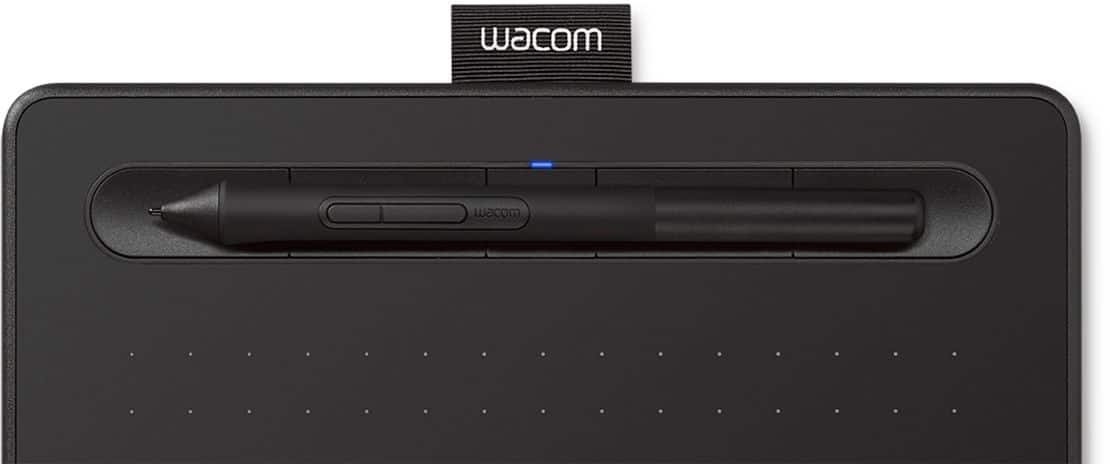
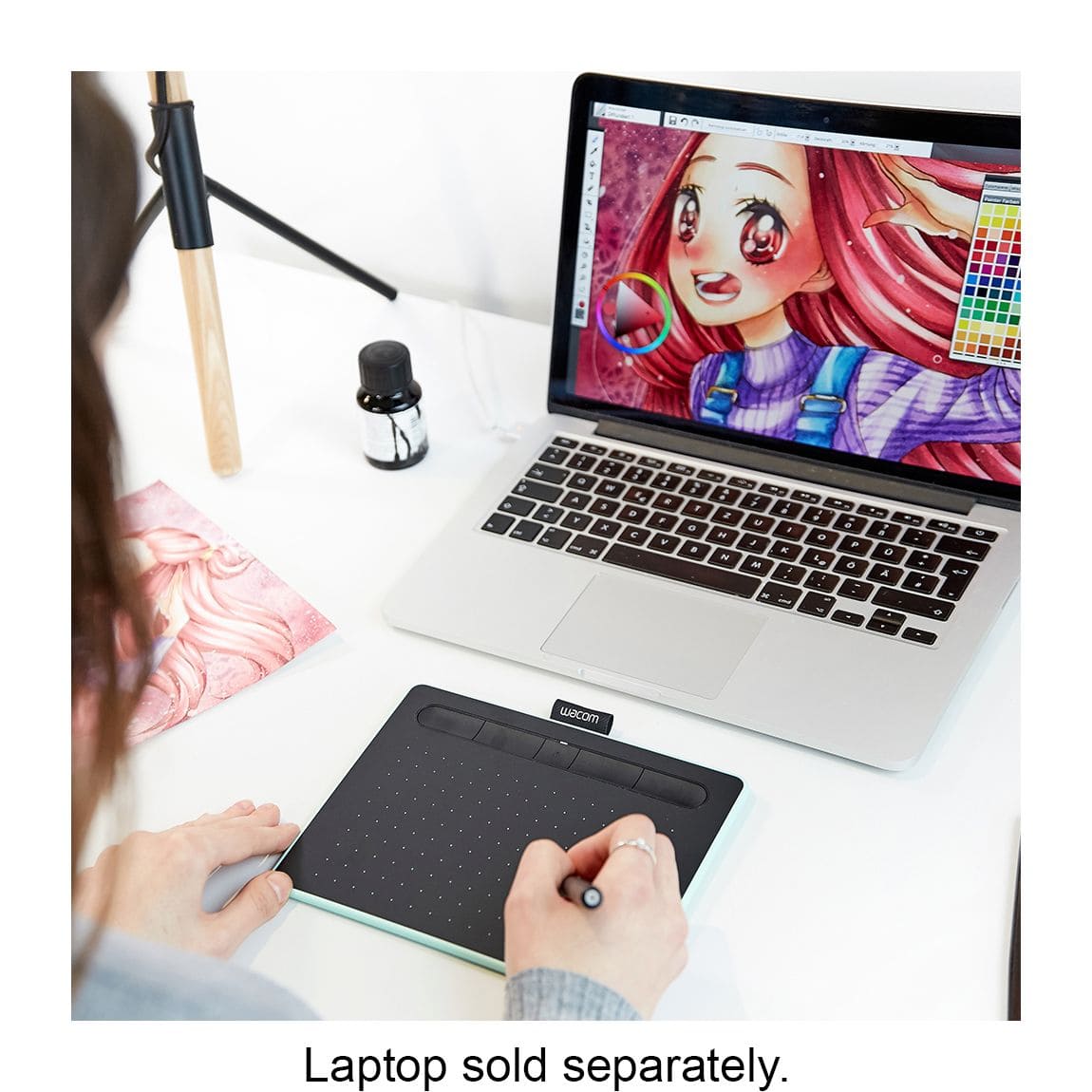
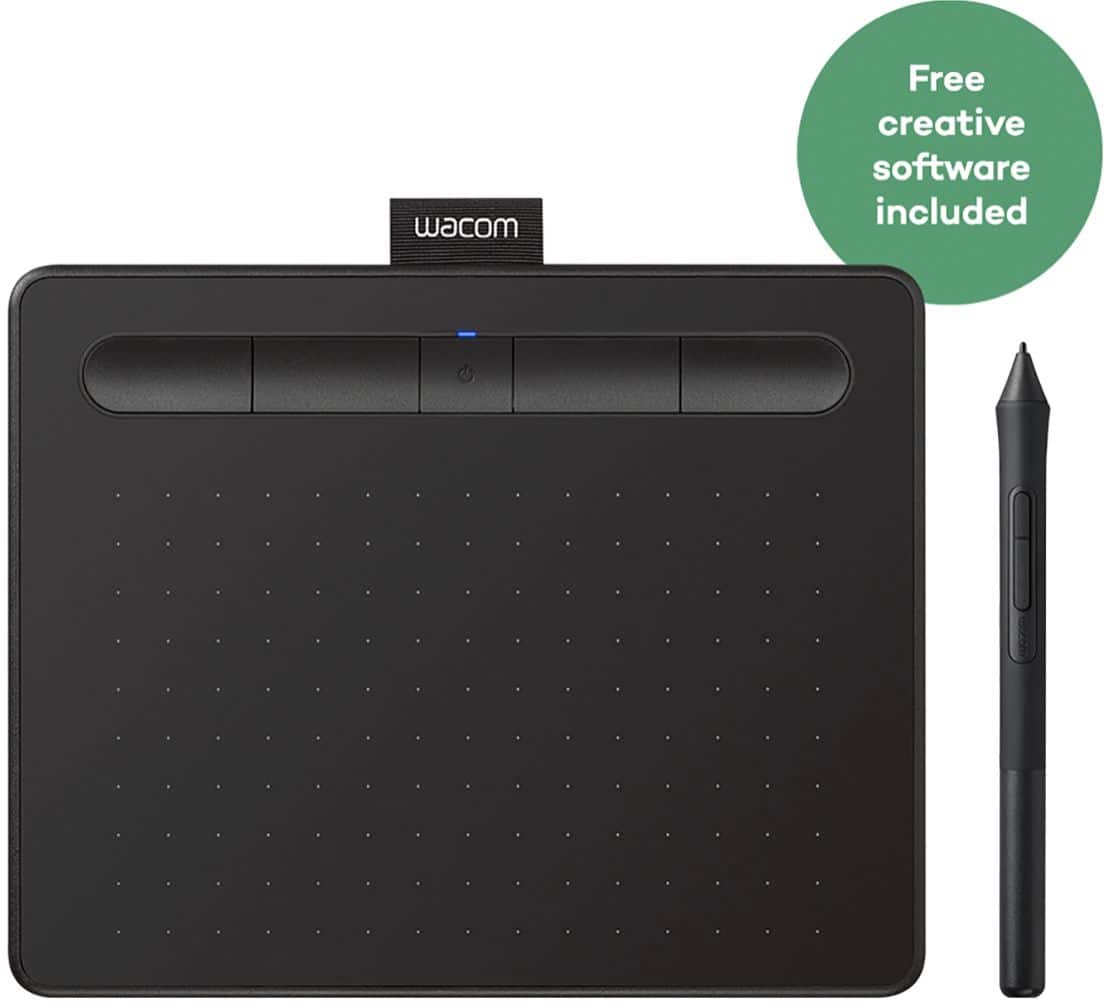
|Posted .This reviewer received promo considerations or sweepstakes entry for writing a review.I've had many drawing tablets over the years from a large 12x12 inch Sumagraphics tablet to a small 4x5 inch tablet. The one thing I never liked about those was the wire connecting the tablet to the computer. This Wacom-Intuos tablet connects to the computer using Bluetooth so goodbye wire. It's got a nice smooth feel to it so it's comfortable to hold, lean back in my chair and edit my photographs with it and not be tethered to my computer. The software has a lot of options for setting the speed, touch, workspace area, etc. There is an option to use the tablet as a mouse or as a tablet whichever you feel comfortable with. You can set the entire pad to draw with or just a portion. The tablet has a power switch and 4 configurable buttons that can be set to do whatever you need such as run a program, set clicks or keystrokes, use it for navigation like zooming, etc. The pen is comfortable in the hand, has 2 configurable buttons for things like a right click or scroll and the tip is of course used as a left click for drawing. The pen unscrews to reveal 3 additional tips should you wear out the tip. There is a cloth band at the top of the tablet to hold the pen when you are not using it. The tablet comes with your choice of 2 out of three free applications: Corel AfterShot 3, Painter Essentials 6 or Clip Studio Paint Pro. All in all a nice little tablet which is so much easier to draw with than using a bar of soap, I mean a mouse.
I would recommend this to a friendHeartbreak
||Posted . Owned for 2 months when reviewed.This reviewer received promo considerations or sweepstakes entry for writing a review.Caused a heartbreak... can’t suggest for anyone in a relationship this will end it
No, I would not recommend this to a friendCool Product with a steep learning curve
|Posted .This reviewer received promo considerations or sweepstakes entry for writing a review.This is my first foray into a drawing tablet device, and--except for a hiccup here and there--I have to say it's pretty cool. The device itself is pretty thin, lightweight and almost feels a little too flimsy for me. My kids think it's neat as can be, but I'm afraid to let them handle it too much as I simply don't know how durable it is. The pen itself is also very lightweight--my biggest fear with it isn't breaking, so much as getting misplaced. I could see needing a separate case for a device like this simply to keep everything together in one place most of the time. Hooking it up was fairly simple, though I did have to use a microUSB to USB adapter for my thin laptop. My computer recognized the device, but a trip to the website was a necessity to get the proper drivers and to run the automatic registration for the free software. There were some hiccups here as it seemed to have some difficulty with the automatic registration--I got it to work in the Edge browser, but had no luck with Chrome. Then, oddly enough, the software downloads "hung" at 99% in Edge but worked fine in Chrome. Weird, and took a little time to figure out (which made set up take a good 20 minutes or so when it seemed like it should have been much faster). From there my usual attempts with new gadgets (manuals? pshaw!) was not very successful with this device. It's not super-intuitive,and I spent my first hour with it watching videos, reading the manual (GASP) and trying to just figure out how to make it operate. It felt kind of like trying to learn cursive when I was a wee lad--and looked about the same on my screen haha. I tried the comic and painting programs. They are pretty cool and have a lot of neat stuff built in (my favorite was the one in the paint program that can turn your pictures into stylized paintings), but learning how to use the tablet and pen with the programs took a lot of research, video watching, and trial and error. So far it's going well though, and I do have to say it's a really neat and fun device. My son is already better with it than I am, but I do like taking it out to play around and get creative with it. I'm looking forward to trying some of the extensive free compatible software that's out there as well. I was an "artsy" type in my younger years, and this is firing me up to try some new things! I think it will take me a considerable amount of time to get any good with it, but so far it's been enjoyable getting to that point. The battery has lasted a long time so far. It also has built in bluetooth so fortunately it doesn't have to be wired to your computer whenever you want to use it--that's a great feature. I would have liked a wire option for the pen, if nothing else other than a wire to just make sure the pen doesn't wander too far from the tablet. I've only had it a short time so far, but if you're in the market for a device like this--especially if you want your kids to have creative screen-time rather than mind-numbing screen-time this is a highly recommended purchase. You should probably supervise just to make sure they aren't bending it (which seems rather easy) or throwing the pen down somewhere that you'll never see it again...
I would recommend this to a friendWaste of money
||Posted . Owned for 10 months when reviewed.This reviewer received promo considerations or sweepstakes entry for writing a review.Impossible to coordinate. The movements are shaky and don't line up.
No, I would not recommend this to a friendIt's going BACK!
||Posted . Owned for less than 1 week when reviewed.This reviewer received promo considerations or sweepstakes entry for writing a review.NOT HAPPY AT ALL! The 'free' software included is trial versions of everything! Need customer support well too bad there isn't any.
No, I would not recommend this to a friendNot satisfied
||Posted .This reviewer received promo considerations or sweepstakes entry for writing a review.Order arrived late; it is not plug and play. It requires admin authorization just to use start up instructions. Since it arrived late I have to wait for that authorization. In frustration I decided it’s not worthwhile to have this item.
No, I would not recommend this to a friendGreat product with quick response from support
|Posted .This reviewer received promo considerations or sweepstakes entry for writing a review.I am able to use Photoshop that I had on my computer to work with this tablet. The pen is very responsive and works as if I am actually drawing with it. I like that you do not need batteries for the pen also. For a beginner, like myself, there is quite a learning curve with controlling the pen. Once I get the free software that came with it and learn to control the pen, I will be drawing better than I could EVER do with my mouse. Love that the pen easily slides into a place at the top so that I never have to look for it or possibly lose it. The small size makes it ideal for those of us on the go. I can just slide it into my laptop bag for portability. I was not able to register the product. Because of this I have not been able to download the free software that comes with it. I contacted support about this issue and got a quick response within 24 hours and they are working on the problem for me.
I would recommend this to a friendIntous drawing tablet
||Posted .This reviewer received promo considerations or sweepstakes entry for writing a review.Great drawing tablet. So far happy with this product.
I would recommend this to a friendNot your Best Buy.
||Posted . Owned for 1 month when reviewed.This reviewer received promo considerations or sweepstakes entry for writing a review.I’m not impressed. Straight out of the box it never performed as expected.
No, I would not recommend this to a friend