Customer Ratings & Reviews
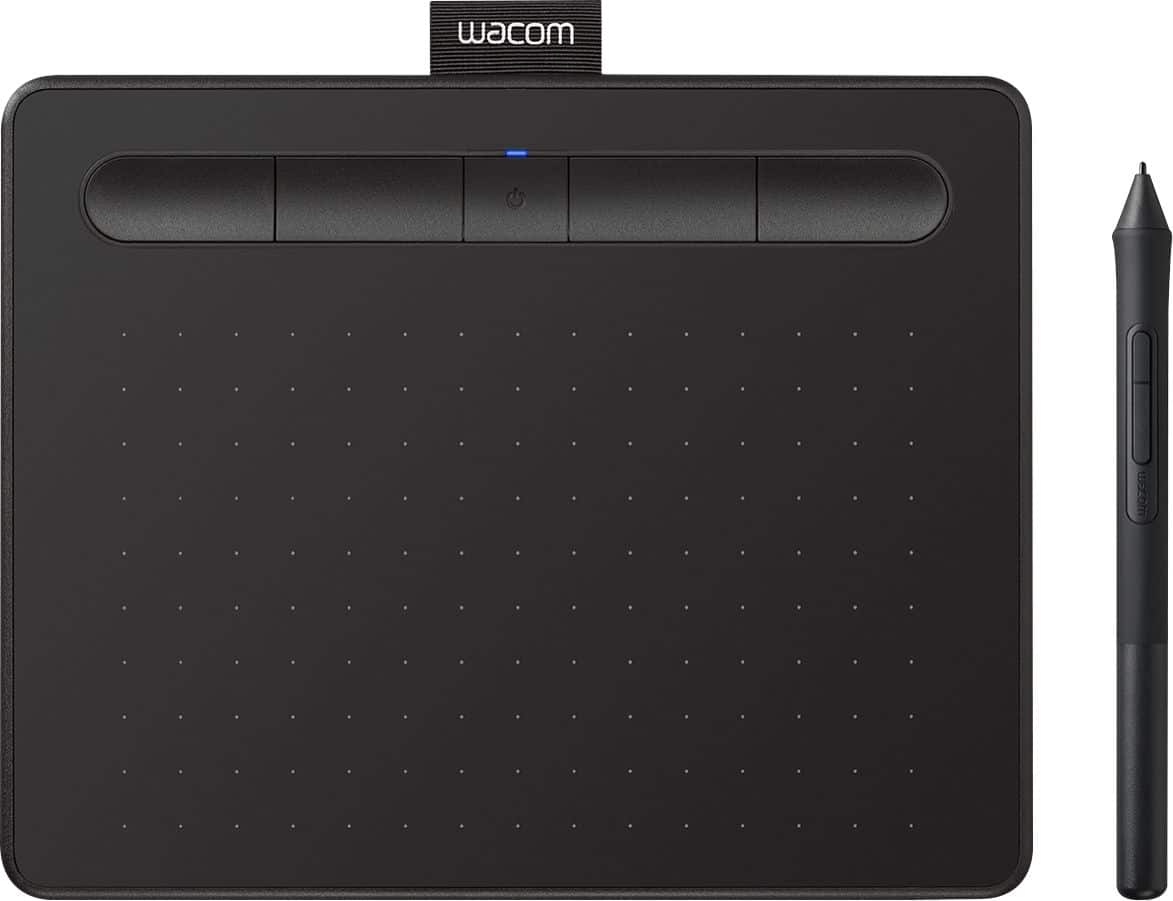
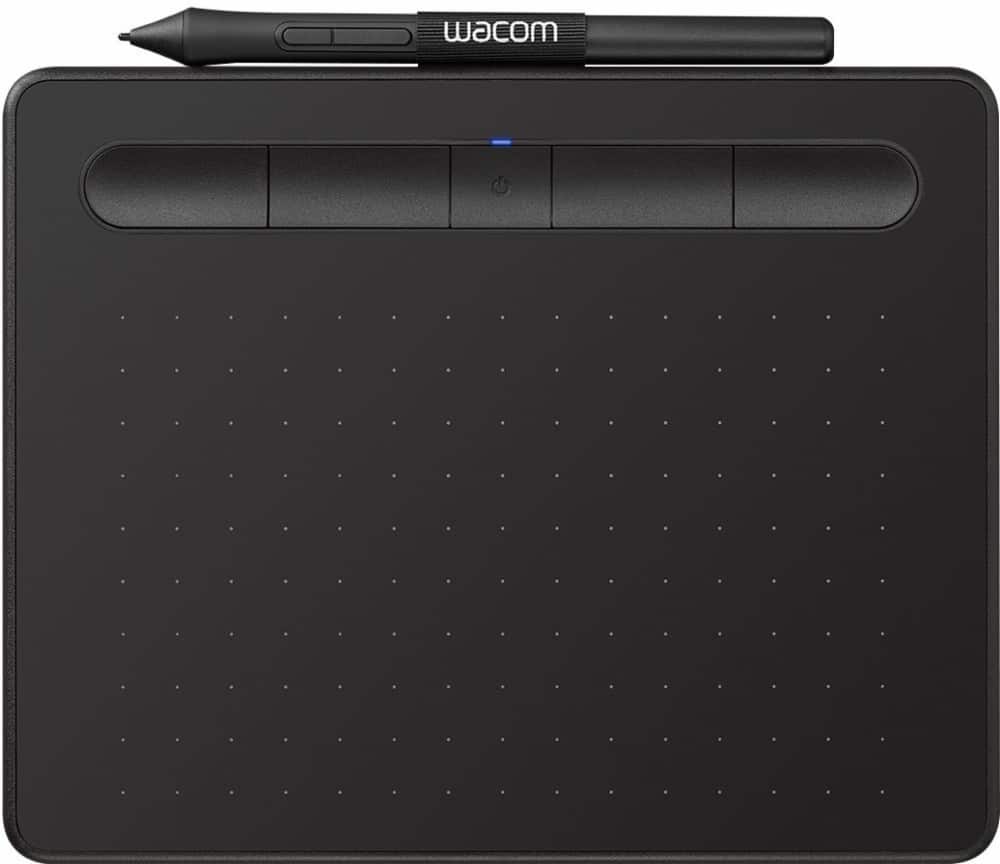

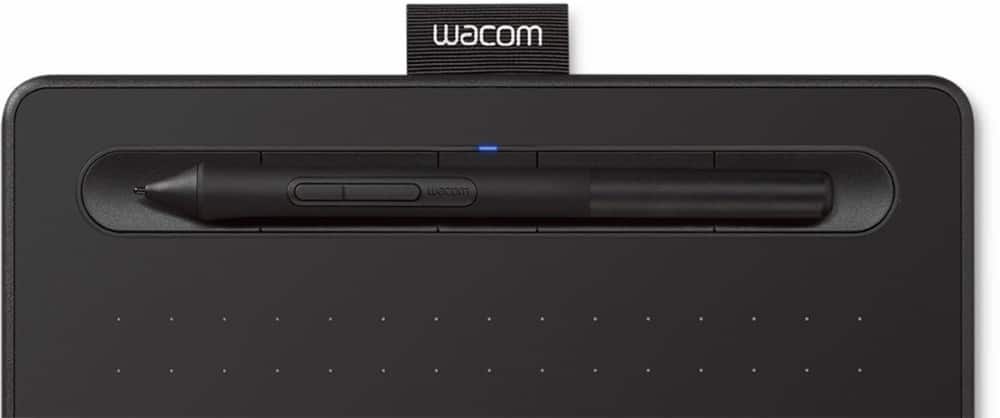
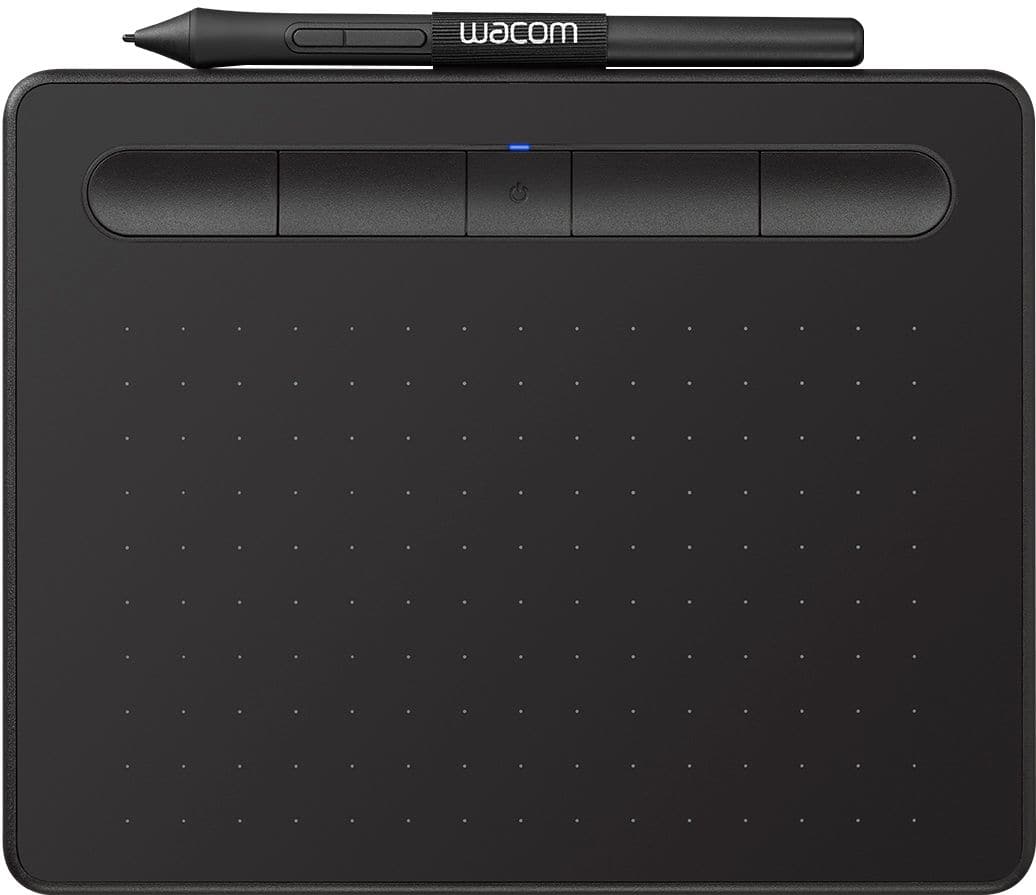



- Model:
- CTL4100WLK0
- SKU:
- 10734042
Rating by feature
- Value
Rating 4.4 out of 5 stars
- Quality
Rating 4.6 out of 5 stars
- Ease of Use
Rating 4.3 out of 5 stars
to a friend

Nice portable drawing/editing tablet
|Posted .This reviewer received promo considerations or sweepstakes entry for writing a review.Setup was very easy on my Windows 10 PC. However, registering the tablet on the Wacom site and getting the included software was kind of an ordeal. The setup program would send me to register, but it just opened the web page where you have to enter the model number. Each time I entered that, I got a message that said "this model can't be registered manually, use the setup program." In the process of trying different browsers, etc. it eventually registered somehow. I still don't know exactly what made it work, finally. Once that was out of the way, though, using the tablet was great. My wife was a graphic designer and still does some freelance work occasionally. While there's a little learning curve to get used to it, it's well worth it because it's much easier than trying to use the mouse for the same activities, especially for a left-handed person. The more frequent use now days for us is editing photos. I can already tell using the pen will make a huge difference in how we do that. Not only can we now get very fine control when tracing around an object, but with the pen it's way faster to do. The only potential negative I can see with this tablet is the pen nib seems like it'll wear down pretty quickly. They do give you three spare ones in the back of the pen, though, so that helps. Just in the week that we've been using it, there is already noticeable wear on the nib (although it's still fine to use). I think if you do any kind of serious photo editing or art work, a tablet like this is a must have. Wacom has been a great brand over the years, and this tablet appears to be another winner in their product line.
I would recommend this to a friendGreat little pad for big artistic aspirations
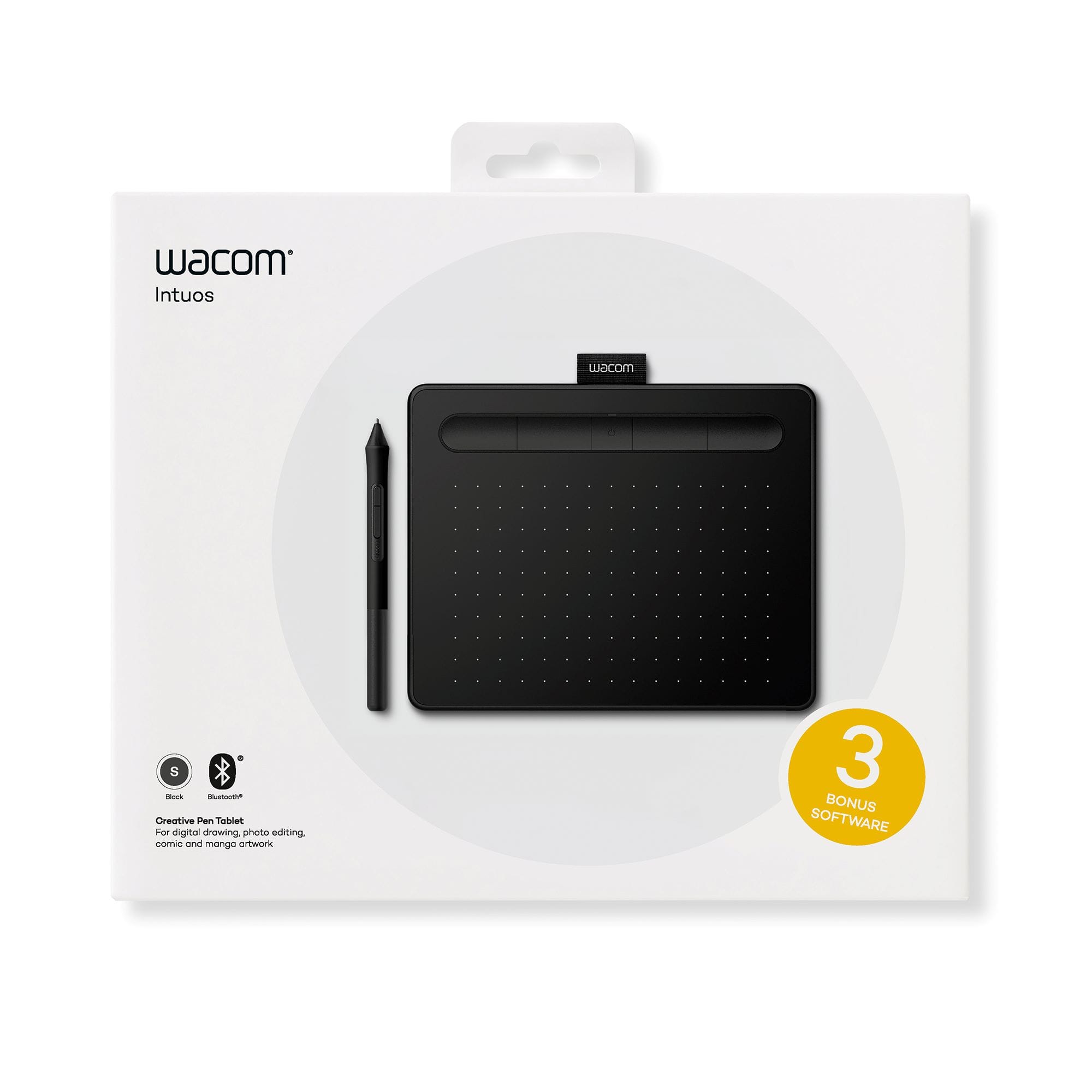
|Posted .This reviewer received promo considerations or sweepstakes entry for writing a review.I was given a unit in exchange for an unbiased review. The Wacom Intuos Bluetooth pad is a simple yet creative accessory for Mac or PC. Overall, setup is straightforward with a more-than-capable battery-less pen and compatibility with an array of software. When this unit became available, I was really looking more towards my kids -- specifically my daughter -- to check out and expand their artistic abilities. The Intuos pad did not disappoint. In fact, when we first got the packaging, my daughter asked if it was an Apple product (the box was white-based with graphics) -- it's not, but that's not to say the quality isn't there. In fact, for its size, the pad itself is pretty sturdy and has the texture of paper when the electronic pen is run across it. Installation was simple. I plugged the pad into my daughter's laptop with the included USB cable. I then went to the site as specified on the included instruction card. From there, I downloaded the PC version of the driver software (which is really a "dashboard" for the pad). Then, I pressed the power button on the pad to turn on Bluetooth. In Windows, I simply went under Bluetooth settings and asked Windows to search for Bluetooth devices; the pad was found and paired in seconds. In our case, we decided to not go after the software that's included free, and instead went after what I believe is a beefier open-source package that my daughter now really loves. If you do a Google search using "wacom intuos software," you'll find a complete listing of packages that are compatible. We really like the included pen. Not only does it store additional "pen tips," but it doesn't require a battery to operate. While it's not quite as poised as Apple's "pencil," it's well more than adequate for this pad; my daughter absolutely enjoys it, so that's enough for me. If you or your loved ones are artistically-inclined, a pad like the Wacom Intuos Bluetooth pad will definitely move them forward either in a hobby or future career in digital art.
I would recommend this to a friendAwesome product!
Posted .This reviewer received promo considerations or sweepstakes entry for writing a review.I highly recommended this tablet! Super easy set up and easy to use! The Bluetooth feature is really nice because I only have 2 USB ports on my computer, which my microphone and mouse are always hooked up to. I thought it was going to be hard to get use to not looking down at where you’re drawling but I got use to it very fast!
I would recommend this to a friendCompact, Mobile and intuitive
|Posted .This reviewer received promo considerations or sweepstakes entry for writing a review.This little tablet is perfect for on the go editing and people interested in digital arts. The size might feel a little small depending on what you're used to using but once you use it for a while, you get used to its size. I loaded the drivers up and was rolling in no time. The bluetooth option is perfect for those that don't want or can't use the cord between their computer and tablet. After using the tablet on and off for a month I've come to really like this little tablet. I'm just a beginner and I'm using it to edit some photos that I've taken. It's taking a little bit of learning moving from a mouse to this tablet, but I've slowly figured it out. The only con I can say is the nibs seem to grind down a little more quickly than I expected. I would guess if you use this on a regular basis, you'd be better off buying a surplus of the nib tip replacements, they're not that expensive and worth it to have more on hand. If you're a beginner like me, interested in learning more about digital arts (it's really fun to doodle on) or just want a compact mobile tablet, you should check out this Wacom Intuos and see if it works for you.
I would recommend this to a friendTablet for OSU!
Posted .This reviewer received promo considerations or sweepstakes entry for writing a review.I've had this bad boy for a a little over a year and I primarily use it for OSU! and it works flawlessly. I've clocked in over a 9 days in game while using this and only went through about 2 nibs. the software it comes with is great at adjusting the tablet size and keeping the drivers up to date. I also used the free trial for the paint application and had a blast with it so ended up caving and paying the one time payment of i think like $50. As a basic drawing skilled person as myself i say that part of it was fine for me and my skill. I would recommend this product as a decent mid priced tablet. When i was looking for a tablet to play OSU! I didn't hear much about this tablet but id say if you haven't played with a tablet this will work fine.
I would recommend this to a friendclassic wacom quality
Posted .This reviewer received promo considerations or sweepstakes entry for writing a review.I have used wacom tablets for years and they never disappoint. I do find the button on the stylus to be a little plasticy and not as responsive as I am used to but for the price it is just fine. I would not expect a 400 dollar quality from a 50 dollar set up, and for its price it is superb. The sensitivity of the tip top notch and the size is perfect for my limited work space.
I would recommend this to a friendWorks good
Posted .This reviewer received promo considerations or sweepstakes entry for writing a review.Quality device. Easy to use, easy to set up, easy to change to how you want to use it.
I would recommend this to a friendGood Tablet for Newbies!!
|Posted .This reviewer received promo considerations or sweepstakes entry for writing a review.I selected this tablet because of my interest in “how it works” along with unleashing my creativity to sketch and draw. Also, I wanted to see how it would work for taking notes in the classroom and posting of lectures on Blackboard. First off, installation left a lot to be desired, as what was supposed to be 3 easy steps turned into immense consumed time. I set up from a URL address, then restarted my computer. Thereafter, I had to go and register the product before the free software, which wasn’t that good could be given. Also, updates had to take place, which was a little frustrating and that’s being nice! Moreover, the costs associated with some of the recommended software is really expensive! I can only justify that kind of pricing if someone does professional sketching for a living. Usage of the pen was ok, as I discovered that note taking integrates well with Microsoft’s One Note. I plan to post classroom lecture notes to Blackboard. I will confess, using the pen takes some getting used to, suffice to say, I need more practice before uploading to Blackboard. Overall, I think the tablet is nice as it is light in weight and offers great portability along with usefulness. There are lots of tutorials that will aid in getting familiar with the tablet, pen and software if a person is a novice who desires to become more familiar with a Wacom tablet.
I would recommend this to a friendGreat drawing tablet, Terrible Setup
|Posted .This reviewer received promo considerations or sweepstakes entry for writing a review.Let me start by saying that the 2 stars is only based on the nightmare I went through to setup and register this product. What should have taken 5 minutes lasted some 70 minutes because the website wouldn't allow me to register the product, it needed to be register "automatically through the setup wizard" and the setup wizard was supposed to open automatically after downloading the drivers and restarting my computer, which it didn't. Not once. It took forever just to find the setup wizard program for the Wacom Intuos tablet, and after finally going through the prompts it didn't do the "automatic registration". Eventually everything got sorted out and the tablet works just fine. There seems to be an issue with using the USB cable while plugged in however, as if it becomes disconnected, my laptop's touchpad becomes disabled and then when I plug the tablet back in it does not work either. Running on bluetooth however I have had no issues whatsoever, in fact it's fantastic! The Intuos is very responsive easy to use, and I love that the pen does not require a battery, so as long as the tablet has a charge I am good to go! Overall, great tablet, but terrible setup/registration.
No, I would not recommend this to a friendThe graphics tablet I've always wanted
|Posted .This reviewer received promo considerations or sweepstakes entry for writing a review.I received this product in exchange for my fair and unbiased review. The Wacom Intuos Bluetooth drawing tablet is one of the greatest tools you can have in your arsenal if you use Photoshop, Illustrator, or pretty much any other graphic app. If you've previously used a Wacom tablet, this will be immediately familiar. However, it adds probably the greatest caveat you can have with a graphics tablet - BLUETOOTH CONNECTIVITY! Finally, you can use your Wacom tablet and not worry about that pesky cord. I tested this tablet with a Mac running El Capitan 10.11.6 with Adobe Photoshop and Illustrator CS5. Upon installing the driver for this device, both programs immediately picked up on the device and were ready to go. Pressure sensitivity was flawless, and all the functionality you'd expect from a Wacom tablet was there. The only drawback I've found so far is disabling "mouse mode" on the tablet. You can use the pen in place of a mouse or other pointing device if you'd like, but I found this functionality annoying. Still, not enough to subtract a star from the score. If you're hard-core into digital art, I can't recommend this tablet enough.
I would recommend this to a friendIt's great!!
Posted .This reviewer received promo considerations or sweepstakes entry for writing a review.I'm not one to write reviews at all, this actually is my first time I make a real review of a product, but I feel like this can help many people to not stray away from what is a pretty good product. I really wanted this product to help me with my freelance projects and I was pretty worried about the reviews that say that the registration is a nightmare, so I researched A LOT and in the end, my registration process was a breeze. I did not follow athe directions on the package as they're confusing, and so, here's what I did: First register and make an account in the Wacom website. Then, download the latest driver, this will prompt you to restart your computer. Then, when your computer starts back up plug-in the device into the computer. This prompted an automatic startup for the system. Then the setup will take you to what site that show you the programs that come included in the package. From there choose which programs you want to are unlimited use and one is a two-year license. Once you hit download on the program's it will show a license key next to the product, and it will also email you the license key. Then when the programs are downloaded into your computer and you start them up they will ask you for that license key. That will be either on the site or on your email. And that's it! No hassle, the products will download and it will be easy to use. As for the pad itself is great I have not had any problems.
I would recommend this to a friendAn Artist's Dream Come True
Posted .This reviewer received promo considerations or sweepstakes entry for writing a review.I recently purchased the Wacom Intuos drawing tablet, and I am absolutely thrilled with my purchase. This tablet has exceeded all my expectations and has truly transformed my digital art experience way beyond the next level. The sensitivity of the pen is incredibly precise, making it feel like I'm drawing on paper. Whether I'm sketching, coloring, or retouching photos, the tablet responds flawlessly to every stroke and gesture. The customizable ExpressKeys are a fantastic addition, allowing me to streamline my workflow and access my most-used tools with ease. I give this a 10 out of 10. Its truly amazing it has taken my art way beyond my expectations, i wish i would have found this years ago.
I would recommend this to a friendGreat Drawing Tablet for Beginners
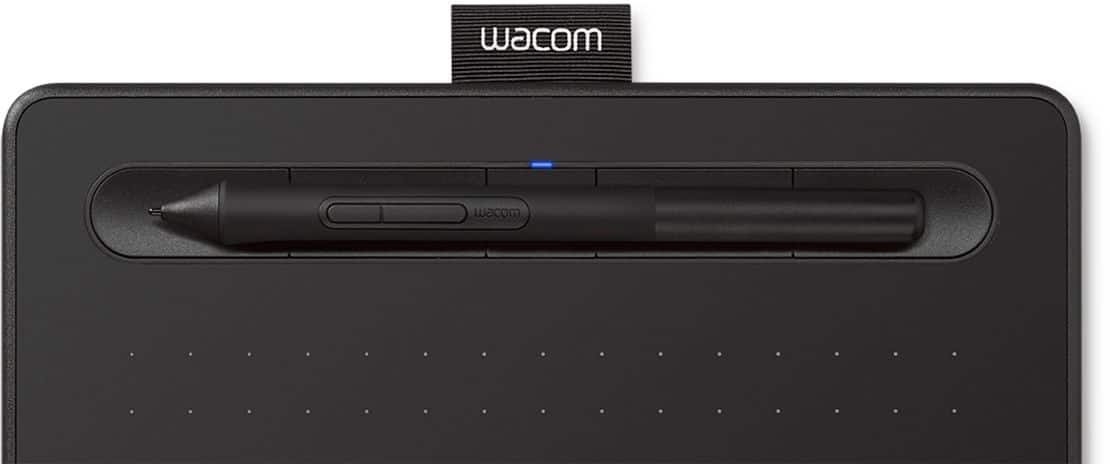
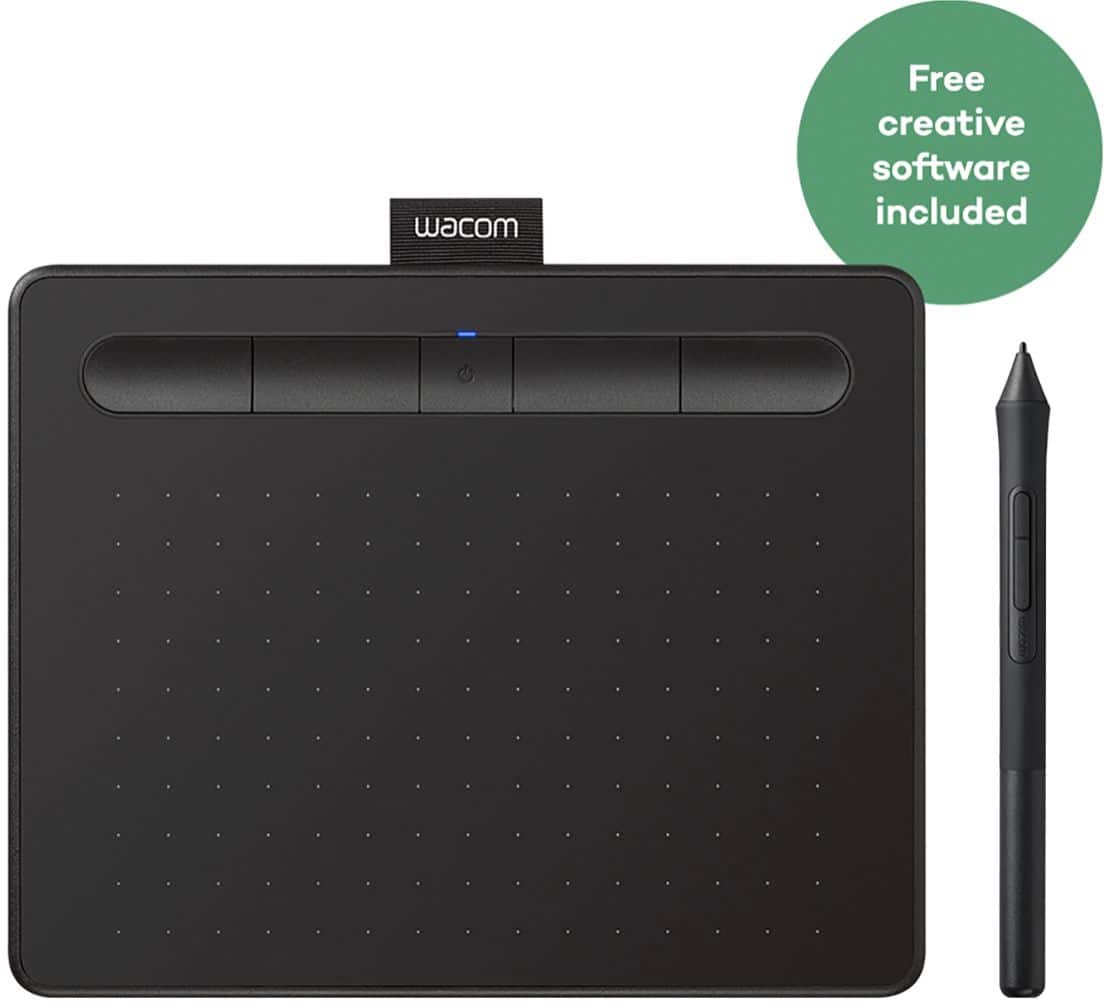
|Posted .This reviewer received promo considerations or sweepstakes entry for writing a review.This is a great drawing tablet for beginners. The tablet itself is sleek and thin in design and has a good feel to it. The tablet has a power button and four hot keys on top. It comes with a usb plug and the Wacom 4k pen and 2 free creative software downloads. Then pen feels comfortable and natural in hand. The pen is described as having 4,000 pressure points. While drawing and applying pressure with pen strokes it feels and reacts as you would expect. If you are new to drawing digitally you will need some practice before getting the hang of things like me. You can also insert the pen into the little Wacom loop located on top of the tablet for storage of the pen. Overall if you are looking into getting into digital drawing I would recommend the Wacom Intuos drawing tablet.
I would recommend this to a friendAwesome drawing Tablet
Posted .This reviewer received promo considerations or sweepstakes entry for writing a review.I have enjoyed using this drawing tablet for over 2+ hours of work. So far no complaints would recommend. Just keep in mind that it is smaller!
I would recommend this to a friendGreat drawing tablet
Posted .This reviewer received promo considerations or sweepstakes entry for writing a review.Very responsive and great value for its price point!
I would recommend this to a friendWacom
Posted .This reviewer received promo considerations or sweepstakes entry for writing a review.Best tablet for price. Has a great feel. Bluetooth feature is awesome.
I would recommend this to a friendEssential for all designers
Posted .This reviewer received promo considerations or sweepstakes entry for writing a review.I absolutely love this thing! I use it as a mouse even when I'm not designing. Game changer!
I would recommend this to a friendawesome
|Posted .This reviewer received promo considerations or sweepstakes entry for writing a review.this product is really good, its responsive and easy for anyone to use i would definitely recommend this to any artist. It was easy plug and play so you can take it anywhere
I would recommend this to a friendNot as... Or maybe too sensitive?
|Posted .This reviewer received promo considerations or sweepstakes entry for writing a review.As a user of a very old Wacom tablet, I felt that a newer model would be nothing short of a revelation. While there are some very (VERY!) convenient features: 1. No battery in pen. 2. Ability to be completely wireless via Bluetooth (after initial setup) 3.) Can be used (somewhat) as a mouse replacement in windows. Others fall short. No matter how much I tweak the settings, it seems that I'm constantly selecting/clicking/drawing in areas I don't want to. And while you can program one of the easy keys as "undo" to fix this, it shouldn't be necessary. When trying to use the tab as a mouse replacement, it was very hard to click (even with the "hover and pen click") feature. Now, this may all be down to user error (my hands can be a bit....shaky at times). But, with that in mind, 99% of these problems do not exist with my much older model. Which, in the long run is a great disappointment as I'd much rather utilize a battery free (and wireless) tablet in my drawing and photo editing endeavors. The software included, reminds one of a watered down adobe suite from years past. While it can get the job done - it doesn't have the amount of tools available as other software. But hey, it's free! Even with the above being said, I would still recommend this tab - as again, there may be an element of user error on my part that is causing this.
I would recommend this to a friendGreat Tool For Artists
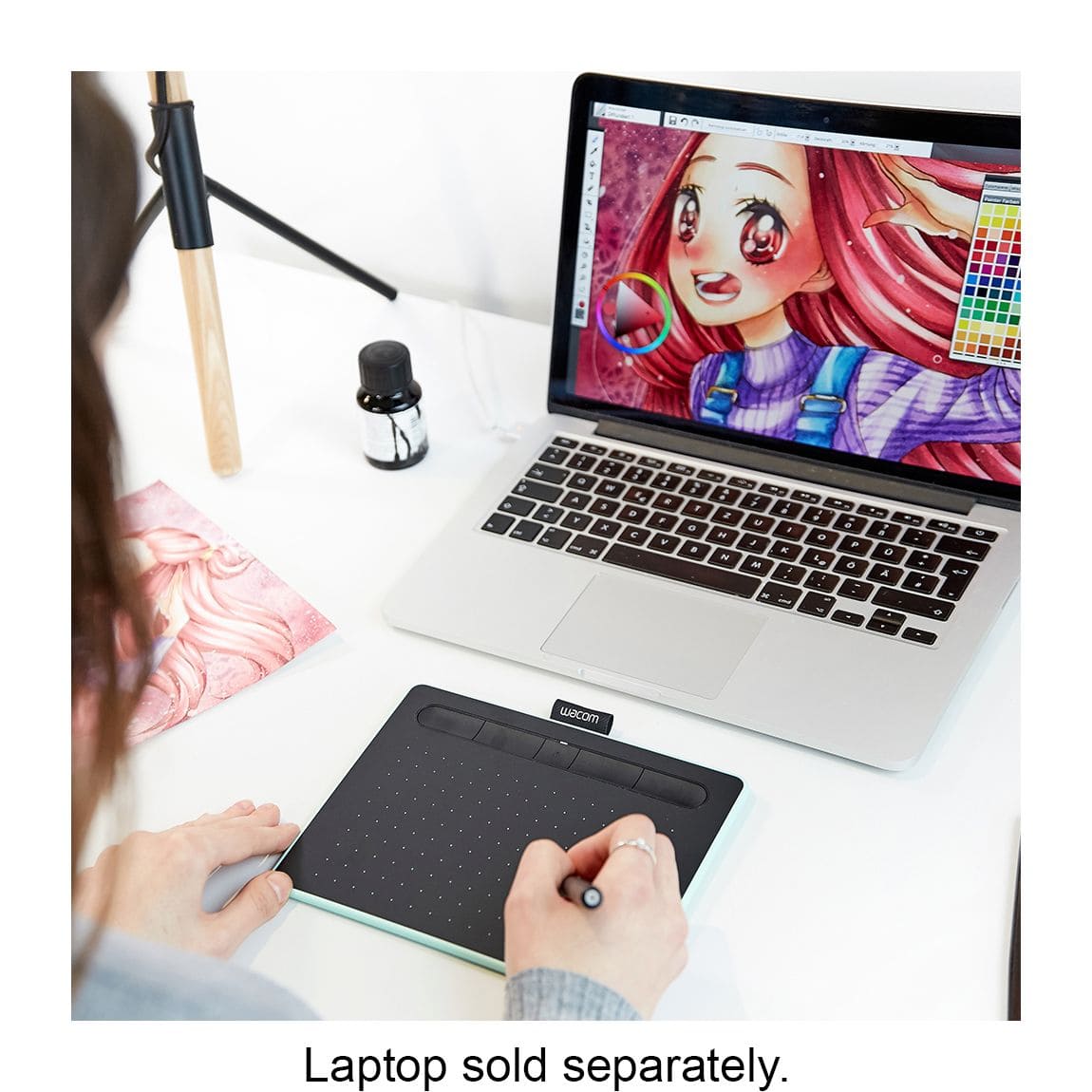
|Posted .This reviewer received promo considerations or sweepstakes entry for writing a review.This Wacom tablet is a great tool for any artist. The pen feels natural in hand and the guides on the tablet make it easy to draw perfect lines. The pen cradle is a nice touch. I will mention that if you've never had a Wacom or similar style tablet before it may take several hours for you to get used to looking at the screen while you draw or write and not looking down at what you're hand is doing. This is normal. Have patience.
I would recommend this to a friend