Customer Ratings & Reviews
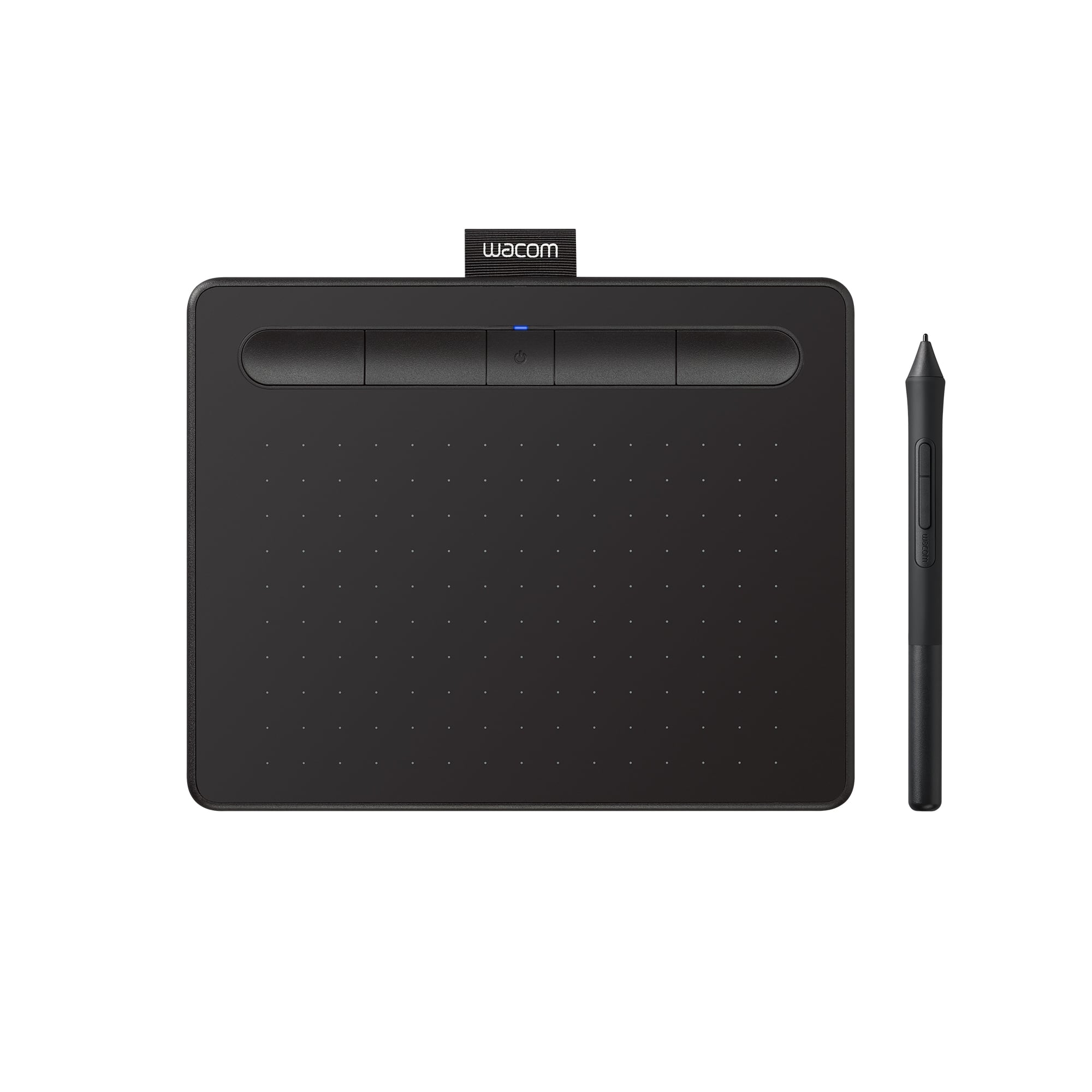
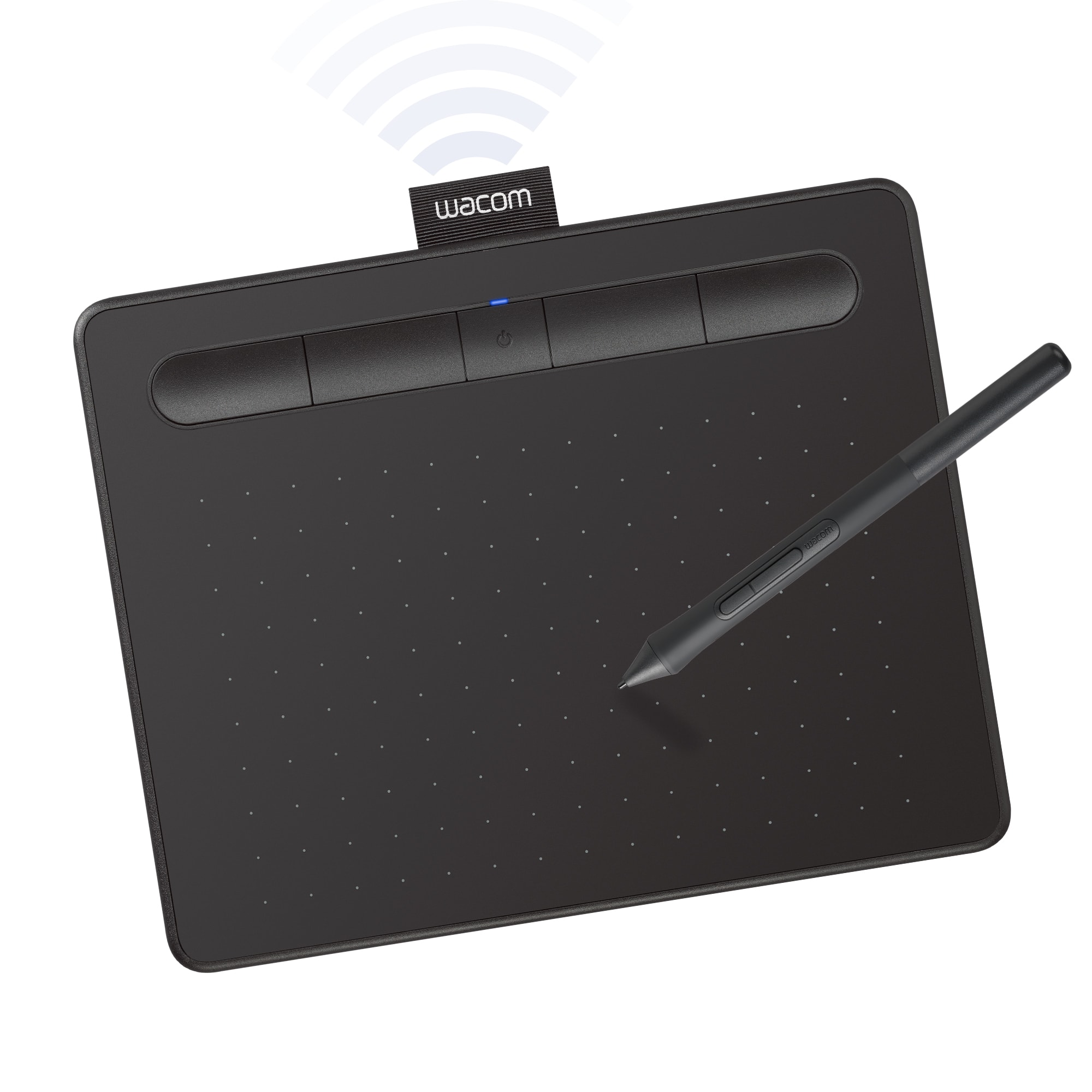
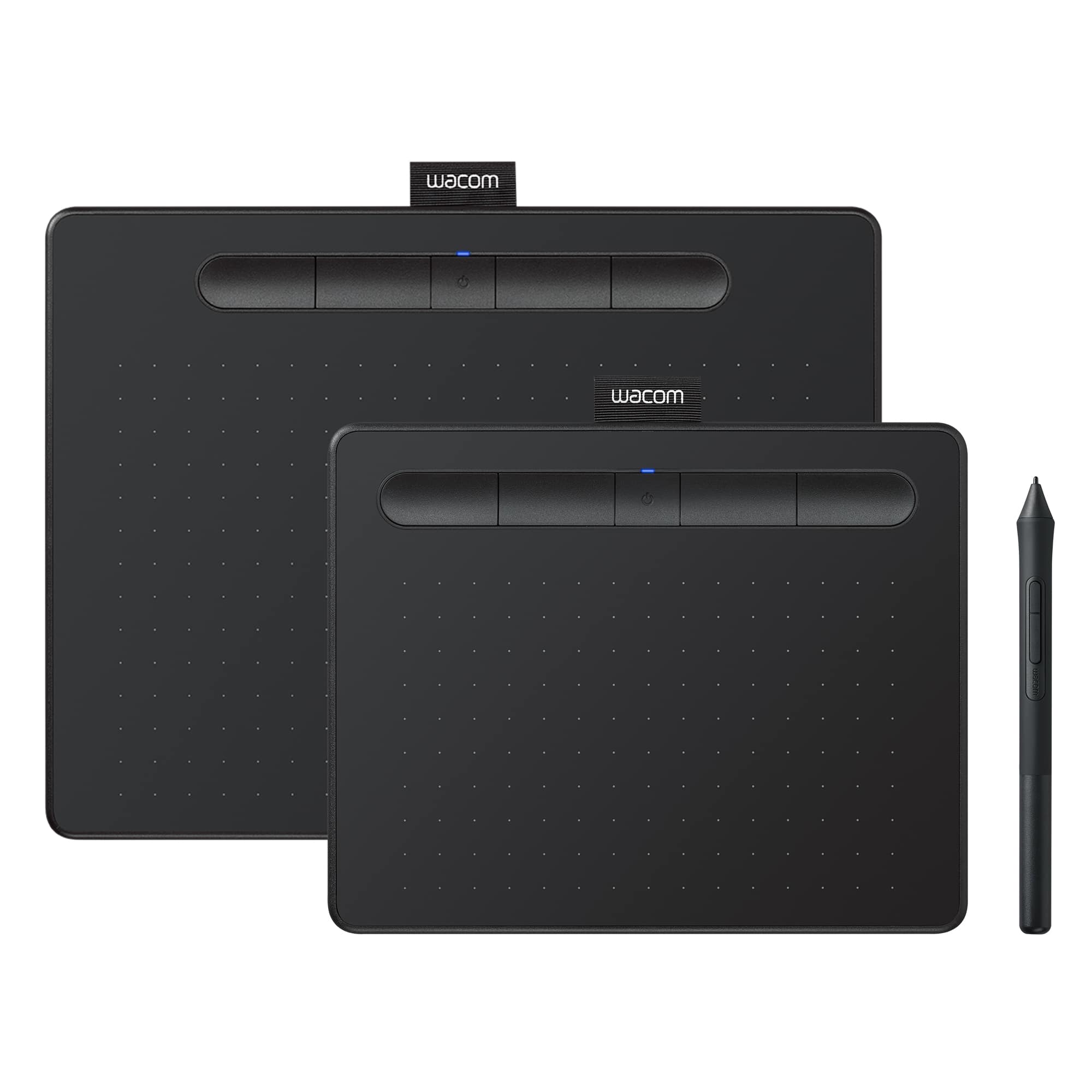

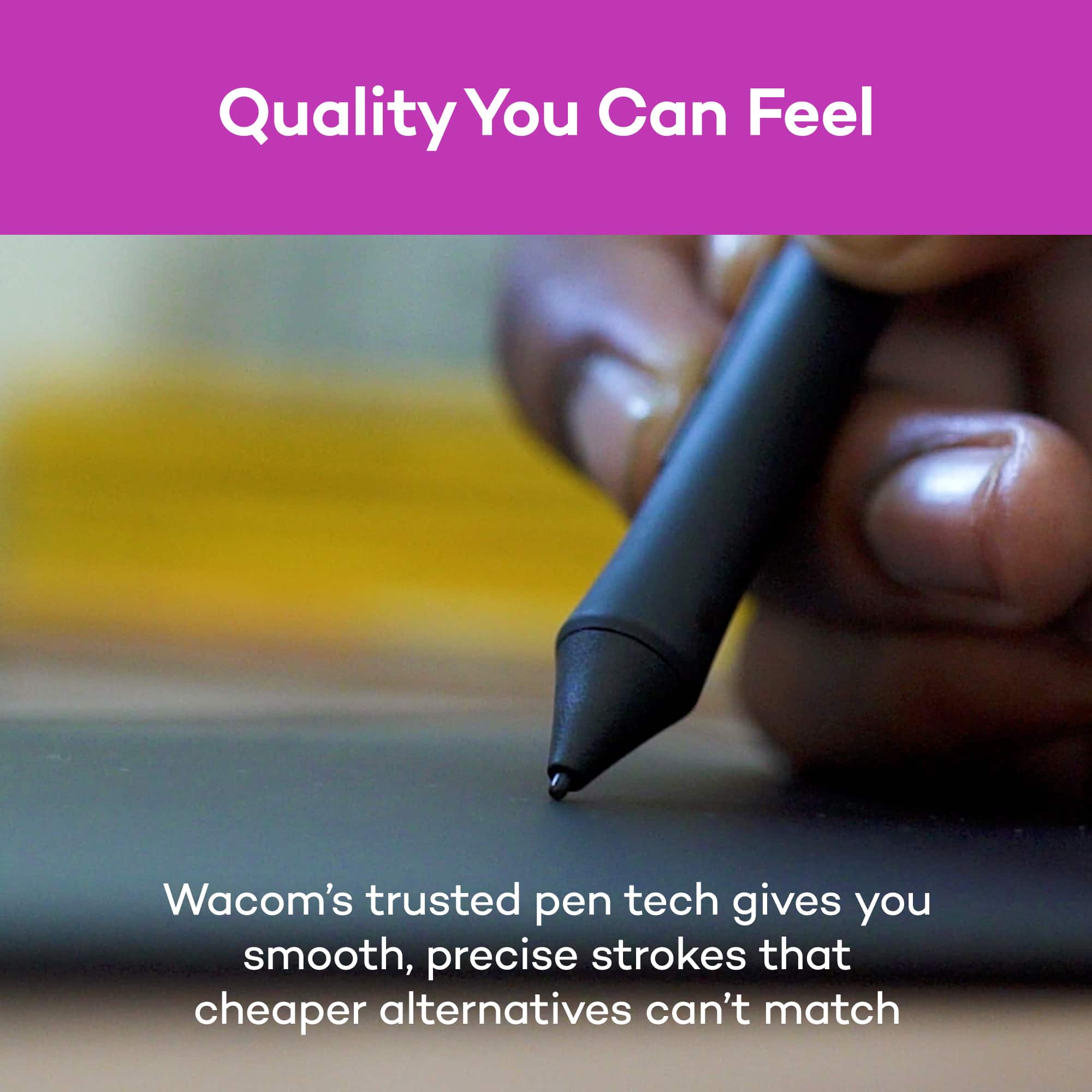


- Model:
- CTL4100WLK0
- SKU:
- 10839938
Rating by feature
- Value
Rating 4.4 out of 5 stars
- Quality
Rating 4.6 out of 5 stars
- Ease of Use
Rating 4.3 out of 5 stars
to a friend
It's going BACK!
||Posted . Owned for less than 1 week when reviewed.This reviewer received promo considerations or sweepstakes entry for writing a review.NOT HAPPY AT ALL! The 'free' software included is trial versions of everything! Need customer support well too bad there isn't any.
No, I would not recommend this to a friend
Great product with quick response from support
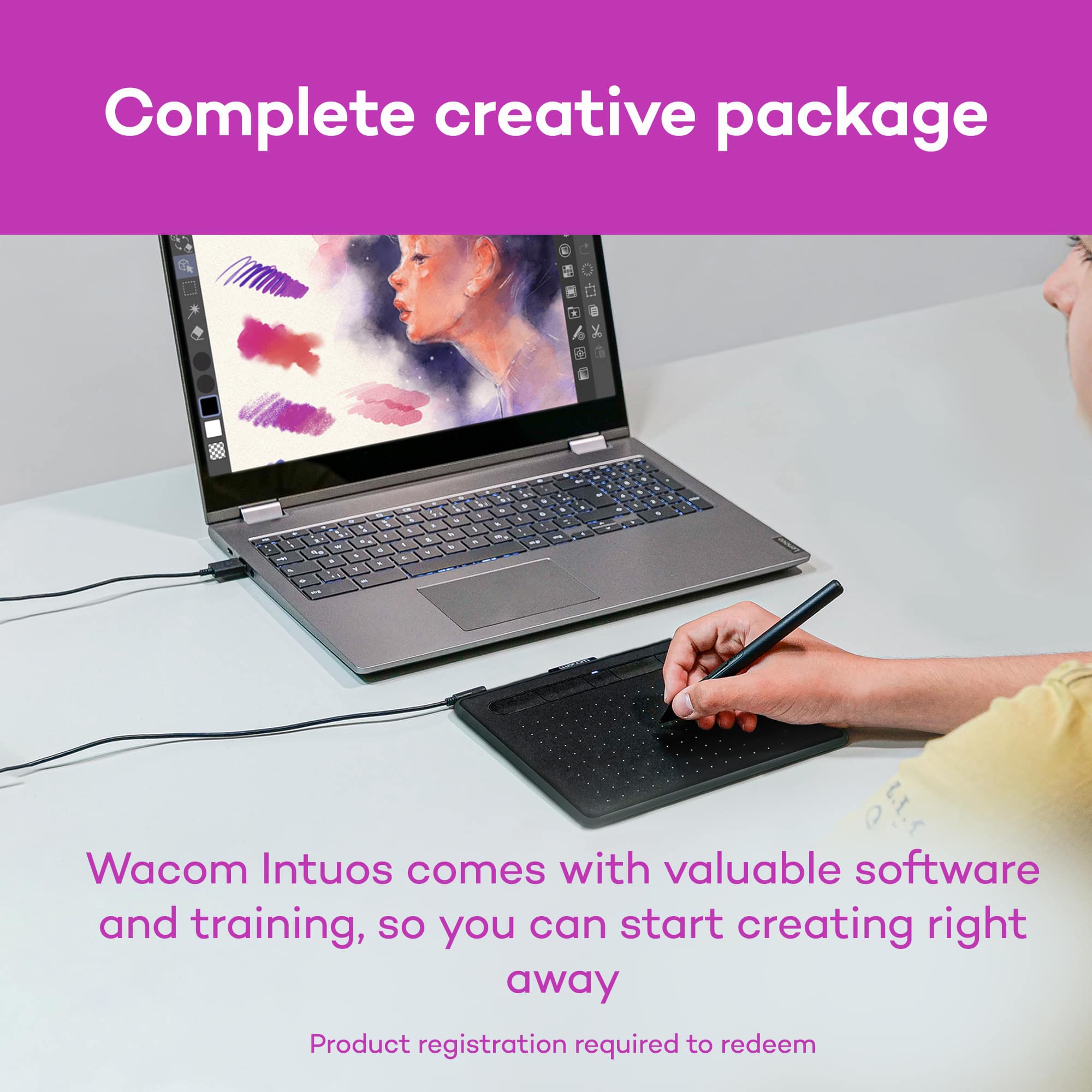
|Posted .This reviewer received promo considerations or sweepstakes entry for writing a review.I am able to use Photoshop that I had on my computer to work with this tablet. The pen is very responsive and works as if I am actually drawing with it. I like that you do not need batteries for the pen also. For a beginner, like myself, there is quite a learning curve with controlling the pen. Once I get the free software that came with it and learn to control the pen, I will be drawing better than I could EVER do with my mouse. Love that the pen easily slides into a place at the top so that I never have to look for it or possibly lose it. The small size makes it ideal for those of us on the go. I can just slide it into my laptop bag for portability. I was not able to register the product. Because of this I have not been able to download the free software that comes with it. I contacted support about this issue and got a quick response within 24 hours and they are working on the problem for me.
I would recommend this to a friendIntous drawing tablet
||Posted .This reviewer received promo considerations or sweepstakes entry for writing a review.Great drawing tablet. So far happy with this product.
I would recommend this to a friendNot satisfied
||Posted .This reviewer received promo considerations or sweepstakes entry for writing a review.Order arrived late; it is not plug and play. It requires admin authorization just to use start up instructions. Since it arrived late I have to wait for that authorization. In frustration I decided it’s not worthwhile to have this item.
No, I would not recommend this to a friendNot your Best Buy.
||Posted . Owned for 1 month when reviewed.This reviewer received promo considerations or sweepstakes entry for writing a review.I’m not impressed. Straight out of the box it never performed as expected.
No, I would not recommend this to a friendsucks
||Posted .This reviewer received promo considerations or sweepstakes entry for writing a review.this will not help you draw. its extremely difficult to get the computer cursor to go where you want it to. if you want to draw get one with its own screen
No, I would not recommend this to a friendSomebody, please help me go the right direction
||Posted . Owned for 2 weeks when reviewed.This reviewer received promo considerations or sweepstakes entry for writing a review.In no fan of this. The mouse pointer moves way before you even touch the drawing pad. And controlling it is hard af. No thanks but thanks
No, I would not recommend this to a friendAmazing tablet for beginning graphic artists
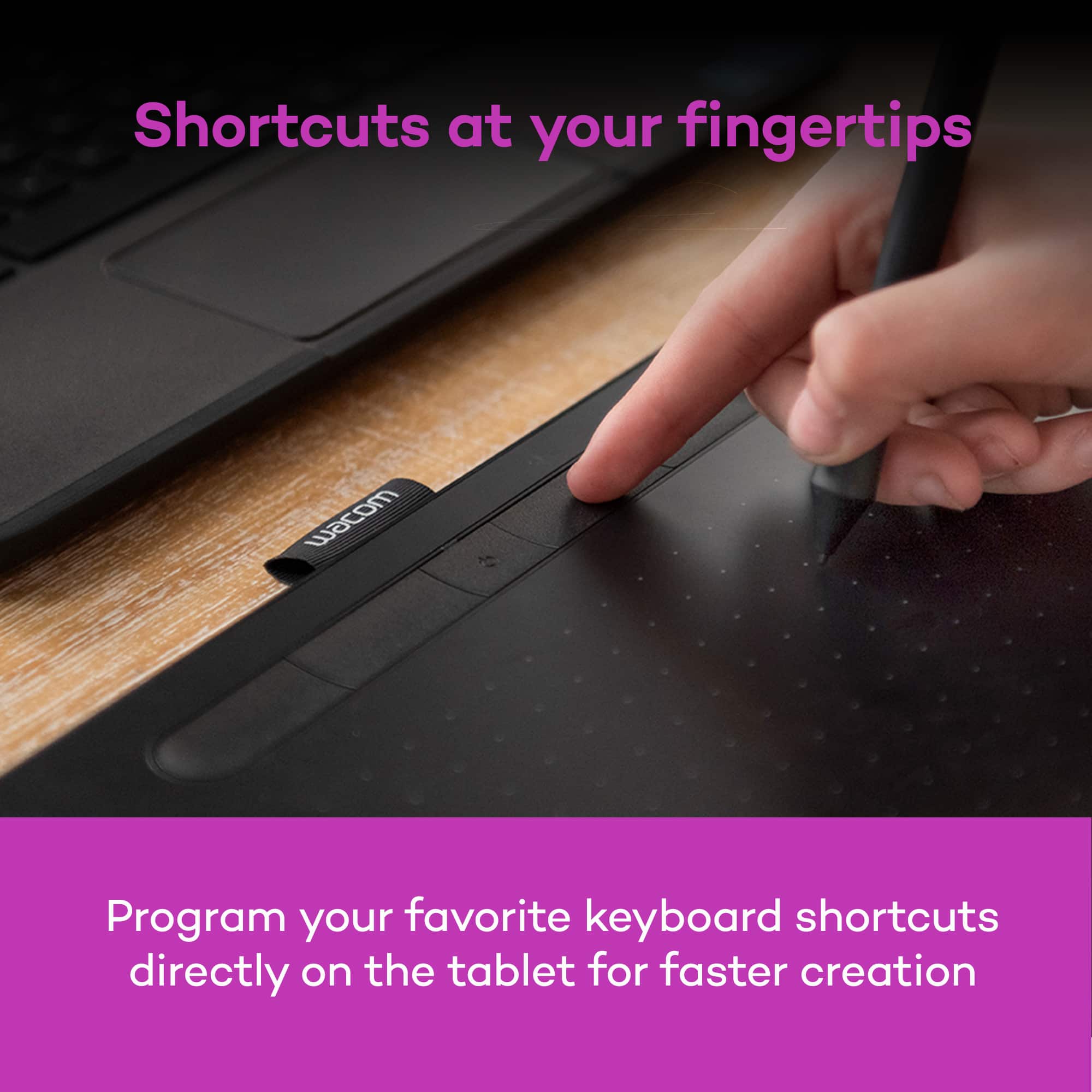
|Posted .This reviewer received promo considerations or sweepstakes entry for writing a review.First I would like to state my experience in graphic arts which is absolutely zero, I have done traditional art but never done more than mess around with the paint program on PC. So this whole experience was new to me. The instructions are super minimal with only a website link to begin the registration and then download the required software from Wacom. The instructions also include an illustration demonstrating how to change out the replaceable pen nib. Registration is just a matter of creating or signing into a Wacom account. If you create the account you will have to check your email to finish the registration. Once the Wacom software is downloaded and runs on PC it will need to restart Mac does not have to. After restart or install run the Wacom Desktop program that installed and it will prompt you to download any necessary drivers for your product. You can also go to your account on Wacom and select 2 of the 3 available software downloads which are all very good programs and do different things. Each of these has videos and tutorials to help you get into graphical arts. The tablet and pen itself take some time to get used to but all the settings and sensitivity can be adjusted through the Wacom software to your preference. There are shortcuts along the top of the tablet that can be configured for desktop mode and for each of your drawing programs as well. The same can be done with the buttons on the pen itself. Overall the tablet and pen are a great tool for artists that are interested in graphical arts and are looking for an entry point into it. With a relatively low cost easy setup and 2 included software programs that help you get into graphics arts the Wacom Intuos tablet is a great buy.
I would recommend this to a friendHad to return it
||Posted . Owned for less than 1 week when reviewed.This reviewer received promo considerations or sweepstakes entry for writing a review.Keeps on disconnecting on me... I don’t really know if my product was defected or they are all the same.
No, I would not recommend this to a friendGift for kids
||Posted .This reviewer received promo considerations or sweepstakes entry for writing a review.I can't really give up an opinion on it they were bought as gifts for my kids and I have never seen them use them
No, I would not recommend this to a friendWaste of time
||Posted . Owned for 7 months when reviewed.This reviewer received promo considerations or sweepstakes entry for writing a review.Very finicky, only few apps allow it. Just sits on desk
No, I would not recommend this to a friendWorks great, but not what we needed.
||Posted .This reviewer received promo considerations or sweepstakes entry for writing a review.Attaches as works with windows 10 just fine. Pin works as advertised.
I would recommend this to a friendGreat beginner Wacom tablet
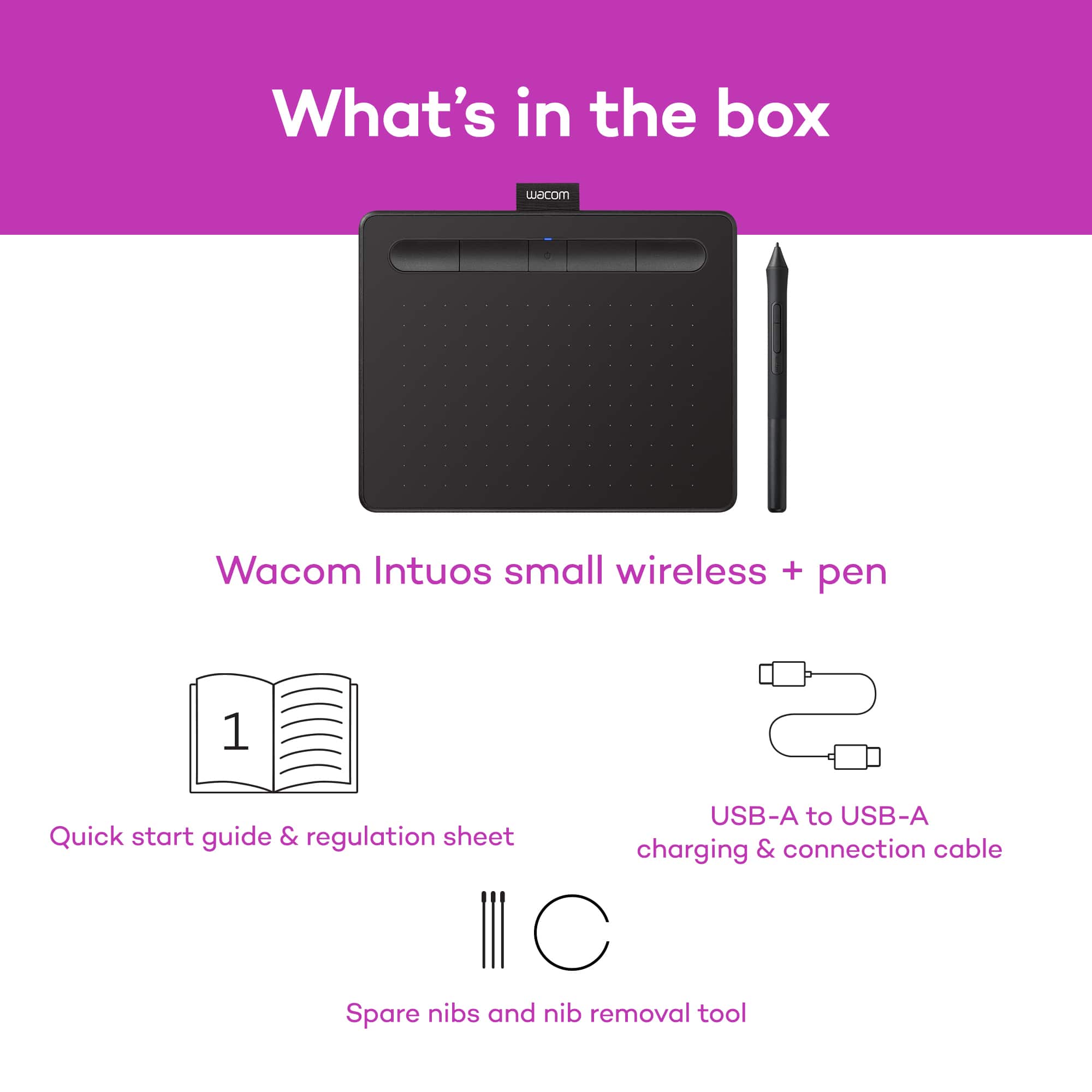
|Posted .This reviewer received promo considerations or sweepstakes entry for writing a review.As a Photoshop beginner, I wanted a more natural way to manipulate my edits. I was surprised that Wacom tablets were reasonably affordable. When I got the device, I plugged it into my desktop running Linux just to charge up the tablet. I didn't mean to use it, but it immediately worked and I was able to manipulate my screen using the pen+tablet as I would using my mouse. So I fired up GIMP and was able to comfortably start up a drawing. I was immediately surprised by the feel of the drawing on this pen+tablet. I thought with the affordable price tag, it was going to feel like a stylus on glass. It actually feels like pencil on paper. Very nearly like pencil on a sketch pad. I then wanted to connect it to my Windows 10 tablet via Bluetooth and was disappointed in the process. I connected first via the included USB cable, while Windows would identify the product, I couldn't use it to manipulate anything on screen. I then connected via Bluetooth and it did the same thing. So I ran out to Wacom's website and pulled down the driver and after a reboot, things worked fine. I was expecting at least a basic driver to be included in Windows. As for the product itself. For being a "small" tablet, it's actually decently sized. I found that the mapping of the dimensions are spot on. So the left of the tablet corresponds to the left hand of my screen and the same thing with the right, top and bottom. So I don't have to "lift and shift" every so often like I would do with a mouse. The micro-USB port is on the left hand side at the top of the tablet. It's mildly annoying to a left-handed person like me, but having Bluetooth connectivity makes up for this most of the time. You cannot use the tablet by itself like if it were a large trackpad. I'm left wondering how the technology works since there is no battery in the stylus. But I'm OK with leaving the magic behind the curtain for now. The pen is fairly ergonomic, lightweight and well balanced. 3 extra nibs are included when you unscrew the back. There is even a nib removal tool. What is missing though is an "eraser" that is found on the back of the professional stylus and on the Microsoft Surface stylus. Overall, it's a great beginner Wacom device and I can't wait to use it more.
I would recommend this to a friendNot easy to use
||Posted . Owned for 1 year when reviewed.This reviewer received promo considerations or sweepstakes entry for writing a review.Somehow I bought (and kept) this tablet. But it's very hard to get a good use of it.
No, I would not recommend this to a friendBad drawing tablet
||Posted .This reviewer received promo considerations or sweepstakes entry for writing a review.Not a great buy very disappointing my daughter used it two days. Have it to her sister.
No, I would not recommend this to a friendIf I could give it 0 stars I would
||Posted . Owned for 1 month when reviewed.This reviewer received promo considerations or sweepstakes entry for writing a review.Used it once, returned it. Did not respond as it should.
No, I would not recommend this to a friendDon't buy, JUNK!
||Posted .This reviewer received promo considerations or sweepstakes entry for writing a review.Just purchased this product and will be returning it tomorrow. It's clunky and I would get better results using a chisel and stone, Not even good enough. Although connecting it was easy. Overall extremely disappointing
No, I would not recommend this to a friendGood tablet with decent software
|Posted .This reviewer received promo considerations or sweepstakes entry for writing a review.The look and feel of this tablet is great and the pen is lightweight and comfortable. Upon setting it up you do have to register first to download the software. The upside is you get several choices so you can chose the software that will fit close to your needs. The downside is the registration process is a pain and does take a few minutes to complete. The software choices are great for basic drawing and editing so that part is great and I’d recommend it for anyone getting into photo editing or drawing. For the tablet itself it’s awesome, it’s light, thin, and portable! The pen itself doesn’t need batteries and is super light as a result so as not to fatigue your hand while using it. The Bluetooth capability makes it easy to pair up with a laptop so you can draw on the go and have the accuracy you need for a good drawing! In addition the shortcut buttons on the tablet are great too and allow you to customize it so you can quickly switch drawing tools or modes. The only thing to consider is the size and features (like I wish this pen had an erasure feature that other do have). In all I’d recommend this tablet because of the software included and the feel/functionality of it.
I would recommend this to a friendnice small pad
|Posted .This reviewer received promo considerations or sweepstakes entry for writing a review.It's nice to have and easy to use. Downside is there are 3 programs to choose from and you only get to pick 2. I think it would be better to just offer the 3. You can set up the pen how you want which is nice and easy. I prefer to press the pen to the tablet, and then press a button to left click or start to draw etc. However, one of the programs I selected, this does not work. I would think it would as its a software they offer. I also notice that if the pen is not on the tablet and I press the button, it will only put a dot down but not draw. Have to put the pen on the tablet then press the button for it to draw. You can keep the pen on the tablet, release the button, move pen and re press the button. softwares that I did select seem pretty good so far. Basic and easy to use. I am a basic person. I was not paying attention and so I chose 2 and could not pick the 3rd. Had I known you could only get 2 I would probably have picked the 2 that did not have a subscription with them. One was a 24 month subscription. The 2 I got where also similar programs and both meant for drawing. Where as one of the programs you could pick seemed to be a photo editor type. over all though, I like it. I would probably prefer the bigger tablet. I think its something that will take time to get used to. You also can adjust sensitivity so when you are drawing, when you press down it will act like pressing down with a pencil. So pressing harder will make it darker etc.
I would recommend this to a friendGreat for non touchscreen users
|Posted .This reviewer received promo considerations or sweepstakes entry for writing a review.It's taken me quite a bit of a learning curve to use this draw tablet. Once getting used to it though it is very easy to use and coordinate with. First, registration and initial setup definitely needs improving and is not very streamlined. Easy enough downloading the initial files for the program install but after that, besides some settings options almost everything is not accessable from within the software. Almost everything in the software is a redirect to the company website like signing up, registering the device, downloading the bundled software, tutorials, and other stuff as well. Should be easy enough to put it all inside the program. It gives you 3 options for bundled software to use but only lets you download 2 of them on a single operating system. Clip Studio pro has only a 2 year licence. Coral Aftershot 3 and Painter Essntials 6 are the other 2 main software programs, and are very cool to work with. The pen comes with 3 extra tips which are in inside the pen when you unscrew the back off but I have yet to figure out what to do with them or how to change them. The functionality of the pen and pad are fluid and track nicely. This product is great if you didn't have a touchscreen computer or 2 in 1. Along with the software bundled it is a nice edition to the desktop. Just needs work on streamlining the software better.
I would recommend this to a friend