Customer Ratings & Reviews

- Model:
- F7C059-BDL
- SKU:
- 6183509
Rating by feature
- Value
Rating 4.2 out of 5 stars
- Quality
Rating 4.4 out of 5 stars
- Ease of Use
Rating 4.2 out of 5 stars
Customers are saying
Customers recognize the Wi-Fi Smart Dimmer Switch (2-Pack) for its ease of use and simple installation process. The dimmer switch is also appreciated for its dimming capabilities and compatibility with Alexa. However, some customers have expressed concerns about its compatibility, price, and size.
This summary was generated by AI based on customer reviews.
broken twice within 2 years
||Posted . Owned for more than 2 years when reviewed.This reviewer received promo considerations or sweepstakes entry for writing a review.could not turn off the light, even tap on the switch not working. refresh the app and try to reset, still not working. Have to shut off the power to get some sleep. Very disappointed. This is the second time during last 2 years.
No, I would not recommend this to a friendNot a great dimmer
||Posted .This reviewer received promo considerations or sweepstakes entry for writing a review.Our lights flickered even after changing them to led.
No, I would not recommend this to a friendBrand response from BelkinStaff
Posted .Hello, JonB,
Please know that your lights are not expected to flicker if compatible bulbs are used and they have been properly installed. Let's have our Escalation Engineers double-check your setup. Just email us at [email protected] with the link to this post and your contact information.
Regards,
Klaudette
Wemo Support
Difficult to add additional wemo’s
||Posted . Owned for 3 weeks when reviewed.This reviewer received promo considerations or sweepstakes entry for writing a review.This was my fifth Wemo device and the app is poor. It is not intuitive and difficult to program. After this purchase i switched to lutron caseta and it is easy to install and program.
No, I would not recommend this to a friendBrand response from BelkinStaff
Posted .Hi, Mauibound,
Our Wemo App is designed to be user friendly and easy to use when it comes to adding another Wemo device on the network. If you still have the unit, allow us to hand you over to our Escalation Engineers for proper assistance and aid in experiencing the best out of this product. Send us an email at [email protected] with your contact details and link to this post as a reference.
We'll wait for your updates.
Regards,
Carl
Wemo Support
- Pros mentioned:Ease of use

Easy install & features, non-intuitive basic use?!
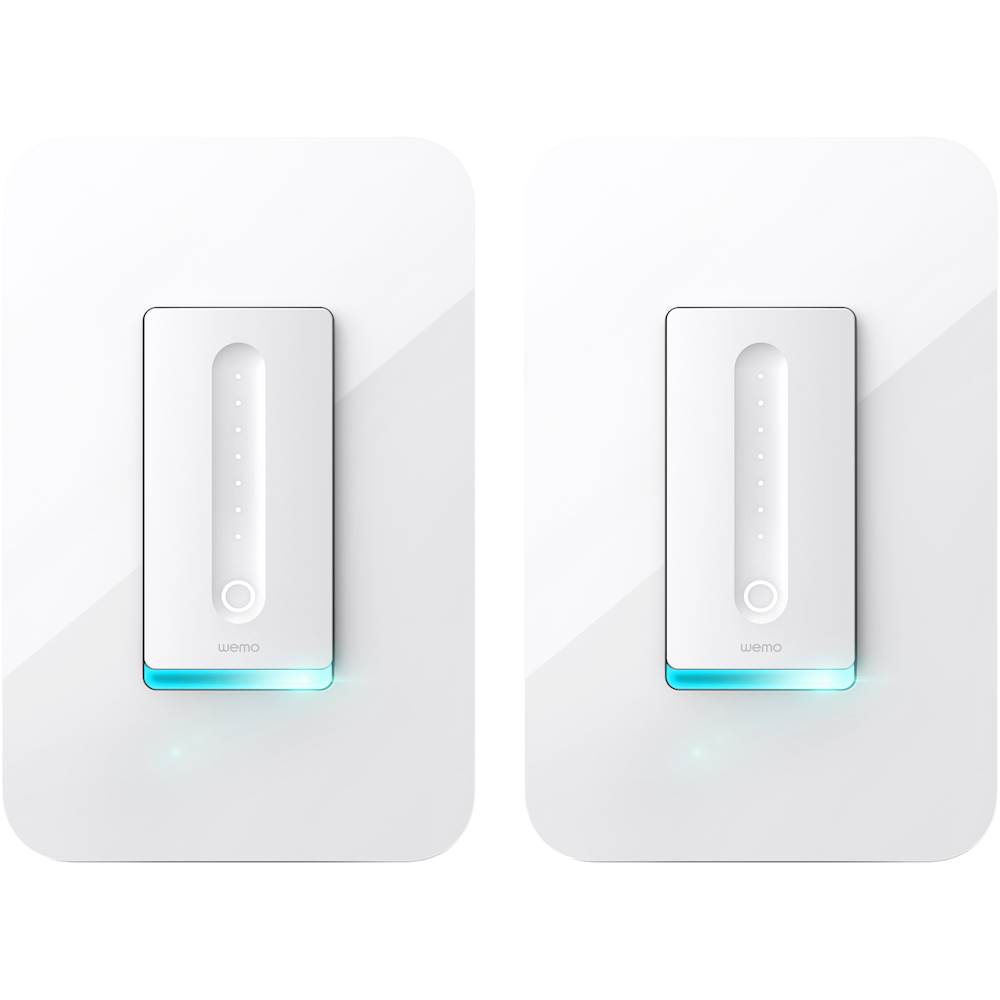
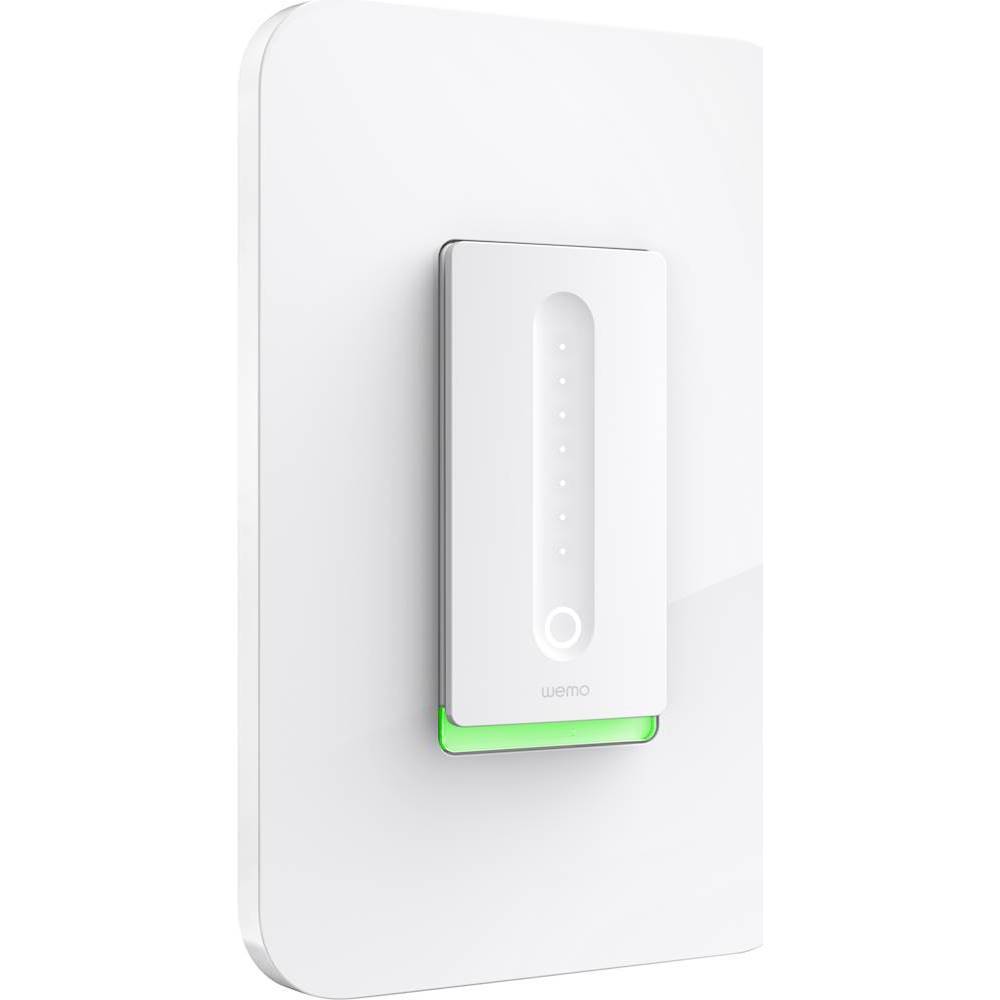
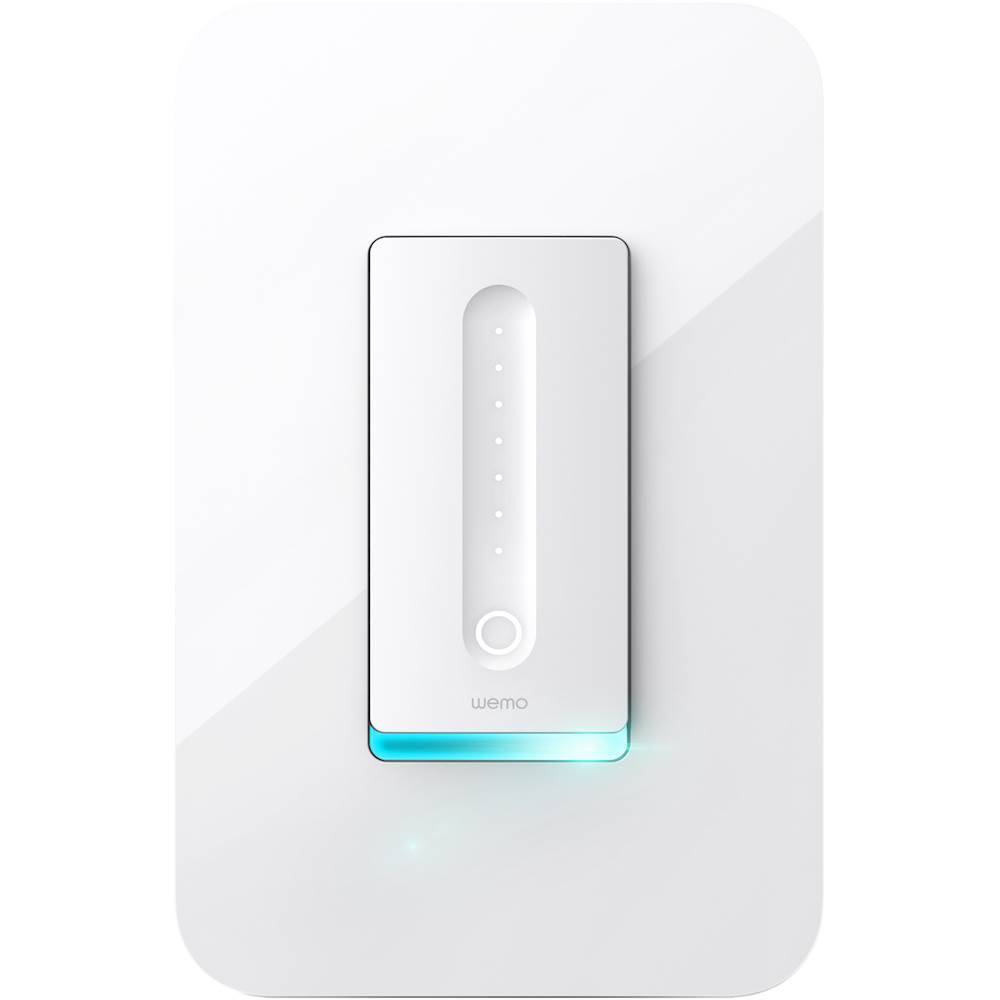
|Posted .This reviewer received promo considerations or sweepstakes entry for writing a review.Opening defense: this is my first IOT install. I thought adding a Web-enabled dimmer would be cool. The install was super easy (if you have very basic DYI skills and can imagine yourself replacing a light switch and what that entails: turning off the breaker/fuse, basic wiring, etc.) Instructions for install were clear and very well done. They even included color-coded labels for each wire so you couldn’t get it wrong after removing the old switch/dimmer.) The enclosed documentation is just about right: early warnings for the less-skilled/qualified, step-by-steps how-to directions for basic DIY, good illustrations, and troubleshooting tips. What’s missing? See my last paragraph. Feature set is nice: You can control the lights on the dimmer “from the bed, the boardroom, or Barbados” — cute marketing copy! — but basically from anywhere. You can set lights to a schedule, set an auto-off time limit, and — my favorite — set the lights to a default brightness based on time of day. Great for late-night bathroom lights! Also, setup lets you calibrate your lights for dimming without glitches. You can choose from LED, compact fluorescent, or incandescent. Then you can set the dimming range so there is no buzz or flicker. Works great! As mentioned at the beginning, this is my first such install and it went very well. Without realizing it, I found out that this is partly because this is one of the few devices of it’s kind for home use that doesn't require you to have a “hub” in order to use it; it’s completely stand-alone. Now for the less-than-great parts: after install, I downloaded the app (easy) and calibrated my lights (also easy). To finish, the app asked for my email (“In case of recalls" — yeah, ok…) I entered my email and got the “Congratulations. Your setup was successful!” message. I closed the app, attached the faceplate and wanted to try out some of the many promised features. I went back to the app only to have it ask me to start the calibration again (ok, I did that again) and then for my email again. I figured I must have missed something, so I closed the app and tried to find out what I missed by checking the enclosed documentation. Nothing there… So I launched the app and went through the calibration AND email again. This time after getting the “congratulations” prompt, I was able to access the rest of the app’s features. In fairness, I may have done something the first time that prevented me from getting to this same point, I’m not sure. But I DID get the “successful setup” message, so I found the process confusing. Closing thoughts: a great dimmer with many nice Web-enabled features. My biggest complaint: first use as a basic light switch. This should be a no-brainer: how to turn on a light or how to change the light level. Sadly, all the bells and whistles hardly matter if you can’t use it as simple dimmer. Ok, in fairness, it doesn’t take long to figure it out, but my complaint is that you SHOULDN’T HAVE TO FIGURE IT OUT! It’s a light switch — it should just work! This should have been addressed up front by the design and testing team. Let me explain: the on/off is a push movement done at the bottom part of the panel. There’s a glowing circle there that might invite you to push there, but me and three other people I asked didn’t guess that first. Then there’s a cool capacitance dimmer slide that lights up a row of tiny LEDs as you slide your finger up or down. If you’ve already figured out how to turn on the light, then the dimming function actually dims or brightens the lights. If the switch is off, then the dimmer function acts as a pre-set to where the lights will come on when you subsequently push the power on at the bottom of the switch. NOWHERE in the documentation does this get explained. As a result, it was trial and error to figure out how to turn it on and dim it. Not rocket science for sure, but I maintain that basic user testing would have pointed this out at a very early stage. As much as the Web-enabled features are great, the basic function is something that you’ll use everyday; it should just work!
No, I would not recommend this to a friendBrand response from BelkinStaff
Posted .Hi,
It's good to know that you were able to set up the Wemo Dimmer despite some challenges along the process. We have taken note of your overall feedback and rest assured that we'll let our Development team know about this.
Should you need any assistance with the product, please don't hesitate to get in touch with us at [email protected] at any time. Our Wemo experts are eager to help you. Just indicate your contact information and the link to this review for our reference.
Regards,
Kristine
WEMO Support
- Pros mentioned:Ease of use, Installation
Smart Switch
Posted .This reviewer received promo considerations or sweepstakes entry for writing a review.This was very easy to install and works right away even of its not attached to Wi-Fi (basic use). The setup to connect to the app was very easy and the app's ease of use was very user friendly. I was able to connect it to my Google mini without any problem and she can control it without any issues as well. I purchased this to use with four in ceiling lights so I didn't have to buy 4 different bulbs and it works great. This is a dimmer switch. You do need Wi-Fi for this to work via app and Google assist.
I would recommend this to a friend Flickers very badly.
||Posted .This reviewer received promo considerations or sweepstakes entry for writing a review.This dimmer makes my blind flicker like crazy. Called support and they blamed it on my LED bulbs. I went out to buy a different brand and same thing.
No, I would not recommend this to a friendBrand response from BelkinStaff
Posted .Hello, Kevin,
The Wemo Dimmer should work with bulbs such as Compact Fluorescent Lamp (CFL), Incandescent, and Light-Emitting Diode (LED). We would like to review your record in our system and assist you further with this matter, please email us at [email protected] with your phone number and the link to this review; we'll have our Escalation Engineers lend you a hand.
Regards,
Princes
Wemo Support
- Pros mentioned:Installation
Nice smart dimmer switch
|Posted .This reviewer received promo considerations or sweepstakes entry for writing a review.Although I'm fully capable of wiring up most electrical products, this item was very easy to install, and I'm confident that those with less experience could handle it. The interface is very nice and the iPhone app works great. I like that I can now control my lights from anywhere and can adjust the lights from the couch. I would like to see Wemo add in a delay off setting into the long press of the actual switch.
I would recommend this to a friend - Pros mentioned:Ease of useCons mentioned:Compatibility
Works fine as a regular dimmer
|Posted .This reviewer received promo considerations or sweepstakes entry for writing a review.To install and set up is very easy. You can have an electrician to do it, but if you have basic electrical knowledge you just follow the intructions and you will be able to do it. Once is connected a blue light will start blinking, and with your finger you can dim the light on the panel. It works fine, as any other dimmer. The most exciting part was the use of the app, so I install the WEMO app, following the instructions, you have to change a couple of settings in you phone, and then the app recognizes the device. During the setup you can dimm the lights. But once the app is installed, I can only turn on anf off the light, the dimm bar in the app doesn't seem to respond. I also try to connect to my Google home, as it is advertised, but I couldn't make it work. Probably a new release of the app will fix these issues
I would recommend this to a friendBrand response from BelkinStaff
Posted .Hi,
This is an odd behavior for the Wemo Dimmer. The dim bar should always be available in the app, and it should work with Google Home. We'd like to have our Escalation Engineers get in touch with you to further troubleshoot the device. Just send us your contact details at [email protected] along with the link to this post for our reference.
We hope to hear from you soon.
Regards,
Thaddeus
Wemo Support
- Cons mentioned:Neutral wire
Works Great After Complicated Install
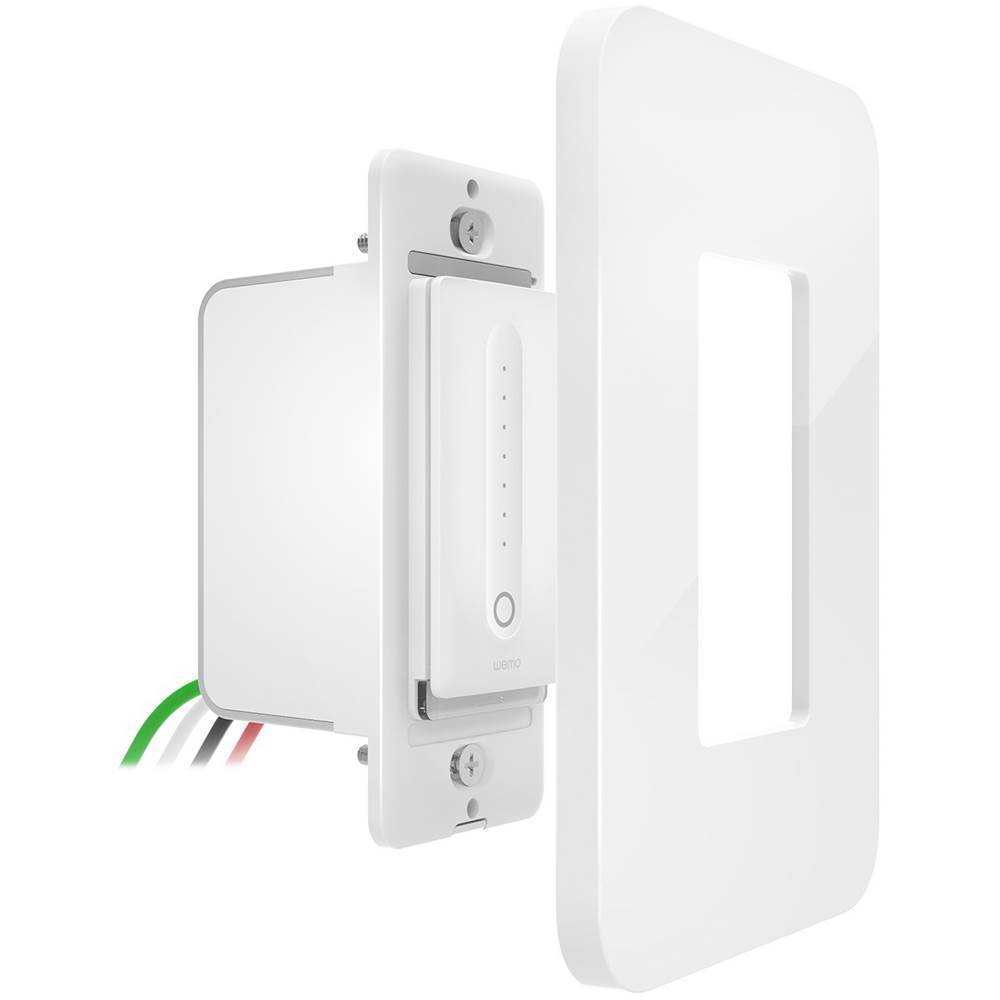
|Posted .This reviewer received promo considerations or sweepstakes entry for writing a review.I needed the helpful folks at Belkin support to get me up and running, but they had all the answers and I'm online with my dimmer! To get it online I needed to do things like turn off Bluetooth (even though the device doesn't use Bluetooth) and put my phone in airplane mode for awhile. The app has all kinds of features that I'll never use, but maybe you'll find them useful. It has a sleep mode, a timer which can control your lights and a 'night mode' for gentler lighting at night, etc. I"m happy just using the app to dim the lights when watching TV, and then to turn them off when ready to sleep, no automation needed. A few caveats before you purchase. You need to check and make sure you have a neutral wire in your switch box which usually is not connected to a standard switch or dimmer switch. You also need to make sure you have a 2 inch clearance in your box. I live in an older house and also had a problem getting the switch in the box in the wall because the corners on the metal box prevented me from pushing the Wemo all the way in. This was corrected with a metal nibbling tool to bite away some of the metal. The installation took more work than I had figured but bottom line, the Wemo is in and working just fine.
I would recommend this to a friend Laim
||Posted . Owned for 10 months when reviewed.This reviewer received promo considerations or sweepstakes entry for writing a review.Couldn’t get it to work instructions did not help and phone support didn’t help
No, I would not recommend this to a friendBrand response from BelkinStaff
Posted .Hi, Rafael,
Your support experience is valuable to us. Allow us to walk you through the process on setting it up and investigate what happened during your contact with our support. Please send us your case number at [email protected] along with your contact details and link to this post as reference. We'll have our Escalation Engineers contact you and aid in experiencing the best out of this product.
Regards,
Carl
Wemo Support
- Pros mentioned:Ease of useCons mentioned:Compatibility, Size
Wemo - Wireless Dimmer Switch
Posted .This reviewer received promo considerations or sweepstakes entry for writing a review.Installation went well. Dimmer switch is Big and can make it difficult to install with all the wires in the electrical box (I taped my wire nuts). Had no issues with Wemo and Amazon Echo. Dimmer switch will not let you assign to a room on my Google Home...so I can't use it with voice control :( Wemo loses connection with Amazon Echo (on occasion) but still operates switch...not sure why. Overall I love the switch, hopefully with firmware updates these issue go away. Thanks!
I would recommend this to a friendBrand response from BelkinStaff
Posted .Hi, DellDr,
Thank you for sharing your product review. For a stable connection, always keep your Wemo's firmware updated and make sure that it's placed in a spot where the Wi-Fi signal is strong. Should you need assistance, we can be tapped anytime at [email protected].
Regards,
Jay
Wemo Support
Full Control of LEDs
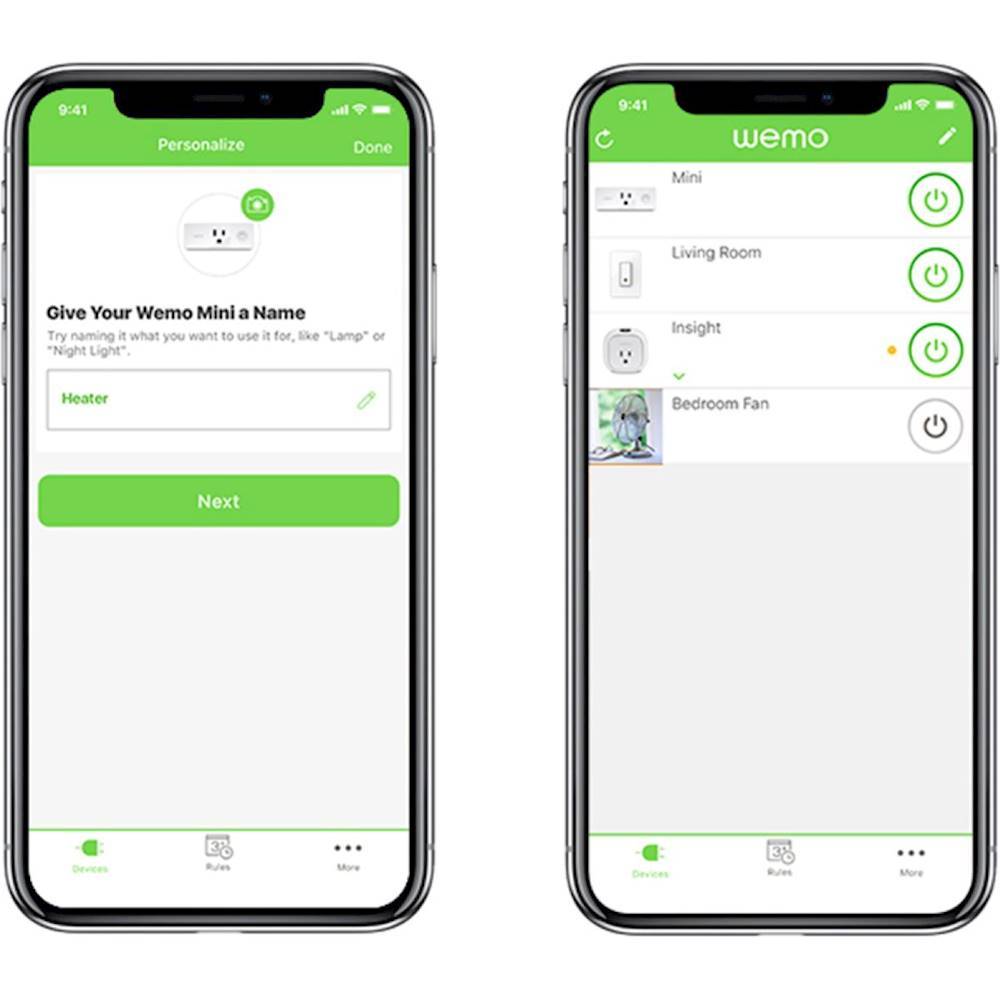
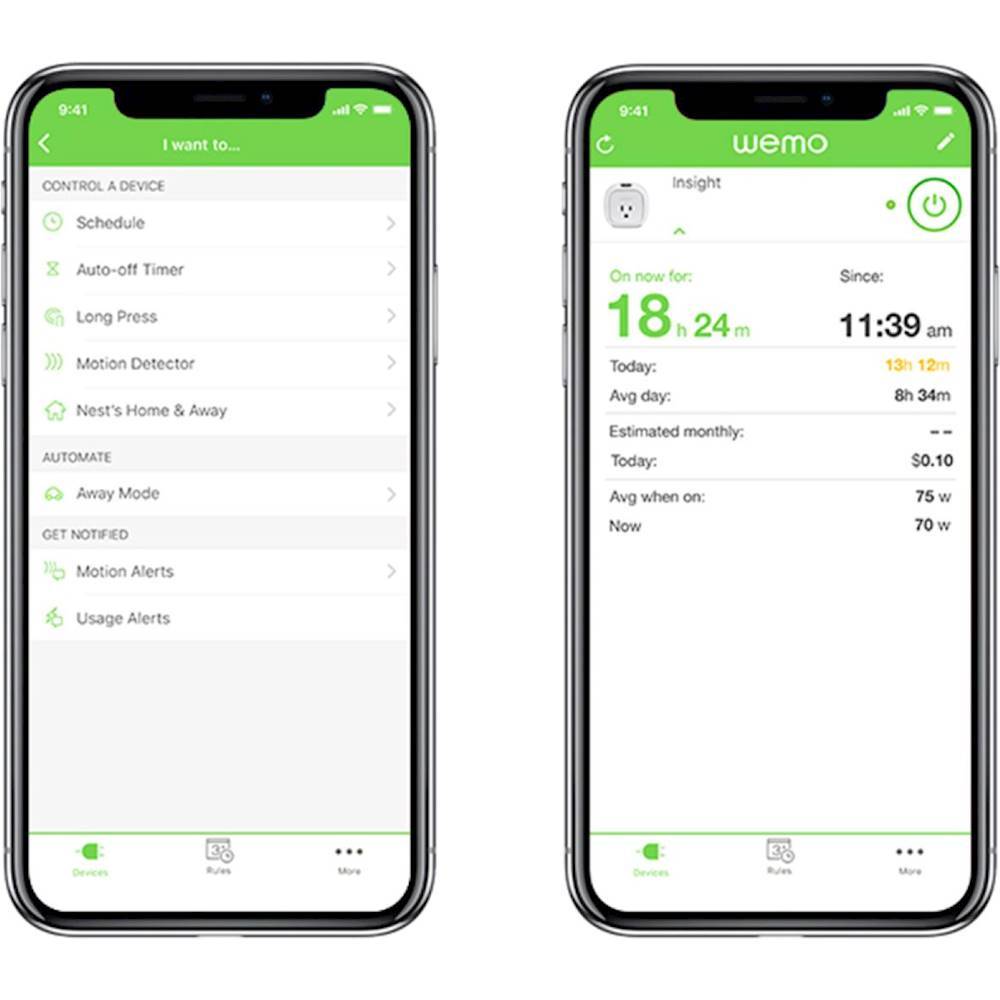
|Posted .This reviewer received promo considerations or sweepstakes entry for writing a review.The install was easy in a newer home with roomy electrical boxes and recessed LED ceiling lights. Once installed, it was just a minute to get the device connected using the WEMO app. Amazon Echo and Google Home integration are there, too. Setting up with both services was simple and works great. A fantastic feature is the “Away Mode” which will randomly turn lights on and off to mimic home use. You can also create a “Long Press Rule” to turn on, toggle, or set away mode for other devices. If you have multiple WEMO switches or outlets, you can long press one light switch to turn everything on and off. I definitely recommend this product. I’ve found this to be the easiest solution for dimming built in LED lights, and the Amazon Echo and Google Home integration are easy to setup and use.
I would recommend this to a friend- Pros mentioned:Ease of use
Works like a charm
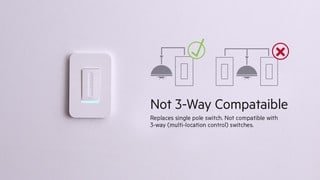
|Posted .This reviewer received promo considerations or sweepstakes entry for writing a review.I really like this light switch and its functionality. Setup was a breeze, the instructions were clear and precise for my setup. I had no issues with installation, downloading and connecting with the Wemo app, or establishing a connection with my Wifi network. Once connected it worked perfectly with near instantaneous response when turning on our light fixture or dimming with the app on my phone. And the light switch looks great to boot. We have a Nest thermostat so I connected the Wemo to the Nest, again, no issues whatsoever in connecting the two together via the app. Overall, perfect execution in installation, app usage, and functionality. This is a great product and I hope Belkin eventually produces a 3-way switch. We have lots of them throughout our home and I will definitely be upgrading once they are available.
I would recommend this to a friend Not DIY with my wiring; app needs improvement
|Posted .This reviewer received promo considerations or sweepstakes entry for writing a review.Installation: The wiring in my home was a rat’s nest of aluminum. One of the terminals on the switch I was intending to replace was connected to a cluster of red, white, and black wires. This was not a job for an amateur. I needed a professional electrician to decipher the cluster of spaghetti behind my switch plate. If you intend to make this a DIY project, make sure that you understand the wiring that you need to use and don’t assume that someone else’s work was correct (even if it works). The app was easy to install, but the dimmer configuration stalled during the step where my home network was searching for WeMo devices. I had to reset the device to its factory settings, turn off the cellular data setting on my phone, connect to my wireless network, and start the configuration from scratch. The device occupies a slot on the 2.4GHz band of my home network, which is fine for a stationary device with no real demand for band width. The serial number and MAC address for the switch is on the package. You may need a magnifying glass to read it. Make sure to save this information. You won’t want to remove the switch to get this information (I’m not even sure that it is there). Functionality: We are using the WeMo switch to allow us to turn on the front porch light remotely. Many of the features (e.g. dimming, countdown timer, fade-out, and “night mode”) turned out to be unnecessary. The scheduler is OK, but there does not appear to be a feature to add a day-to-day random offset to the on/off times to make it appear that someone is home. This shortcoming could easily be added to the app. The dimmer panel on the switch is not a slider. A single touch at any point on the scale will set the dimmer level.
I would recommend this to a friend- Pros mentioned:Dimming
Need to know basics, cool features
|Posted .This reviewer received promo considerations or sweepstakes entry for writing a review.This is a dimmer, not a light switch. You'll need to know some basics prior to installation since the placement of wires is precise. Not hard at all, but not as simple as changing a light bulb. We don't have a smart home yet, but we do have a need for a smart light in the living room to make it appear we are home when we are traveling. This little guy fits the bill, and dims as well. The iPhone app is easy to set up, and being able to have the light on at an ambient level upon arrival is a nice welcome home, especially with guests after an evening out.
I would recommend this to a friend - Pros mentioned:Ease of use
Simple installation and setup.
|Posted .This reviewer received promo considerations or sweepstakes entry for writing a review.This took less than 15 minutes to install and setup which was amazing. I replaced an existing dimmer with Wemo which was very straightforward. Might be a little more challenging if you have no experience with electrical wiring. Also note that the instructions state that it will not work without a ground wire (the white wires in the outlet box). Once installed it took Wemo maybe a minute to boot up. You download the WeMo app which walks you through the wifi setup. This worked flawlessly as does the now installed dimmer. Highly recommend and will be getting more WeMo items now that I've seen how simply they are to setup and use.
I would recommend this to a friend - Pros mentioned:Ease of use
INCREDIBLE CONTROL!!!!!
|Posted .This reviewer received promo considerations or sweepstakes entry for writing a review.We used this in a room with 6 individual LED bulb fixtures and it took very little time to set it up for use with LED Bulbs. Once we had it set for the LED bulbs it took us quickly through the set up to calibrate the hi and lowest settings. Very quick and easy set up and an incredible amount of control. We especially like the way it can make your room look like it is being used even when you are away. NO MORE TIMERS!!! YEAH!!! Can't wait until they are available so we can get more. It would be nice if they could make one that would allow you to control a light dimmer AND Fan Speed Control! Something to think of guys.
I would recommend this to a friend - Pros mentioned:Installation
Belkin wemo dimmer switch
|Posted .This reviewer received promo considerations or sweepstakes entry for writing a review.If you want to install this in a box with three switches , it might be a problem as there may be to many wires in the box. This was my problem as the body is too big to fit as there was too many wires. Besides this it's a straightforward installation like any other switch, you do need to have a neutral wire in order to install this. It's nice to be able to control your lights when you're away from home right from you phone or tablet.
I would recommend this to a friend - Pros mentioned:Ease of use
easy to install wifi dimmer
|Posted .This reviewer received promo considerations or sweepstakes entry for writing a review.i installed this dimmer switch and had it working in less than 20 minutes. After shutting off the circuit breaker for this switch, it was very easy to install. I then downloaded the wemo app for my iPhone. Then you open the wifi on your phone and connect your iPhone before opening up the wemo app. I followed the instructions provided and everything works great. I can easily control the light switch from my iPhone. You can program the switch to turn on and off on a schedule if you like. I really like the ability to schedule when it turns on and off.
I would recommend this to a friend Great Dimming Switch
|Posted .This reviewer received promo considerations or sweepstakes entry for writing a review.Must say I'm overall impressed with the Demo dimmer switch. Installed easily (if you are comfortable with electric wiring). The switch looks really nice installed. Using the Wemo app works most of the time. Occasionally you will get a "Not Detected" in the app. Sadly this has been occurring for years with Wemo's products so don't see this going away anytime soon. Just force close the app and try again. The ability to adjust brightness in the Wemo app (or by using Amazon Echo) works great. Setting a rule to only turn the lights on at ?% after a certain time is a great way to not blind yourself turning the lights on at night. Since you select the type of lights being used, the hum you traditionally get with a dimmer switch is greatly reduced. One thing to note (Belkin, please add to the documentation), to manually adjust brightness from the switch, just slide your finger up or down on the switch. I was about to uninstall the switch as I didn't think you could adjust brightness manually, then just happened to slide my finger and there ya go. Pretty slick way to adjust brightness. My one major disappointment with the switch is the lack of HomeKit compatibility. With a new device in the Wemo series, here was a chance for Belkin to add HomeKit compatibility. Unfortunately a missed opportunity and one that will cost the Wemo lineup dearly down the road in my opinion. Otherwise, a great switch!
I would recommend this to a friend