Customer Ratings & Reviews

- Model:
- F7C059-BDL
- SKU:
- 6183509
Rating by feature
- Value
Rating 4.2 out of 5 stars
- Quality
Rating 4.4 out of 5 stars
- Ease of Use
Rating 4.2 out of 5 stars
Customers are saying
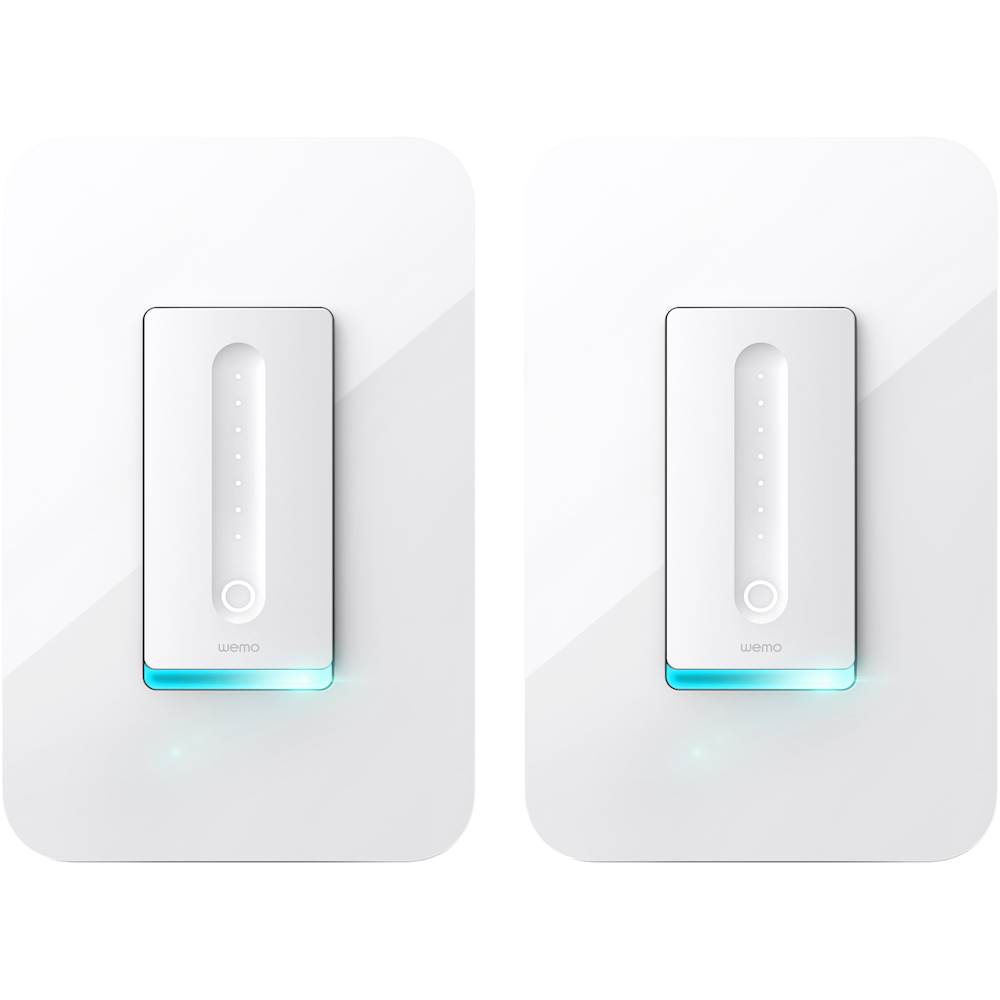
Customers recognize the Wi-Fi Smart Dimmer Switch (2-Pack) for its ease of use and simple installation process. The dimmer switch is also appreciated for its dimming capabilities and compatibility with Alexa. However, some customers have expressed concerns about its compatibility, price, and size.
This summary was generated by AI based on customer reviews.
- Pros mentioned:Installation

Good Functionality and Attractive Style
|Posted .This reviewer received promo considerations or sweepstakes entry for writing a review.I needed to replace an older non-connected dimmer and tried the Belkin WeMo Dimmer. Setup was very easy (MAKE SURE YOU HAVE A NEUTRAL WIRE) and easy to configure. The device does what it says it will do and allow you to schedule the lighting and brightness. The application is intuitive and easy to use and the integration with other connected home devices is nice as well.
I would recommend this to a friend - Pros mentioned:Installation
A cool product
|Posted .This reviewer received promo considerations or sweepstakes entry for writing a review.I did not install this product until 2 weeks after I got the product because I had to go buy some dimming light bulbs. Other then that complication, the installation was easy for someone non-handy like myself. I like how you can control this with your mobile phone using their application. Now I want to buy more to make my light switches look cool around the house.
I would recommend this to a friend Very Cool Addition to Wemo Product Line
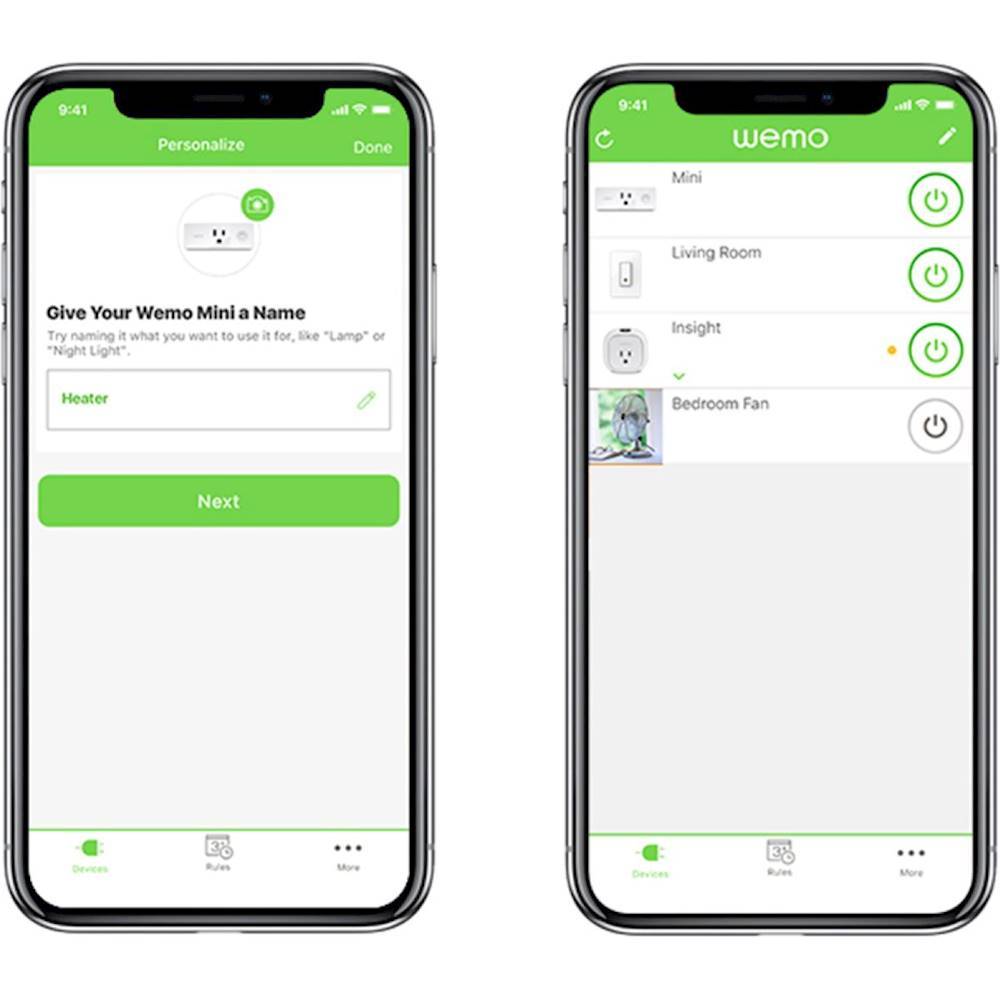
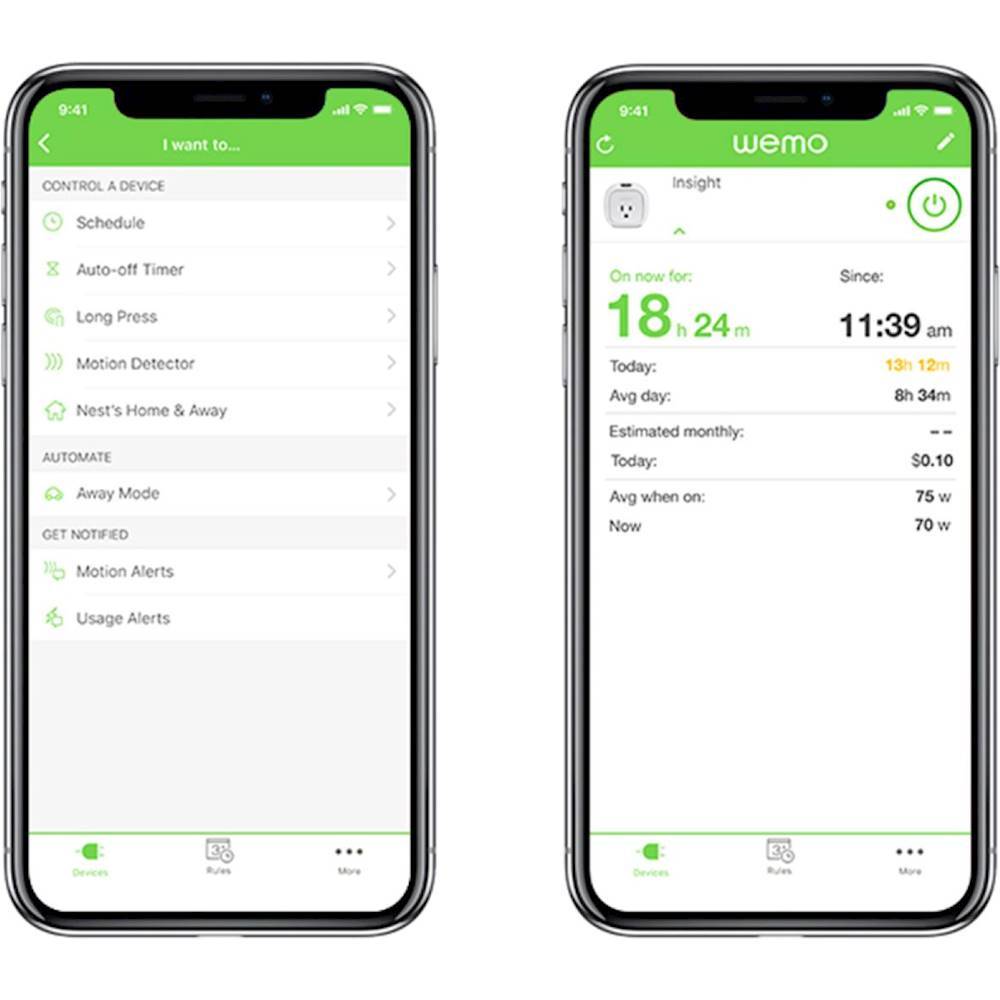
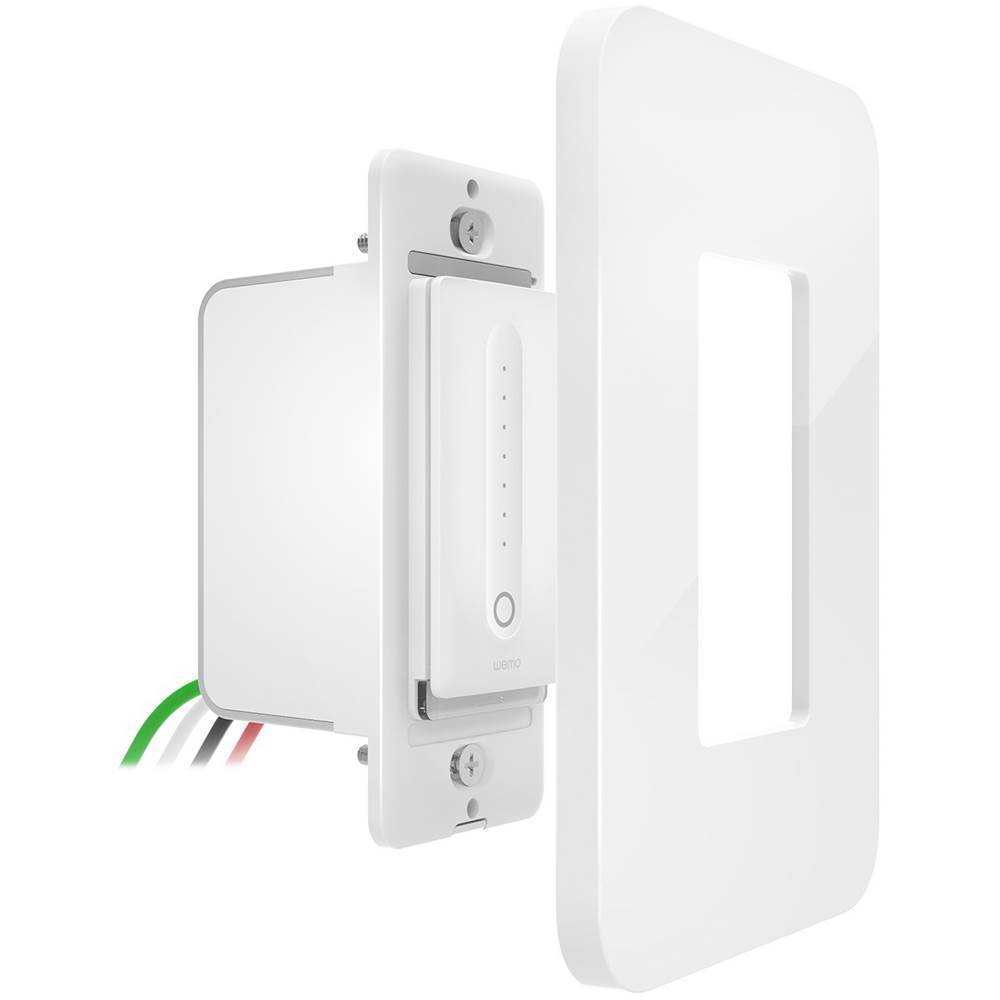
|Posted .This reviewer received promo considerations or sweepstakes entry for writing a review.This dimmer is a great addition to the Wemo product line from Belkin. They already had a lot of automation tools, but as far as I know, this is the first dimmer switch. It's relatively easy to install, works with the Wemo app for pre-scheduled or remote control, and can be set to work with a variety of dimmable bulb types. Installation: Rather than screws on the side of the switch, the Wemo has four wires coming out, and wire connectors are included in the box. There are also little stickers to put on your wires as you disconnect them from the old switch so you don't lose track of what's what. The instructions are pretty clear and easy to follow if you're comfortable with a bit of DIY. The real trick is to make sure your existing switch housing has (a) enough space for a large switch, and (b) a neutral wire. This neutral is key, as it powers the Wemo switch even when the circuit powering your light is off. Apparently, newer switches should have this... one light switch I tried in the "not-recently-renovated" part of my home didn't, though. Setup: You'll use the Wemo app to connect to the switch, then while connected to the switch, give it instructions on how to join your existing wireless network. It sounds a bit complex, but the app walks you through it pretty easily. You can also choose which type of dimmable bulb you're using (incandescent, LED, or compact fluorescent), and the dimmer will optimize for that specific type. Operation: You can use the Wemo app to pre-set a schedule for the lights, or just use it to turn the lights on and off remotely. Wemo also interacts with a few other home automation platforms (Nest, Google Home, etc.). I found most of these features had a lot of "cool" factor, but weren't necessarily all that useful to me. Overall, the Wemo dimmer switch is a great way to either start or build on your existing Wemo home automation setup.
I would recommend this to a friend- Pros mentioned:Installation
Nice dimmer, shame its only single-pole
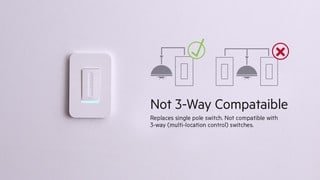
|Posted .This reviewer received promo considerations or sweepstakes entry for writing a review.It's a very nicely constructed dimmer. Very easy to install. I was unable to test it completely as I discovered very quickly that it was single pole and therefore wouldn't work in my home. I would say that it's safe to assume that 99% of most modern homes have an overabundance of multi-pole light switches in them. For whatever reason builders think it's a good idea to put a light switch on every wall in your room. This creates a small problem with single pole switches like this as they won't work in this scenario. I looked high and low in my house and there simply wasn't a switch that was single-pole and also not on a gang outlet. Since this also has it's own cover plate it can't really be installed on a gang outlet. Long story short, this is only good if you have a light with a single switch outlet. Good luck!
No, I would not recommend this to a friend - Pros mentioned:Ease of use
Easy set up. Nice start for a smart home.
|Posted .This reviewer received promo considerations or sweepstakes entry for writing a review.It was a very easy installation and setup for the Belkin WeMo Dimmer Wi-Fi Light Switch in my home. I set it up for the two lights over my island in the kitchen that run on the one switch. This is a nice alternative to the smart bulbs that I have throughout the house with tape on the switches so that I can train myself and others NOT to use the light switch manually and instead use voice command.
I would recommend this to a friend - Pros mentioned:InstallationCons mentioned:Compatibility
Limited wiring capability
|Posted .This reviewer received promo considerations or sweepstakes entry for writing a review.The reason I'm giving this two stars is because we never had the chance to use it. The wiring capabilities are limited and we couldn't use it in any of our switches. The concept is great & installation was easy & so was connecting to the app but that's where it ends, you can't use it on switches with ceiling fans, 3 way switches which means if you can turn the light on from more than one switch, and the cover is snap on & is so big that you can't use it if you have double or triple switches, so I was a bit disappointed since our switches are all of the above.
No, I would not recommend this to a friend - Cons mentioned:Compatibility
Can't use it
|Posted .This reviewer received promo considerations or sweepstakes entry for writing a review.I really want to rate this higher, but.... Unfortunately the instructions tell you that you can not use this on lights with multiple switches. All the rooms we have where we wanted to use the dimmer have two or more switches. Basically our house is not wired in a way we can use this switch. Which is very unfortunate. One other important warning, make sure your bulbs are dimmable otherwise it is a fire hazard. The build of the switch is top notch. Instructions are easy to follow. Hopefully future releases will accommodate multi switch installs. I can not speak to the software since I could not install the hardware.
I would recommend this to a friend - Cons mentioned:Price
Great product
Posted .This reviewer received promo considerations or sweepstakes entry for writing a review.Product works well with the android, IOS and Alexa devices. No app for the iPad which would be nice to have something full size. Updates to the firmware was a little of a challenge. Priced way too high
I would recommend this to a friend - Pros mentioned:Ease of useCons mentioned:Neutral wire
Great Smart switch if...
Posted .This reviewer received promo considerations or sweepstakes entry for writing a review.Very easy to install and program with Google home. Came recommended by the google specialist at Best Buy - he was great at helping me pick and choose how to start smarting up my home. My only problem is it requires a neutral wire, so I was able to use it on one of my switches but not all of my outlets had this neutral wire. Check before you buy as I had to return one due to being unable to install. Otherwise, works great, no lost connections, etc
I would recommend this to a friend - Pros mentioned:Ease of use
Does the trick
|Posted .This reviewer received promo considerations or sweepstakes entry for writing a review.I expected this to work fine, as it's from Belkin -- and it did. The only hassle was dealing with the cramped, old wiring in my basement. No problems connecting to wifi or controlling with Alexa.
I would recommend this to a friend Update Firmware if Intgrating with Apple HomeKit
Posted .This reviewer received promo considerations or sweepstakes entry for writing a review.Four stars because although it's advertised online as being compatible with Apple HomeKit, Wemo support says nothing about needing to update the dimmer's firmware. My Wemo Dimmer Switch box did not list Apple HomeKit but their website states the switch is compatible. After installing the switch, connecting to my home wifi, and adding the device to the Wemo app I wanted to add the device to my Apple HomeKit app. The HomeKit app wanted the scan the non-existent QR code in the quick start manual. The other option is to enter the 8-digit HomeKit Code which is also not listed in the manual. It is also not on the back of the switch. The Wemo support site was of no help but some deep digging in reviews revealed the answer. Open the Wemo App. Select ...more at bottom right. Then select Firmware Update. The app will search for firmware updates. In my case it found a firmware update for the Wemo Dimmer Switch. I installed the firmware update for my switch. Took nearly 20-minutes so be patient, let it finish. Once the firmware finishes installing go back to ...More and select Settings & About, then Hardware Info, then select the wireless dimmer switch. The 8-digit Apple HomeKit Setup Code should appear near bottom of screen. While trying to add the dimmer to the Apple HomeKit app I had to enter the 8-digit code twice before the dimmer popped up.
I would recommend this to a friend- Pros mentioned:Dimming, Ease of use
Finally, Wemo Lightswitch Dims
Posted .This reviewer received promo considerations or sweepstakes entry for writing a review.This replaces a standard Wemo Lightswitch that I had installed on our front porch lights. The effect at full brightness was just too much, but we didn't have a good alternative at the time. I purchased and installed the dimmer version as soon as I heard it was available at Best Buy, without reading any reviews. Installation was as straightforward as the non-dimming version and now we have the ability to throttle back the lights to make our front porch look the way we want it - a soft glow rather than an intense glare. Thanks Belkin/Wemo!
I would recommend this to a friend - Pros mentioned:Ease of use
HomePod & WeMo <3 <3 <3
Posted .This reviewer received promo considerations or sweepstakes entry for writing a review.I've had a couple WeMo products for a few years. The moment I found out that WeMo bridge was available so it could be used with Apple products I bought it. I might have even splurged for express shipping. I've been very happy with my WeMo products and was sad that for a while it just wasn't compatible with the Apple ecosystem. But now everything has changed and it's great! I had my HomePod for about a week, before I realized that having a Siri controlled dimmer was the thing I always wanted and needed. I bought it. I wasn't sure if I'd need an electrician. My level of experience with electronics is every so slightly above switching fuses in the fuse box. I read the instructions, which were so clear and so well done. It gave me confidence to try to install it on my own. And with ta few youtube tutorial views, tremendous caution, patience, reading, re-reading and checking - I DID IT! Note: I was replacing a standard dimmer, not trying to add a dimmer to regular light switch. This WeMo dimmer came with the best instructions of pretty much anything I've ever bought. I can't say enough how great they were. After reading them (short, lots of images). I could immediately tell if i felt this matched my skill level or if I was getting in over my head. 5/5 Best instructions. Set up was super easy (but I've already done a few WeMo app installs, so I was familiar with the steps needed, still instructions were really clear and easy to follow). The dimmer switch works so smoothly, so flawlessly, so perfectly with Siri, especially HomePod. I would say my other WeMo devices also work better with HomePod than my iPhone (seems to finish my request faster). There is a little detail where the lights fade off rather than shut off. I really love this little detail. It's subtle and it kind of has this 'we made this dimmer with lots of love' feel to it.
I would recommend this to a friend Neat device
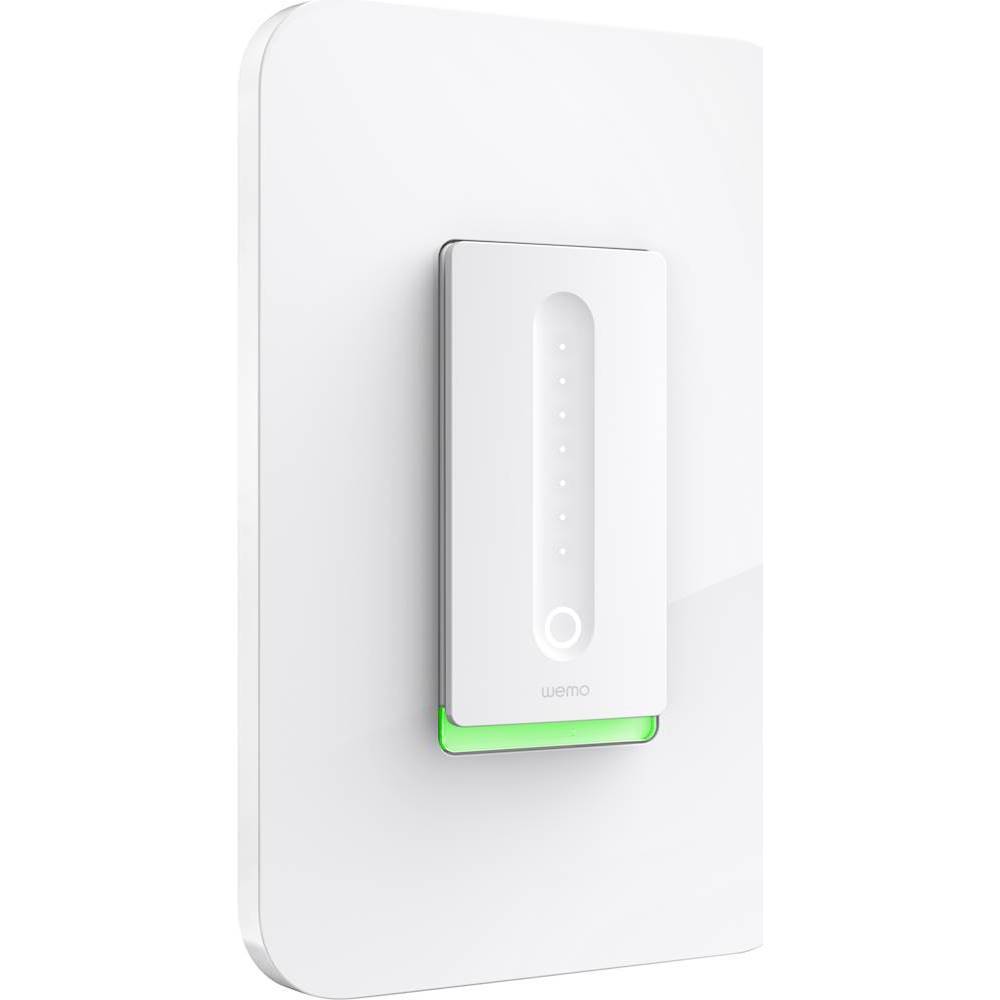
|Posted .This reviewer received promo considerations or sweepstakes entry for writing a review.As someone who has setup a smart home with Z-wave I was excited to check out some of the other options for home automation. First off this is a cool looking switch! It would compliment any modern decor but would look out of place (IMHO) in a country or possibly a traditional setting. Installation is quite simple if you are handy with replacing a light switch. Unlike most traditional light switches you must use the line, load, neutral and ground wires so make sure your wiring is already in place. This is a WiFi switch so you will connect it to your network. Setup is easy though, download the app to your mobile device and follow the instructions. Total setup time was less that 3 minutes and I was able to operate the switch from my phone. Very cool app to control the switch including a sleep timer that will dim the light until it goes off or manual control of dimming. Apparently you can even control the lights when you are away from home but the application errored during that part of the setup so I can't comment on that function. As I mentioned, this runs off WiFi and on occasion it takes a few moments to connect or even not connecting at all. Overall it is not a bad product but if you are going to go full speed ahead with WeMo make sure you have a really good WiFi router that will cover the locations in your home.
I would recommend this to a friendMy first Wemo, likely my last unless things change
|Posted .This reviewer received promo considerations or sweepstakes entry for writing a review.I was really excited to install the Wemo Dimmer as the next connected device in my house. However, my excitement quickly turned to frustration and disappointment. First, there is no HomeKit integration, so Apple users be warned that it sometimes just won't play nice with your devices and integration into your existing plans is basically out of the question. Next, my house has a multitude of three- and four-way switches. This dimmer won't replace any of those...single-pole only...making it's usefulness go down by 90% in my particular circumstance. Once I finally decided where I wanted to and could use the dimmer (again, single pole switch locations only), I proceeded with the installation. Wired everything up in accordance with the directions, flipped on the breaker, and nothing. Thought perhaps I had inadvertently reversed the line and load wires so I swapped them and still nothing. Pulled it out, replaced the original switch and the light worked like normal. I had another potential location chosen and decided to try that one just for giggles. Wired it up, flipped the breaker, and the switch lit up instantly. Success. Sort-of. It took multiple attempts to get the switch to connect to my wireless network (signal strength is excellent as the switch is no more than 15 feet from my router). Once it finally connected, I tried to set up some rules in the app, only to have the switch disconnect before the rule could be saved and pushed to the device. Once I finally held my mouth right and got rules saved, they worked as intended. However, using the app to control the dimmer remotely is sketchy at best. 8 out of 10 times the dimmer will initially show up as disconnected, prompting a forced restart of the app. Sometimes a hard reset of the dimmer is required to get in back online--which is far less than ideal considering the main usefulness of a wifi connected device is remote access. Once the device appears as connected (possibly after 3-4 tries) it will randomly disconnect as soon as a command is sent. This is very frustrating and it makes it impossible to be sure whether the command was actually executed. All in all, the design is clean and attractive. As a capacative touch dimmer, it works as it should. As a wireless "smart" device, it is unreliable and misses the mark widely. I'm not sure if that is a failing of the device, the app, or a combination of the two, but either way it simply just doesn't work for my needs. Oh, I placed the dimmer in a double-gang box with another standard switch and I was able to locate a cover plate at a big-box home improvement store. However, using shorter screws than what one would normally use for a switch was necessary as the Wemo is primarily designed for use with a screwless, snap-on designer plate.
No, I would not recommend this to a friendBrand response from BelkinStaff
Posted .Hi,
We appreciate you taking the time in sharing this detailed review. There could be multiple causes to the intermittent connection that you are experiencing with the device. Allow us to escalate your case to our Engineers for further troubleshooting.
Just send us your contact details at [email protected] along with the link to this post.
We hope to hear from you soon.
Regards,
Thaddeus
Wemo Support
- Pros mentioned:Ease of use
Great option
Posted .This reviewer received promo considerations or sweepstakes entry for writing a review.Bought some regular dimable led lights and the Weemo works like a charm also easy to configure with my Alexa
I would recommend this to a friend - Pros mentioned:Installation
Great product, shaky info online
Posted .This reviewer received promo considerations or sweepstakes entry for writing a review.The dimmers are installed and working great. I bought two, one for the ceiling fan and one for the light for the fan. There is mixed information online about whether this will work or not but so far, seems to work fine. They look great too! And Alexa has no trouble controlling them.
I would recommend this to a friend - Cons mentioned:Size
Awesome switch
Posted .This reviewer received promo considerations or sweepstakes entry for writing a review.I really like it only wish it was little smaller doesn't fit very well with multi switch plate
I would recommend this to a friend Easy to use and convenient
|Posted .This reviewer received promo considerations or sweepstakes entry for writing a review.I install the device with the basic intention of controlling the light when we are not in the House and trying to accommodate the light intensity without moving from the sofa. I have what I was looking for and a lot more. Now I can adapt the light to the family needs including the option of doing it to a night level that is good enough to see but not to be awakened. If you plan to automate the house this is a great option.
I would recommend this to a friend- Pros mentioned:Ease of use
Takes a few tries but worth it.
Posted .This reviewer received promo considerations or sweepstakes entry for writing a review.I previously purchased one WEMO outlet plug and one WEMO light switch and they both work very well with the exception that each took several attempts to initially setup. However once setup they have worked reliably, and that's what made me purchase the WEMO dimmer switch. I have a chandelier with 8 individual lights and although it took 4 separate attempts to initially set the dimmer up, once setup it has worked without any issues at all. This dimmer is less expensive that similar models from other manufacturers and the cost savings is worth the extra setup effort. It's an even greater bargain if you can catch it on sale. I recommend this product .
I would recommend this to a friend