Customer Ratings & Reviews
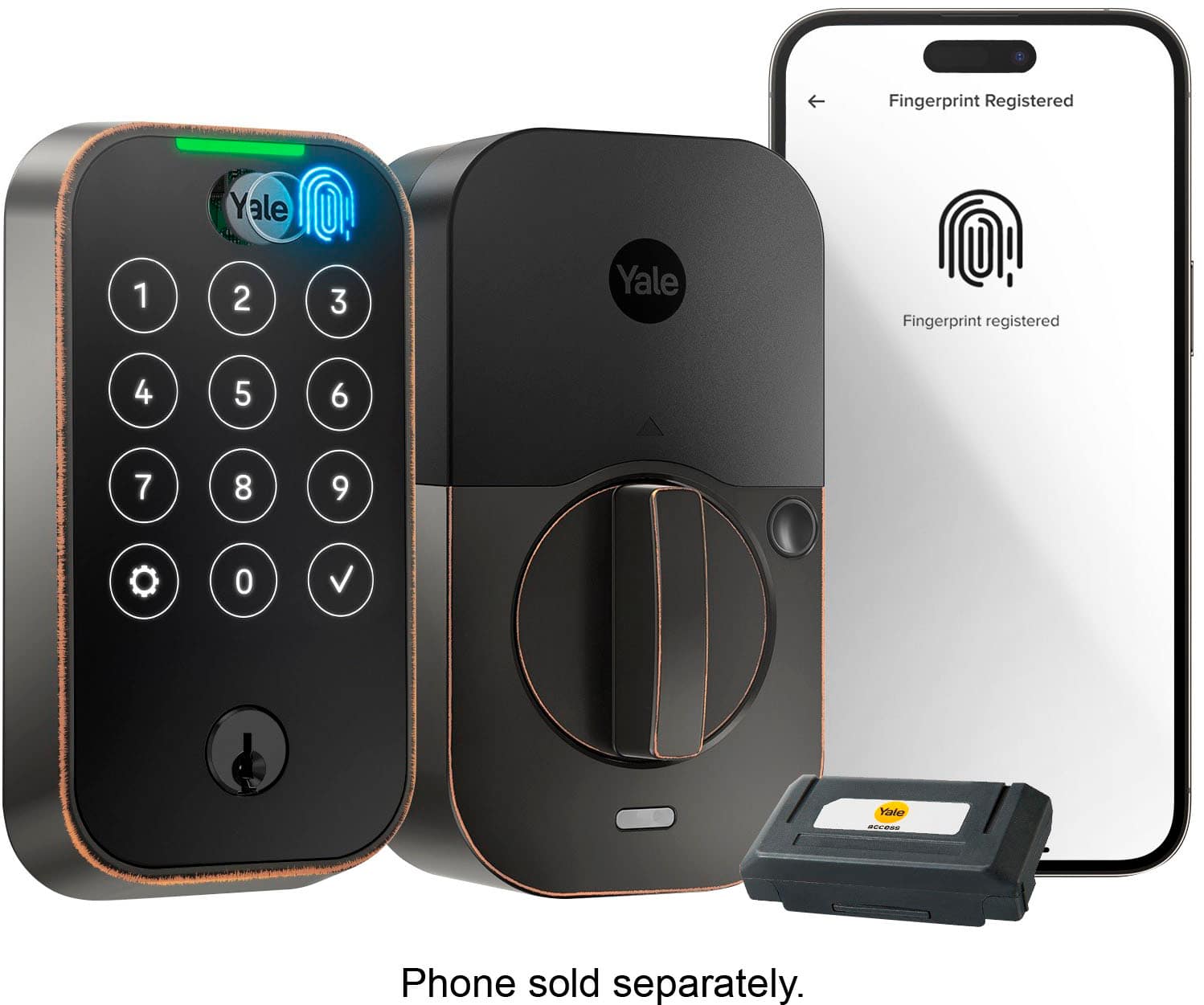
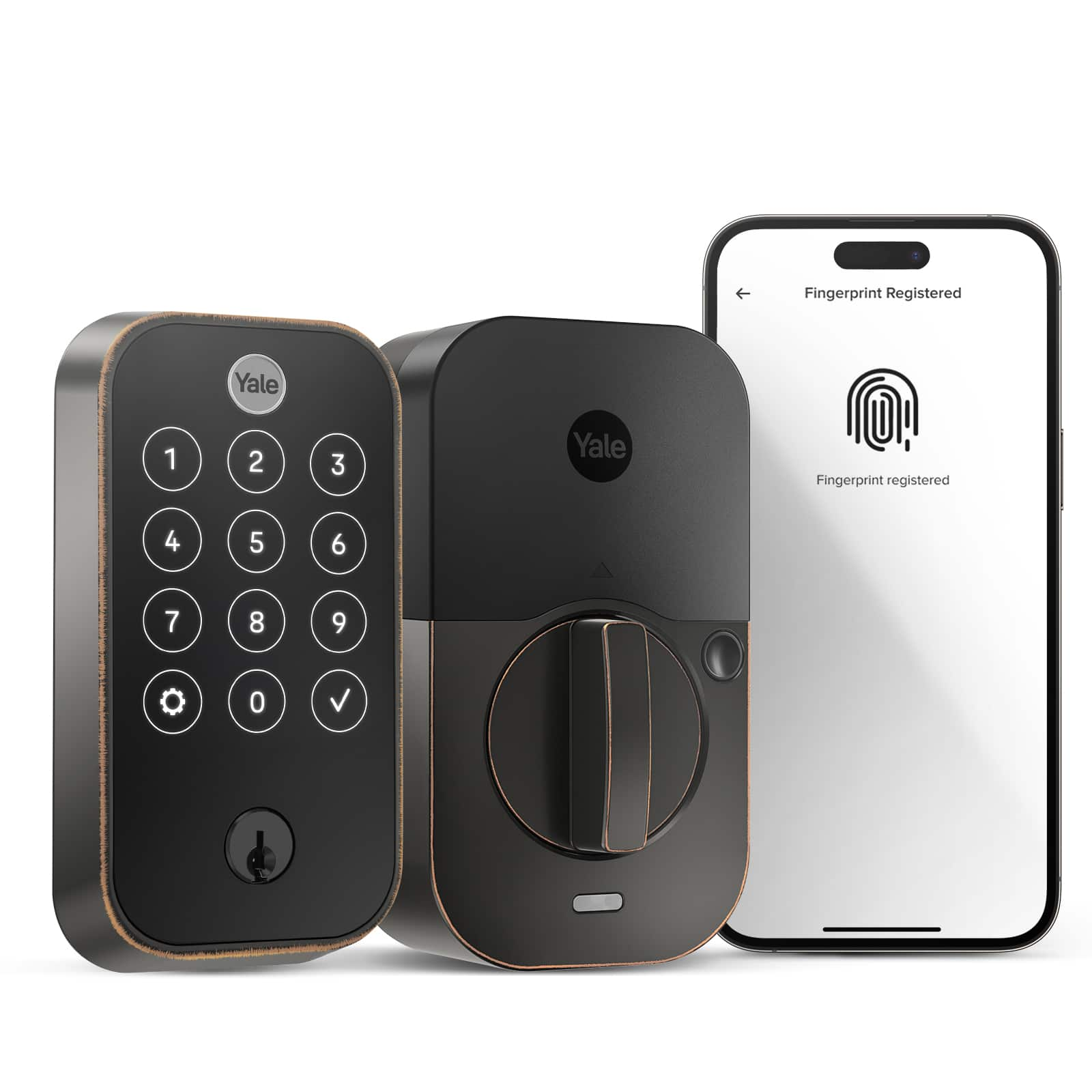
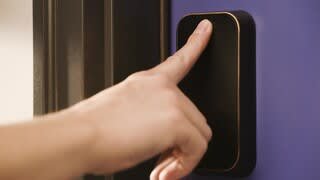
- Model:
- YRD420-F-WF1-0BP
- SKU:
- 6579663
Rating by feature
- Value
Rating 4.2 out of 5 stars
- Quality
Rating 4.3 out of 5 stars
- Ease of Use
Rating 4.4 out of 5 stars
Customers are saying
Customers have good things to say about the Assure Lock 2, particularly its ease of use and straightforward installation process. Many appreciate the overall performance and sleek design, as well as the added sense of security it provides. However, some customers have expressed concerns regarding the battery life of the device.
This summary was generated by AI based on customer reviews.
NA
||Posted . Owned for 3 weeks when reviewed.This reviewer received promo considerations or sweepstakes entry for writing a review.Hard to set up fingerprint lock and still I wasn’t successful to set up fingerprint as it won’t allow me. Not user friendly
No, I would not recommend this to a friendSTAY AWAY FROM THIS!!!!
||Posted . Owned for 3 weeks when reviewed.This reviewer received promo considerations or sweepstakes entry for writing a review.I would give it zero stars if I could. Installed for 2 weeks. Now it does not work at all. Avoid this product at all costs!
No, I would not recommend this to a friendNit working, it opens by itself
||Posted .This reviewer received promo considerations or sweepstakes entry for writing a review.The lock was opening by itself, I returned to the store after 2 weeks trying to have a solution of this issue with customer service. Not
No, I would not recommend this to a friendPoor quality
||Posted .This reviewer received promo considerations or sweepstakes entry for writing a review.Do not recommend to buy it.poorly made,unreliable.
No, I would not recommend this to a friendTerrible lock and technical support
||Posted . Owned for 2 months when reviewed.This reviewer received promo considerations or sweepstakes entry for writing a review.after only 2 months this lock completely died. Spent hours troubleshooting it and on the phone with Yale technical support. They require video proof of you doing all troubleshooting steps before it can be reviewed for a warranty replacement.
No, I would not recommend this to a friendjust awful
||Posted . Owned for 2 months when reviewed.This reviewer received promo considerations or sweepstakes entry for writing a review.worst lock you can buy keeps disconnecting from wifi buy and you will regret it
No, I would not recommend this to a friendDrains Batteries Weekly
||Posted . Owned for 5 months when reviewed.This reviewer received promo considerations or sweepstakes entry for writing a review.This product is trash and even if this is not a common issue the product support is even worse from Yale. Beware. Will be reaching out to consumer protection on this one.
No, I would not recommend this to a friendFingerprint doesn’t work customer support is poor
||Posted . Owned for 3 weeks when reviewed.This reviewer received promo considerations or sweepstakes entry for writing a review.Fingerprint sensor keeps kicking offline. Yale keeps asking for more and more documentation of the problem and I’m just outside my return period. Terrible customer service on the support line and I’m using a key on a $250 lock
No, I would not recommend this to a friendPlease avoid
||Posted . Owned for 5 months when reviewed.This reviewer received promo considerations or sweepstakes entry for writing a review.Bad quality. Can not auto lock, did a bunch of troubleshoot with Yale service but issue persisted. Got a replacement with the same issue.
No, I would not recommend this to a friend- Pros mentioned:Design, Installation

Goodbye Keys!!!! Hello Endless possibilities!!!!!
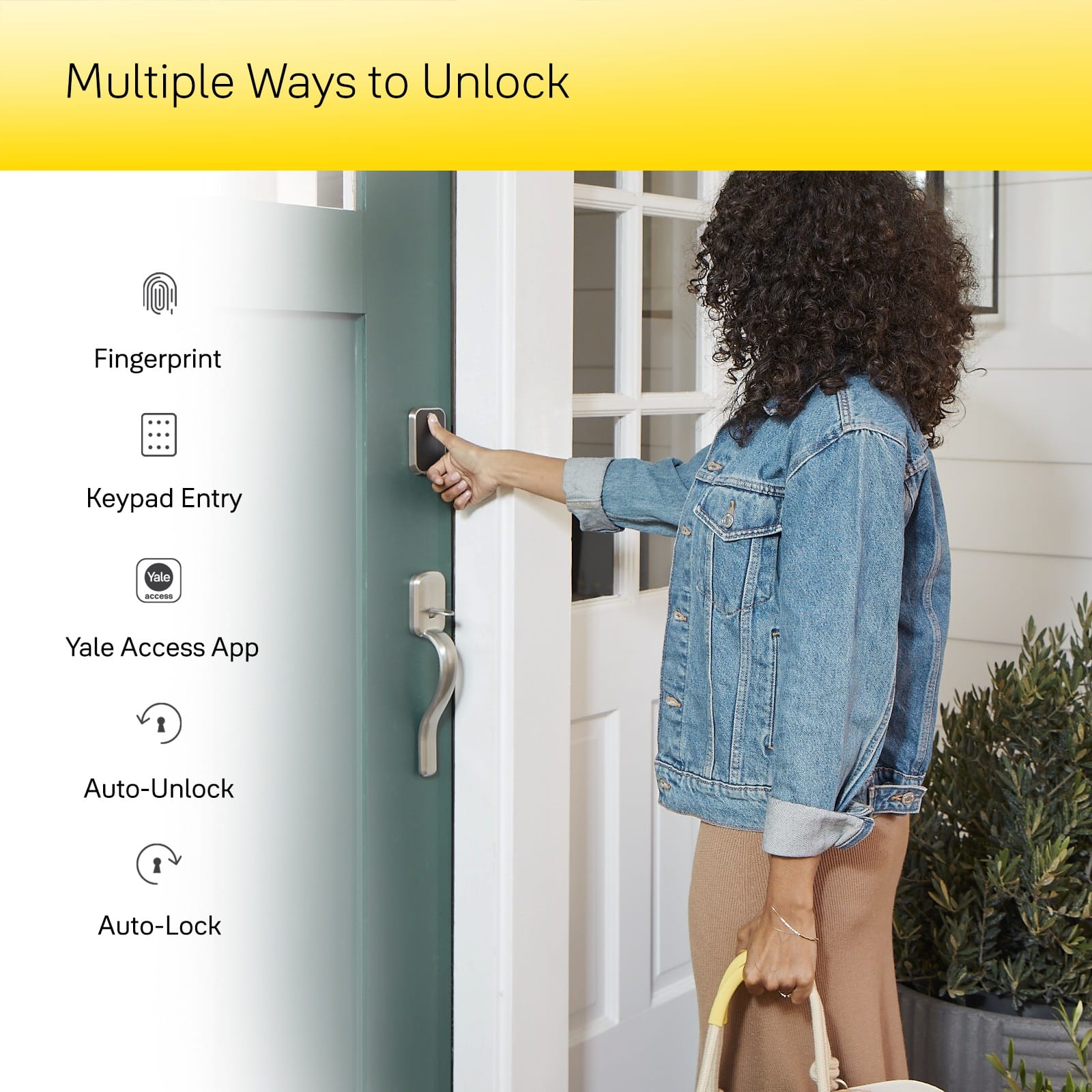
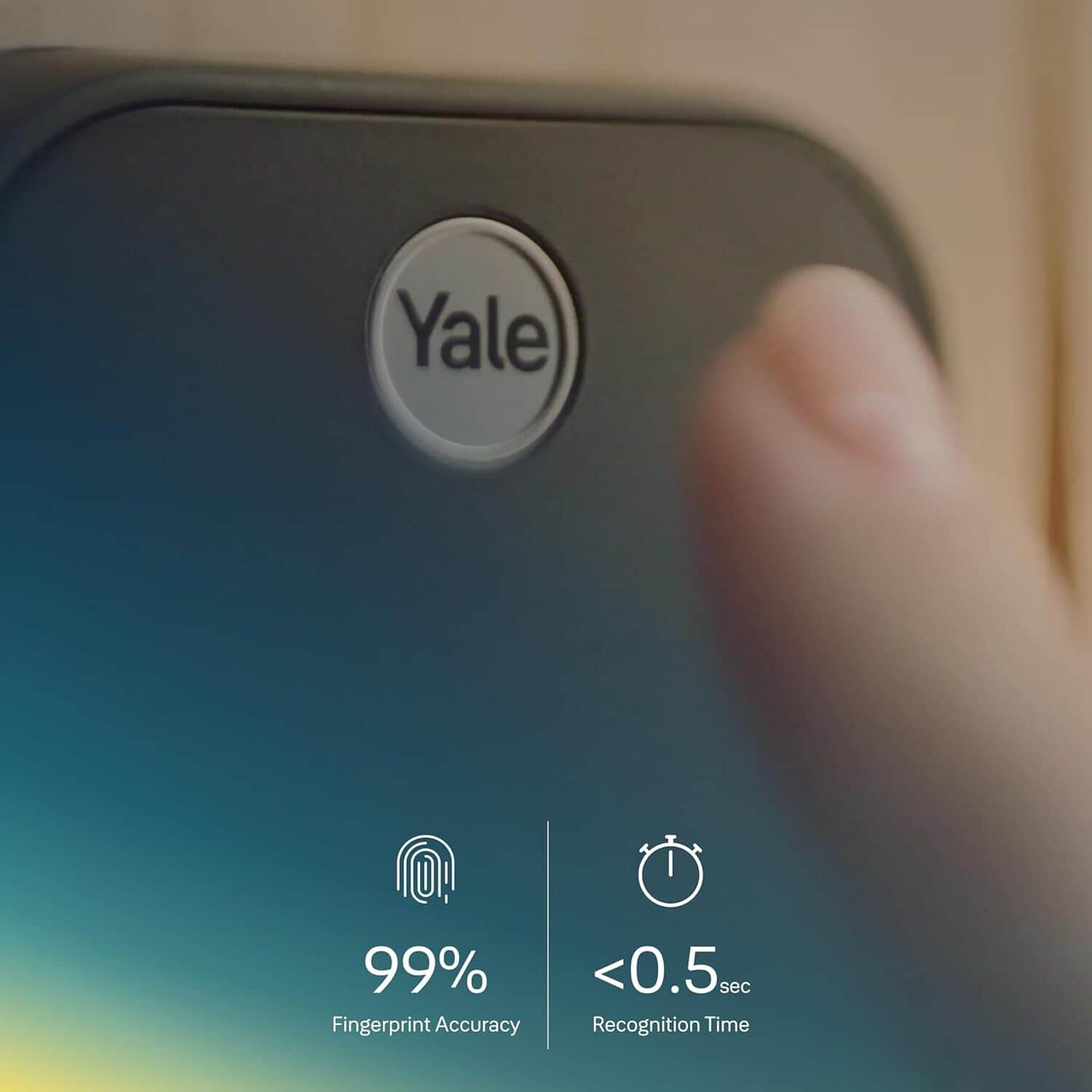
|Posted .This reviewer received promo considerations or sweepstakes entry for writing a review.The Yale Assure Lock 2 Touch Fingerprint with Wi-Fi is an excellent choice for anyone looking for a high-quality smart lock. This sleek and stylish device provides users with multiple ways to access their home, ranging from fingerprint recognition to Wi-Fi connectivity. One of the standout features of this smart lock is its fingerprint sensor, which makes it incredibly easy for family members or guests to enter your home without the need for keys. It's also worth noting that this lock passed the highest grade residential security rating (ANSI/BHMA Grade 2), making it a top-of-the-line option for those concerned about safety and security. Setting up the Yale Assure Lock 2 Touch Fingerprint with Wi-Fi is simple thanks to its user-friendly design and detailed instructions. Once installed, you're able to manage access codes remotely via your smartphone. You can even create custom access codes for individual people (including temporary ones!), so you always know who's coming and going. The Satin Nickel finish on this smart lock also adds an extra touch of elegance to any doorstep, making it both functional AND aesthetically pleasing! Beyond these features, there are additional benefits like automatic locking as well as integration with voice assistants like Amazon Alexa or Google Assistant! Overall, I couldn't be more pleased with my experience using the Yale Assure Lock 2 Touch Fingerprint lock. From its beautiful design aesthetic down to its advanced technology capabilities - all in all- It’s impressive! This modern-day key-less entry solution has exceeded my expectations while providing exceptional convenience & reliability that anyone would appreciate in their own home!
I would recommend this to a friend Key pad stopped working
||Posted . Owned for 2 months when reviewed.This reviewer received promo considerations or sweepstakes entry for writing a review.Keypad stopped working after 3 months. We trouble shooting did not work.
No, I would not recommend this to a friend- Pros mentioned:InstallationCons mentioned:Battery life
Augmented Assurance
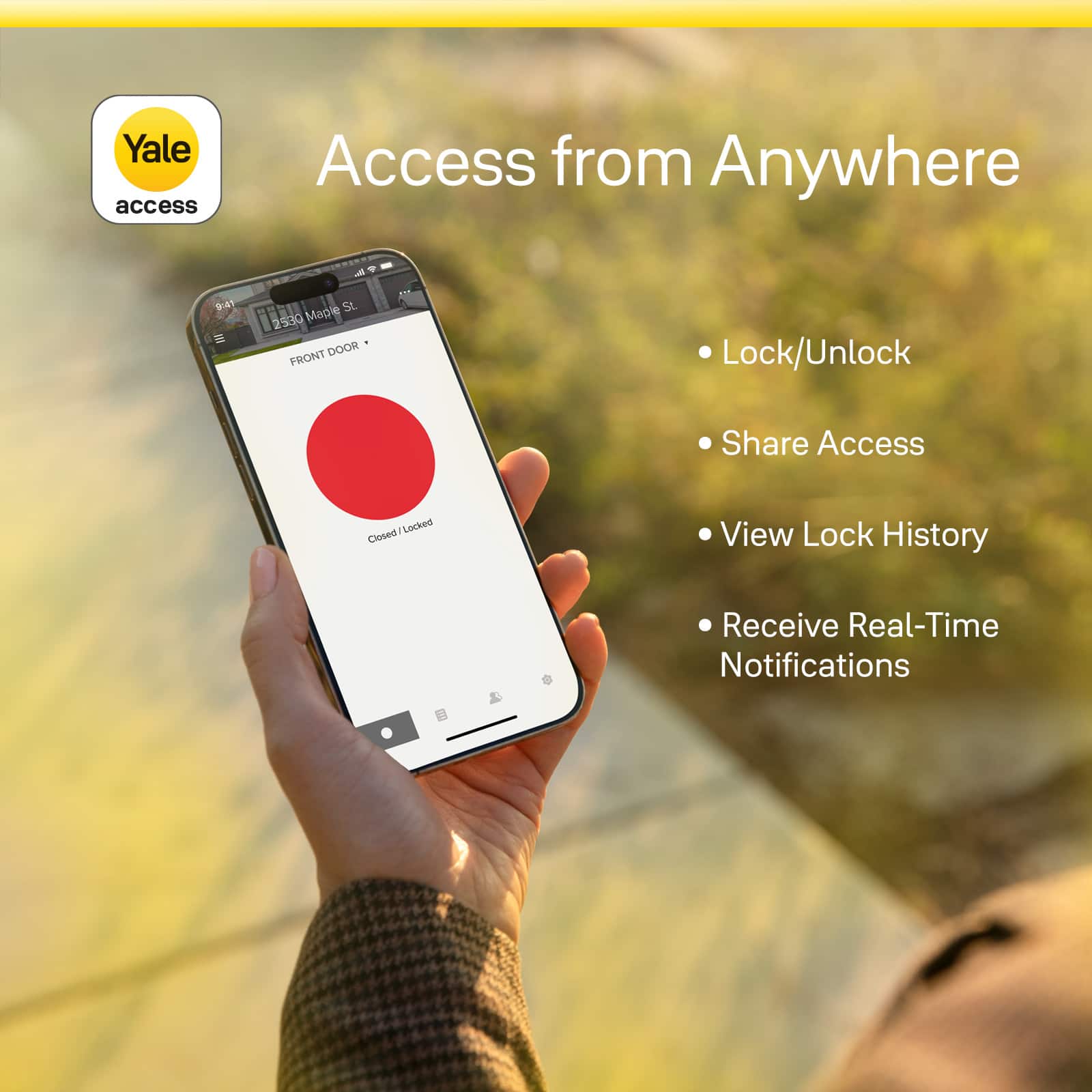
|Posted .This reviewer received promo considerations or sweepstakes entry for writing a review.If only I could get royalties on my stolen secret design plans for the perfect smart lock that recently went missing. The Yale Assure 2 Touch with Wi-Fi Module is the first smart lock I can thoroughly recommend because of its hardware/software stack. This package offers unmatched compatibility, features, design, and execution from a hardware company merging modern tech with old faithful protection. Features and function are what this lock is all about. If you are a homeowner, property manager, real estate agent, or just need layers of security for guests and contractors, this is for you! The app, keypad, and physical key are all equally proficient in securing a door. Everything is tightly and securely packed in the box. Just unpack, review the instructions, and remove your old deadbolt hardware. If you need to cut/shape, a chisel is needed, otherwise, all you need is a screwdriver for this job. A drill is excellent for speed, but this is a basic install, so don't sell yourself short on the DIY. In my case, everything was an easy one-for-one swap with almost no modifications. The strike plate and deadbolt plates also fit. In less than an hour, I was up and running from deadbolt install to app and lock configuration, and you can too! Everything feels heavy and solid as a deadbolt should, inspiring confidence in your purchase. The finishes are all durable, and the keypad weather-sealed to endure the elements. I have NO WORRIES about build quality. Battery life is rated 3-12 months, but we have the WiFi module, so I would plan on every 90 days replacing the batteries. **TIP** Use rechargeables to save money. With the added wireless functionality, the battery drain is higher. Turn off all features not used. Turn off the audible sound and status light, then shorten the keypad duration for increased battery life. **TIP** The Yale Access app is available on iOS and Android. Alexa, Google, and Apple Home are all supported for commands and routines in automation scenarios. If you were an August user, you would be very familiar with the experience as it is just a reskin of "Ole August." I'm hoping the UI/app is totally refreshed to match the modern minimalist look and horrible color scheme for lock/unlock in the app. The app is robust and feature-packed at the lock level and user levels. Aside from aesthetics, this is a successful juxtaposition of smart app and hardware without sacrificing security. I trust this lock to protect my home with my wife and kids sleeping at night. It is a lightweight and snappy app and rarely has issues connecting to the lock like other ones I have had in the past. Thanks to the app, "Ole Deadbolt" evolved into the Assure 2 Touch with reliable and stable software to provide options for entry instead of a physical key alone. Bluetooth, WiFi, PIN, fingerprint, and voice unlocking options are available to fit your needs. In app, you can configure the users as you see fit. Schedule entry if needed, depending on user/key settings. With alerts and a clear activity history, there are many ways to keep you at ease anytime your door moves. Apple Home Kit is the only method I could find that gave a battery reading. There is no way to know the battery life remaining, which is a huge disappointment. Although not without its quirks, it is ready for PRIMETIME, and possibly, with a few software tweaks, the fingerprint reader can be improved. My 8-year-old child's finger sometimes has issues unlocking the door, but I think that maybe he presses too lightly. In my use, it is accurate on the first time. I no longer need multiple copies of the keys or wonder who made a copy. Their finger is their key. It also packs reinforcements in the hardware of the lock for maximum security. The deadbolt has a bar to reinforce it from cutting. In software, a voice PIN is needed to unlock with Google/Alexa for another layer of security. Apple Home does not need a PIN for one-touch device access. Everyone knows the old lock maker, Yale, and many may have heard of the smart lock company August. We'll now the two have become one to make one serious piece of tech here worthy of securing your home. From the hardware reinforcements in the deadbolt itself to the included security screws that you should use to strengthen your latch, there are plenty of things here to let you know an honest lock company was behind it. Want peace of mind while away on vacation? Have friends or family who have codes and let themselves in as they please? Change from "Normal" Operation Mode to "Vacation Mode" for lockdown protection to temporarily restrict access using the PIN Codes and not even master code while you are away. With this setting, COMPLETELY lock down your home for peace of mind and restrict access to only app-registered guests and users. Highlights +Remote functionality anywhere the internet is available. Remotely let people in, lock up, share virtual keys, and track who comes and goes. +Fingerprint sensor is amazing to have on the lock. Sometimes finicky with my children's prints, I don't find any trouble past the first try. +Auto-Lock as soon as the door closes, it locks instantly or at your preset time, which is instant peace of mind in my book. +Backlit Keypad allows you to see in the dark. You can easily identify the numbers, so you don’t need to fumble in the dark. +Installation guides in the app were very thorough and detailed. There were videos and lots of visuals to help anyone tackle this installation themselves. +Easy intuitive setup after installation. Everything is done within the app after you enable Bluetooth connections on your phone for the link. +Futureproof and scalable. Yale is making modules with support for Matter, Thread, and Zigbee to keep your lock up to date with current standards. No need for a new lock, just upgrade your module! Areas for Improvement -Add light around the keyhole and Yale button to make this perfect. Imagine looking for a white circle, and you can put your key in right every time! -Battery life tracking is horrendous. Battery life is terrible, so I recommend buying lithium rechargeables. When it's time, the light will flash red. Yale Access fails MISERABLY at displaying battery life. Apple Home allows a gauge for remaining battery life. -The app needs a refresh. The big red circle choice speaks volumes over the rest of the app. It is out of touch and needs help. Get the app to match the sleek look of your product. -Red Locked Circle Symbol for a safely locked door? WHAT?! Did I say I hate the red circle? Red is for danger or bad, and green means good or safe - I thought this was universal. Maybe they were colorblind when they chose these colors. -!!!! The door should not automatically lock using door sense if it is open. It doesn't make sense for the door to lock the deadbolt if it is not closed first. There is a sensor for this, and it should be appropriately programmed to stop auto-lock when open. This could cause damage to the lock and also your door frame if you don't pay attention and you close it. A simple update in-app to when auto-lock and door-sense are enabled would be helpful. If the door is open, do not lock it. EASY FIX in code. !!!! The Verdict Buy this RIGHT NOW. This is the most innovative and secure lock I have used and tested to date, and I only expect it to get better moving forward. Yale and August have set the new standard for locks, and I can't wait to see what's next.
I would recommend this to a friend - Pros mentioned:InstallationCons mentioned:Battery life
No more keys
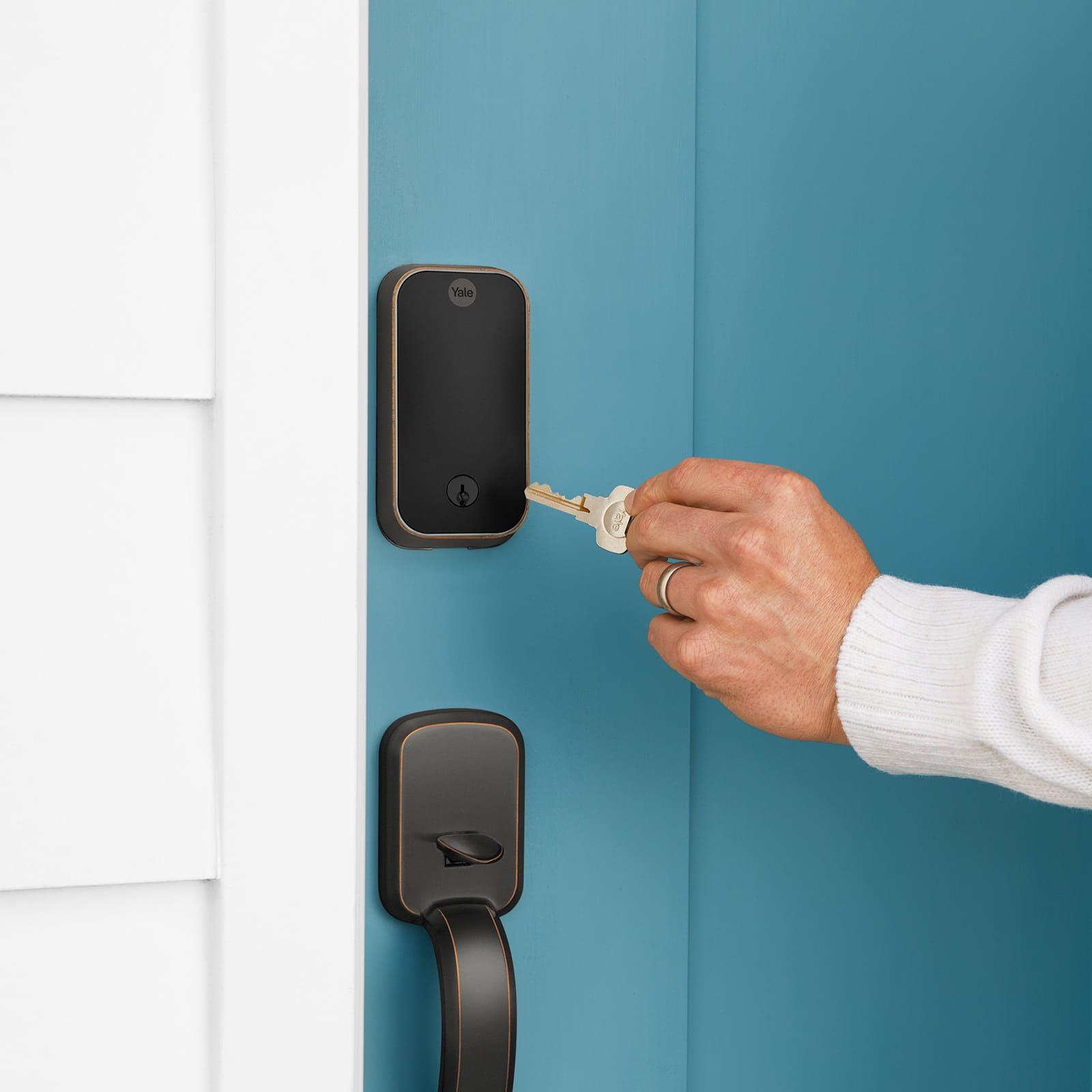
|Posted .This reviewer received promo considerations or sweepstakes entry for writing a review.The Yale Assure lock 2 is an excellent choice for a smart lock. The fingerprint scanner is such a huge convenience. You already have to press the Yale button to activate the touch pad, it might as well read your fingerprint. Even though the pass code is quick, the fingerprint reader is quicker and more convenient. You will no longer have to carry a house key, but you do do get a key for just in case the batteries die. Setup is fairly simple. If you have ever had to replace a door knob or dead bolt you know it's not difficult at all. The hardest part is setting it up through the app. This is the second Yale Asssure lock I've setup. The first one was fairly easy. This one fought me an little bit. It was easy to add to the app, but it didn't want to recognize fingerprints. After a couple factory resets, it finally started to work as expected. After setup, you can set your own pass code, and add other users. You can also add the device to Alexa or Google Home. I've tried both, and it works flawlessly. Another nice feature is you can remotely lock or unlock the door. This comes in handy if you want to let someone in your house, but dont want them to have the pass code. Likes: 1.) Convenience 2.) Easy to install 3.) App is easy to navigate Dislikes: 1.) Uses 4 AA batteries, not rechargeable 2.) Didn't want to recognize fingerprints at first. It does now
I would recommend this to a friend Doesnt work
||Posted . Owned for 3 weeks when reviewed.This reviewer received promo considerations or sweepstakes entry for writing a review.This lock doesnt work right. The auto lock function doesnt work at all.
No, I would not recommend this to a friendNot functional
||Posted . Owned for 1 month when reviewed.This reviewer received promo considerations or sweepstakes entry for writing a review.It s sensor is not working properly. The door gets locked when it’s open Security hazard
No, I would not recommend this to a friendDONT
||Posted . Owned for 2 weeks when reviewed.This reviewer received promo considerations or sweepstakes entry for writing a review.I really don’t think you want me to review this. As a professional locksmith you really don’t
No, I would not recommend this to a friendSmart lock
||Posted . Owned for 1 week when reviewed.This reviewer received promo considerations or sweepstakes entry for writing a review.Defective item. Not sure if it was my door, or this item doesn’t work for my door.. im not sure what should i do to make it work…
No, I would not recommend this to a friendDrop connection
||Posted . Owned for 2 weeks when reviewed.This reviewer received promo considerations or sweepstakes entry for writing a review.I cant get it to connect to apple and google. You can only connect to one. Spend 4 hrs and decided to return.
No, I would not recommend this to a friend- Pros mentioned:Ease of useCons mentioned:Battery life
Recommended if you keep batteries close
|Posted .This reviewer received promo considerations or sweepstakes entry for writing a review.Hello friends this is my review of the Yale Assure lock 2 touch. Thats a big name for a lock. To be totally honest up front i am a residential general contractor and i dont like electronic locks. The reason has been for many years they have not been up to the task. Most locks my customers and myself have tried have failed in less than 14 months. I have only tried this lock for a week now, so i cant tell how its longevity will be. However i am surprised at how much i like it in a short period of time. First off the install is pretty straight forward for a e-lock. If you have installed a regular key lock before then most likely you will have no issues installing this unit. With that said as with all e-locks after install comes the headache part. Its not terrible to download the app and set it up, but not enjoyable either. During initial setup i was not able to get my fingerprint to work. But after the Yale lock updated a few days later i was able to get the Assure 2 to take my fingerprint. The Yale Assure 2 is capable of connecting to your wi-fi. I do not recommend this at all. Any wi-fi connected device is capable of being hacked. And this device is no different. Connected to a cell phone it works great to lock and unlock the door. And i have had no issues using the code either. Those functions work flawlessly and should be all anyone needs to access their domicile. As a final note on this lock, the door and frame must be in very good operating condition. If your old lock is sticky or hard to lock or unlock this unit will not work. But that can be solved by making the door operate smooth and easy before you start trying to make it work. I will say that i recommend this Yale Assure 2 lock as long as you dont mind keeping an eye on the batteries. If the batteries fail you can only use the key, or if you dont have the key then you will need to use another point of entry. Lastly this unit only comes with one key.
I would recommend this to a friend - Pros mentioned:Installation
The best smart lock I have ever used.
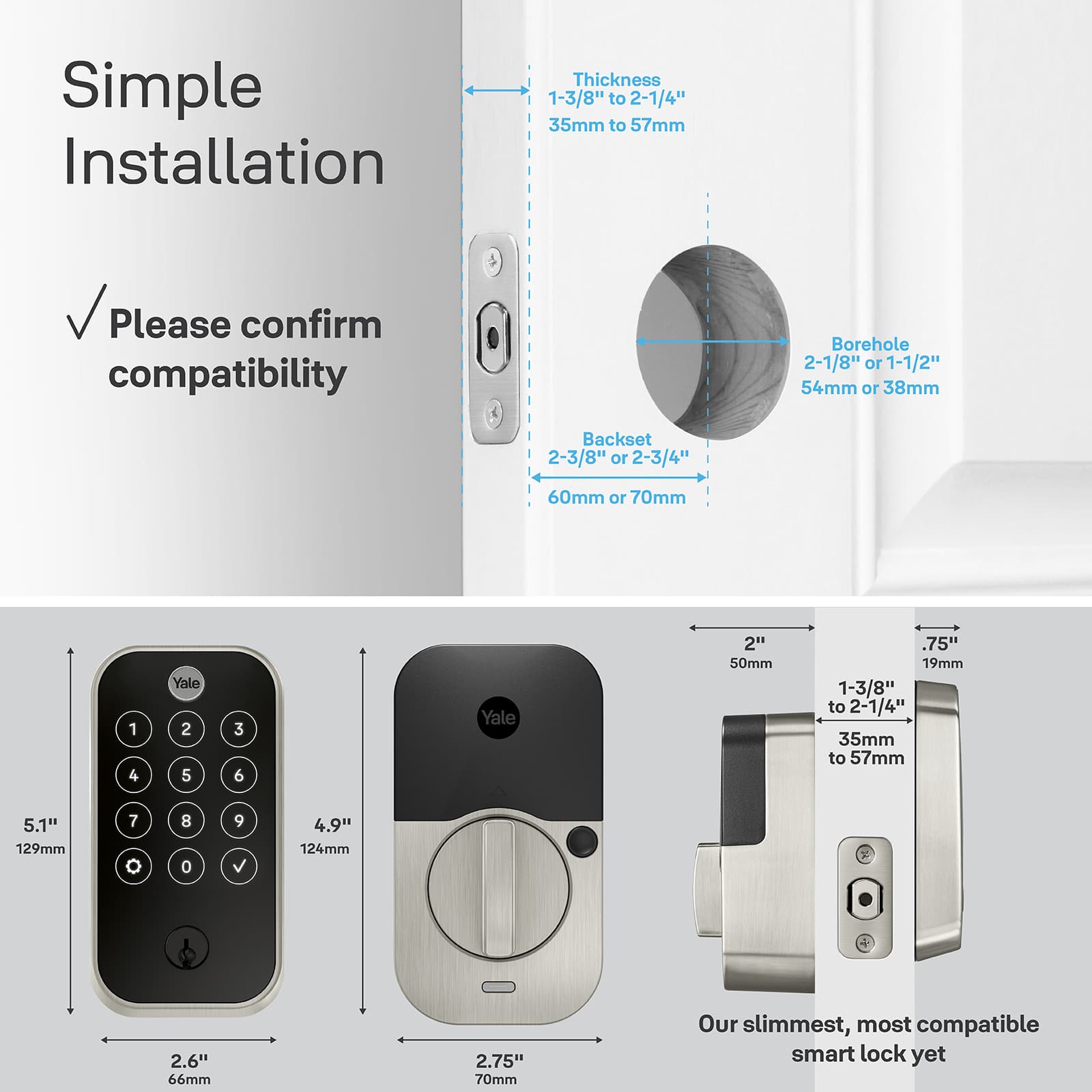
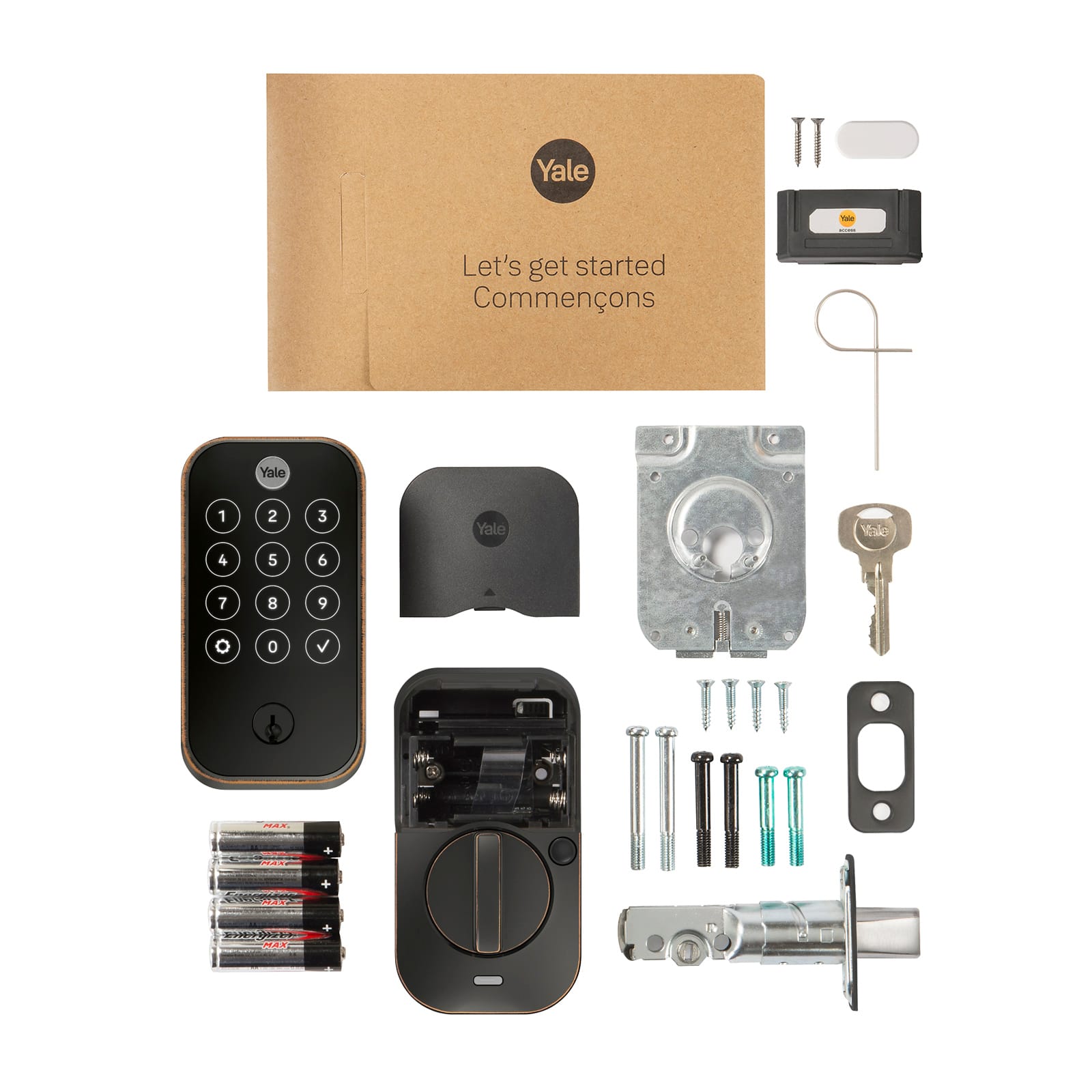
|Posted .This reviewer received promo considerations or sweepstakes entry for writing a review.First impression: My first impression of the Yale Assure Lock 2 Touch was that it is a well-designed, well-built, very tough lock. I have a few smart locks, and none of them are nearly as heavy as this lock is. Aside from that, it is a very attractive smart lock. The package comes with the lock, the lock hardware, an installation and user manual, a reset pin, batteries, a DoorSense sensor, and the smart module. Installation: The installation of this lock was on par with installing any bolt lock. The included template was accurate for my door. You see which of the two options fits your door and drill the correct size holes per the instruction manual. The only real difference is passing the ribbon cable through the door and installing the DoorSense sensor. Both were easy enough. Total install time took around 30 minutes, and I was not in a hurry. App: The app is used to setup the Yale account, walk you through physical installation, help you configure the smart lock, test the door lock for proper installation, calibrate the installed lock, and to monitor and control the condition of the lock. The app installed quickly and easily and is very lightweight on the phone. Setting up the lock with the app was quick and flawless. You scan the QR code on the lock under the battery cover, add a name and location. I already have an existing Yale smart lock, so the app registered this lock and added it to the app next to the other one. Then it automatically updated the firmware and was ready for configuration. Configuring and calibrating the lock is very simple following the app. It goes step-by-step and leads you through the process. When it is done, the lock is ready for use. I then used the app to set an access code. That was very easy and it updates the lock instantly. Moving on I set up my fingerprint access. Again, it worked without problem. I found the process easy, but I could see where one stage might be confusing to some. You must get 12 recordings of your fingerprint. If the light does not turn green on a specific scan, it doesn’t count, and the keypad numbers don’t advance. Just keep going through the cycle until you hear the bell. Then it is done. In setting up the accounts, the Yale Access app did one thing that made this the #1 smart app I use, and that is including the ability to easily add someone to the account, install the app on their phone, and select their own access key and fingerprint. I cannot for the life of me understand why some companies produce a smart device and add an app that can only be used by 1 person. It’s ludicrous, But Yale realized that is not good customer support, and created the easiest invite process I have ever seen. You fill out the invite, add the user’s information, and send it to them. They receive the text, click on the link, and install the app. Then, when they open the app for the 1st time, they click on the “I received an invite” button, and when they fill out the info, it automatically adds them to the account, with all account settings in place. This was really thought out, and the implementation is perfect. Kudos to you Yale for creating an app that is inclusive to anyone in the family who needs access to the lock! Performance: This lock works like a Yale lock should. The locking and unlocking are very smooth, and there aren’t any snags unless you don’t have the hole for the bolt drilled out correctly. If it passes the calibration test, it will work flawlessly. I like having the options for using the key, fingerprint, access code, and/or the app to get myself in the house. Every option works as it should. Conclusion: This is a very good, solid smart lock. It is Wi-Fi enabled, allowing you to grant access to your home remotely. It offers fingerprints, access code, key, and app control over the lock. And it is setup, configured, calibrated, and controlled by the most user-friendly smart app I have used to date. I am going to replace one of my smart locks with one of these and add one to the other door which doesn’t have a smart lock. I highly recommend the Yale Assure Lock 2 Touch for controlling access to your home. It is the absolute best smart lock I have used, and I have used and installed numerous locks in the past few years.
I would recommend this to a friend