MacBook Portable Screen Extender
-
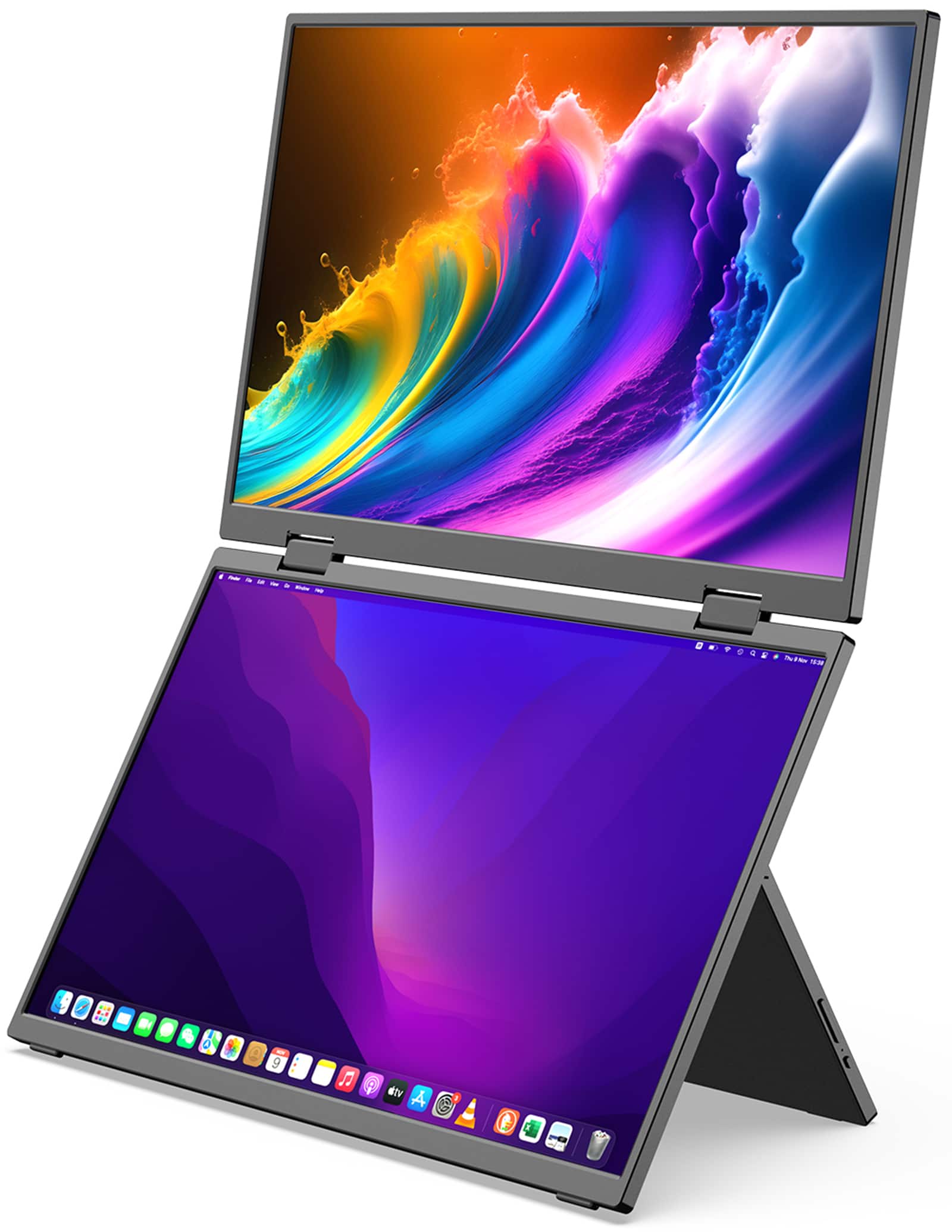
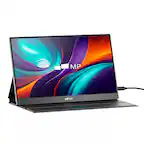
MINIX - SF15 FOLD Stacked Portable Monitor, 15.6" 1080P Dual Foldable Travel Display Triple Laptop Screen Extender for PC Mac - Black
SKU: CGCLX97PQVEasy to hook up and great resolution for mobile use. Love the built-in stand. Good price too....I love these extra screens for viewing multiple things at a time....Great Mobile Monitor
See all Portable MonitorsProduct Description
A dual 15.6" foldable IPS monitor in black with HDR, 1080p resolution, and low blue light technology.Your price for this item is $319.99 -
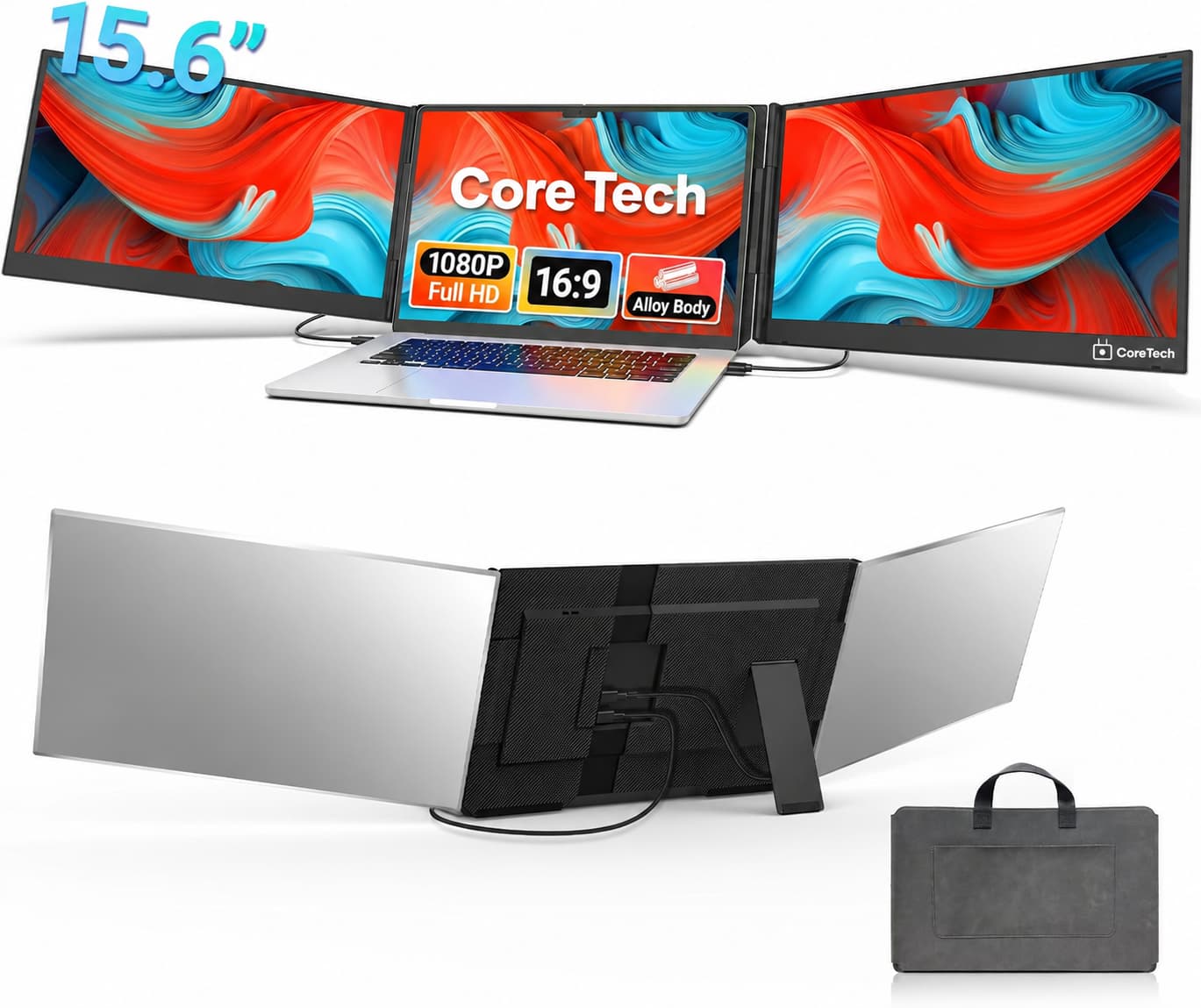
Core Tech - 15.6-Inch Dual-Screen Laptop Monitor Extender with Full HD IPS Displays, USB-C and HDMI - Silver
SKU: J2VF2GZW8CSee all All MonitorsProduct Description
A silver aluminum dual-screen extender with Full HD IPS displays, USB-C and HDMI connectivity.Your price for this item is $299.99Save $100The previous price was $399.99 -
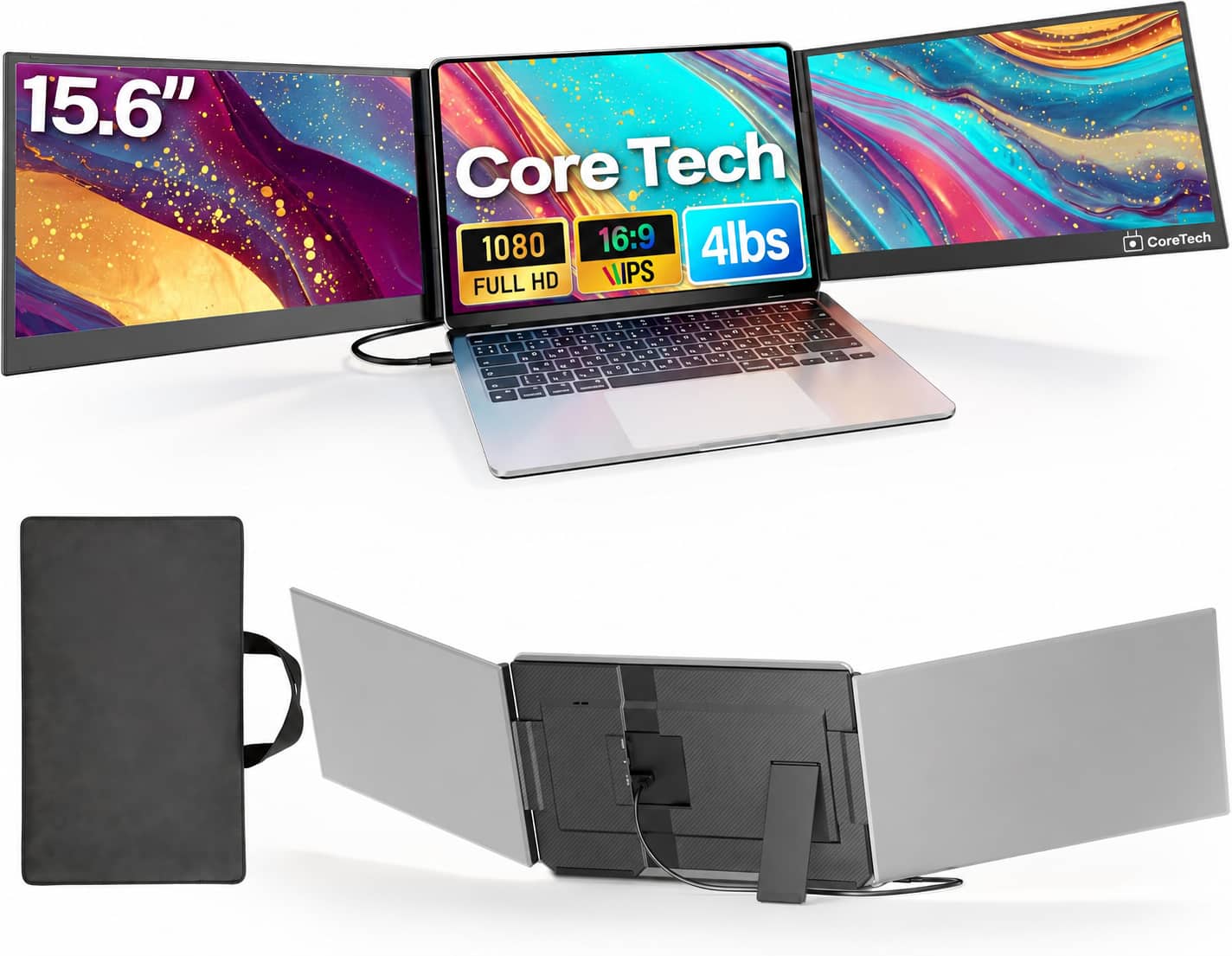
Core Tech - 15.6-Inch Dual-Screen Laptop Monitor Extender with Full HD IPS Displays and One-Cable USB-C Setup - Silver Grey
SKU: J2VF2GZW8KSee all All MonitorsProduct Description
A silver-grey aluminum dual-screen extender with Full HD IPS displays, USB-C connectivity, and built-in speakers.Your price for this item is $359.99Save $228The previous price was $588.00 -
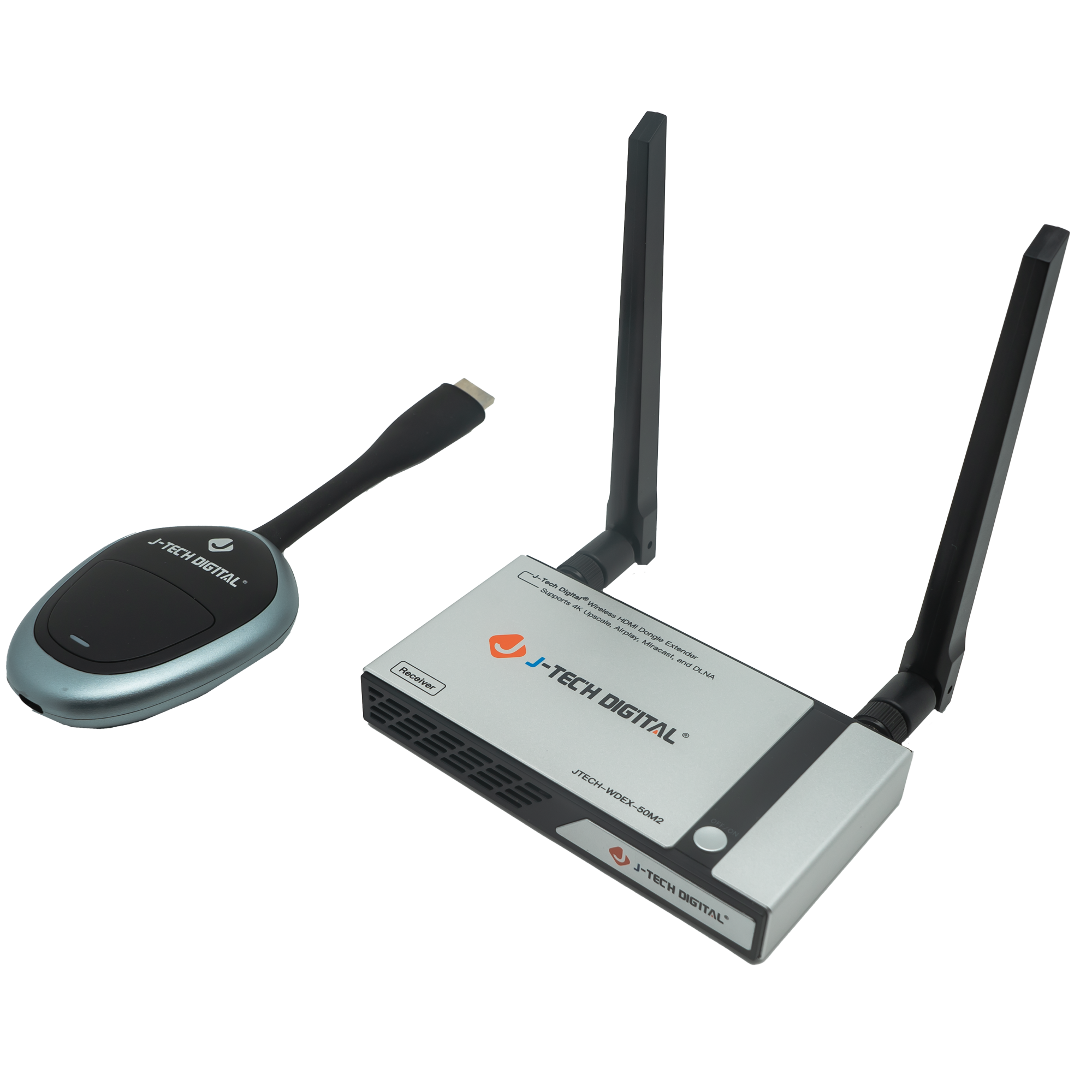
J-Tech Digital - 1080P 60Hz Wireless HDMI Extender with Airplay, Smart View, Screen Mirroring, Miracast (98ft.) - Silver & Black
SKU: J3GW77ZF8VSee all HDMI ExtendersProduct Description
A wireless HDMI extender in silver and black supporting 1080p, AirPlay, Miracast, and screen mirroring.Your price for this item is $156.86
Best Sellers







Related Pages


FAQ
Most MacBook portable screen extenders are designed specifically for MacBook models, but many also support other laptops with USB-C or HDMI ports. Always check the product specifications for a full list of compatible devices.
Setting up a portable screen extender typically involves connecting it to your MacBook via USB-C or HDMI and installing any necessary drivers or software. Detailed setup instructions are usually included with the product.
Yes, many MacBook models support multiple external displays. You can connect more than one portable screen extender if your MacBook’s hardware and ports allow it.
Some portable screen extenders are powered directly through your MacBook’s USB-C or USB-A port, while others may require an external power source. Check the product details for specific power requirements.
Yes, most portable screen extenders work seamlessly with macOS features such as Mission Control and Split View, allowing you to manage multiple windows and desktops efficiently.