MacBook Air HDMI
-
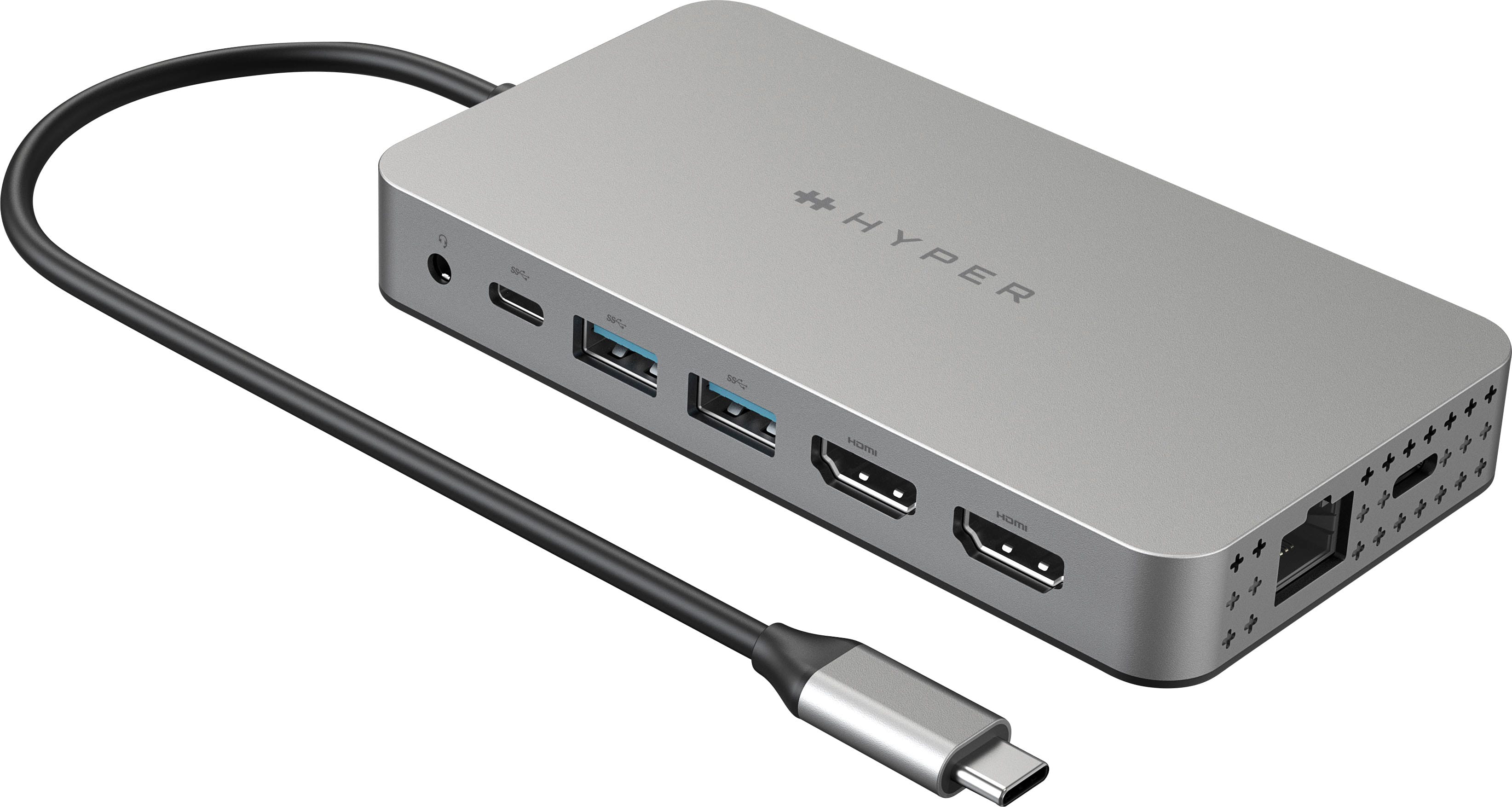
Hyper - HyperDrive Dual 10 Port USB-C Hub, 4K HDMI, Ethernet, 1 USB-C, 2 USB-A, microSD/SD, travel dock for M1/M2/M3 MacBook - Gray
SKU: J3L45JH79SBest travel USB-C Hub!...It works great. Love the ease of use and power supply for travel....The best
See all USB HubsProduct Description
A versatile gray USB-C hub offering dual 4K HDMI, Ethernet, USB-A/C, and SD card connectivity.Your price for this item is $159.99Save $40The previous price was $199.99 -
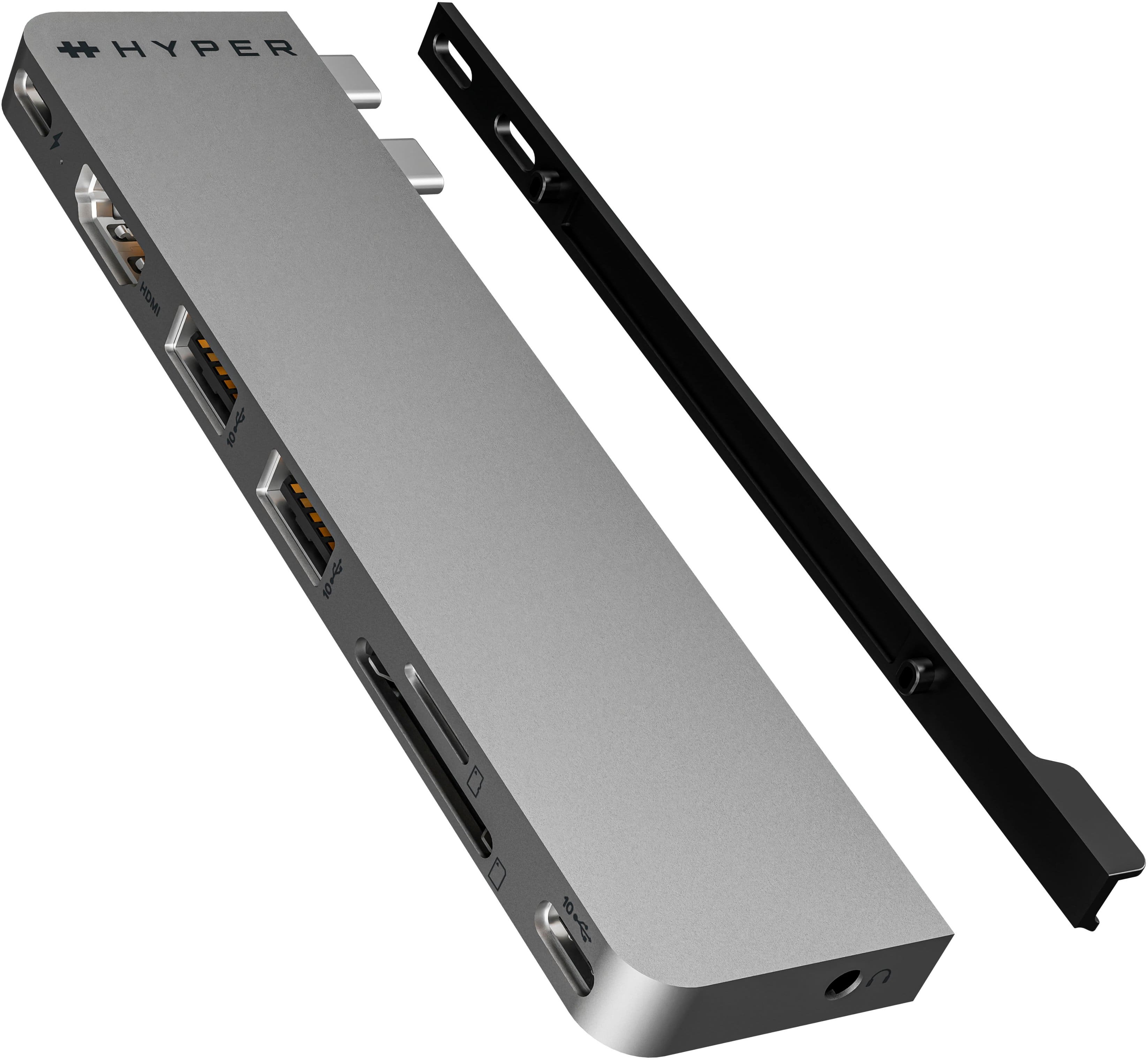
Hyper - HyperDrive Next 8 Port USB-C Hub, 4K HDMI, USB4/Thunderbolt 4, 1 USB-C, 2 USB-A, microSD/SD, travel dock for MacBook/PC - Space Gray
SKU: J3L45JHC3LGreat Product...Love this product, Feels sturdy and the ports are great! worth the investment...Hyper is a great band! I needed 4 of them for my office and the guys love how durable they are!
See all USB HubsProduct Description
A space gray USB-C hub offering 8 ultra-fast ports, 4K HDMI, and eco-friendly recycled materials.Your price for this item is $63.99Save $16The previous price was $79.99 -
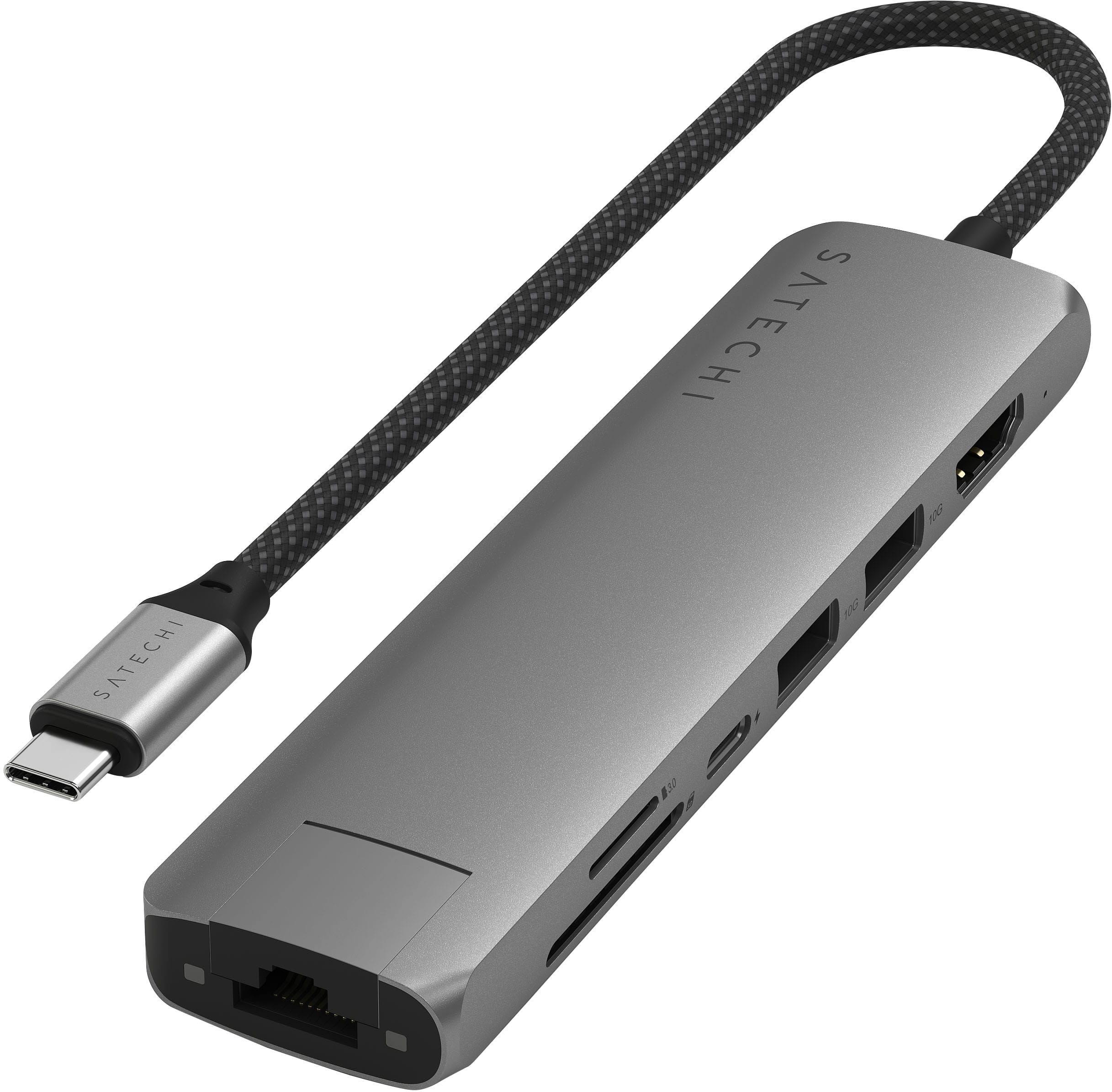
Satechi - 7-in-1 USB-C Slim Multiport Adapter w/ Ethernet, 4K HDMI, 60W USB-C, 2 USB-A, SD/Micro Readers for Mac & Windows - Space Gray
SKU: J3GWC4C2Y4So far I love it works great it's fast and easy to use...The Ethernet connection, 4K HDMI, USB ports, and card readers work great with my Mac....Best Buy made the purchase quick and easy. I highly recommend...
See all Docking StationsProduct Description
A slim aluminum adapter in space gray offering Ethernet, 4K HDMI, USB-C charging, USB-A, and SD card slots.Your price for this item is $79.99 -
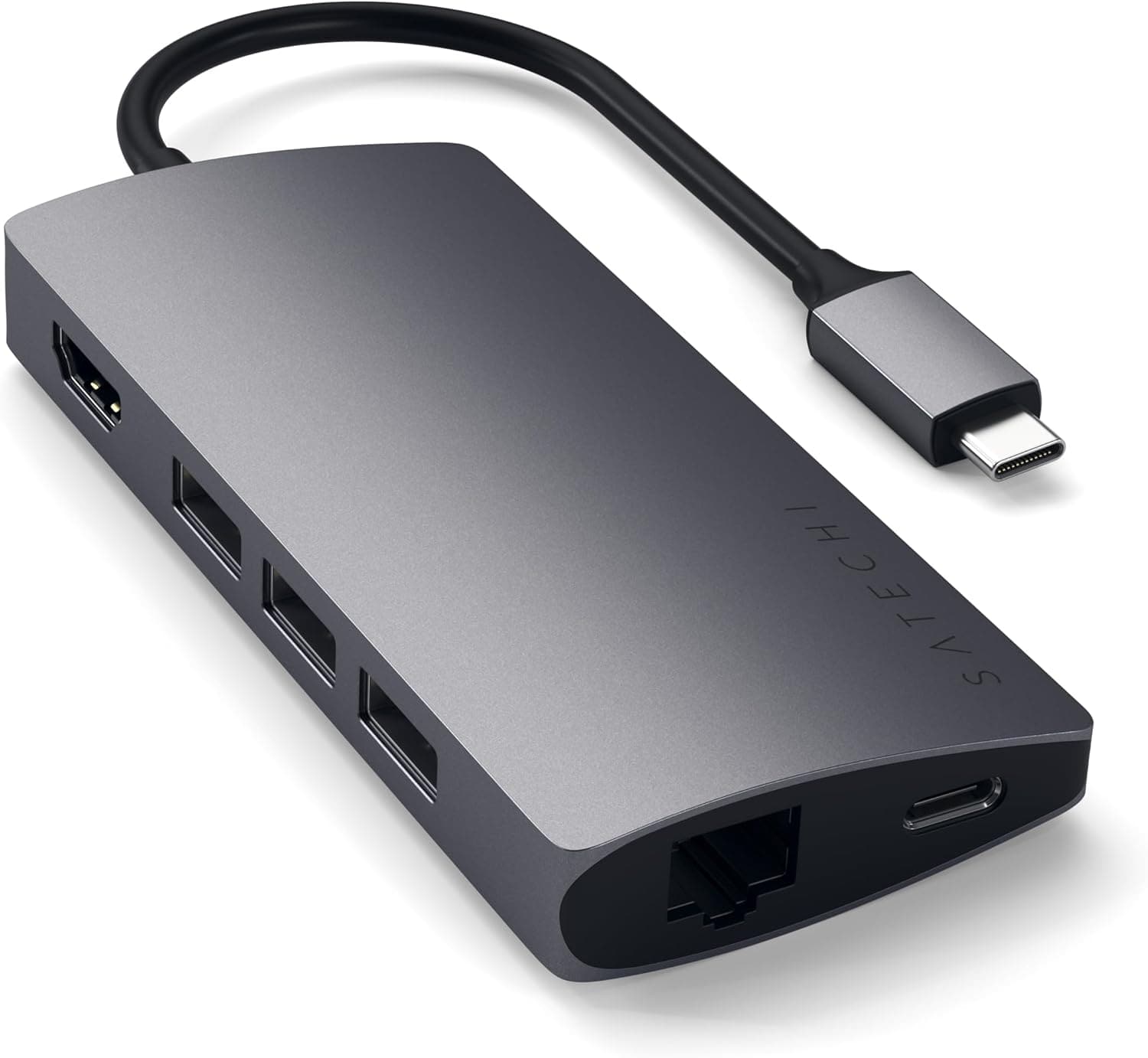
Satechi - Type-C Multi-Port Adapter V2-4K HDMI, Ethernet, USB-C, SD/Micro, USB 3.0 - MacBook Pro, MacBook Air, Windows Laptops - Space Gray
SKU: J3KXL7XSPQGreat Product!...Works great and looks great too. Not bulky like other adapters. Recommend!...Great multi port...Great speed, sturdy and very easy travel/packing with this multi port being relatively...
See all Docking StationsProduct Description
An aluminum space gray adapter offering 4K HDMI, Ethernet, USB-C, USB 3.0, and SD/microSD ports.Your price for this item is $89.99 -
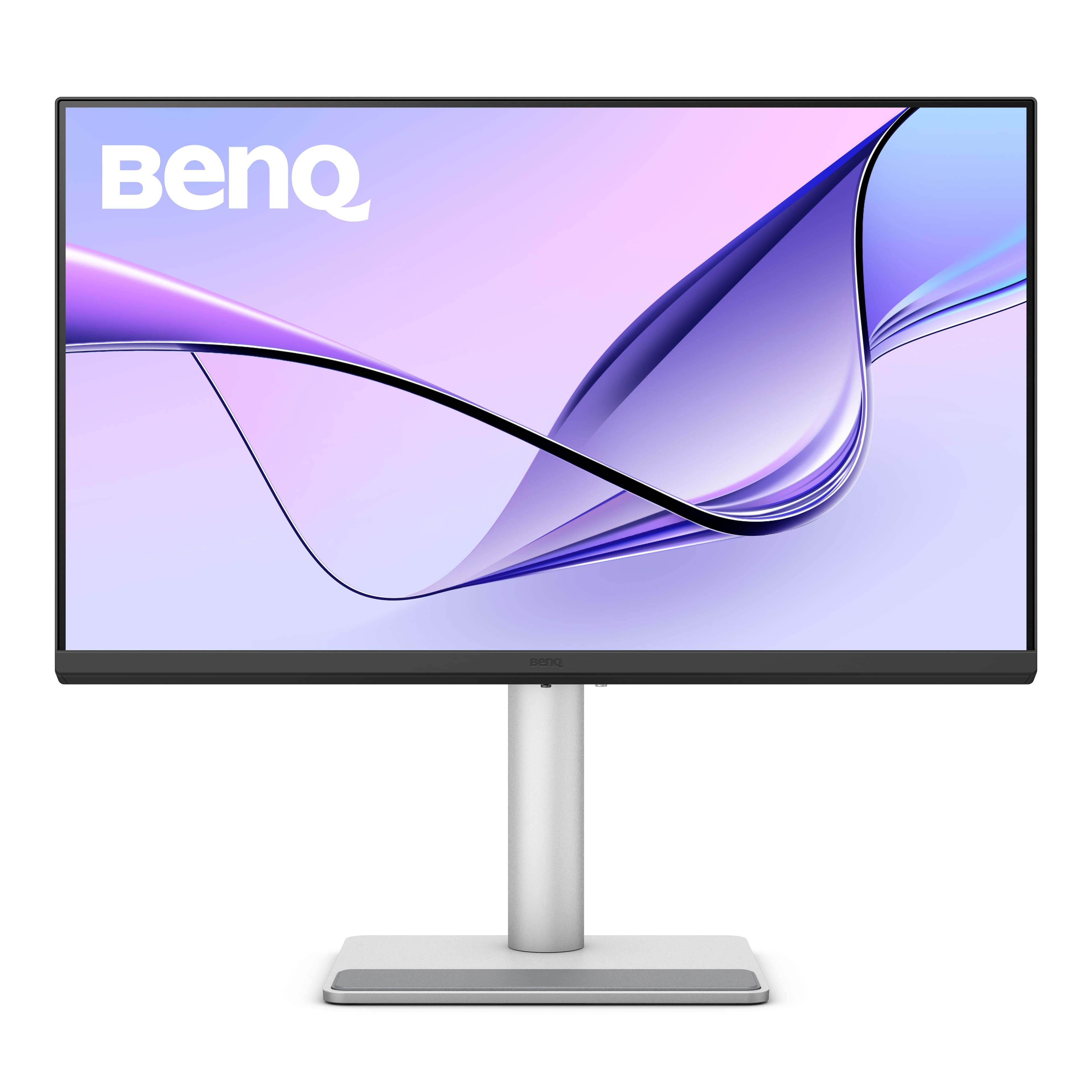
BenQ - MA270U 27" IPS LED 4K UHD Nano Matte Monitor for MacBook Pro and MacBook Air (HDMI/USB-C 90W) - Gray
SKU: J39QZT583GLove this monitor! Works so well with my MacBook Air laptop....I wish Best Buy had it at the store rather than only online....I love it...It’s a great option compared to the Apple version.
See all All MonitorsProduct Description
A gray IPS LED monitor with 4K UHD resolution, dual USB-C, HDR, and integrated speakers.Your price for this item is $549.99 -
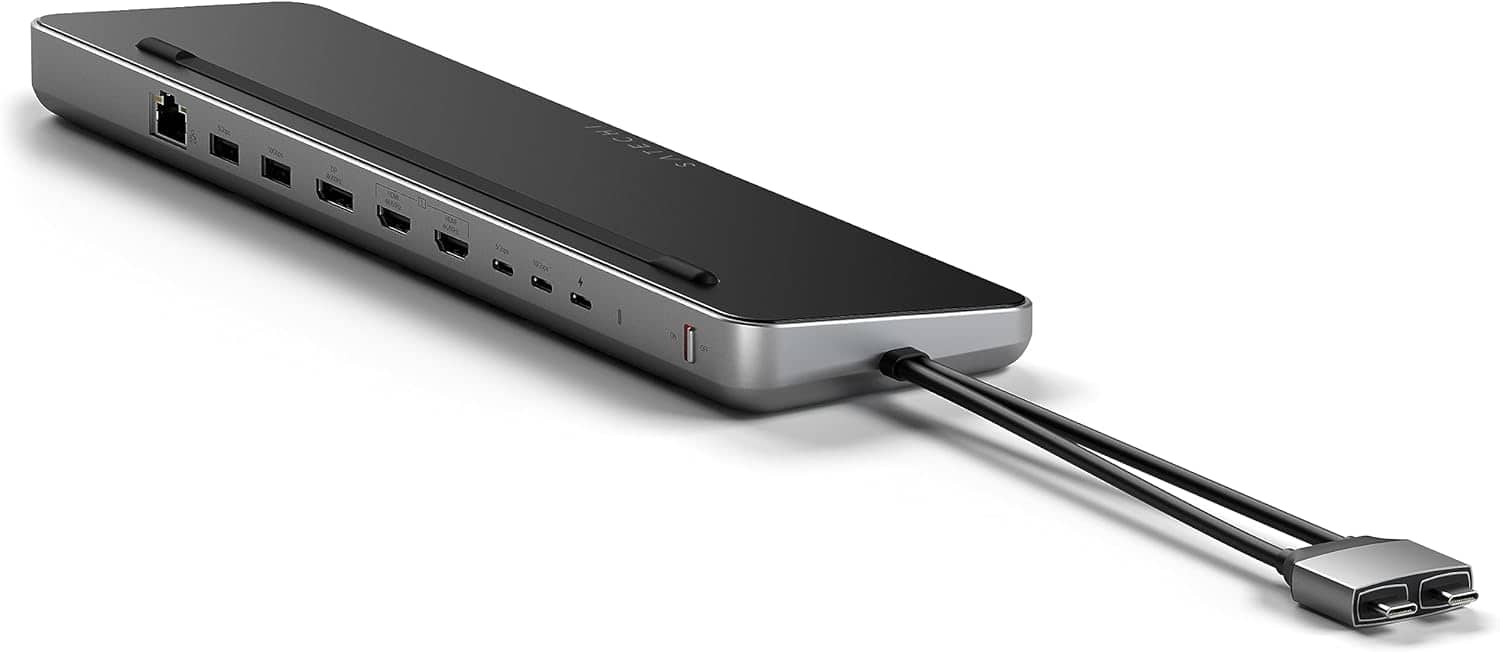
Satechi - Dual Dock with NVMe SSD enclosure – USB-C PD (75W), 2 USB-C data, 2 HDMI 2.0, 1 DisplayPort 1.4, 2 USB-A, Ethernet - Space Gray
SKU: J3GWC4CCR9Love the dual dock stand, work great with my MacBook Pro and keeps the cables behind the Macbook....Great puchase...Works great.
See all Docking StationsProduct Description
A sleek space gray aluminum dock offering dual display support, NVMe SSD enclosure, and versatile connectivity.Your price for this item is $169.99 -
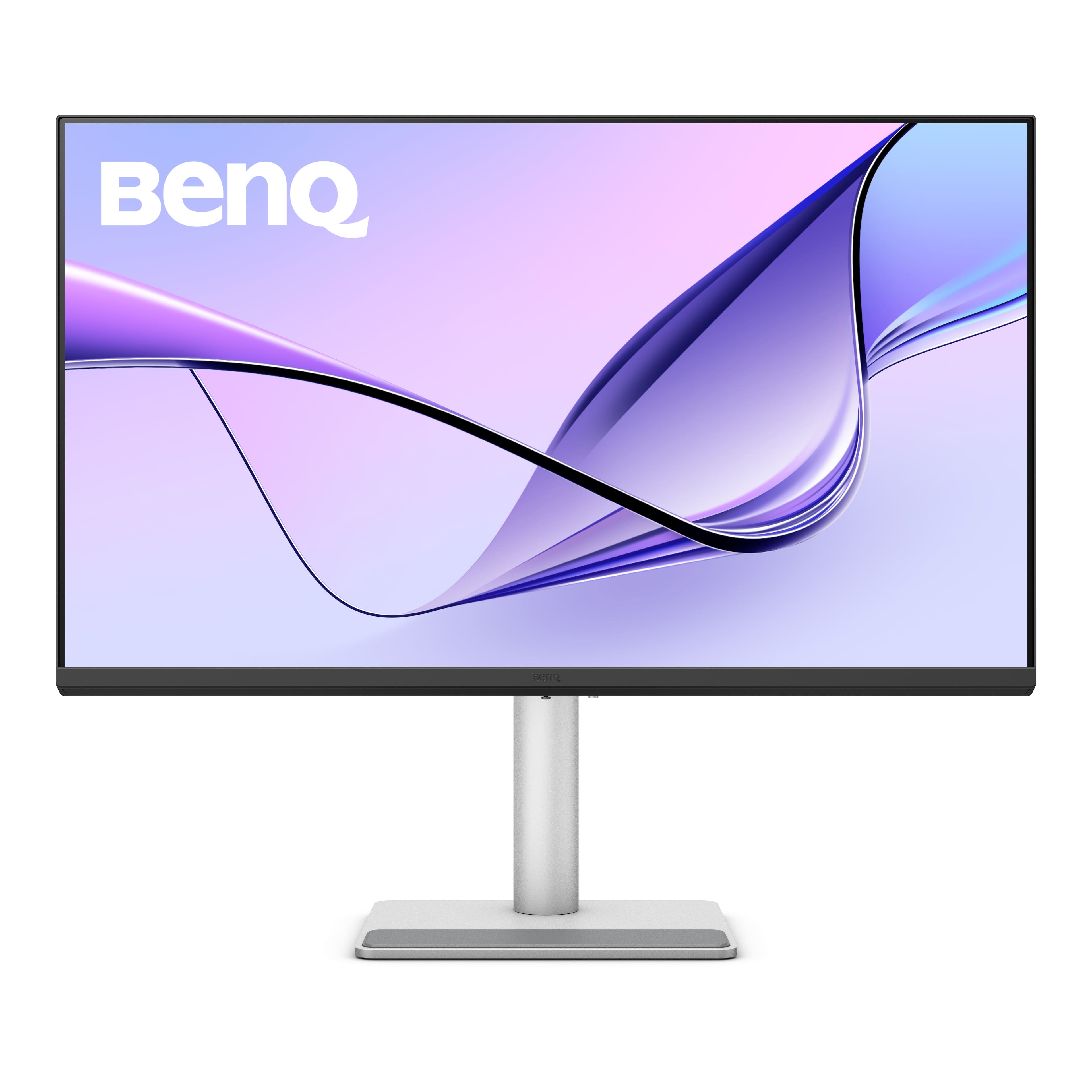
BenQ - MA320U 31.5" IPS LED 4K UHD Nano Matte Monitor for MacBook Pro and MacBook Air (HDMI/USB-C 90W) - Gray
SKU: J39QZT58XQVery cool monitor I could not be more impressed with a product like this price was right best purchase
See all All MonitorsProduct Description
A gray IPS LED monitor featuring 4K UHD resolution, dual USB-C ports, HDR, and integrated speakers.Your price for this item is $649.99Save $80The previous price was $729.99 -
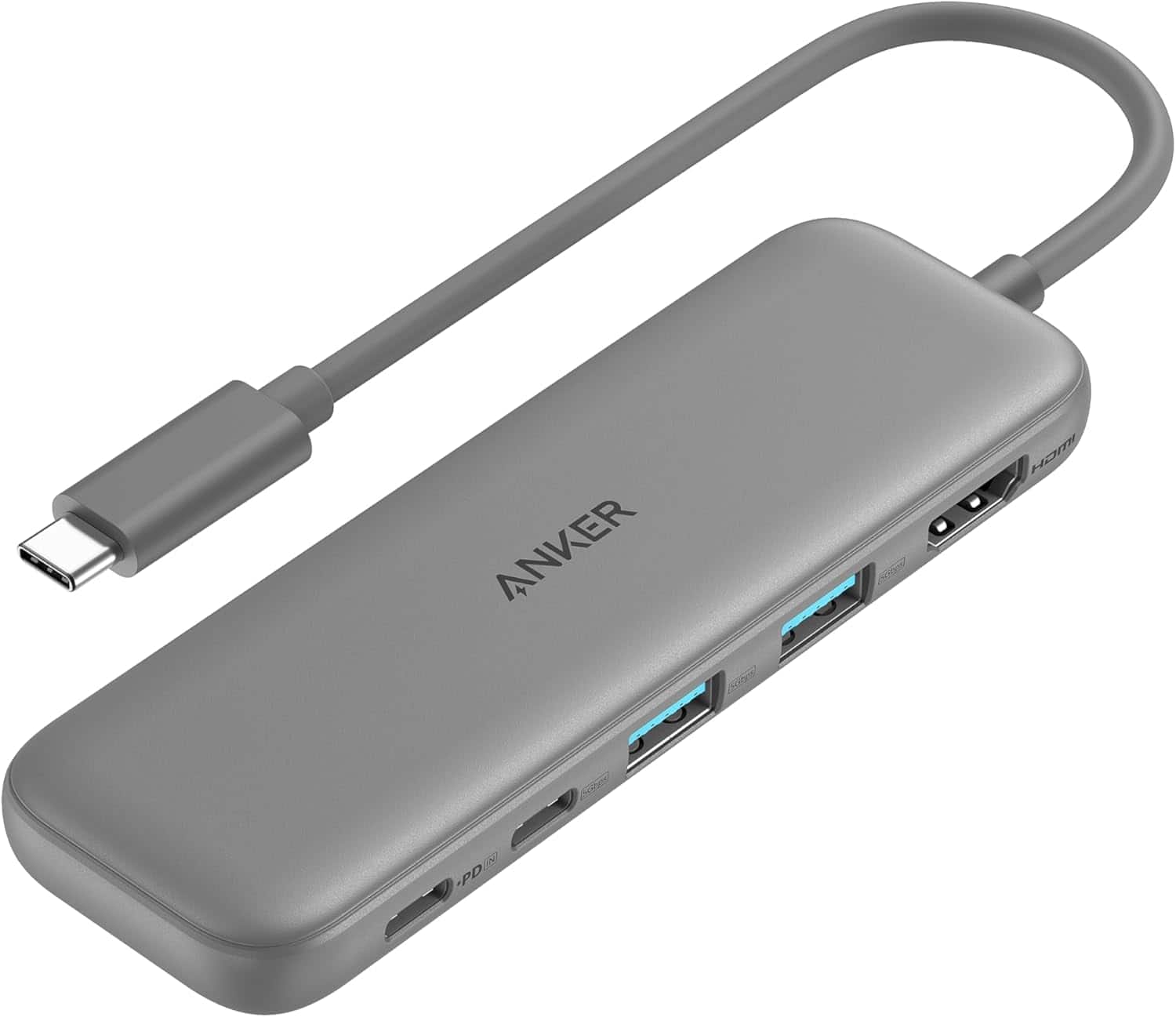
Anker - USB C Hub, 5-in-1 USBC to HDMI Splitter with 4K Display - Gray
SKU: JJ858RJ358See all Docking StationsProduct Description
A gray 5-in-1 USB-C hub offering 4K HDMI output and three high-speed data ports.Your price for this item is $25.99 -
Satechi - USB-C to HDMI Adapter 4K 60Hz for MacBook Air/Pro M5/M4, iPad Pro, iPhone, Dell, HP, Surface & More - Space Gray
SKU: J3KXL7XP5LGreat Adapter...Works great- I wish the flexible cord was longer....Quality is outstanding and works great. I wish the flexible cord was 2”-4” longer.
See all Monitor & Video CablesProduct Description
A space gray aluminum adapter that connects USB-C devices to HDMI displays with crisp 4K 60Hz output.Your price for this item is $34.99 -
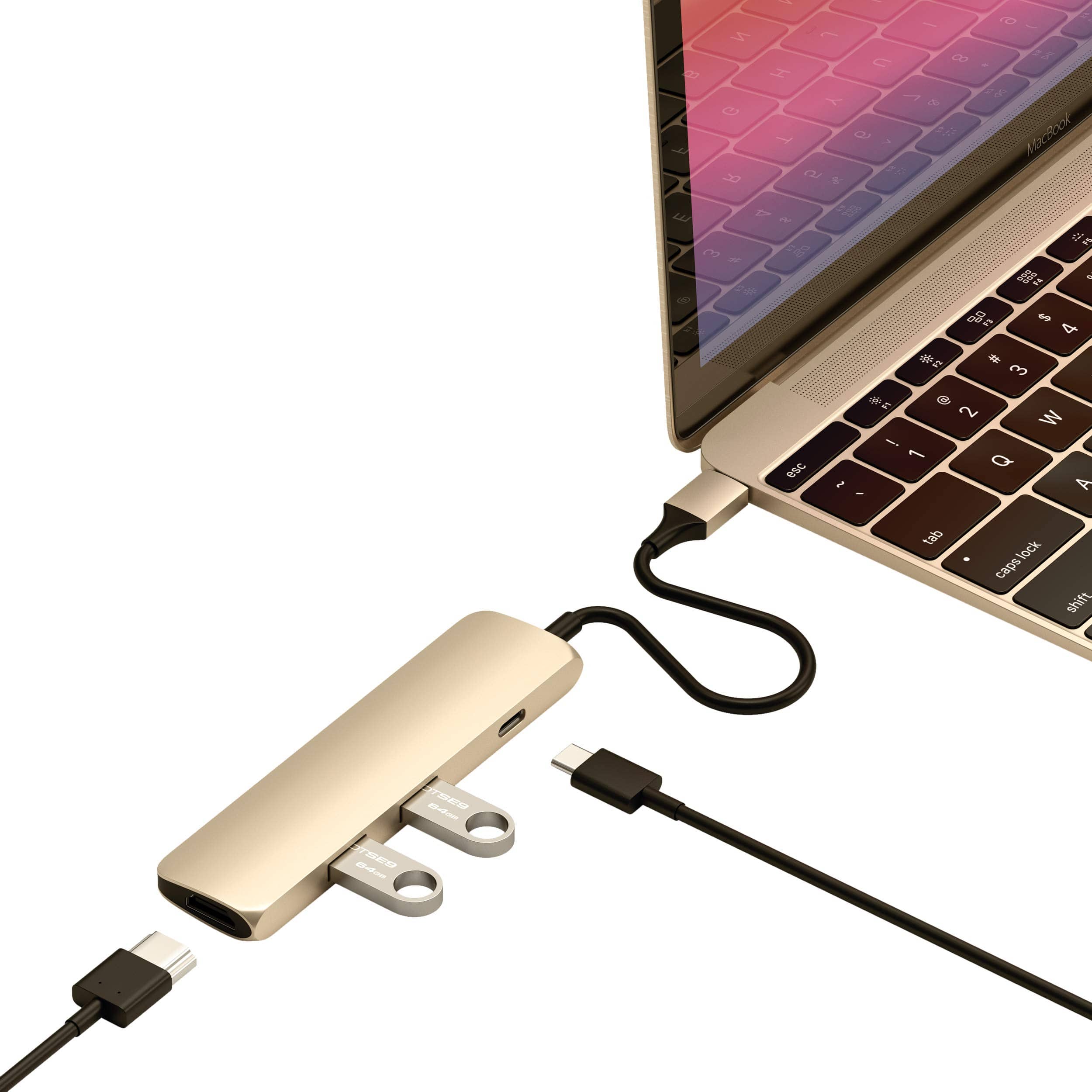
Satechi - USB-C Multiport Adapter Slim Classic - 4K HDMI, 60W PD Charging, 2 USB-A for MacBook Air/Pro, Dell, HP - Gold
SKU: J3KXL7XP6KSee all Monitor & Video CablesProduct Description
A slim gold aluminum adapter offering 4K HDMI, 60W PD charging, and two USB-A ports.Your price for this item is $41.99

Best Sellers






Related Pages




FAQ
Yes, you can connect your MacBook Air to an external monitor using HDMI. Depending on your MacBook Air model, you may need a USB-C to HDMI adapter or cable to make the connection.
Most recent MacBook Air models require a USB-C to HDMI adapter or cable for HDMI connectivity. Make sure to choose an adapter that supports your MacBook Air’s USB-C ports and the desired video resolution.
Yes, MacBook Air models with Apple silicon or Intel chips can support 4K output via HDMI when using a compatible adapter or cable. Check your specific model’s technical specifications for maximum supported resolution.
Absolutely! You can use an HDMI connection to mirror or extend your MacBook Air’s display to a TV, which is great for streaming videos, presentations, or browsing the web on a larger screen.
Yes, when you connect your MacBook Air to an external display or TV using HDMI, both video and audio signals are transmitted, allowing you to enjoy sound through your connected device.