HDMI Cables For MacBook
-
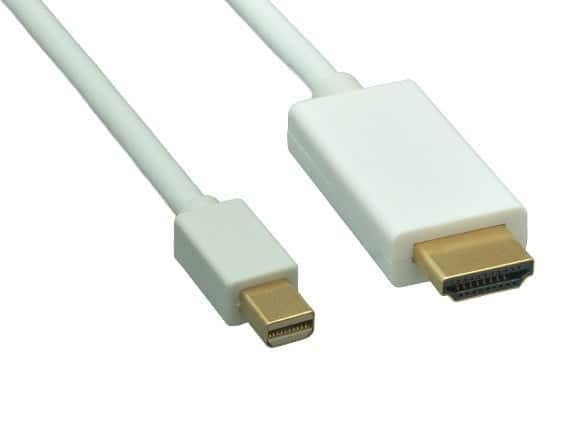
Cable Leader - Mini DisplayPort 1.2 to 4K HDMI Cable, 4K 30Hz with Audio for MacBook, Surface to TV, Monitor, Projector - White
SKU: J39TZ8RF87See all 4K HDMI (2.0) CablesProduct Description
A white Mini DisplayPort 1.2 to HDMI cable delivers 4K UHD video and audio with gold-plated connectors.Your price for this item is $20.99 -
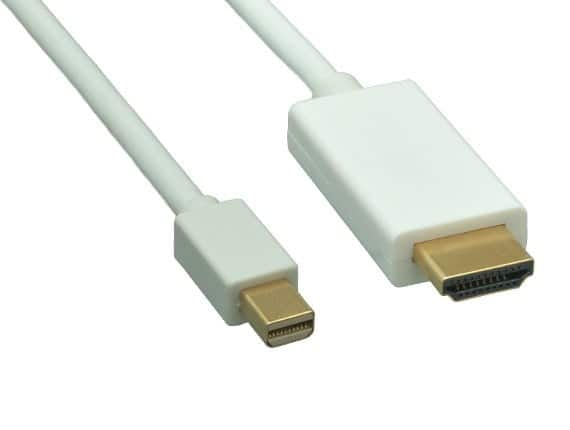
Cable Leader - Mini DisplayPort 1.2 to 4K HDMI Cable, 4K 30Hz with Audio for MacBook, Surface to TV, Monitor, Projector - White
SKU: J39TZ8RF3WSee all 4K HDMI (2.0) CablesProduct Description
A white cable that connects Mini DisplayPort devices to 4K HDMI displays with audio support.Your price for this item is $16.49 -
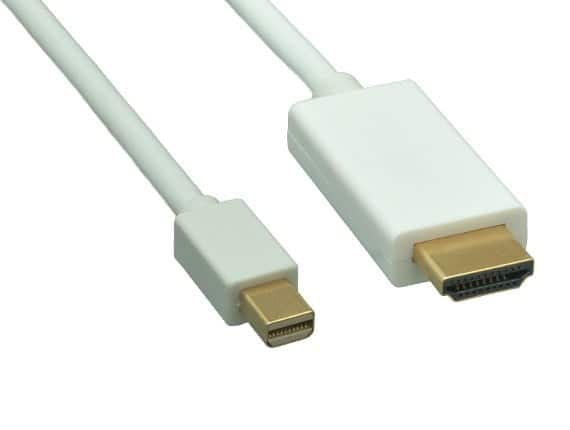
Cable Leader - Mini DisplayPort 1.2 to 4K HDMI Cable, 4K 30Hz with Audio for MacBook, Surface to TV, Monitor, Projector - White
SKU: J39TZ8RF3JSee all 4K HDMI (2.0) CablesProduct Description
A white Mini DisplayPort to HDMI cable delivering 4K UHD video and audio for compatible computers and displays.Your price for this item is $12.99 -
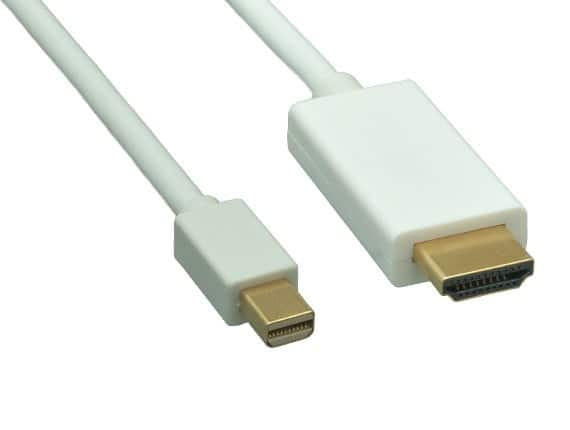
Cable Leader - Mini DisplayPort 1.2 to 4K HDMI Cable, 4K 30Hz with Audio for MacBook, Surface to TV, Monitor, Projector - White
SKU: J39TZ8RFXKSee all 4K HDMI (2.0) CablesProduct Description
A white Mini DisplayPort to HDMI cable delivering 4K video at 30Hz with audio pass-through support.Your price for this item is $15.99 -
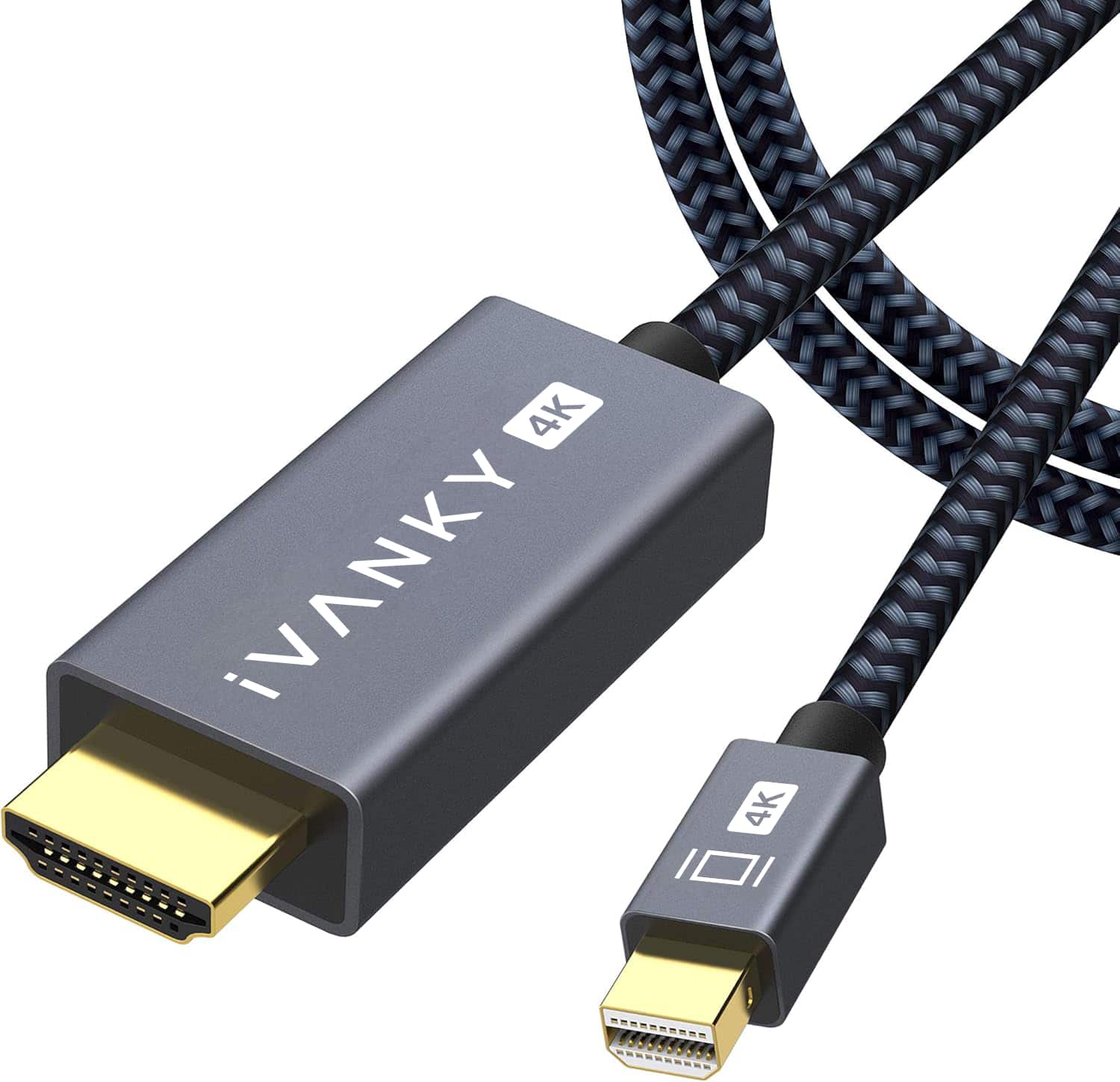
iVANKY - 4K 6.6ft Mini DisplayPort to HDMI Cable Thunderbolt to HDMI Cable for MacBook, Surface Pro/Dock, Monitor, Projector - Black
SKU: CZTZ2FCWVFSee all A/V Cables & ConnectorsProduct Description
A black braided Mini DisplayPort to HDMI cable supporting 4K resolution, ideal for MacBook and Surface devices.Your price for this item is $15.99Save $4The previous price was $19.99 -
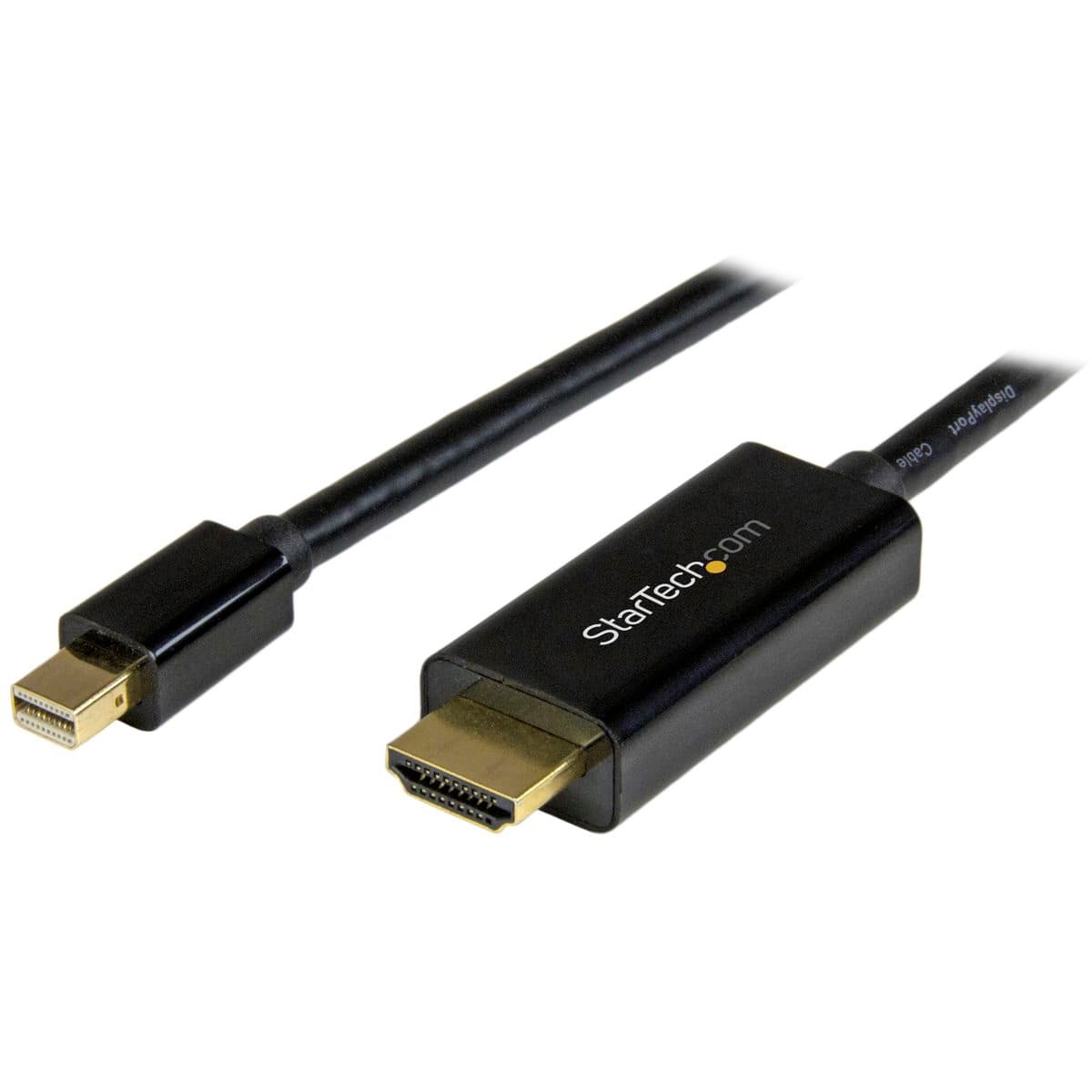
StarTech.com - StarTech 3' Mini DisplayPort to HDMI Converter Cable, Black
SKU: J7PHYX7C4JSee all HDMI CablesProduct Description
A 3-foot cable that connects Mini DisplayPort to HDMI, supporting Ultra HD 4K video output.Your price for this item is $37.18 -
iVANKY - 4K Mini DisplayPort to HDMI Cable 10FT, 4K@30Hz Thunderbolt to HDMI,Mini DP to HDMI for MacBook,Monitor - Black
SKU: CZTZ2F2878See all Monitor & Video CablesProduct Description
A durable black nylon-braided USB-C cable supporting 100W fast charging, 20Gbps data, and 4K@60Hz video.Your price for this item is $13.99Save $6The previous price was $19.99 -
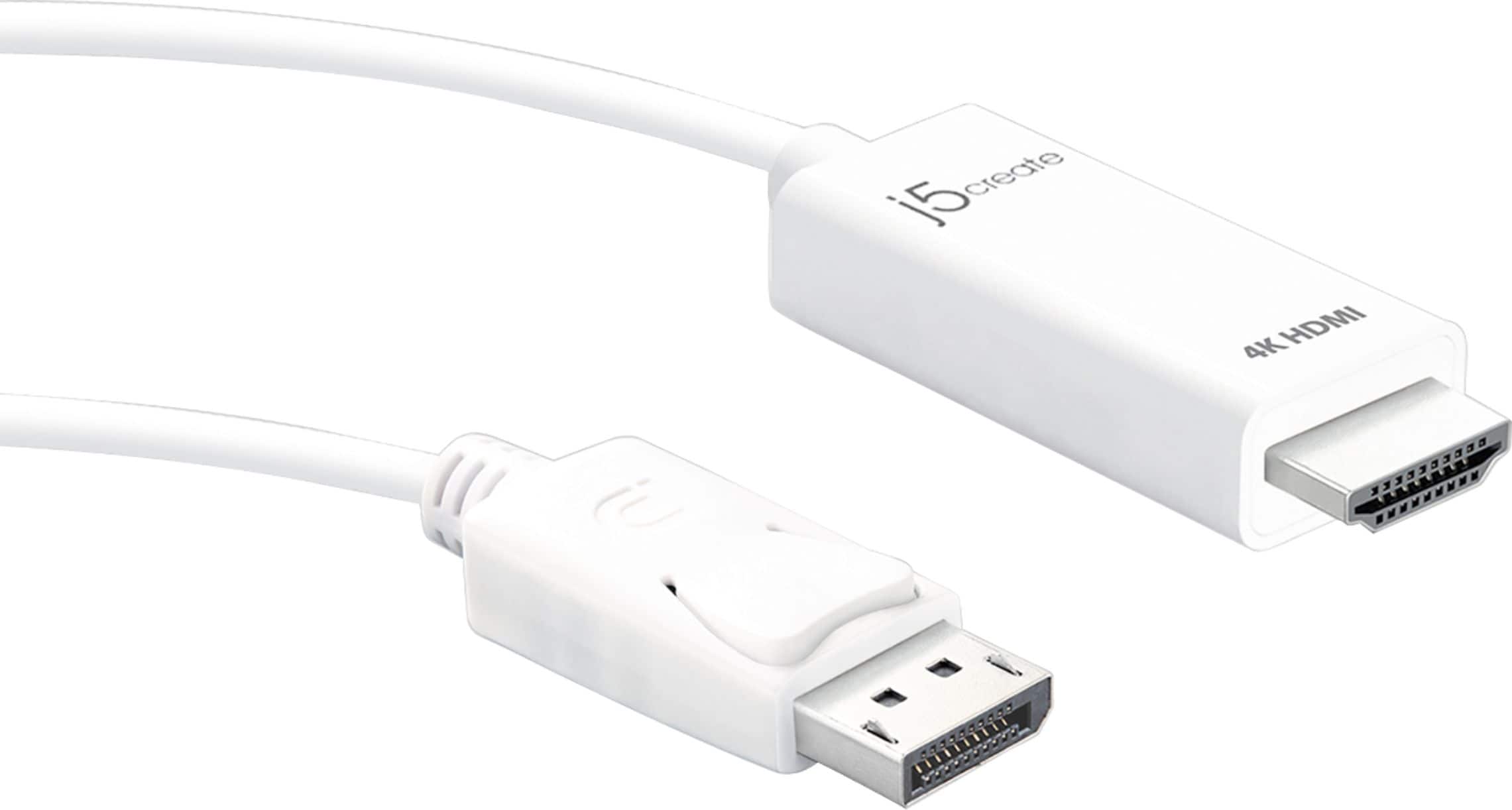
j5create - 4K HDMI DisplayPort Cable - White
SKU: J36445R2GKI love this product. Best buy has always provided the best support for the money....J5Create 4K HDMI Cable from Best Buy worked great!...Love it
See all Digital Audio CablesProduct Description
A white plug-and-play cable that connects DisplayPort devices to 4K HDMI displays with seamless signal conversion.Your price for this item is $29.99 -
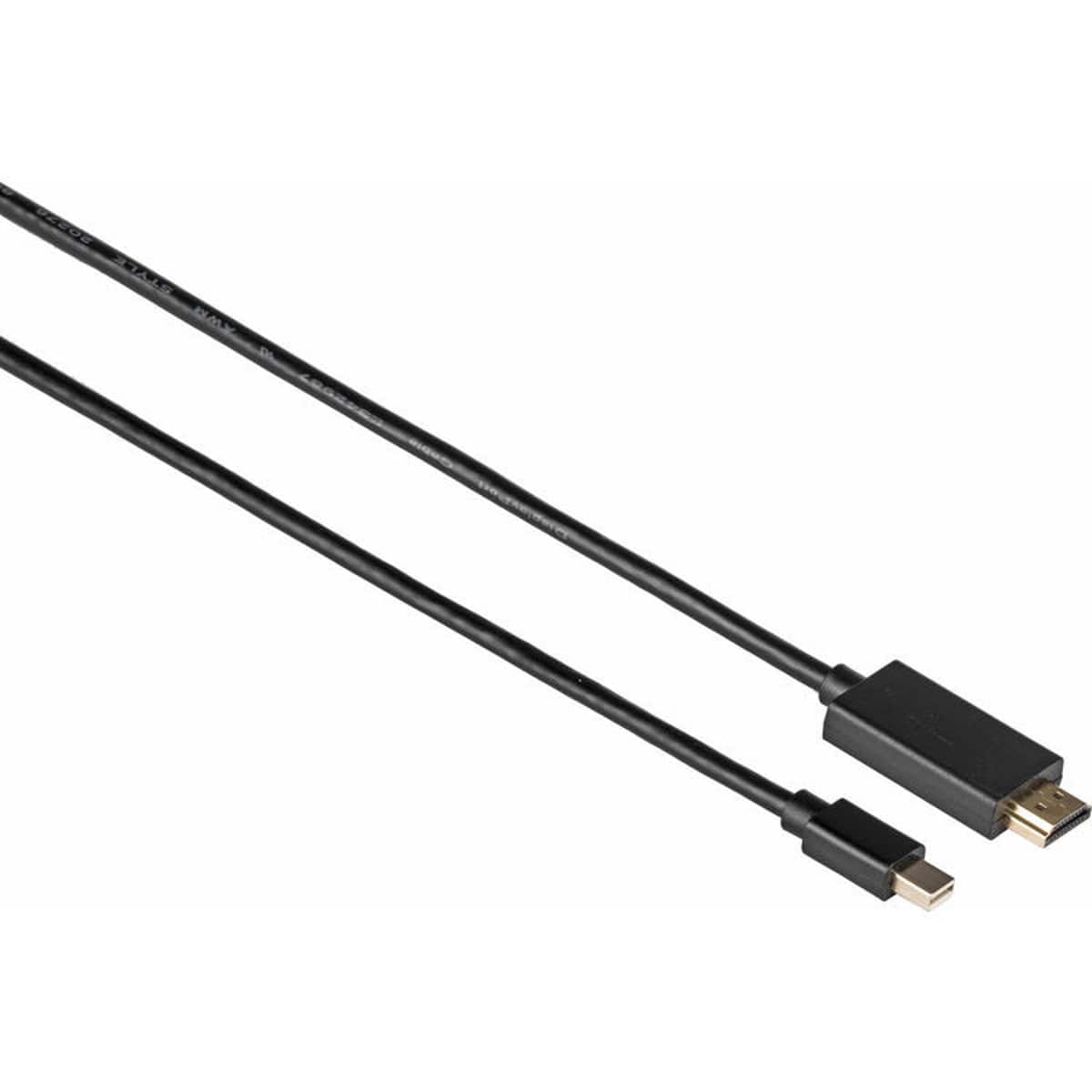
Kramer - Electronics C-MDP/HM Mini DisplayPort (M) to HDMI (M) Cable, 3', Black
SKU: C5KRX49Y73See all Monitor & Video CablesProduct Description
A black Mini DisplayPort-to-HDMI cable delivering reliable high-definition video and audio up to 1080p.Your price for this item is $30.94 -
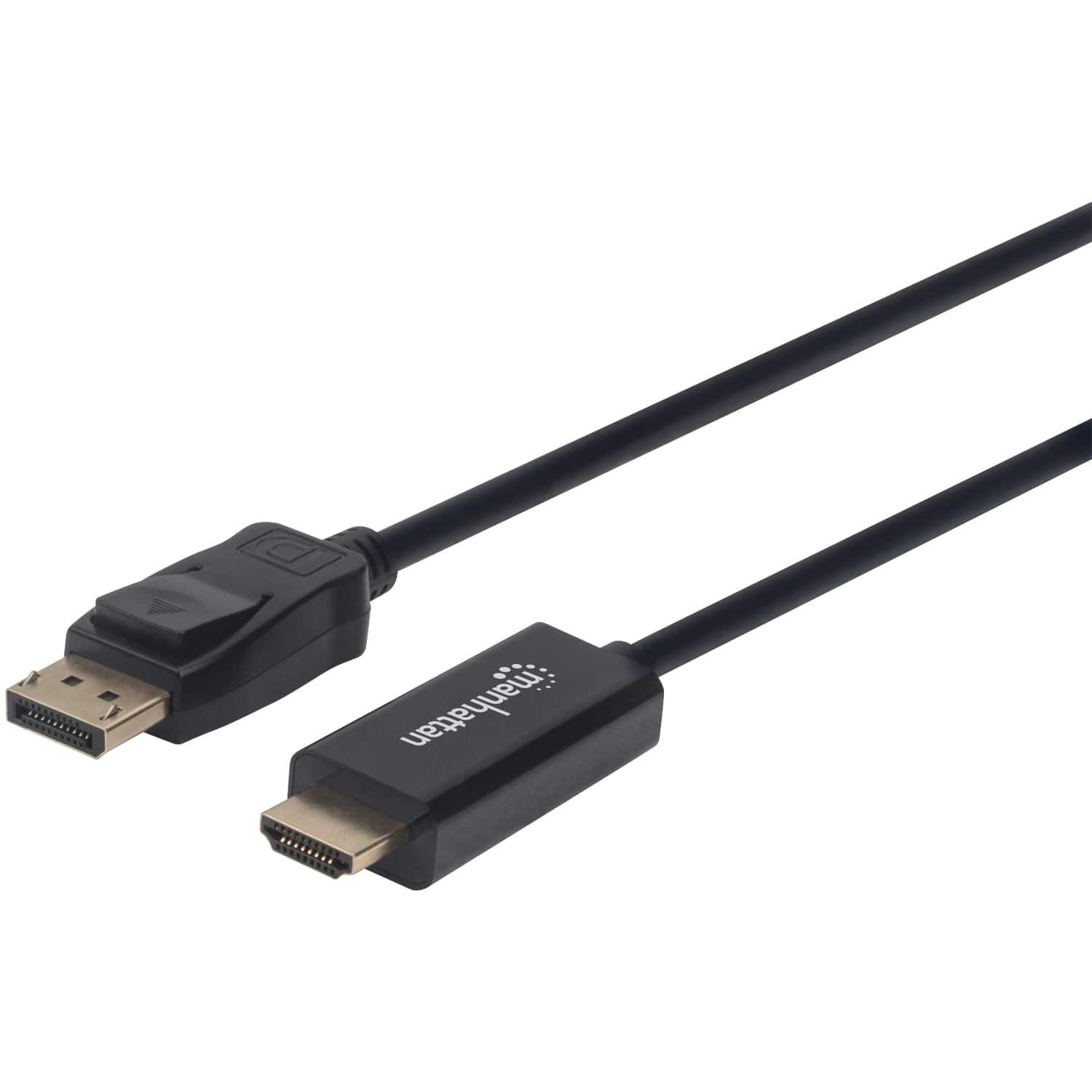
Manhattan - 1080p DisplayPort to HDMI Cable 10 Ft - Black
SKU: J37QC38ZC6See all Cables & ConnectorsProduct Description
A black cable that connects DisplayPort video sources to HDMI displays for seamless 1080p video transfer.Your price for this item is $28.95Save $6The previous price was $35.44
Best Sellers
Related Pages



FAQ
Most MacBook models require an adapter or a specific HDMI cable, such as USB-C to HDMI, since they may not have a built-in HDMI port. Check your MacBook’s ports to determine the right cable or adapter for your device.
Yes, many MacBooks support multiple external displays. You may need additional adapters or docking stations to connect more than one HDMI display, depending on your MacBook’s model and available ports.
HDMI cables support high-definition video and audio. With the right cable and compatible display, you can achieve up to 4K resolution and multi-channel audio output from your MacBook.
No additional software or drivers are needed. Once you connect your MacBook to a display using an HDMI cable (and adapter if necessary), your MacBook should automatically detect the external display.
Yes, HDMI cables allow you to either mirror your MacBook’s screen on an external display or extend your desktop for additional workspace. You can adjust these settings in your MacBook’s 'Displays' preferences.