HDMI Cables For MacBook Pro
-
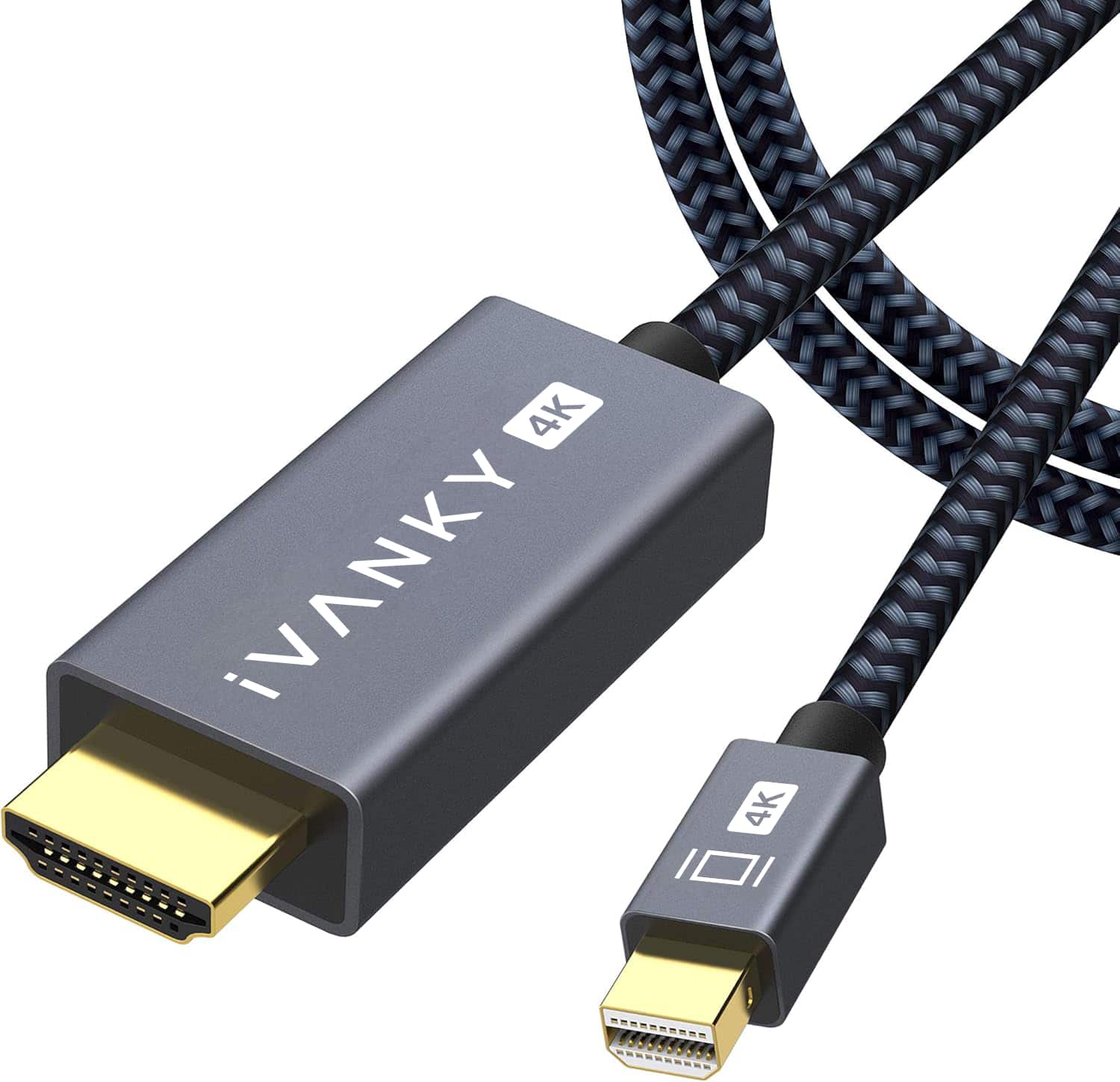
iVANKY - 4K 6.6ft Mini DisplayPort to HDMI Cable Thunderbolt to HDMI Cable for MacBook, Surface Pro/Dock, Monitor, Projector - Black
SKU: CZTZ2FCWVFSee all A/V Cables & ConnectorsProduct Description
A black braided Mini DisplayPort to HDMI cable supporting 4K resolution, ideal for MacBook and Surface devices.Your price for this item is $15.99Save $4The previous price was $19.99 -
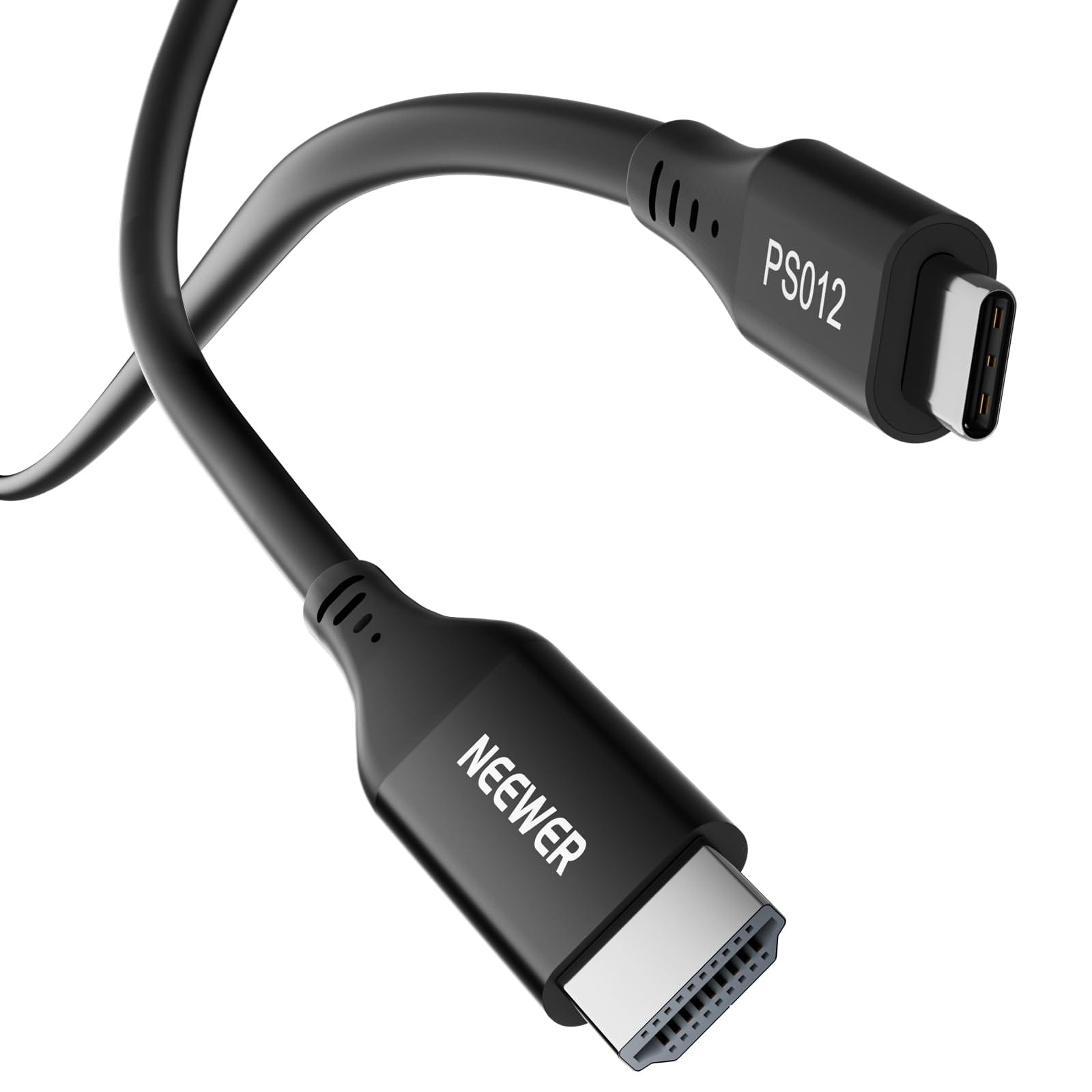
Neewer - PS012 35cm USB-C to HDMI 2.0 4K Cable - Black
SKU: CZLV9F3XGFSee all Monitor & Video CablesProduct Description
A high-speed black USB-C to HDMI 2.0 cable supporting 4K resolution at 60Hz for versatile connectivity.Your price for this item is $10.49Save $2The previous price was $12.99 -
iVANKY - 4K Mini DisplayPort to HDMI Cable 10FT, 4K@30Hz Thunderbolt to HDMI,Mini DP to HDMI for MacBook,Monitor - Black
SKU: CZTZ2F2878See all Monitor & Video CablesProduct Description
A durable black nylon-braided USB-C cable supporting 100W fast charging, 20Gbps data, and 4K@60Hz video.Your price for this item is $13.99Save $6The previous price was $19.99 -
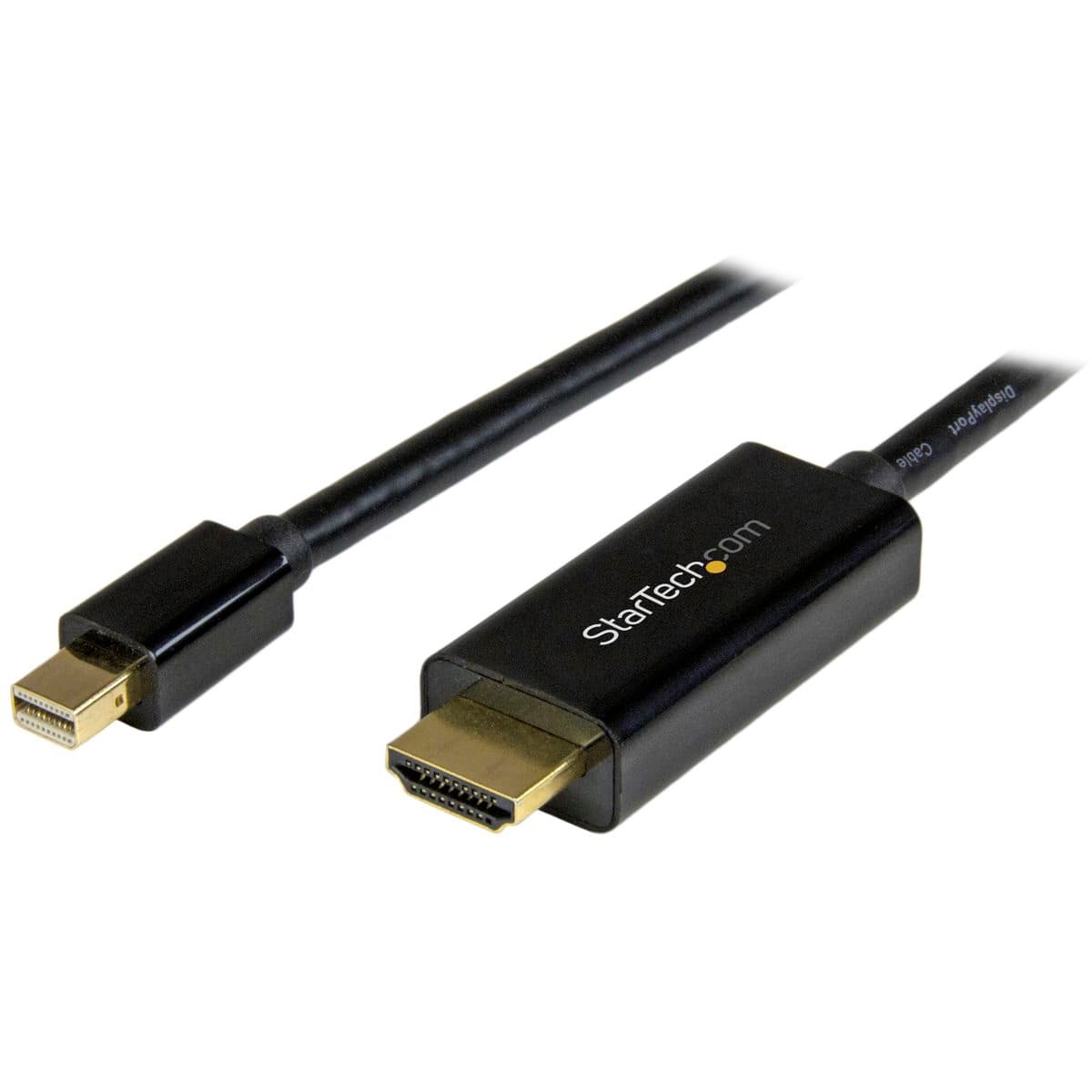
StarTech.com - StarTech 3' Mini DisplayPort to HDMI Converter Cable, Black
SKU: J7PHYX7C4JSee all HDMI CablesProduct Description
A 3-foot cable that connects Mini DisplayPort to HDMI, supporting Ultra HD 4K video output.Your price for this item is $37.18 -
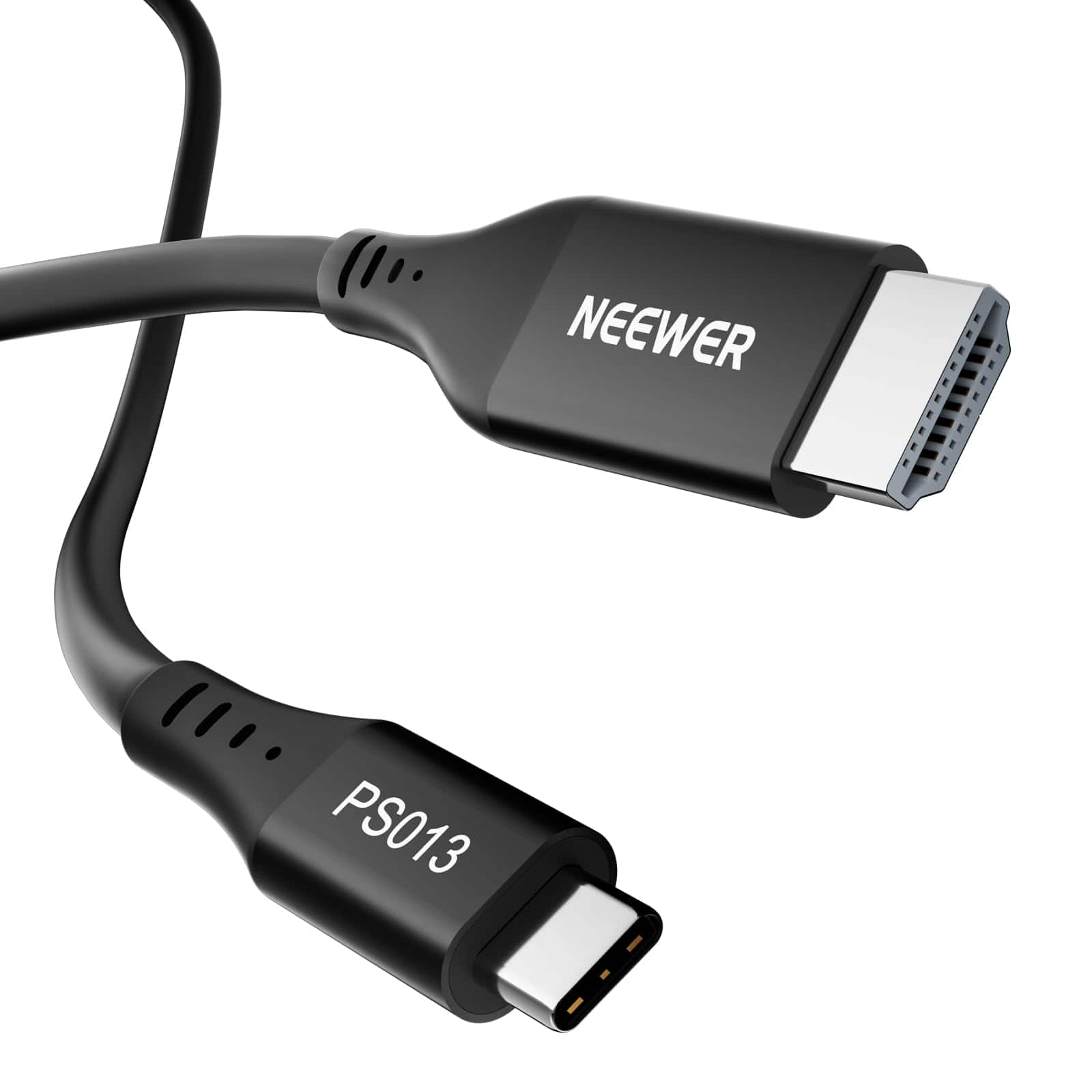
Neewer - USB-C to HDMI 4K 60Hz Cable, 55cm - Black
SKU: CZLV9F83XTSee all Monitor & Video CablesProduct Description
A high-speed black USB-C to HDMI cable supporting 4K at 60Hz for monitors, laptops, and cameras.Your price for this item is $7.99Save $7The previous price was $14.99 -
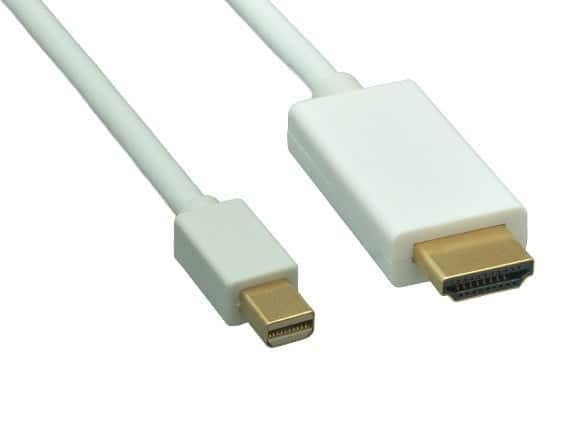
Cable Leader - Mini DisplayPort 1.2 to 4K HDMI Cable, 4K 30Hz with Audio for MacBook, Surface to TV, Monitor, Projector - White
SKU: J39TZ8RF87See all 4K HDMI (2.0) CablesProduct Description
A white Mini DisplayPort 1.2 to HDMI cable delivers 4K UHD video and audio with gold-plated connectors.Your price for this item is $20.99 -
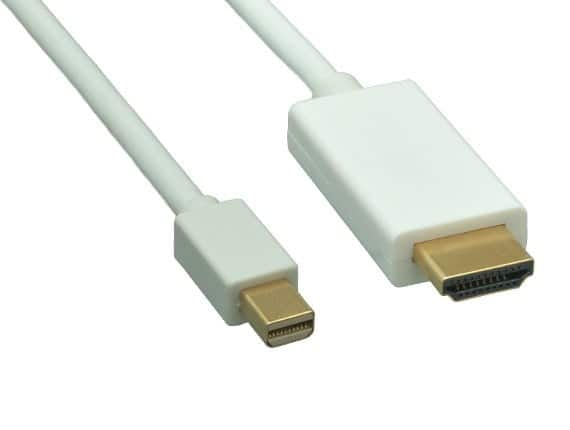
Cable Leader - Mini DisplayPort 1.2 to 4K HDMI Cable, 4K 30Hz with Audio for MacBook, Surface to TV, Monitor, Projector - White
SKU: J39TZ8RF3WSee all 4K HDMI (2.0) CablesProduct Description
A white cable that connects Mini DisplayPort devices to 4K HDMI displays with audio support.Your price for this item is $16.49 -
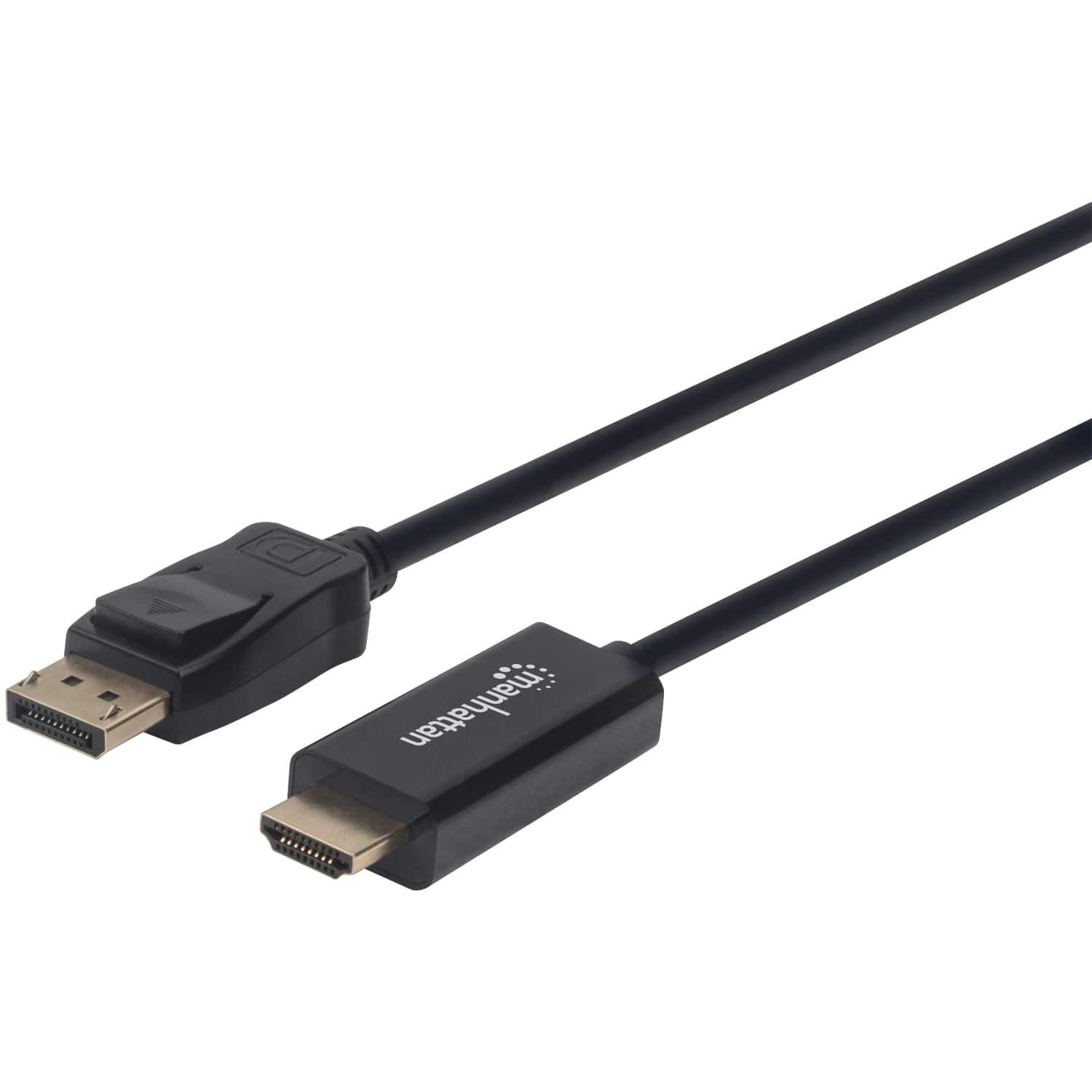
Manhattan - 1080p DisplayPort to HDMI Cable 10 Ft - Black
SKU: J37QC38ZC6See all Cables & ConnectorsProduct Description
A black cable that connects DisplayPort video sources to HDMI displays for seamless 1080p video transfer.Your price for this item is $28.95Save $6The previous price was $35.44 -
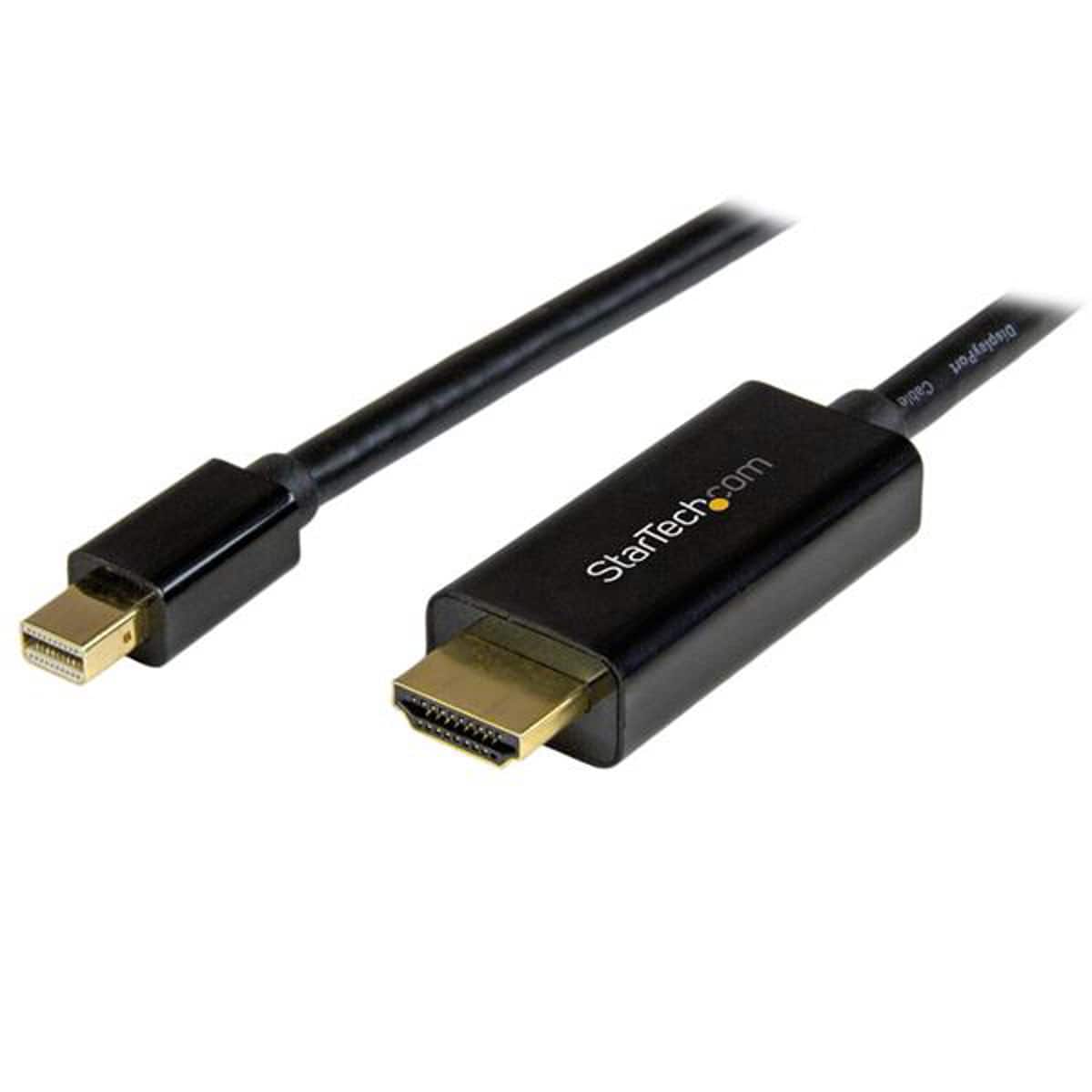
StarTech.com - StarTech 6' Mini DisplayPort to HDMI Converter Cable, Black
SKU: J7PHYX7CZKSee all HDMI CablesProduct Description
A black 6 ft cable that connects Mini DisplayPort devices to HDMI displays with 4K Ultra HD support.Your price for this item is $33.07 -
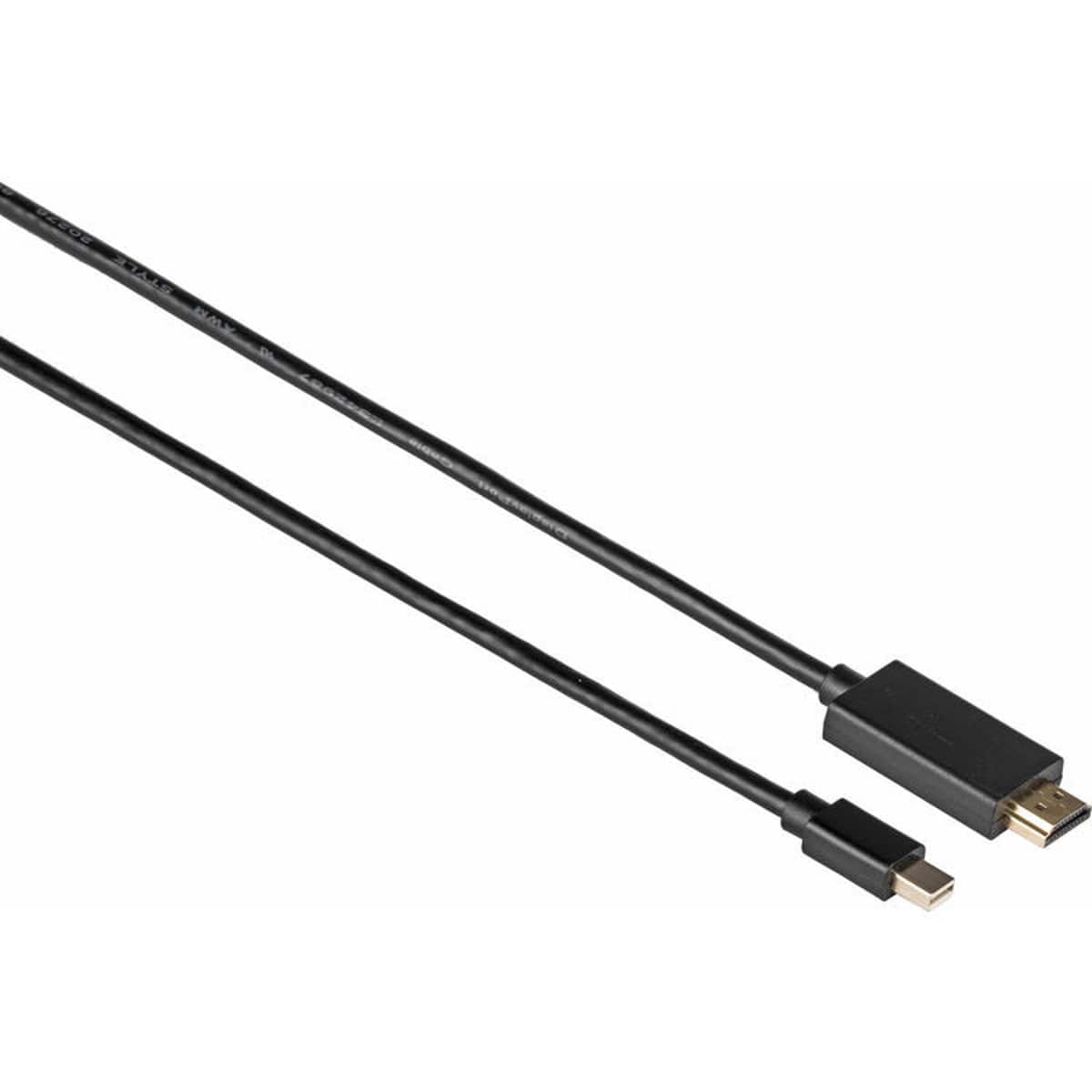
Kramer - Electronics C-MDP/HM Mini DisplayPort M to HDMI M Cable, 3', Black
SKU: C5KRX49Y73See all Monitor & Video CablesProduct Description
A black Mini DisplayPort-to-HDMI cable delivering reliable high-definition video and audio up to 1920 x 1080p.Your price for this item is $30.00
Best Sellers


Related Pages





FAQ
Most HDMI cables are compatible with MacBook Pro models that have an HDMI port or can be used with a compatible adapter for USB-C or Thunderbolt ports. Check your MacBook Pro's available ports to ensure the right connection.
If your MacBook Pro has only USB-C or Thunderbolt 3/4 ports, you will need a USB-C to HDMI adapter. Newer MacBook Pro models (2021 and later) may include a built-in HDMI port, allowing you to connect directly without an adapter.
Yes, you can use HDMI cables to connect your MacBook Pro to external monitors. For multiple displays, you may need additional adapters or a docking station, depending on your MacBook Pro's model and available ports.
Many HDMI cables support 4K resolution, but make sure to choose a cable rated for 4K at 60Hz for the best performance. Also, confirm that your MacBook Pro and external display both support 4K output.
Yes, HDMI cables transmit both audio and video signals from your MacBook Pro to compatible external displays, TVs, or projectors. Ensure your output device supports audio over HDMI for full functionality.