MacBook Air VGA Adapter
-
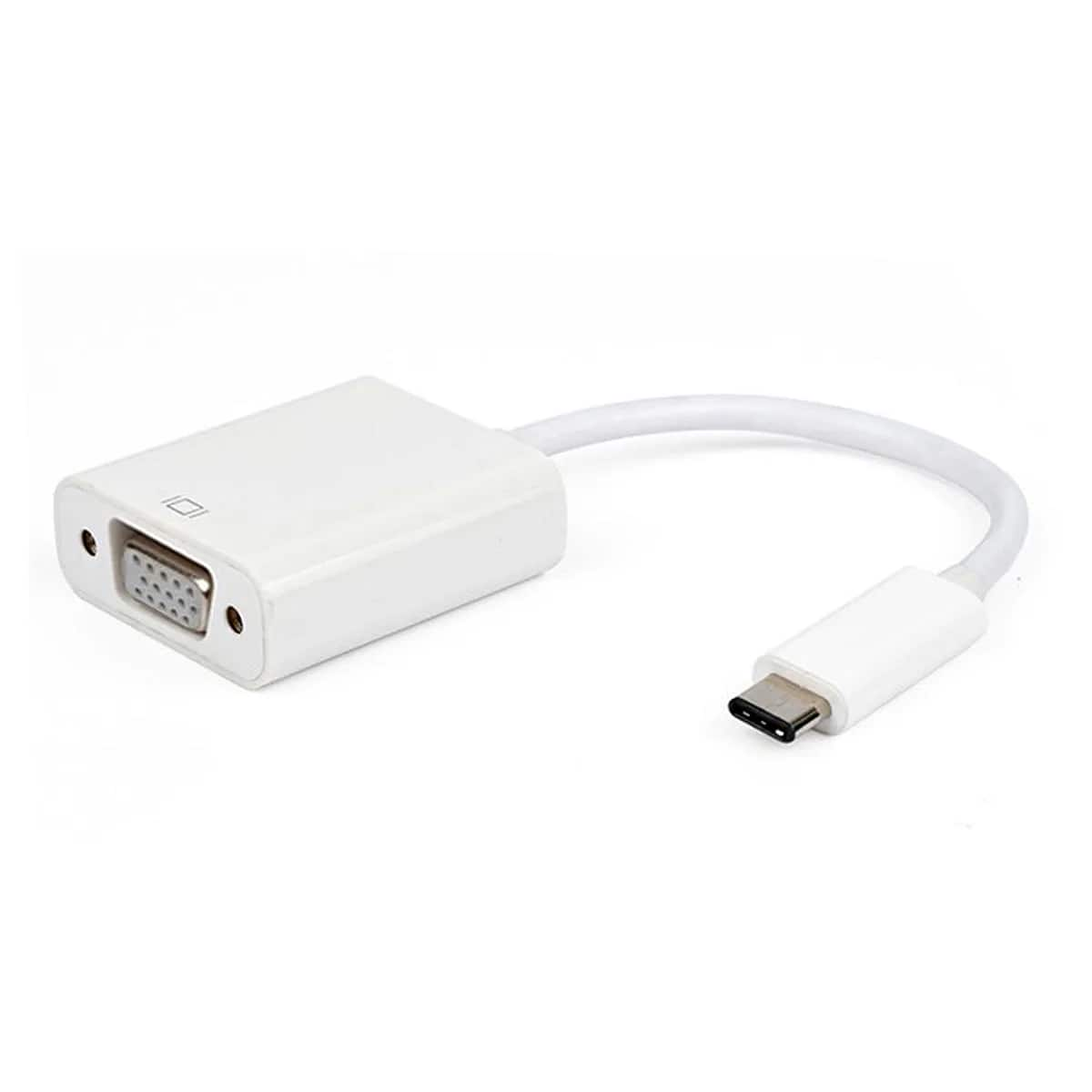
Core Tech - USB-C to VGA Adapter, USB 3.1 Type-C (Thunderbolt 3) to VGA Display Converter for MacBook Pro/Air, Dell XPS 13/15, Surfa
SKU: JXRYQ8H4W3See all Monitor & Video CablesProduct Description
A compact aluminum adapter that connects USB-C or Thunderbolt 3 devices to VGA displays with Full HD support.Your price for this item is $22.11 -
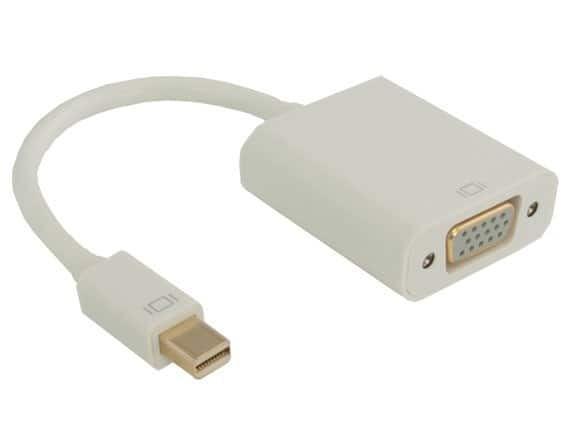
Apple - Adapter Mini Display auf VGA - White
SKU: JX7JS99C6HSee all Monitor & Video CablesProduct Description
A white adapter that connects Mini DisplayPort devices to VGA displays for clear video output.Your price for this item is $19.14 -
Tera Grand - USB 3.1 Type C Male to VGA Female Adapter, White
SKU: JX95L7FL78See all Monitor & Video CablesProduct Description
A white USB-C to VGA adapter supporting DP Alt Mode, Thunderbolt 3, and high-definition displays.Your price for this item is $33.63 -
Apple - Mini DisplayPort to VGA Adapter - White
SKU: J3Z2T2HYQWSee all Monitor & Video CablesProduct Description
A white adapter that connects Mini DisplayPort devices to VGA monitors for seamless video output.Your price for this item is $19.14 -
Cable Leader - Mini DisplayPort to VGA Adapter, 1080p, Thunderbolt 2 Compatible, Gold-Plated - White
SKU: J39TZ86HF7See all Monitor & Video CablesProduct Description
A white Mini DisplayPort to VGA adapter with gold-plated contacts, supporting 1080p and Thunderbolt 2 devices.Your price for this item is $20.99 -
StarTech.com - MDP2VGAW Mini DP to VGA Adapter - 1080p, Thunderbolt, White
SKU: J7PHY2V2RCSee all Monitor & Video CablesProduct Description
A white Mini DisplayPort to VGA adapter supporting 1080p resolution and Thunderbolt connectivity for monitors.Your price for this item is $20.75 -
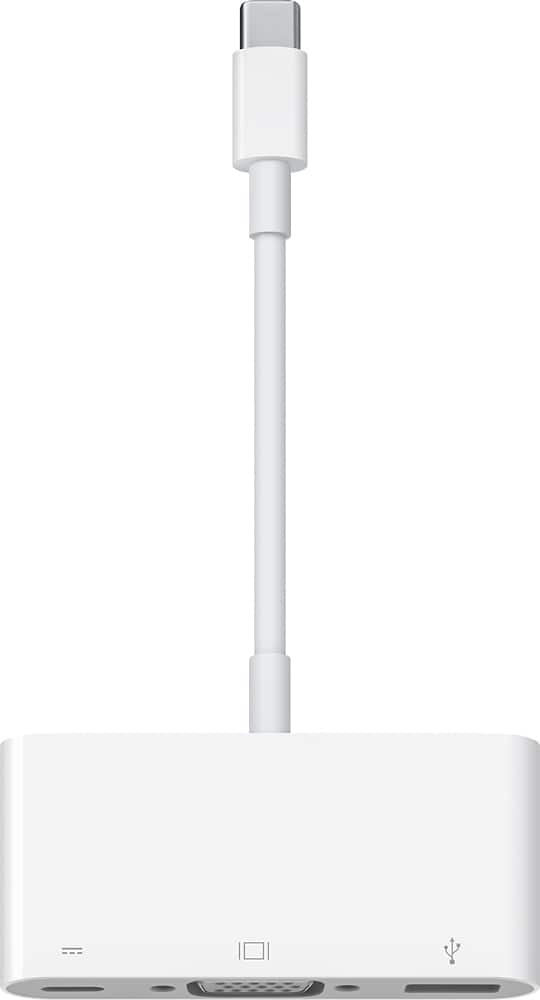
Apple - USB-C VGA Multiport Adapter - White
SKU: J3ZR295KVZSee all Monitor & Video AdaptersProduct Description
A white multiport adapter that connects USB-C devices to VGA displays, USB accessories, and charging cables.Your price for this item is $86.20 -
Best Buy essentials™ - USB to VGA Adapter - White
SKU: J2FPJKYHJXWorks great, exactly what I needed. Best Buy always have what I need....Great that Best Buy has essentially every adapter.
See all Monitor & Video CablesProduct Description
A white USB to VGA adapter that mirrors or extends displays in Full HD with plug-and-play simplicity.Your price for this item is $18.99Save $6The previous price was $24.99 -
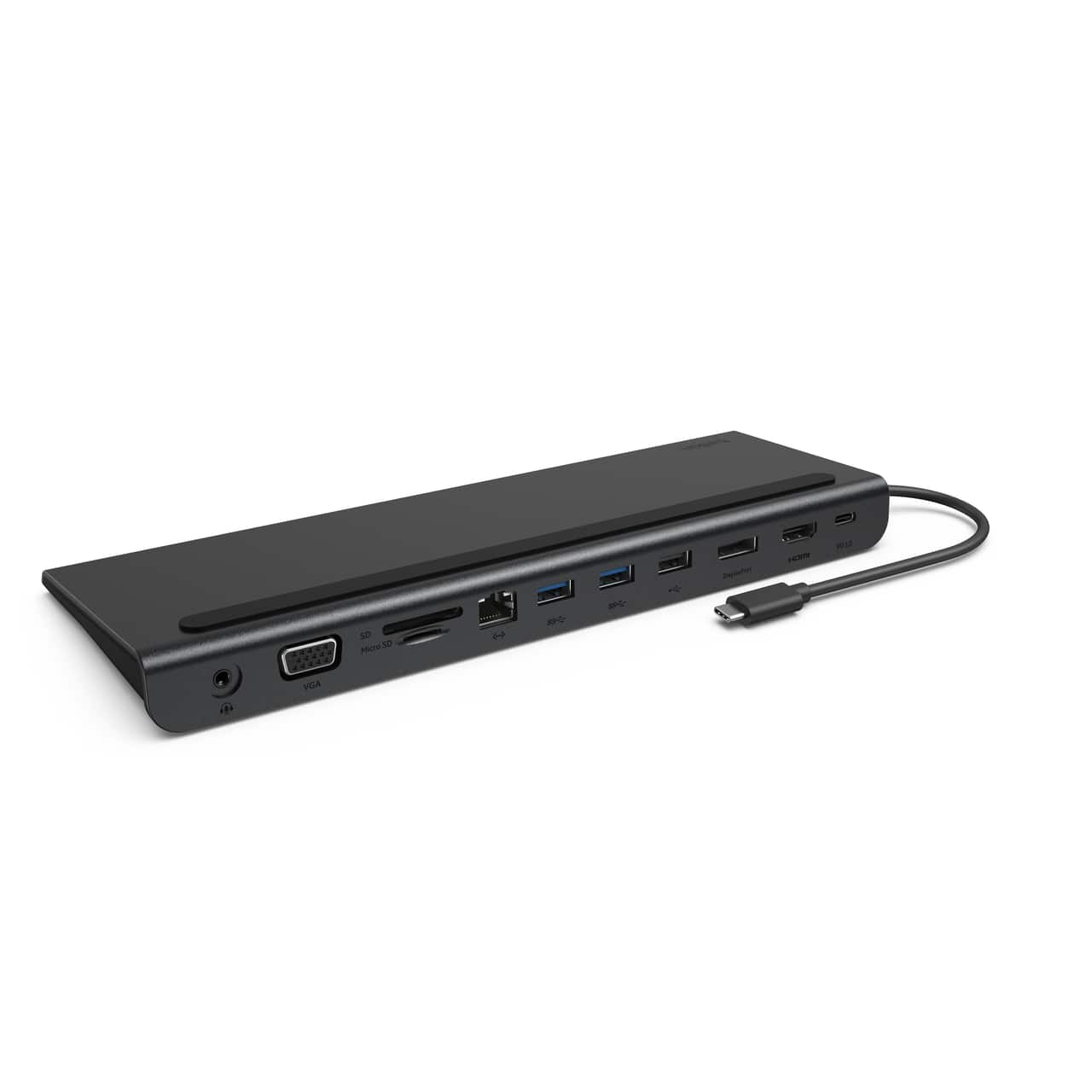
Belkin - 11-in-1 USB C Hub with 4K HDMI, DP, VGA, 100W PD Docking Station for MacBook Pro, Air, and more - Dark Gray
SKU: JX5329KY4LWorks great and love the small profile. Using with a Lenovo Yoga 7i....Works as advertised, great for everyday use...Works like advertised, best value for basic everyday use
See all Docking StationsProduct Description
A dark gray 11-in-1 USB-C hub offering 4K HDMI, DisplayPort, VGA, 100W PD, and Ethernet connectivity.Your price for this item is $99.99 -
Apple - 30-pin to VGA Adapter - White
SKU: J3Z2T237KPSee all Monitor & Video CablesProduct Description
A white adapter that connects 30-pin devices to VGA monitors for video output.Your price for this item is $18.26






Best Sellers


Related Pages


FAQ
A MacBook Air VGA adapter is designed to connect your MacBook Air to external displays, projectors, or monitors that have a VGA input. It is compatible with MacBook Air models that feature a Thunderbolt, Mini DisplayPort, or USB-C port, depending on the adapter type.
Yes, you can use a MacBook Air VGA adapter to connect your MacBook Air to a second monitor and extend your desktop, allowing you to work across multiple screens for increased productivity.
No installation is required. Simply plug the adapter into your MacBook Air’s compatible port and then connect the VGA cable to your external display. Your MacBook Air should automatically detect the external monitor.
VGA adapters only transmit video signals and do not support audio. To play audio on an external device, you'll need to use your MacBook Air’s headphone jack or connect to a separate audio output.
Absolutely! A MacBook Air VGA adapter is ideal for connecting your laptop to projectors or external monitors in conference rooms, classrooms, or other presentation settings.