Precision Monitors
-
IK Multimedia - iLoud Precision 5 Studio Monitor - Black
SKU: JJG2V5R9J3See all Bookshelf SpeakersProduct Description
A black studio monitor delivering exceptional sonic detail with advanced DSP features and software workflow enhancements.Your price for this item is $899.99 -
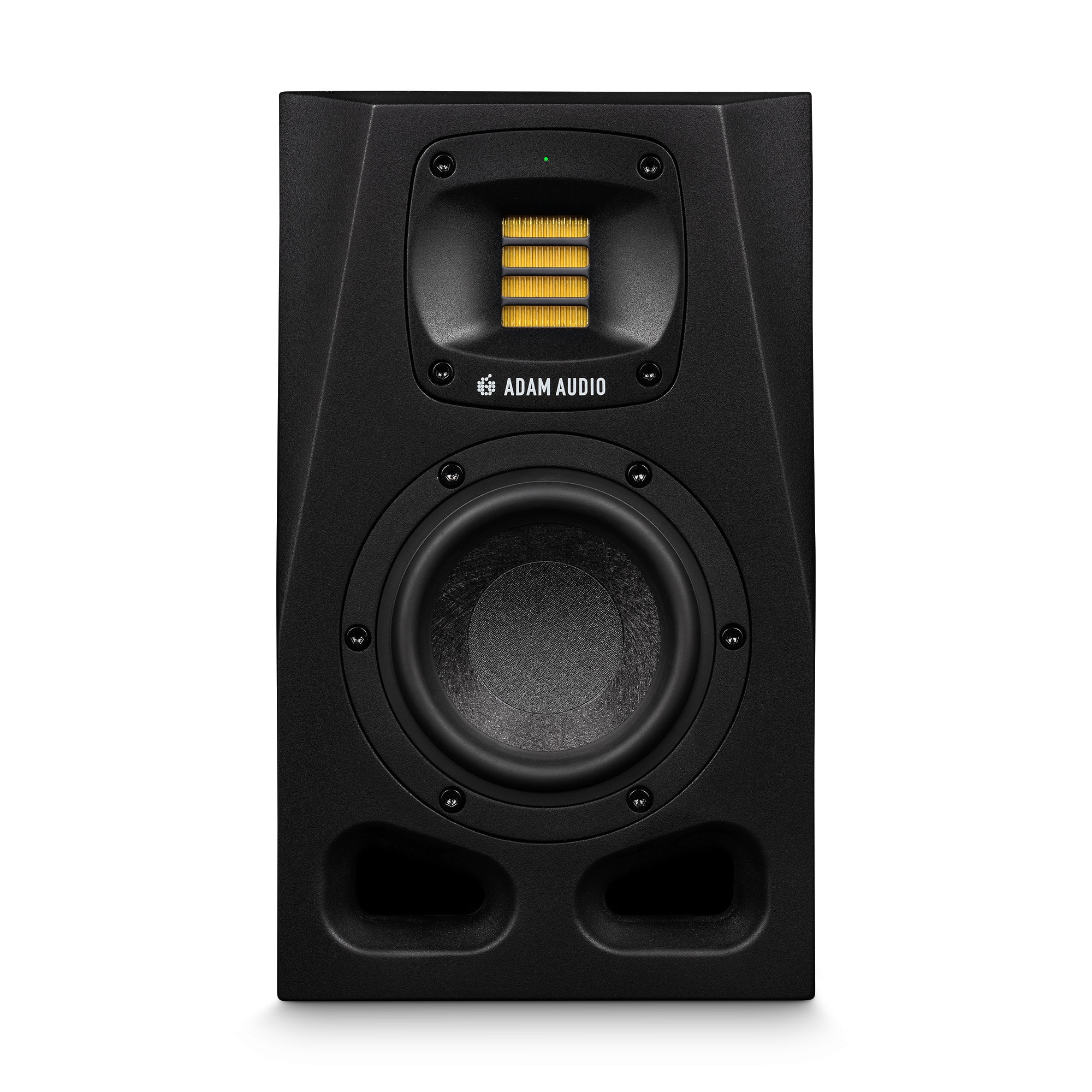
ADAM Audio - A4V Powered 2-Way Studio Monitor
SKU: CC5VPRQQGHSee all Powered Bookshelf SpeakersProduct Description
A compact 2-way studio monitor with a handmade X-ART tweeter delivers precise, full-bodied sound.Your price for this item is $619.99 -
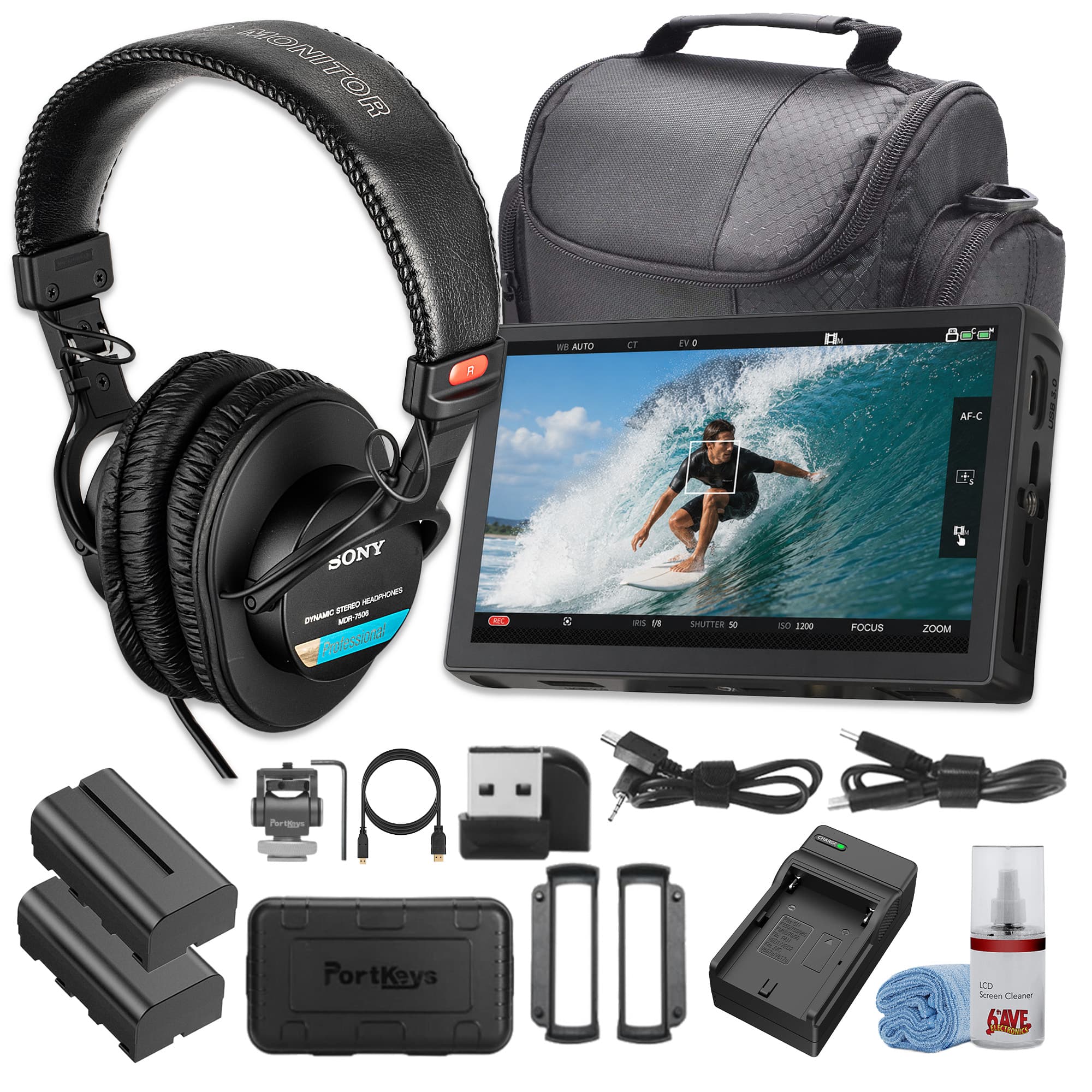
Portkeys - LH5C 5.4" 4K HDMI Touchscreen Monitor, 1920x1152, 800 cd/m², Wired Camera Control, 3D LUT Support - Black
SKU: JJGYT4XS8VSee all All MonitorsProduct Description
A black 4K touchscreen monitor with 800 cd/m² brightness, wired camera control, and 3D LUT support.Your price for this item is $209.95 -
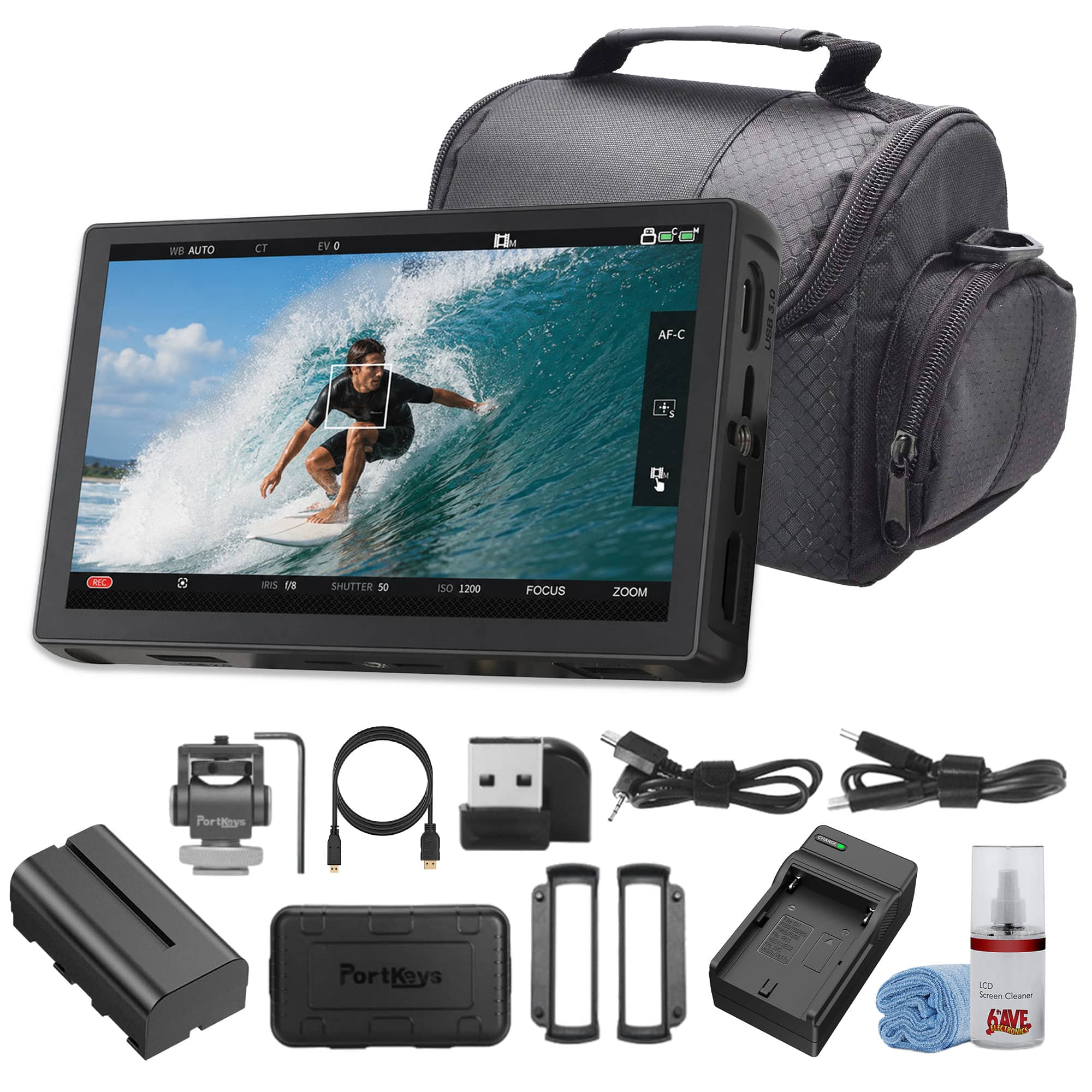
Portkeys - LH5C 5.4" 4K HDMI Touchscreen Monitor, 1920x1152, 800 cd/m² Brightness, Wired Camera Control - Black
SKU: JJGYT4XS8TSee all All MonitorsProduct Description
A black 4K touchscreen monitor with 800 cd/m² brightness, wired camera control, LUTs, and exposure tools.Your price for this item is $304.95 -
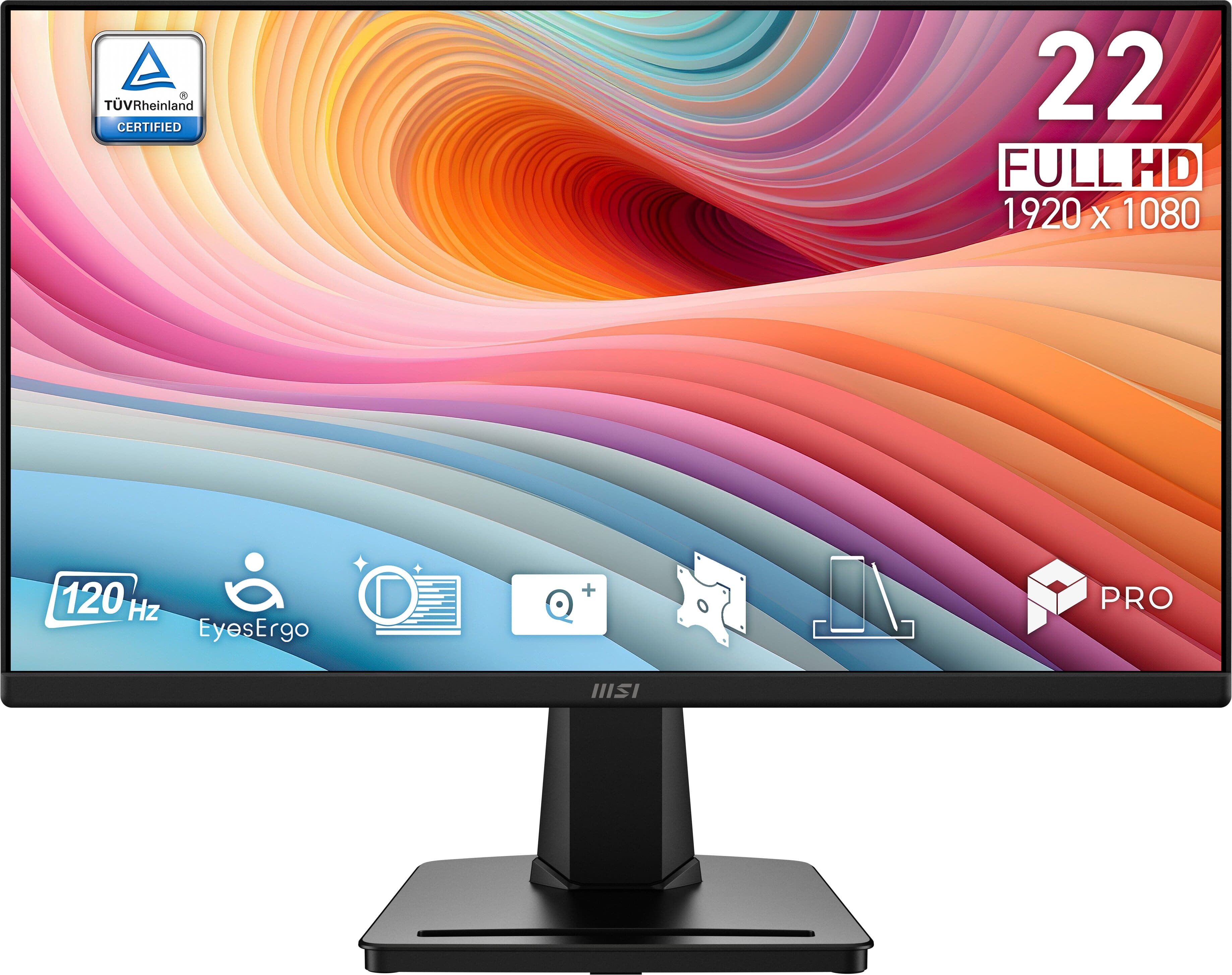
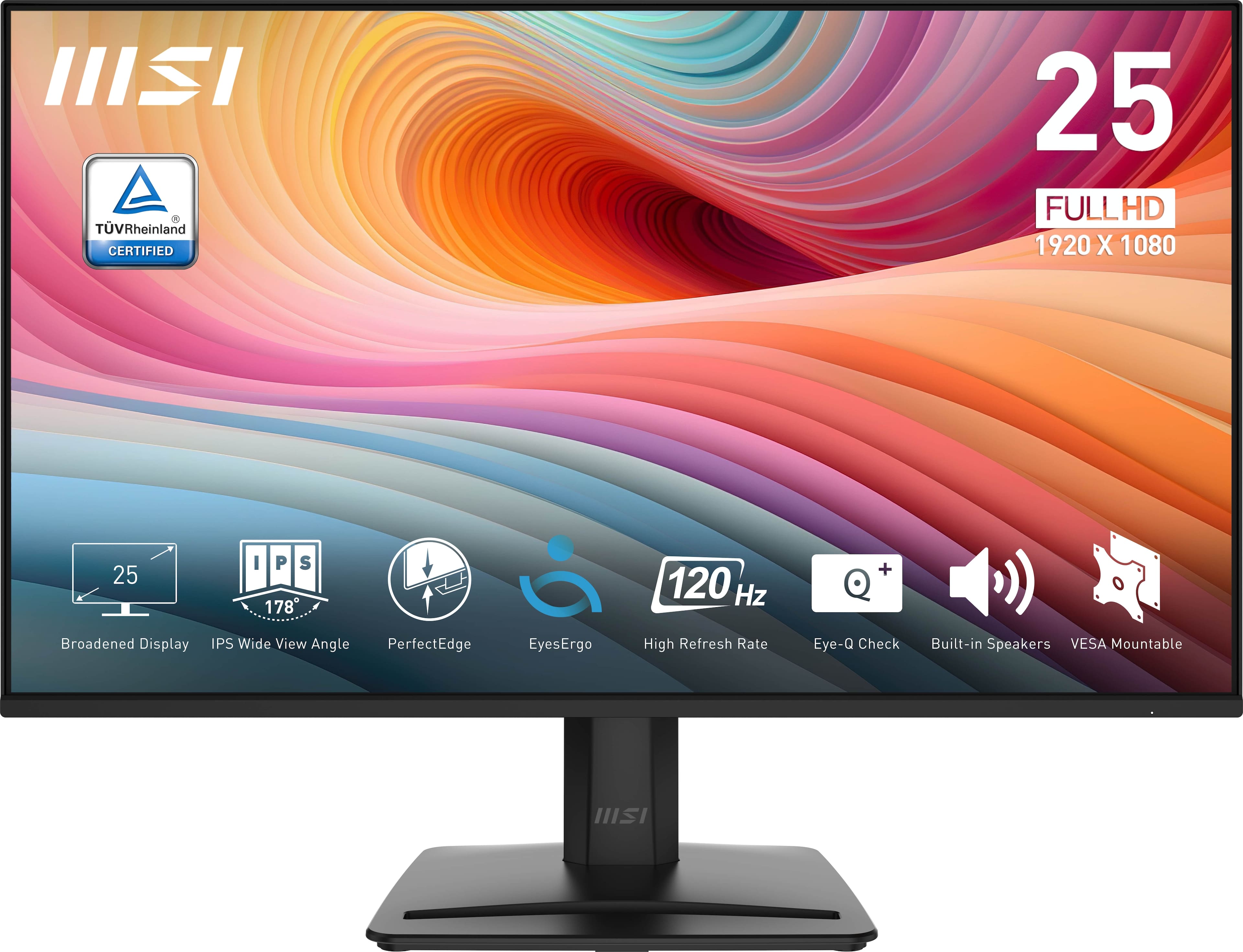
MSI - PRO MP225 E12VL 22" IPS FHD 120Hz 1ms Business Monitor with EyesErgo Tech (Video Port, HDMI) - Black
SKU: J3P7TXHHG5I recommend to anyone who needs a great monitor without breaking the bank....Decent works great. Be a 5 rating if you could use the entire screen....But it does work great and I am so happy!!...This little...
See all All MonitorsProduct Description
A black IPS FHD monitor with 120Hz refresh rate, 1ms response, EyesErgo tech, and FreeSync support.Your price for this item is $64.99Save $5The previous price was $69.99 -
MSI - PRO MP251 E2 24" IPS LCD FHD 120Hz 1ms Adaptive Sync Monitor with HDR ready,Built-in Speakers (DisplayPort, HDMI ) - Matte Black
SKU: J3P7TXSVWVSee all All MonitorsProduct Description
A matte black IPS monitor with 120Hz refresh rate, 1ms response, HDR, Adaptive Sync, and built-in speakers.Your price for this item is $125.00Save $1The previous price was $126.99 -
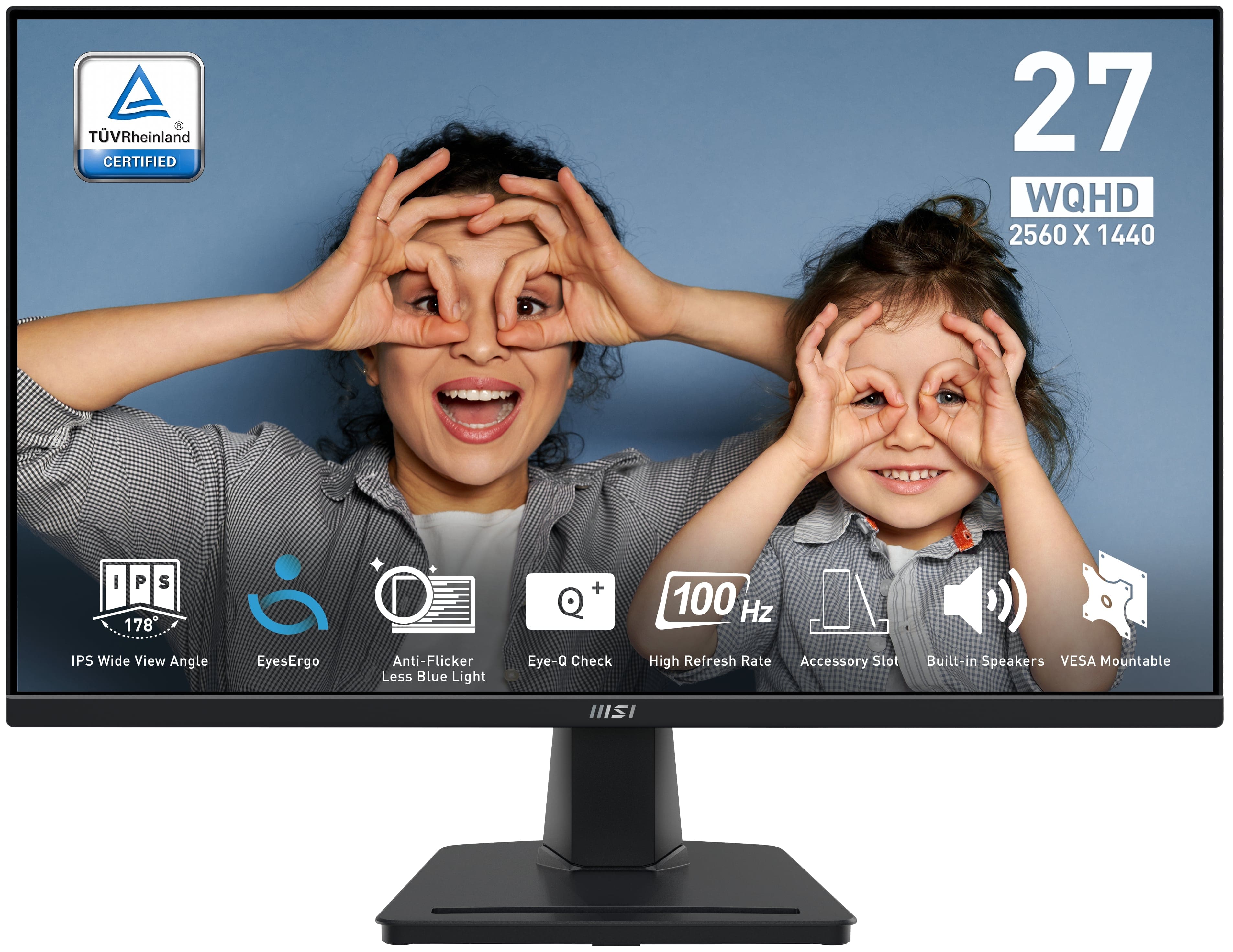
MSI - PRO MP275Q 27" QHD 100Hz 1ms Adaptive Sync Monitor with built-in speaker (DisplayPort, HDMI, ) - Black
SKU: J3P7TXY5Y4Great monitor at Price...Been using it for months now and it's been great. Love it...The 27" QHD screen is super sharp, and the colors look great whether I’m gaming, working, or streaming...The built-in...
See all All MonitorsProduct Description
A black IPS monitor with QHD resolution, 100Hz refresh rate, 1ms response, and built-in speakers.Your price for this item is $194.49 -
HP - 27" IPS LCD 4K UHD 60Hz Monitor (USB, HDMI) - Black
SKU: JJG875548VSee all All MonitorsProduct Description
A black IPS 4K UHD monitor with USB and HDMI ports, adjustable stand, and integrated speakers.Your price for this item is $439.99Save $50The previous price was $489.99


Best Sellers







Related Pages




FAQ
When choosing a precision monitor for graphic design, look for features such as high color accuracy (wide color gamut coverage like Adobe RGB or DCI-P3), factory calibration, IPS or OLED panels for consistent viewing angles, and advanced color calibration options to ensure your work appears as intended.
Yes, precision monitors are ideal for professional video editing due to their accurate color reproduction, high resolution, and support for various color spaces. These features help ensure that your video projects maintain color consistency throughout the editing and publishing process.
Many precision monitors support hardware calibration, allowing you to fine-tune color settings directly on the monitor using compatible calibration tools. This helps maintain color accuracy over time and is especially beneficial for professionals who require consistent results.
Most precision monitors offer a range of connectivity options such as HDMI, DisplayPort, USB-C, and sometimes Thunderbolt. These options provide flexibility to connect to various devices, including laptops, desktops, and professional workstations.
Yes, precision monitors are compatible with both Mac and Windows computers. Ensure your device supports the monitor’s input options, and you may need to install specific drivers or color profiles for optimal performance on your preferred operating system.