MSI - PRO MP251 E2 24" IPS LCD FHD 120Hz 1ms Adaptive Sync Monitor with HDR ready,Built-in Speakers (DisplayPort, HDMI ) - Matte Black
Customers are saying
Customers often highlight the product's excellent overall performance, frequently praising its great picture quality. They also appreciate its high refresh rate, convenient HDMI connectivity, and perfect resolution. Additionally, the sleek, minimal design is a positive aspect for many users.
Highlights
Features
1920 x 1080 resolution
View your applications, spreadsheets and more with a perfect 24.5 inches screen with a breathtaking viewing experience that comes with Full HD resolution
1 ms response time
Delivers ultra-fast performance, minimizing lag and time-to-screen.
120Hz High Refresh Rate
Enjoy the high-quality entertainment with a smoother and flicker-free images.
Perfect Edge
Set-up multi-display immensely with the 4-side edgeless design and enjoy the wider and more immersive view
Built-in Speakers
With two built-in speakers, users were allowed to listen to audio files, to attend online conferences, or to edit videos at any time without carrying an external speaker or wearing a headphone.
Accessory Slot Design
Enjoy a clean table with the accessory slot design where you can put your MSI Pen or Smartphone and you will not miss any important messages anymore.
Specifications
- Refresh Rate120HzMaximum Resolution1920 x 1080Response Time1 millisecondsPanel TypeIPSSynchronization TechnologyFreeSync (AMD Adaptive Sync)
Reviews
Rating 4.7 out of 5 stars with 103 reviews
- Overall Performance (40)
- Refresh Rate (7)
- Connectivity (6)
- Resolution (4)
- Design (3)
Customer Images
The vast majority of our reviews come from verified purchases. Reviews from customers may include My Best Buy members, employees, and Tech Insider Network members (as tagged). Select reviewers may receive discounted products, promotional considerations or entries into drawings for honest, helpful reviews.

Compare similar products
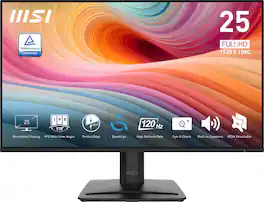
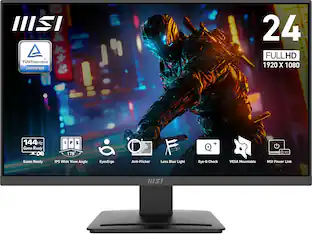
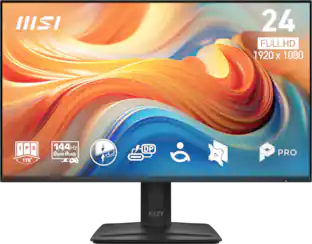
24.5-Inch Monitor PRO MP251 E2 maximizes focus and saves space. EyesErgo technology nurtures well-being through reduced strain and ergonomic design. We are elevating visuals and productivity with seamless hardware and software integration and embracing 100Hz refresh rate for future work.

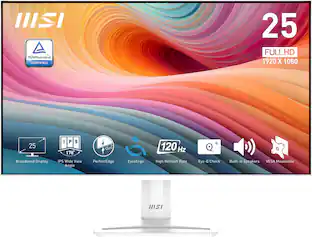
The Perfect Edge 120Hz Home Office Monitor, crafted for young professionals, combines modern design with high performance. Whether handling daily office tasks or diving into immersive gaming experiences, this monitor delivers breakthrough visual enjoyment and usability.
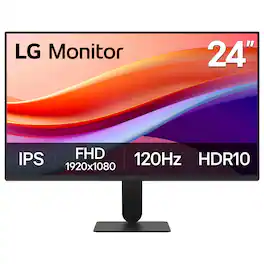
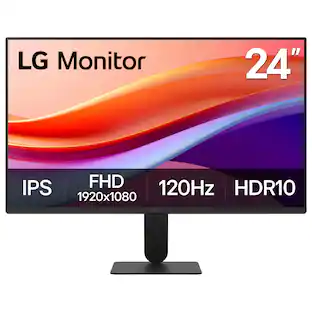
The 24" class (23.8" screen) Full HD (1920 x 1080) IPS monitor delivers sharp, vibrant visuals from virtually any angle—ideal for working...and even playing from home. Whether you're tackling emails, browsing the web, or managing projects, this monitor helps you stay clear, focused, and productive. Its ultra-slim bezels and 3-side virtually borderless design bring a clean, modern look to any home office setup. The sleek stand adds a floating feel that’s perfect for dual monitor workstations or minimal desk spaces. A 120Hz refresh rate ensures smoother scrolling and frame transitions, while 1ms Motion Blur Reduction (MBR) keeps fast-moving visuals crisp—great for multitasking or after-hours gaming. With HDR10 and up to 99% sRGB color gamut coverage, this LG monitor delivers vivid, accurate color across everything from video calls to creative projects. Whether you're outfitting a new home office or upgrading your current work-from-home setup, the LG 24U41YA-B monitor offers the clarity, speed, and style you need to stay productive and inspired.
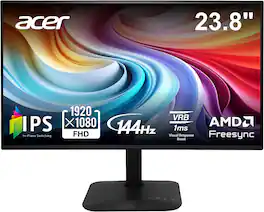
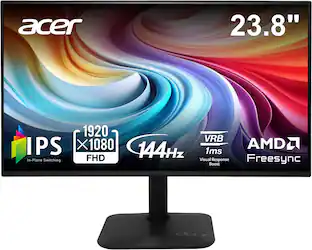
Introducing Acer's KA242Y gaming monitor - the Full HD resolution monitor that can keep up with your game play. Through AMD FreeSync technology, the game’s frame rate is determined by your graphics card, not the fixed refresh rate of the monitor, giving you a serious competitive edge. Plus, users can enjoy comfortable viewing experience while gaming via flicker-less and low dimming display. The design saves space on your desk and lets you place multiple monitors side by side to build a seamless big-screen display.
| Pros for MSI - PRO MP251 E2 24" IPS LCD FHD 120Hz 1ms Adaptive Sync Monitor with HDR ready,Built-in Speakers (DisplayPort, HDMI ) - Matte Black | |||
|---|---|---|---|
| Overall Performance, Refresh Rate, Connectivity, Resolution, Design | Connectivity, Refresh Rate, Sound Quality | Overall Performance, Refresh Rate, Resolution, Setup, Size | Overall Performance, Refresh Rate, Display Size |
| Cons for MSI - PRO MP251 E2 24" IPS LCD FHD 120Hz 1ms Adaptive Sync Monitor with HDR ready,Built-in Speakers (DisplayPort, HDMI ) - Matte Black | |||
| There were no cons for this product— | There were no cons for this product— | Button Layout | There were no cons for this product— |
Specs
Customers often buy these together
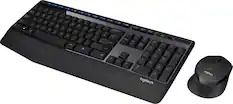
Computer Keyboards

![The text on the image reads:
"esc FI In - ! 1 tab caps lock shift F2 2 Q A F3 # 3 W S Z F4 $ 4 E D X P F5 % 5 R F C F6 A 6 T G V logi ins F12 FM F0 HI F9 FB F7 + ( ) - = * - & 0 8 9 7 { ] P [ ] I O Y U : I K L ; H J ? > < / M 2 B ctrl alt cmd3 opt page page end down home up del 1 * I back clear 8 9 7 I pg up home / + 5 6 4 enter 2 3 1 dn Pg shift end 0 del ins enter ctrl fn start opt alt cmd3t"
The text is a list of keyboard shortcuts for various functions, such as esc, tab, caps lock, shift, and more. The shortcuts are organized in a way that makes it easy for users to remember and use them while typing.](https://pisces.bbystatic.com/image2/BestBuy_US/images/products/01258616-55c7-44c0-8173-e2f6983190ee.jpg;maxHeight=232;maxWidth=233?format=webp)
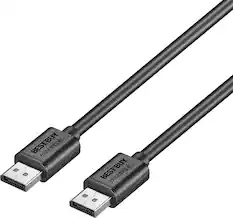
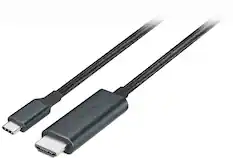
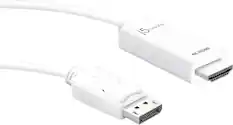
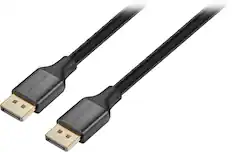
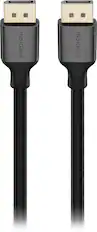
Monitor and Video Cables


More recommended items
 Laptop Docking Stations
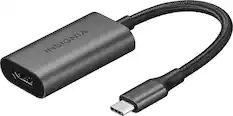
 Cables and Adapters
 Web Cameras
More to consider
 $89.99The price was $109.99
 Techtober Deal$79.99The price was $119.99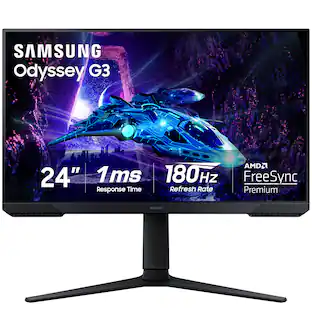
Samsung - Odyssey G30D 24" LED FHD AMD FreeSync Premium 180Hz 1ms Gaming Monitor (DisplayPort, HDMI)
$119.99The price was $199.99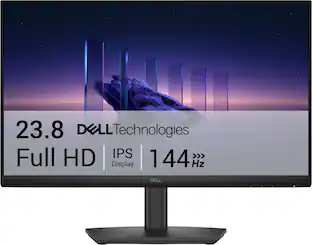 Techtober Deal$89.99The price was $119.99
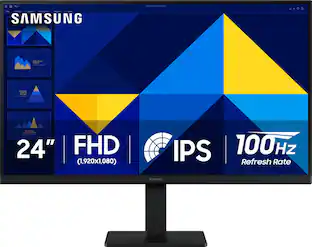 Techtober Deal$89.99The price was $119.99
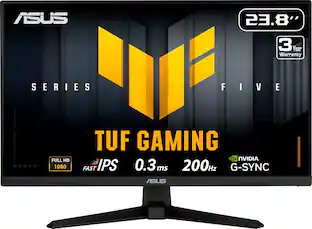 Techtober Deal$109.99The price was $169.99
 $94.99The price was $149.99
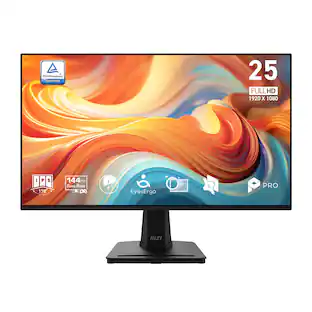 $89.99The price was $109.99
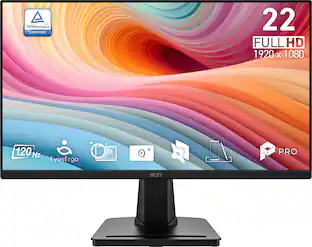 $64.99The price was $69.99
Explore tech essentials Sponsored
- Techtober Deal$89.99The price was $119.99
 Techtober Deal$89.99The price was $109.99




Discover related products
 $249.00The price was $275.00
 Techtober Deal$10.99The price was $13.99













Keep exploring
 $479.99The price was $549.99
 $199.99The price was $218.99
 $957.23The price was $979.32