Light Monitors
-
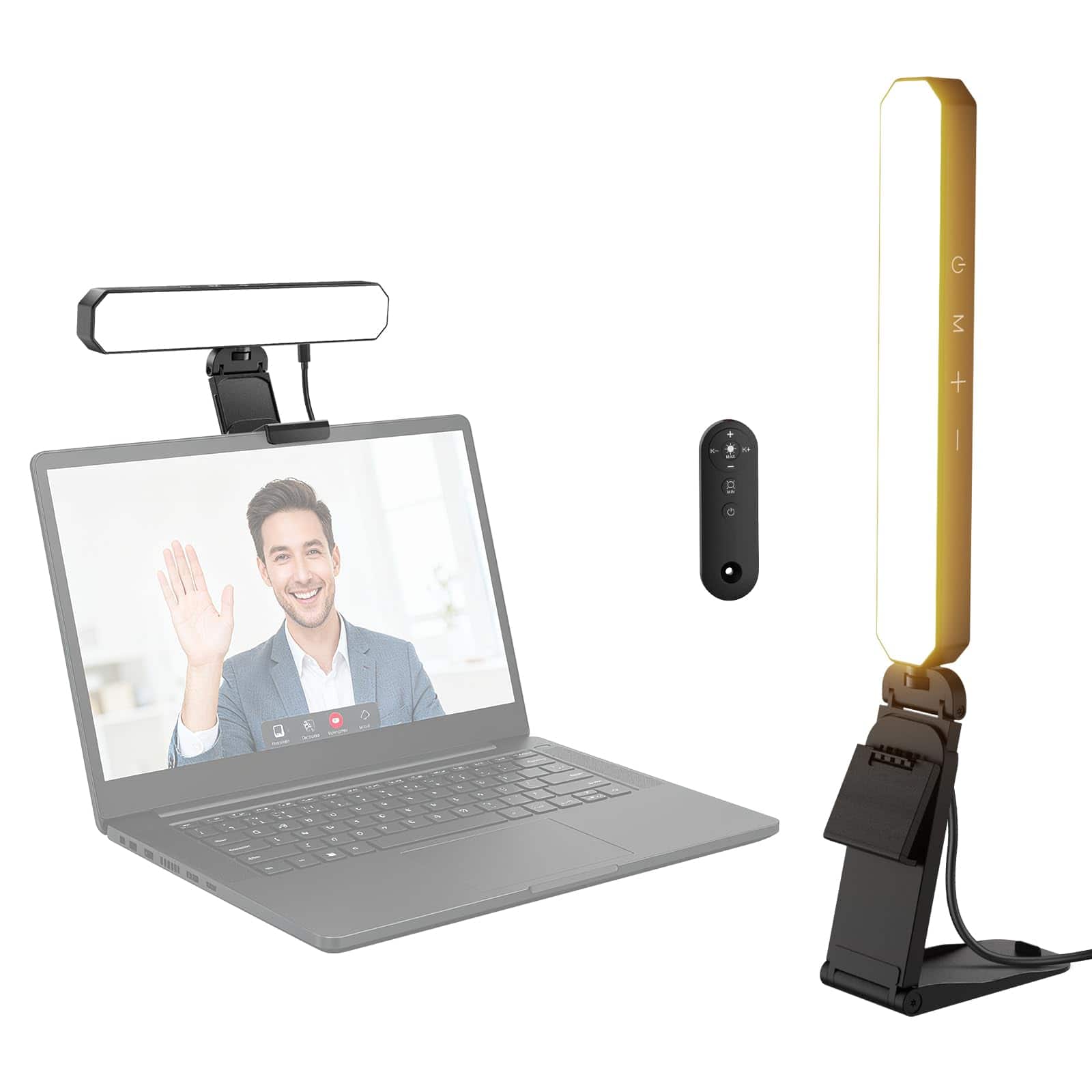
Neewer - 6W Dual-Color Monitor Light Bar with Touch & Remote Control
SKU: CZLV9FXR4HSee all Camera & Video LightingProduct Description
A dual-color dimmable LED monitor light bar with touch and remote control for versatile workspace lighting.Your price for this item is $25.99Save $4The previous price was $29.99 -
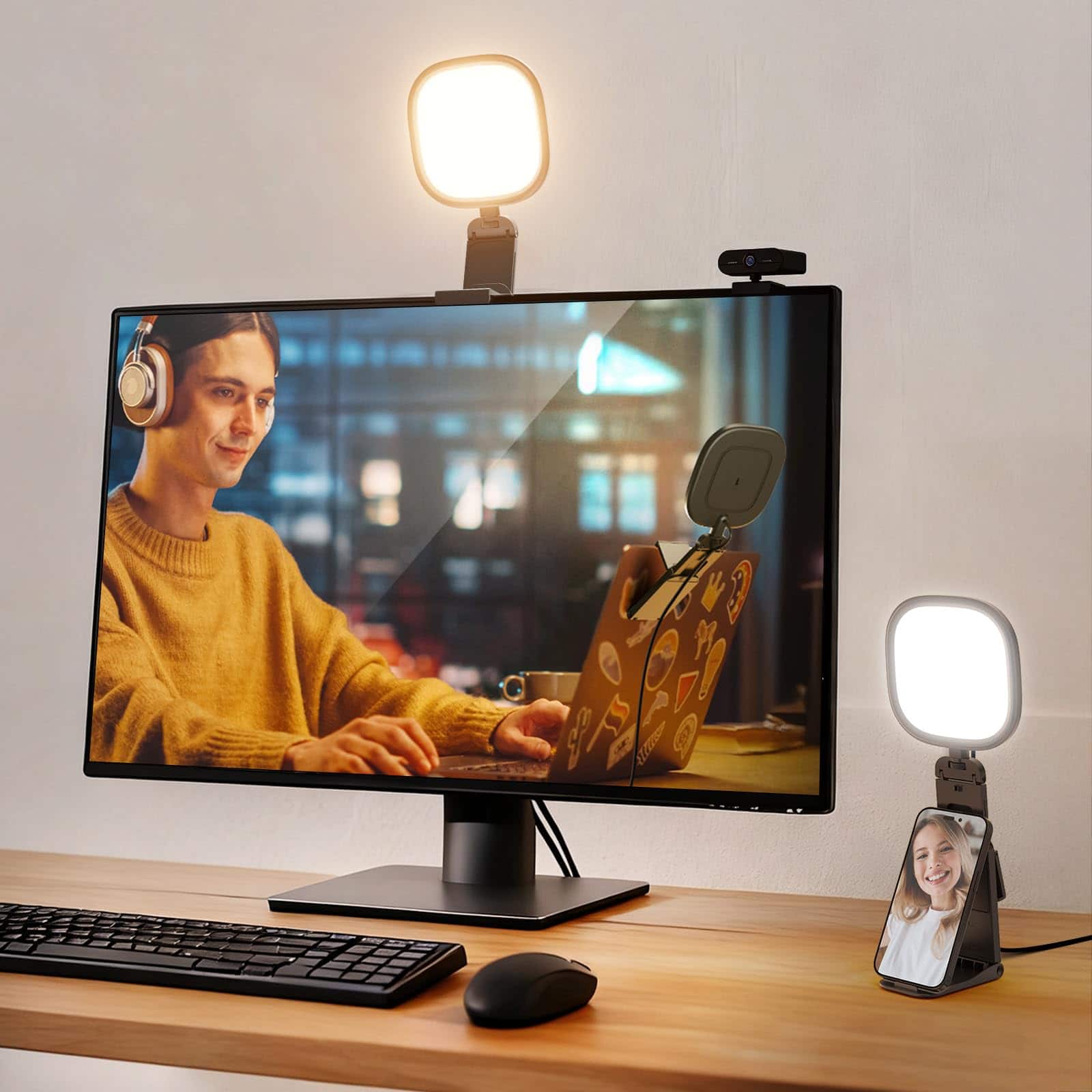
Neewer - Basics 5" 10W USB Monitor Light for Video Calls, Bi-Color, CRI95
SKU: CZLV9FXQJZSee all Camera & Video LightingProduct Description
A bi-color USB LED monitor light with CRI95, ideal for video calls, streaming, and recording.Your price for this item is $22.99Save $3The previous price was $25.99 -
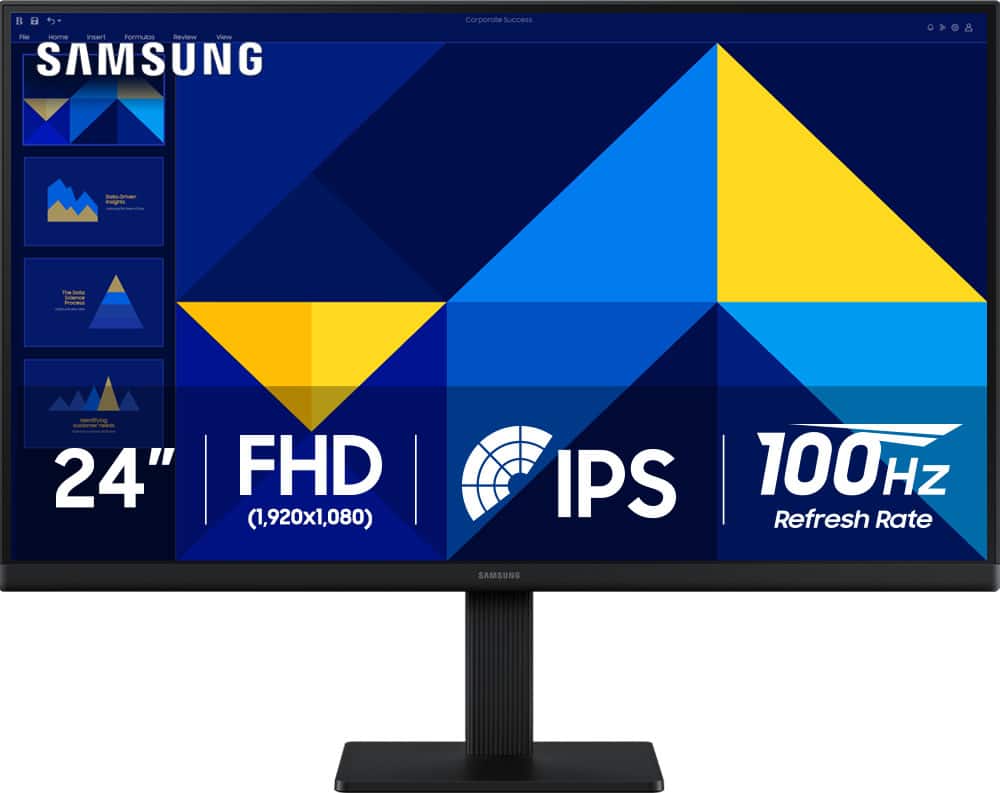
Samsung - 24" S3 (S30GD) IPS LED FHD 100Hz Monitor (HDMI, D-sub) - Black
SKU: J3ZYG24Z7VLove my new Monitor. Thanks to Best But for a great deal/...Love it. Great picture. Easy to hook up, excellent...Great product for the money
See all All MonitorsProduct Description
A black IPS LED monitor with 100Hz refresh rate, FHD resolution, and multiple connectivity options.Your price for this item is $89.99Save $30The previous price was $119.99 -
Kensington - MagPro Elite Magnetic Film Privacy Screen for MacBook Pro 16" - Black
SKU: J7RJZZ8LFRSee all Monitor & Screen AccessoriesProduct Description
A black magnetic film privacy screen that reduces glare, filters blue light, and attaches residue-free to MacBook Pro.Your price for this item is $95.84Save $0The previous price was $96.19 -
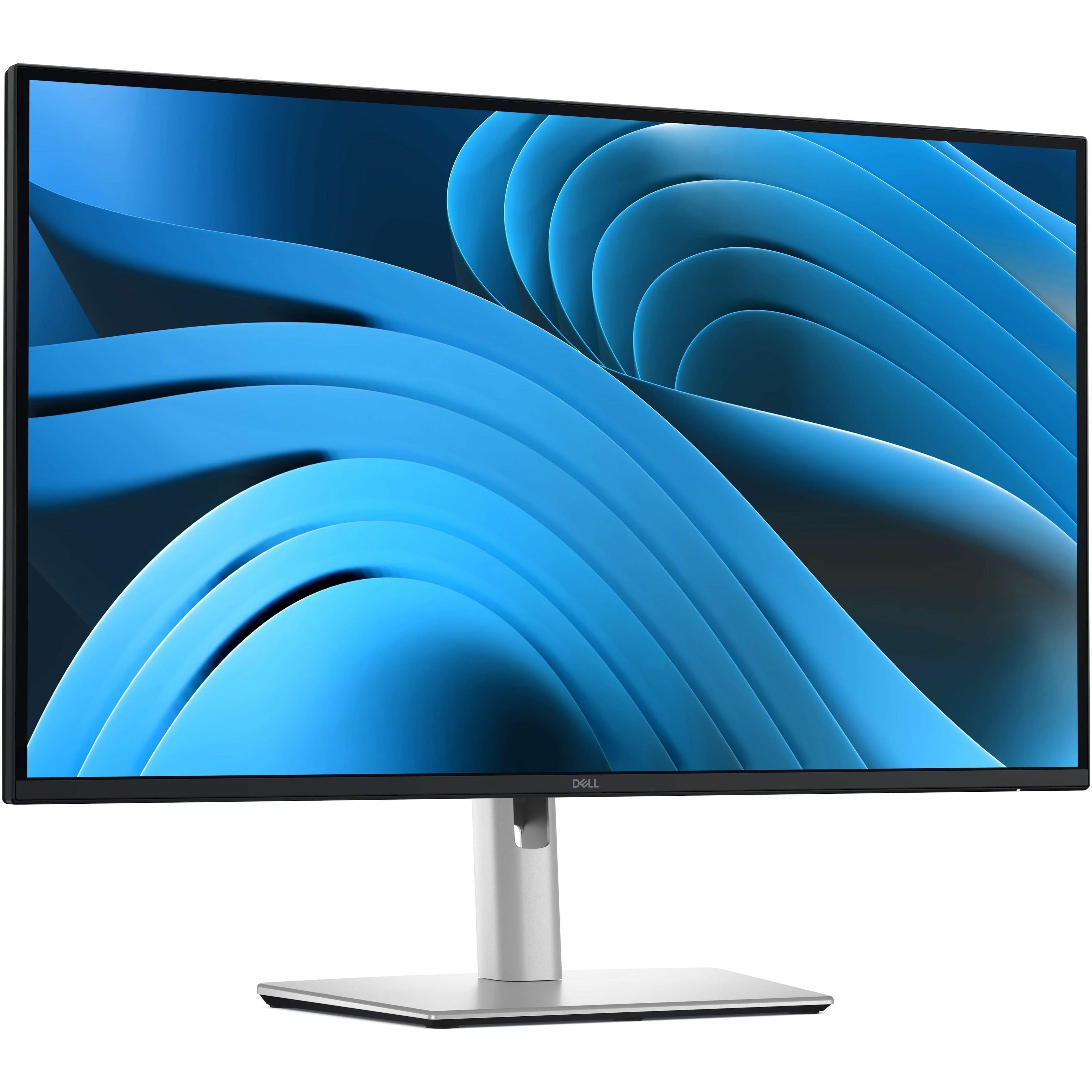
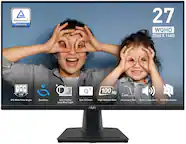
Dell - Pro Plus 27" IPS LED 100Hz Monitor (USB, HDMI) - Black, Silver, Dual Color
SKU: J3K4L63377See all All MonitorsProduct Description
A dual-color IPS LED monitor with 100Hz refresh rate, QHD resolution, and advanced eye comfort features.Your price for this item is $349.99 -
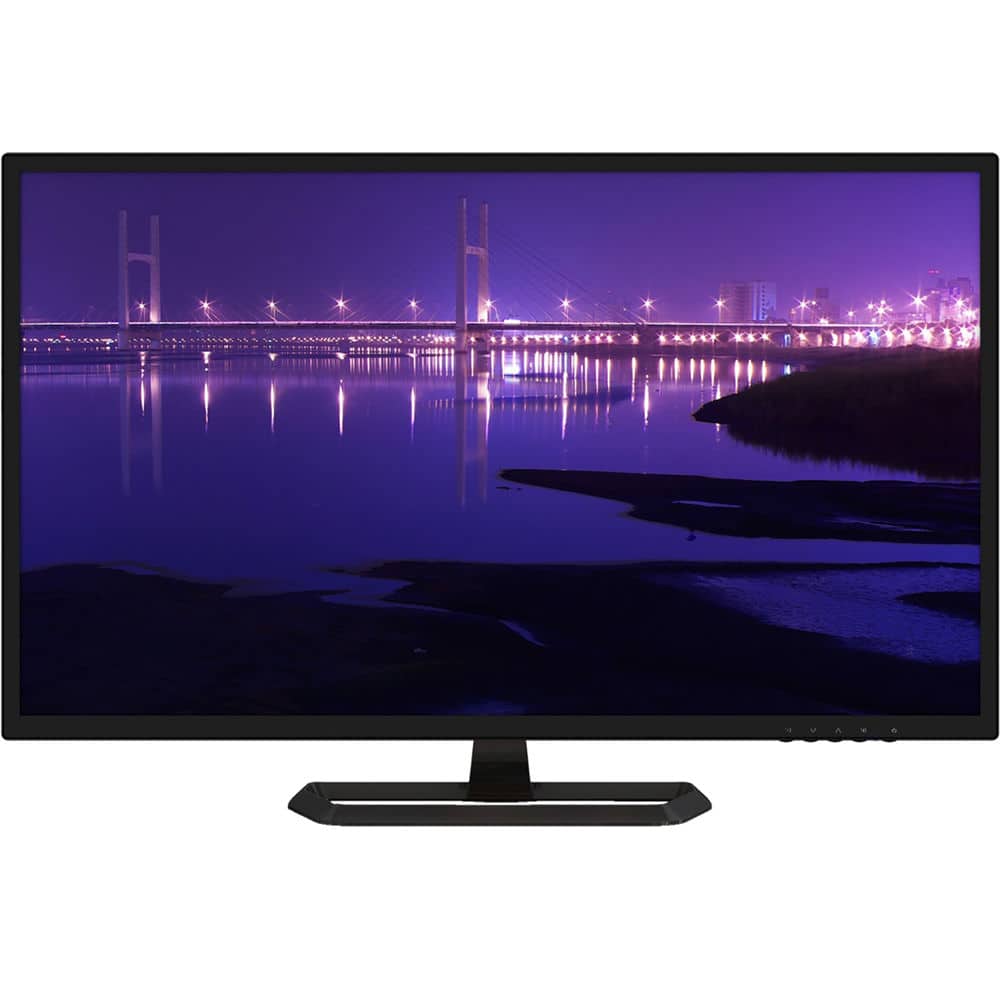
Planar - PXL3280W 32" Quad HD LCD Desktop Monitor (DVI-Dual Link, HDMI, DisplayPort) - Black
SKU: J3GZR64PT6See all All MonitorsProduct Description
A black IPS LED monitor offering 2560 x 1440 WQHD resolution and flicker-free, energy-efficient performance.Your price for this item is $274.26Save $99The previous price was $373.99 -
ASUS - 24" FHD IPS 75Hz Monitor (DisplayPort, HDMI) - Black
SKU: JJG7VQZJC3See all All MonitorsProduct Description
A black IPS LCD monitor with Full HD resolution, 75Hz refresh rate, Adaptive-Sync, and ergonomic adjustments.Your price for this item is $130.99Save $9The previous price was $139.99 -
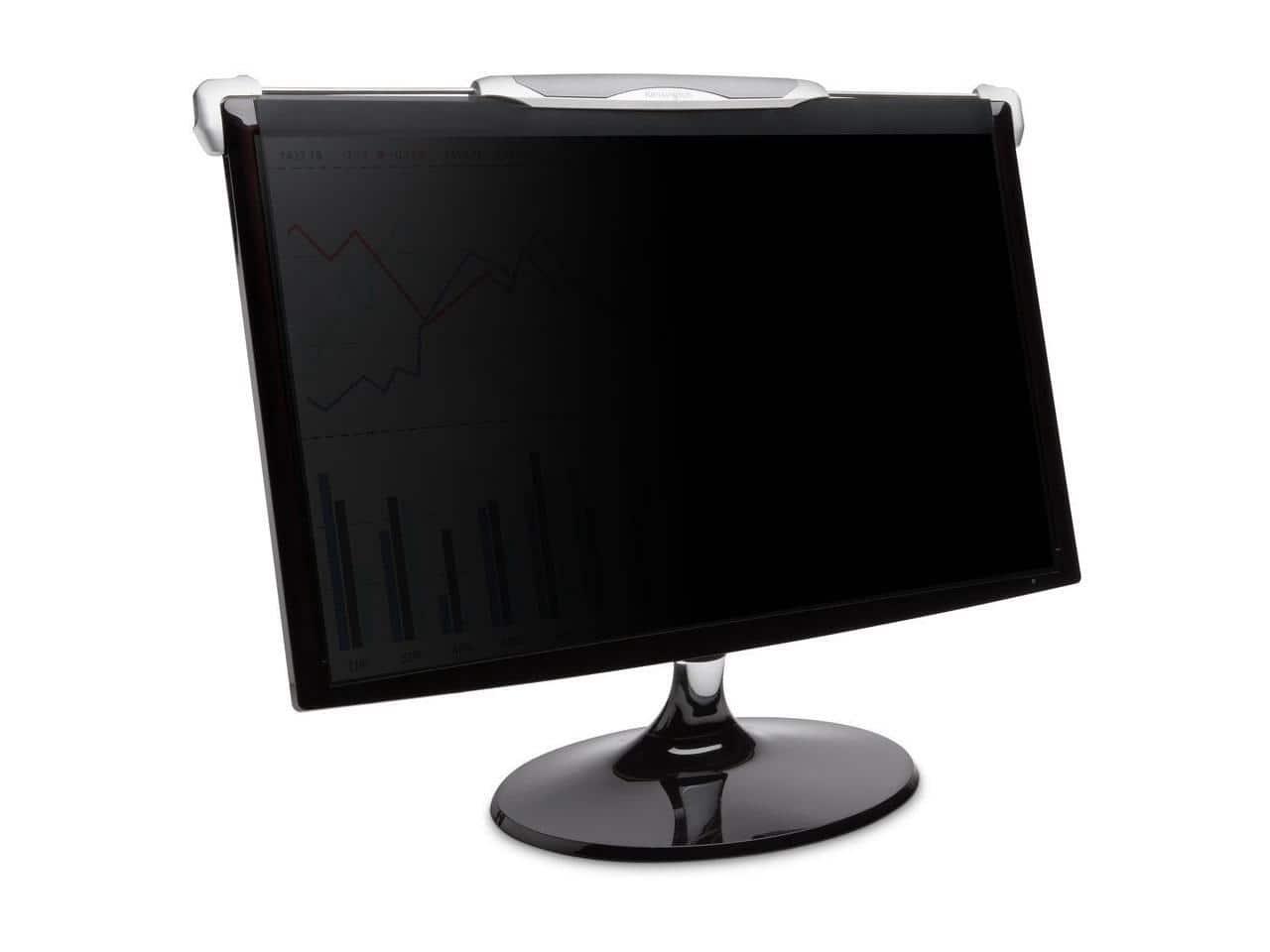
Kensington - K58400WW FS270 Snap2 Privacy Screen for 25" - 27" Monitor - Light tint
SKU: J7RJZZ8YPJSee all Privacy ScreensProduct Description
A light tint privacy screen that narrows viewing angles, reduces glare, and filters blue light for comfort.Your price for this item is $206.49 -
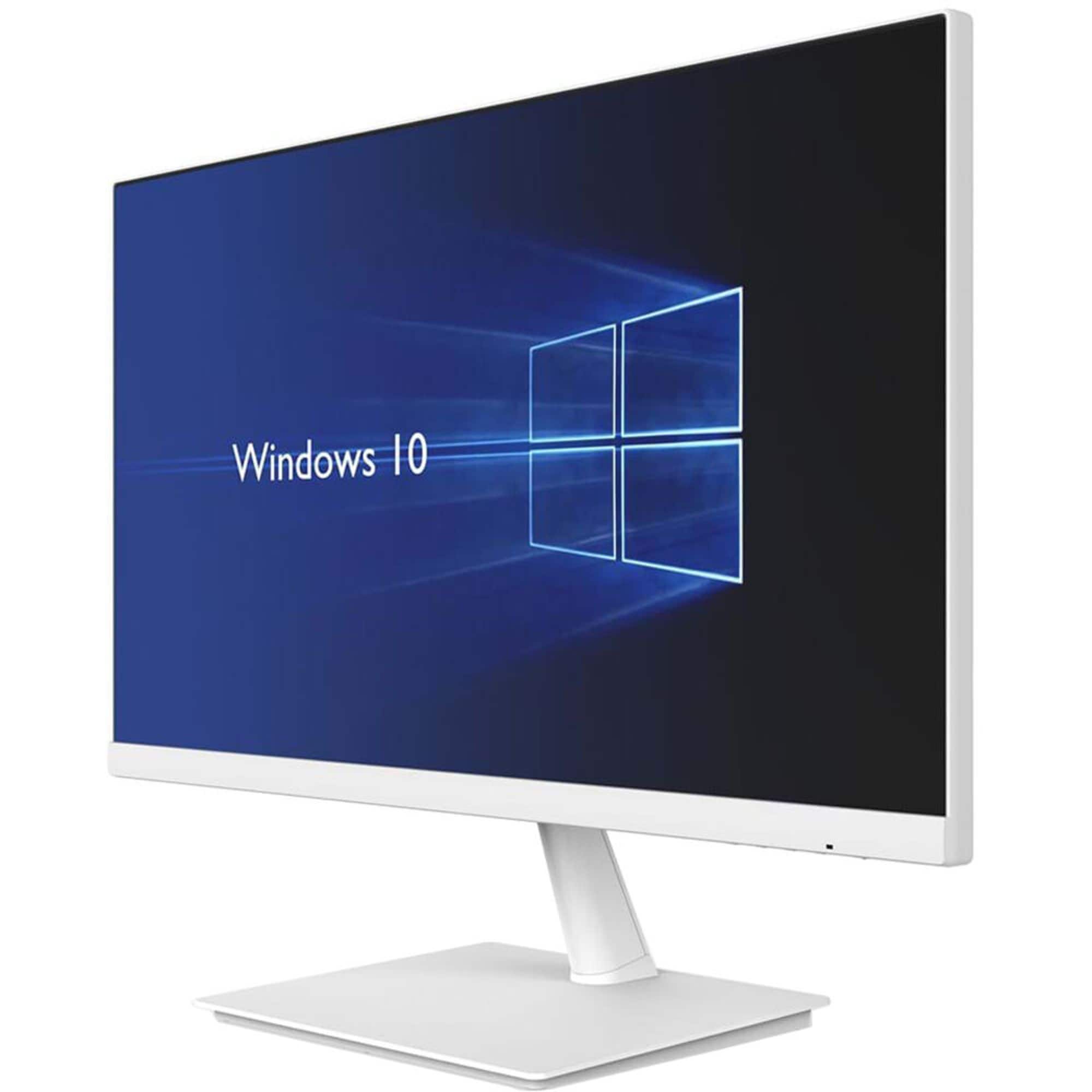
Planar - PXN2480MW-WH 24" Widescreen IPS LED Backlit LCD Desktop Monitor (HDMI, DisplayPort, VGA) - White
SKU: J3GZR64Y3HSee all All MonitorsProduct Description
A white Full HD LED IPS monitor featuring a 1920x1080 resolution, 60Hz refresh rate, and 7ms response time.Your price for this item is $232.68 -
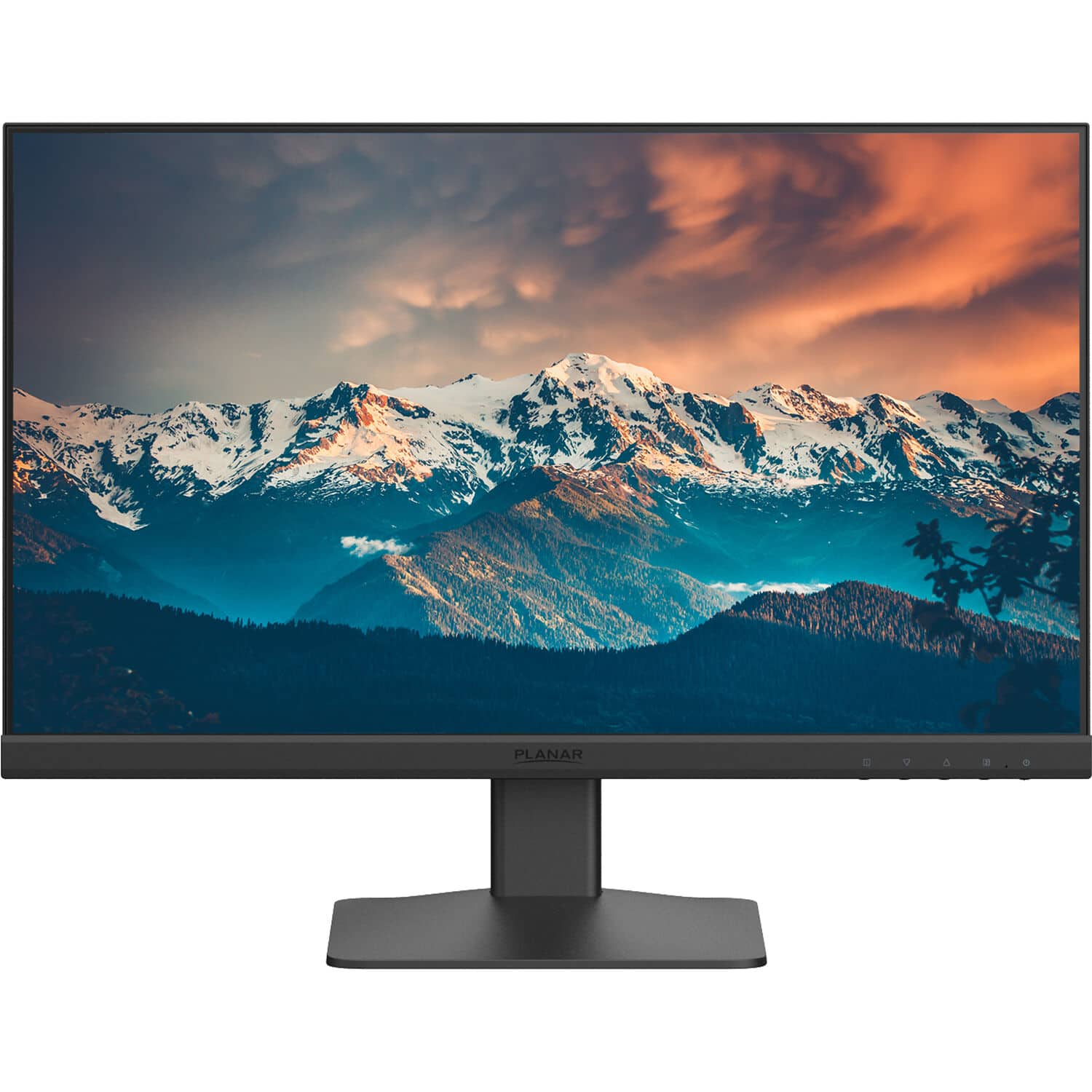
Planar - PXN2200 22" Full HD IPS LED LCD Monitor (HDMI, DisplayPort, VGA) - Black
SKU: J3GZR649KVSee all All MonitorsProduct Description
A black IPS LED monitor with Full HD resolution, integrated speakers, and multiple connectivity options.Your price for this item is $159.34


Best Sellers






Related Pages




FAQ
When choosing a light monitor, consider features such as display brightness, color accuracy, connectivity options, adjustable stands, and built-in blue light filters for eye comfort during extended use.
Yes, many light monitors are designed with flicker-free technology and blue light reduction modes to help minimize eye strain during long periods of use.
Absolutely! Some light monitors offer enhanced color reproduction and higher resolution, making them ideal for graphic designers, photographers, and video editors who need accurate visuals.
Many light monitors come equipped with various ports, such as HDMI, DisplayPort, and USB-C, allowing you to connect multiple devices like laptops, desktops, and gaming consoles.
To maintain optimal performance, keep your monitor clean, use the recommended calibration settings, and update its firmware if applicable. Avoid exposing the monitor to direct sunlight or extreme temperatures.