Commercial Monitors
-
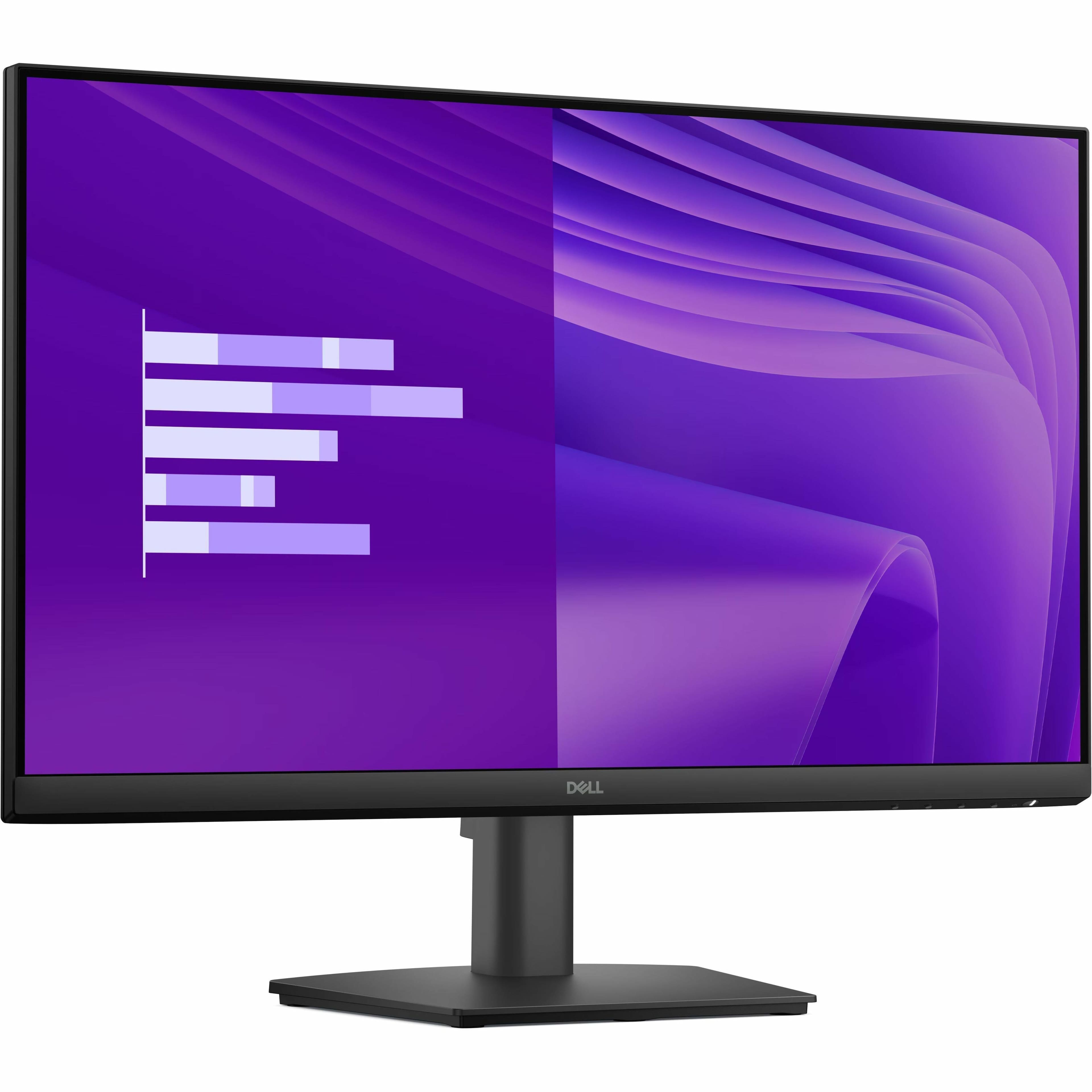
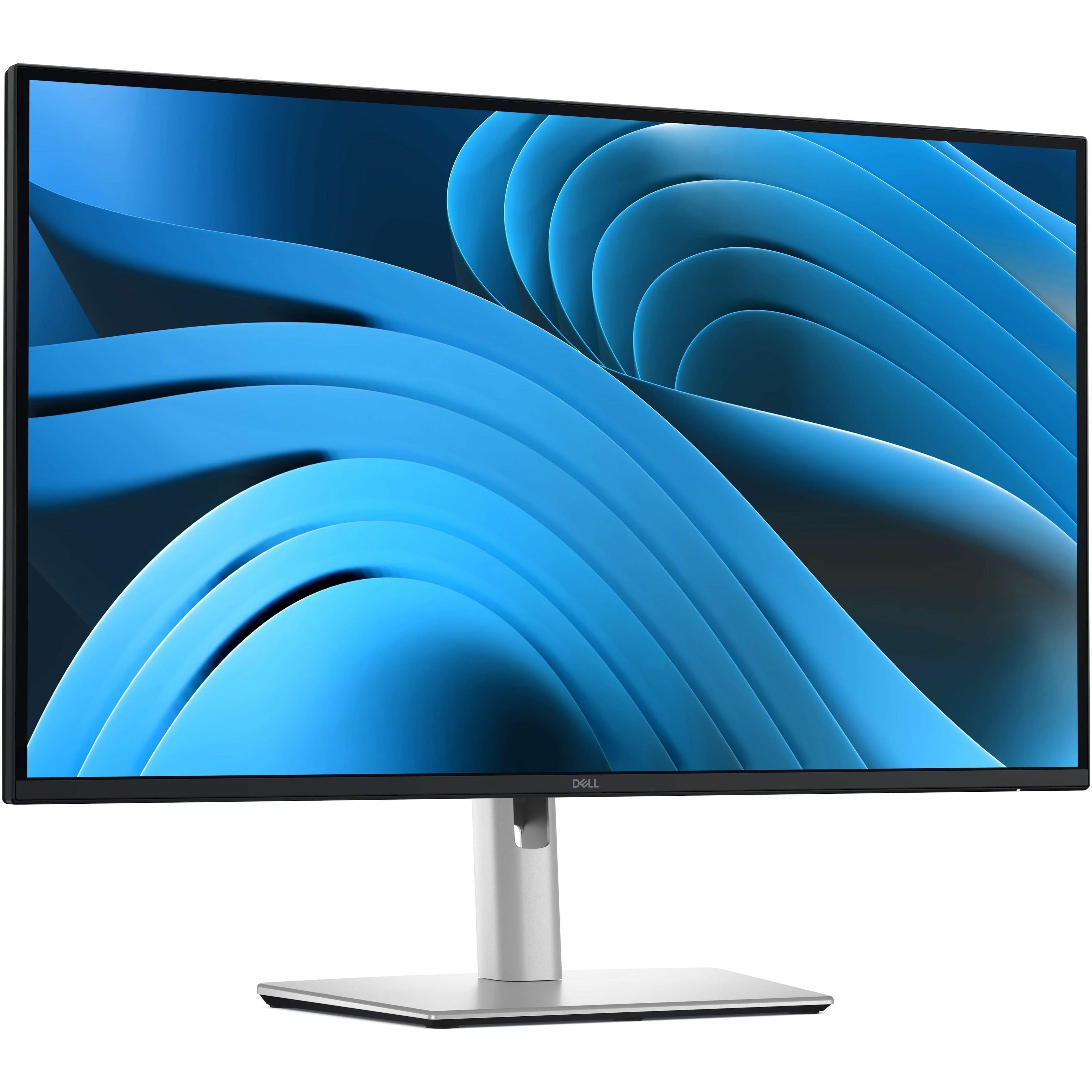
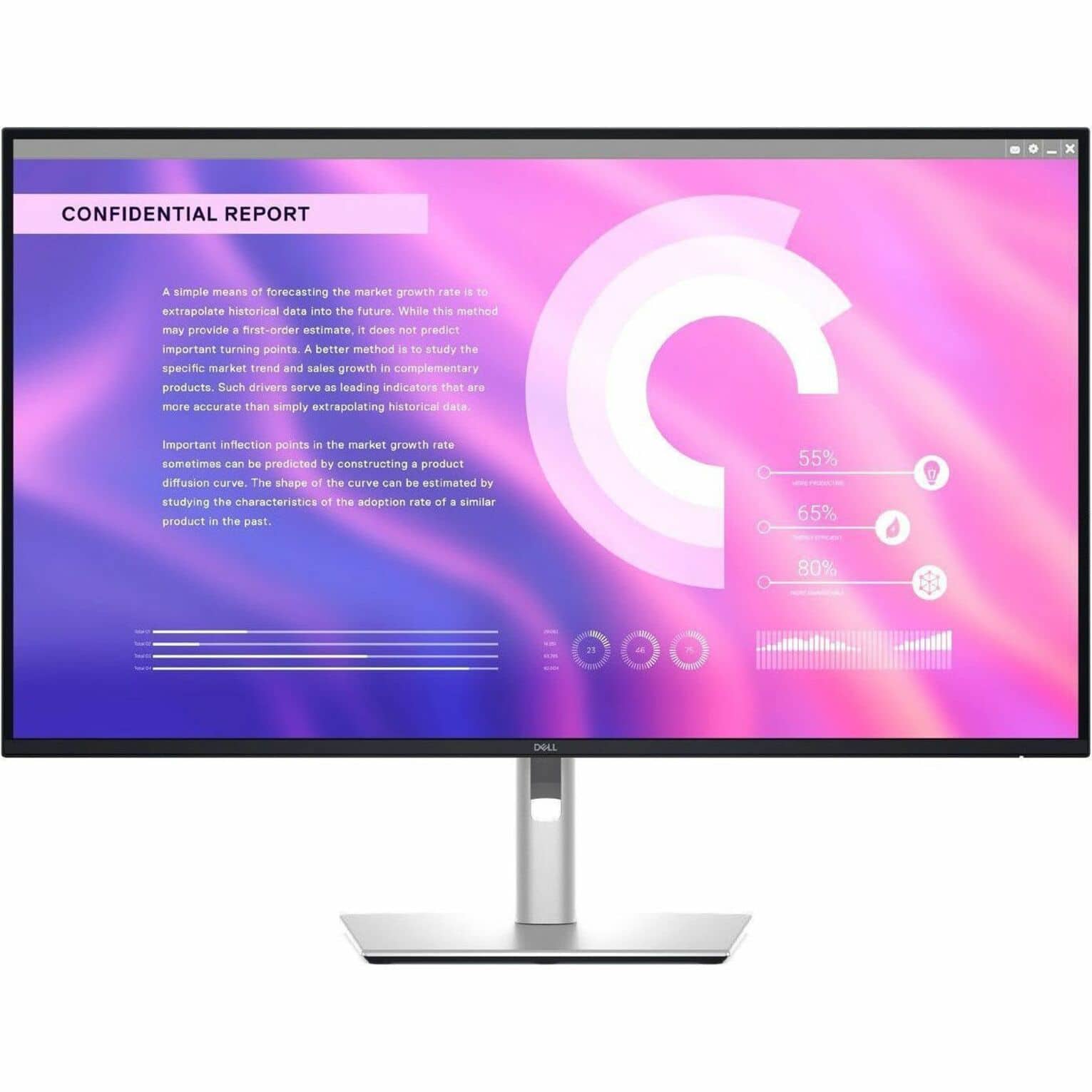
Dell - Pro 23.8" IPS LED FHD 100Hz Monitor (VGA, HDMI) - Black
SKU: J3K4L63X5VSee all All MonitorsProduct Description
A black IPS LED monitor offering Full HD resolution, 100Hz refresh rate, and wide 178° viewing angles.Your price for this item is $109.00Save $0The previous price was $109.99 -
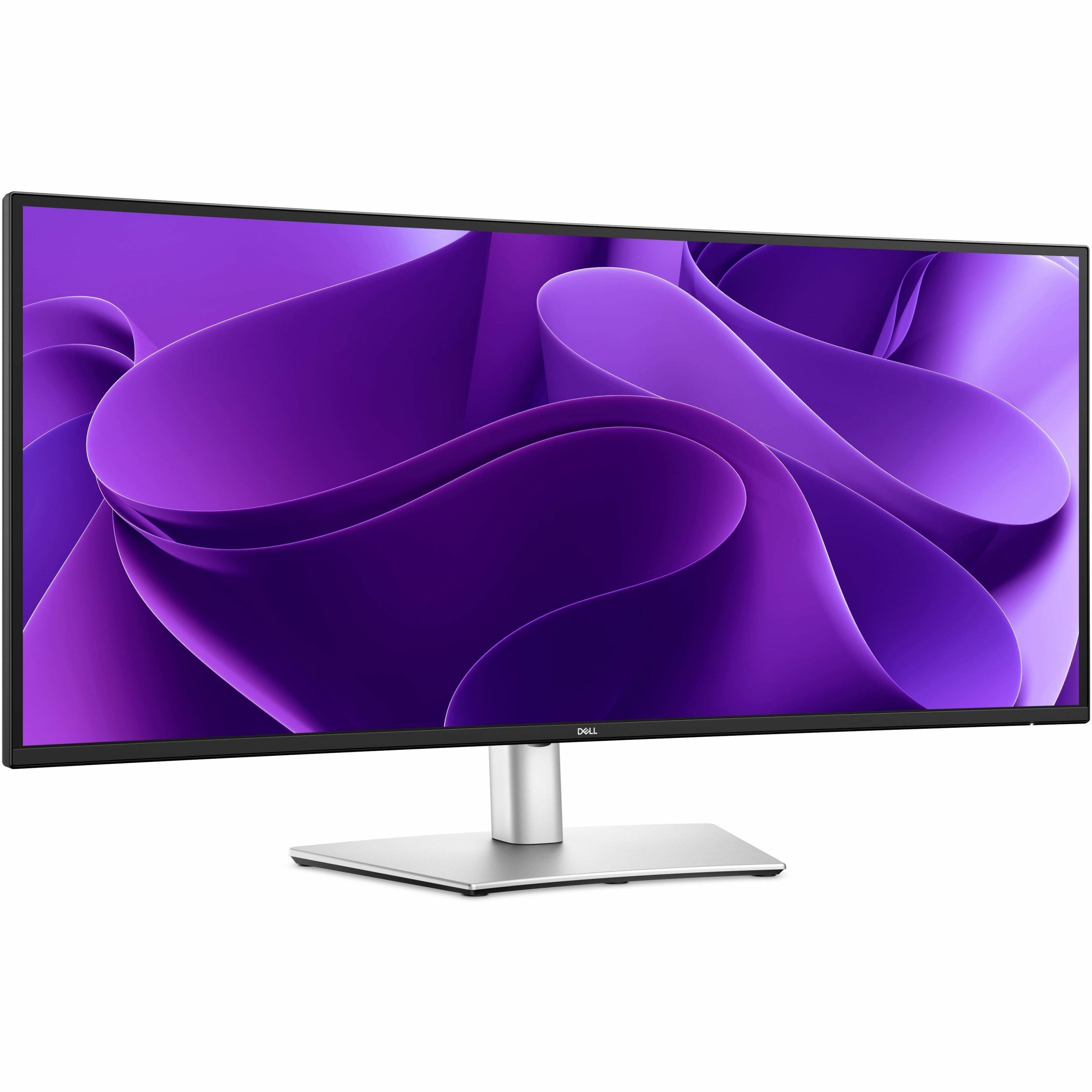
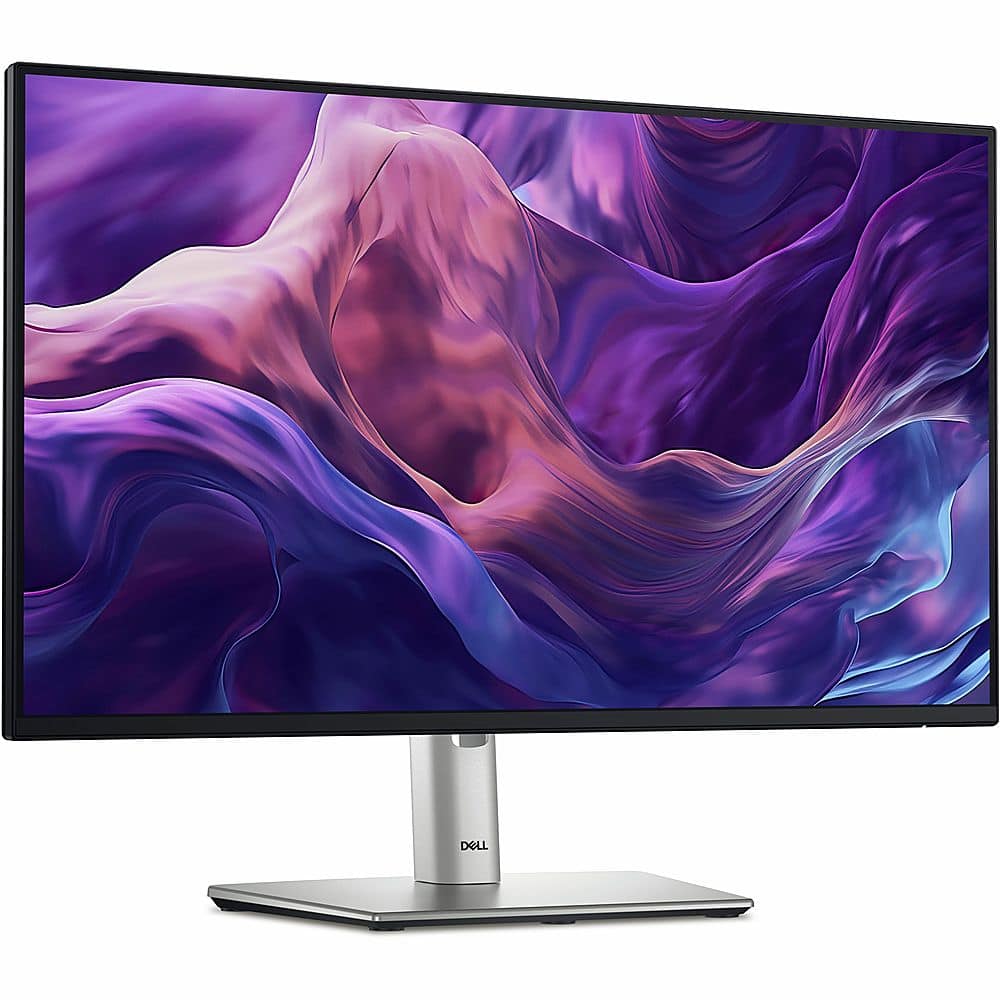
Dell - Pro Plus 34.1" IPS LED 100Hz Monitor (USB, HDMI) - Black, Silver, Dual Color
SKU: J3K4L633JFEasy to use, and has great maneuverability.
See all All MonitorsProduct Description
A dual-color ultrawide IPS LED monitor with 100Hz refresh rate, high resolution, and versatile connectivity options.Your price for this item is $599.99Save $70The previous price was $669.99 -
ViewSonic - TD3207 32" LCD FHD Touch-Screen Monitor (HDMI, DisplayPort) - Black
SKU: J37H88FHWHSee all All MonitorsProduct Description
A black 32" FHD touch-screen monitor with 10-point PCAP technology, tough glass, and versatile connectivity.Your price for this item is $1,029.99 -
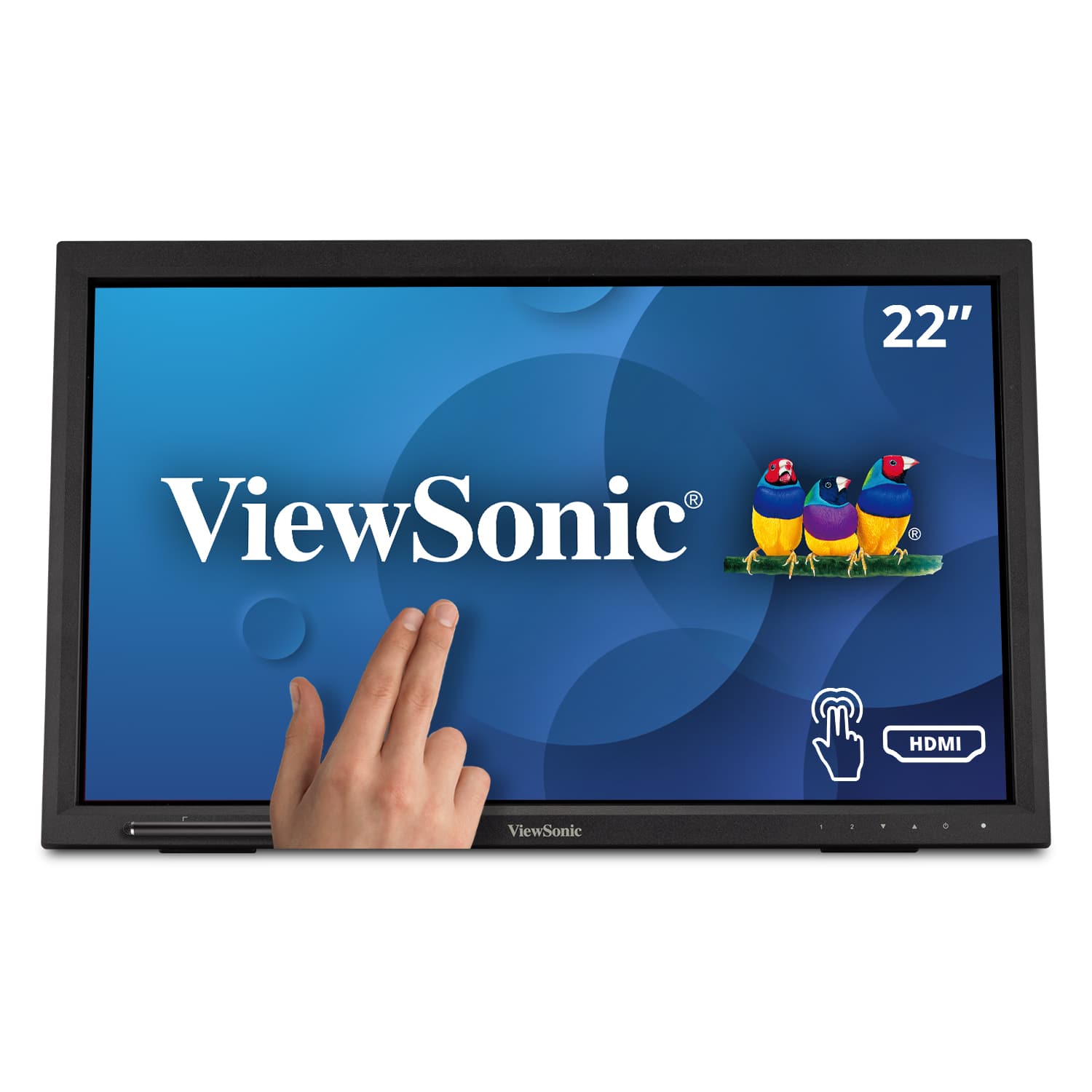
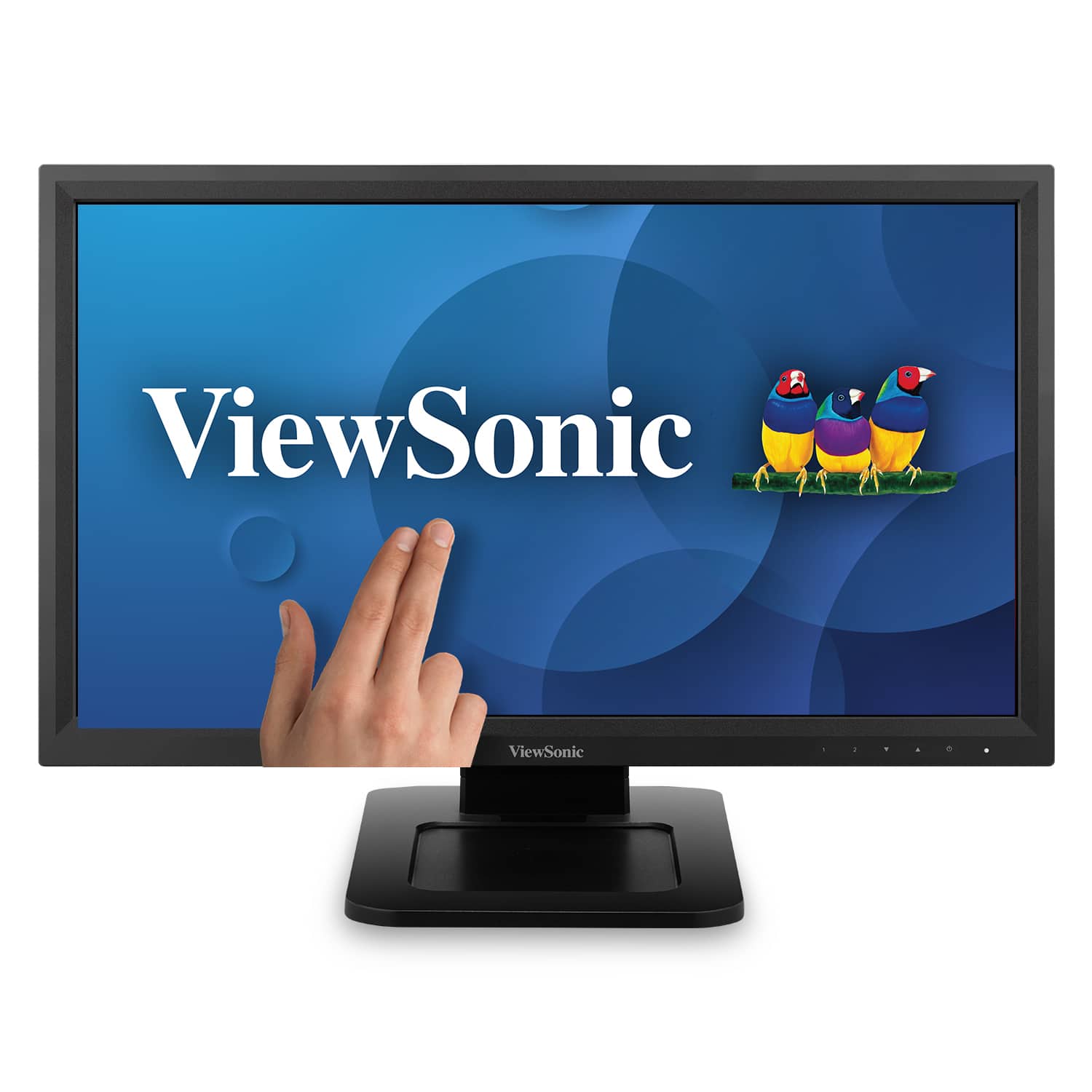
ViewSonic - TD2223 22" LCD FHD Touch Screen Monitor (HDMI, VGA, DVI and USB) - Black
SKU: J37H88F6Z5See all All MonitorsProduct Description
A black Full HD touch screen monitor with 10-point IR touch, HDMI, VGA, DVI, and USB connectivity.Your price for this item is $279.99 -
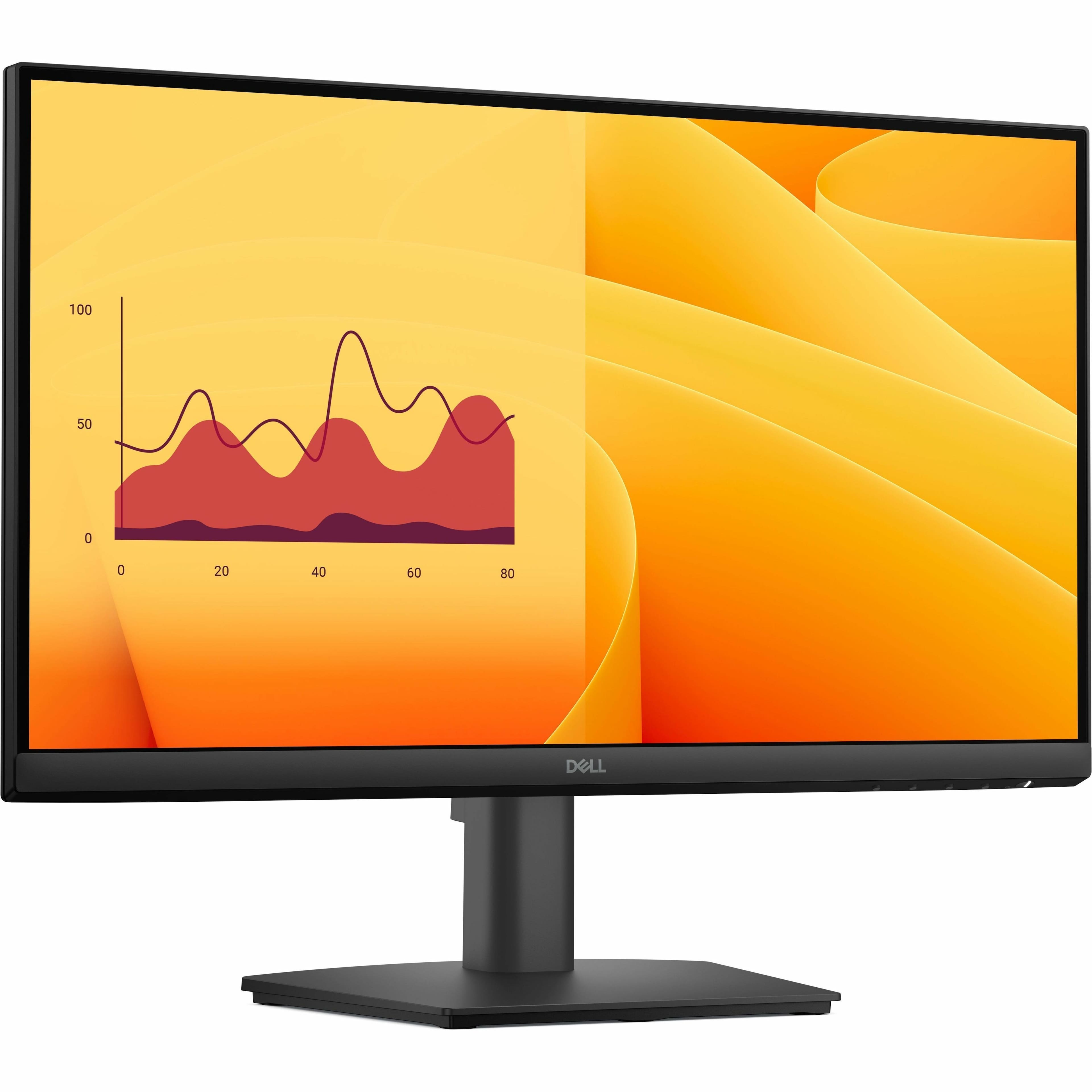
Dell - Pro 21.5" VA LED FHD 100Hz Monitor (VGA, HDMI) - Black
SKU: J3K4L63X57The young man did a great job setting it up in my office. He was very helpful
See all All MonitorsProduct Description
A black VA LED monitor featuring Full HD resolution, 100Hz refresh rate, and ultra-thin bezel design.Your price for this item is $102.99 -
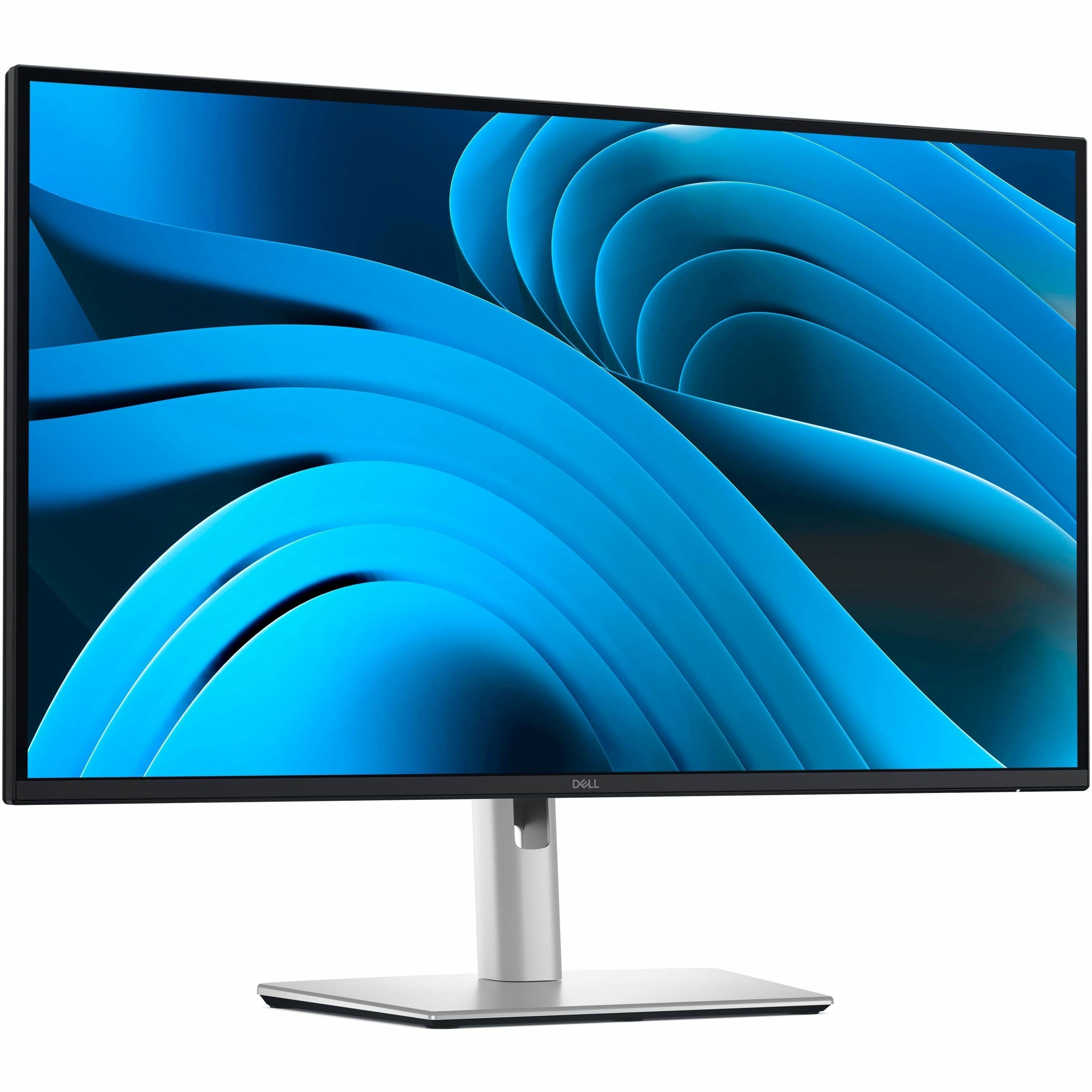
Dell - Pro Plus 27" IPS LED 100Hz Monitor (USB, HDMI) - Black, Silver, Dual Color
SKU: J3K4L63377See all All MonitorsProduct Description
A dual-color IPS LED monitor with 100Hz refresh rate, QHD resolution, and advanced eye comfort features.Your price for this item is $349.99 -
Dell - 23.8" IPS LED FHD 100Hz Monitor (USB, HDMI) - Black, Silver, Multicolor
SKU: J3K4L62VFRSee all All MonitorsProduct Description
A sleek black and silver IPS LED monitor with FHD resolution, 100Hz refresh rate, and USB-C hub connectivity.Your price for this item is $312.28 -
ViewSonic - TD2211 22" LCD FHD Touch-Screen Monitor (VGA, HDMI, DVI, USB) - Black
SKU: J37H88VSK6See all All MonitorsProduct Description
A black LED touchscreen monitor with Full HD resolution, multiple connectivity options, and integrated speakers.Your price for this item is $329.99Save $11The previous price was $341.56 -
Dell - Pro Plus 27" IPS LED 100Hz Monitor (USB, HDMI) - Black, Silver, Dual Color
SKU: J3K4L6337TSee all All MonitorsProduct Description
A dual-color IPS LED monitor with 100Hz refresh rate, QHD resolution, and enhanced eye comfort features.Your price for this item is $379.99 -
Dell - Pro Plus 31.5" IPS LED 100Hz Monitor (USB, HDMI) - Black, Gray, Dual Color
SKU: J3K4L633J8See all All MonitorsProduct Description
A dual-color IPS LED monitor with 100Hz refresh rate, QHD resolution, and versatile USB and HDMI ports.Your price for this item is $465.00Save $84The previous price was $549.99

Best Sellers





Related Pages





FAQ
When selecting a commercial monitor for business use, consider features such as high resolution for clear visuals, wide viewing angles, robust connectivity options (like HDMI, DisplayPort, and USB-C), built-in speakers, and advanced display technologies such as IPS or OLED panels for accurate color reproduction.
Yes, many commercial monitors are designed for continuous, round-the-clock operation. They typically feature enhanced cooling systems, durable components, and power management settings to ensure reliable performance in demanding environments.
Most commercial monitors support both landscape and portrait orientations, making them versatile for various applications such as digital signage, menu boards, or information displays. Always check the product specifications to confirm mounting options.
Many commercial monitors include remote management features, allowing IT administrators to control settings, monitor performance, and schedule content updates from a central location. This is especially useful for large-scale deployments.
Commercial monitors often come equipped with a range of connectivity options, including HDMI, DisplayPort, VGA, DVI, and USB ports. Some models also offer wireless display capabilities and integrated network ports for added flexibility.