Universal Remotes For Blu Ray Players
-
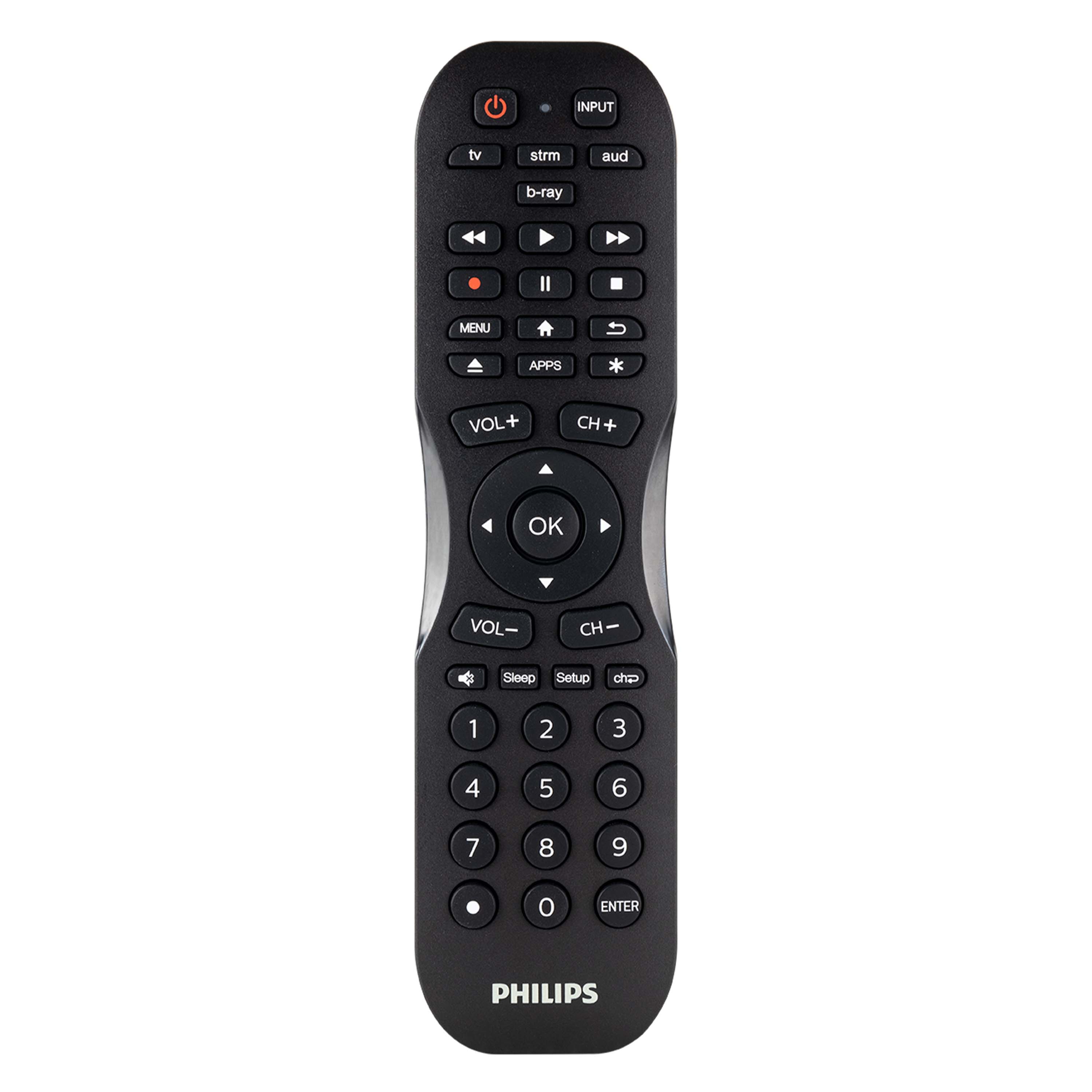
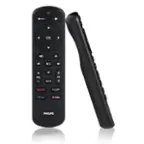
Philips - 4 Device Remote Control - Matte Black
SKU: J73JSV87X9Best Buy is the Best Store...Best buy has everything that you need for your electronic needs. I love that store....Works great! Best place to find a universal remote
See all Universal TV Remote ControlsProduct Description
A matte black universal remote that controls up to four devices with easy setup and advanced functions.Your price for this item is $19.99 -
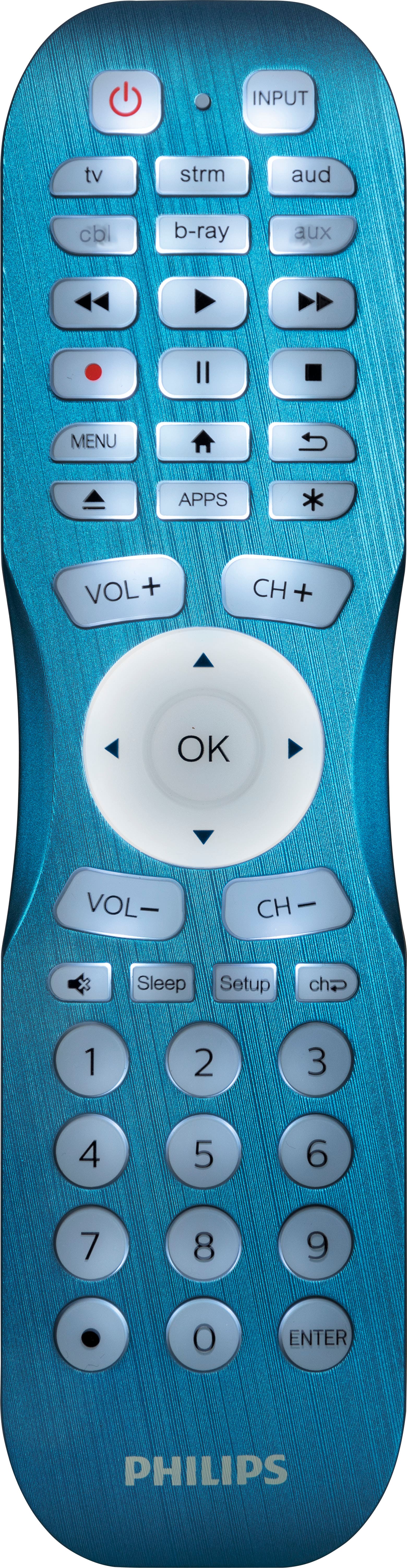
Philips - 6 Device Backlit Universal Remote Control - Brushed Electric Blue
SKU: J73JSV87XKOne of best one I love this it light up in the dark...Best remote...Love the back light too!
See all Universal TV Remote ControlsProduct Description
A brushed electric blue universal remote that controls up to six devices with a fully backlit keypad.Your price for this item is $24.99 -
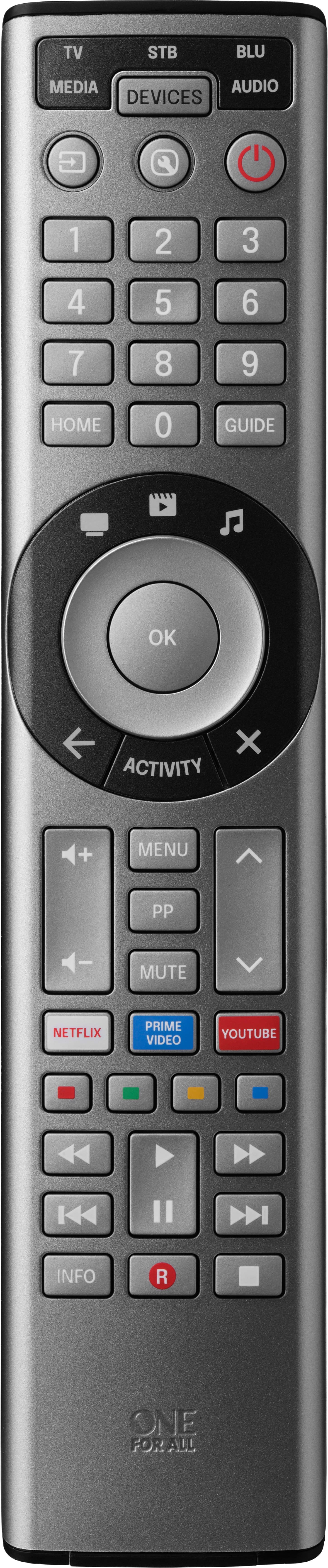
One for All - 8 Device Universal Smart 8 TV Remote - Black
SKU: J3GWQPCV7SBest Remote ever...love it! It meets all of our expectations and more.!!...Best and easiest universal remote yet...The remote works great easy to use and to program and love the find your remote feature...
See all Universal TV Remote ControlsProduct Description
A versatile black universal remote that controls up to eight devices with easy Bluetooth and infrared setup.Your price for this item is $49.99 -
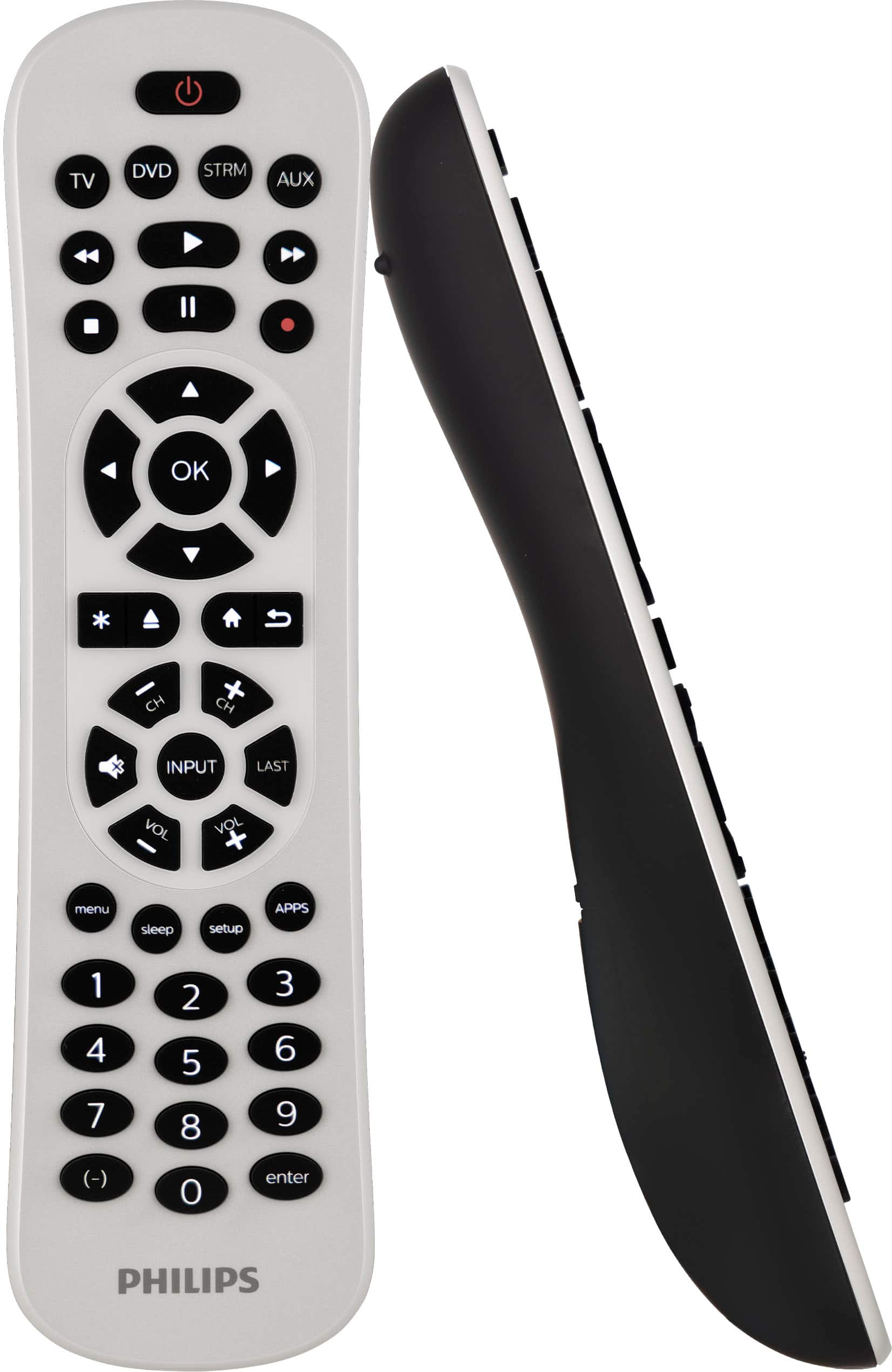
Philips - 4-Device Backlit Universal Remote - White
SKU: J73JSVQFQHGreat! I love it. It's easy to use and backlot, just awesome....Great easy to set up and use remote control! Love it.
See all Universal TV Remote ControlsProduct Description
A sleek white universal remote with backlit keypad that controls up to four devices with easy setup.Your price for this item is $24.99 -
One for All - Smart Control Pro 5 Universal Remote - Charcoal grey
SKU: J3GWQP27FFGreat experience...Great product, exceptional customer service. Bestbuy sells the best....Great remote for TV controlling several devices!...I purchased this TV remote recently at Best Buy.
See all Universal TV Remote ControlsProduct Description
A black universal remote that controls up to five devices with app setup, backlit buttons, and smart shortcuts.Your price for this item is $39.99 -
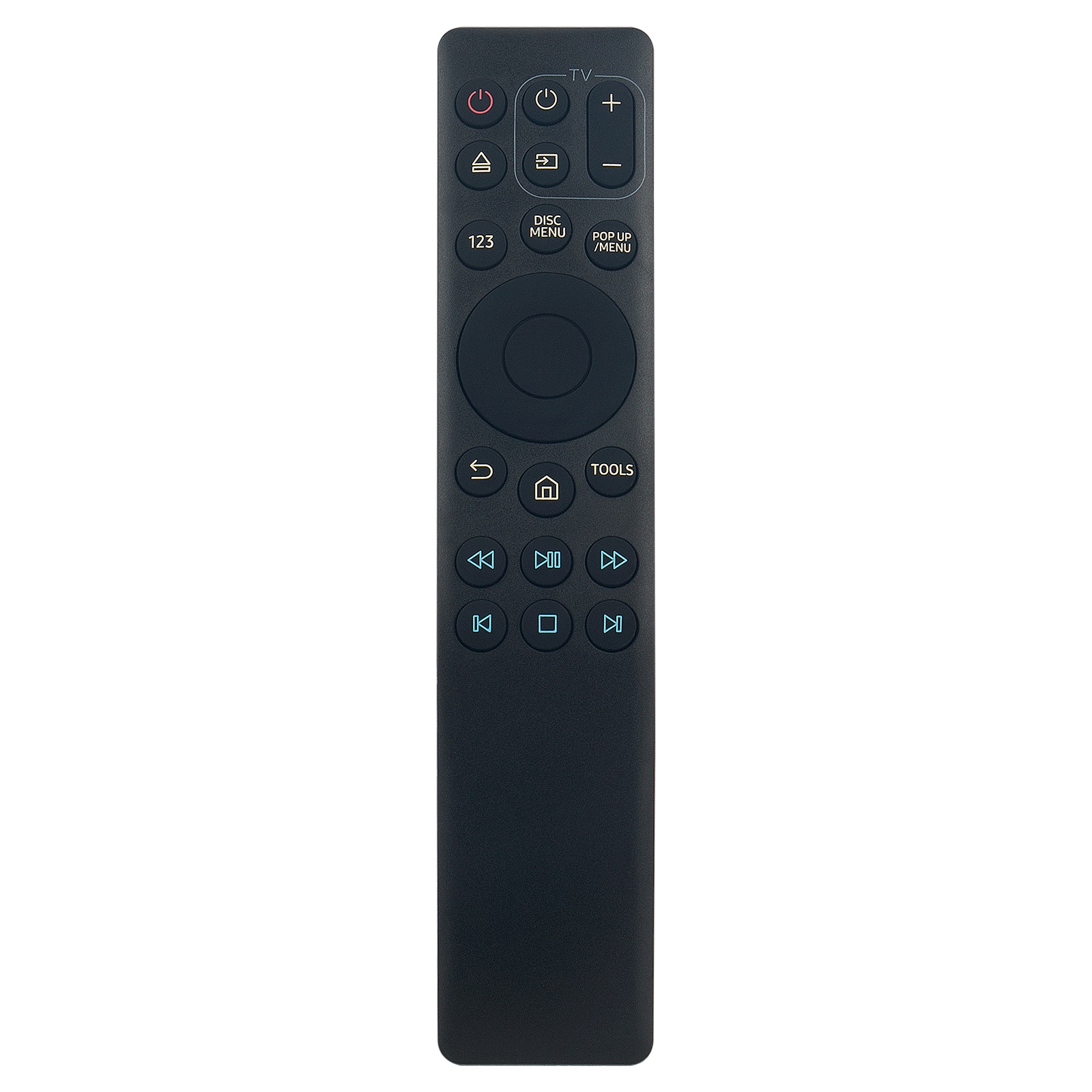
VINABTY - New AK63-01068A Replaced Remote Fits for Samsung Blu-ray Player UBD-M7500 UBD-M9500 UBD-M8500 UBD-M9000 UBD-M9700 - Black
SKU: J37GHL75PRSee all TV Replacement Remote ControlsProduct Description
A black infrared remote compatible with multiple Samsung Blu-ray player models for convenient control.Your price for this item is $9.21 -
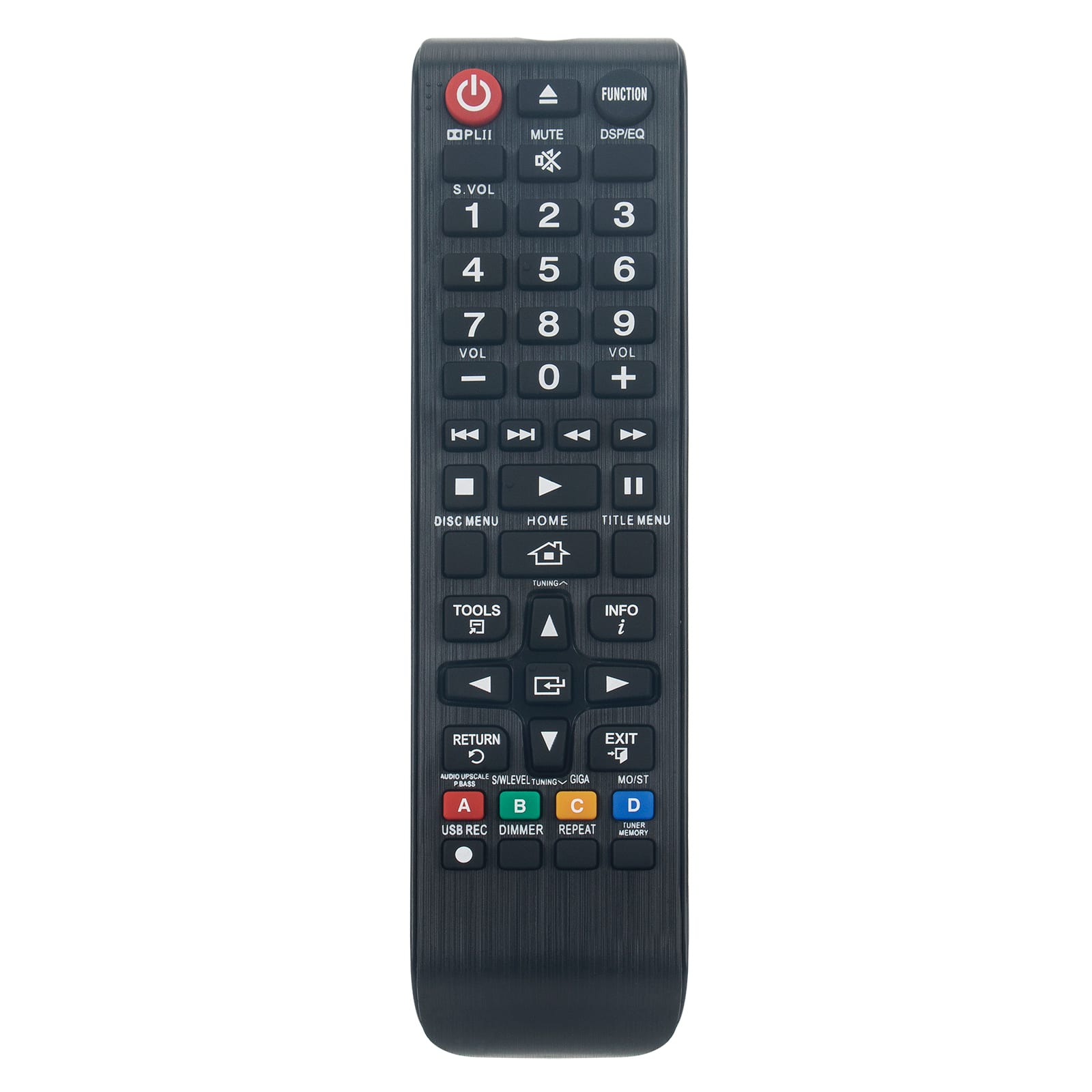
VINABTY - New AH59-02425A Replaced Remote Fits for Samsung Blu-Ray Player HT-E330K HT-E330 Ht-e350 HT-E355 TM1241 HT-E350 - Black
SKU: J37GHL74FVSee all TV Replacement Remote ControlsProduct Description
A black infrared remote compatible with select Samsung Blu-Ray and Home Theater systems.Your price for this item is $14.89 -
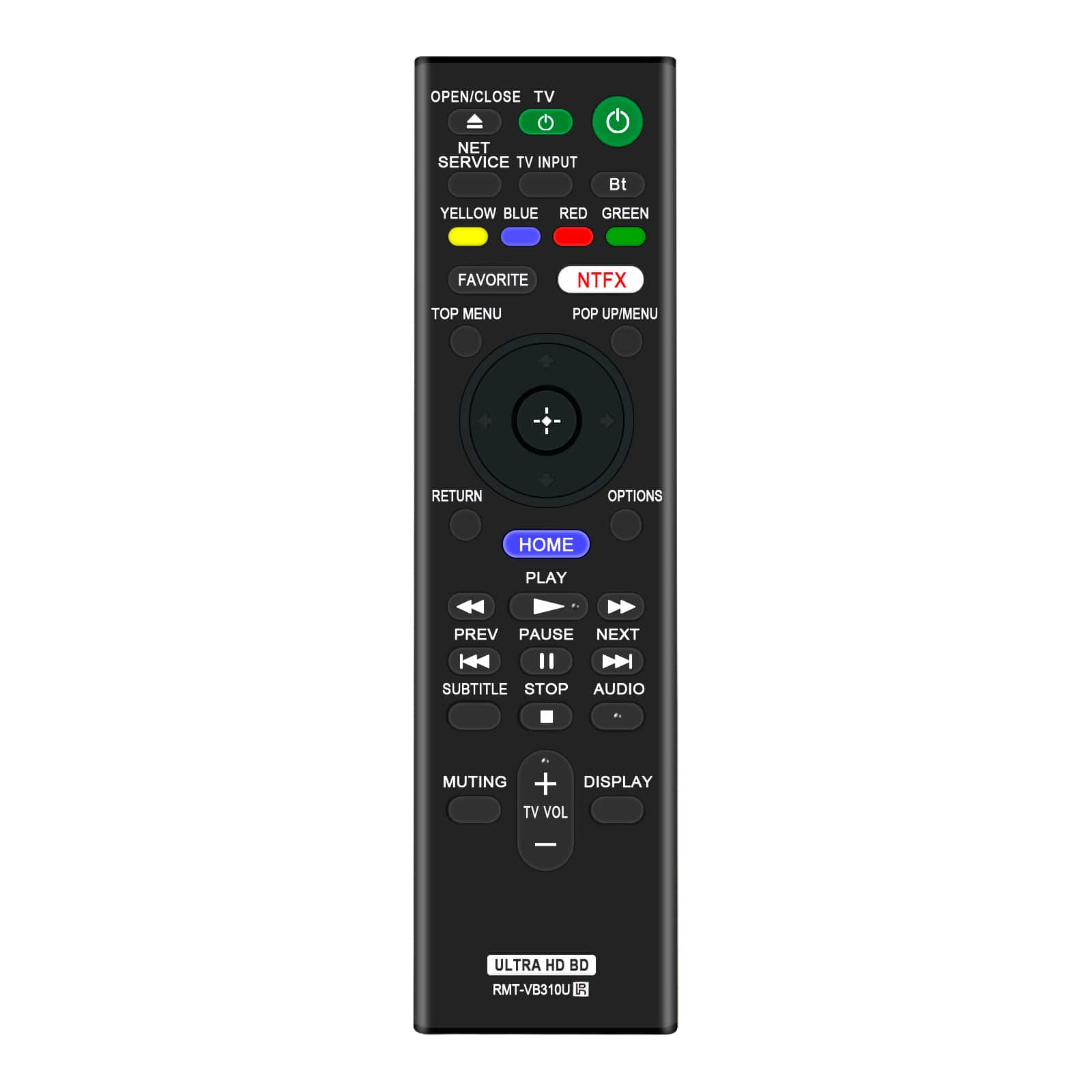
VINABTY - New RMT-VB310U Replaced Remote Fits for Sony Blu-Ray DVD Player UBP-X800M2 UBP-X1000ES UBPX800 UBPUX80 UBPX800M2 - Black
SKU: J37GHLJ7HGSee all TV Replacement Remote ControlsProduct Description
A black infrared replacement remote compatible with select Blu-ray and DVD players.Your price for this item is $11.29

Best Sellers


Related Pages


FAQ
Programming methods vary by remote. Common options include entering a device code, running an automatic code search, or using a companion app. Select the Blu-ray or DVD device category specified in the remote’s instructions, then follow the steps for your player’s brand.
Device codes are typically listed in the universal remote’s manual or on its manufacturer’s support website. Look up codes using the remote’s model number and the Blu-ray player’s brand. Some brands have multiple codes, and some remotes list Blu-ray players under the DVD category.
Common buttons include play, pause, stop, fast-forward, rewind, directional arrows, and an OK or Enter button. Depending on the remote, you may also find disc menu, pop-up menu, subtitle, audio, and chapter navigation controls. Access to individual functions depends on the remote and player.
Infrared remotes send light signals and generally require a clear path to the player’s infrared receiver. Bluetooth remotes use a paired wireless connection and do not require direct line of sight. Universal remotes and Blu-ray players vary in the connection types they support, so check both devices’ specifications.
Activity buttons combine several commands into one action. For example, a configured movie activity may turn on a TV and Blu-ray player, select the TV’s input, and assign volume control to a soundbar or receiver. Availability and setup options depend on the universal remote.