Razer - Raiju V3 Pro Wireless Gaming Controller with TMR Thumbsticks and Remappable Buttons for Playstation 5 and Windows - Black
Color
Black
Key Accessories:
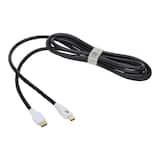
- PowerA - Ultra High Speed HDMI 2.1 Cable for PS5 - White$32.99The price was $39.99
More Buying Options from Best Buy and Marketplace sellers
Related Item

Specifications
- WirelessYesBattery SizeBattery packCompatible Platform(s)PlayStation 5, Windows
- Key Specs
- Wireless: true
- Battery Size: Battery pack (The battery size required for operation.)
- Compatible Platform(s): PlayStation 5, Windows
- General
- Brand: Razer
- Model Number: RZ06-05580100-R3UA
- Product Name: Raiju V3 Pro Wireless Gaming Controller with TMR Thumbsticks and Remappable Buttons for Playstation 5 and Windows
- Color: Black
- Features
- Product Type: Controller
- Headset Jack: true
- Rumble Vibration: false
- Analog Joysticks: true
- Button Mapping: true
- Lighting Type: None
- Illumination: false
- Share Button: true (Allows users to access social sharing options directly from the controller. Options may include sharing in-game photos or video clips, inviting other users to play, streaming game play to an online platform, and more.)
- Connectivity
- Wireless: true
- Motion-Sensing Technology: false (By using accelerometers or other sensors, devices are able to track motion and provide input.)
- Power
- Rechargeable Battery: true
- Charging Interface(s): USB-C (The connection for transmitting power to charge the device.)
- Battery Chemistry: Lithium-ion
- Battery Size: Battery pack (The battery size required for operation.)
- Batteries Included: true (Indicates whether the product comes with the required batteries for its operation.)
- Dimensions
- Product Height: 2.57 inches (The out of box height of the item. Height is measured as the vertical distance from the bottom of the item to the top as it would be primarily used or placed.)
- Product Width: 4.47 inches (The out of box width of the item. Width is measured as the horizontal distance from one side of the item to the other as it would be primarily used or placed.)
- Product Length: 6.64 inches (The out of box length of the item. Length is measured as the longest dimension of the item.)
- Product Weight: 0.57 pounds (The out of box weight of the item.)
- Cord Length: 79.2 inches
- Compatibility
- Compatible Platform(s): PlayStation 5, Windows
- Warranty
- Warranty - Parts: 1 year
- Warranty - Labor: 1 year
- Other
- UPC: 840272922057
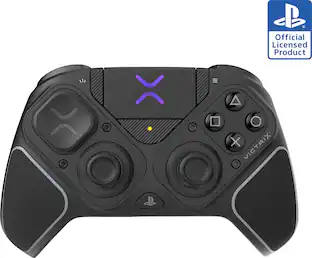
Break through your ceiling with an elite wireless PS5 controller forged with top esports pros. Tailored to their needs for best-in-class performance and a symmetrical thumbstick layout, embrace what it takes to win with an officially licensed PlayStation peripheral compatible with PC.
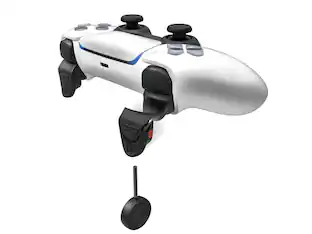
- 4 Removable Mouse Click Back Buttons & 2 Claw Grip Bumpers: Enjoy the same ultra-responsive actuation found in our top gaming mice with 4 removable buttons built into the ergonomic, rubberized handles—topped with 2 claw grip bumpers for even more control.
- Symmetrical TMR Thumbsticks with Swappable Caps: Fine-tuned for the most precise in-game control, dominate with laser-sharp aim using anti-drift magnetic TMR thumbsticks engineered for cutting-edge accuracy.
- Razer Pro HyperTriggers: Blitz through the competition with crisp, rapid-fire clicks, or enable full analog control for long, precise pulls. Set each trigger independently to suit your needs—all with the flick of a switch.
- Razer Mecha-Tactile PBT Action Buttons & 8-Way Floating D-Pad: By combining the speed of microswitches with the cushioning of a rubber membrane, compete with clicky, responsive buttons that feel comfortable to press and hold up under intense use.
- Razer HyperSpeed Wireless: Delivering an ultra-low-latency 2.4 GHz connection, experience fast, reliable performance that meets the demands of the most intense competitive players on PlayStation 5.
- Pro-Level Customization: Dial in your thumbstick sensitivity, save up to 4 onboard profiles, remap the 6 programmable buttons, and more. Calibrate any setting conveniently from your phone or PC.
- Optimized PC Support: Train and compete on PC with a 2000 Hz wired polling rate, navigate easily using touchpad cursor control, and map keyboard commands to 6 controller buttons.
- Carrying Case and 2 m Cable: Always be tournament ready with a carrying case that holds your controller and its accessories, including 2 replaceable thumbstick caps, a 2 m cable, and a toolkit for back button removal.
Whats Included
- Razer Raiju V3 Pro
- Razer HyperSpeed Wireless 2.4 GHz USB Type A dongle
- USB Type A to USB Type C cable
- 2 Replacement thumbstick caps (tall concave/short convex)
- 4 Back button covers
- Screwdriver
- Carrying Case
- User Guide
Product Manuals
Q: Are the thumbsticks on this controller replaceable?
A: Yes, the thumbsticks have swappable caps.
Q: Is this controller compatible with PlayStation 5?
A: Yes, this controller is compatible with PlayStation 5.
Q: Does this controller have wireless connectivity?
A: Yes, this controller has wireless connectivity.
Q: Does this controller come with a carrying case?
A: Yes, this controller comes with a carrying case.
Q: Can I remap the buttons on this controller?
A: Yes, you can remap the buttons on this controller.
Q: Does this gaming controller have a headset jack?
A: Yes, this gaming controller includes a headset jack.
Q: Can I use this controller with a PC?
A: Yes, this controller has optimized PC support.
A: Yes
Compare similar products

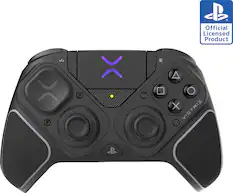
Break through your ceiling with an elite wireless PS5 controller forged with top esports pros. Tailored to their needs for best-in-class performance and a symmetrical thumbstick layout, embrace what it takes to win with an officially licensed PlayStation peripheral compatible with PC.

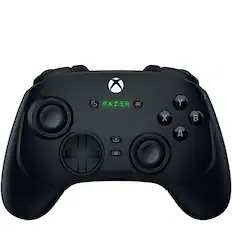
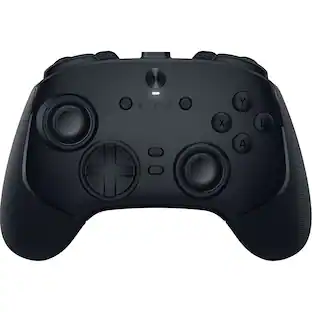
Stay one step, one shot, and one level above the competition with the Razer Wolverine V3 Pro 8K PC—our first ever native 8000 Hz wireless esports controller. Be the one that others fear to face with speed, control, and precision that’s unlike any other.
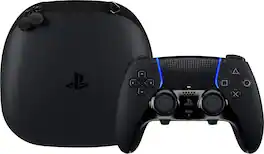
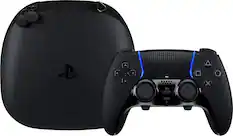
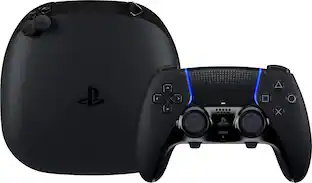
Sharpen your skills in style with the highly customizable DualSense Edge Midnight Black wireless controller. Bring the controller and its components wherever play takes you with the included Midnight Black carrying case.
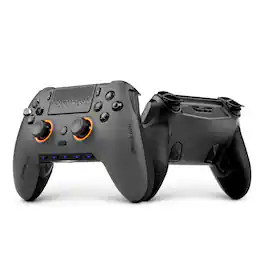
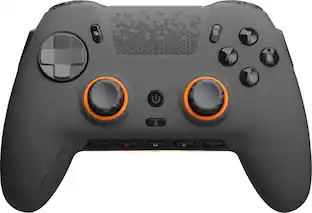
Play to win with SCUF Omega for PS5. Designed for performance, speed, and control by the brand who defined the pro controller. 11 additional, fully customizable inputs (x4 rear paddles, x2 side buttons, x5 G-Keys) for quicker reactions in your favorite games. Endurance TMR Thumbsticks are durable, accurate, and smooth. Adjustable Instant Triggers with Omron mechanical switches for mouse-click like activation for the fastest shots. Customize your setup through the SCUF Mobile App, remap every command where you need it, adjust to true 0% deadzones, tune response curves, and more. Ultra-low latency, PC 1K wireless/wired polling for lightning-fast inputs.
| Pros for Razer - Raiju V3 Pro Wireless Gaming Controller with TMR Thumbsticks and Remappable Buttons for Playstation 5 and Windows - Black | |||
|---|---|---|---|
| Build Quality, Battery Life, Customization, Responsiveness, Grip | Overall Performance | Overall Performance, Ergonomics, Customization, Button Functionality, Feel | Build Quality, Battery Life, Ergonomics, Trigger Performance, Connectivity |
| Cons for Razer - Raiju V3 Pro Wireless Gaming Controller with TMR Thumbsticks and Remappable Buttons for Playstation 5 and Windows - Black | |||
| Size | There were no cons for this product— | Battery Life, Stick Drift, Connectivity | There were no cons for this product— |
Specs


Reviews
Rating 4.5 out of 5 stars with 107 reviews
- Build Quality (31)
- Battery Life (17)
- Responsiveness (17)
- Customization (14)
- Grip (12)
- Size (8)
Customer Images
The vast majority of our reviews come from verified purchases. Reviews from customers may include My Best Buy members, employees, and Tech Insider Network members (as tagged). Select reviewers may receive discounted products, promotional considerations or entries into drawings for honest, helpful reviews.
Customers often buy these together
Gaming Controllers
Gaming Controller Accessories
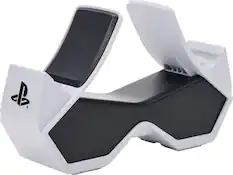
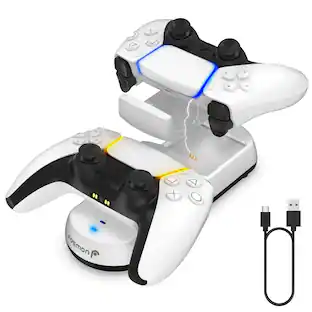
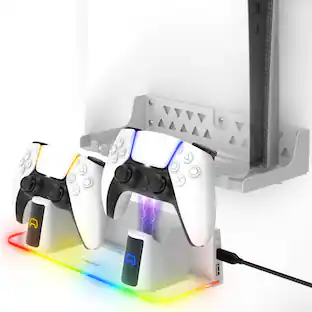
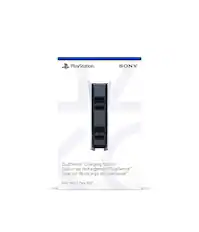
PowerA - Twin Charging Station for DualSense Wireless Controllers - PS5 White
$21.99The price was $27.99


More recommended items
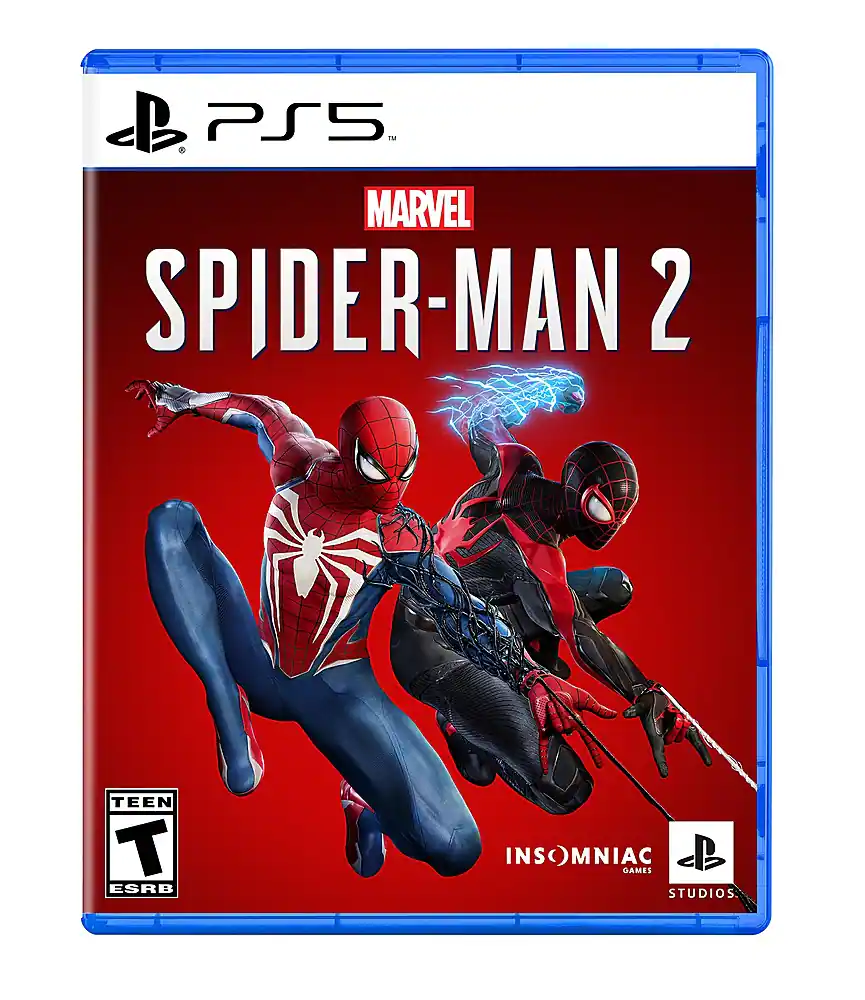 Video Games
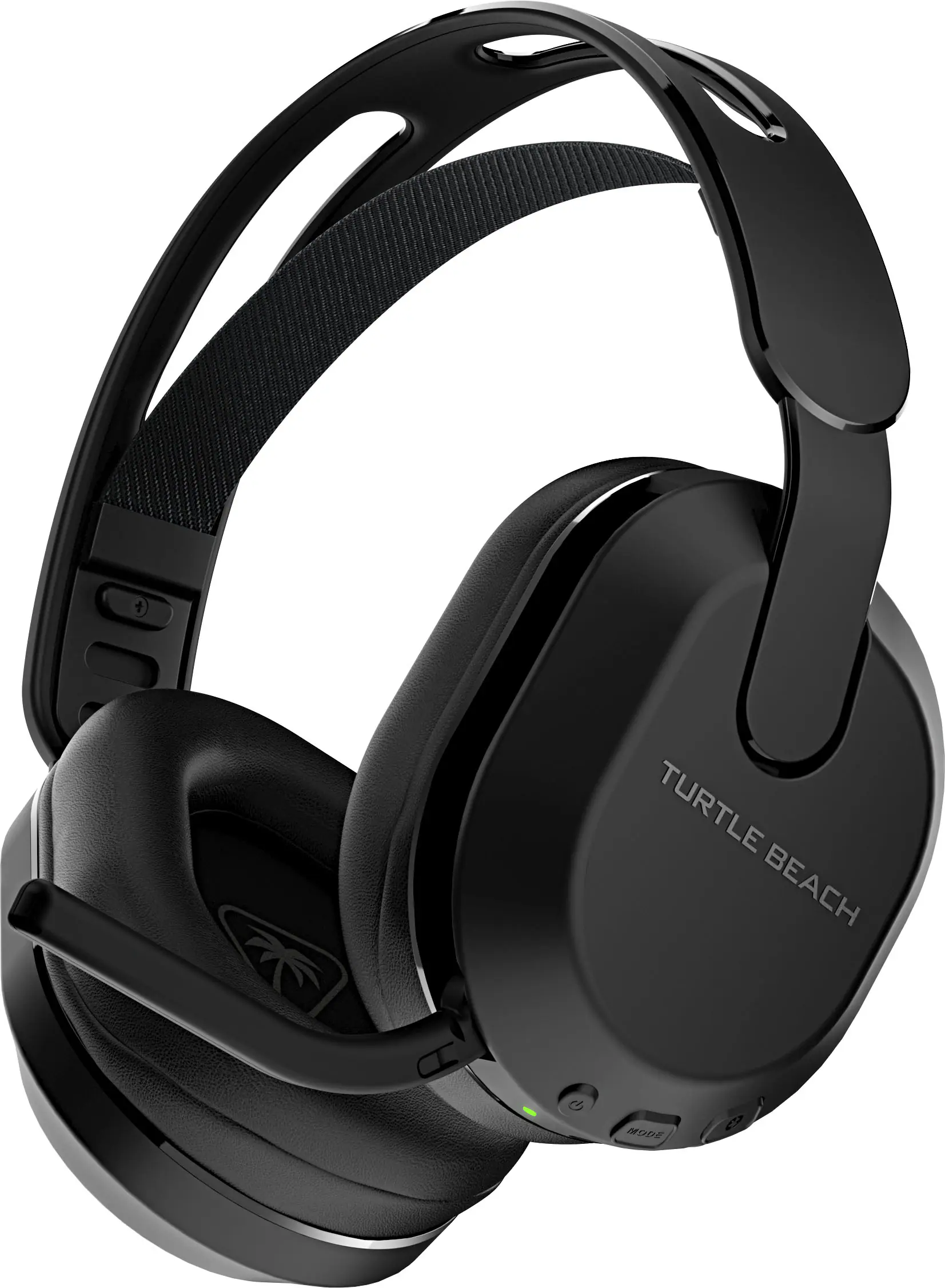 Gaming Headsets
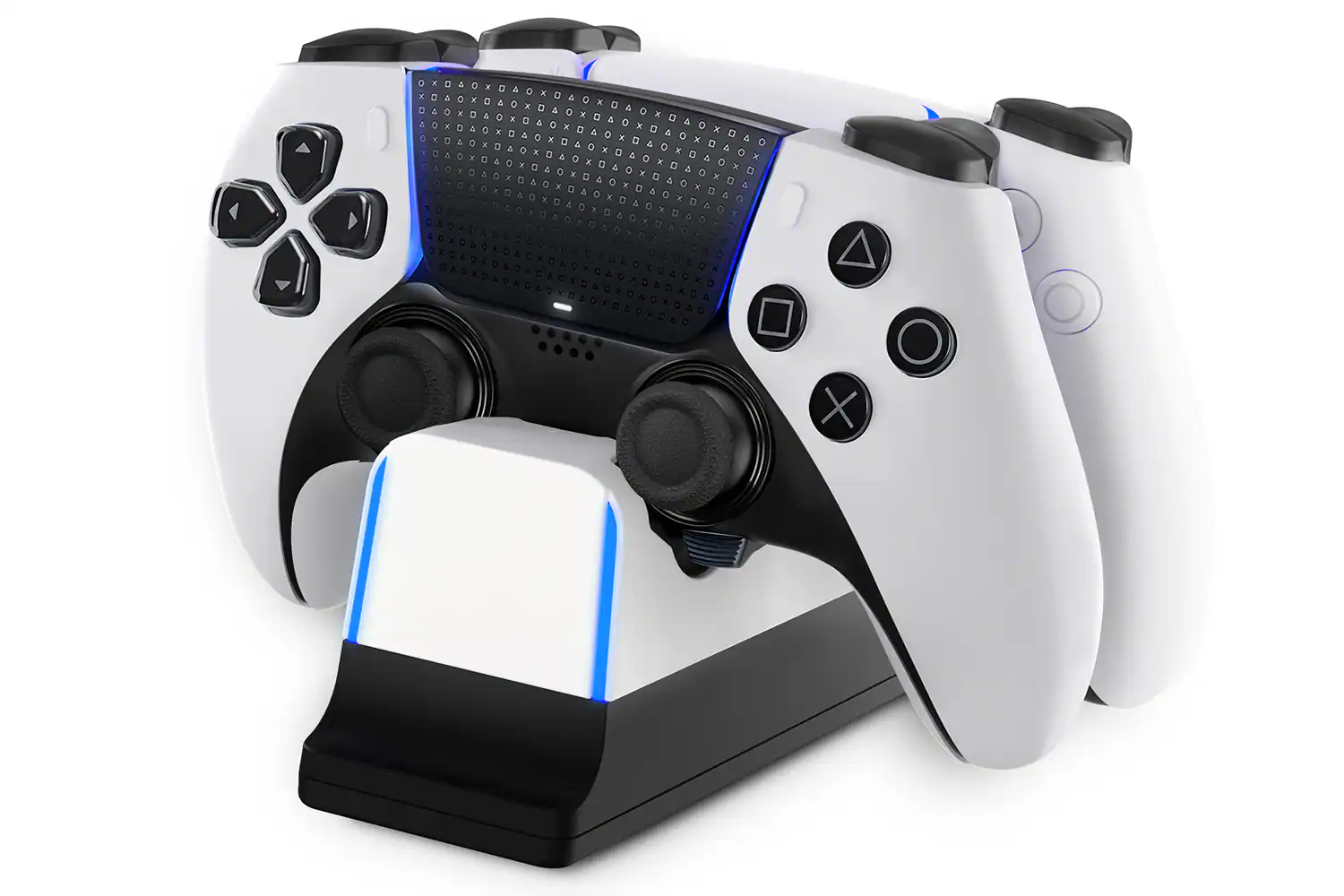 Power Adapters and Chargers
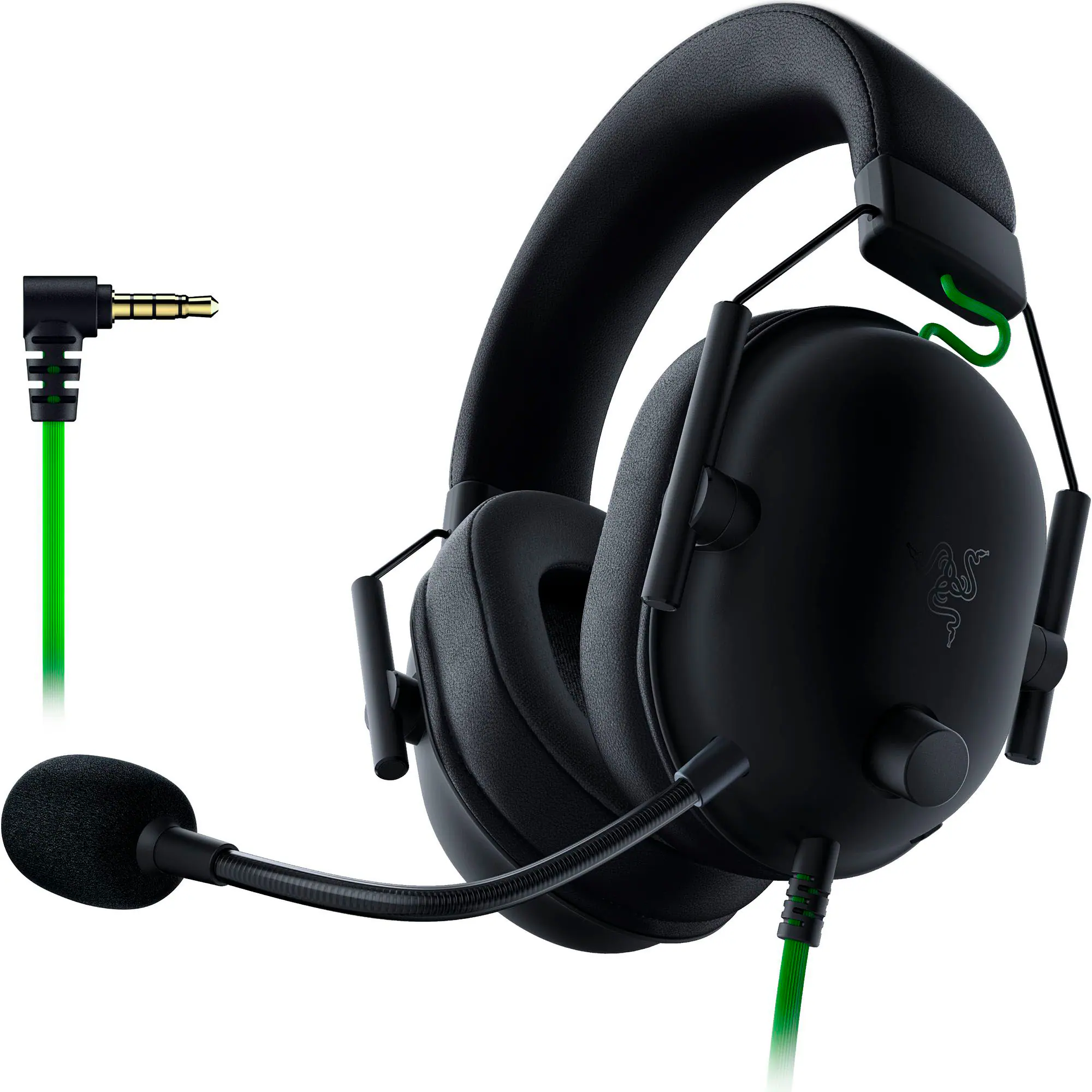 PC Gaming Headsets
More to consider
 $159.99The price was $179.99
 $169.99The price was $209.99
 $149.99The price was $189.99
Level up your game Sponsored
- $149.99The price was $189.99
 $439.99The price was $647.99
- $249.99The price was $335.99
 Top Deal$89.99The price was $109.99
Discover related products
 $79.99The price was $92.99
 $98.99The price was $178.99