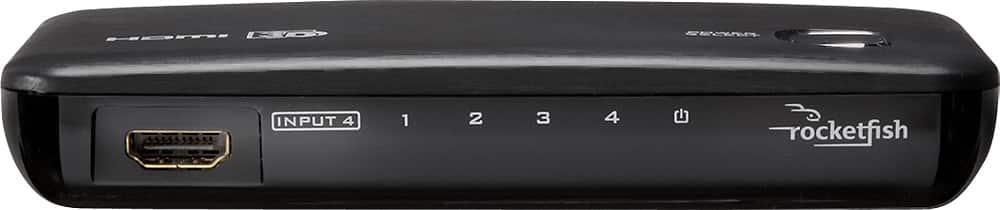
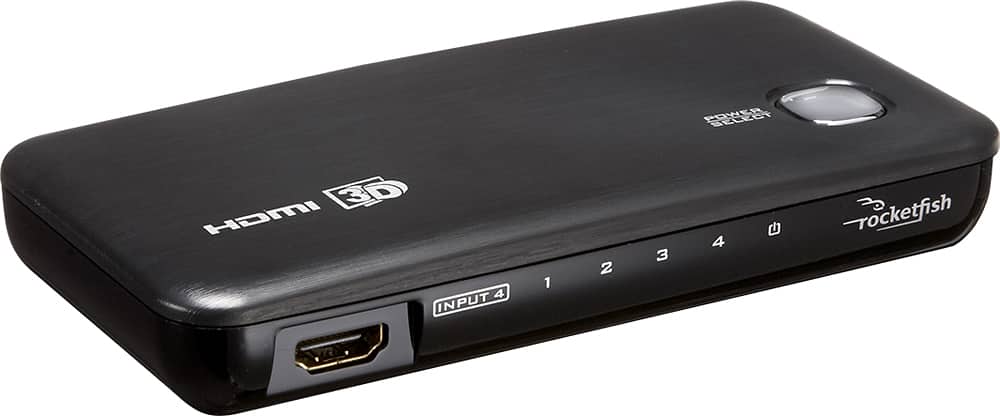
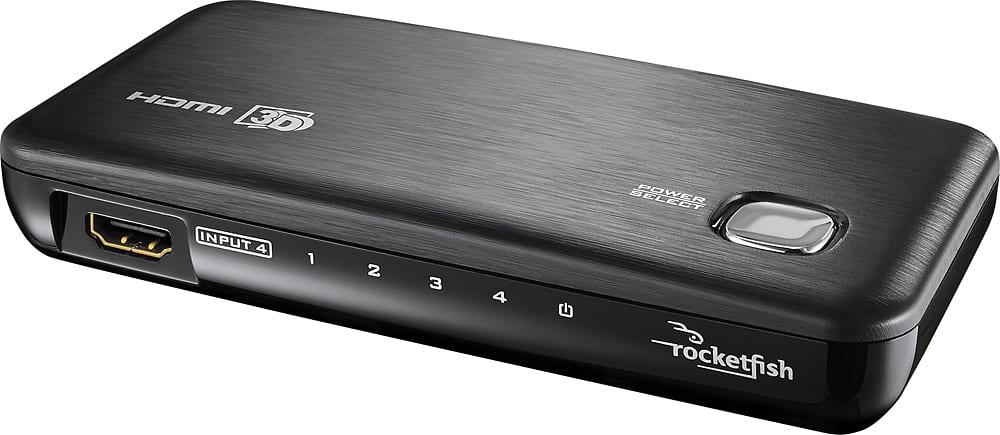
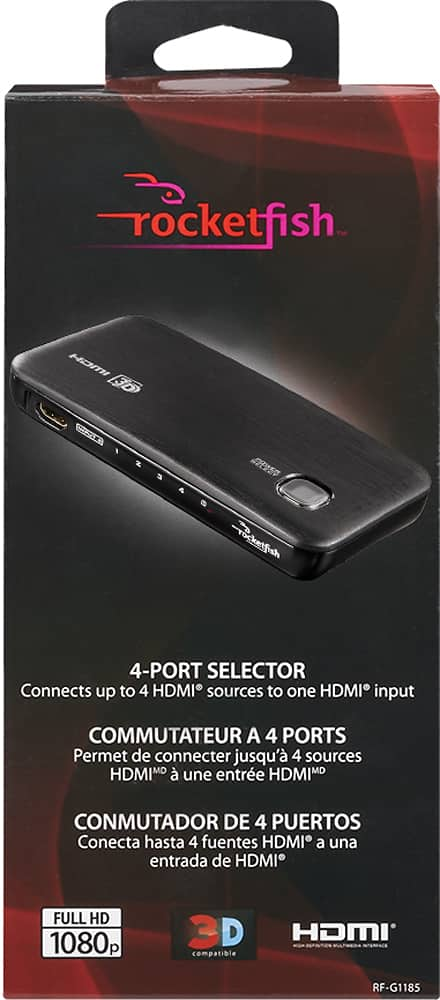
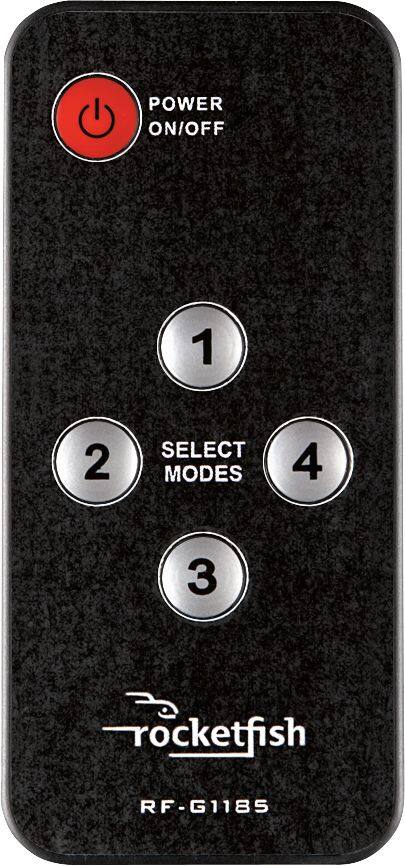
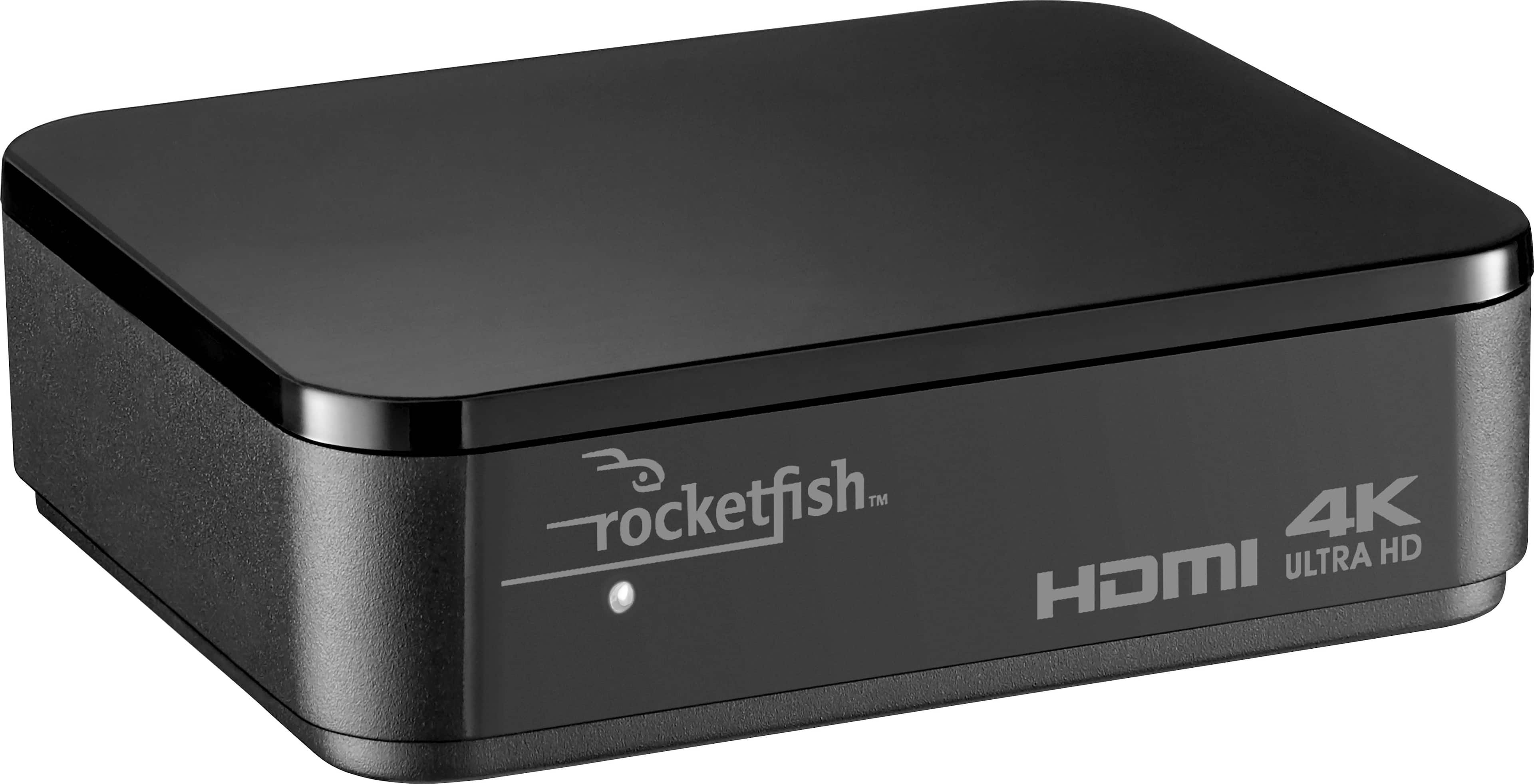
A:AnswerI have 4 different devices hooked up thru this switch that feeds my one HDMI port on my TV. Works fine for me. The remote makes it very convenient to choose desired port/device you want to use
A:AnswerIt has 4 HDMI INPUTS (from a computer or other video device), and 1 HDMI OUTPUT (to the TV or Monitor). 4 computers to one monitor you'd be good to go. Otherwise, I don't think so.
A:Answertry to see if any tv can be program for channels with the antenna l was able to some channels with a indoor antenna but only on one but l did not have a single box
A:Answerkeep it plugin turn off power till no lights on then unplug it now hard part dont use it for awhile try holding out for 30 minutes when plug it in try using your devices hmdi control on/off features it work for me
A:AnswerI ran into a problem with it when I tried putting the Dish receiver on the 4 port connector. The dish receiver is always transmitting a screen saver. I suspect that you're having a similar problem with whatever is on port 1, so it's always automatically switching back to port 1.
I had to put the Dish receiver directly to the TV at HDMI 1, then used the TV's HDMI two for the 4 port connector, and hooked up the Reviever, Fire TV, and Apple TV to the 4 port connector.
A:AnswerI had the same problem. I switched the Fire Stick (4K) to a direct TV input and moved what was using the TV input to the switch and that solved that problem. I don't know what the problem is with a Fire Stick. A Roku stick (non-4K) did work thru the switch.