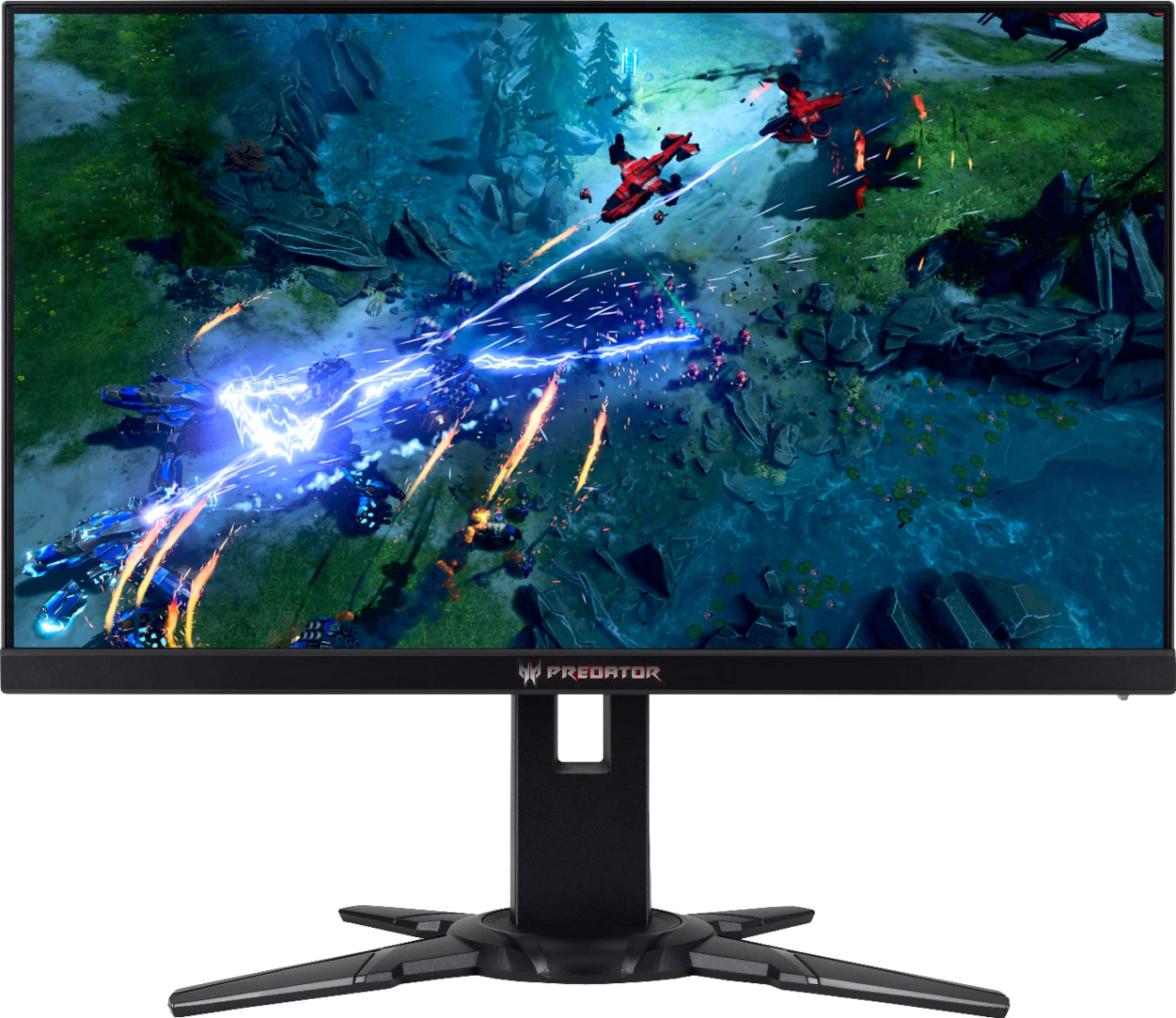
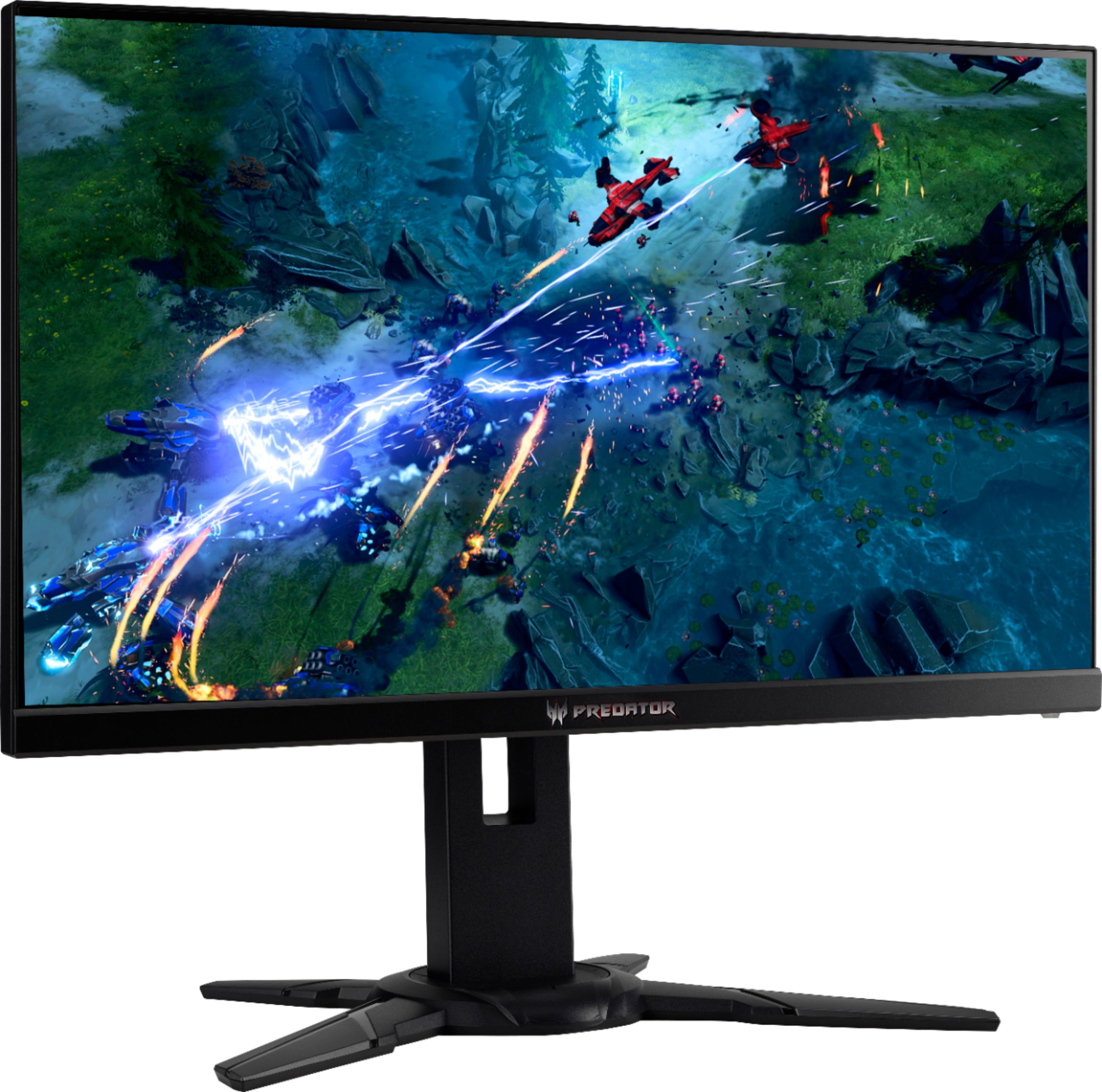
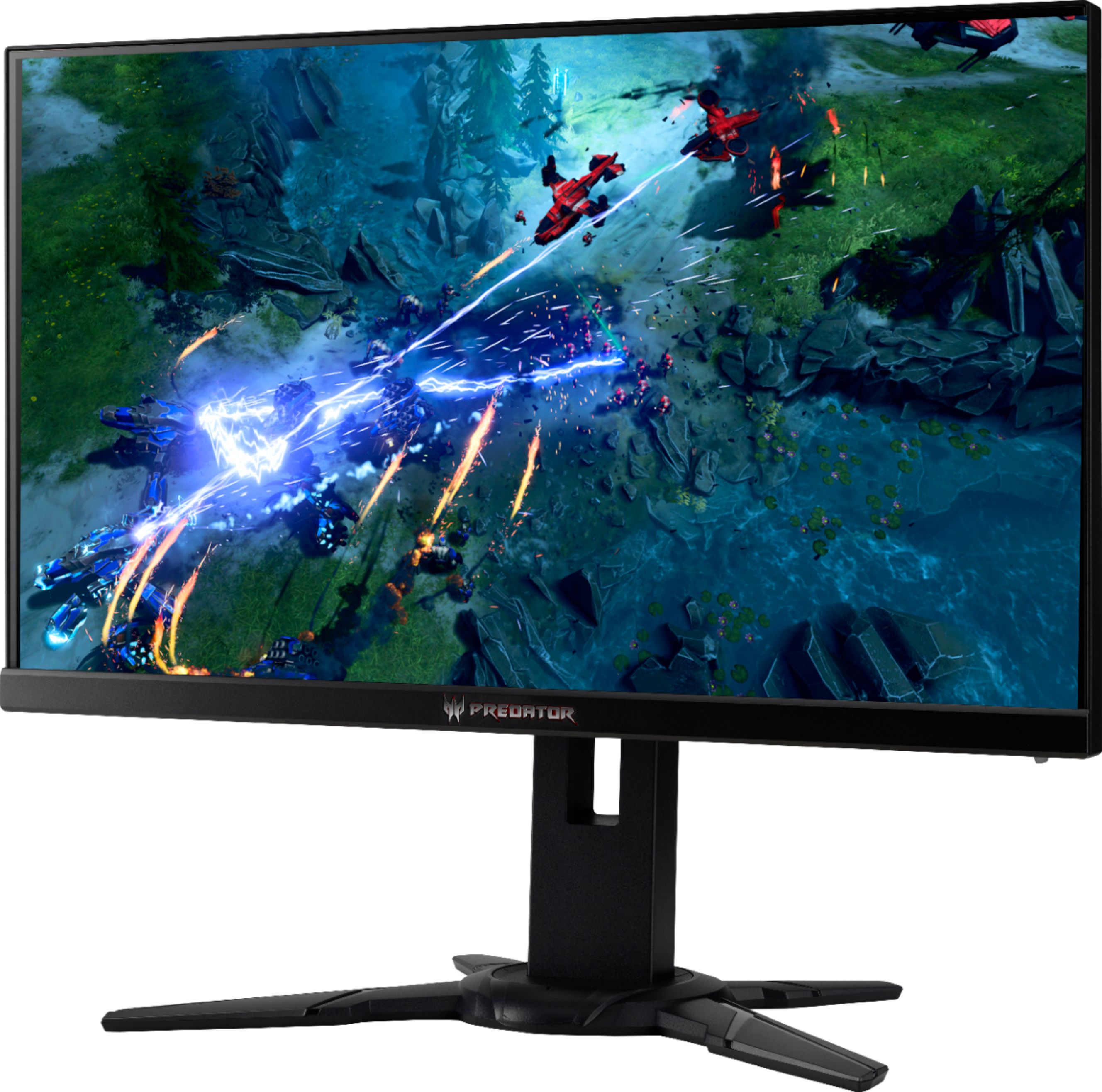
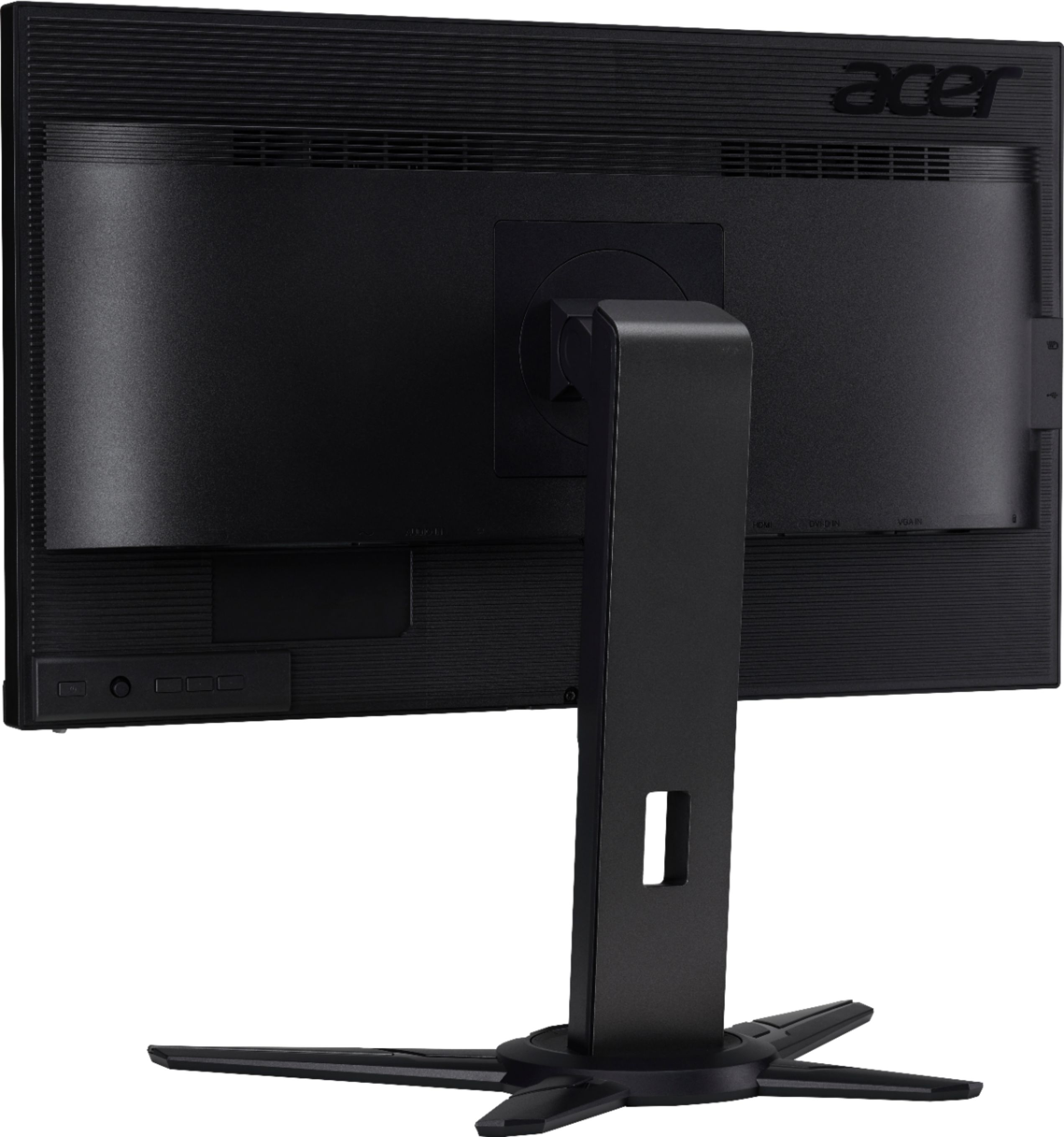
A:AnswerIt depends if you have the graphics card that supports it. If you have a graphics card with 2 display ports then you can but you might not reach 240hz on both of them if your graphics card isn't beefy enough.
A:AnswerThis Predator monitor carries a three year manufacturer's warranty against hardware defects. Warranty details are posted here for your convenience: https://www.acer.com/ac/en/US/content/service-contact
A:AnswerIt is matte... I was actually originally looking for a glossy screen because my cheaper matte monitor seemed so much dimmer than my TV, but this better monitor's color is as good or better than my TV's colors... so if that's where your coming from, it's the quality of the panel more than the finish on the screen that makes the difference. (I wasn't able to find any true gaming monitors with a glossy finish).
A:AnswerI can't exactly answer your question, but I can confirm that it has a TN panel and NOT an IPS panel. I can also say that you probably won't find an IPS monitor with these specs (1ms response time and 240herz) anywhere near this monitor's price range if one even exists, so you have to decide what is most important.
I do agree though that if it says IPS it's wrong.
A:AnswerHave you checked your cables for solid connections? i used the display port ones right out of the box and works just fine, i only changed it to fit my triple mount setting. I'm imagining you may have a slightly loose power cable or how ever you are connecting to your cpu for the monitor. Imagine moving the mouse just enough that it shifts a power supply to your monitor, now your cpu only recognize lets say 2 out of 3 monitors since one became offline. Power cycling the other one, would make it a move from either your primary, secondary down to your 3rd monitor position.
That's the only reason i could think of why your items would shift. The primary has all your items on one screen, if that loses connection (or power) to your cpu, then it has to shift to the next in line depending on how you set up your multi-monitor or spanning. (I assume you chose the multi-setting instead of surround span.)
good luck! Hope it works
A:AnswerIt is a TN monitor. IF your gaming TN is what you shoot for unless you got extra cash to spend on IPS which i honestly dont see the reason why unless you are using it for work related projects too like photography, then i'd said you need the IPS.... but yes this is a TN monitor.
A:AnswerTry boost mode in menu and check the other menu settings too.
Sounds like g-sync is not hooked up in nvidia, right click desktop goto nvidia menus look for g-sync and enable it. Also Do not use hdmi with pc cards on this TV use the DP g-sync only works with DP not HDMI. But on PS4 pro it does turn on super sampling and looks great on HDMI on that console.
A:AnswerGsync won't enable with AMD cards, however you will get excellent performance from this monitor which ever your gaming setup is. 240hz 1ms is beast.