A:AnswerI set up the one that I purchased for my mother with many individual folders for events ( eg. Family Christmas 2017, Williamsburg family vacation, etc. ) When I go into a single folder and start the slideshow, it will continually cycle through all of the photos and automatically restart. If you choose the random setting, when it restarts, the pictures will be in a different sequence than the first time around.
Regarding just starting it up and letting it automatically go to slideshow, if random is chosen, it will randomly jump from folder to folder mixing up the pictures. I cannot say if it does actually recycle there because I loaded over 700 photos into 32 separate folders. and haven't watched long enough to see all of them. Because it does recycle when viewing an individual folder, I would presume that it does the same for the whole library.
The one thing I did notice is that it will always start with the same photo, but the randomization after that is always different. It works the same way with music that is loaded on it.
A:AnswerI had this same issue, and it was one of my few complaints about the frame. For the slideshow to repeat, we had to switch the slideshow repeat option to "off" - that didn't seem very intuitive to us, but it worked.
A:AnswerYes, it has the option for random display. This function even works if you have uploaded more that one file/folder of photos - it will select randomly from both.
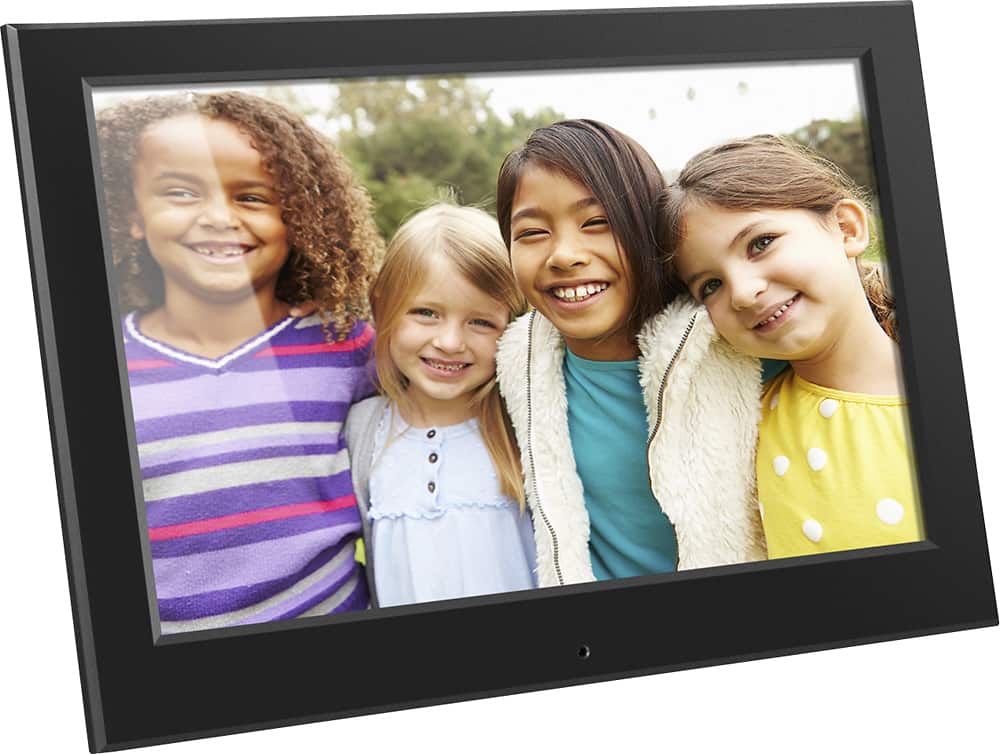
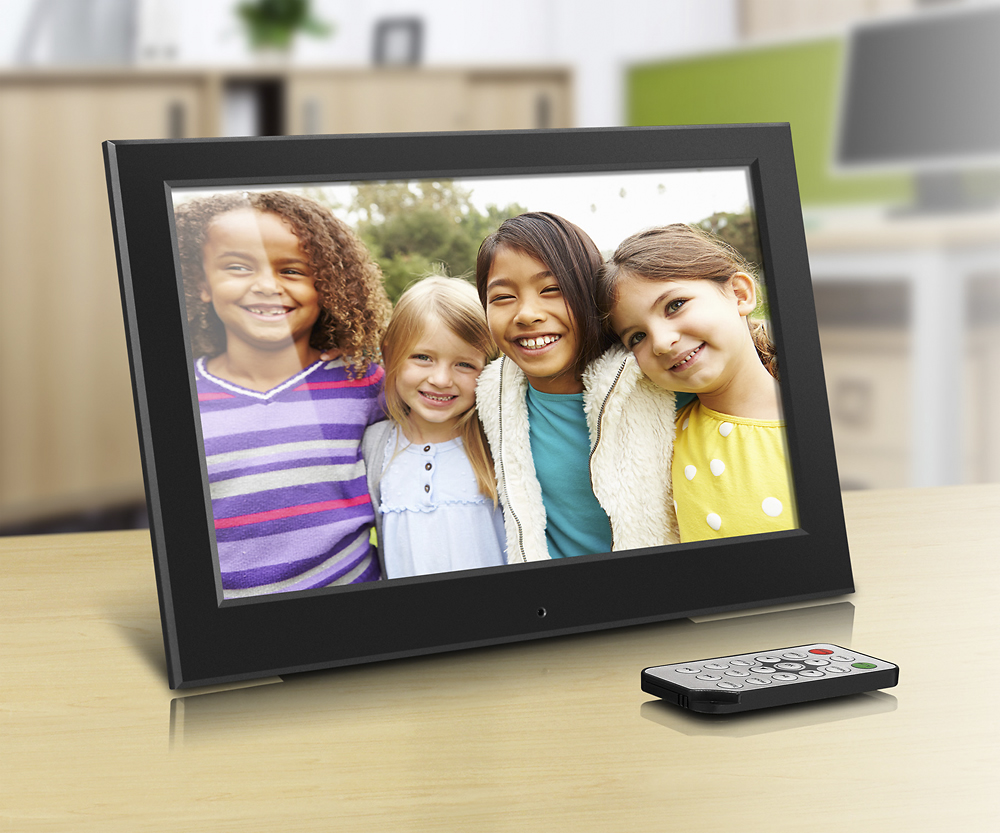
A:AnswerWe have only used this product in a 110 power input and have great success. The larger picture screen allows us to share our pictures with many friends all at the same time.
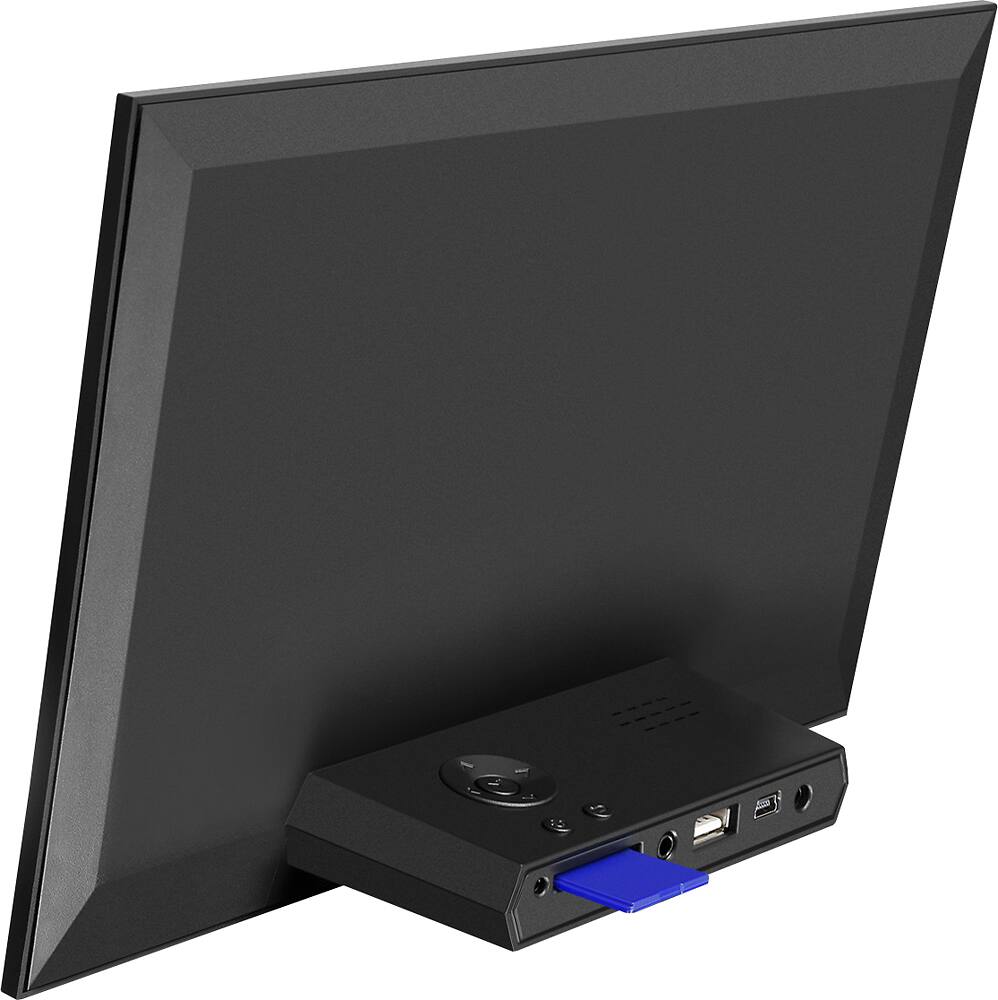
A:AnswerYou can just use an SD card on its own which is so easy. You put the SD card in and it automatically starts showing the pictures. The frame has to be plugged in in order to work.
A:AnswerNot directly. You would need to transfer the photos to a computer or memory card first. If you want the ability to send photos directly from your phone to the frame, take a look at our Wi-Fi models: AWS10F, AWS15F & AWS17F.
A:AnswerYes, the timing is adjustable from 3s, 5s, 15s, 30s, 1m, 5m, 15m, 30m & 1h. The files can be viewed in a specific order by filename like 001, 002, 003 etc. The frame has 4GB of internal memory, the number of photos that can be stored depends on the actual size of the photos. However, you can roughly expect the frame to hold 1,000 photos. You can also increase the capacity by using SD memory cards.

A:AnswerPlease go to the folder/browse menu on the frame. Navigate to the file that you want to delete and press the left arrow button. A popup menu will show up for the delete option.