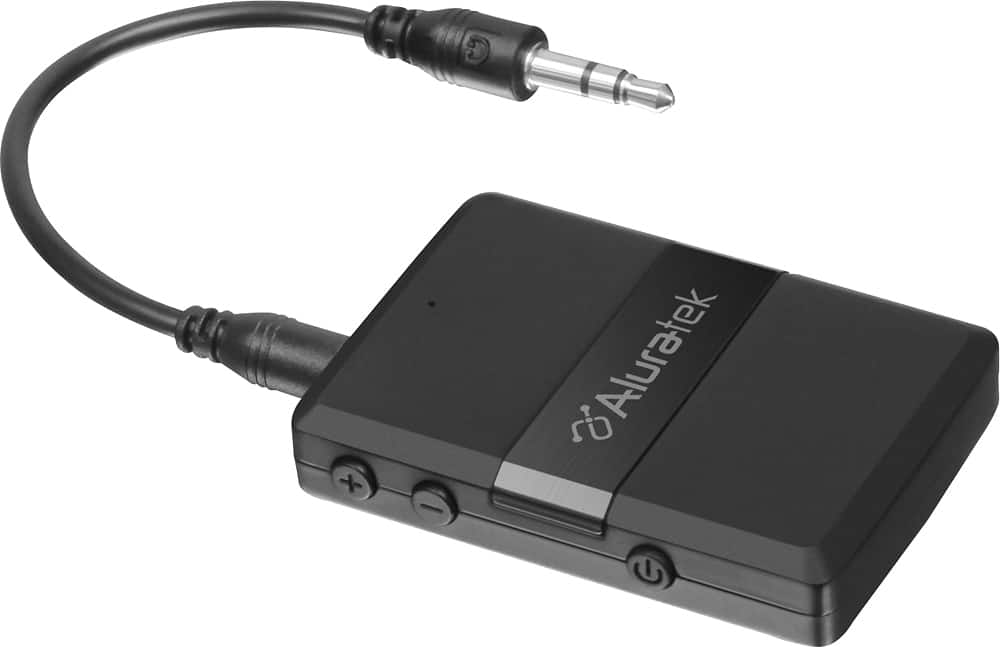
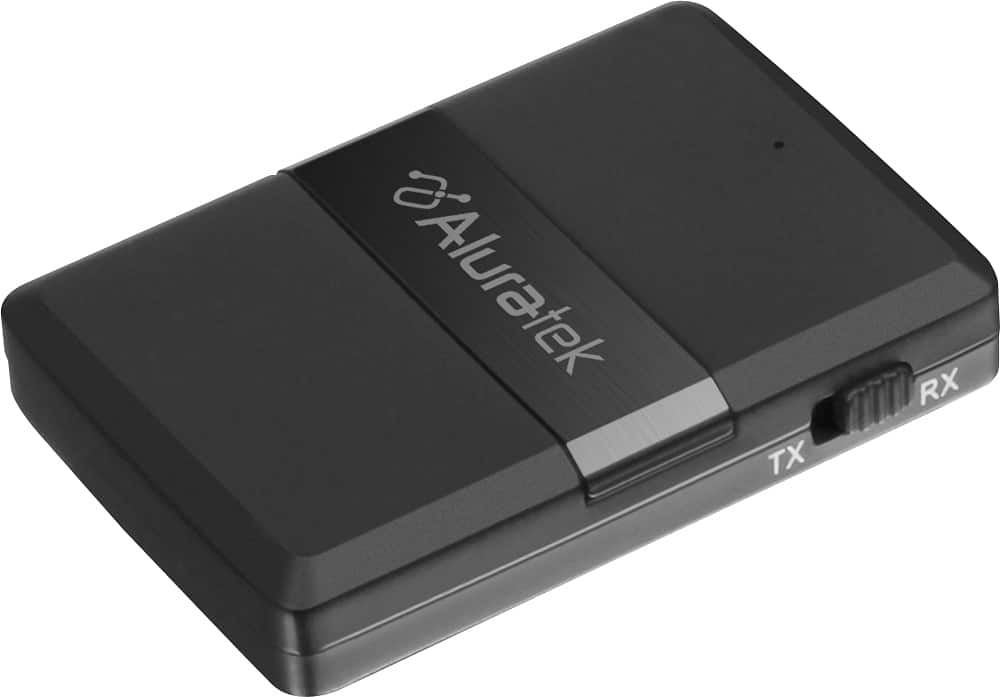
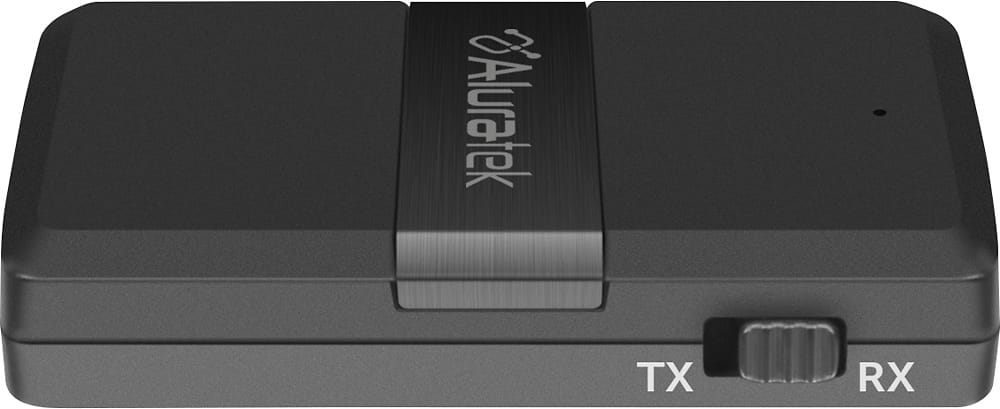
A:AnswerMake sure the Aluratek device is in RX mode and paired to the phone. Also make sure the iPhone is sending the audio to the Aluratek and not to the speakers. Be sure your speakers or headphone is directly connected to the Aluratek.
A:AnswerYes. This unit offers RX and TX mode. If you are sending audio from your iPhone to the Wave then you will run the Aluratek in RX mode. Pair to the phone, then connect the Aluratek directly to an AUDIO INPUT on the Wave.
A:AnswerHey Sally,
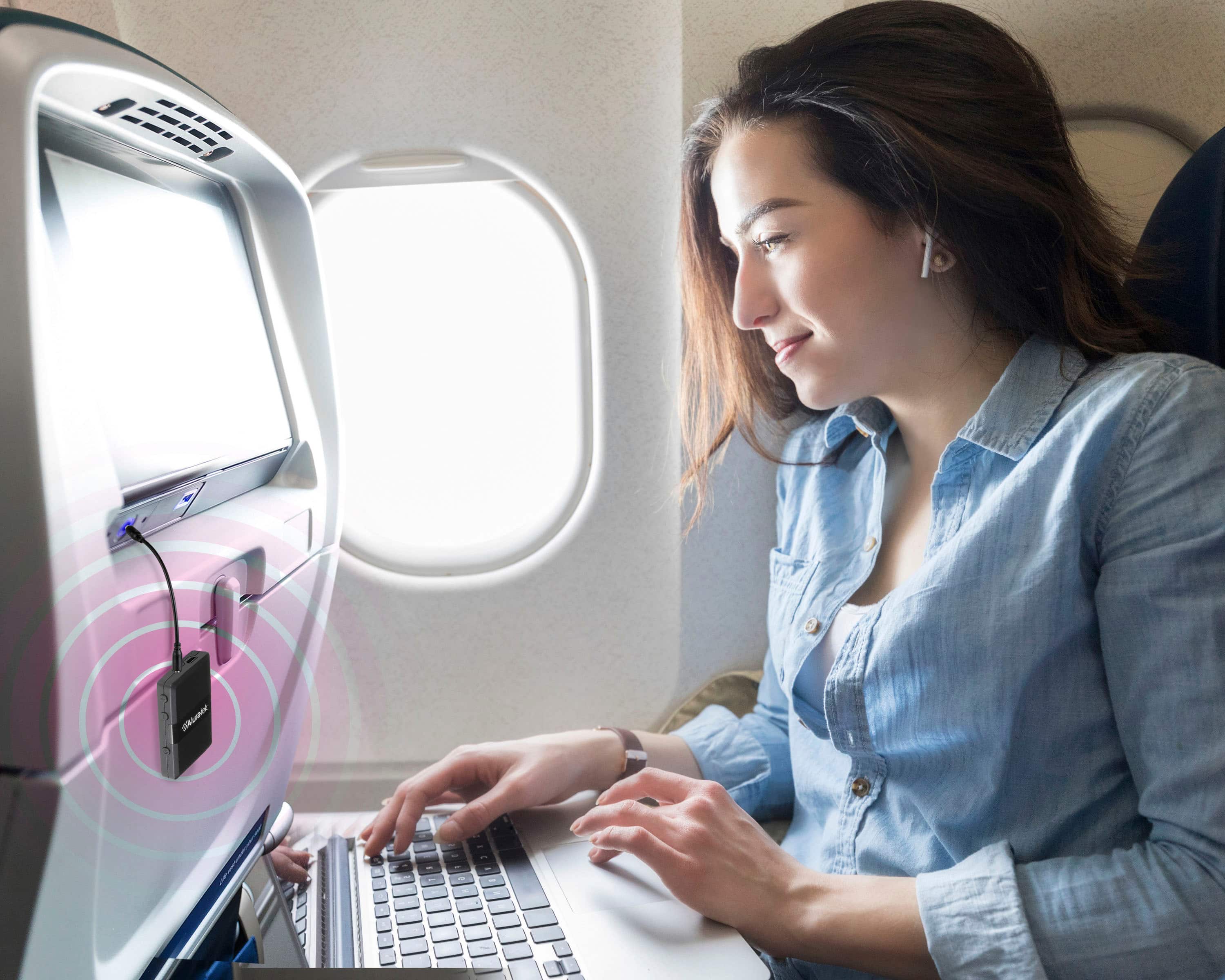
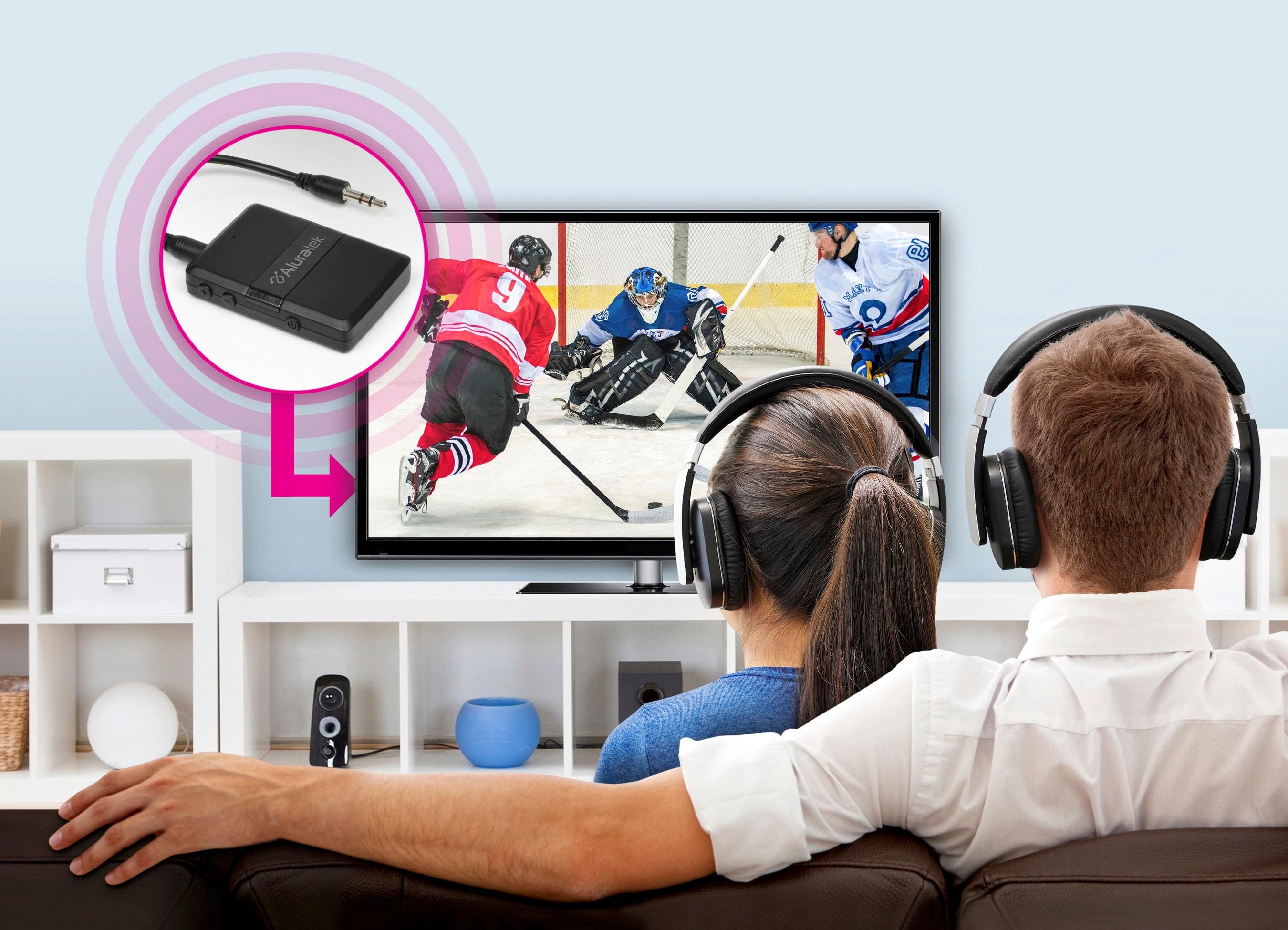
You actually don't need this for that actually, as your (and my) Apple Air Pods already have a bluetooth transmitter and receiver built in (that's how you can pair it to your phone, computer, etc.). You would just need to pair it to your TV the same way (have the AIr Pods in the case, open the case, and hold the buttton on the back). This device acts as a one-way bluetooth connection (so either transmit bluetooth signal or receive it - not both at the same time like the AirPods) for wired devices (so, say, wired headphones/speakers or a wired lapel microphone or something like that).
Hope that helps!
Brian
A:AnswerThis might be difficult to do. If you try this be sure to purchase units that have both RX and TX modes for transmitting and receiving. The range of the units will be important, but audio latency could be an issue.
A:AnswerTurn on the device you want to listen to....hook the transmitter up to the audio jack.....Put your headphones on search....THEN turn on the transmitter until it starts to blink blue.....put your headphones on...then wait about 10-15 seconds....you should get the signal.