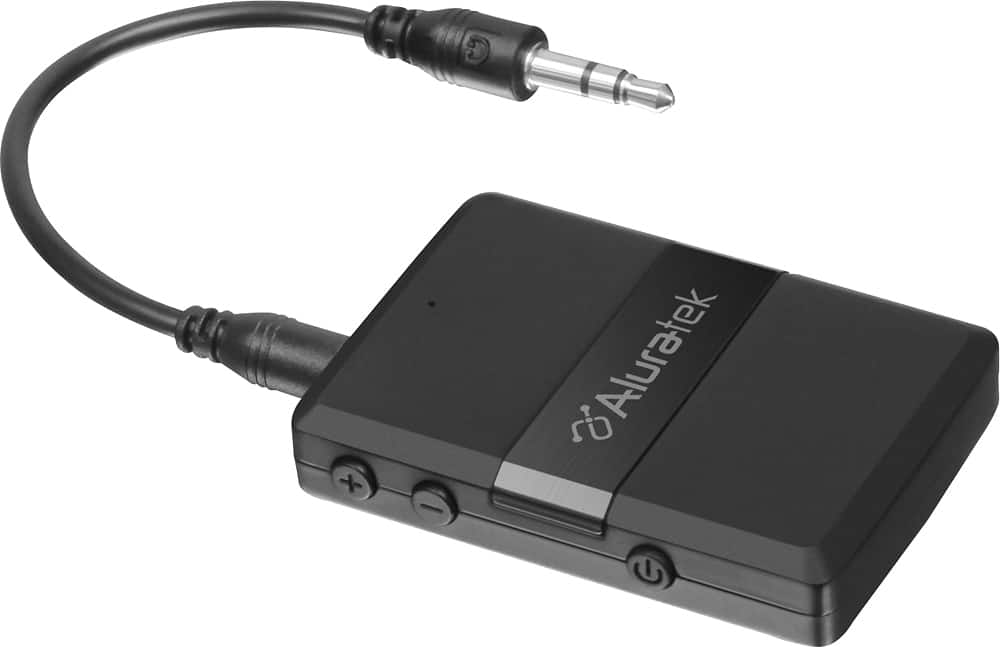
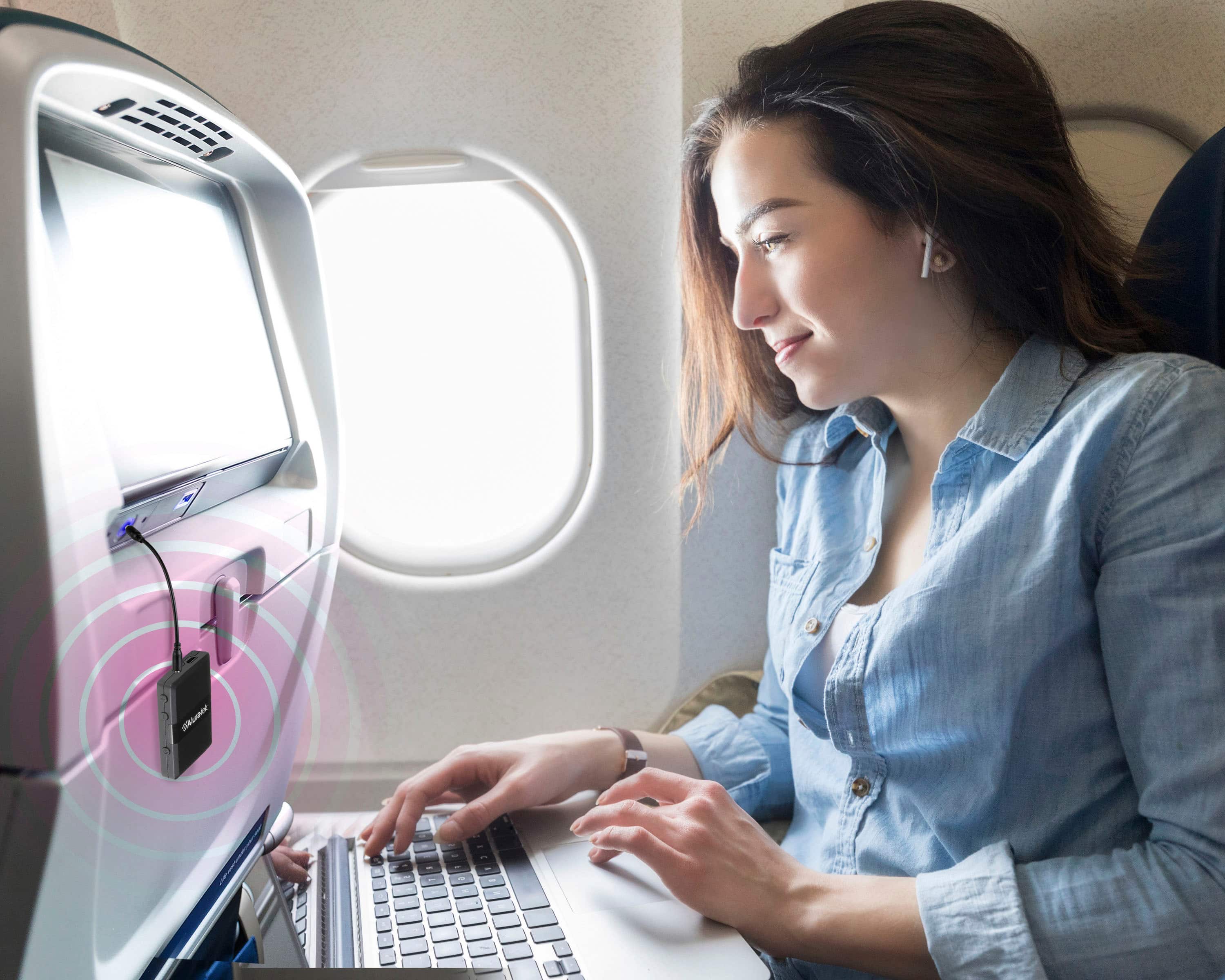
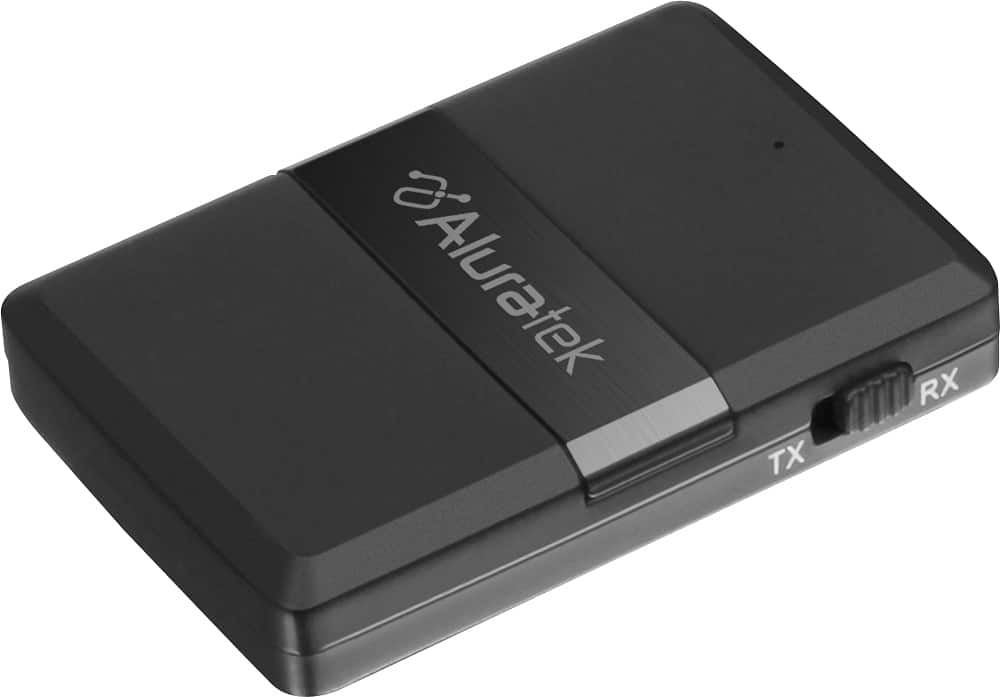
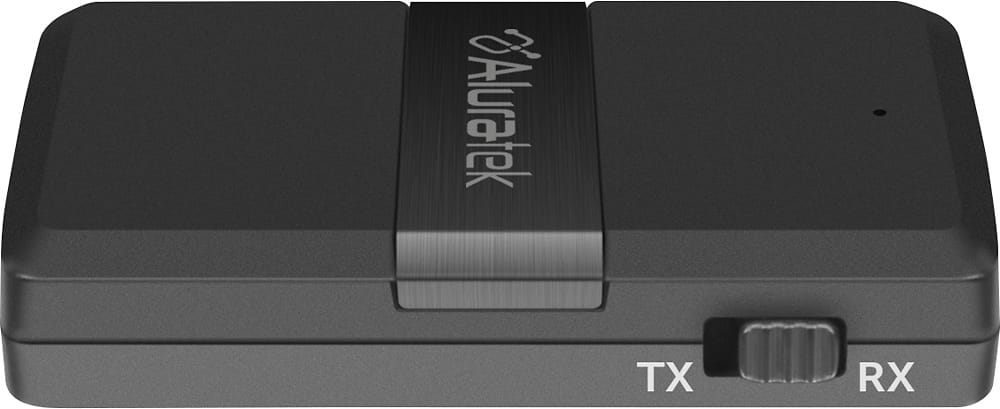
A:AnswerIt will providing the headphones are A2DP profile compatible with Bluetooth. Be sure the ABC01F is in TX mode Contact us at support@aluratek.com for additional support.
A:AnswerTo pair to phones you need to change the mode of the unit and be in RX mode. RX is for receiving and is best for receiving Bluetooth from phones, tablets, and computers. TX mode is for transmitting to things like headphones, earbuds, and speakers.
A:AnswerCheck your connections and also check the audio cable that directly connects the ABC01F to the stereo. Do not use the phono input on your stereo as that was designed for vinyl records. Use a stereo input for CD player or an open AUX stereo input slot. Make sure the ABC01F is in RX mode.
A:AnswerYou can probably do this by using a splitter out of the TV to send one audio signal to the Bluetooth transmitter and sending the other two your speakers (assuming you have external speakers for the TV). The TV will likely try to only send one audio signal, so splitting it with a cable is probably the only way to get the signal to more than one output.
Note: using this method may cause speakers to 'sound' slightly earlier than Bluetooth (you may experience audio latency between speakers and Bluetooth)
And if you're only working with integrated TV speakers, what you're looking for may not be possible.
A:AnswerYes. Make sure the unit is in TX mode and make sure your cell phone Bluetooth is turned off since the Apple Airpods are designed to pick up a phone first. Contact us at support@aluratek.com if you have any questions or need assistance.
A:AnswerThis means its paired. If you have bluetooth enabled on your phone and you want it connected to something else. Turn off bluetooth on your phone. Then connect to device in need. Then turn phone bluetooth back on if needed. I had similar issue
A:AnswerThis can only be done if the TV has a setting in the audio output settings where you can send sound to the AUX or Optical out and not to the TV speakers. Some TVs can do this and some cannot. The Aluratek BT transmitter has no control over how the TV routes the audio.
A:AnswerTry turning the tv volume down..
I connected to my tv and have a Bluetooth speaker which I then paired ..with separate volume for speaker an tv hope this helps
A:AnswerYes. You will run the Aluratek unit in RX mode (Receiving) and then pair the iPhone to the Receiver. Then the receiver should be directly connected to your mixer audio INPUT for playback.
A:AnswerUPDATE: In sonos application, there is settings to correct lip syn issues. I had to set them to the max limit, but the problem has been corrected. I had to use this setup due to location of the components (Using a projector outside, sonos amp in media closet)