A:AnswerI think you have to use the left/right audio out connectors to keep the sound on the tv simultaneously . If you use the headphone jack it cancels out the speakers on the tv.
A:AnswerI plugged the USB end of the device into a USB extender cable, and wall charger. The device doesn’t turn off with the tv and is always ready to connect to the BT speakers. Excellent product.
A:AnswerYou have to find or download the instructions for all your devices and figure out how to first unpair the bluetooth device - either by turning it on and then hitting the on button twice, or maybe holding the on button for 7 seconds for example - that will clear the device and let it find and pair with another new device. I know it's not easy nor intuitive. A new device might be ready to pair, but when you change to another device - then you have to clear it first.
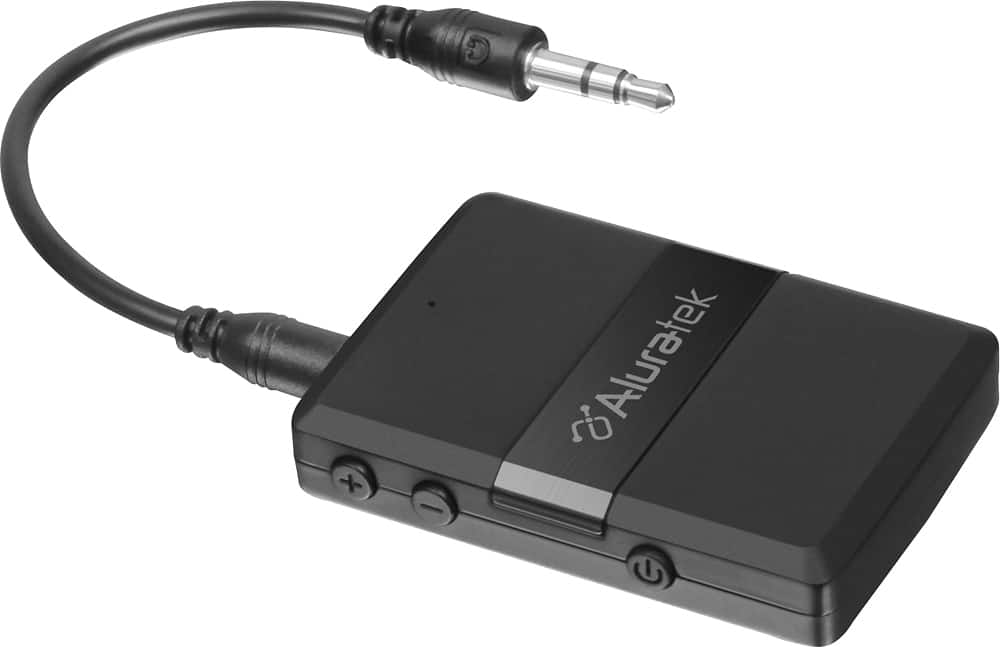
A:AnswerYes, you can plug it into an outlet, but you will need a USB AC adapter. On the other hand, if the device whose audio port you have it plugged into also happens to have a USB port on it, you should be able plug it in there!
A:AnswerIf your Bluetooth speakers are Dolby 5.1 or higher, this device is not suited for that. The transmission bitrate for this device is too slow to accommodate Dolby 5.1 or higher. Stereo 2-Channel Bluetooth speakers are appropriate.
A:AnswerThis is not an absolute answer but my Sena 20S has considerable range while this little bluetooth gadget is good for maybe 30-50 feet, which would suggest different frequencies? the beauty of this answer is that someone will jump in, call me an idiot (rightly so) and give the correct answer. Anyway, check the two frequencies for a match. Take care.
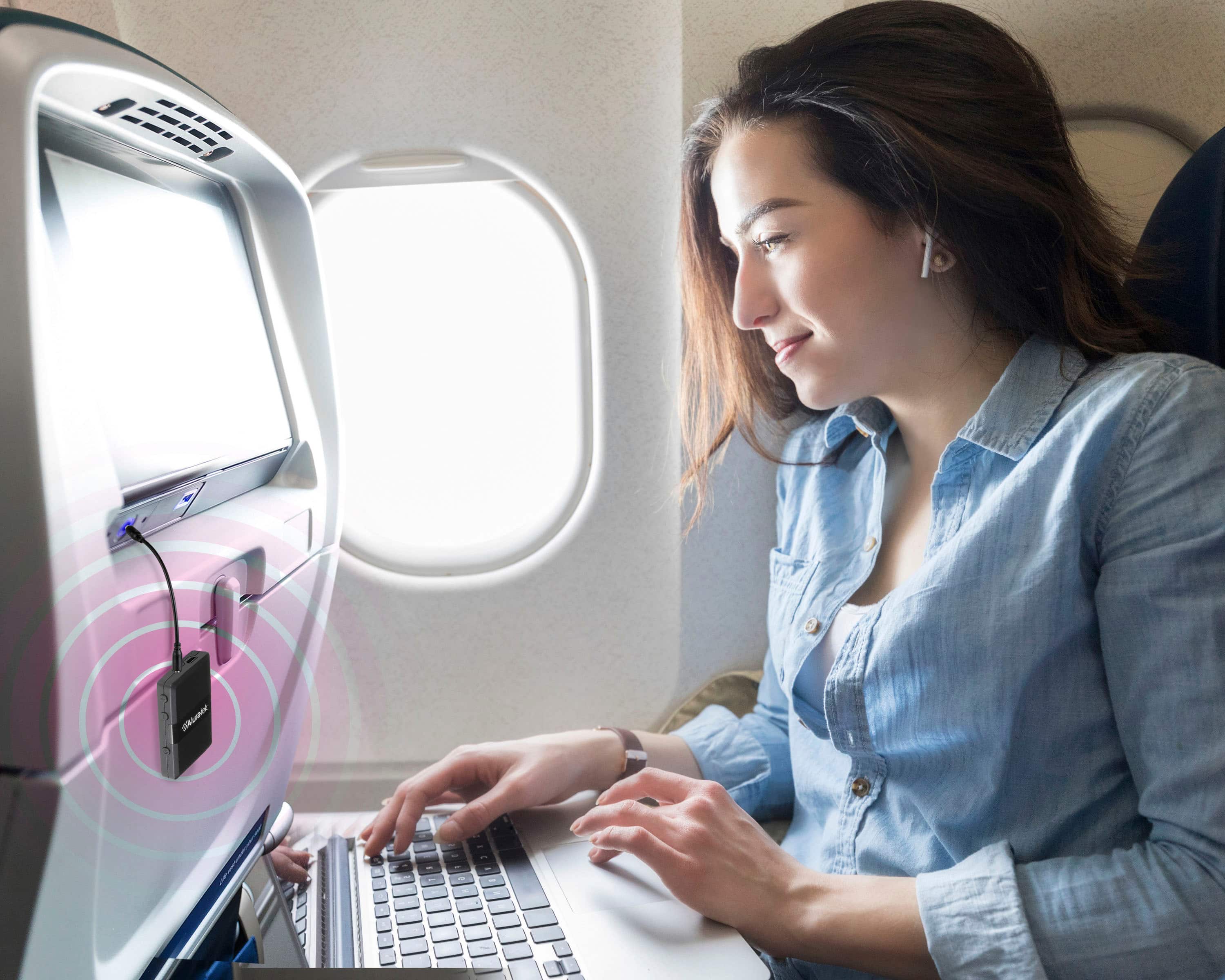
A:AnswerAssuming the tablet does not transmit via Bluetooth: If you plug the BT Audio device into the headphone port, of the tablet, you can transmit via Bluetooth. If it is the mixer that is not Bluetooth enabled, you would plug the BT Audio device in the AUX IN port, of the mixer, to receive via Bluetooth.
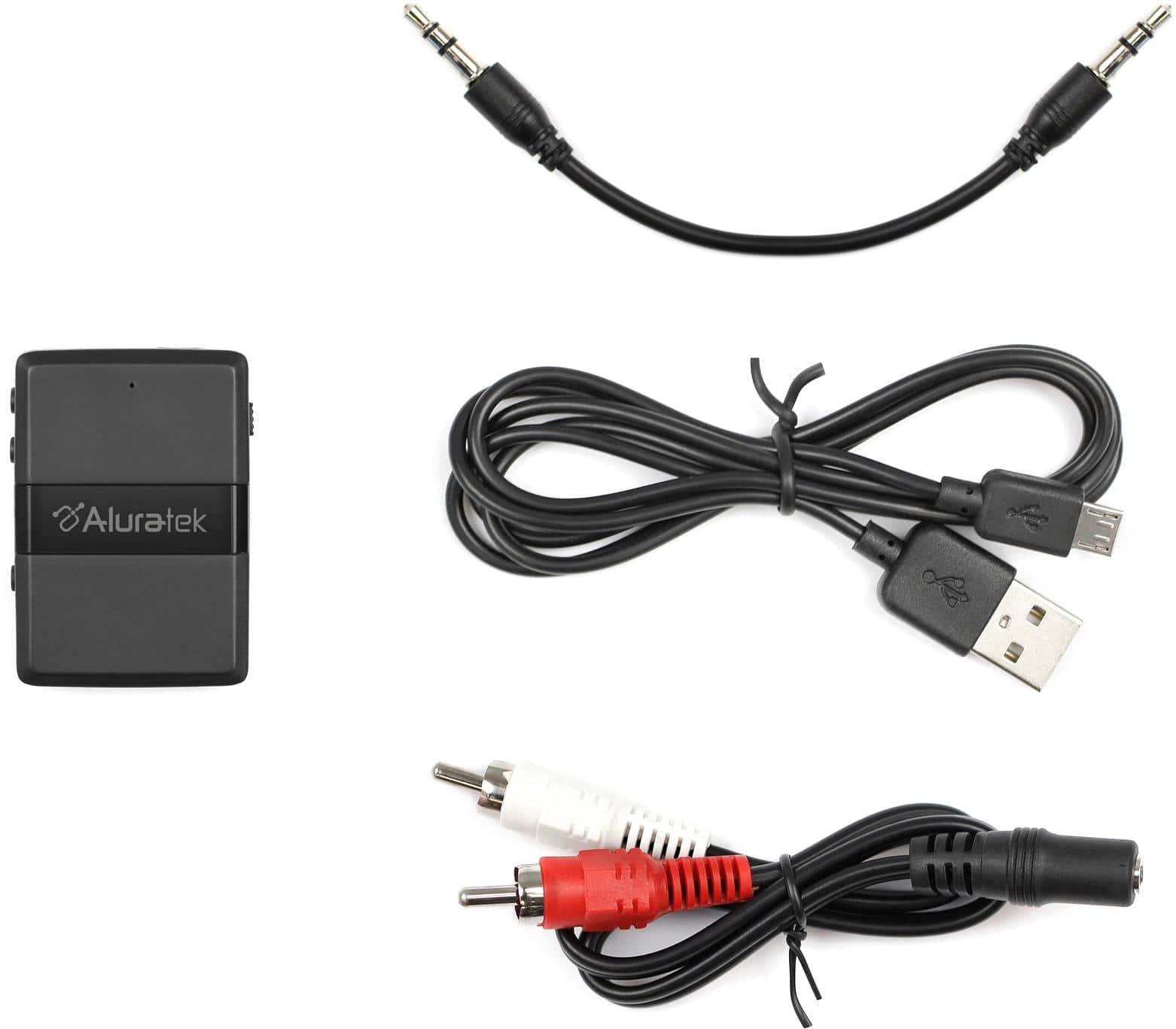
A:AnswerI have not tried a connection from RGA out put to the transmitter, but I have connected from the 3.5mm to the transmitter and connected to Bose Bluetooth head phones and to another set of Bluetooth ear buds (not at the same time).