A:AnswerSimilar to a cable box, this lists the available channels by number and call sign, but doesn't show you what's playing on each channel. To get that information you must be on that channel and press the Info button to see the next 2 programs by name and their timeframe.
A:AnswerNot this box, but a digital converter, as the cable companies supply for a fee. I'd ask the condo firm what they offer, as it'll depend on whether it's a rinky-dink satellite system or an actual cable-TV provider. You can probably buy almost any box but if the cable's free, the condo ownership should give you correct answers and guidance.
A:AnswerIt's a one-TV per box situation. I don't believe it matters what's viewed on different TV's, It claims you can watch another channel while one records, and doesn't allow overlapping of recordings to be scheduled.
A:AnswerReturn for troubleshooting, as mine both turn on with the remote. I haven't discovered a manual method, but it's malfunctioning for sure, so let the sellers figure it out.
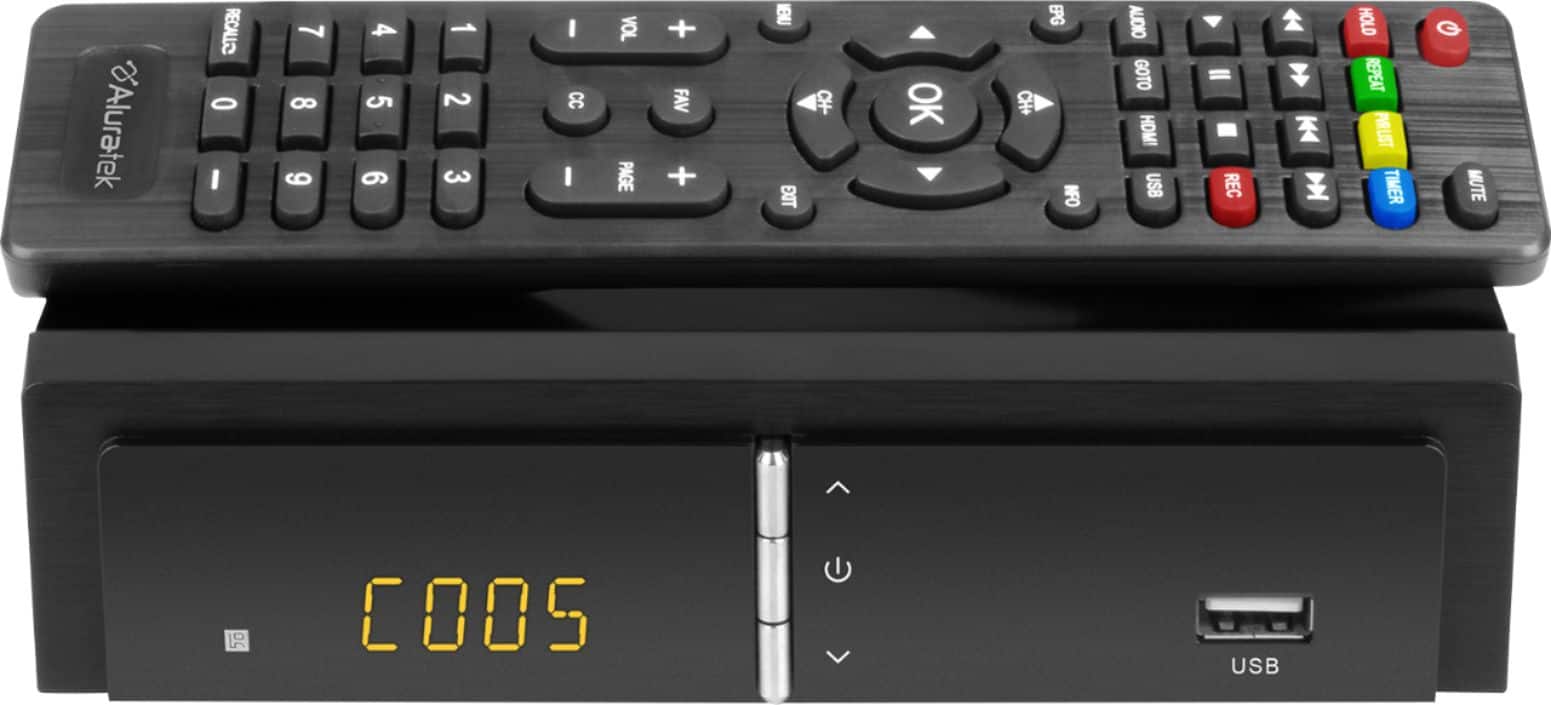
A:AnswerC001 means the first channel it auto-scanned. It just may be that channel doesn't come in strong enough to see a somewhat-clear picture. Use the Channel Up button above OK to go to next registered channel & see how that looks. Or press OK to see the first several available channels & select one with the Up/Down buttons & OK. Mine shows 9 channels at a time.
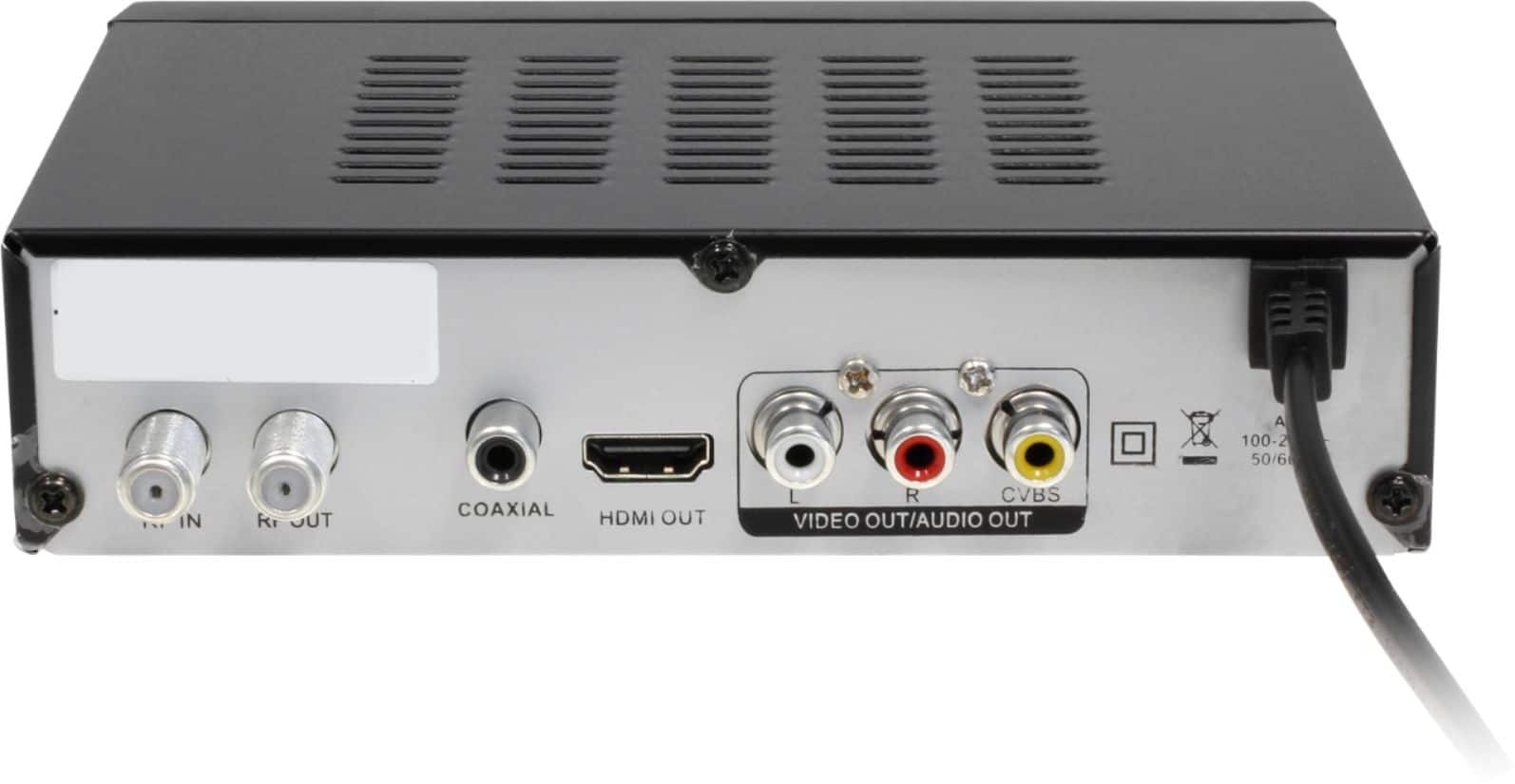
A:AnswerWith our TV Converter Box you would connect your antenna to the RF-in of the converter box, then connect the box to the TV's HDMI port or to a red, white, and yellow TV input.
A:AnswerThe unit is designed for over the air channels only using an antenna connected to the back RF-In. Do not think it supports DTMB. I have left the link to the manual just in case this helps you. https://aluratek.com/pub/media/wysiwyg/ADTB01F_Manual_020121.pdf