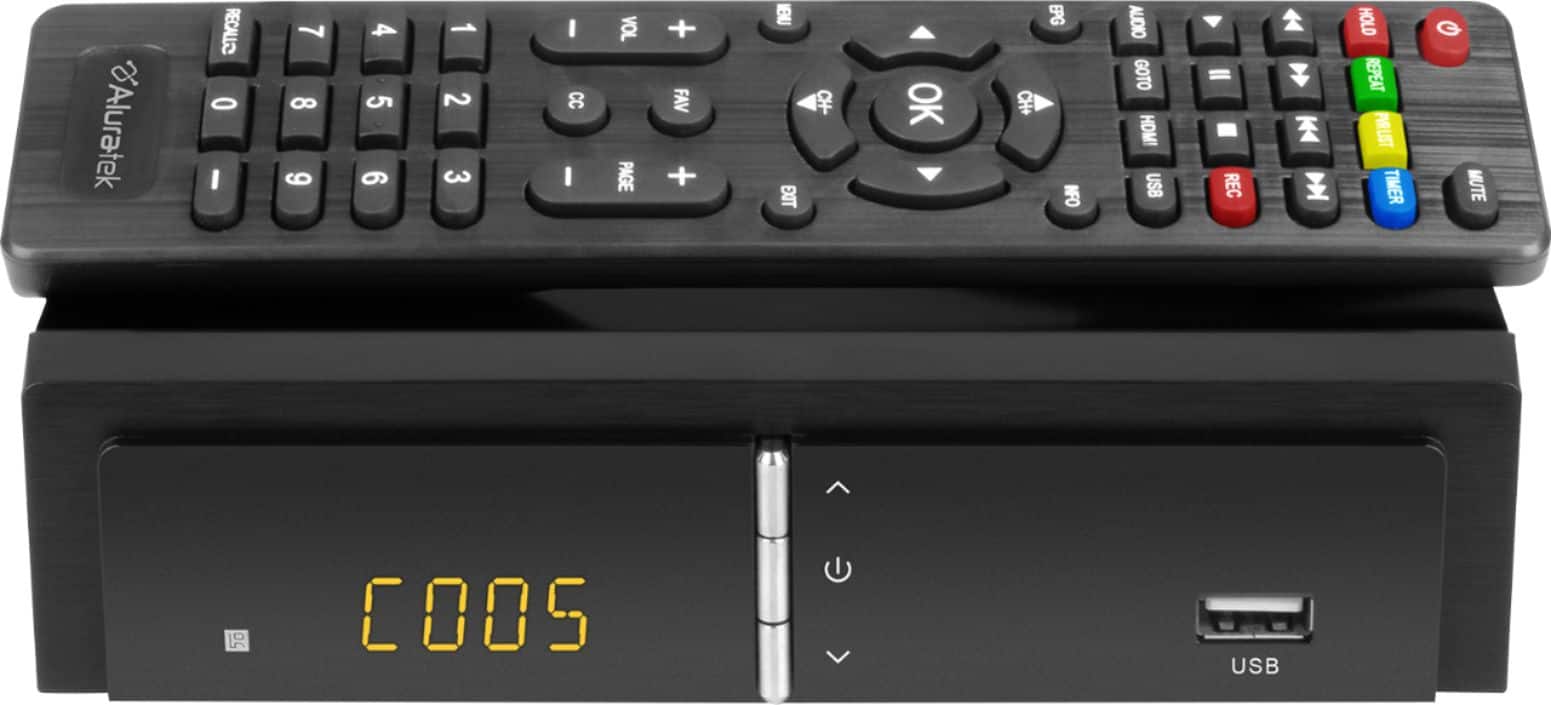
A:AnswerThe device does not come with any memory. The amount of storage space is limited to the drive. I have a 128 mb flash drive and each yoga video from pbs is approximately 22 mins and 2.3 mbs.
A:AnswerIt will depend on the capacity of the drive that you connect to the box. There is no built-in storage. Each hour of recording takes requires about 5GB storage.
A:AnswerThere is no guide for all channels. When you are on a channel, you can push the EPG button. The schedule is shown and when a show is highlighted, after some delay, at first, a description is seen.
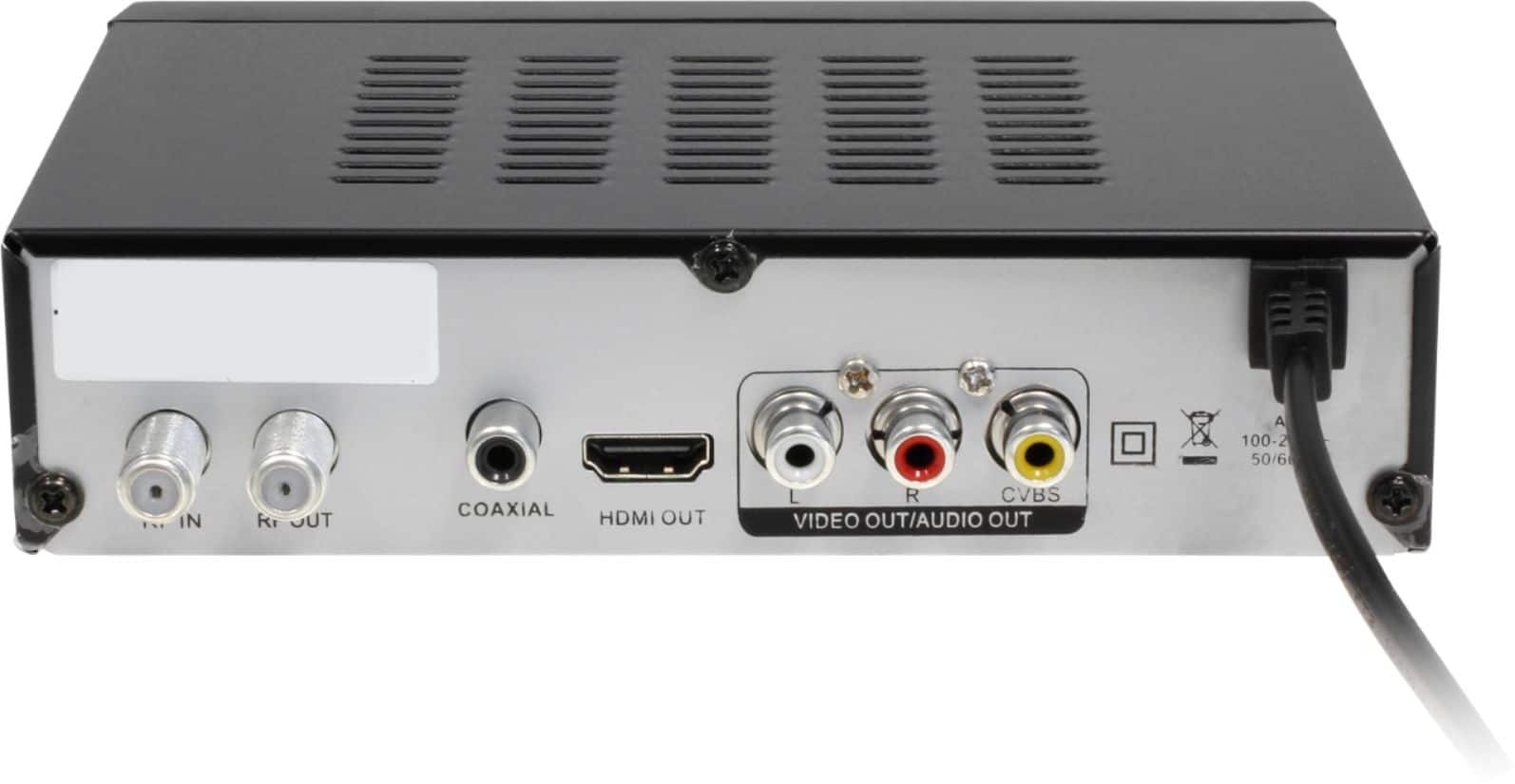
A:AnswerYou might try the setup I'm using: I attached an antenna splitter to my digital antenna, running one antenna cable to my digital tv and the other to this recorder. My recordings are crystal clear, just as good as watching the digital channels directly. Also, I am using an HDMI cable to connect the recorder to the tv. If you are not using an HDMI cable, that might explain the poor recordings.
A:AnswerOnce you scan for channels from your TV antenna it automatically stores on DVR , unless you scan it again it will store another sets of channels.
A:AnswerYes, this unit will scan for your channels but it does not have a hard drive. It has a USB connection for you to connect a hard drive or jump drive but you will have to use a large one as TV shows take a lot of space. I use a 1 Trig jump drive and can record 2 to 3 shows.