A:AnswerMost likely no because the video format is more proprietary. No slo-motion video either. It is mainly setup to play and record over the air TV channels.
A:AnswerNo. This unit does not have WIFI. It can only record OTA channels and play the recordings using the DVR by using cables (RCA or HDMI) connecting the DVR to the TV.
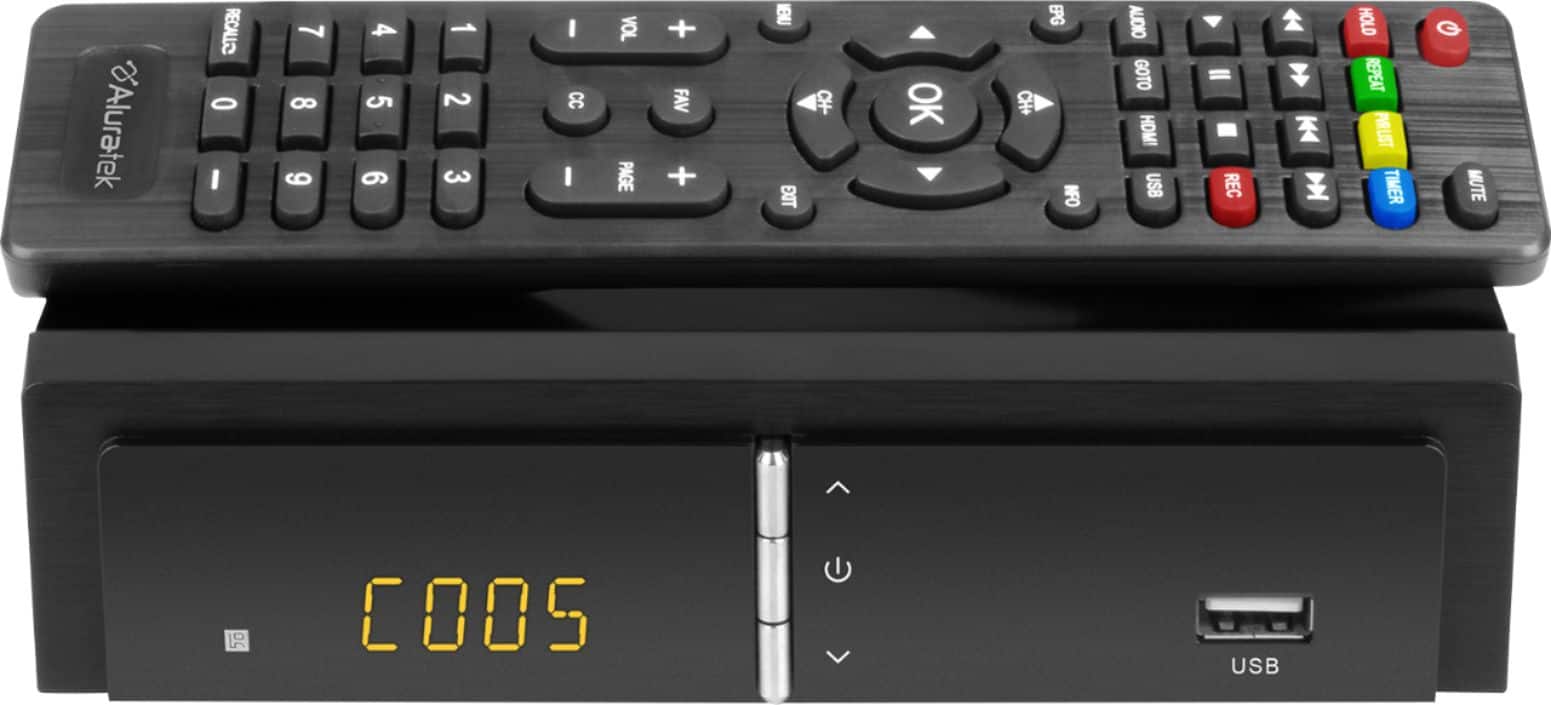
A:AnswerThese represents your channels you are on or you have switched to. For example C001 maybe ABC on your TV or C034 maybe Channel 36 on your screen. Hope this is helpful.
A:AnswerIf you have recorded a program using the Aluratek DVR and a thumb drive plugged into the front of the unit, then want to watch the recording, first find the recording using the PVR function from the menu, then click OK to confirm. Once the program has started, but it is shown as a small square picture, push the ‘HOLD’ button on the remote to make it full screen.
A:AnswerI believe it will do both when it scans using your indoor antenna. But check with our front office in California for more detailed info. Contact [email protected].
A:AnswerI have been just leaving the unit on--even when not watching TV. I record some late night programs.
Having said that, I think the first program I recorded, the unit may have been off. It's kind of a science experiment.
I did experience a hick-up when we switched to Daylight Savings Time--another "clock" to change!
A:AnswerTo the best of my knowledge, and through the research I've done, this converter only has the capability of recording over the air network stations.
A:AnswerYou can either Start or Resume the recording or just Cancel. Then the other controls go back into operation. For more support contact [email protected].
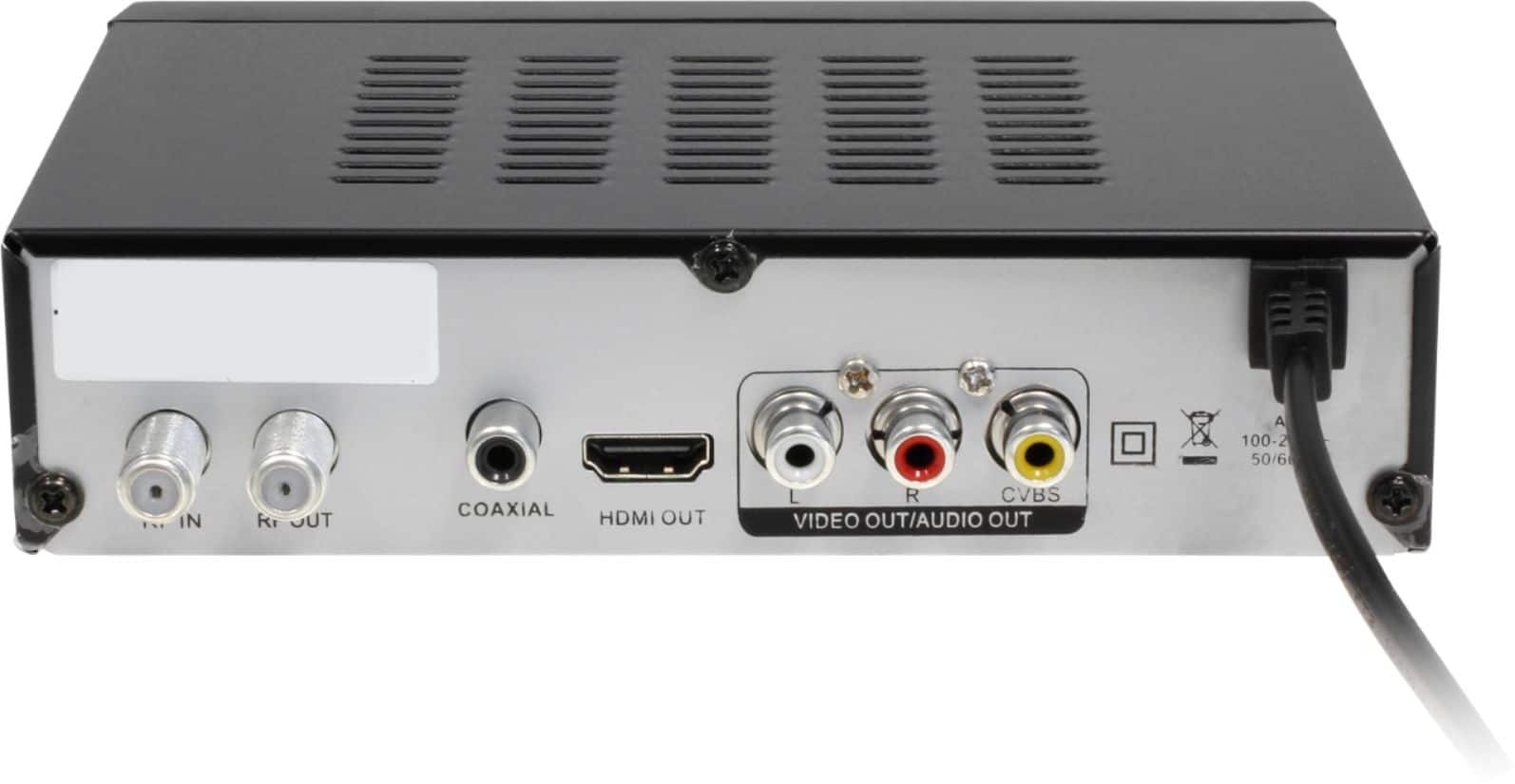
A:AnswerThe Co-Axial Cable from your antenna gets screwed into the threaded input post titled 'RF IN' at the far left on the back of the unit'
To get to the TV, you use one of the other plugs (RF Out, Co-Axial or preferably HDMI) depending on what input your tv has
A:AnswerI do not think so. It is designed for over the air channels but I do not think it does the next gen 3.0. Contact us at [email protected] for more details.
A:AnswerI have exactly the same problem. I've tried both a USB HDD (2TB) and a 32GB flash (both formatter per directions) and timed recording doesn't work, only works manually. Customer support was responsive, but couldn't offer any solution.
The suggested 'software update' is not possible because there is no way to obtain a file from Aluratek, that I can find.