A:AnswerDepends how technical you want to get...
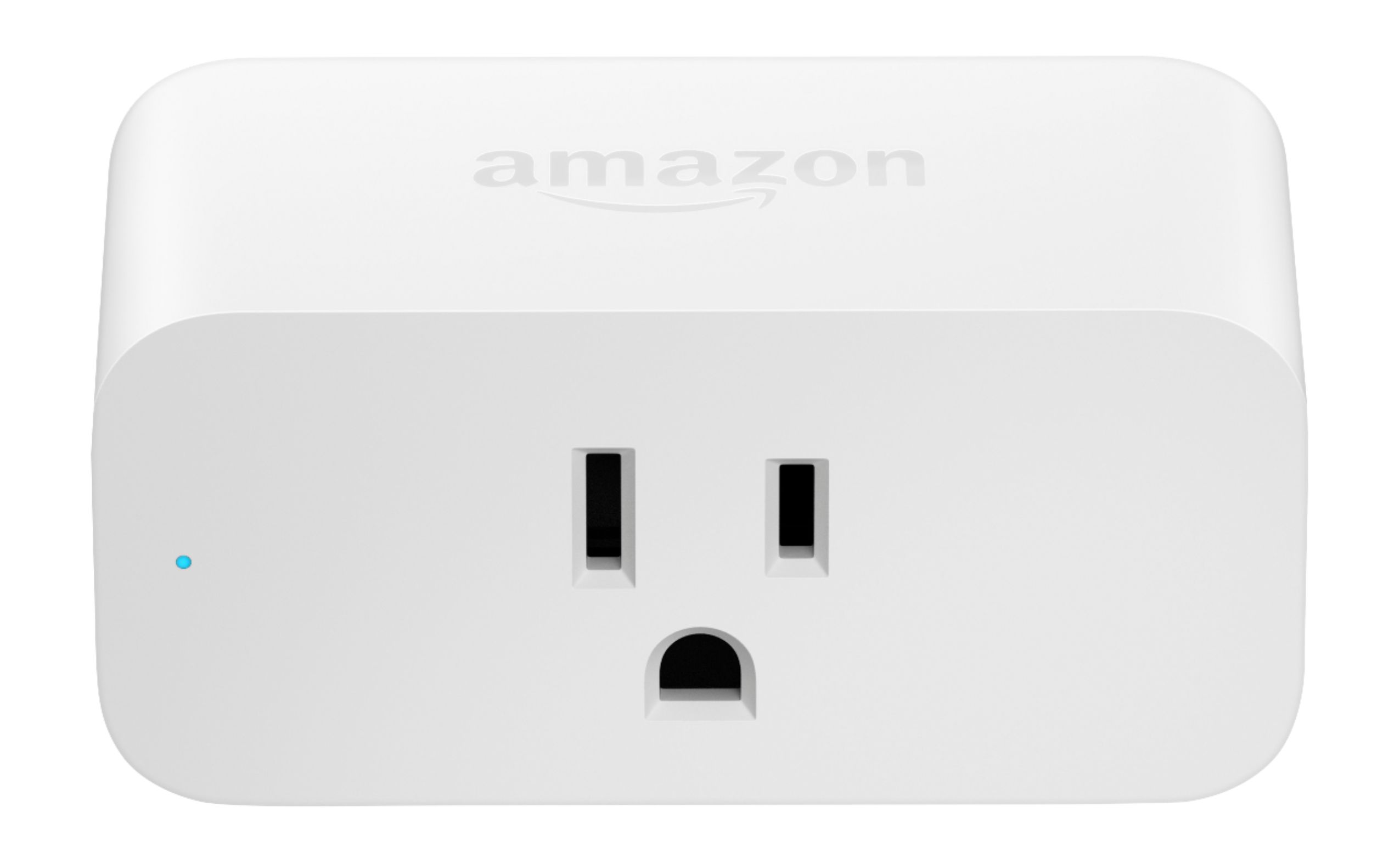
You can buy a smart plug and plug your TV into it. That will get you simple 'On/Off' functionality, but that is it.
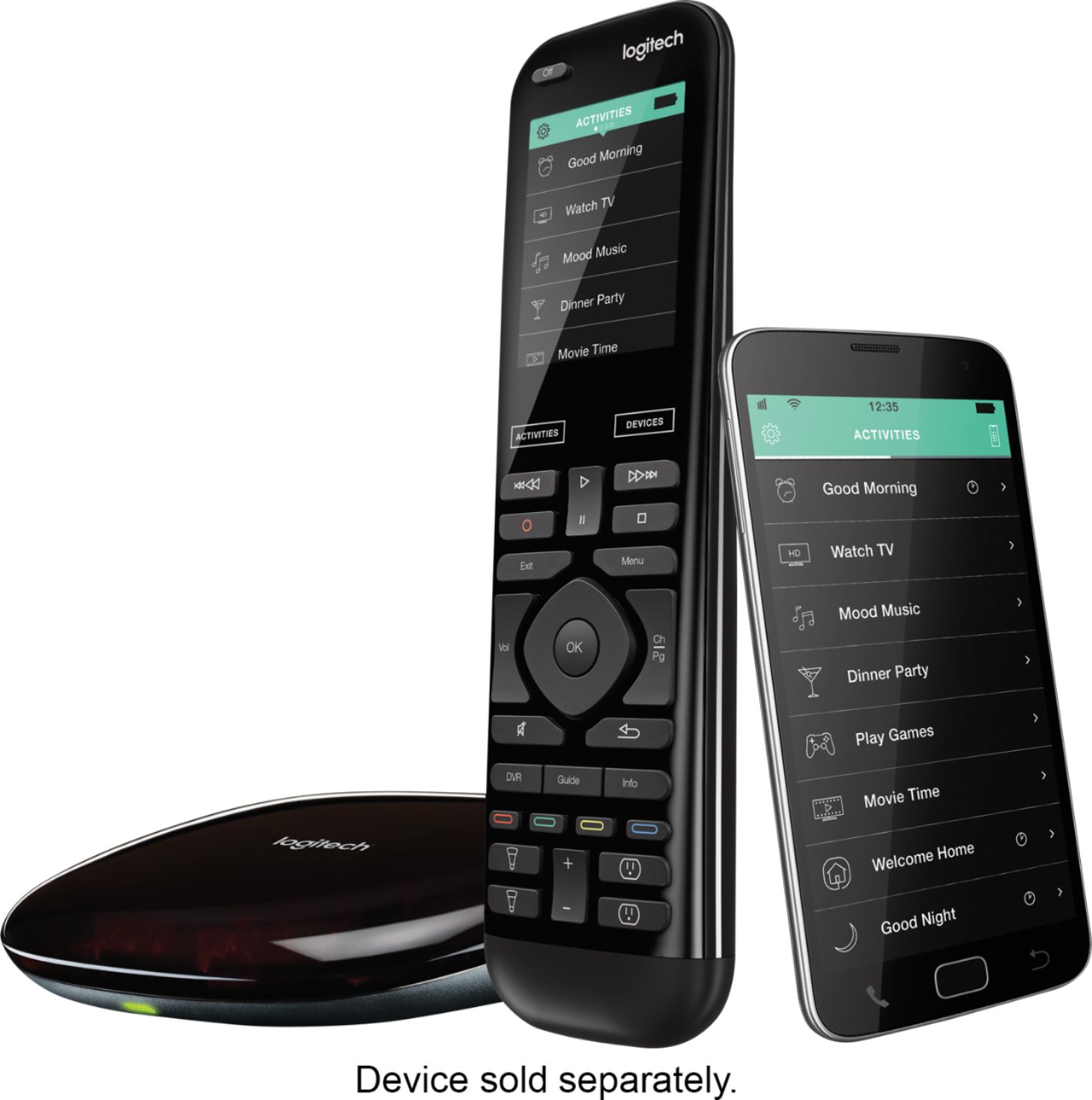
Instead of a smart switch that only allows on and off states, I have a Harmony Hub, which is a smart remote that allows Alexa to complete macros, such as turning on the receiver/projector/PS4 and cable box all at the same time, to sa predetermined volume on a predetermined channel - and then continuing to control every aspect of the media experience, just using voice alone and no remotes!
The possibilities end, when your wallet won't open any wider!
A:AnswerAbsolutely. If you have Amazon Prime, you have access the the basic Amazon Music which still has 2 million songs. I use it frequently and like listening to calming music when I am going to bed. You can just ask it to play classical, Bach, Brahms, etc or you can be more specific and ask for artists or albums by name or ask for genre (classical, jass, rock, pop, country, etc). You can also simply ask it to play radio stations...probably the better option since they won't run out of music and stop which the Amazon Music will. (There is almost certainly a way to loop the Amazon Music but I haven't done it yet.)
Hope this helps.
A:AnswerYou can have the Amazon Alexa App on both of your phones if you would like. Just download the Amazon Alexa App to your phone and log into the account with the name and password your husband created. If you don’t want your husband to have access to the app then you can just delete the app from his phone.
A:AnswerYou can use the echo dot for your tv if you use an amazon smart plug. This will allow you to speak to the echo dot and tell itto turn your tv on or off when it is plugged into the smart plug.
A:AnswerYes. Tell Alexa to drop in on the other dot and you can communicate with each other. Also you can make an announcement and it broadcasts to the echo dot.
A:AnswerYes. Go to the Alexa app, click on Device Settings, Click on your device, scroll down to Language, Click on Language, and then Click on your language of choice with several dialects for Espnol available. :-)